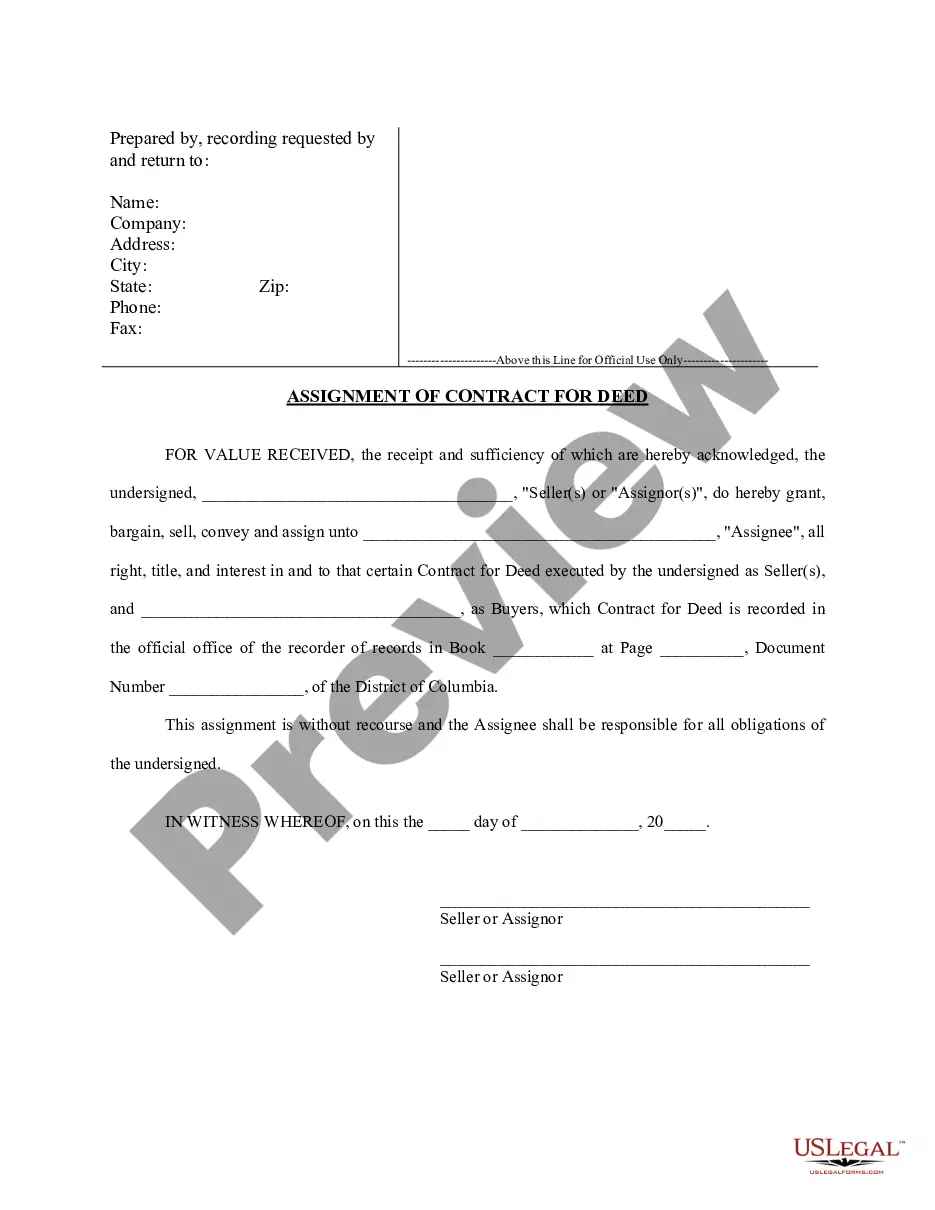
Contract Agreement Home With Employees
Description
Get your form ready online
Our built-in tools help you complete, sign, share, and store your documents in one place.
Make edits, fill in missing information, and update formatting in US Legal Forms—just like you would in MS Word.
Download a copy, print it, send it by email, or mail it via USPS—whatever works best for your next step.
Sign and collect signatures with our SignNow integration. Send to multiple recipients, set reminders, and more. Go Premium to unlock E-Sign.
If this form requires notarization, complete it online through a secure video call—no need to meet a notary in person or wait for an appointment.
We protect your documents and personal data by following strict security and privacy standards.

Make edits, fill in missing information, and update formatting in US Legal Forms—just like you would in MS Word.

Download a copy, print it, send it by email, or mail it via USPS—whatever works best for your next step.

Sign and collect signatures with our SignNow integration. Send to multiple recipients, set reminders, and more. Go Premium to unlock E-Sign.

If this form requires notarization, complete it online through a secure video call—no need to meet a notary in person or wait for an appointment.

We protect your documents and personal data by following strict security and privacy standards.
Looking for another form?







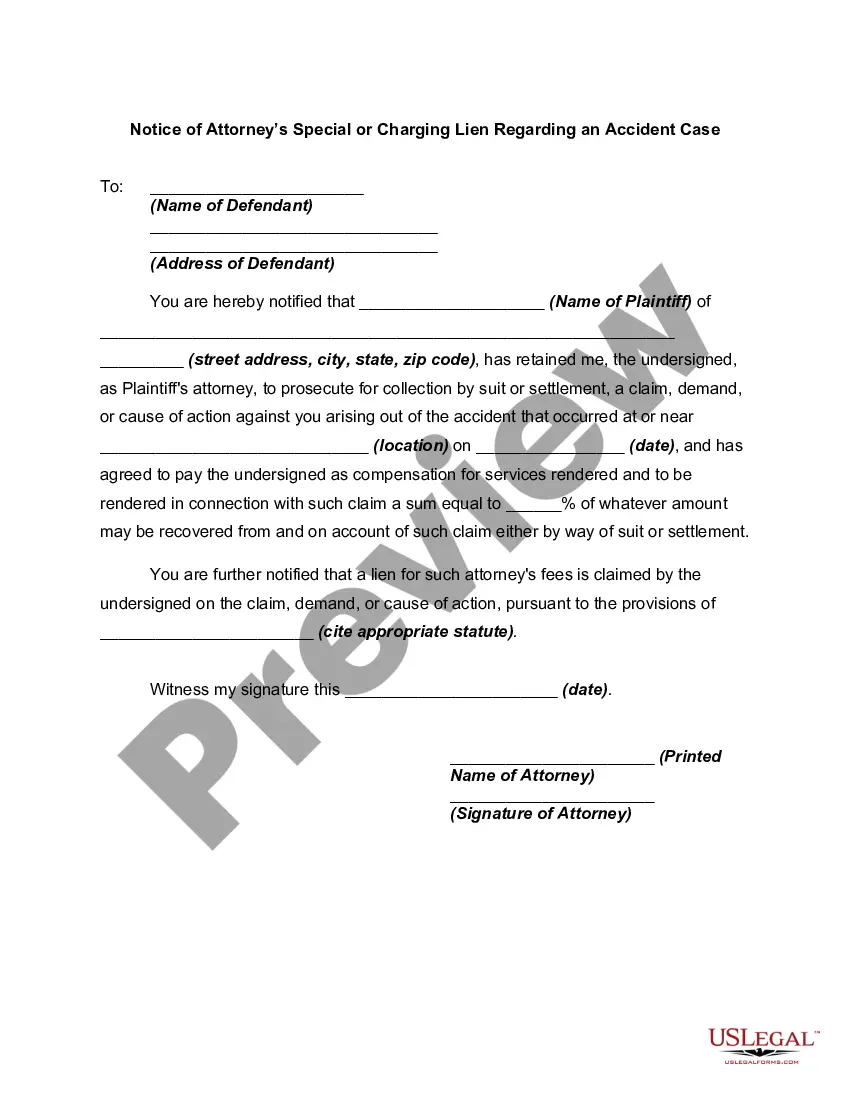

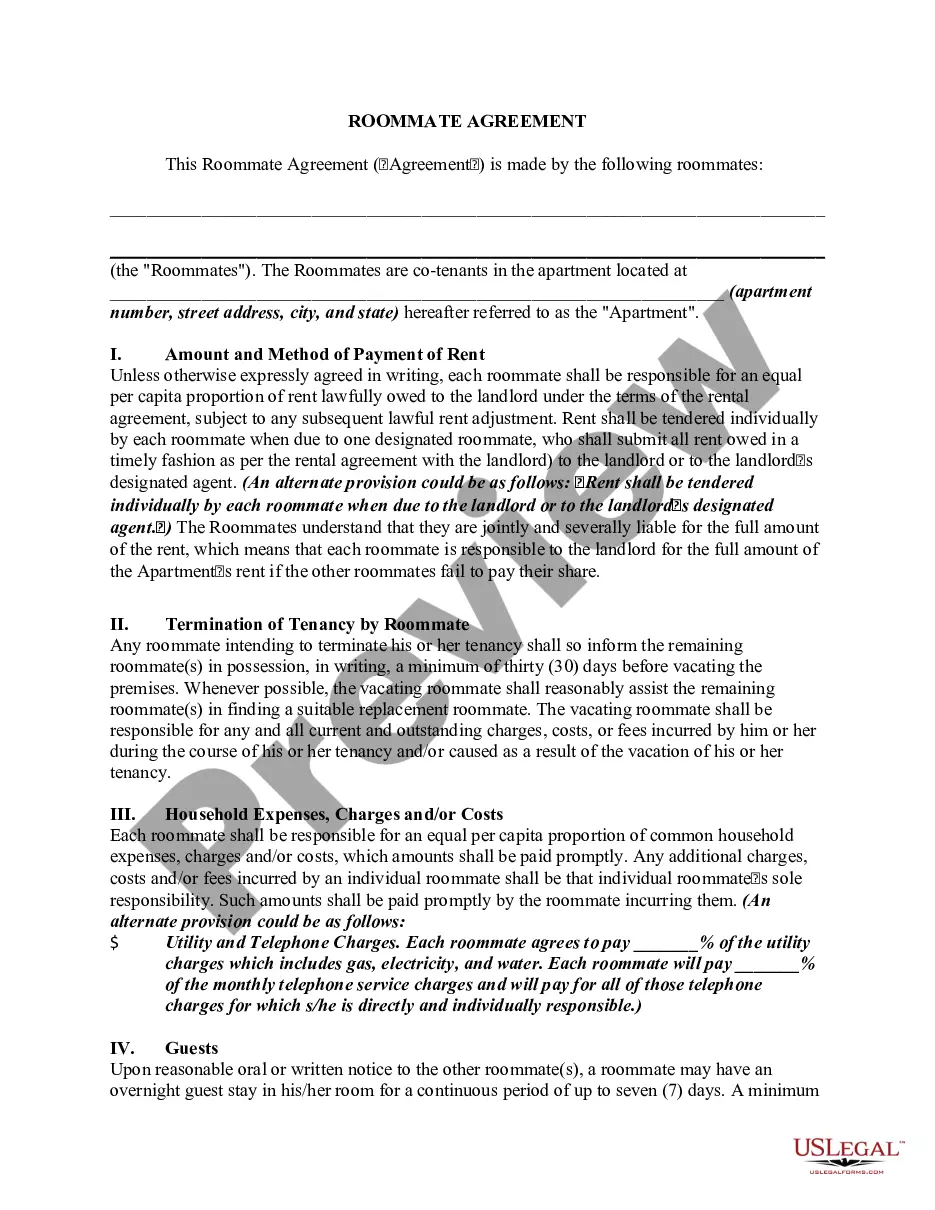
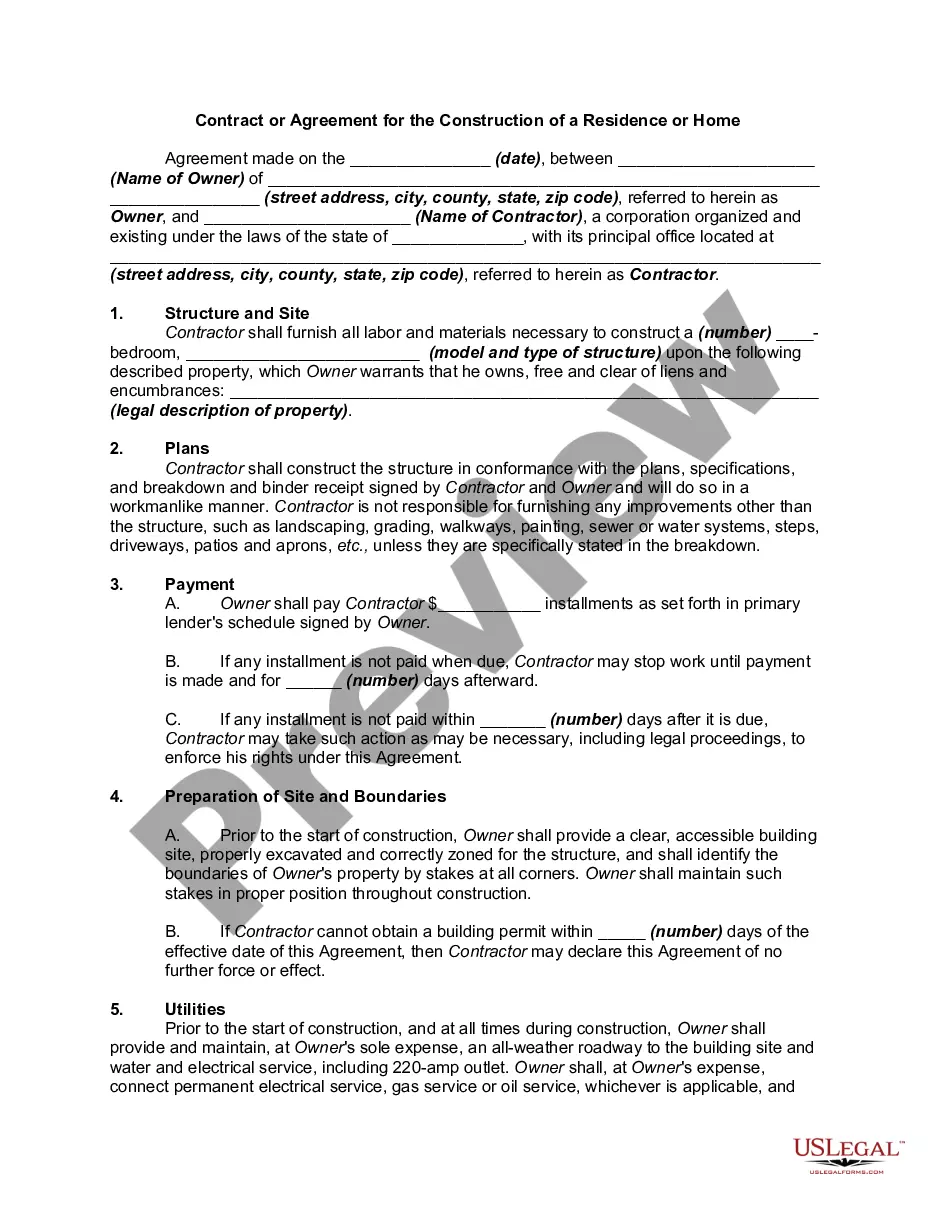
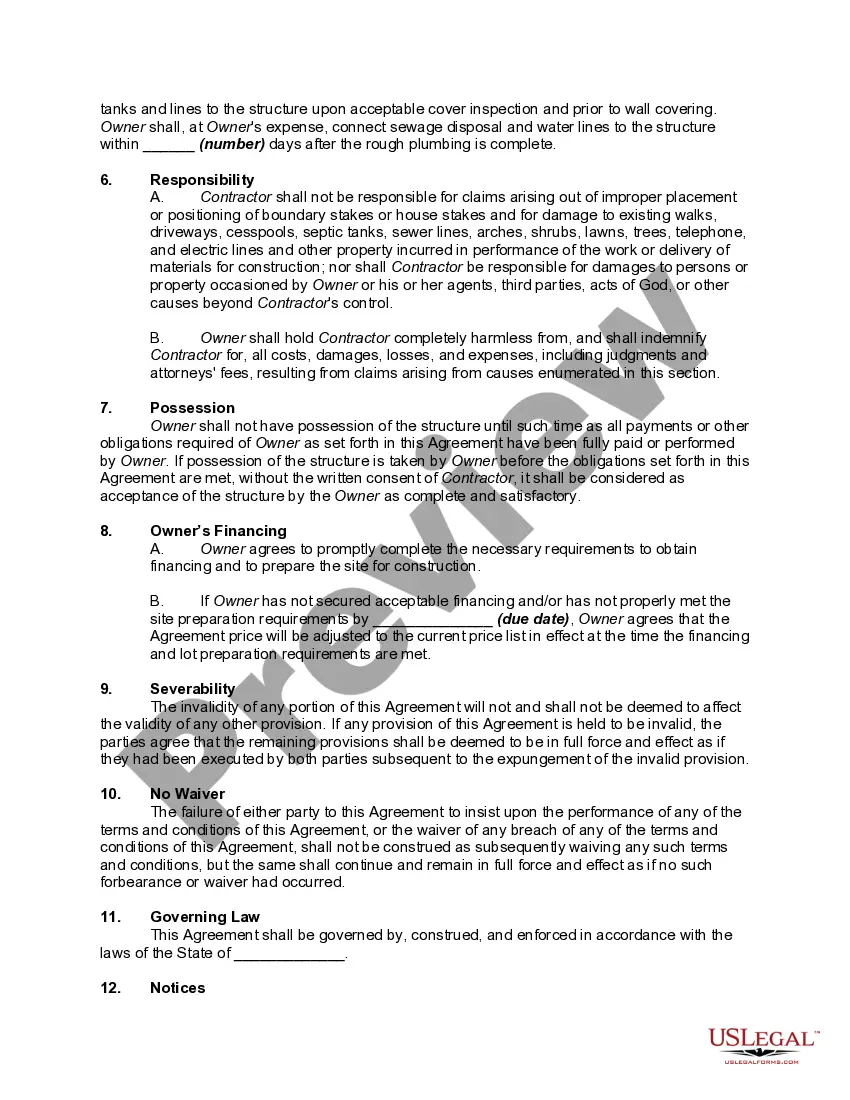
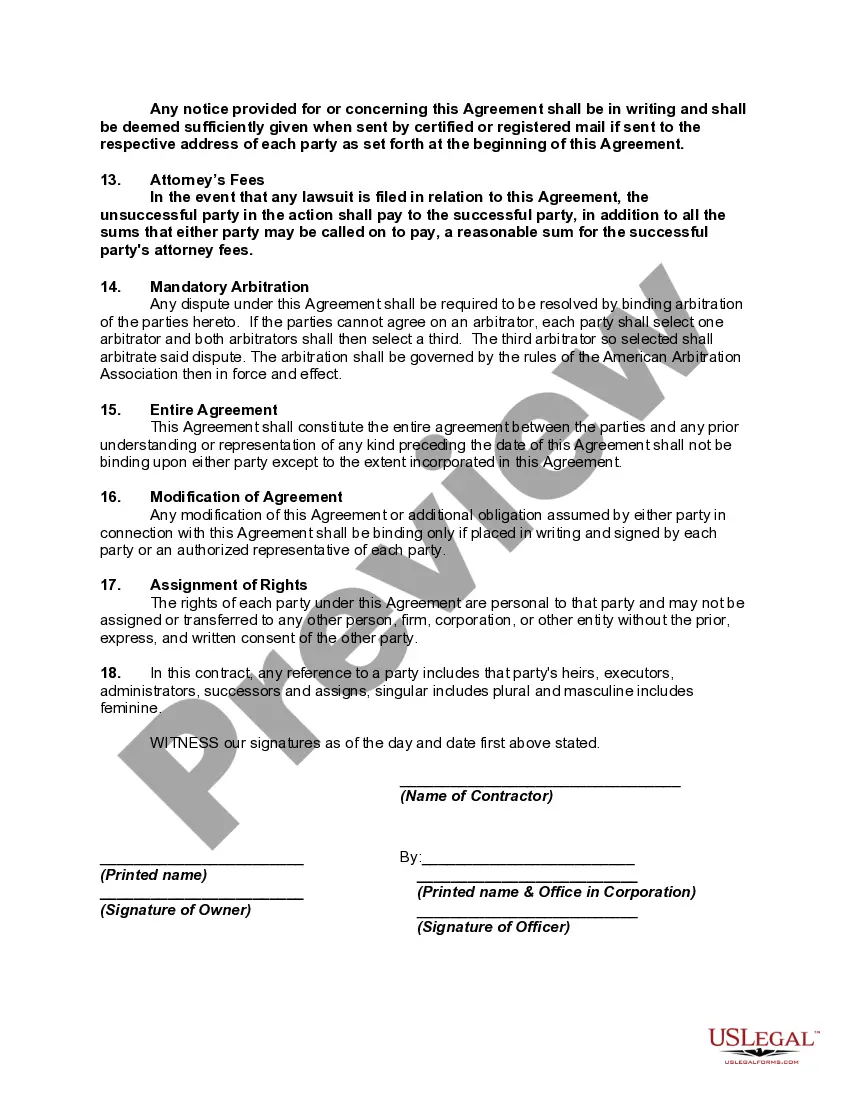
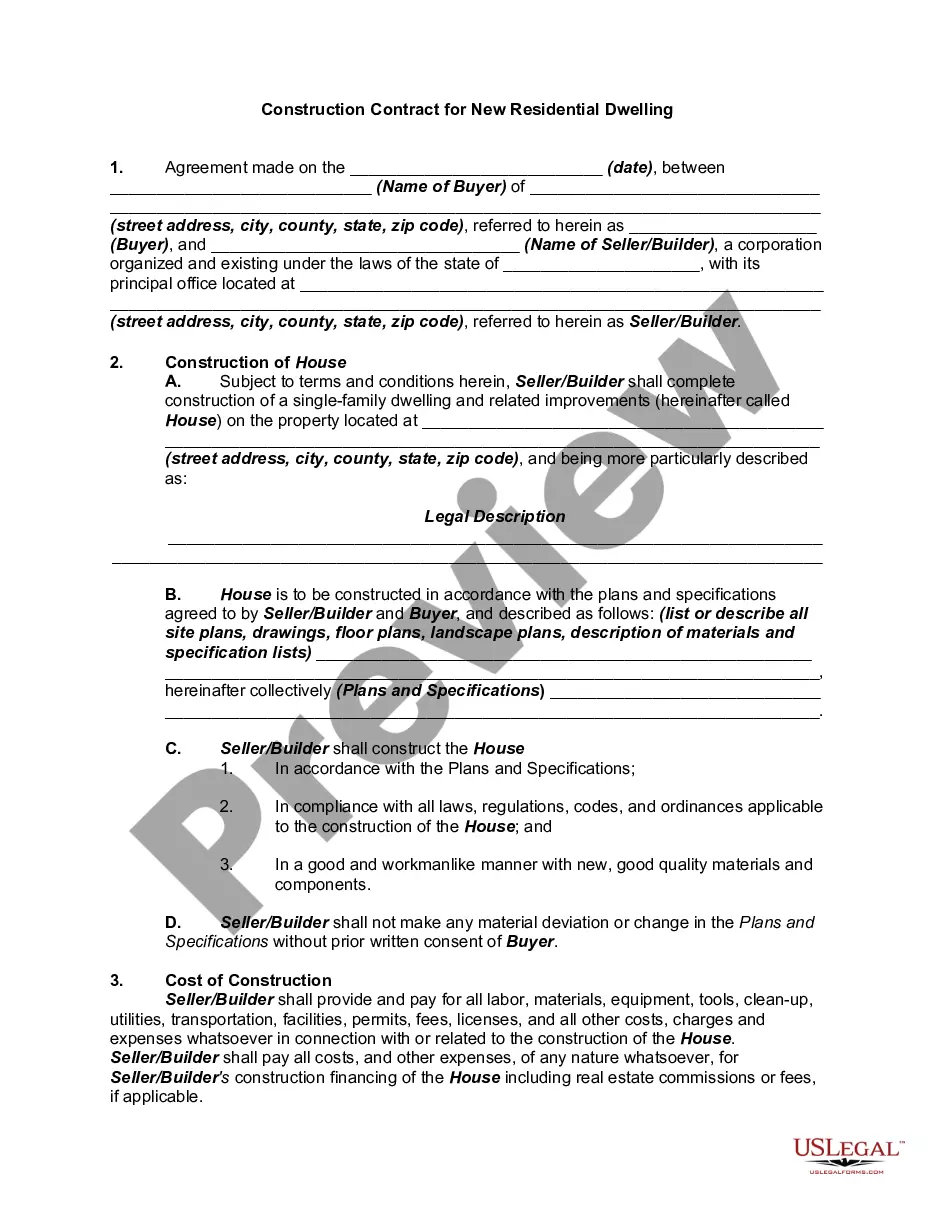
How to fill out Contract Or Agreement For The Construction Of A Residence Or Home?
Whether you handle documents frequently or occasionally need to send a legal report, it is essential to obtain a source of information containing all pertinent and current samples.
The first step using a Contract Agreement Home With Employees is to confirm that it is the latest version, as it determines its eligibility for submission.
If you wish to streamline your search for the most recent document samples, look for them on US Legal Forms.
To acquire a form without an account, adhere to these guidelines: Utilize the search menu to locate the form you need. Review the Contract Agreement Home With Employees preview and description to verify it is precisely what you seek. After verifying the form, simply click Buy Now. Choose a subscription plan that suits you. Create an account or Log In to your current one. Provide your credit card details or PayPal account to complete the transaction. Select the document format for download and confirm it. Eliminate any confusion related to legal documents. All your templates will be organized and validated with an account at US Legal Forms.
- US Legal Forms is a repository of legal forms that includes nearly any document template you might need.
- Search for the forms you need, evaluate their relevance immediately, and learn more about their applications.
- With US Legal Forms, you have access to approximately 85,000 form templates across various fields.
- Obtain the Contract Agreement Home With Employees examples in just a few clicks and store them in your account at any time.
- Having a US Legal Forms account will provide you with access to all the samples you need with increased convenience and minimal effort.
- You just need to click Log In in the site header and navigate to the My documents section with all the forms you need readily available.
- You won't have to spend time searching for the ideal template or assessing its relevance.
Form popularity
FAQ
Here are some steps you may use to guide you when you write an employment contract:Title the employment contract.Identify the parties.List the term and conditions.Outline the job responsibilities.Include compensation details.Use specific contract terms.Consult with an employment lawyer.Employment.More items...?
Write the contract in six stepsStart with a contract template.Open with the basic information.Describe in detail what you have agreed to.Include a description of how the contract will be ended.Write into the contract which laws apply and how disputes will be resolved.Include space for signatures.
An employment contract is a signed agreement between an individual employee and an employer or a labor union. It establishes both the rights and responsibilities of the two parties: the worker and the company.
How do I create an Independent Contractor Agreement?State the location.Describe the type of service required.Provide the contractor's and client's details.Outline compensation details.State the agreement's terms.Include any additional clauses.State the signing details.
The simple answer is YES. You can write your own contracts. There is no requirement that they must be written by a lawyer. There is no requirement that they have to be a certain form or font.