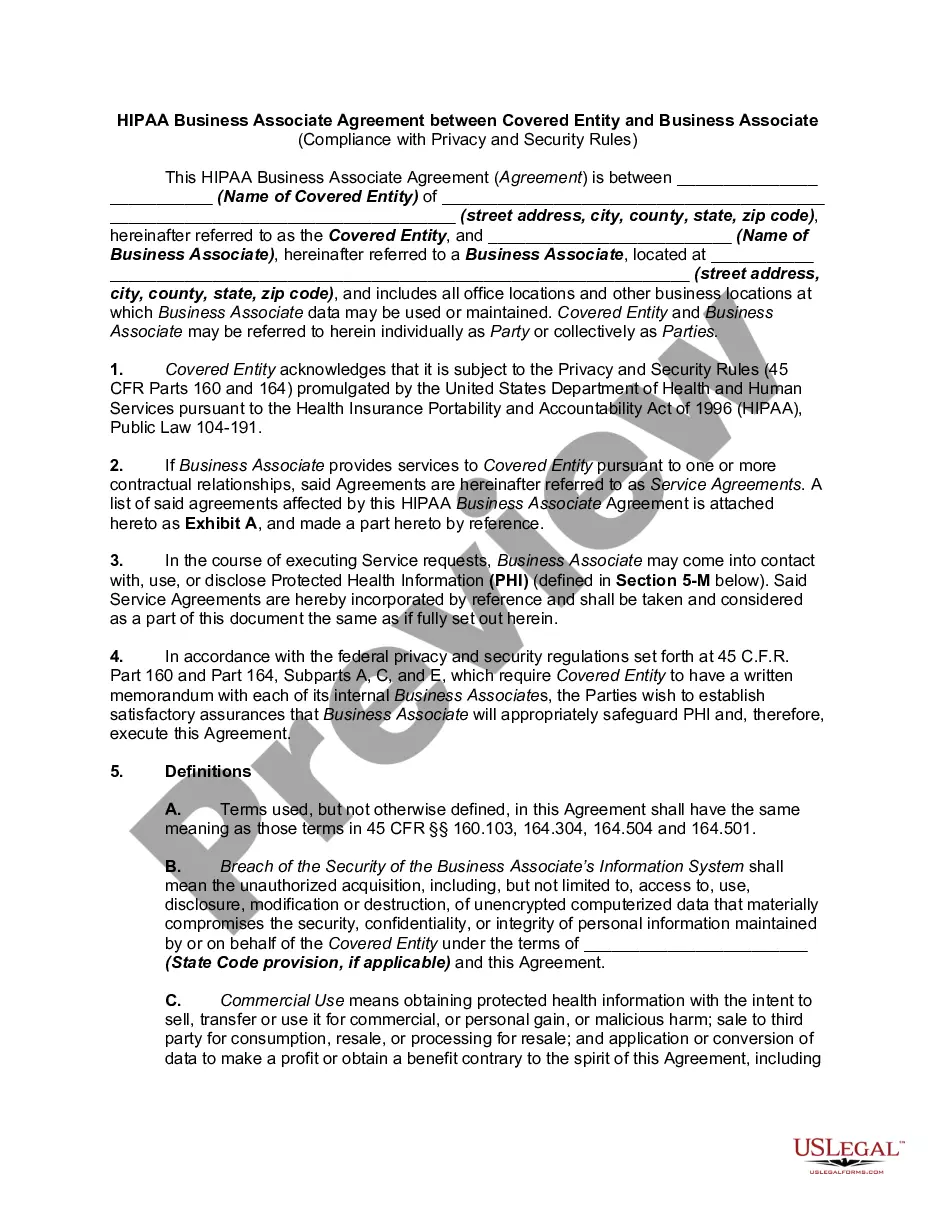
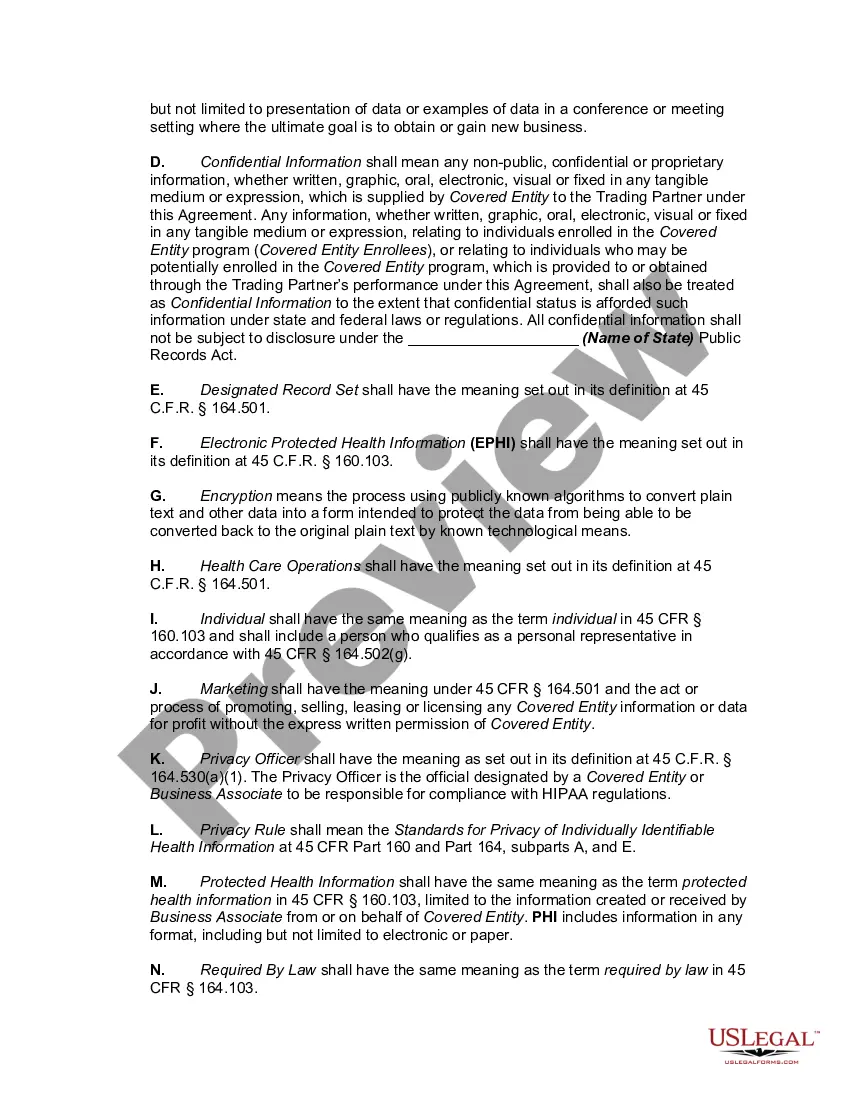
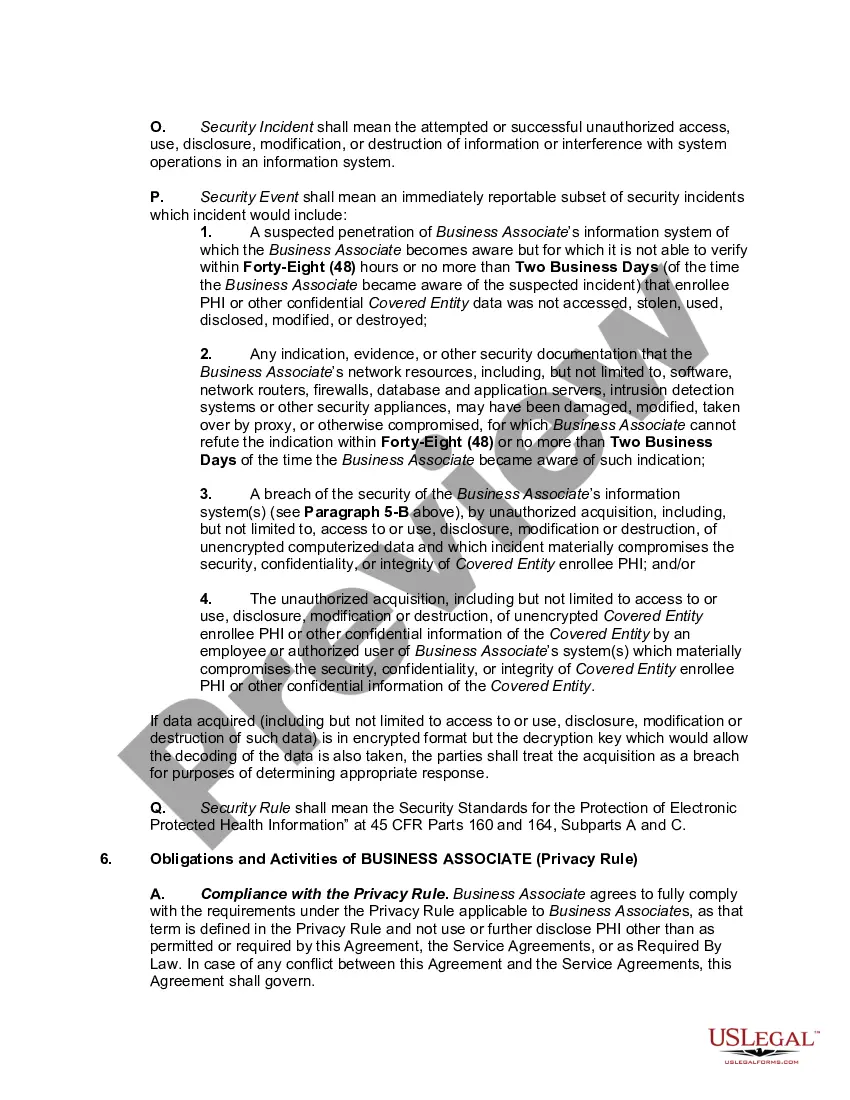
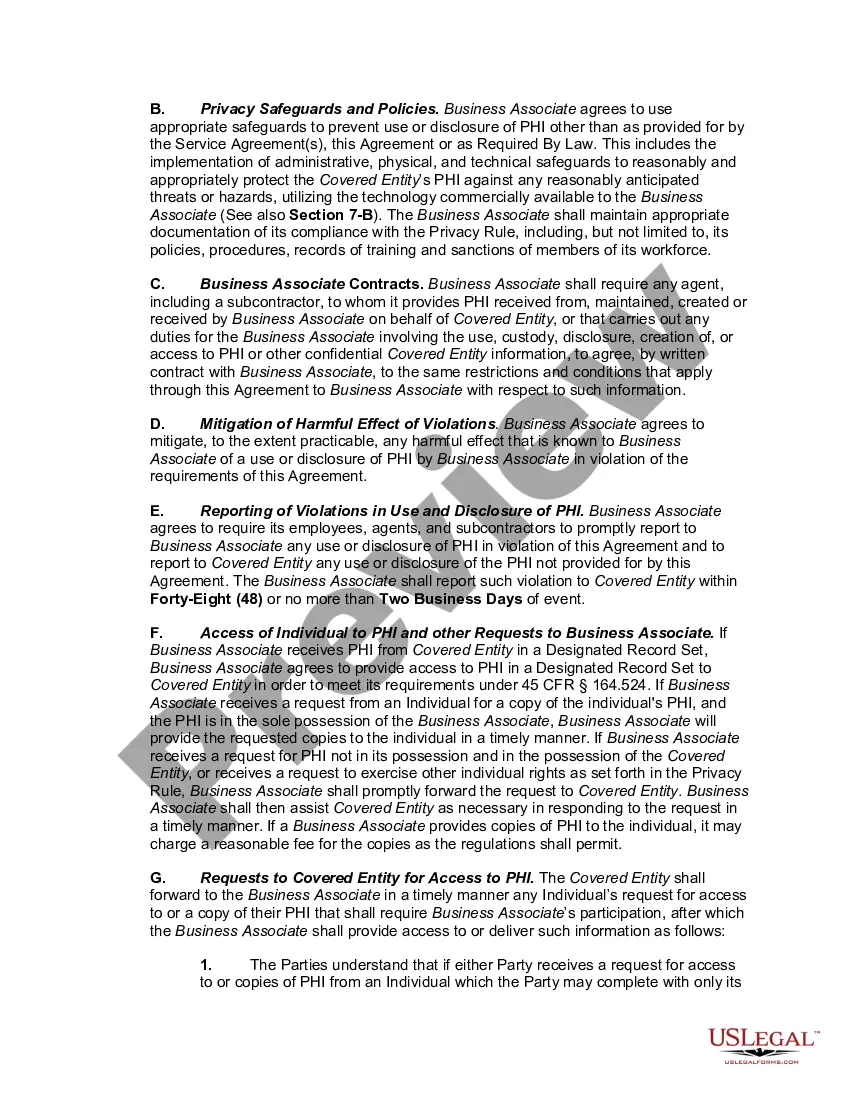
Vendor Hipaa Agreement For Employees
Description

Get your form ready online
Our built-in tools help you complete, sign, share, and store your documents in one place.
Make edits, fill in missing information, and update formatting in US Legal Forms—just like you would in MS Word.
Download a copy, print it, send it by email, or mail it via USPS—whatever works best for your next step.
Sign and collect signatures with our SignNow integration. Send to multiple recipients, set reminders, and more. Go Premium to unlock E-Sign.
If this form requires notarization, complete it online through a secure video call—no need to meet a notary in person or wait for an appointment.
We protect your documents and personal data by following strict security and privacy standards.

Make edits, fill in missing information, and update formatting in US Legal Forms—just like you would in MS Word.

Download a copy, print it, send it by email, or mail it via USPS—whatever works best for your next step.

Sign and collect signatures with our SignNow integration. Send to multiple recipients, set reminders, and more. Go Premium to unlock E-Sign.

If this form requires notarization, complete it online through a secure video call—no need to meet a notary in person or wait for an appointment.

We protect your documents and personal data by following strict security and privacy standards.
Looking for another form?
How to fill out HIPAA Business Associates Agreement?
It’s obvious that you can’t become a law expert immediately, nor can you grasp how to quickly draft Vendor Hipaa Agreement For Employees without the need of a specialized background. Putting together legal forms is a long process requiring a certain training and skills. So why not leave the creation of the Vendor Hipaa Agreement For Employees to the specialists?
With US Legal Forms, one of the most comprehensive legal template libraries, you can access anything from court papers to templates for in-office communication. We understand how crucial compliance and adherence to federal and local laws and regulations are. That’s why, on our website, all forms are location specific and up to date.
Here’s start off with our platform and get the document you need in mere minutes:
- Discover the form you need by using the search bar at the top of the page.
- Preview it (if this option available) and read the supporting description to figure out whether Vendor Hipaa Agreement For Employees is what you’re searching for.
- Begin your search over if you need any other form.
- Register for a free account and choose a subscription plan to purchase the form.
- Pick Buy now. As soon as the payment is complete, you can download the Vendor Hipaa Agreement For Employees, fill it out, print it, and send or mail it to the necessary individuals or entities.
You can re-gain access to your documents from the My Forms tab at any time. If you’re an existing customer, you can simply log in, and find and download the template from the same tab.
No matter the purpose of your paperwork-be it financial and legal, or personal-our platform has you covered. Try US Legal Forms now!
Form popularity
FAQ
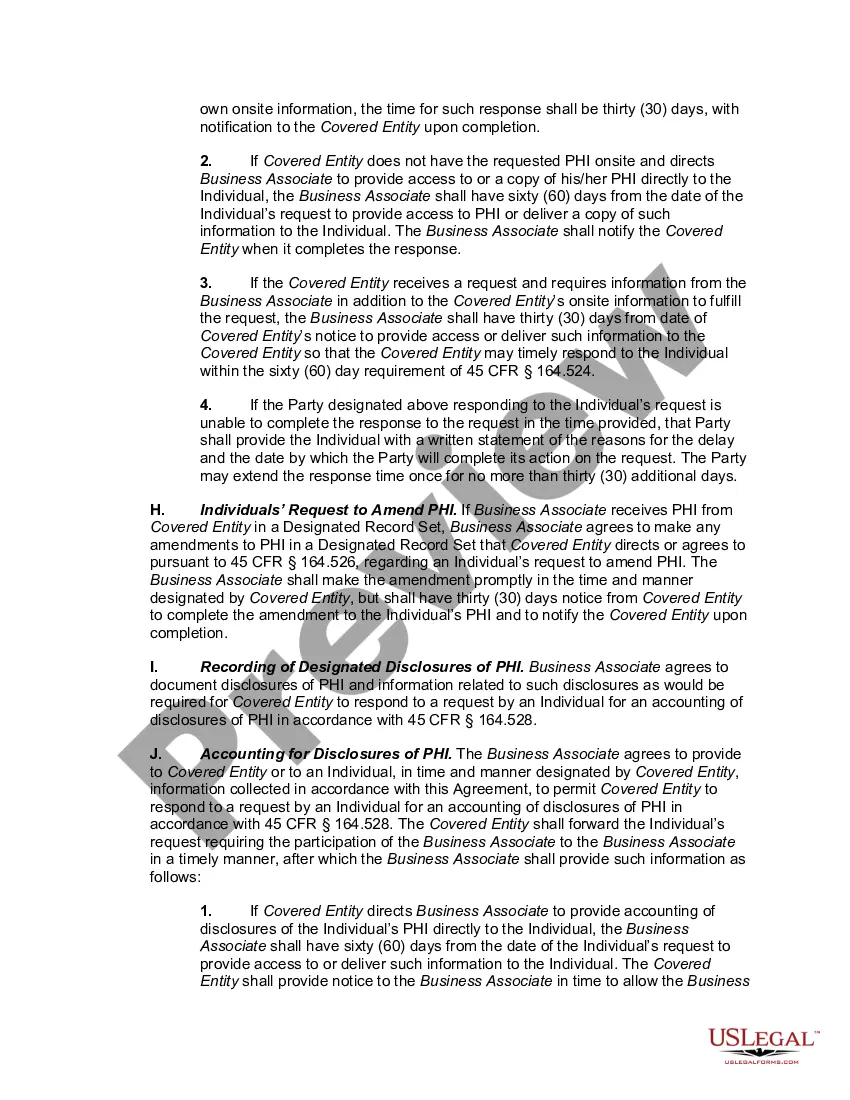
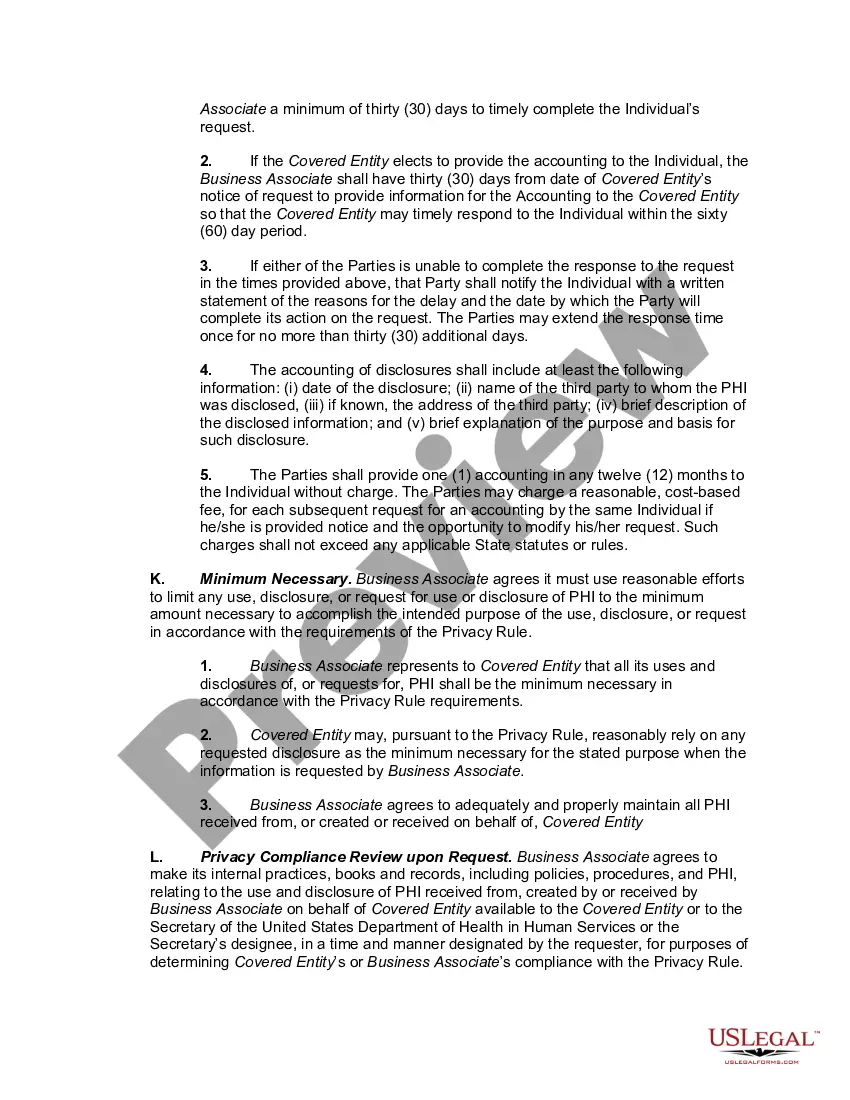
The HIPAA Privacy Rule requires all Covered Entities to have a signed Business Associate Agreement (BAA) with any Business Associate (BA) they hire that may come in contact with PHI. The HIPAA Omnibus Rule changed how BAs and Business Associate Subcontractors (BAS) can be held liable for potential HIPAA violations.
Under HIPAA, employees within your organization are not considered business associates. However, some examples of individuals and technologies that are considered HIPAA business associates include lawyers, billing companies, web hosting services, and email encryption services, to name a few.
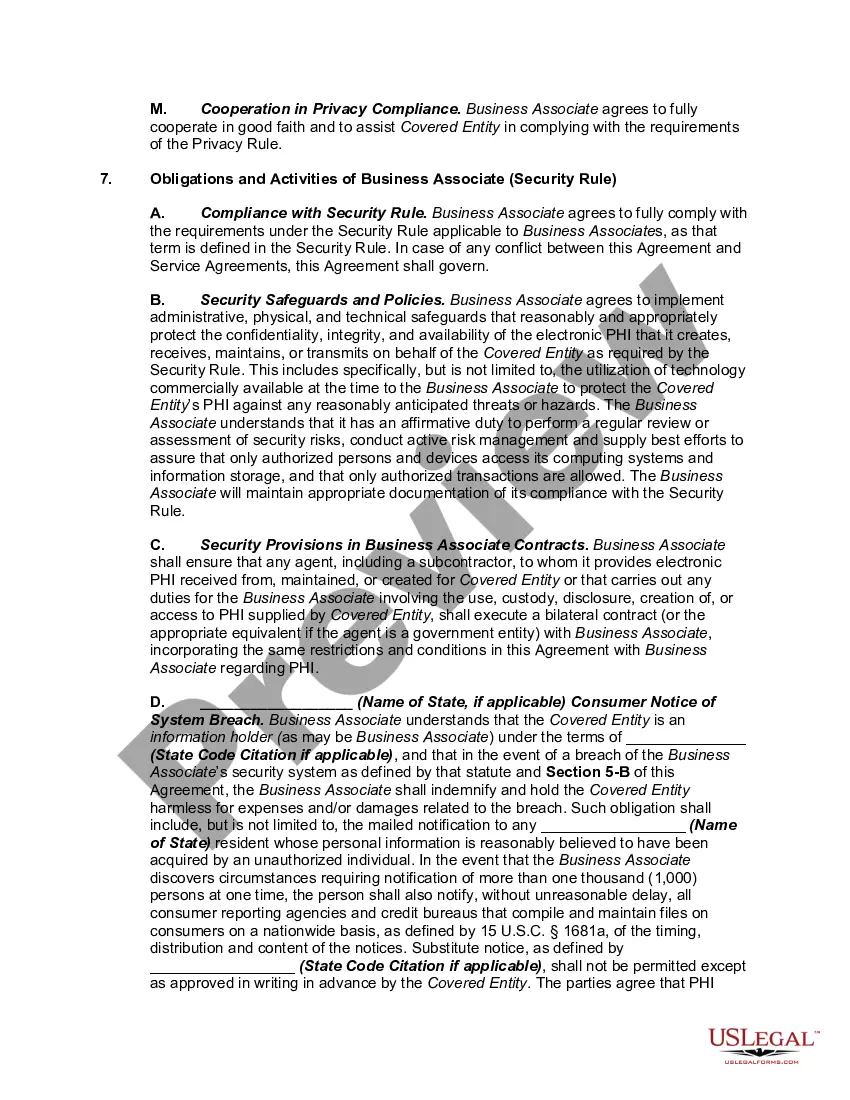
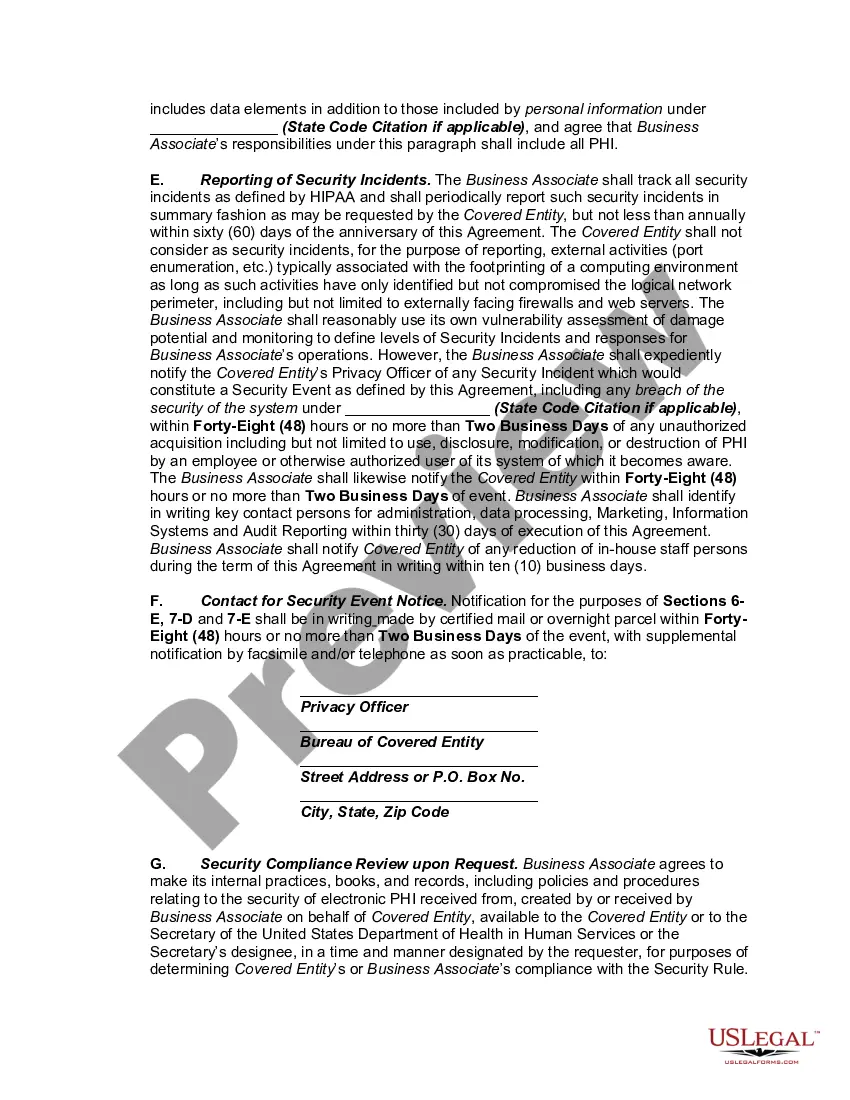
HIPAA compliant vendors must ensure the confidentiality, integrity, and availability of PHI. To do so, they must implement safeguards to prevent unauthorized access or disclosure of PHI.
Direct employees of an organization do not need to sign a BAA as they are part of the organization and are not considered business partners per se. However, they are still subject to HIPAA laws, and it is the employer's responsibility to educate employees on how to maintain the integrity and security of PHI.
The HIPAA Privacy Rule requires covered entities to enter into written contracts or other arrangements with business associates which protect the privacy of protected health information; but covered entities are not required to monitor or oversee the means by which their business associates carry out privacy safeguards ...