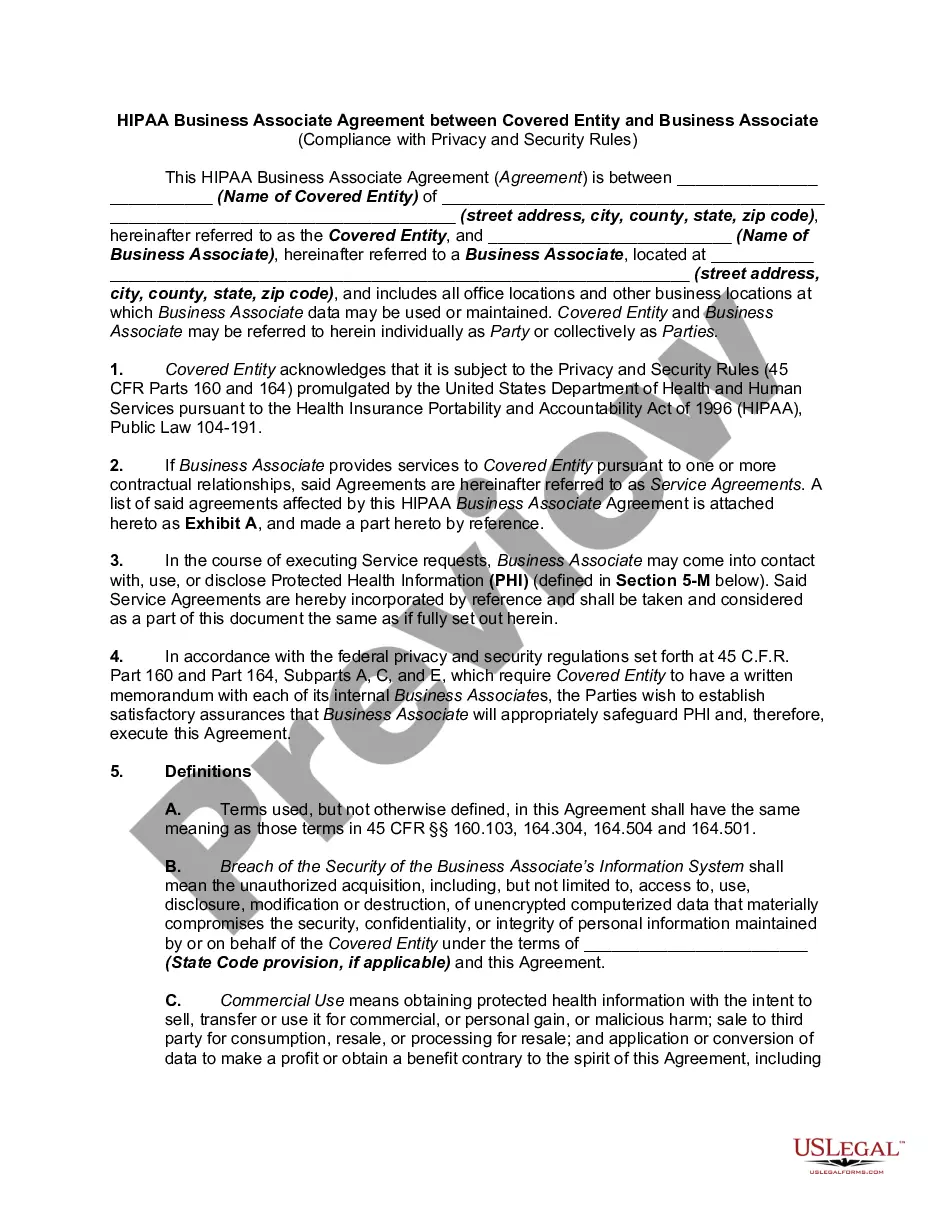
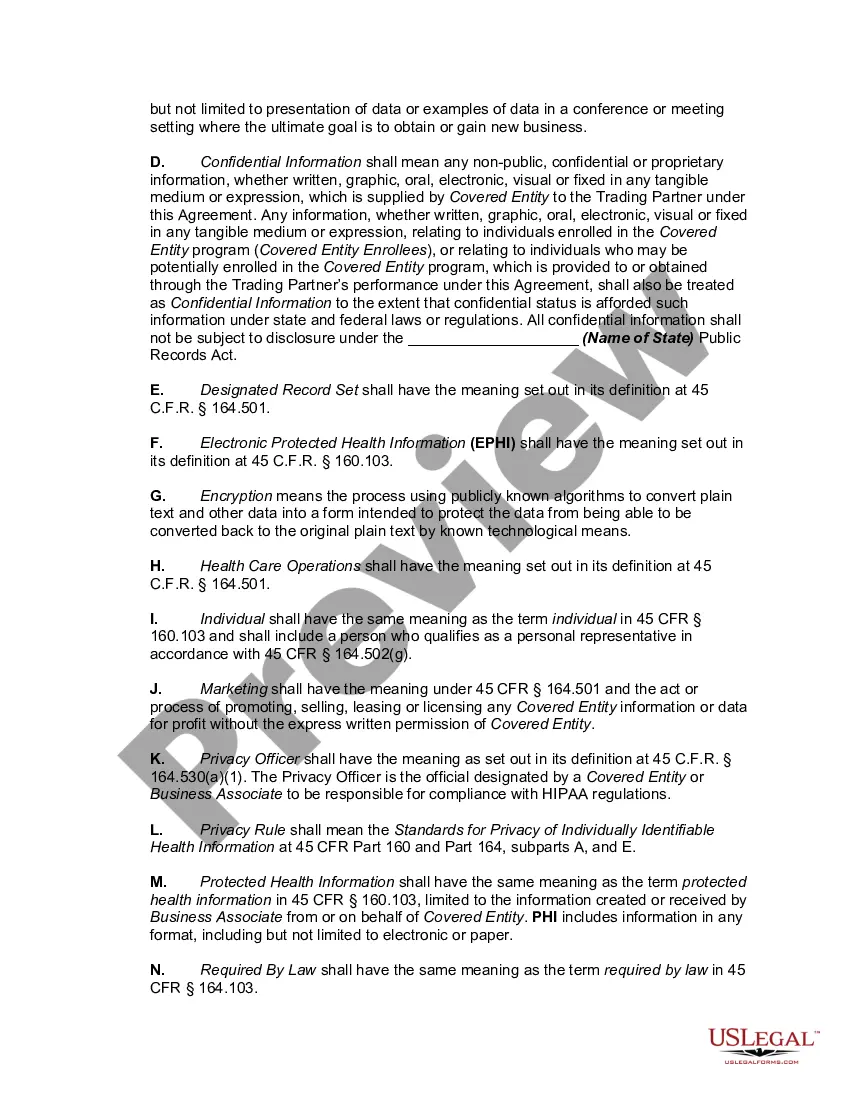
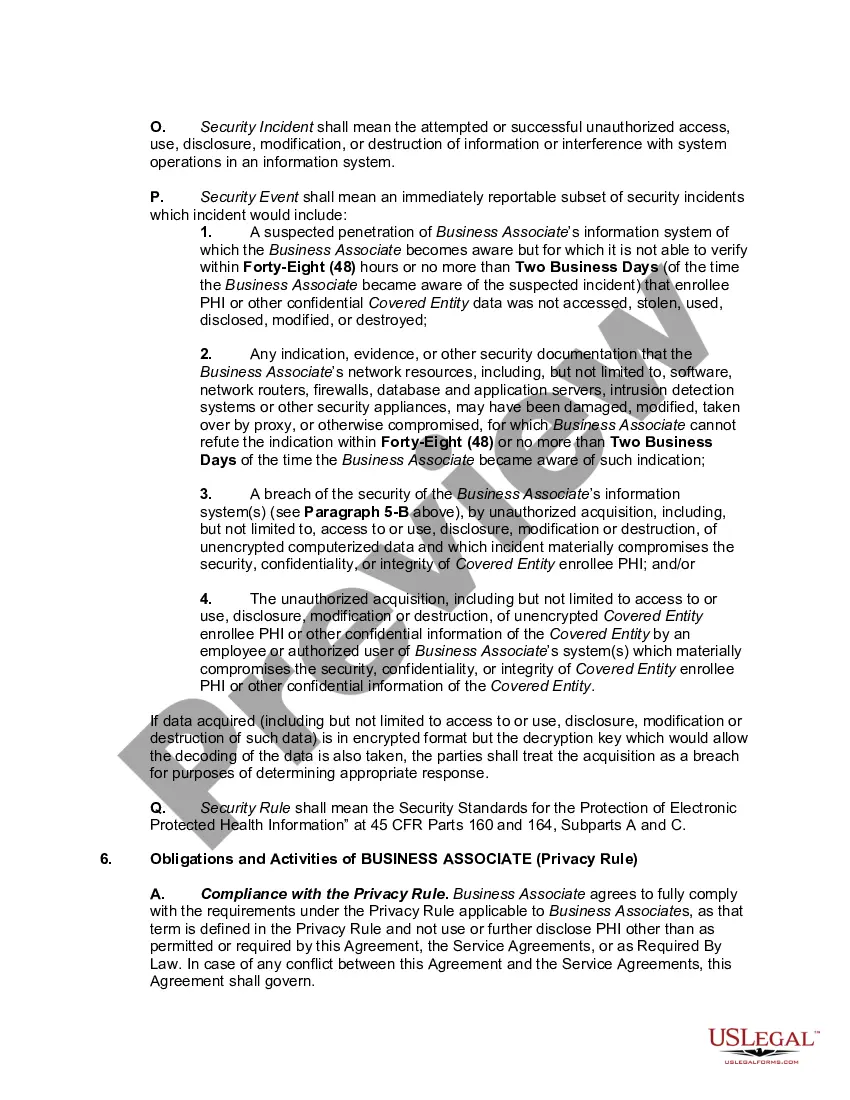
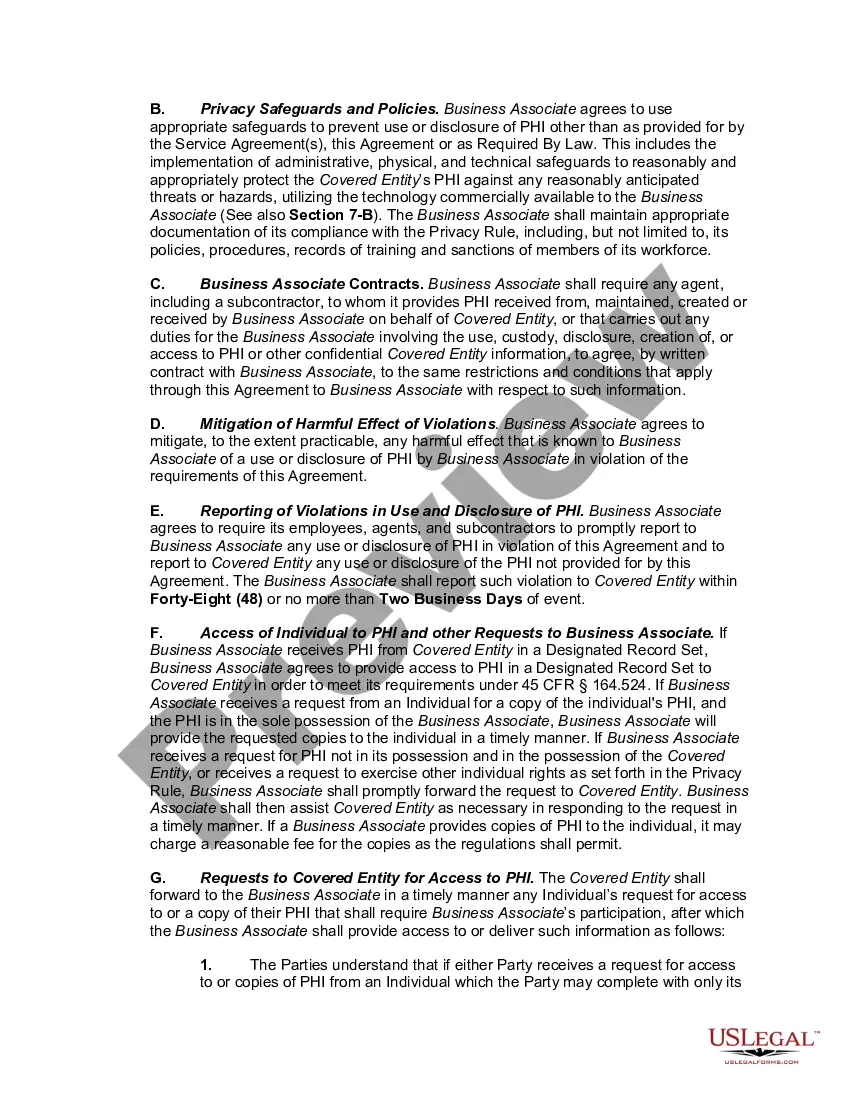
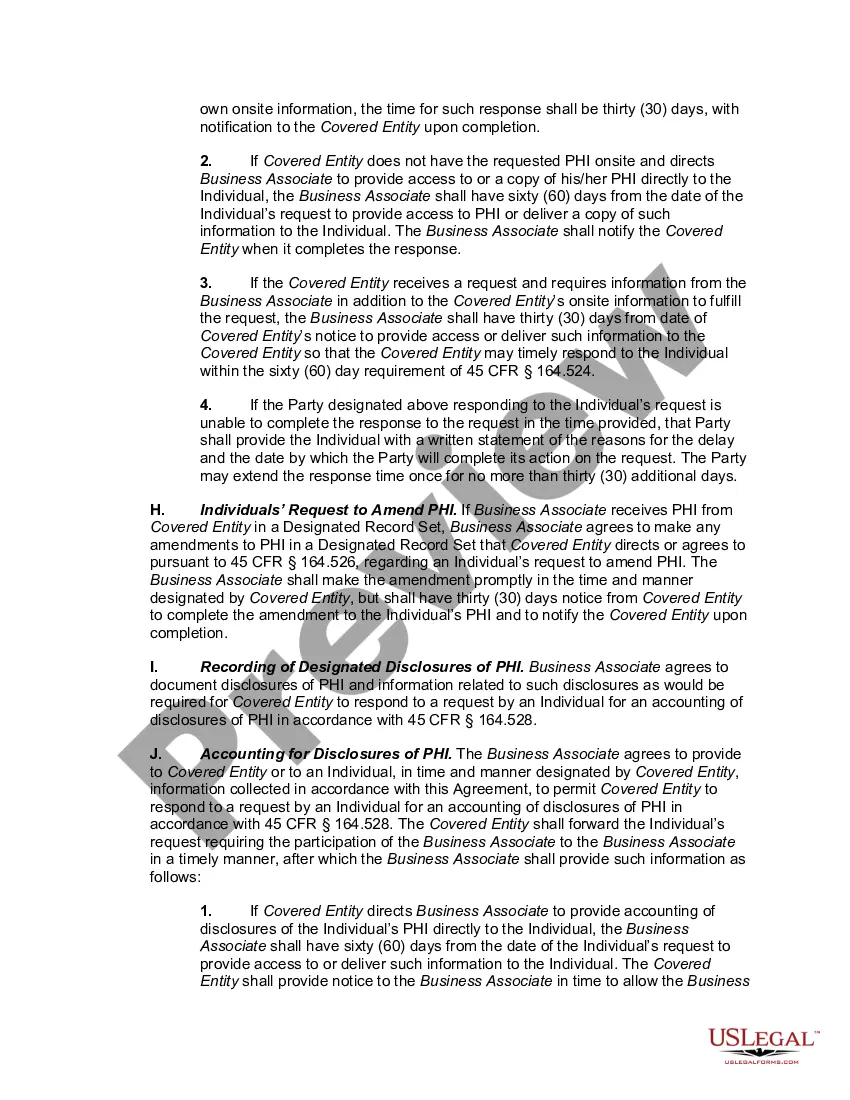
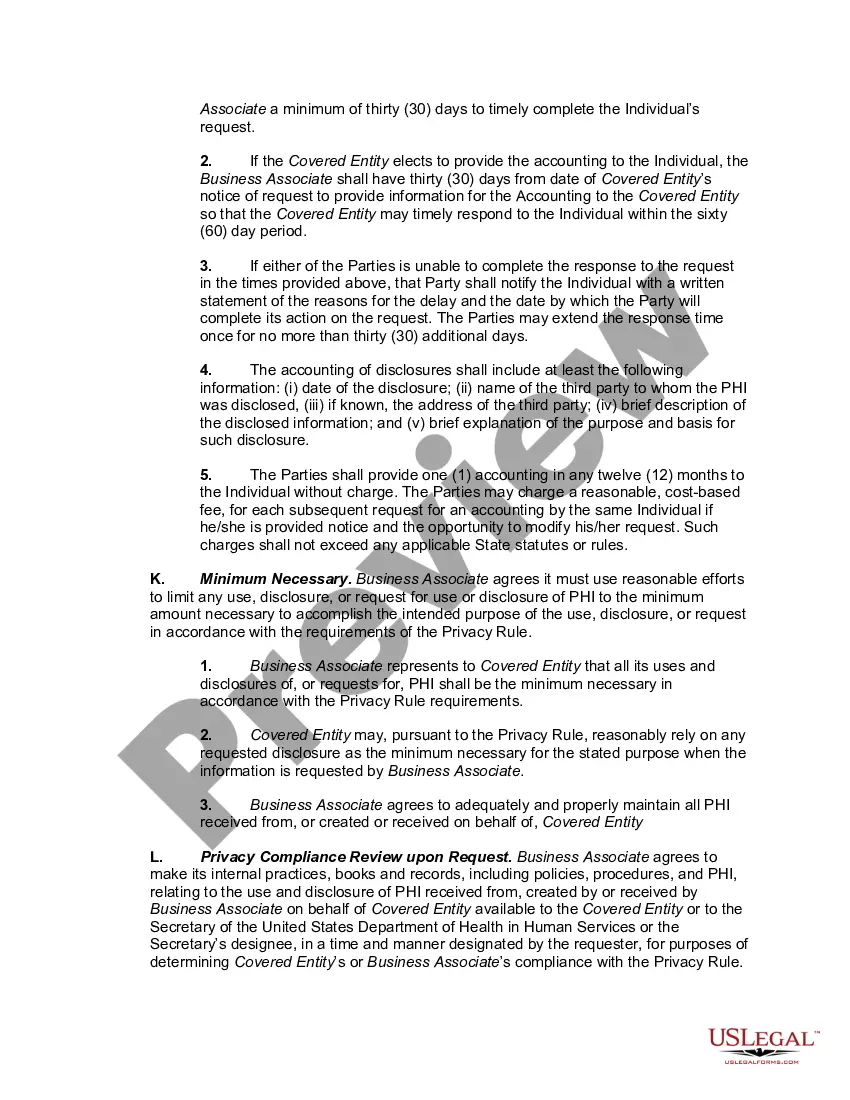
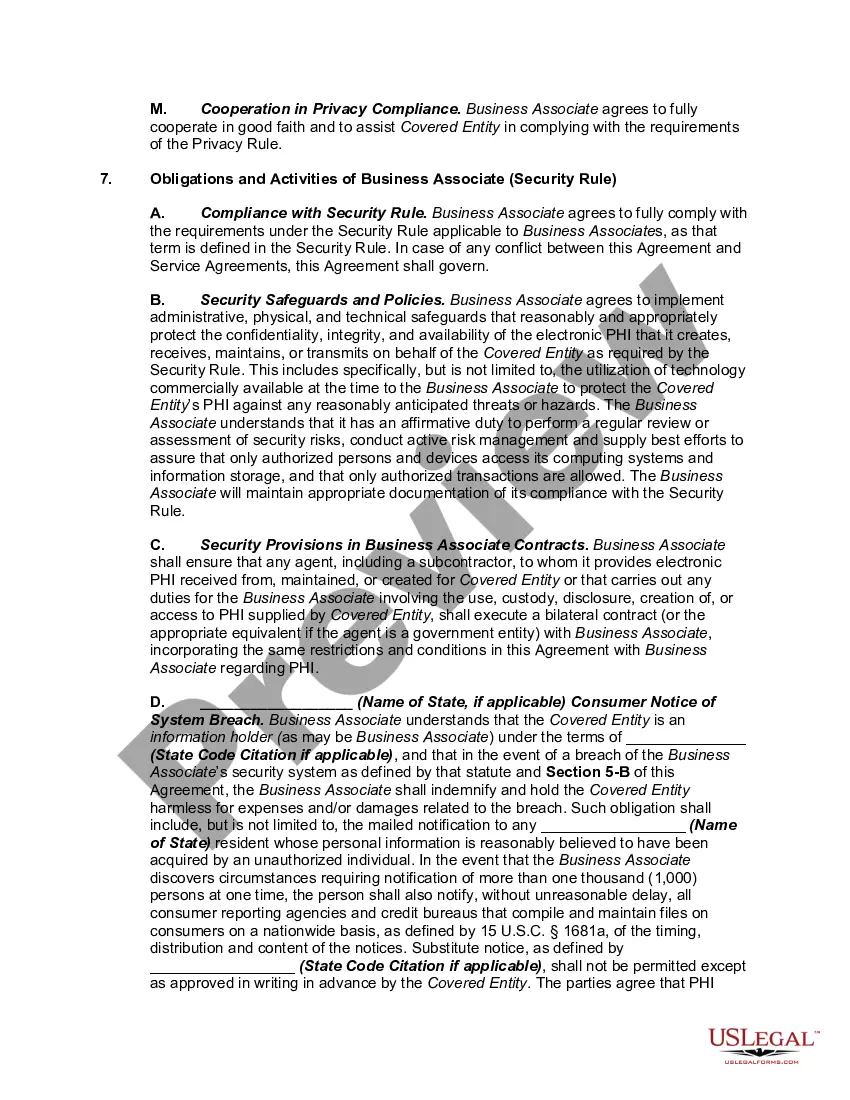
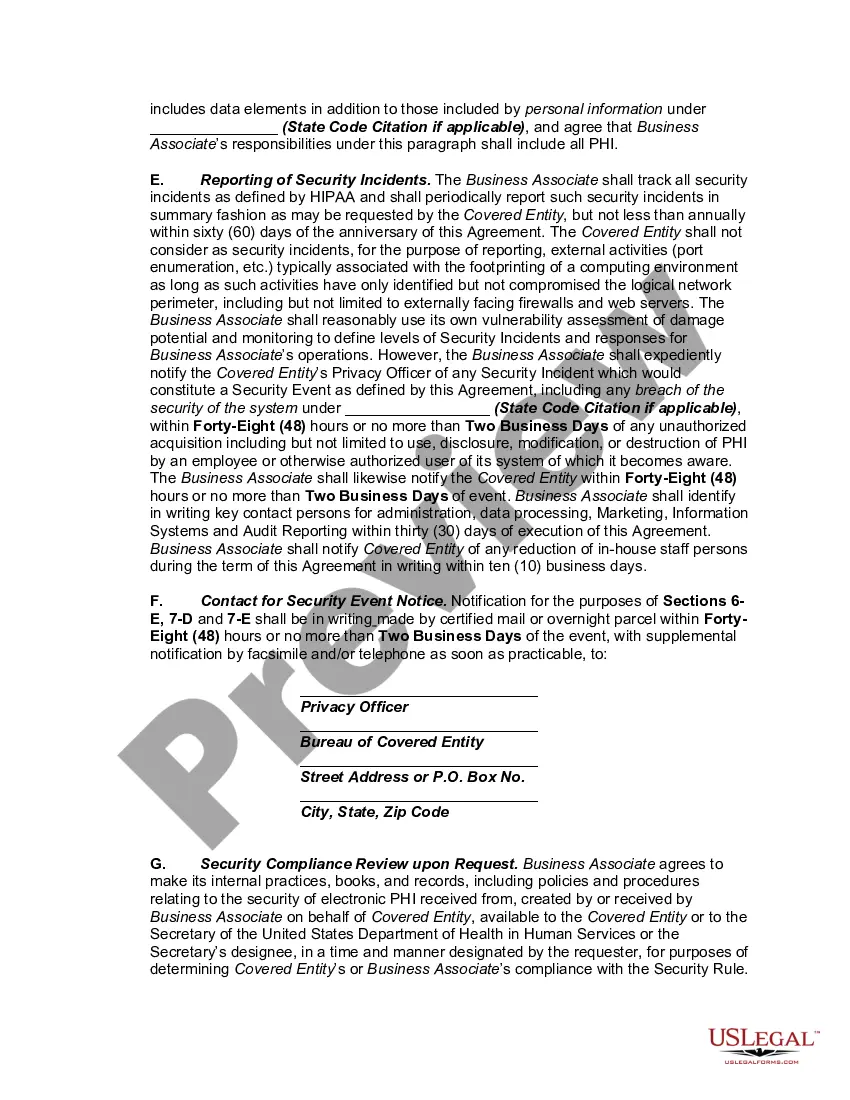
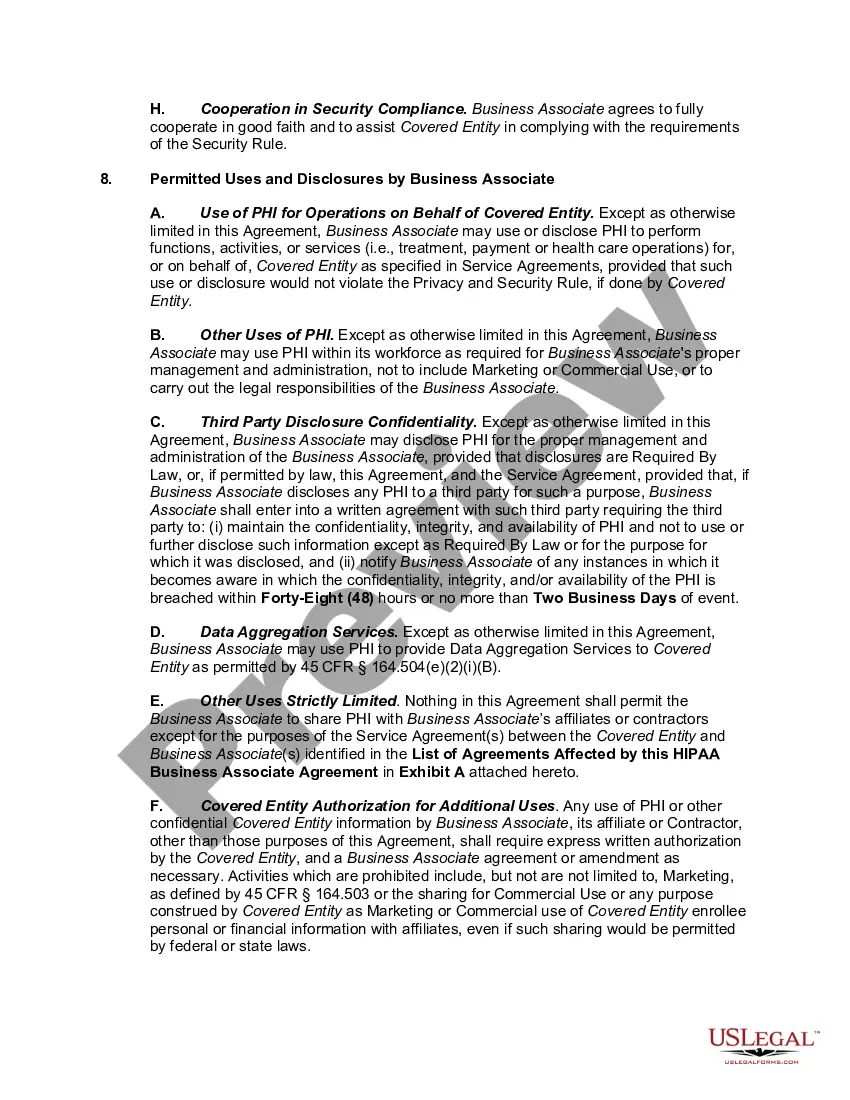
Hipaa Agreement Statement With Client
Description

Get your form ready online
Our built-in tools help you complete, sign, share, and store your documents in one place.
Make edits, fill in missing information, and update formatting in US Legal Forms—just like you would in MS Word.
Download a copy, print it, send it by email, or mail it via USPS—whatever works best for your next step.
Sign and collect signatures with our SignNow integration. Send to multiple recipients, set reminders, and more. Go Premium to unlock E-Sign.
If this form requires notarization, complete it online through a secure video call—no need to meet a notary in person or wait for an appointment.
We protect your documents and personal data by following strict security and privacy standards.

Make edits, fill in missing information, and update formatting in US Legal Forms—just like you would in MS Word.

Download a copy, print it, send it by email, or mail it via USPS—whatever works best for your next step.

Sign and collect signatures with our SignNow integration. Send to multiple recipients, set reminders, and more. Go Premium to unlock E-Sign.

If this form requires notarization, complete it online through a secure video call—no need to meet a notary in person or wait for an appointment.

We protect your documents and personal data by following strict security and privacy standards.
Looking for another form?
How to fill out HIPAA Business Associates Agreement?
Locating a reliable source to obtain the latest and suitable legal templates is a significant part of managing bureaucracy.
Identifying the appropriate legal documents demands precision and meticulousness, which is why it's crucial to acquire samples of the Hipaa Agreement Statement With Client exclusively from reputable sources, such as US Legal Forms. An incorrect template can squander your time and impede your progress.
Eliminate the complications that come with your legal documentation. Browse the comprehensive US Legal Forms library where you can find legal templates, assess their suitability for your needs, and download them instantly.
- Use the catalog navigation or search bar to find your template.
- Review the details of the form to ensure it meets the specifications of your state and county.
- If available, access the form preview to confirm that the template is indeed what you need.
- If the Hipaa Agreement Statement With Client does not satisfy your requirements, return to the search and seek the appropriate document.
- If you are confident in the template's appropriateness, download it.
- For registered customers, click Log in to verify your identity and gain access to your chosen forms in My documents.
- If you do not have an account yet, click Buy now to obtain the form.
- Select the pricing plan that fits your needs.
- Proceed to the registration to complete your purchase.
- Conclude your purchase by selecting a payment option (credit card or PayPal).
- Choose the document format for downloading the Hipaa Agreement Statement With Client.
- Once the form is on your device, you can modify it using the editor or print it and fill it out by hand.
Form popularity
FAQ
To ensure HIPAA compliance for Google Forms, you must first sign a HIPAA agreement statement with the client. This agreement ensures that both parties understand their responsibilities regarding patient data. Additionally, use secure methods to collect sensitive information and limit access to authorized users only. Regularly review your form settings to maintain compliance.
Every mechanics lien typically must contain the owner's name, a general description of the property and location, the name of the hiring party, the first and last date of work a description of the work performed, and the amount of money owed.
The State Tax Lien Registry can be accessed at .tap.dor.ms.gov????. If you need assistance using the State Tax Lien Registry, see instructional videos? at the bottom of the page.
How to File a Mississippi Mechanics Lien Prepare the lien document, taking care to include all the necessary information set forth above ? including the required statements. Sign the document. Deliver the lien must the office of the clerk of the chancery court of the county where the property is located.
In Mississippi, for example, construction liens must be filed within 90 days of when work was last performed or labor, material, or services were provided. Then, a payment action to enforce the lien must be filed within 180 days or else the lien is void.
Within 90 days of the final day you furnished labor or materials (and 10 days after the Pre-Lien Notice to Owner in residential projects), you must file a Claim of Lien with the chancery court clerk's office.
About Mississippi Notice of Intent to Lien Form No one wants to be forced to file a mechanics lien, and this document gives all of the parties involved one final chance to take care of the payment issues on a project. This form advises the party that a lien will be filed if payment is not received within 10 days.
The Mississippi Department of Revenue may place a lien on the property of any delinquent taxpayer. After the lien is filed, the property will be seized and sold to satisfy unpaid taxes. A lien remains in effect for seven years and notices of tax liens may be refiled indefinitely in seven-year increments.
A Notice of Intent to Lien must be served at least 10 days before you officially file your Mississippi mechanics lien. A list of subcontractors and material suppliers must be served ?within a reasonable time? after receiving the written request from a property owner or a general contractor.