Business Associate Agreement For Hipaa Compliance
Description
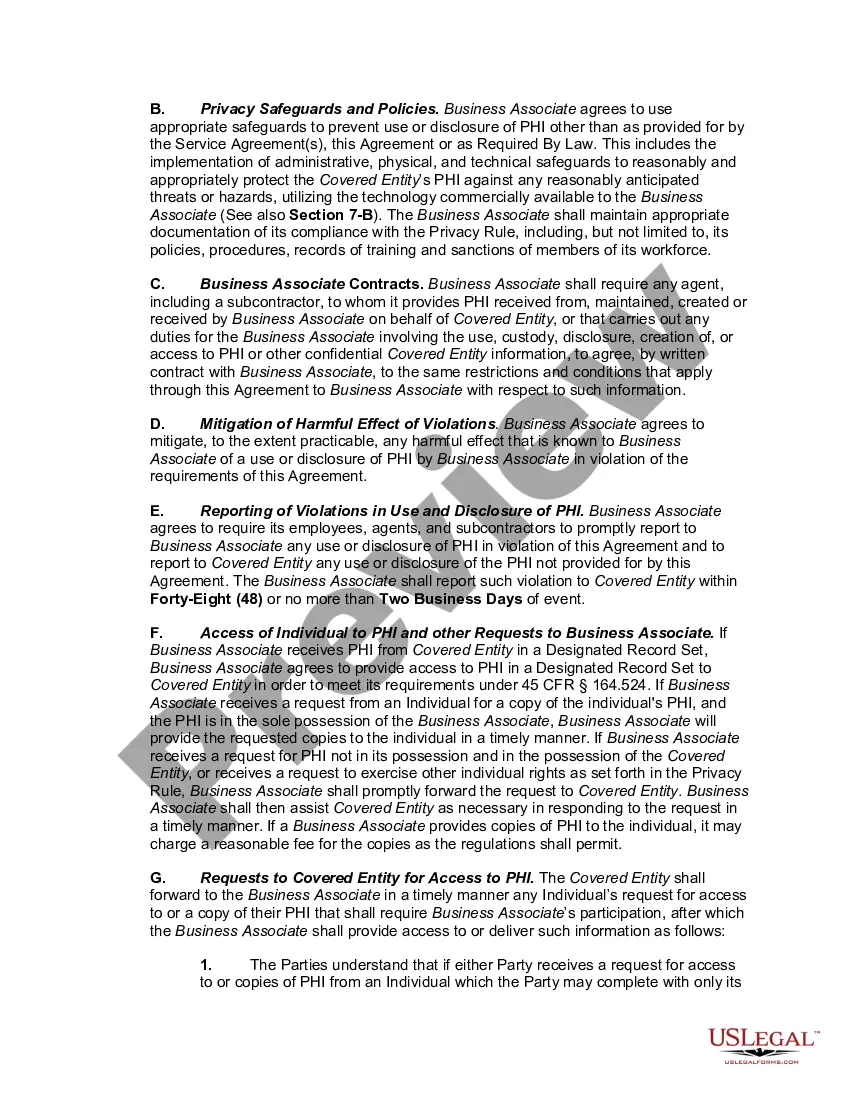
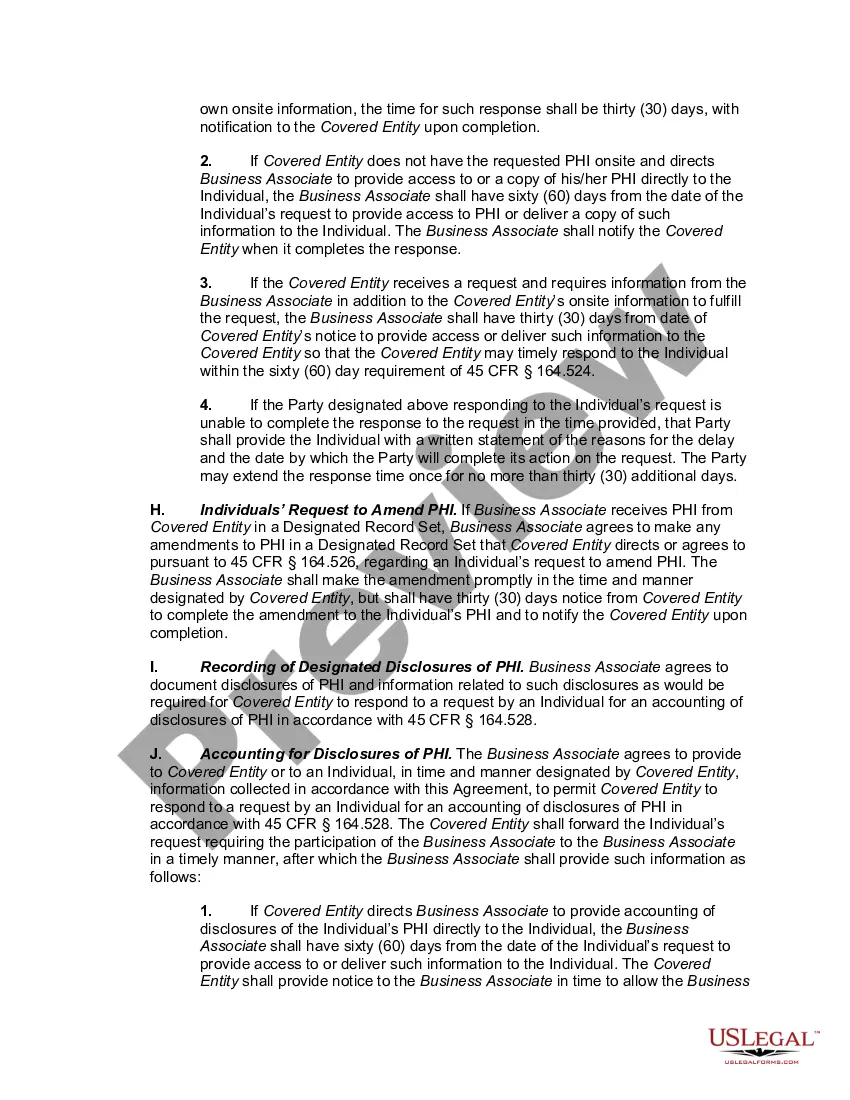
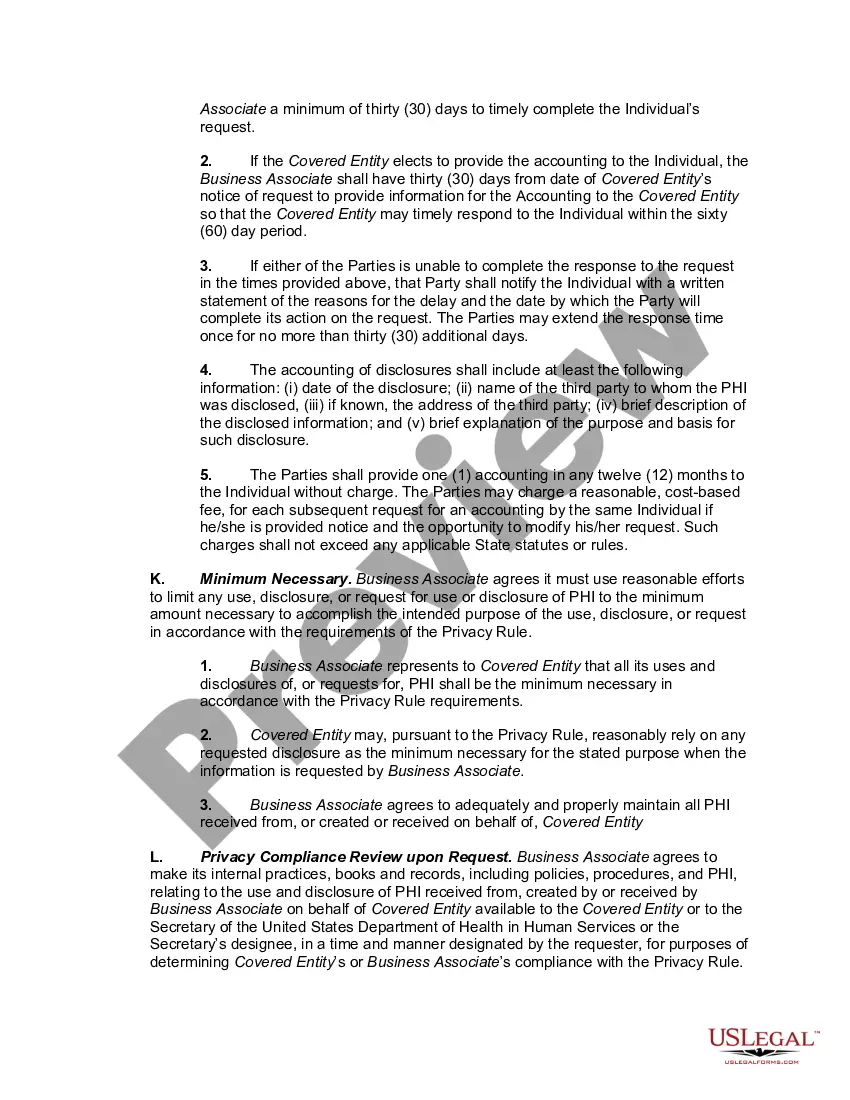
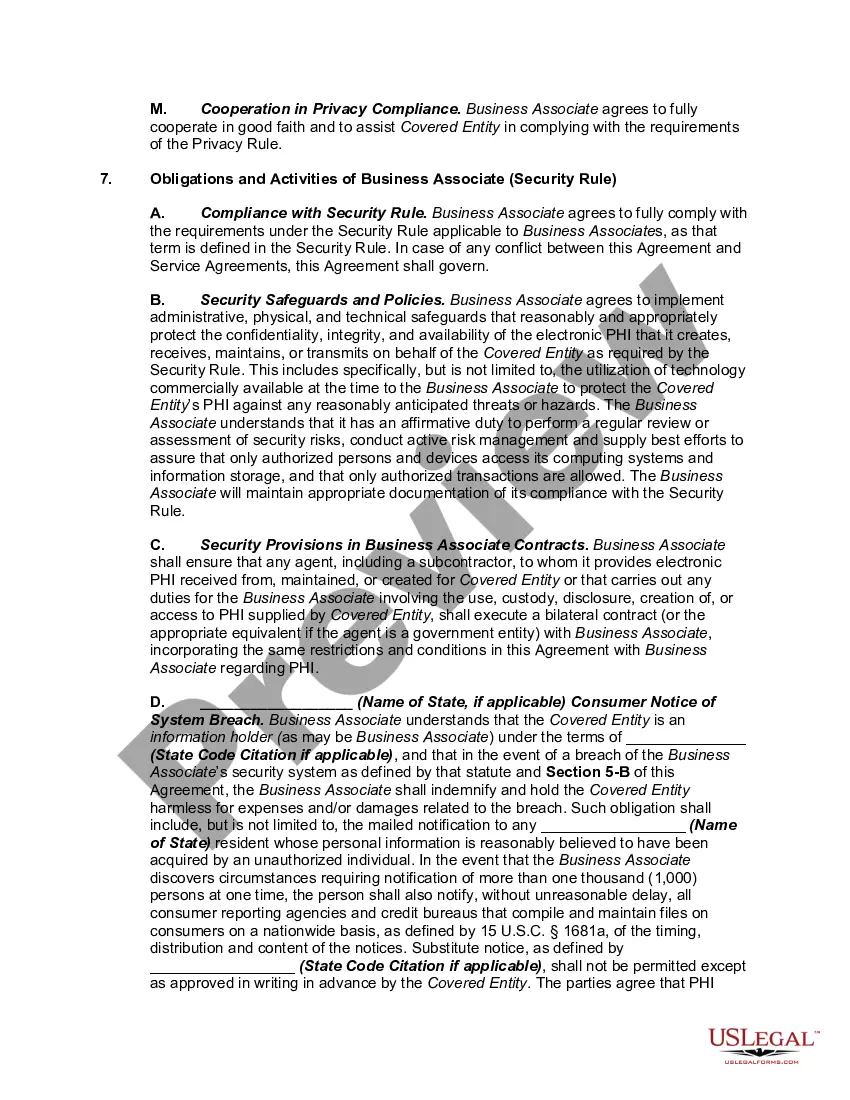
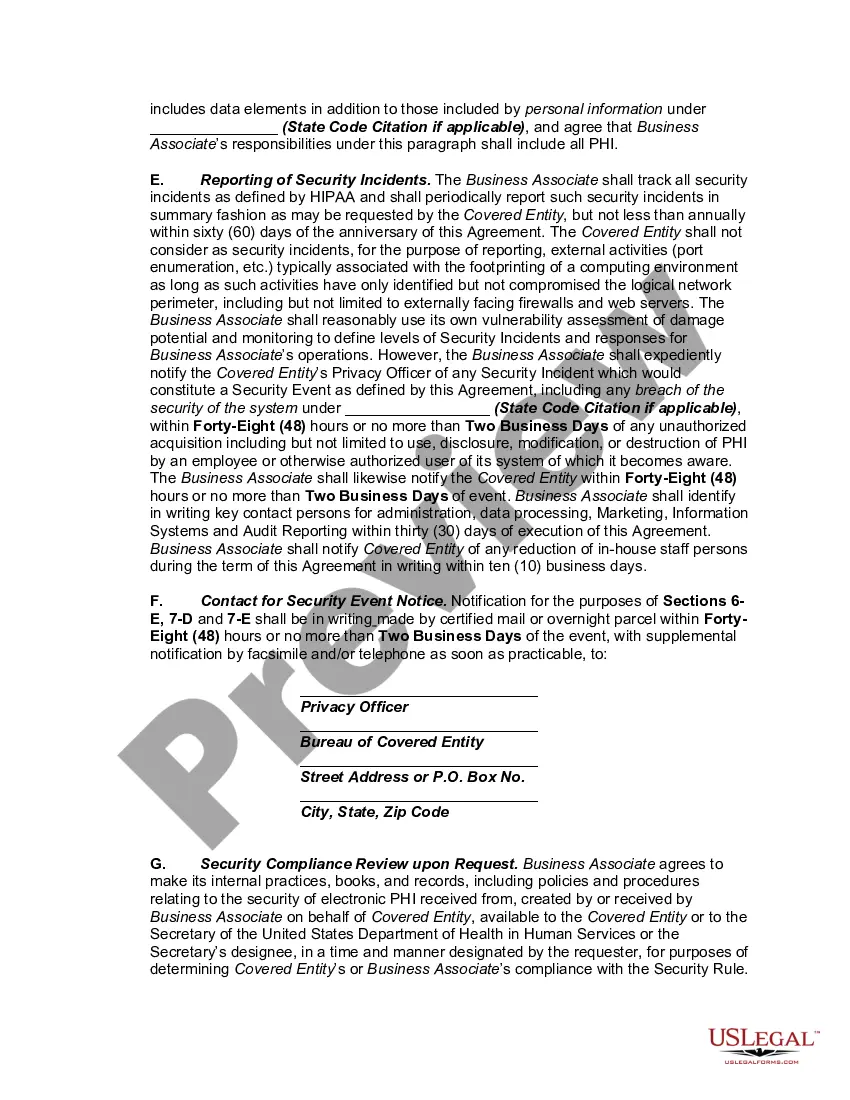
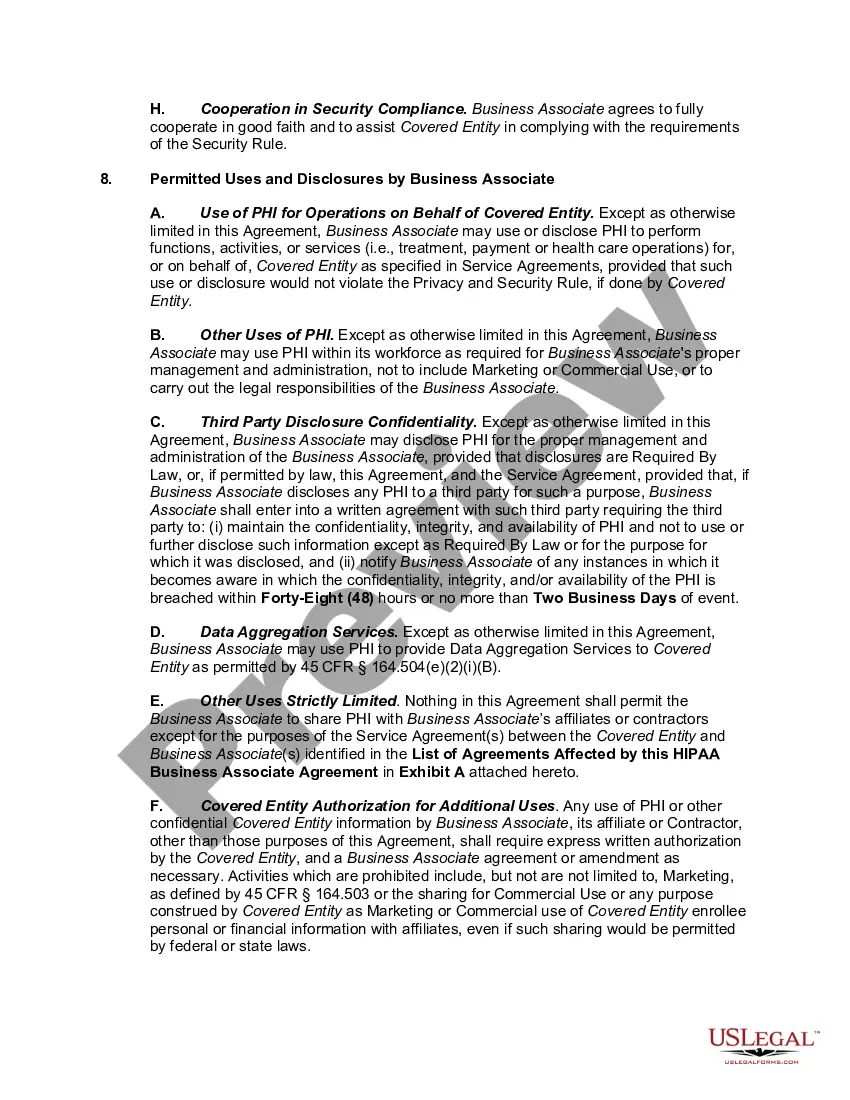

Get your form ready online
Our built-in tools help you complete, sign, share, and store your documents in one place.
Make edits, fill in missing information, and update formatting in US Legal Forms—just like you would in MS Word.
Download a copy, print it, send it by email, or mail it via USPS—whatever works best for your next step.
Sign and collect signatures with our SignNow integration. Send to multiple recipients, set reminders, and more. Go Premium to unlock E-Sign.
If this form requires notarization, complete it online through a secure video call—no need to meet a notary in person or wait for an appointment.
We protect your documents and personal data by following strict security and privacy standards.

Make edits, fill in missing information, and update formatting in US Legal Forms—just like you would in MS Word.

Download a copy, print it, send it by email, or mail it via USPS—whatever works best for your next step.

Sign and collect signatures with our SignNow integration. Send to multiple recipients, set reminders, and more. Go Premium to unlock E-Sign.

If this form requires notarization, complete it online through a secure video call—no need to meet a notary in person or wait for an appointment.

We protect your documents and personal data by following strict security and privacy standards.
Looking for another form?








How to fill out HIPAA Business Associates Agreement?
Whether you handle paperwork frequently or need to submit a legal document now and then, it is crucial to obtain a source of information where all samples are connected and current.
The first step in using a Business Associate Agreement For Hipaa Compliance is to ensure that you have the latest version, as it determines if it can be submitted.
To streamline your search for the most recent document samples, look for them on US Legal Forms.
Use the search menu to locate the document you desire. View the Business Associate Agreement For Hipaa Compliance preview and description to confirm it is exactly what you're looking for. After verifying the document, just click Buy Now. Choose a subscription plan that suits you. Create an account or sign in to your existing one. Utilize your credit card details or PayPal account to complete the transaction. Choose the document format for download and confirm it. Eliminate confusion when dealing with legal documents. All your templates will be organized and verified with an account on US Legal Forms.
- US Legal Forms is a collection of legal documents encompassing nearly any template you might seek.
- Look for the forms you require, verify their relevance immediately, and understand their application.
- With US Legal Forms, you gain access to approximately 85,000 form templates across various sectors.
- Obtain the Business Associate Agreement For Hipaa Compliance examples within just a few clicks and store them at any time in your account.
- A US Legal Forms account simplifies access to all the samples you need with added convenience and fewer hassles.
- Simply click Log In in the website header and navigate to the My documents section to have all the forms at your fingertips, saving you time in searching for the ideal template or assessing its validity.
- To acquire a form without an account, follow these steps.
Form popularity
FAQ
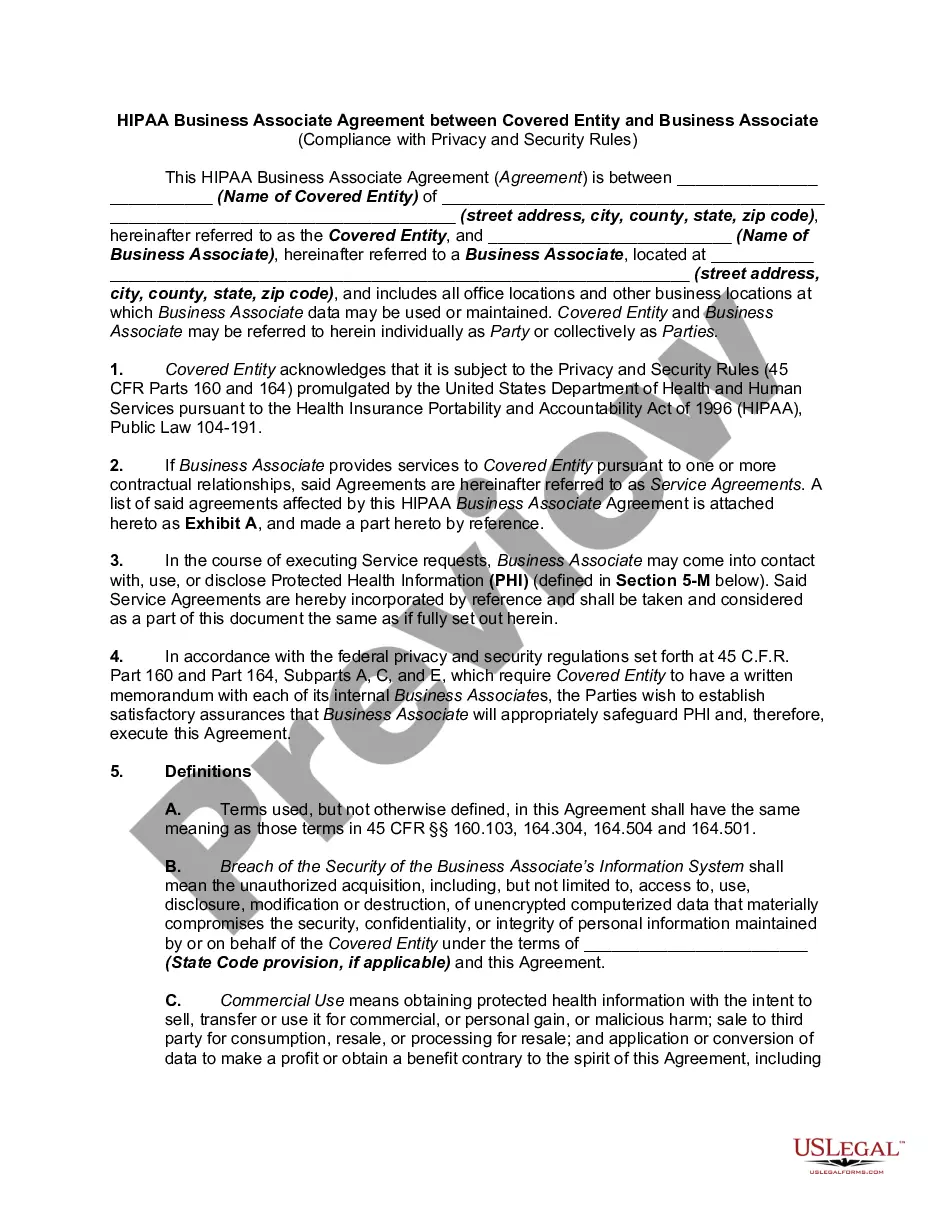
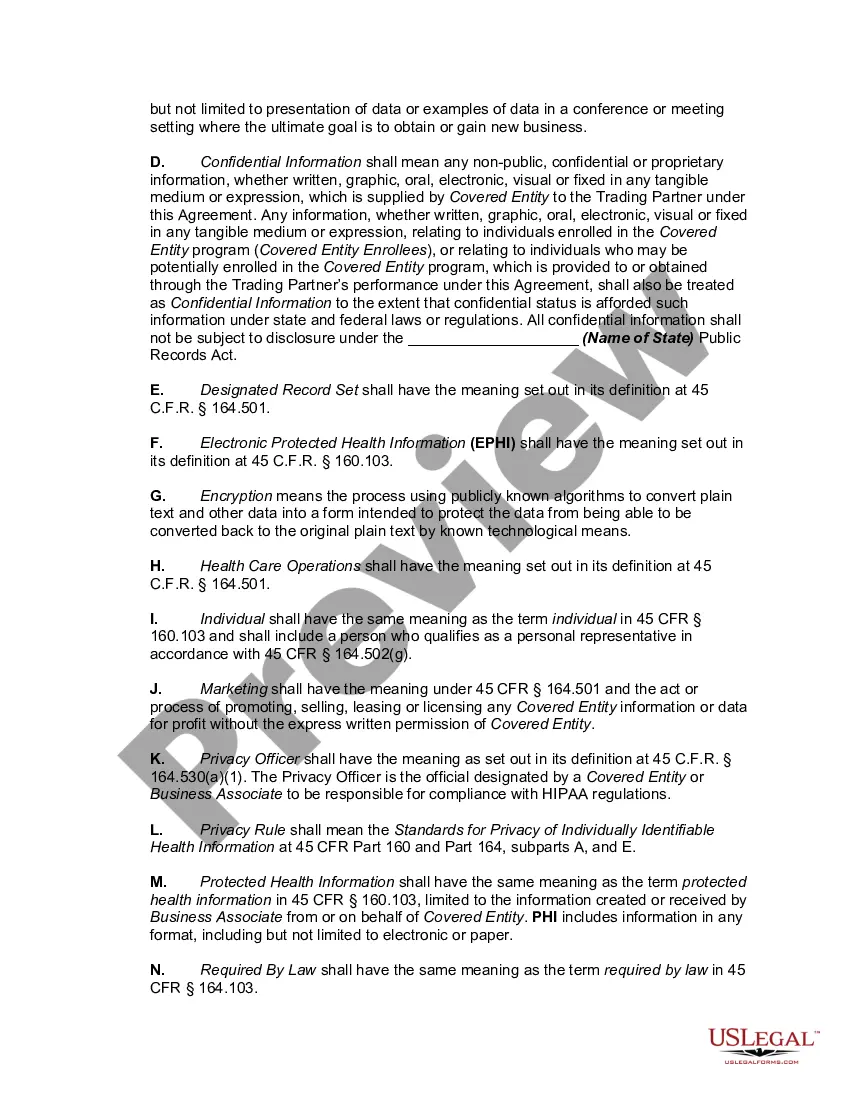
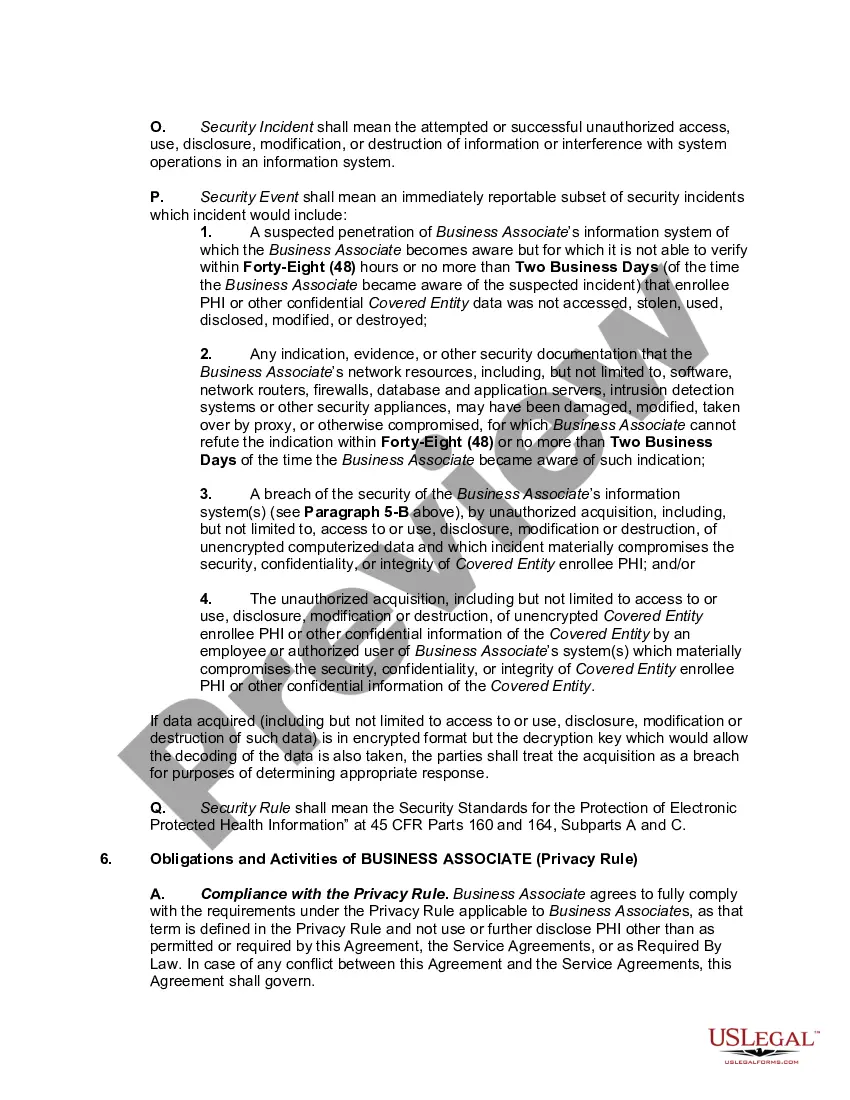
The HIPAA Privacy Rule requires all Covered Entities to have a signed Business Associate Agreement (BAA) with any Business Associate (BA) they hire that may come in contact with PHI.
A BAA is a signed document that affirms a third-party service provider's willingness to accept responsibility for the safety of your clients' PHI, maintain appropriate safeguards, and comply with HIPAA requirements when they handle PHI on your behalf. BAAs are necessary if you're a covered entity.
The agreement must describe permitted and required PHI uses for the business associate and state that the business associate will not use or further disclose the protected health information other than as permitted or required by the contract or as required by law.
Keep in mind, HIPAA requires you to sign the BAA with your business associate before sharing any PHI with them. This will help you avoid a privacy breach, as well as fines and investigations for failing to have a BAA in place.
Examples of Business Associates.A third party administrator that assists a health plan with claims processing. A CPA firm whose accounting services to a health care provider involve access to protected health information. An attorney whose legal services to a health plan involve access to protected health information.