508 Test
Description

Get your form ready online
Our built-in tools help you complete, sign, share, and store your documents in one place.
Make edits, fill in missing information, and update formatting in US Legal Forms—just like you would in MS Word.
Download a copy, print it, send it by email, or mail it via USPS—whatever works best for your next step.
Sign and collect signatures with our SignNow integration. Send to multiple recipients, set reminders, and more. Go Premium to unlock E-Sign.
If this form requires notarization, complete it online through a secure video call—no need to meet a notary in person or wait for an appointment.
We protect your documents and personal data by following strict security and privacy standards.

Make edits, fill in missing information, and update formatting in US Legal Forms—just like you would in MS Word.

Download a copy, print it, send it by email, or mail it via USPS—whatever works best for your next step.

Sign and collect signatures with our SignNow integration. Send to multiple recipients, set reminders, and more. Go Premium to unlock E-Sign.

If this form requires notarization, complete it online through a secure video call—no need to meet a notary in person or wait for an appointment.

We protect your documents and personal data by following strict security and privacy standards.
Looking for another form?

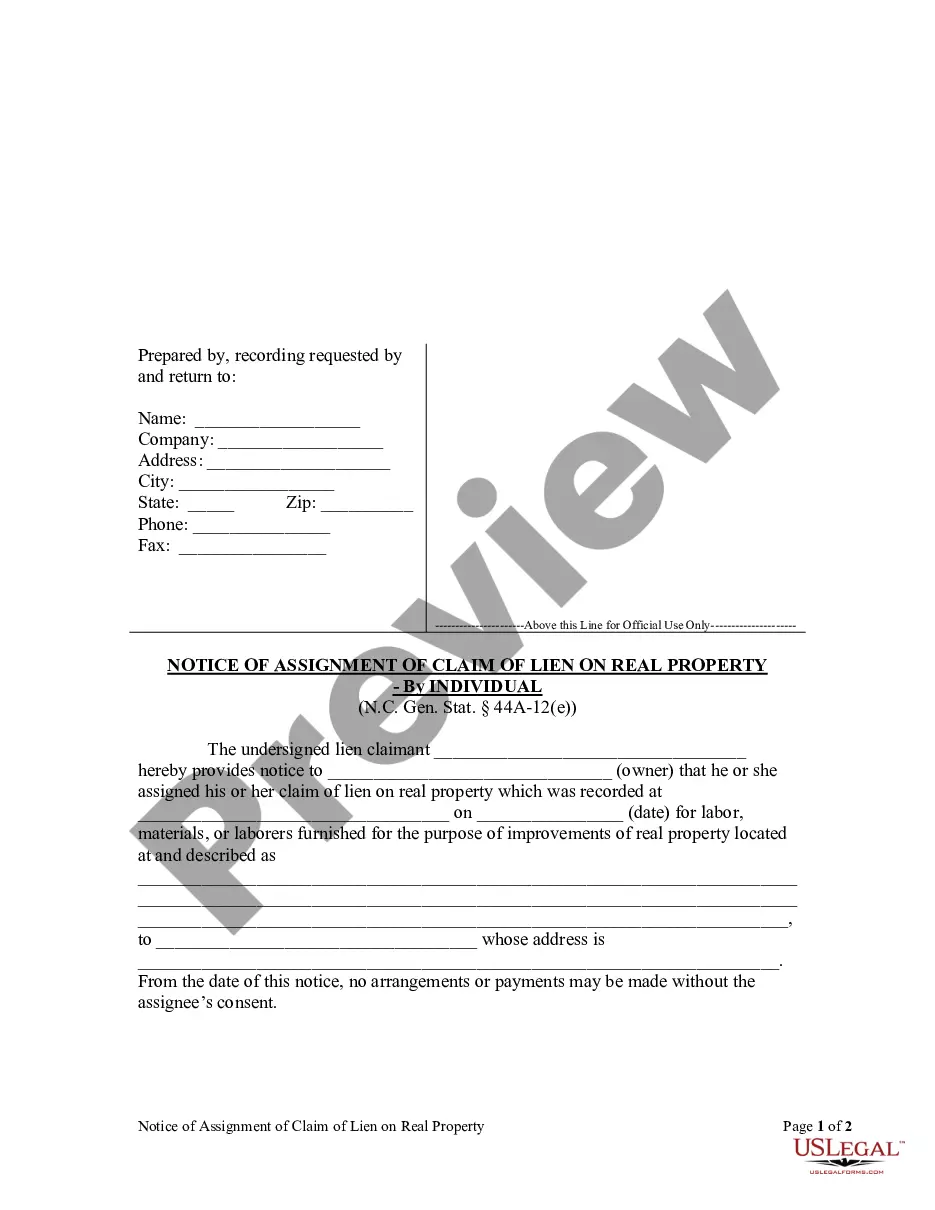



How to fill out Qualified Income Miller Trust?
- If you have previously used our service, log in to your account to download the required form. Ensure your subscription remains active; renew if necessary.
- For first-time users, start by browsing through our extensive collection of over 85,000 forms. Check the preview and description to find the right form that meets your local jurisdiction's requirements.
- If the selected form doesn't meet your needs, use the Search tab at the top to find an alternative that works for you.
- Once you’ve identified the correct document, click on the Buy Now button and select your preferred subscription plan. Create an account to unlock full access to our resources.
- Proceed with your purchase by entering your credit card details or opting for PayPal.
- After your transaction is complete, download the form directly to your device. You can also access it anytime through the My Forms section of your profile.
With US Legal Forms, users can benefit from a comprehensive library that not only simplifies legal document creation but also ensures accuracy and compliance with the 508 test.
Start your journey with confidence today by accessing our vast collection of legal forms and empower your legal process!
Form popularity
FAQ
Running 508 compliance in Word is straightforward with its built-in accessibility checker. Simply access the review tab, and select 'Check Accessibility' to conduct a 508 test on your document. The checker will highlight potential issues and provide suggestions for improvement. Additionally, applying accessible formatting practices while composing documents ensures they meet compliance standards before the final review.
To ensure documents are accessible, start by implementing best practices for 508 compliance, which includes running regular 508 tests using appropriate tools. Additionally, providing alternative text for images, using descriptive hyperlinks, and organizing content with clear headings contribute significantly to accessibility. Conducting user testing with individuals who have disabilities can also provide valuable feedback for improving document accessibility. Continuous attention to these areas will foster a more inclusive experience.
A document is considered 508 compliant when it adheres to the accessibility standards outlined in Section 508 of the Rehabilitation Act. This includes features such as providing text alternatives for non-text content, ensuring sufficient contrast between text and background, and maintaining logical document structure. Meeting these standards ensures that people with disabilities can access and interact with the content effectively. Regular 508 testing helps maintain compliance as you create or modify documents.
To check a document for 508 compliance, start by utilizing accessibility checkers that conduct a comprehensive 508 test. These effective tools analyze documents and uncover potential accessibility problems. Additionally, reviewing the document against established 508 compliance guidelines can further enhance your verification process. Regular checks help ensure documents remain accessible to all users, including those with disabilities.
You can determine if a document is 508 compliant by running it through accessibility checking software that conducts a 508 test. These tools provide insights on compliance levels and highlight any areas that may need improvement. Furthermore, visually inspecting the document for key accessibility features, such as meaningful captions and navigable headings, can provide additional assurance of compliance. Ultimately, thorough testing is key to verifying compliance.
To check a document for accessibility issues, you can use specialized tools designed to perform a thorough 508 test. These tools can scan documents for common accessibility errors, such as missing alternative text or improper heading structure. Additionally, manual checks, such as reviewing the document with screen readers, can help identify areas that may cause accessibility problems. By addressing these issues, you improve the document's usability for everyone.
The requirements for 508 compliance focus on ensuring that electronic and information technology is accessible to people with disabilities. This includes providing alternative text for images, ensuring proper color contrast, and maintaining keyboard navigation. Meeting these standards helps create a more inclusive environment for all users. Using tools that perform a 508 test can assist in understanding and applying these requirements effectively.
An example of Section 508 compliance can be seen in a government website that provides clear text alternatives for images and video captions. The site ensures that all content is navigable using just a keyboard, which is crucial for users with mobility impairments. Running a 508 test on such websites ensures they meet accessibility standards, ultimately making information easier to access for everyone.
The main purpose of Section 508 of the Rehabilitation Act is to eliminate barriers to information accessibility for disabled individuals. It mandates that all electronic and information technology must be usable by people with disabilities. By undergoing a 508 test, organizations can verify that they meet these essential standards. This helps ensure that everyone receives the services and information they need.
Section 508 simplified means making sure digital spaces are open to all, particularly those with disabilities. This includes creating accessible websites, documents, and electronic files that everyone can use. A 508 test helps confirm that your content meets these basic accessibility requirements. Overall, it’s about inclusivity, ensuring no one is left behind.