Bathroom Form With Google Calendar
Description
Get your form ready online
Our built-in tools help you complete, sign, share, and store your documents in one place.
Make edits, fill in missing information, and update formatting in US Legal Forms—just like you would in MS Word.
Download a copy, print it, send it by email, or mail it via USPS—whatever works best for your next step.
Sign and collect signatures with our SignNow integration. Send to multiple recipients, set reminders, and more. Go Premium to unlock E-Sign.
If this form requires notarization, complete it online through a secure video call—no need to meet a notary in person or wait for an appointment.
We protect your documents and personal data by following strict security and privacy standards.

Make edits, fill in missing information, and update formatting in US Legal Forms—just like you would in MS Word.

Download a copy, print it, send it by email, or mail it via USPS—whatever works best for your next step.

Sign and collect signatures with our SignNow integration. Send to multiple recipients, set reminders, and more. Go Premium to unlock E-Sign.

If this form requires notarization, complete it online through a secure video call—no need to meet a notary in person or wait for an appointment.

We protect your documents and personal data by following strict security and privacy standards.
Looking for another form?

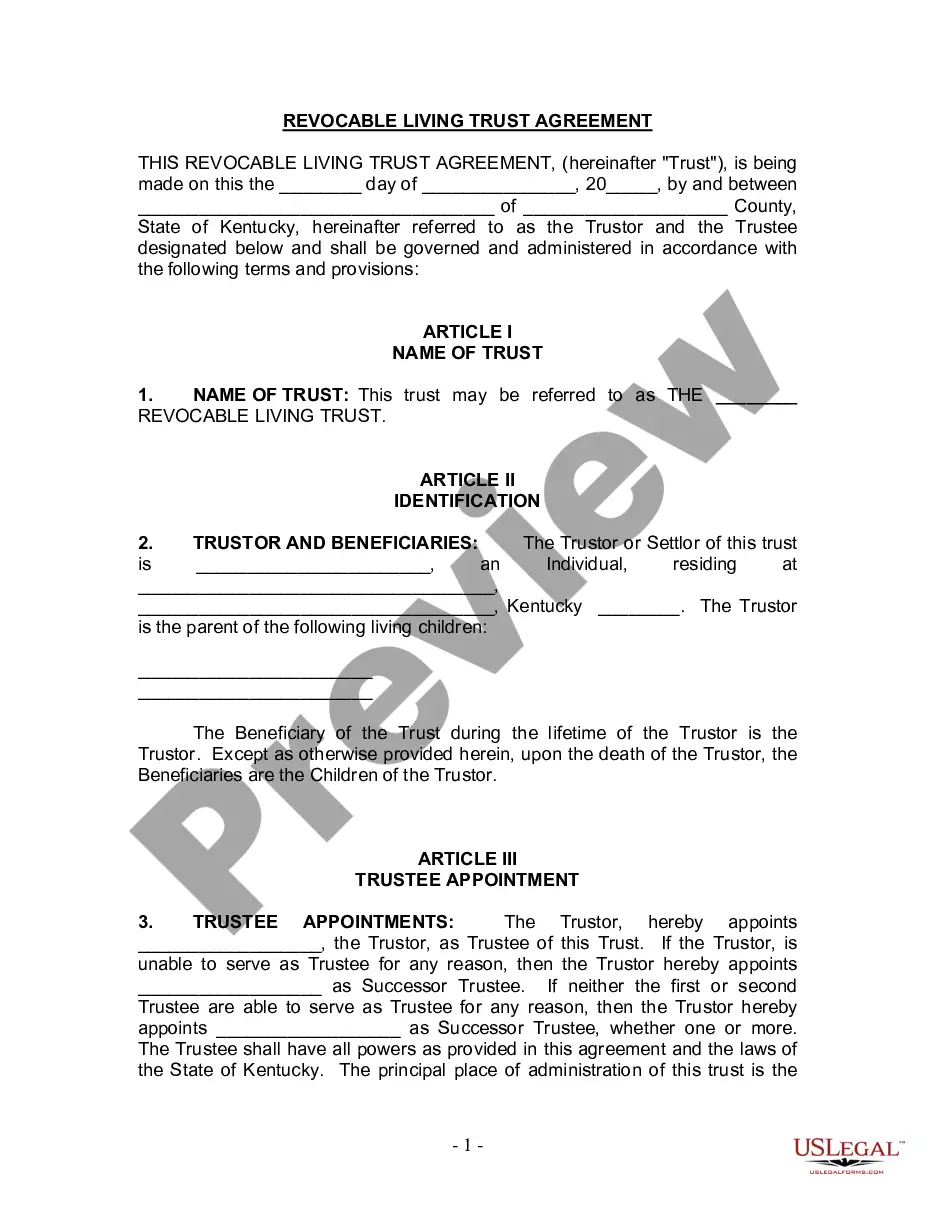




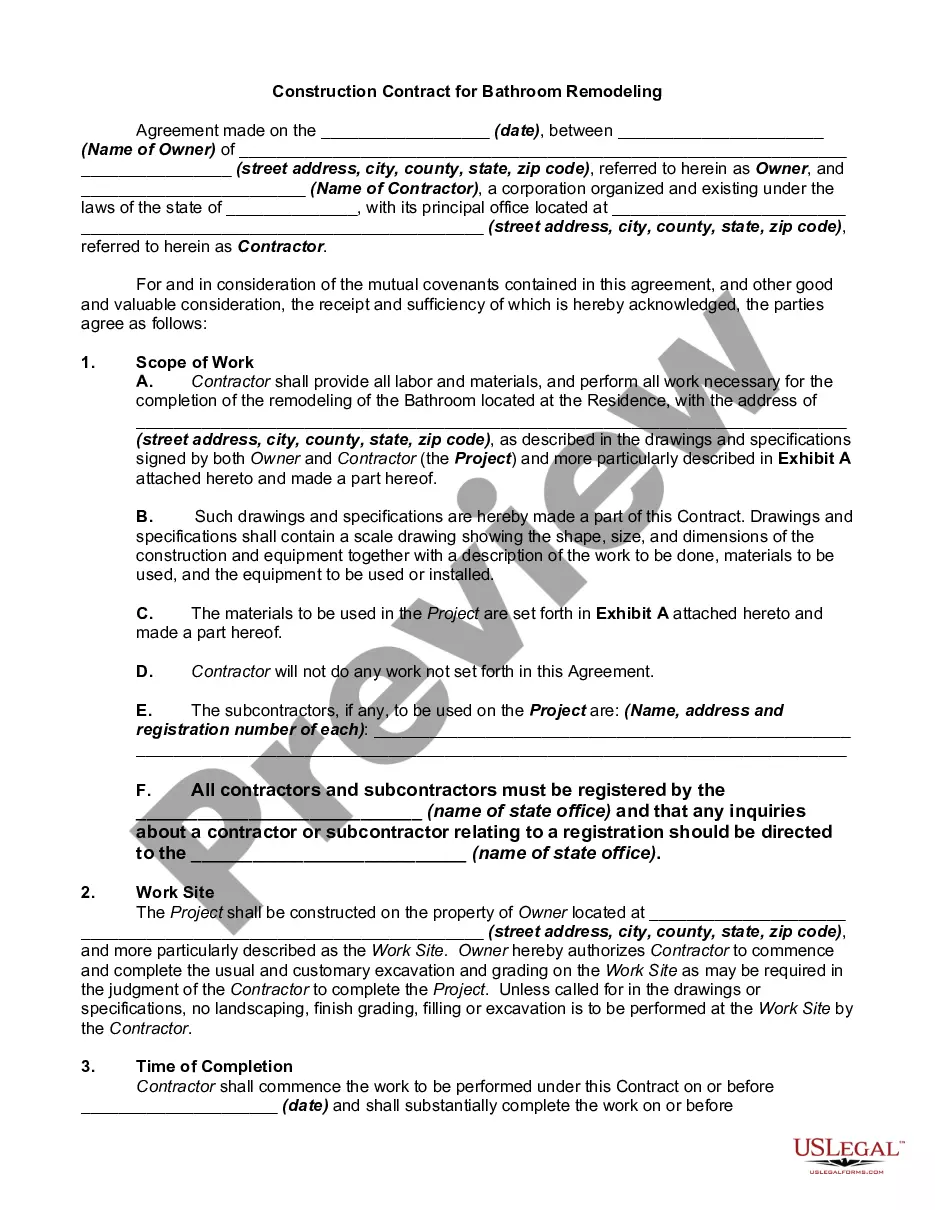
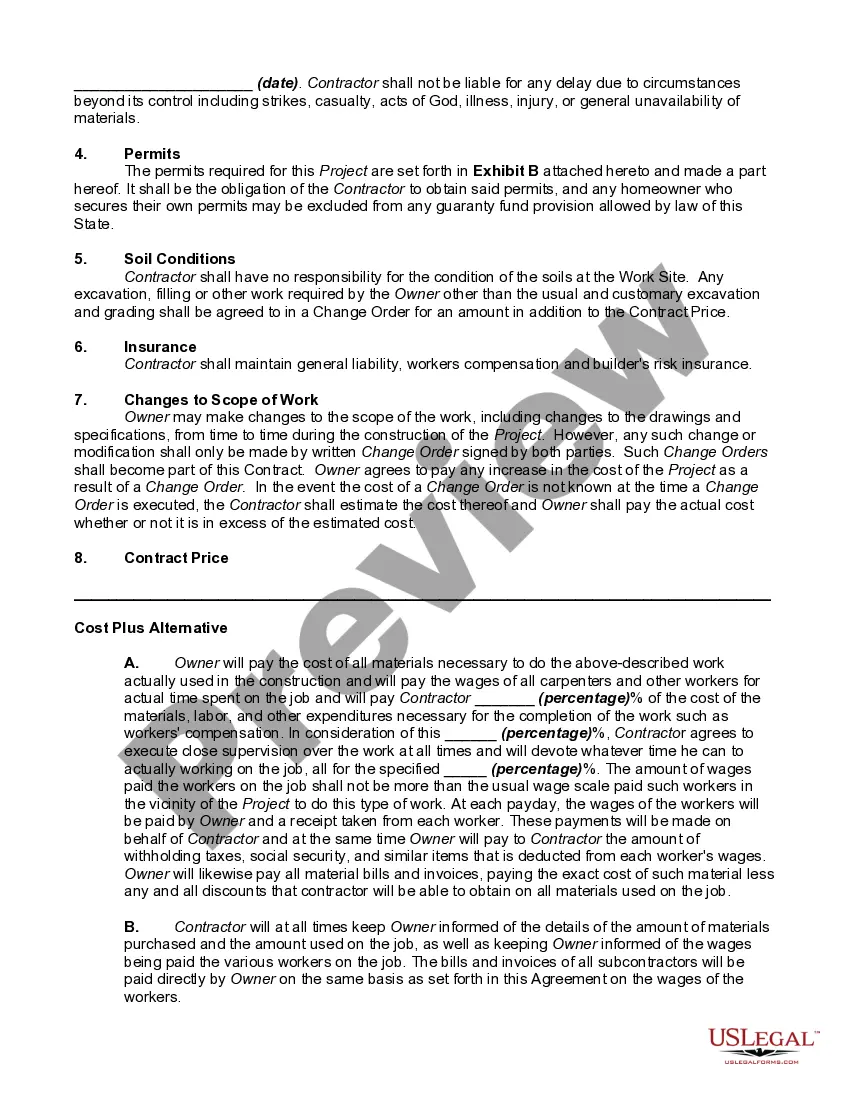
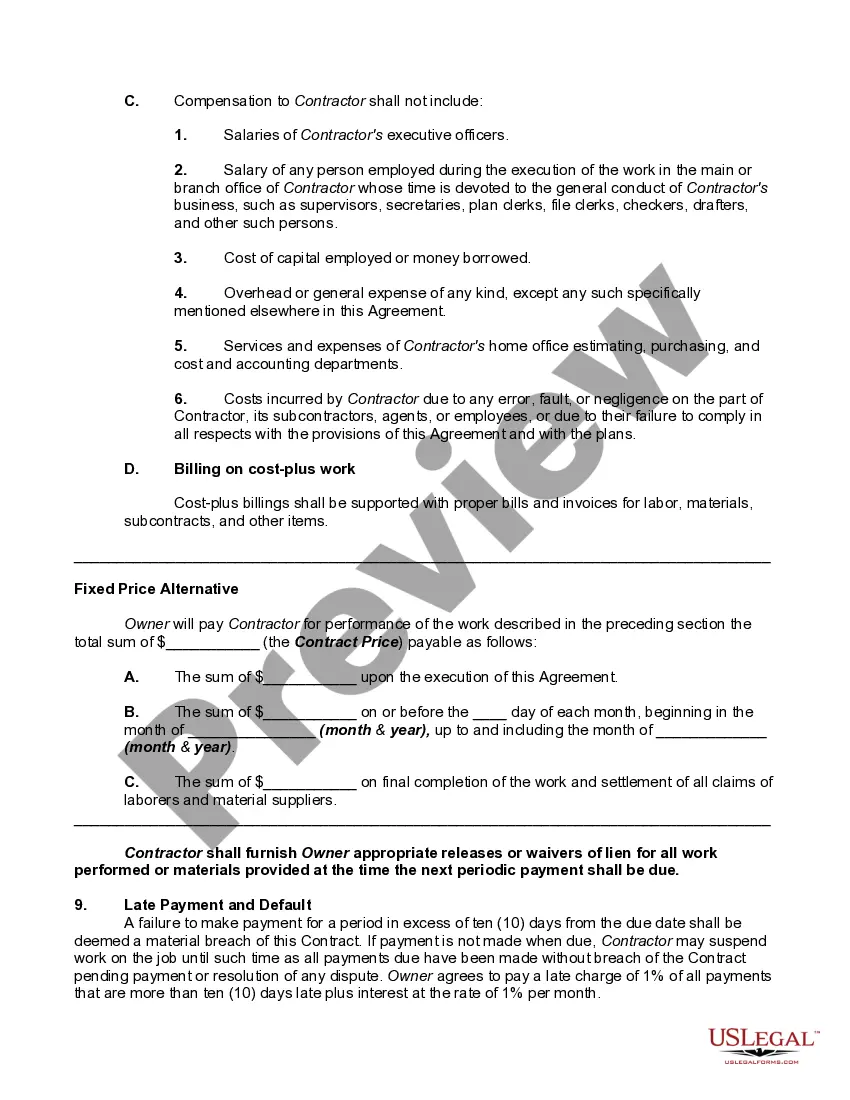
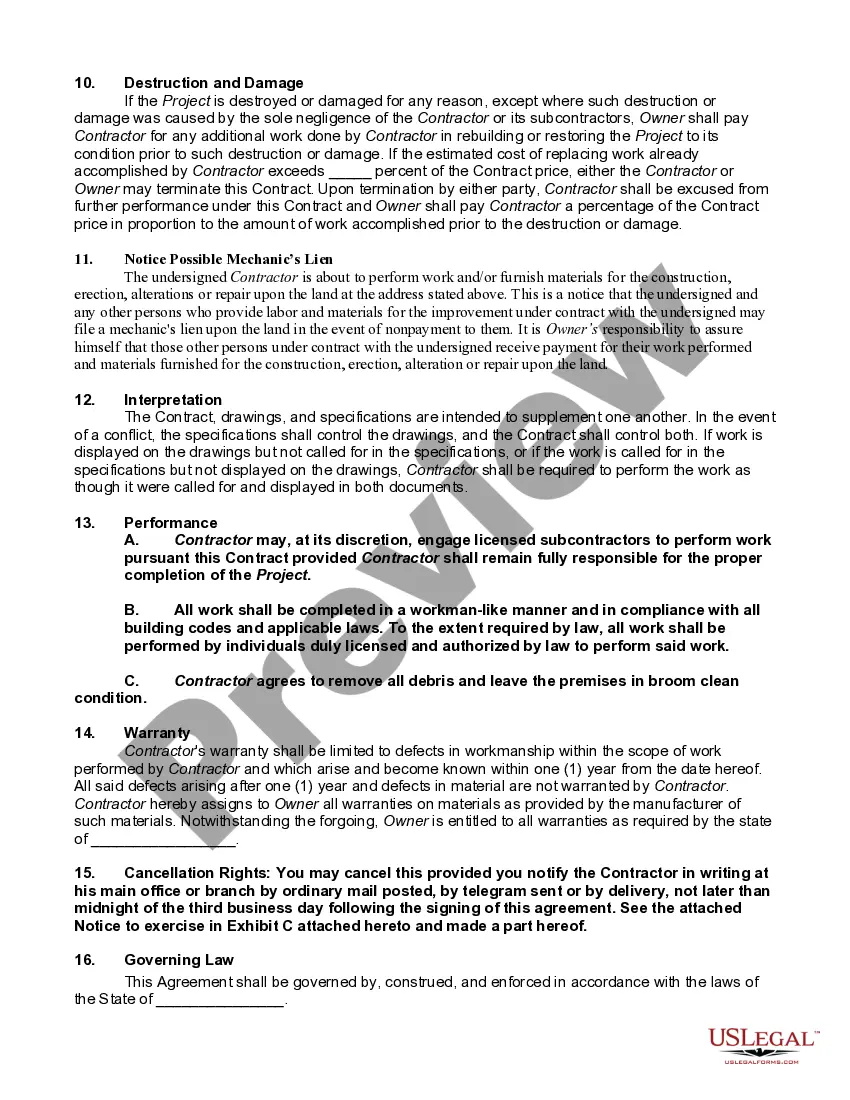
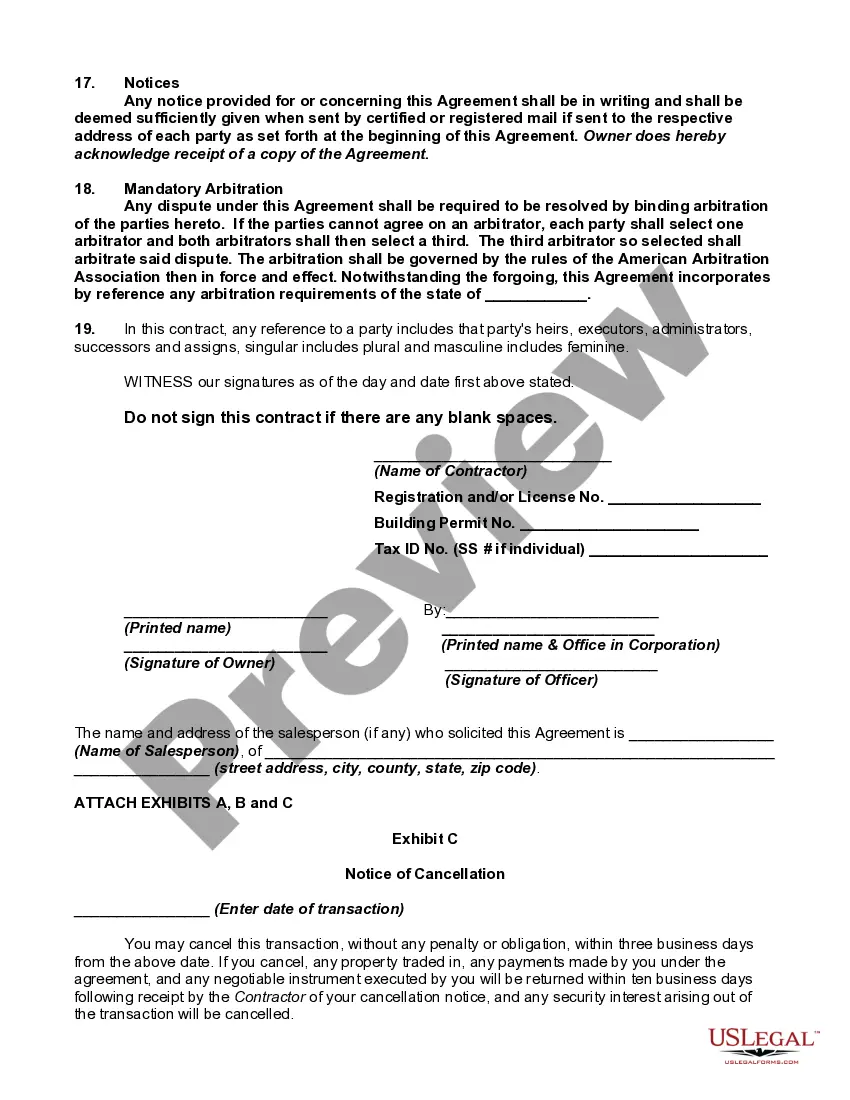
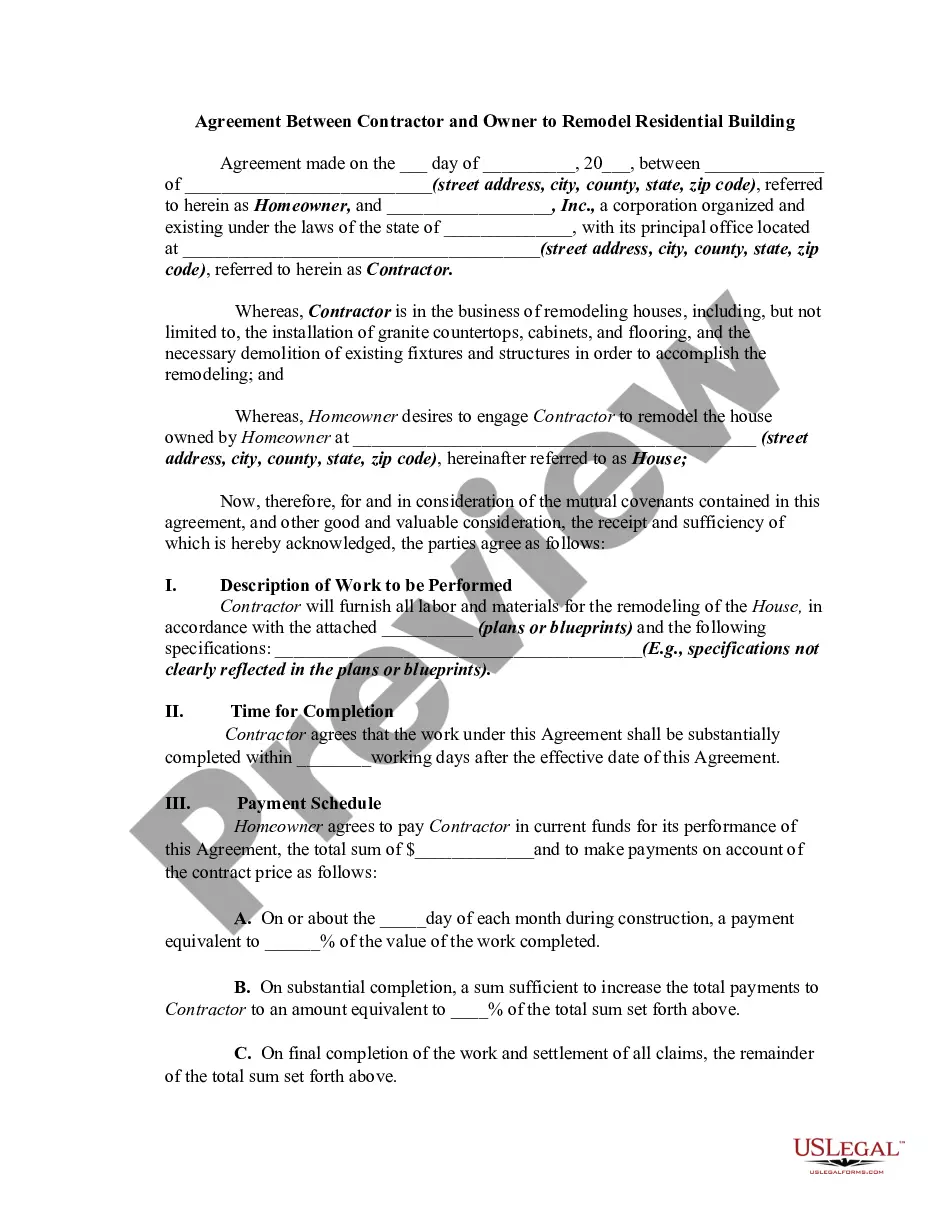
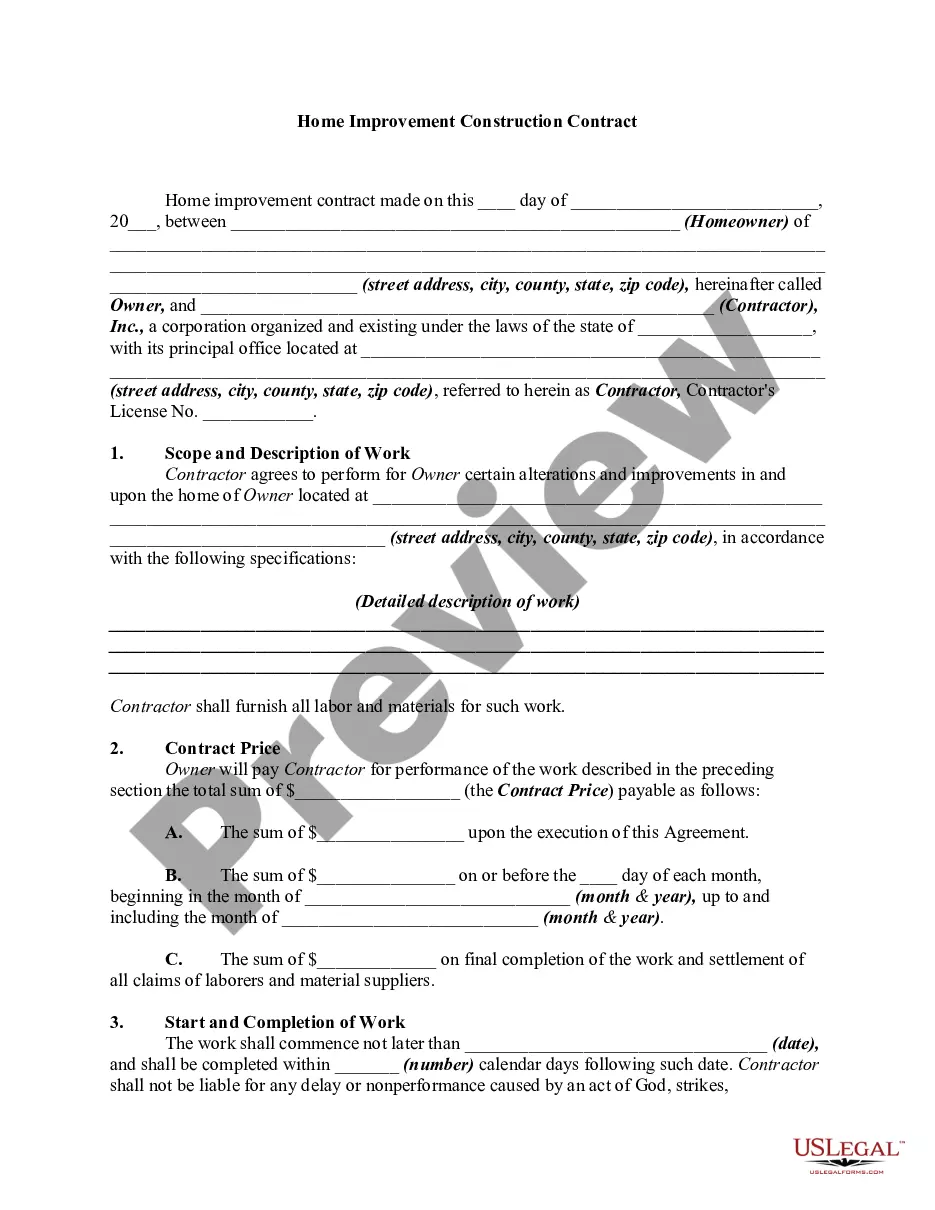
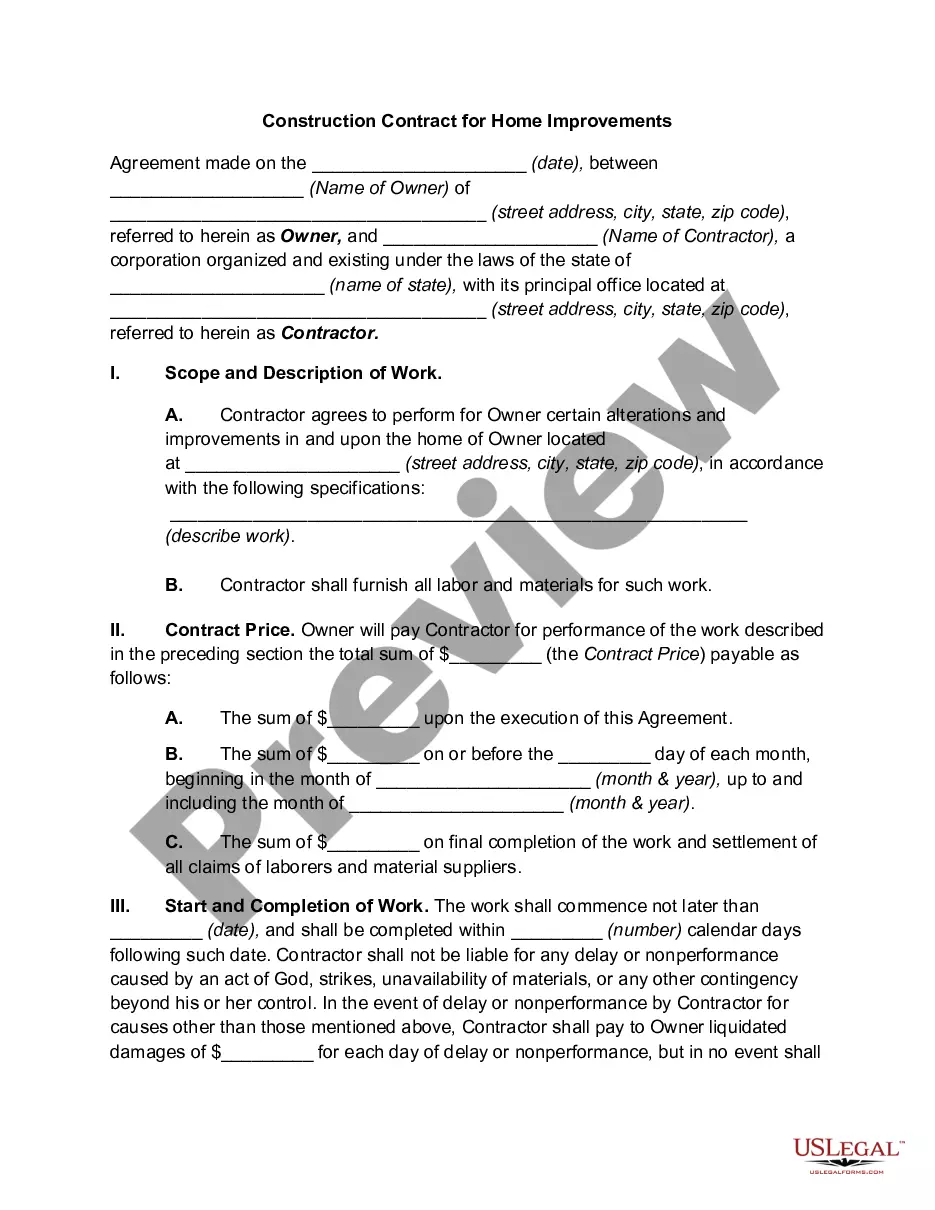
How to fill out Construction Contract For Bathroom Remodeling?
It’s widely known that you cannot become a legal authority instantly, nor can you understand how to swiftly prepare Bathroom Form With Google Calendar without possessing a specialized skill set.
Drafting legal documents is a lengthy process that demands specific training and expertise. Therefore, why not entrust the creation of the Bathroom Form With Google Calendar to the experts.
With US Legal Forms, one of the most comprehensive legal document repositories, you can find anything from court forms to templates for internal communication.
If you require a different template, restart your search.
Sign up for a free account and choose a subscription plan to acquire the form. Click Buy now. Once the payment is processed, you can access the Bathroom Form With Google Calendar, fill it out, print it, and send or mail it to the relevant individuals or organizations.
- We understand how vital it is to comply with federal and local laws and regulations.
- That’s why, on our platform, all templates are geographically specific and current.
- Here’s how to get started with our platform and obtain the form you need in just a few minutes.
- Locate the document you need by utilizing the search bar at the top of the page.
- Preview it (if this option is available) and read the accompanying description to decide if Bathroom Form With Google Calendar is what you’re looking for.
Form popularity
FAQ
You can now set up some appointment slots. You can do this with a multiple-choice question like ?Pick your preferred time slot,? then list all the available times as the answer choices. You're all set to start collecting information and scheduling appointments.
Yes, there is a standard calendar template on Google Docs, but we've taken things a step further with our custom calendar that lets you tag and categorize different events and tasks.
How to connect Google Forms + Google Calendar. Zapier lets you send info between Google Forms and Google Calendar automatically?no code required. With 5,000+ supported apps, the possibilities are endless.
How to create a DIY booking form in Google Docs Step 1: Open Google Forms. ... Step 2: Click the ?+? on the right-hand side to add your first form field. ... Step 3: Add each field of information you need from your guests, including: Tip: Check off ?Required? for the line items that guests shouldn't skip over.
To create a new calendar event in Gravity Forms, all you need to do is submit your event form. After clicking ?Submit?, the calendar feed will analyze the submission. If it matches the conditions you set in the conditional logic filters, the event will sync to your Google Calendar, where you'll be able to view it.