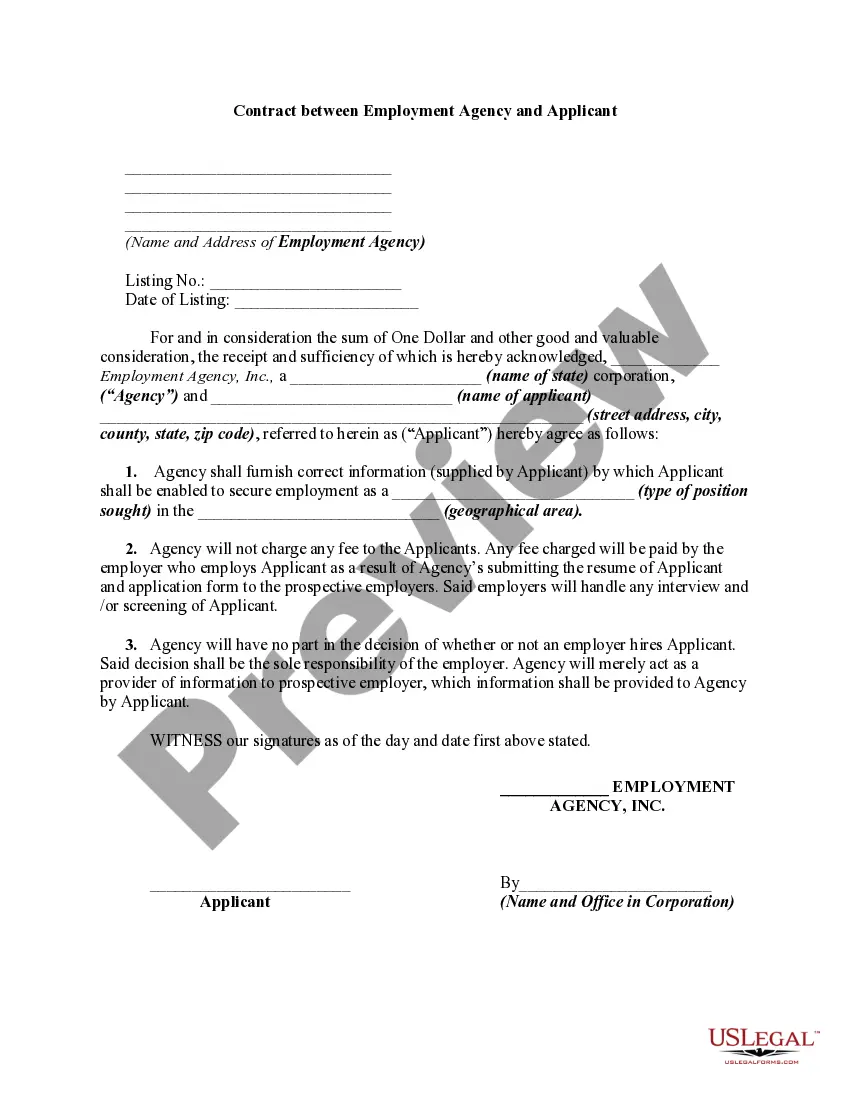
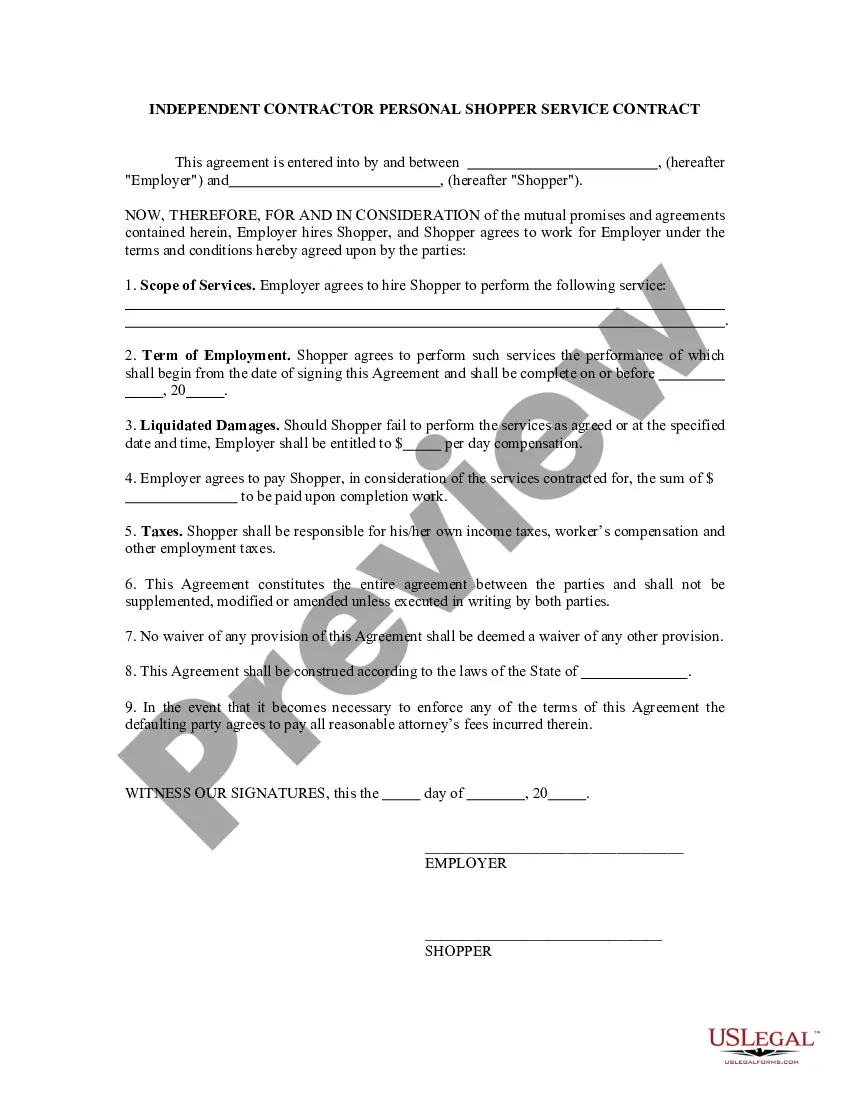
Virtual Assistant Staffing Agency For Beginners
Description
Get your form ready online
Our built-in tools help you complete, sign, share, and store your documents in one place.
Make edits, fill in missing information, and update formatting in US Legal Forms—just like you would in MS Word.
Download a copy, print it, send it by email, or mail it via USPS—whatever works best for your next step.
Sign and collect signatures with our SignNow integration. Send to multiple recipients, set reminders, and more. Go Premium to unlock E-Sign.
If this form requires notarization, complete it online through a secure video call—no need to meet a notary in person or wait for an appointment.
We protect your documents and personal data by following strict security and privacy standards.

Make edits, fill in missing information, and update formatting in US Legal Forms—just like you would in MS Word.

Download a copy, print it, send it by email, or mail it via USPS—whatever works best for your next step.

Sign and collect signatures with our SignNow integration. Send to multiple recipients, set reminders, and more. Go Premium to unlock E-Sign.

If this form requires notarization, complete it online through a secure video call—no need to meet a notary in person or wait for an appointment.

We protect your documents and personal data by following strict security and privacy standards.
Looking for another form?









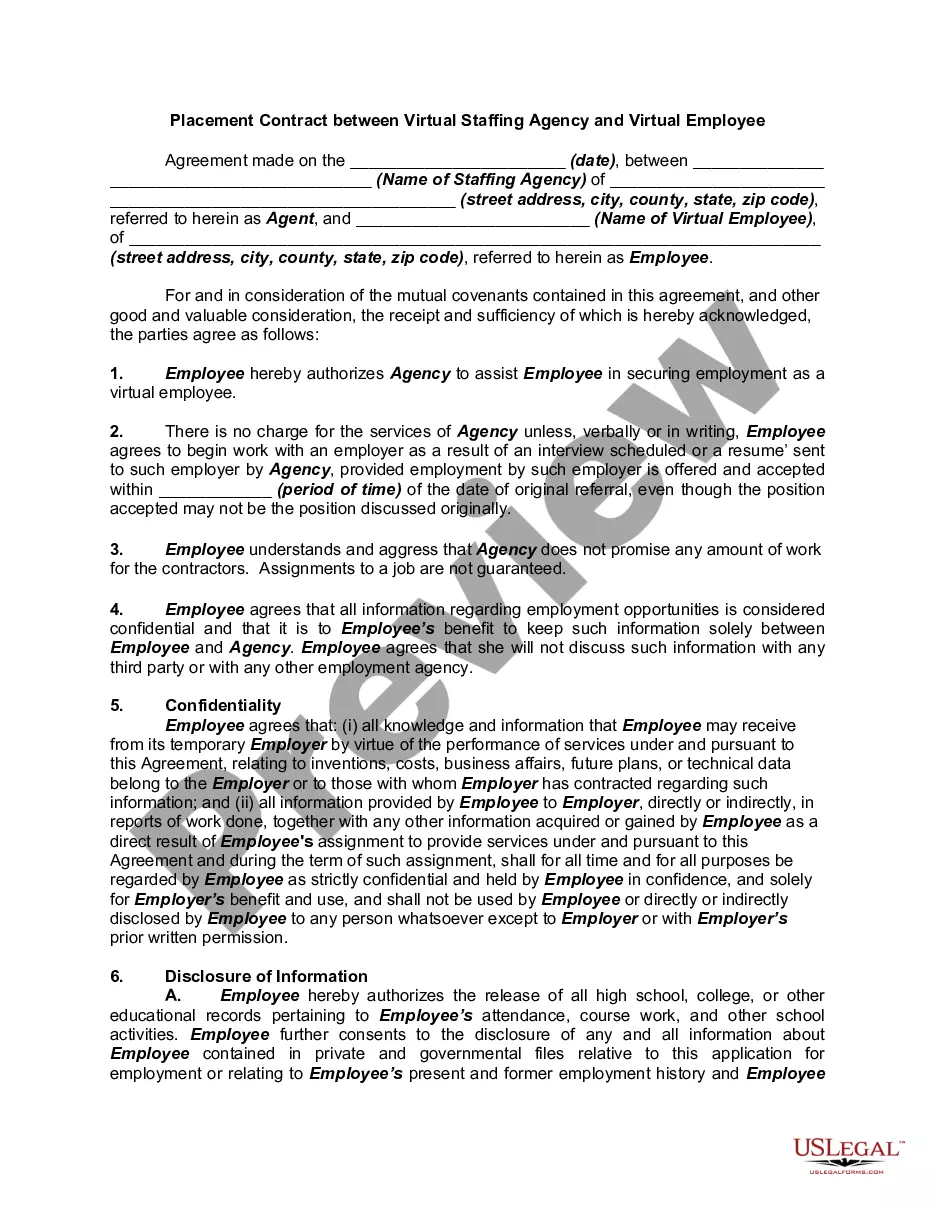
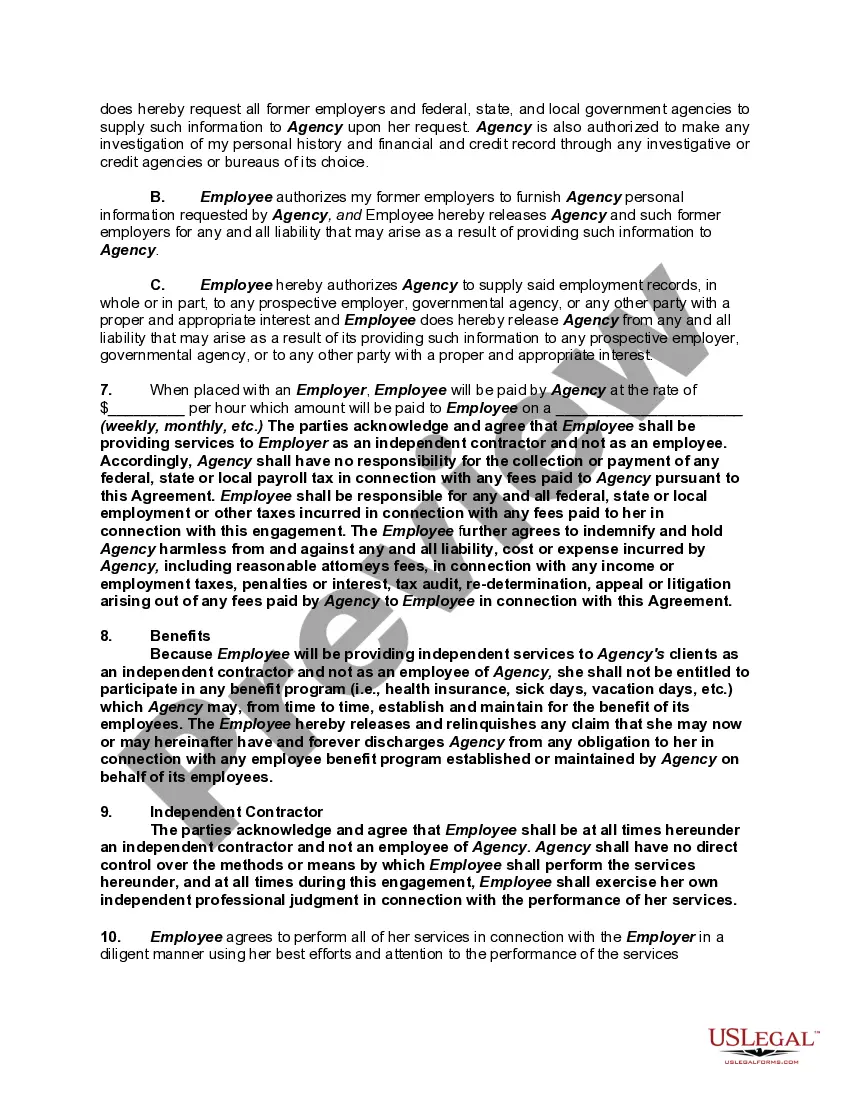
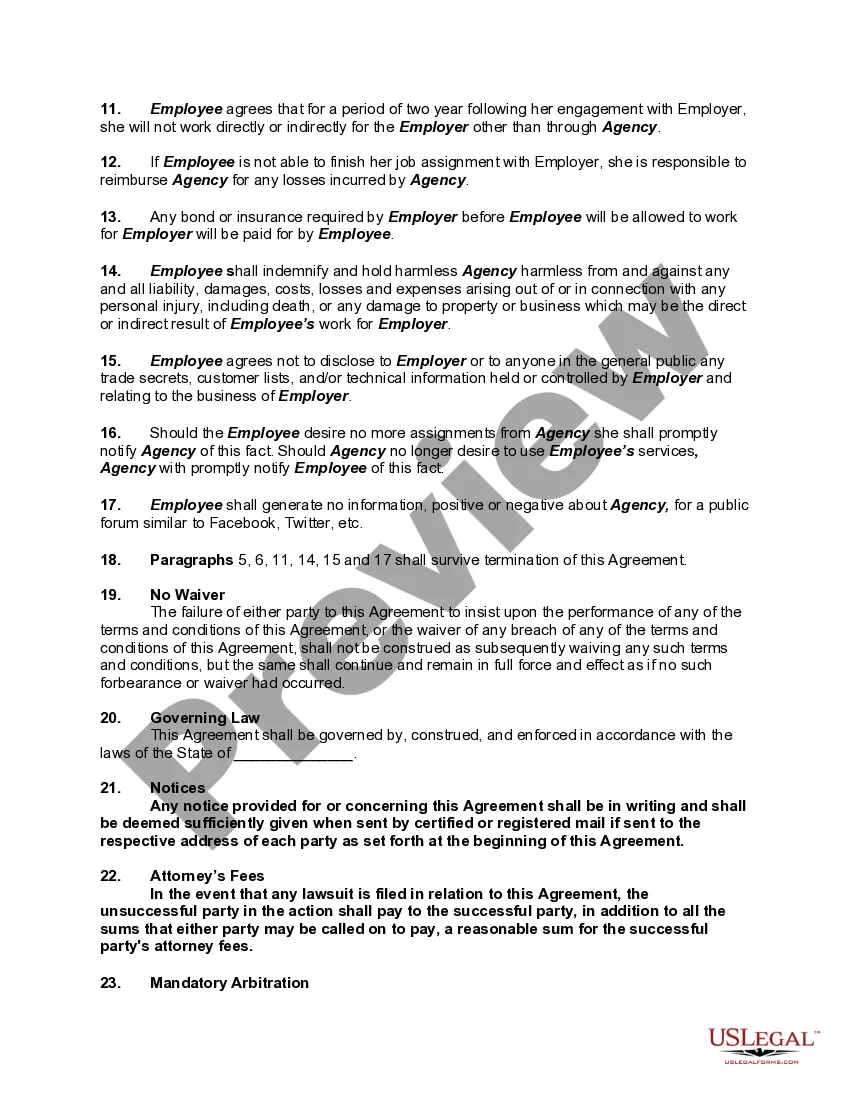
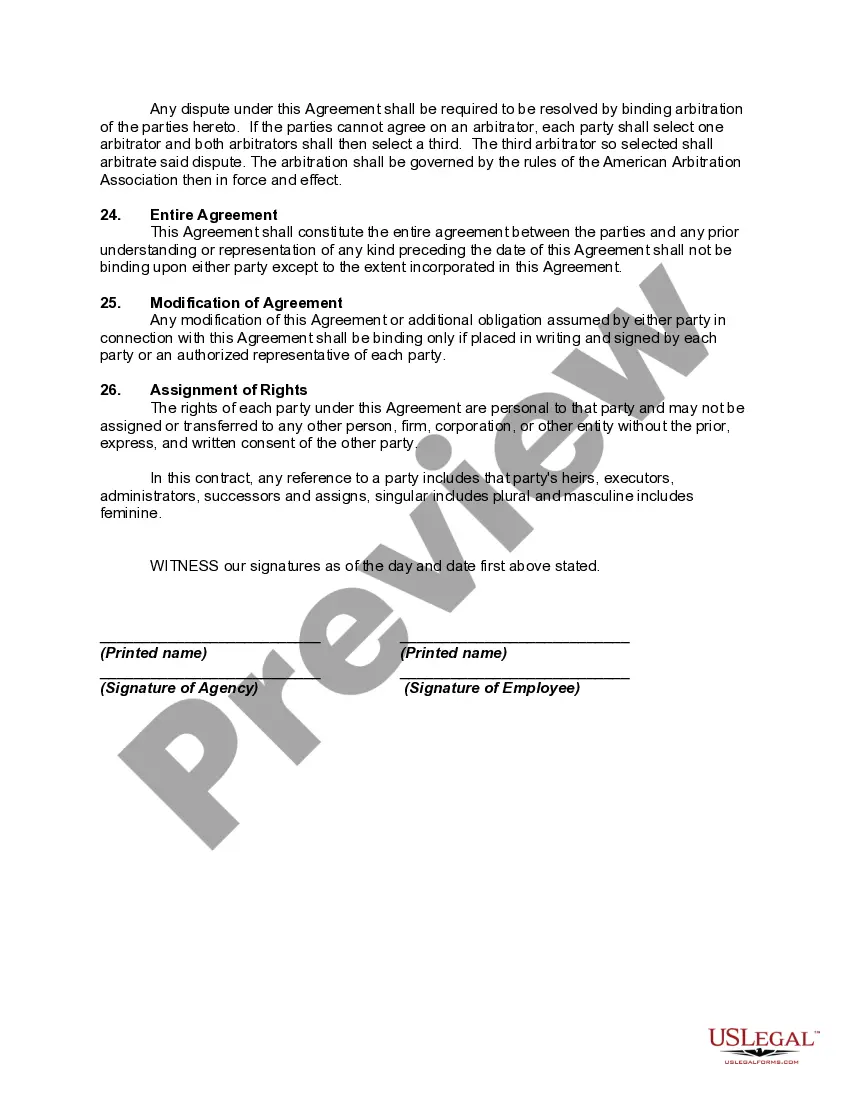
How to fill out Placement Contract Between Virtual Staffing Agency And Virtual Employee?
The Virtual Assistant Staffing Agency For Newcomers you observe on this page is a reusable legal template crafted by experienced attorneys in accordance with federal and state laws and regulations.
For over 25 years, US Legal Forms has supplied individuals, entities, and legal experts with more than 85,000 verified, state-specific documents for various business and personal situations. It’s the quickest, simplest, and most reliable method to acquire the documentation you require, as the service ensures the highest level of data security and malware protection.
Redownload your documents whenever necessary. Access the My documents tab in your profile to retrieve any previously saved forms.
- Explore the document you require and examine it.
- Browse the sample you searched and preview it or review the form description to confirm it meets your needs. If it doesn’t, utilize the search bar to find the correct one. Click Buy Now when you have discovered the template you require.
- Create an account and sign in. Select the pricing plan that suits you and set up an account. Use PayPal or a credit card to make an instant payment. If you already possess an account, Log In and verify your subscription to proceed.
- Obtain the editable template. Select the format you prefer for your Virtual Assistant Staffing Agency For Newcomers (PDF, DOCX, RTF) and download the sample to your device.
- Fill out and sign the documents. Print the template to fill it out by hand. Alternatively, use an online multifunctional PDF editor to swiftly and accurately fill in and sign your form with a legally-binding electronic signature.
Form popularity
FAQ
Here are my tips to help you do just that. Network with Other Virtual Assistants. ... Reach Out Locally. ... Give Existing Clients Opportunities to Write Reviews. ... Keep Your LinkedIn Profile Updated. ... Reconnect with Past Clients. ... Join Groups and Advertise Yourself. ... Optimize Your Customer Service. ... Improve Your Payment System.
8 Steps to Start a Virtual Assistant Business Decide on Your Services. ... Write a Business Plan. ... Know Your Legal Obligations. ... Create an Online Portfolio. ... Determine Your Prices. ... Set Up a Payment System. ... Find Your First Clients. ... Get Working and Adjust as Needed.
How to become a virtual assistant with no experience Take training courses. You've got to prepare for working as a VA and running your online business. ... Determine the work you like and can do. ... Figure out the prices to charge. ... Create an online presence. ... Start applying to jobs. ... Learn about yourself and clients.
10 virtual assistant jobs for beginners Data entry clerk. Personal assistant. Translator. Social media assistant. Technical support specialist. Customer service representative. Web designer. Copywriter.
8 Steps to Start a Virtual Assistant Business Decide on Your Services. ... Write a Business Plan. ... Know Your Legal Obligations. ... Create an Online Portfolio. ... Determine Your Prices. ... Set Up a Payment System. ... Find Your First Clients. ... Get Working and Adjust as Needed.