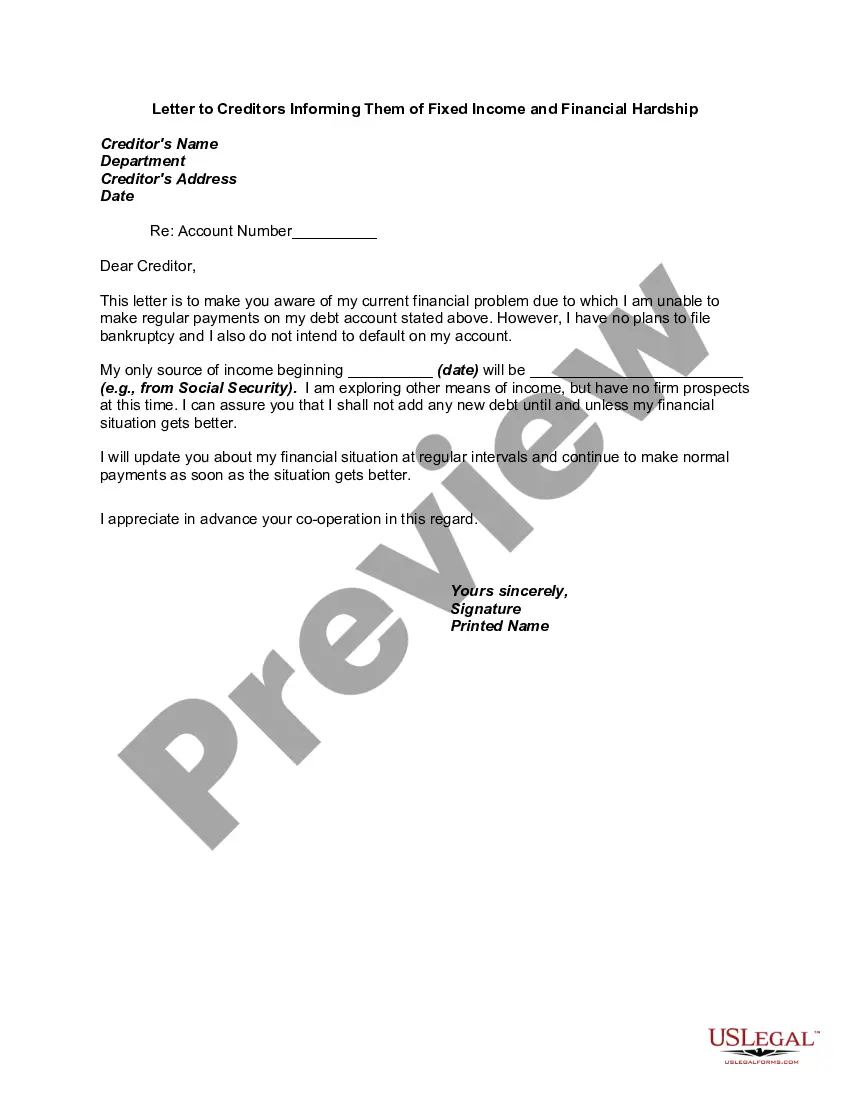
Financial Hardship Letter Example With 401k Withdrawal
Description
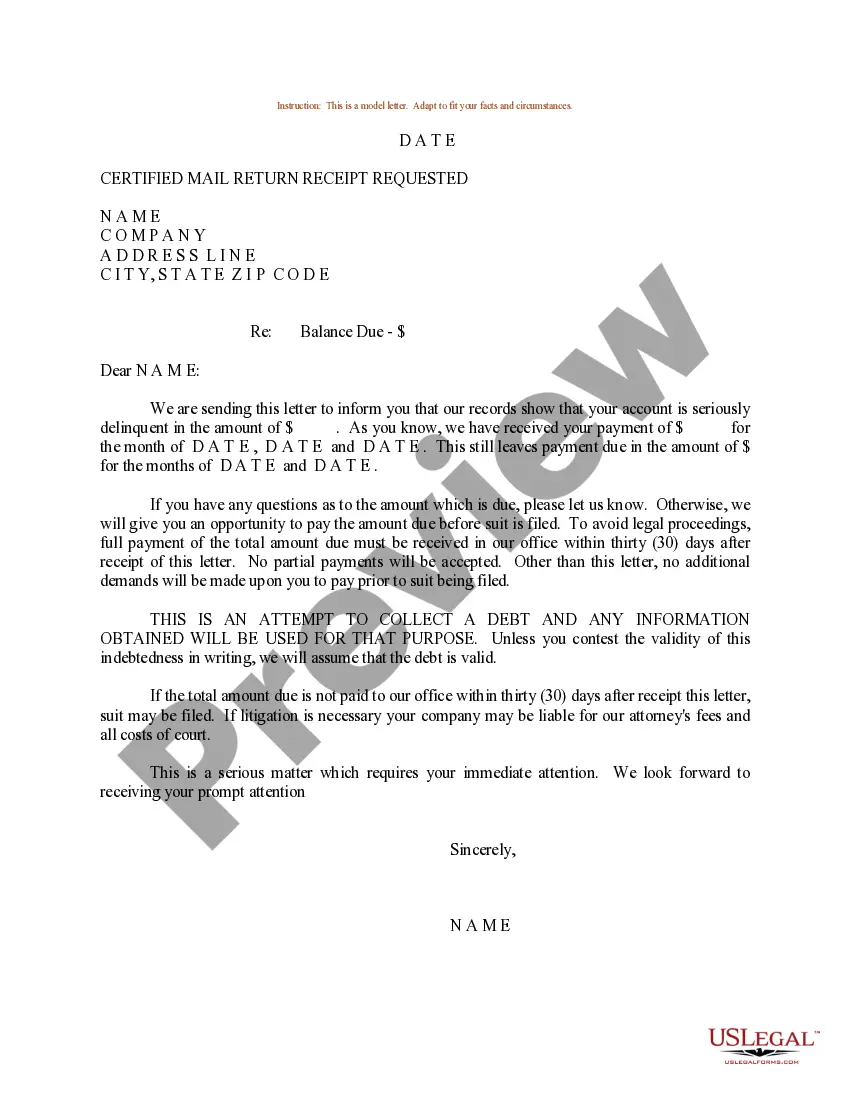
Get your form ready online
Our built-in tools help you complete, sign, share, and store your documents in one place.
Make edits, fill in missing information, and update formatting in US Legal Forms—just like you would in MS Word.
Download a copy, print it, send it by email, or mail it via USPS—whatever works best for your next step.
Sign and collect signatures with our SignNow integration. Send to multiple recipients, set reminders, and more. Go Premium to unlock E-Sign.
If this form requires notarization, complete it online through a secure video call—no need to meet a notary in person or wait for an appointment.
We protect your documents and personal data by following strict security and privacy standards.

Make edits, fill in missing information, and update formatting in US Legal Forms—just like you would in MS Word.

Download a copy, print it, send it by email, or mail it via USPS—whatever works best for your next step.

Sign and collect signatures with our SignNow integration. Send to multiple recipients, set reminders, and more. Go Premium to unlock E-Sign.

If this form requires notarization, complete it online through a secure video call—no need to meet a notary in person or wait for an appointment.

We protect your documents and personal data by following strict security and privacy standards.
Looking for another form?
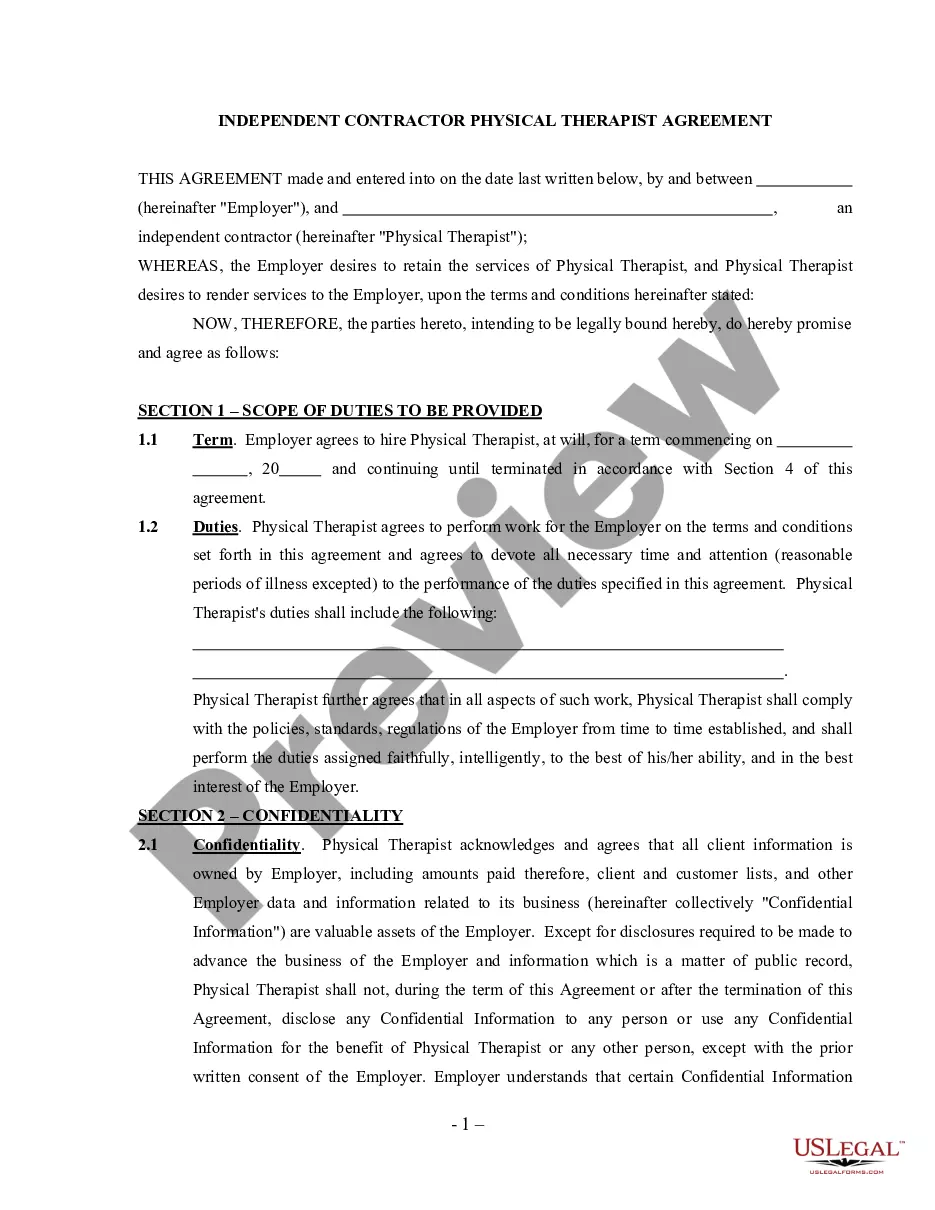

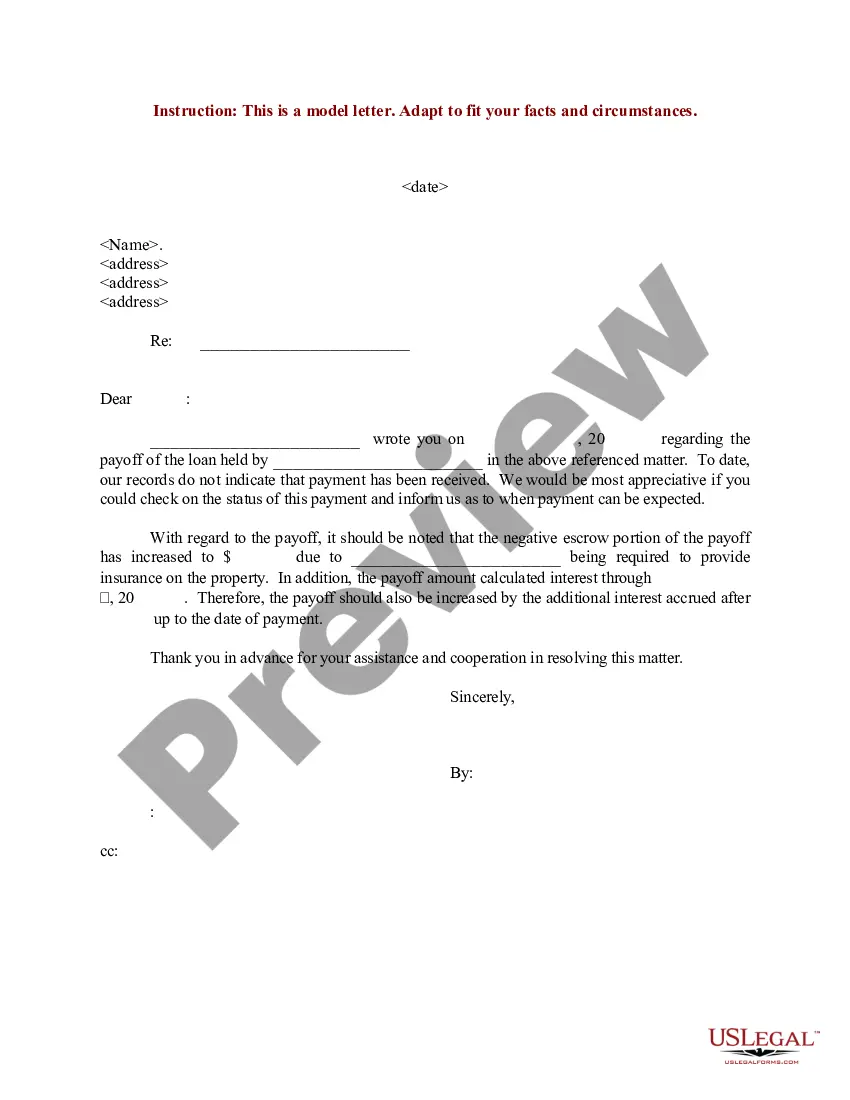
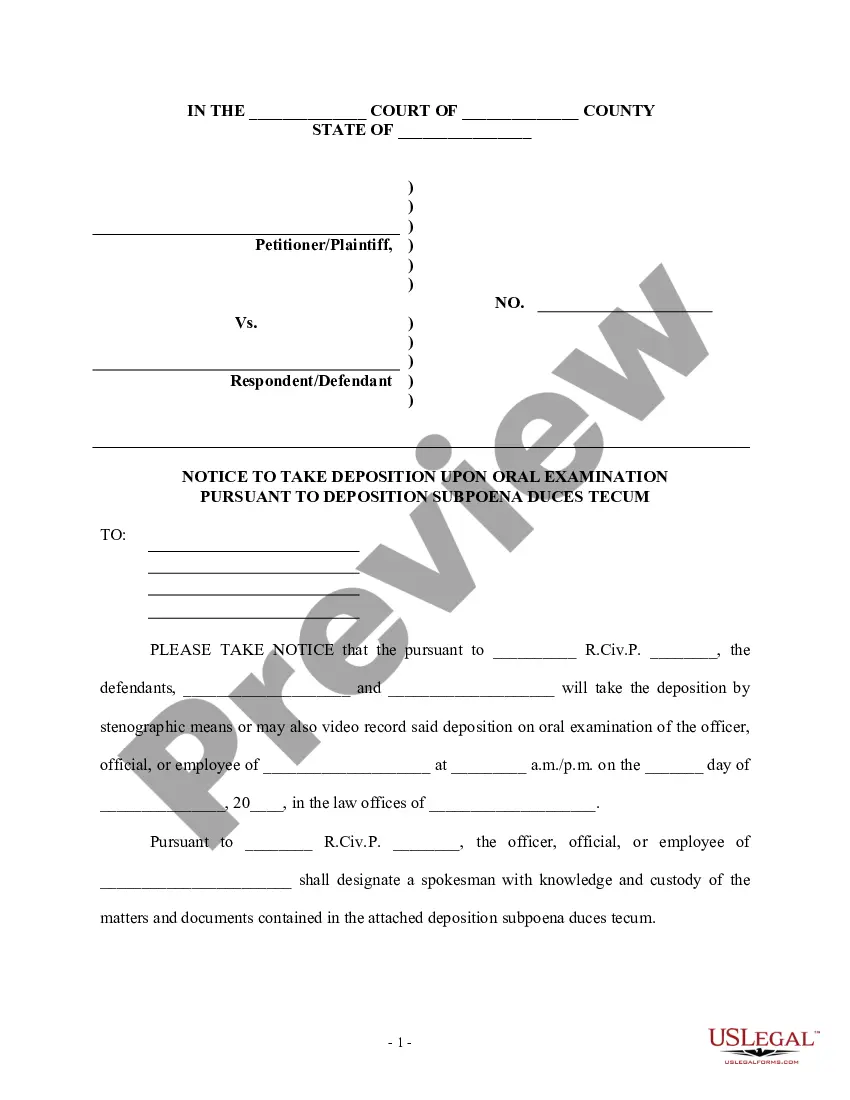
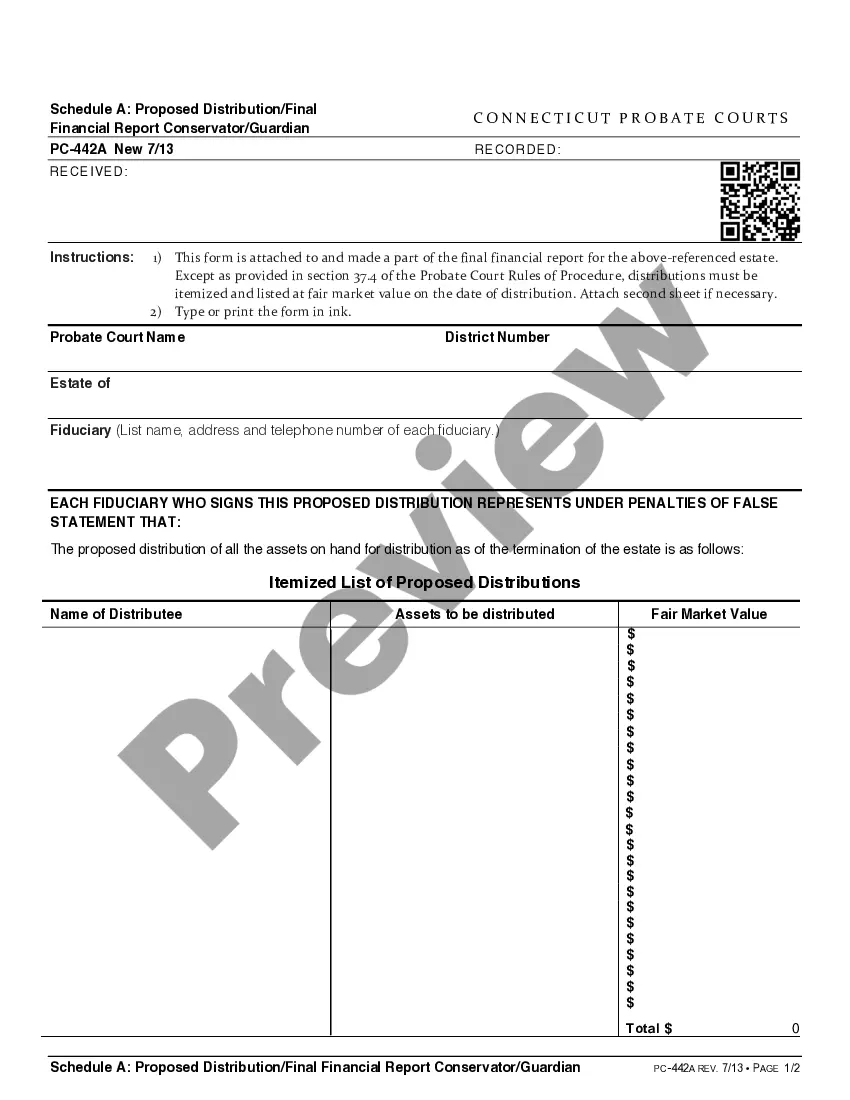
How to fill out Letter To Creditors Informing Them Of Fixed Income And Financial Hardship?
Securing a reliable source for accessing the latest and suitable legal templates is a significant part of dealing with bureaucracy.
Locating the correct legal documents requires precision and careful attention to details, which is why it is essential to obtain samples of Financial Hardship Letter Example With 401k Withdrawal exclusively from trustworthy outlets, such as US Legal Forms. An incorrect template could consume your time and prolong the situation you are facing.
Once you have the form on your device, you can edit it using the editor or print and fill it out manually. Eliminate the stress associated with your legal documents. Explore the extensive US Legal Forms catalog where you can discover legal templates, verify their relevance to your situation, and download them instantly.
- Utilize the library navigation or search feature to locate your sample.
- Examine the form’s details to ensure it meets the requirements for your state and county.
- Check the form preview, if available, to confirm the document is the one you need.
- Return to the search and seek the correct template if the Financial Hardship Letter Example With 401k Withdrawal does not fulfill your needs.
- Once you are confident about the form’s suitability, download it.
- If you are a registered user, click Log in to verify and access your selected forms in My documents.
- If you do not yet have an account, click Buy now to purchase the template.
- Choose the payment plan that fits your needs.
- Proceed to register to complete your purchase.
- Finalize your transaction by selecting a payment method (credit card or PayPal).
- Select the file format for downloading Financial Hardship Letter Example With 401k Withdrawal.
Form popularity
FAQ
Applying for an Employer Identification Number (EIN) is a free service offered by the Internal Revenue Service. Beware of websites on the Internet that charge for this free service.
You can apply for an EIN by fax, by mail, or by filling out the application on the IRS website. In order to simplify the application process, the state of Missouri has put together much of the necessary information on how and where to get a tax ID number on the website.
Apply Online at .irs.gov The Internet EIN application is the preferred method for customers to apply for and obtain an EIN.
Missouri Tax ID: Apply Online for a Quicker Turnaround You'll need to complete an application to get a tax ID number, following the same formula regardless of which method you choose. In this formula, you'll provide some personal details, submit the form, then wait to receive your tax ID number.
Use this screen to amend a Missouri tax return. New for tax year 2022 and beyond: Amended returns can be filed electronically beginning with tax year 2022. Amended returns prepared for 2021 and prior must be paper filed.
Applying for an EIN for your Missouri LLC is completely free. The IRS doesn't charge any service fees for the EIN online application.
Missouri does not have a special form for amending a tax return. Form MO-1040 Individual Income Tax - Long Form should be completed (for the year being amended) with the corrected figures.