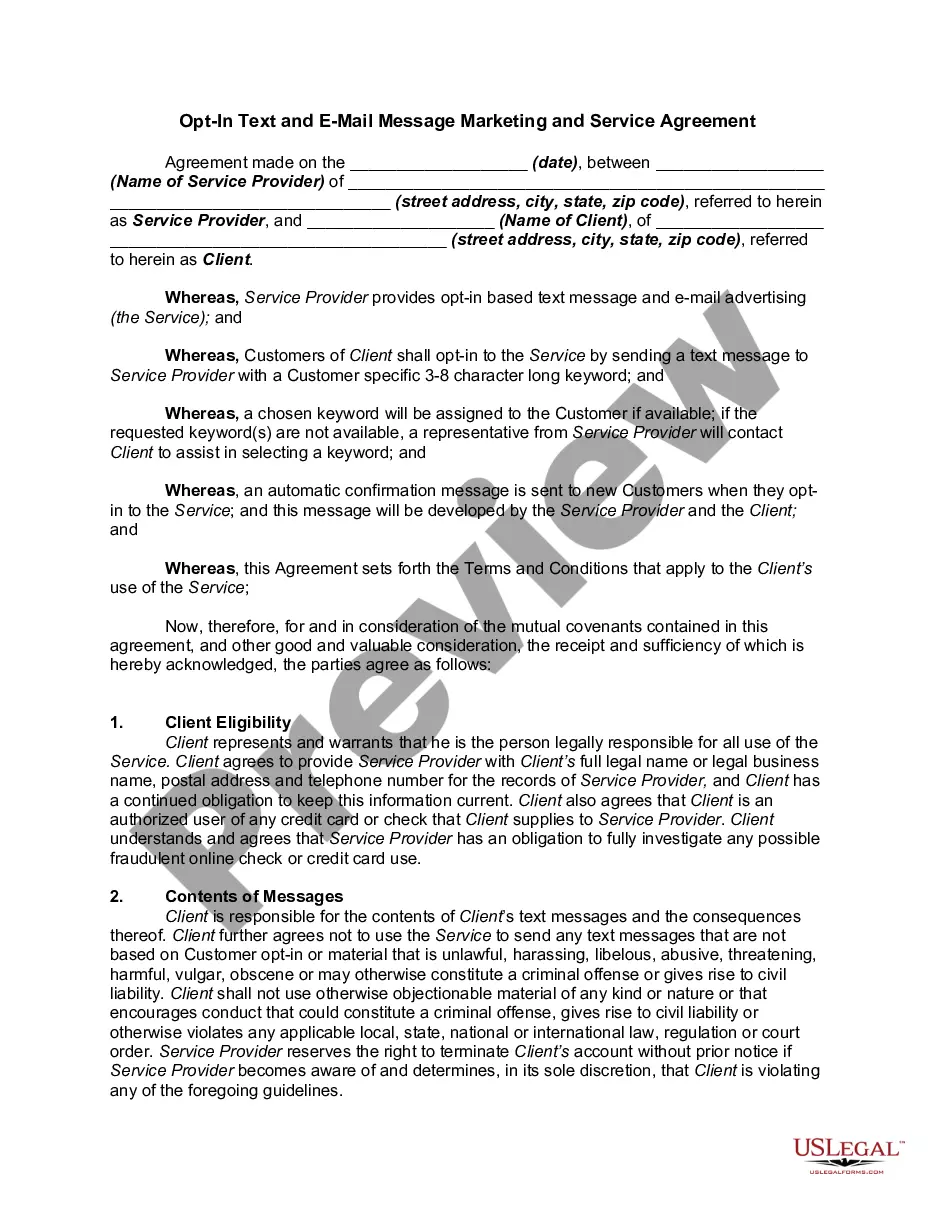
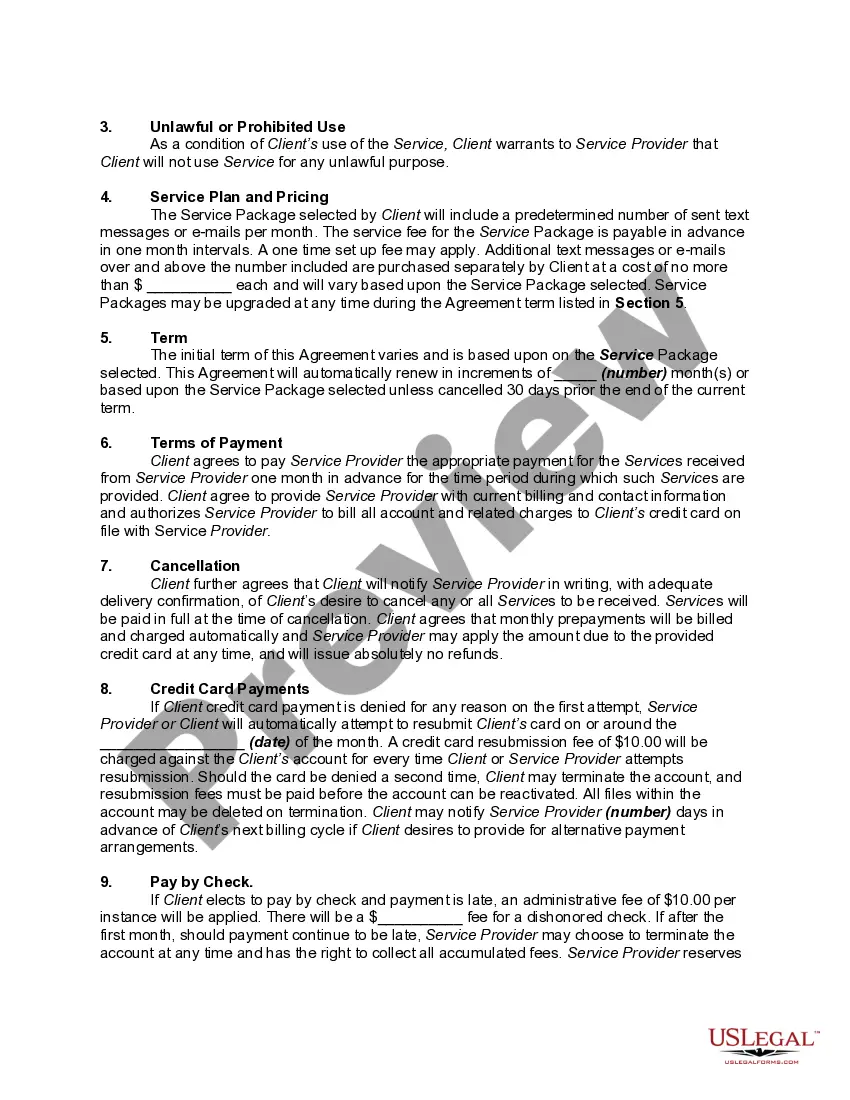
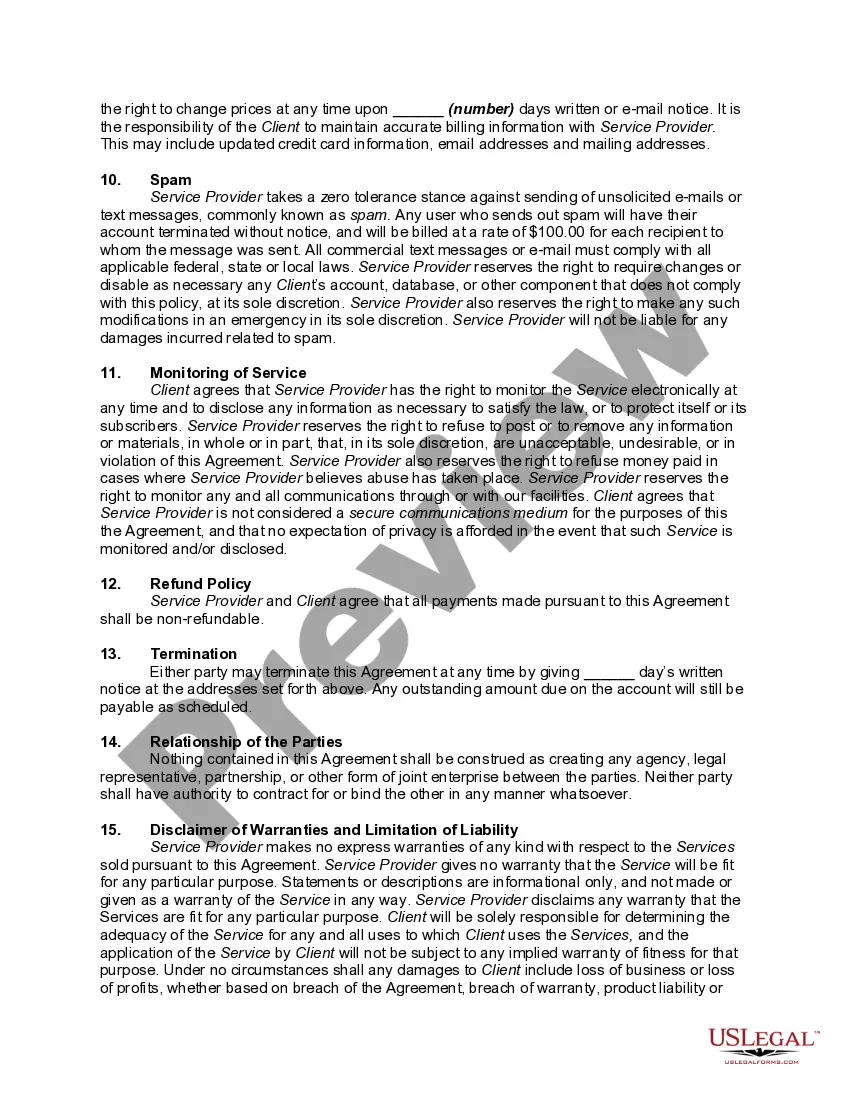
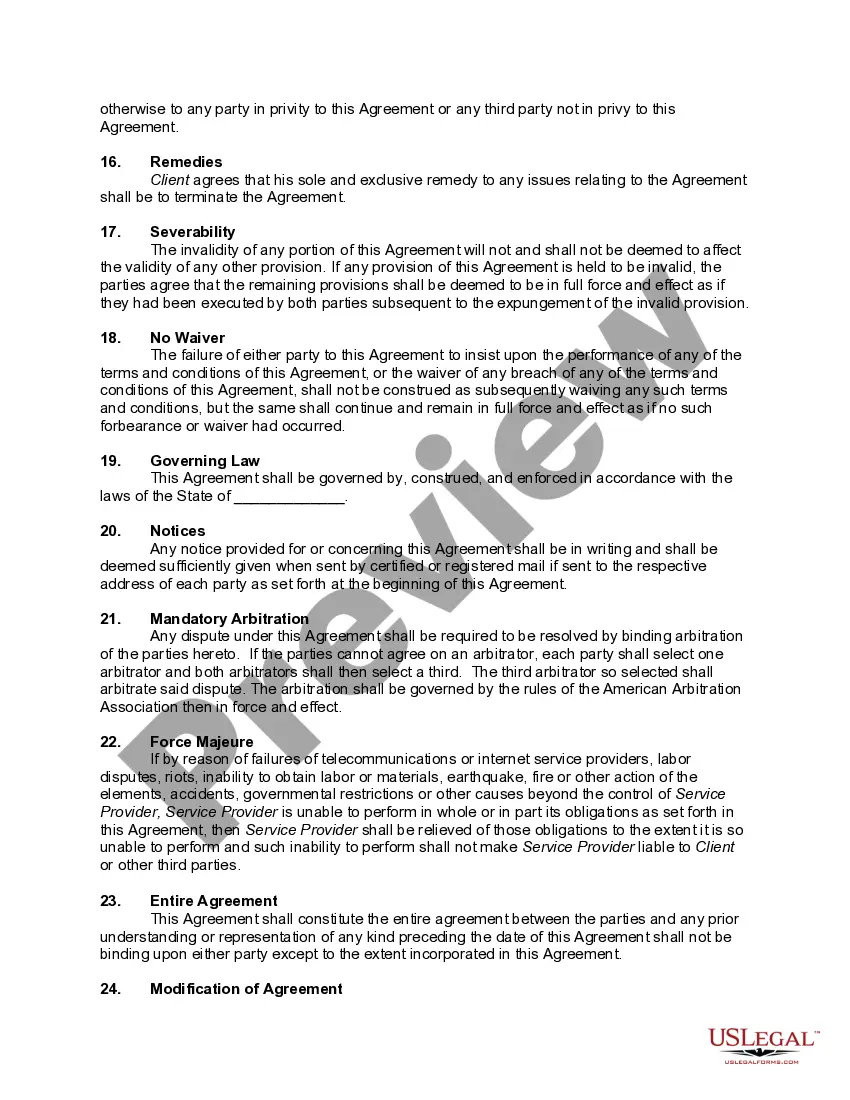
Email Service Agreement For Contractors
Description
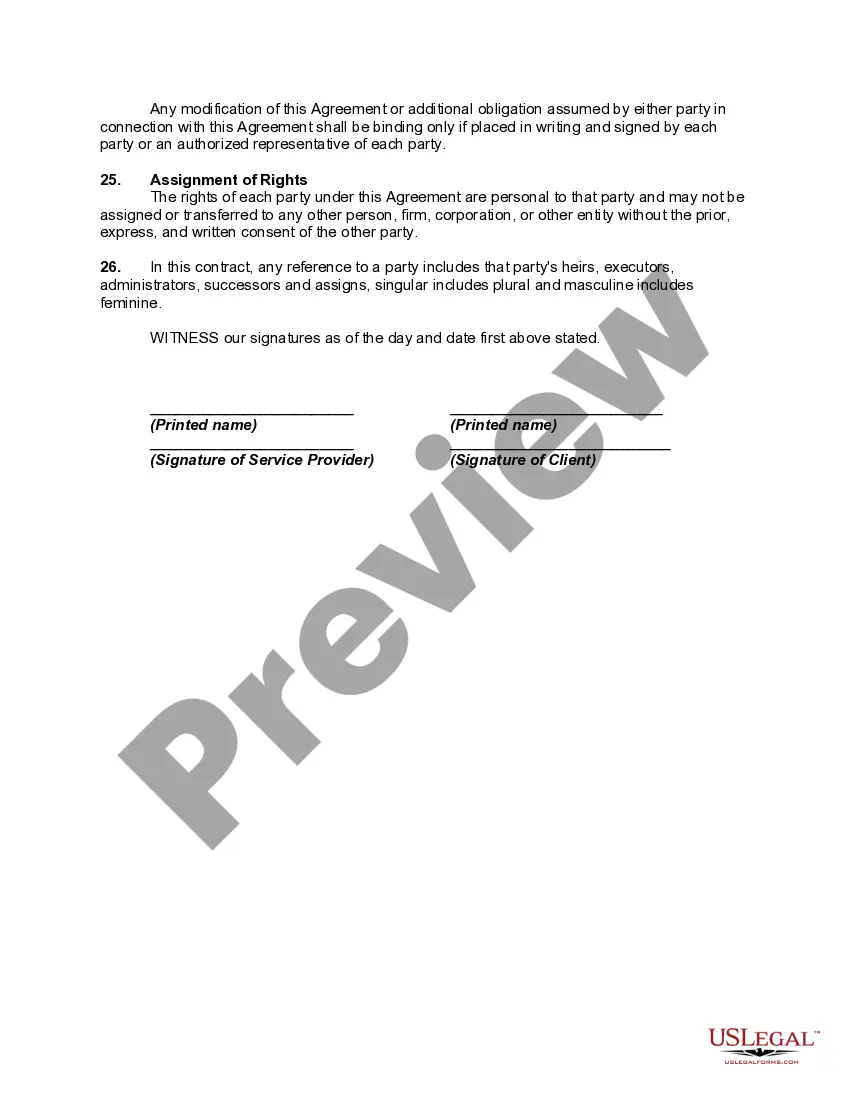
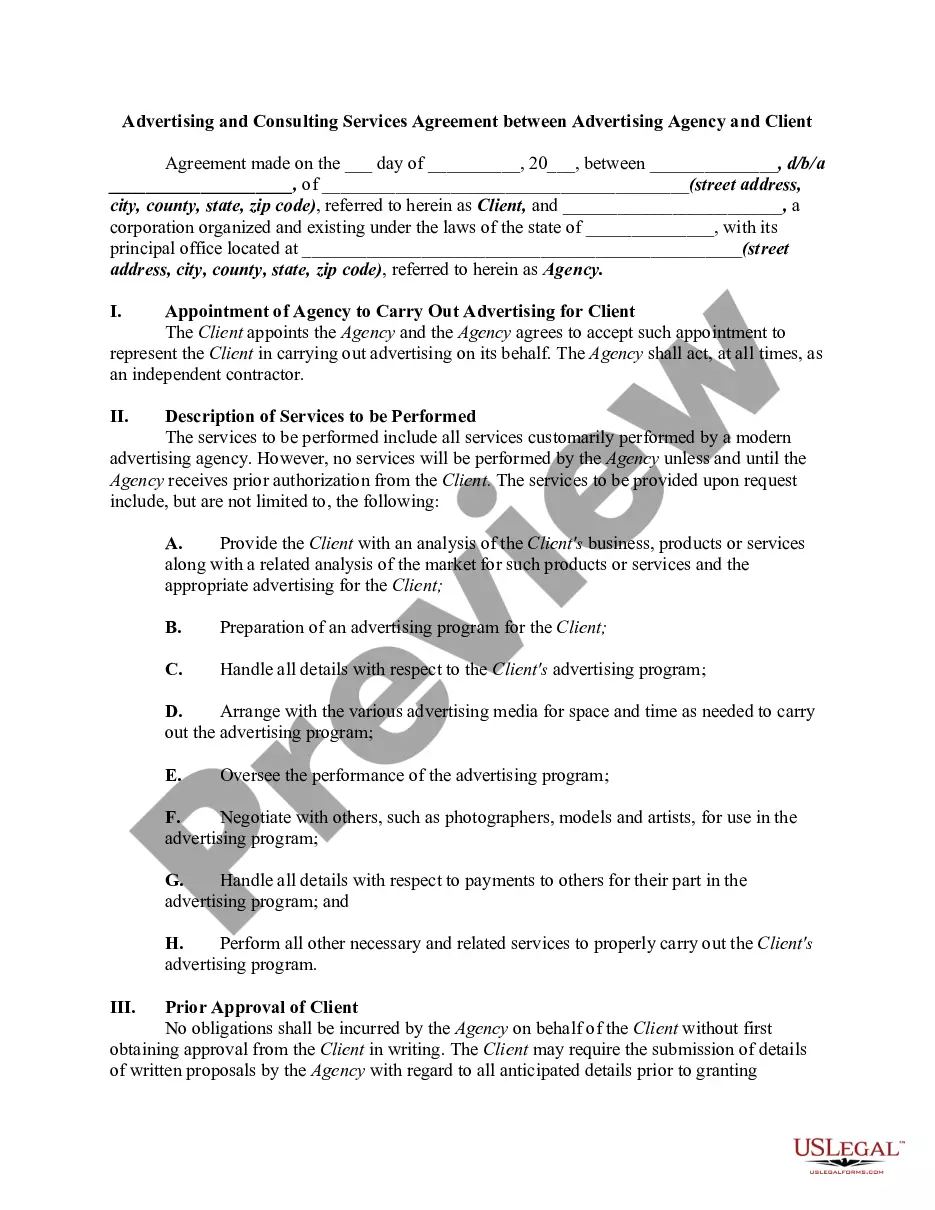
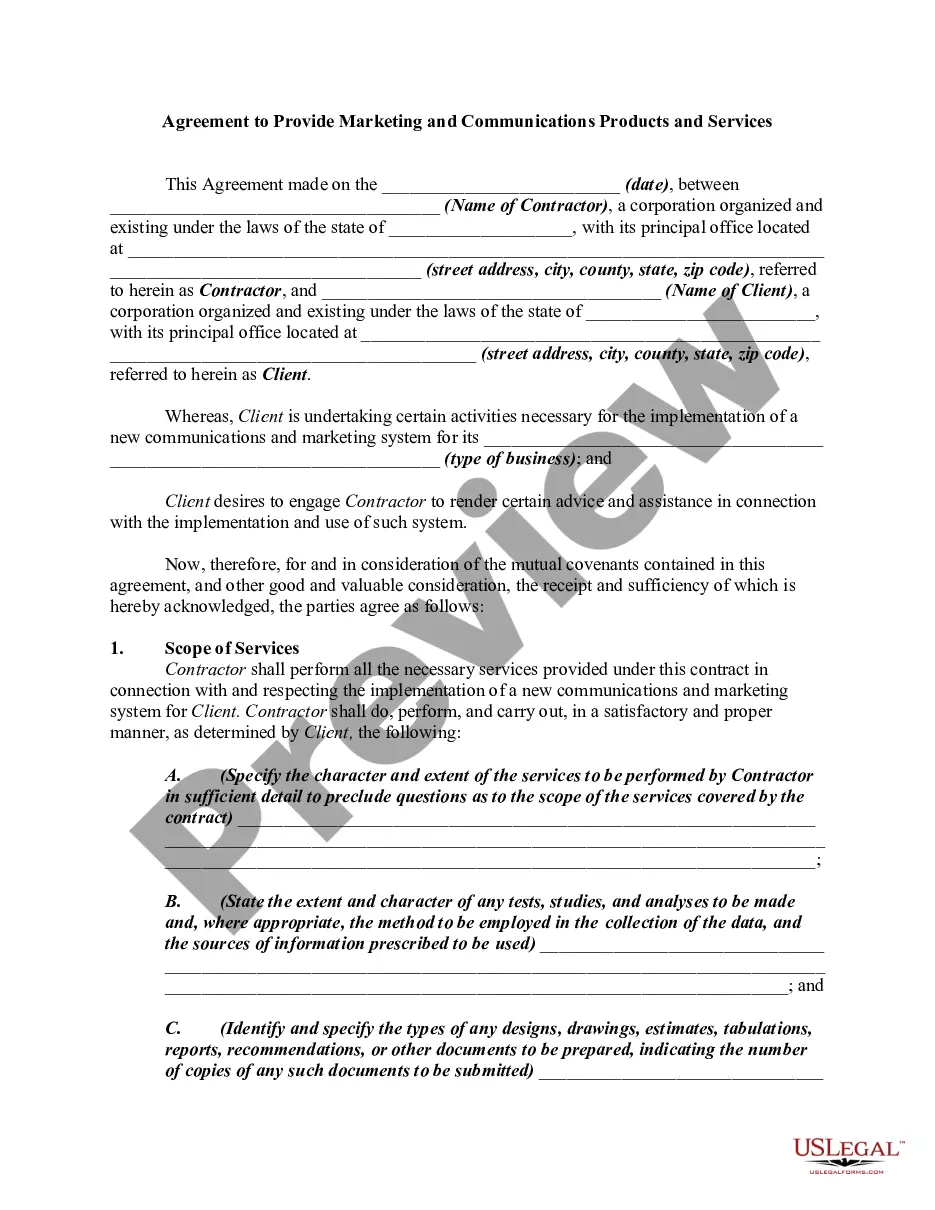
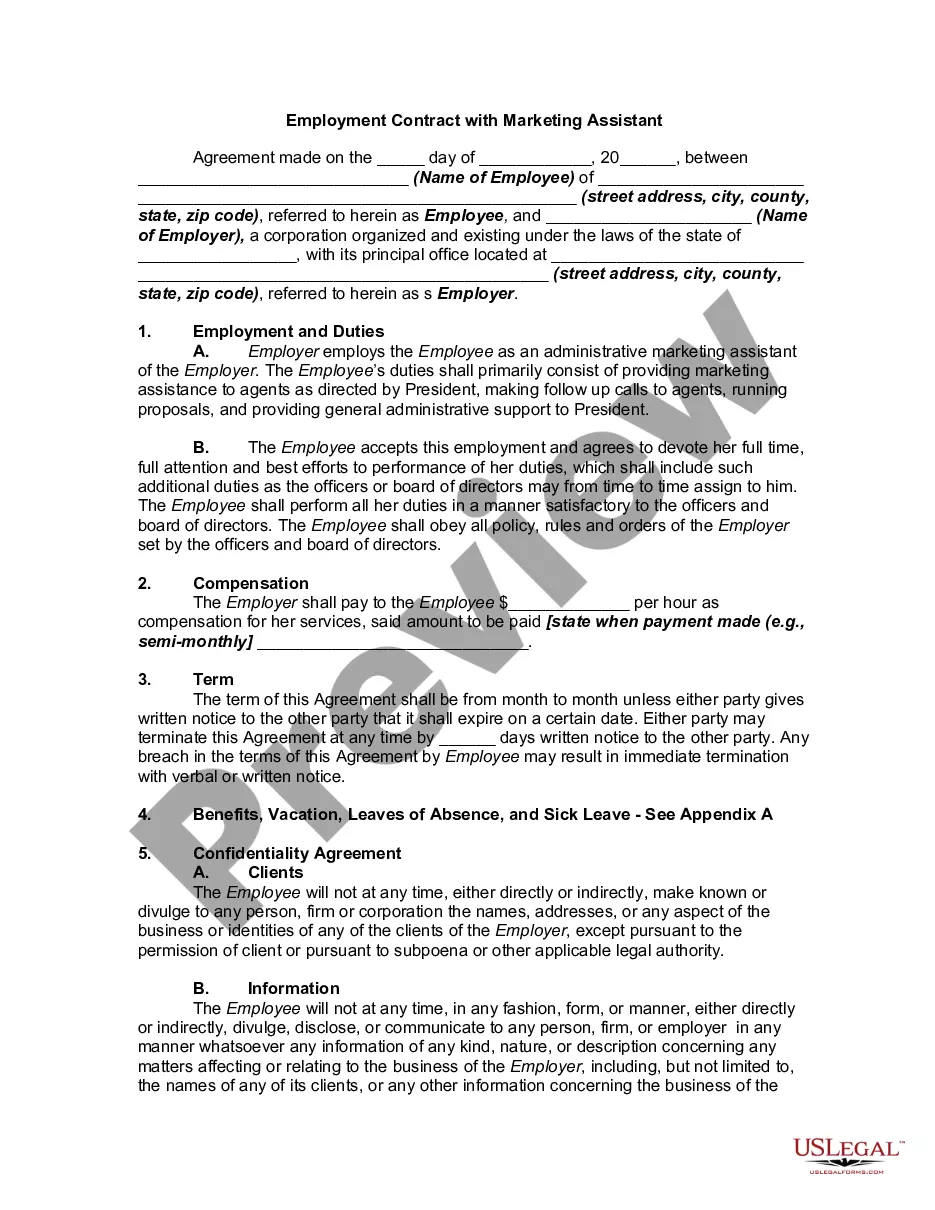
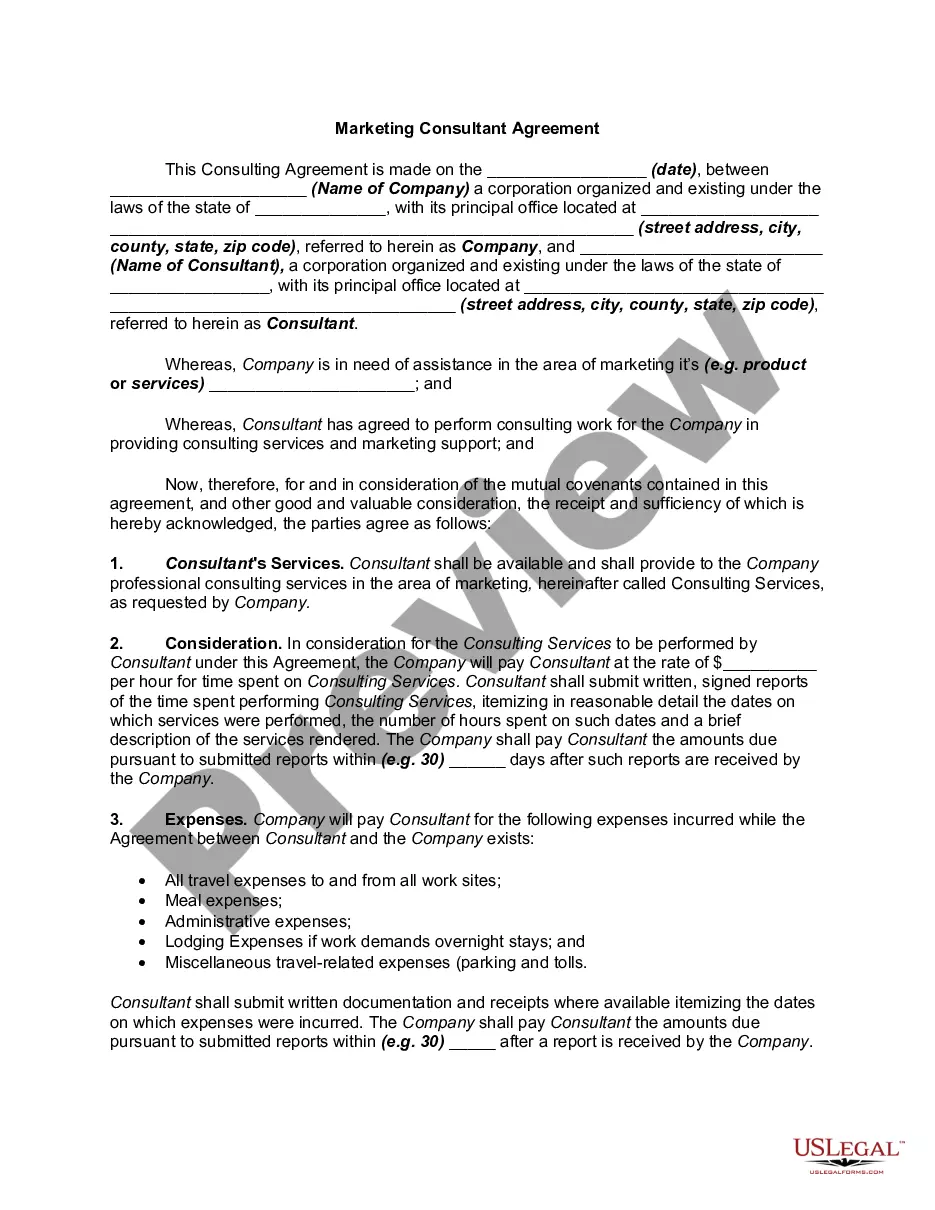
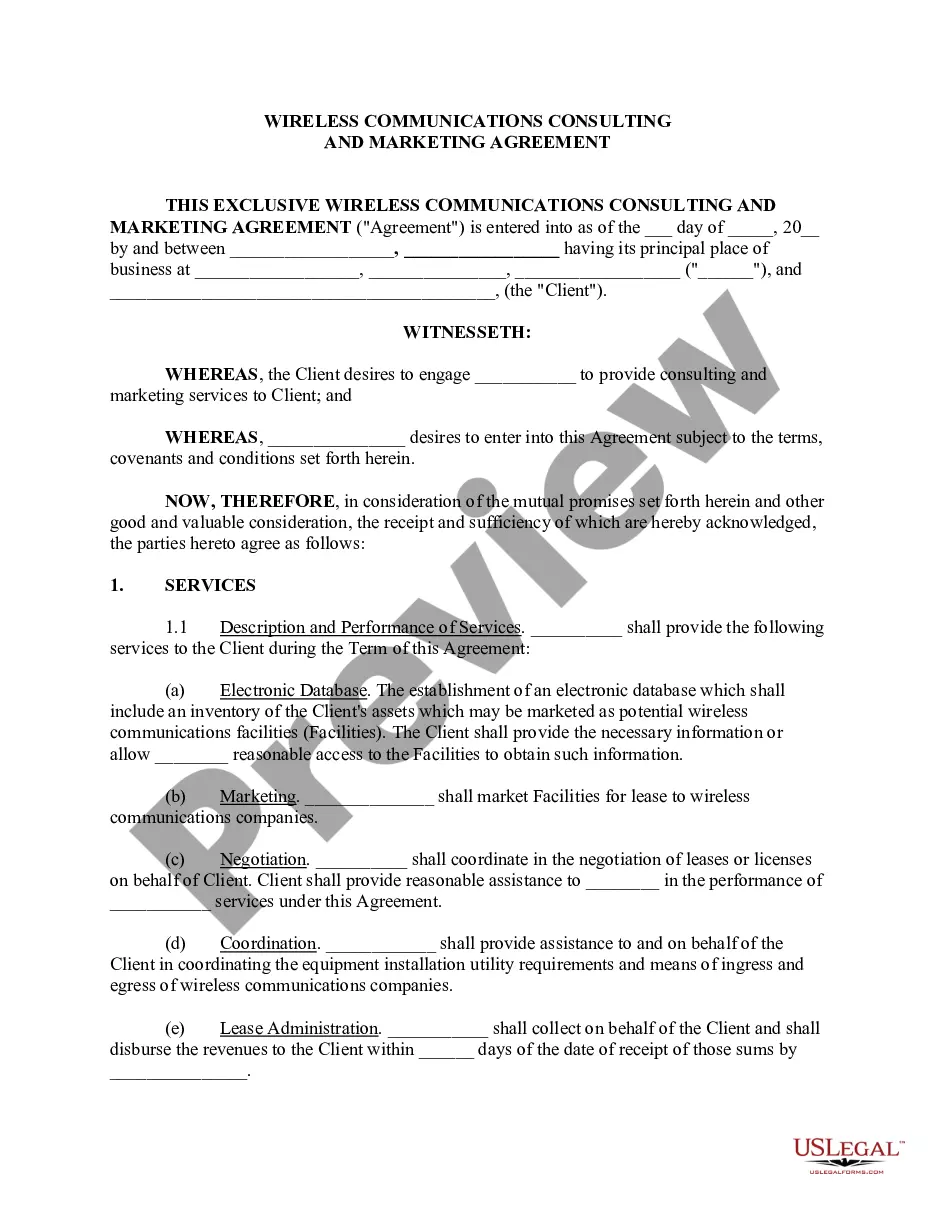
Get your form ready online
Our built-in tools help you complete, sign, share, and store your documents in one place.
Make edits, fill in missing information, and update formatting in US Legal Forms—just like you would in MS Word.
Download a copy, print it, send it by email, or mail it via USPS—whatever works best for your next step.
Sign and collect signatures with our SignNow integration. Send to multiple recipients, set reminders, and more. Go Premium to unlock E-Sign.
If this form requires notarization, complete it online through a secure video call—no need to meet a notary in person or wait for an appointment.
We protect your documents and personal data by following strict security and privacy standards.

Make edits, fill in missing information, and update formatting in US Legal Forms—just like you would in MS Word.

Download a copy, print it, send it by email, or mail it via USPS—whatever works best for your next step.

Sign and collect signatures with our SignNow integration. Send to multiple recipients, set reminders, and more. Go Premium to unlock E-Sign.

If this form requires notarization, complete it online through a secure video call—no need to meet a notary in person or wait for an appointment.

We protect your documents and personal data by following strict security and privacy standards.
Looking for another form?









How to fill out Opt-In Text And Email Message - Marketing Consultant Service Agreement?
How to obtain professional legal documents that adhere to your state's regulations and create the Email Service Agreement For Contractors without enlisting a lawyer.
Numerous online services offer templates for various legal situations and formalities. Nevertheless, it may require time to determine which of the provided samples fulfill both your usage scenario and legal requirements.
US Legal Forms is a dependable platform that assists you in finding formal documents tailored to the latest updates in state law and helps you save on legal fees.
If you lack an account with US Legal Forms, then adhere to the following instructions: Review the webpage you have opened and verify if the form fulfills your requirements. Utilize the form description and preview options if available. If necessary, search for another sample using your state in the header. When you locate the appropriate document, click the Buy Now button. Choose the most suitable pricing plan, then Log In or create an account. Select your preferred payment method (credit card or PayPal). Opt for the file format for your Email Service Agreement For Contractors and click Download. The acquired documents belong to you: you can always revisit them in the My documents tab of your profile. Sign up for our library and prepare legal documents independently like a seasoned legal expert!
- US Legal Forms is not merely a typical web directory.
- It is a resource containing over 85k verified templates for numerous business and personal circumstances.
- All documents are categorized by area and state to streamline your search process.
- It also incorporates powerful tools for PDF editing and electronic signing, allowing Premium subscribers to swiftly complete their documentation online.
- Acquiring the necessary paperwork requires minimal effort and time.
- If you already possess an account, Log In and confirm your subscription is active.
- Download the Email Service Agreement For Contractors by clicking the appropriate button beside the file name.
Form popularity
FAQ
This is how you send a contract to be signed via email:Login or register for free with Legalesign.Upload a PDF, or Word document, or any file.Drag and drop where you want your signatories to sign.Add any other form fields you want your signatories to complete.Click 'Send'.Add your signer(s) name and email.More items...
There is no law that states certified mail will serve as proof of notice in receiving legal documents. Likewise, it is never a good idea to send legal documents by electronic means. There are too many events and instances that can prevent email from reaching the recipient, such as spam filters and bouncing.
For example, a Service Contract might be used to define a work-agreement between a contractor and a homeowner. Or, a contract could be used between a business and a freelance web designer. Most often, Service Contracts include details such as deadlines and payment agreements.
The following list includes the key provisions to look for when entering into a service agreement, including: payment, scope of services, amendment, termination, liability insurance, confidentiality, IP ownership, and choice of law/dispute resolution.
How to Create Your Own Service AgreementIdentify the customer and the service provider.Add both parties' contact information.Describe the services that will be provided.Outline a schedule for payments.Establish any necessary legal terms.If the services are creative, decide who owns the creative product.More items...