End User License Agreement For Wps Office
Description
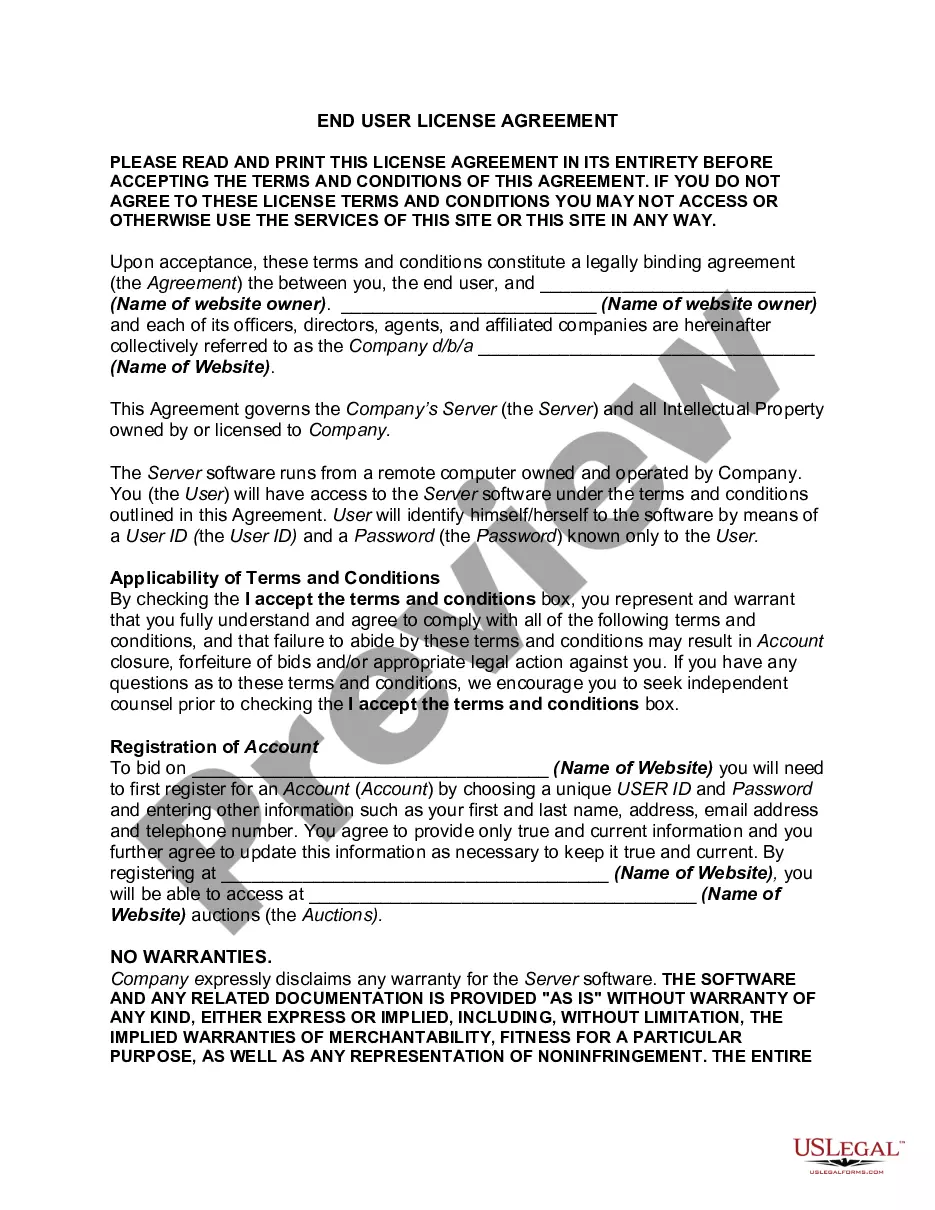
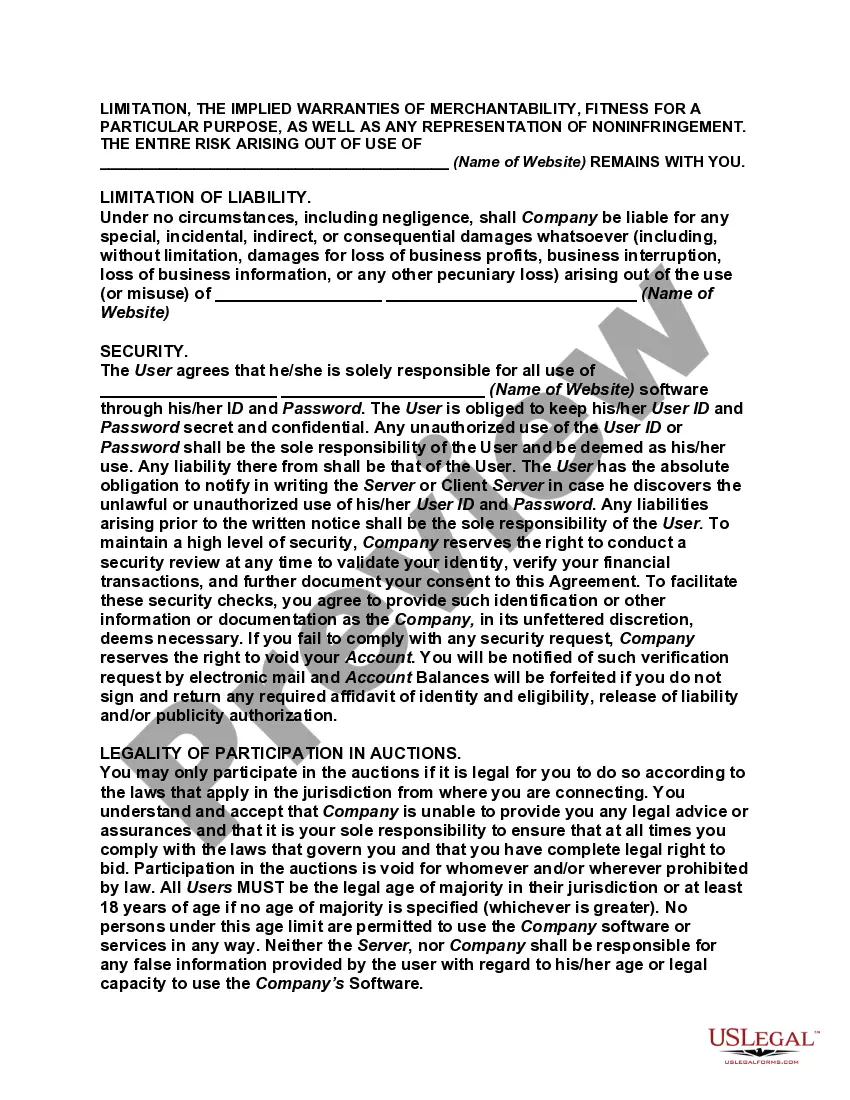
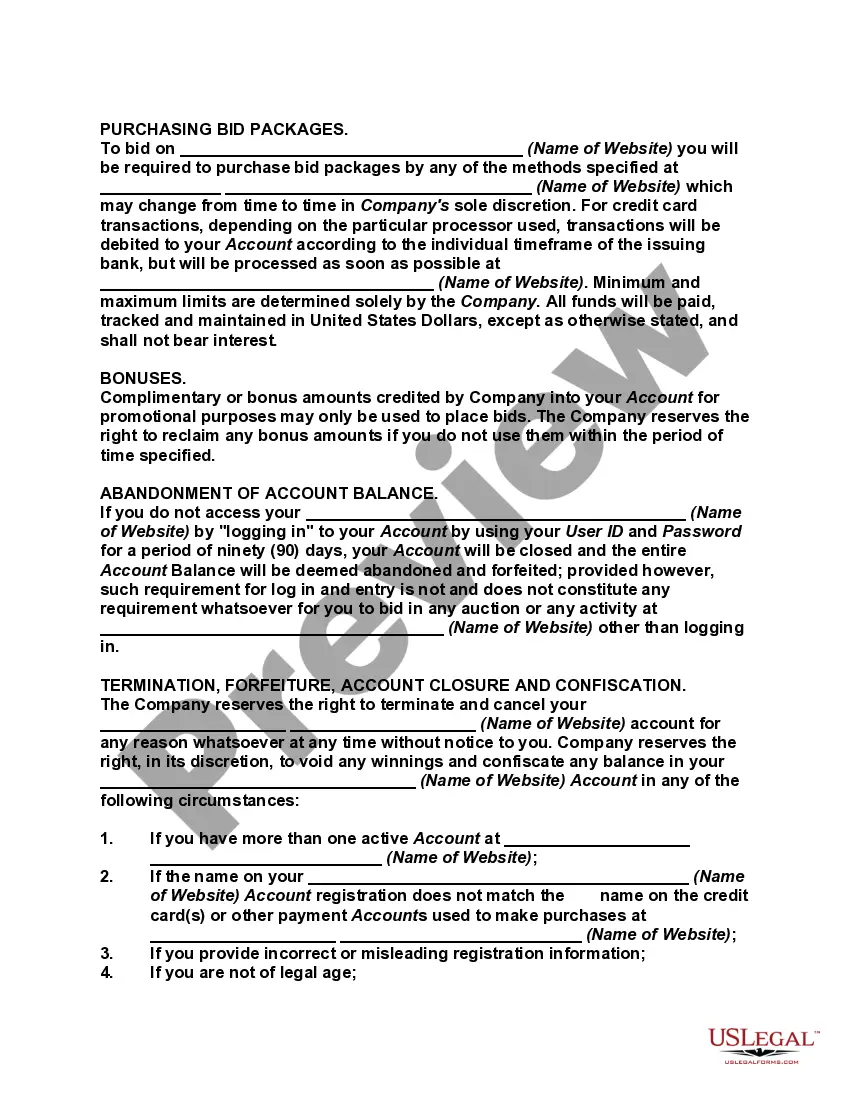
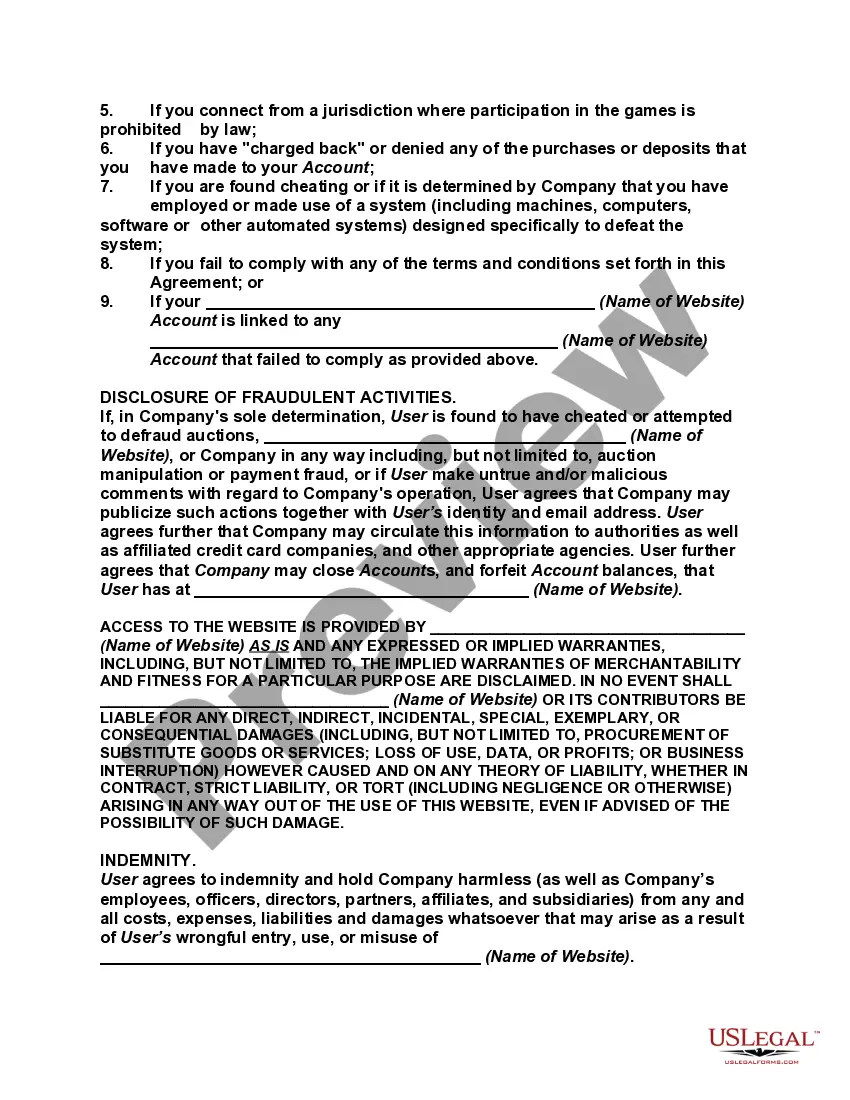
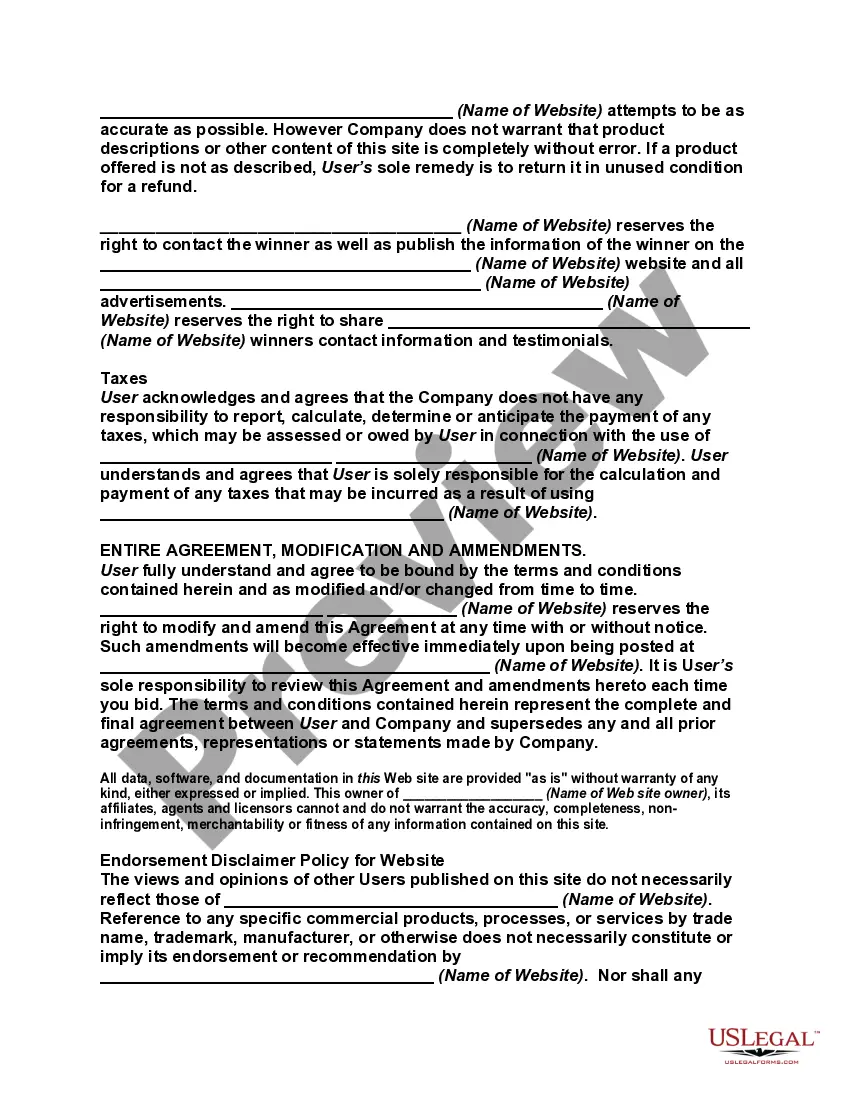
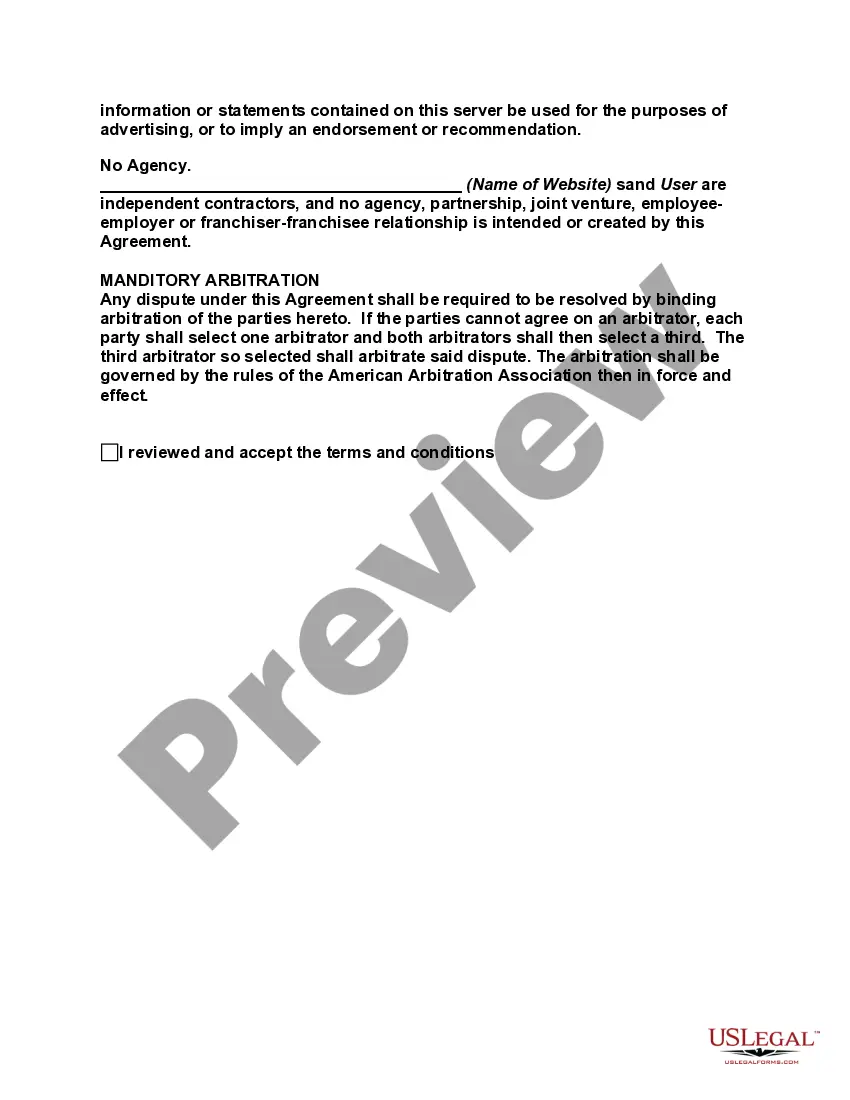
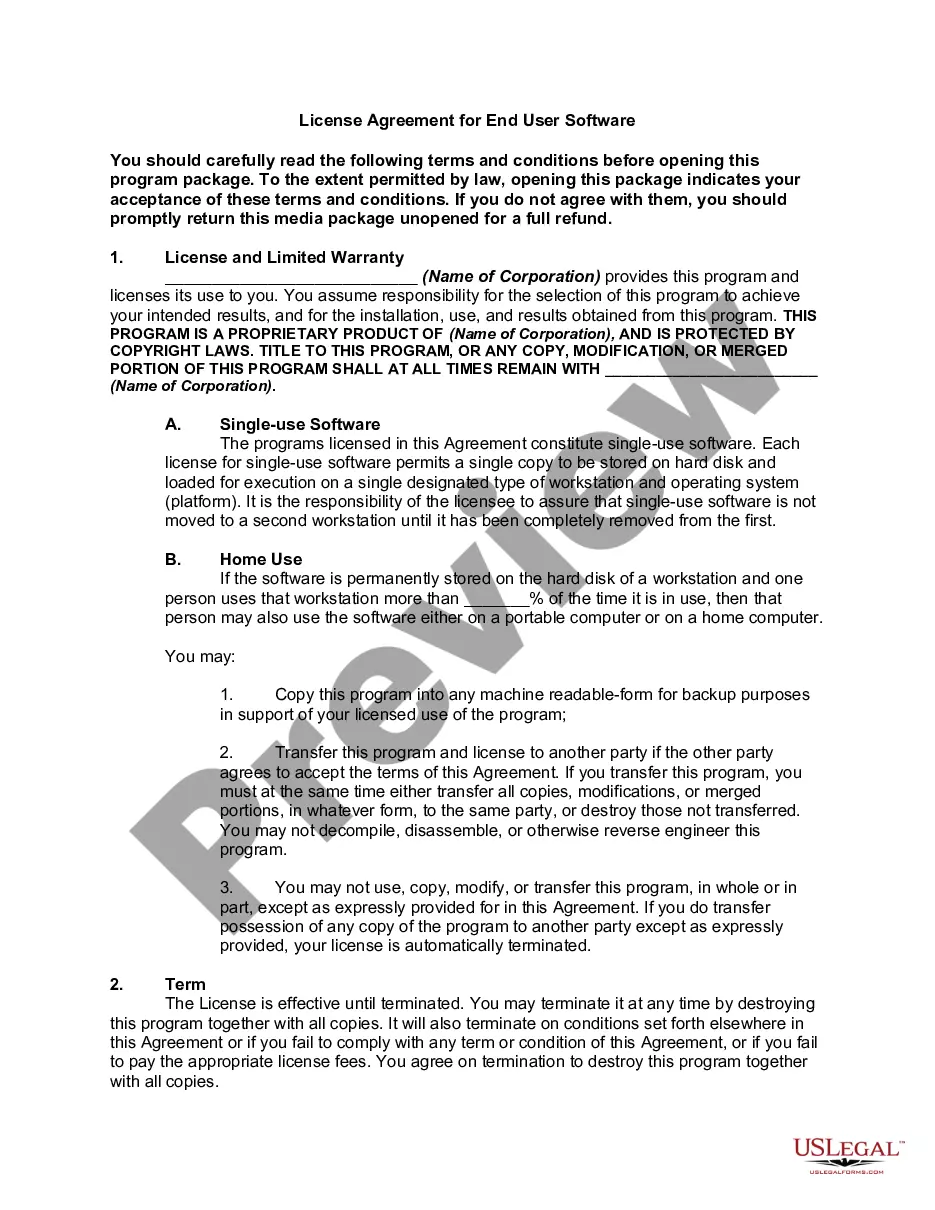
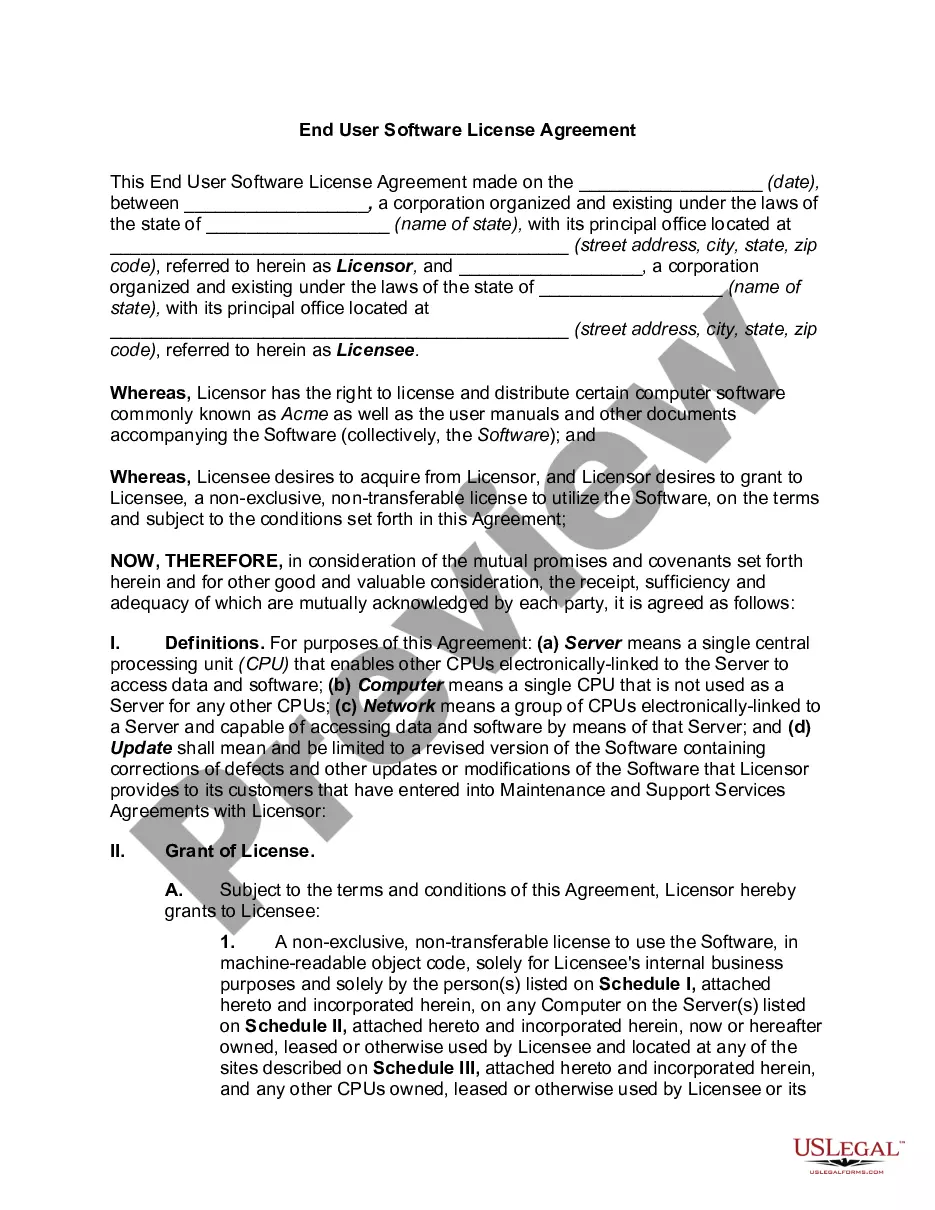
Get your form ready online
Our built-in tools help you complete, sign, share, and store your documents in one place.
Make edits, fill in missing information, and update formatting in US Legal Forms—just like you would in MS Word.
Download a copy, print it, send it by email, or mail it via USPS—whatever works best for your next step.
Sign and collect signatures with our SignNow integration. Send to multiple recipients, set reminders, and more. Go Premium to unlock E-Sign.
If this form requires notarization, complete it online through a secure video call—no need to meet a notary in person or wait for an appointment.
We protect your documents and personal data by following strict security and privacy standards.

Make edits, fill in missing information, and update formatting in US Legal Forms—just like you would in MS Word.

Download a copy, print it, send it by email, or mail it via USPS—whatever works best for your next step.

Sign and collect signatures with our SignNow integration. Send to multiple recipients, set reminders, and more. Go Premium to unlock E-Sign.

If this form requires notarization, complete it online through a secure video call—no need to meet a notary in person or wait for an appointment.

We protect your documents and personal data by following strict security and privacy standards.
Looking for another form?


How to fill out End User License Agreement?
There’s no further justification to squander time searching for legal paperwork to comply with your local state requirements.
US Legal Forms has gathered all of them in a single location and enhanced their availability.
Our website provides over 85k templates for any business and personal legal scenarios organized by state and category of use.
Using the Search bar above to find another template if the current one didn’t match your needs is also an option. Click Buy Now next to the template name when you discover the appropriate one. Select the preferred subscription plan and create an account or Log In. Complete your subscription payment using a credit card or via PayPal to advance. Opt for the file format for your End User License Agreement For Wps Office and download it to your device. Print the form to fill it out by hand or upload the sample if you favor doing it in an online editor. Preparing legal documents in accordance with federal and state laws is quick and easy with our collection. Try US Legal Forms today to maintain your documentation organized!
- All forms are expertly crafted and confirmed for legitimacy, so you can be confident in acquiring an up-to-date End User License Agreement For Wps Office.
- If you are acquainted with our platform and already possess an account, ensure your subscription is active before retrieving any templates.
- Log In to your account, choose the document, and click Download.
- You can also revisit all obtained documentation whenever needed by accessing the My documents tab in your profile.
- If you’ve never utilized our platform previously, the procedure will require a few additional steps to complete.
- Here’s how new users can locate the End User License Agreement For Wps Office in our library.
- Examine the page content carefully to confirm it contains the sample you require.
- To do so, use the form description and preview options if available.
Form popularity
FAQ
Similar to many applications, you can use WPS Office comfortably without an account. But a free WPS account unlocks unique features, like automatic syncing, that make using it much more convenient.
WPS Office is made up of three primary components: WPS Writer, WPS Presentation, and WPS Spreadsheet. The personal basic version is free to use. A fully featured professional-grade version is also available for a subscription fee. WPS Office 2016 was released in 2016.
Few steps, and your are ready to edit your documents easily. Step 1: Download WPS office App in Android phone via Play Store. Step 2: After successful installation of WPS App, click on Open. Step 3: At the bottom you will see Cloud Storage, click on plus to add your cloud storage.
(3) You expressly agree that WPS Office is entitled to, for any commercial purpose, use the technical information (if any) that you provide to WPS Office in connection with providing the Support Service to you, including but not limited to its product support and development.