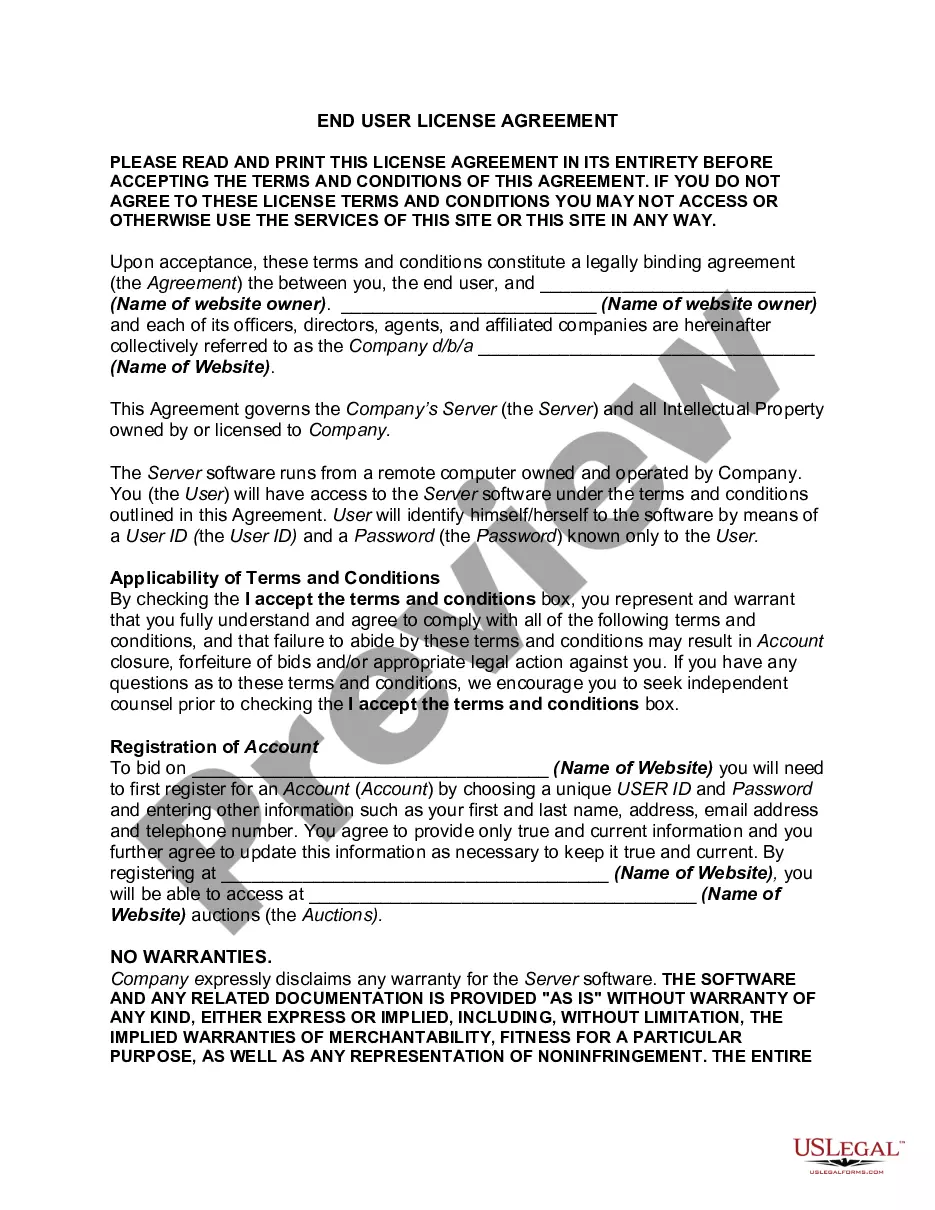
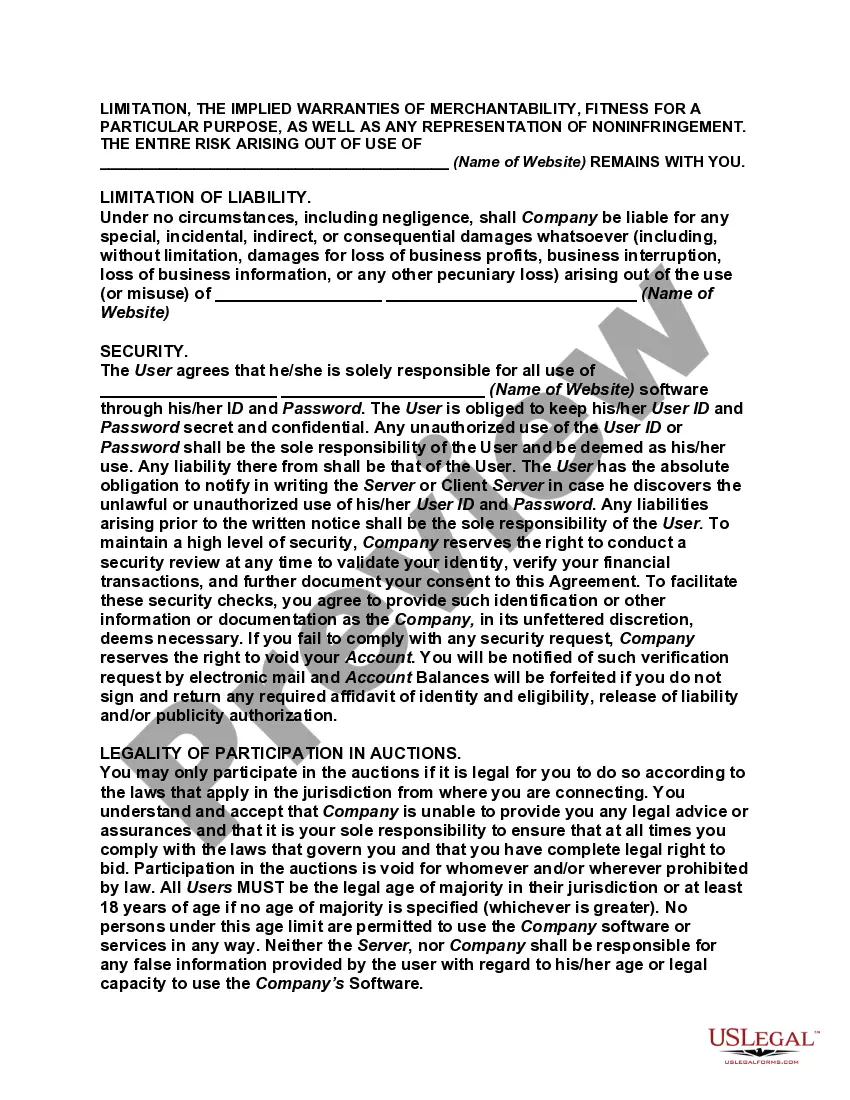
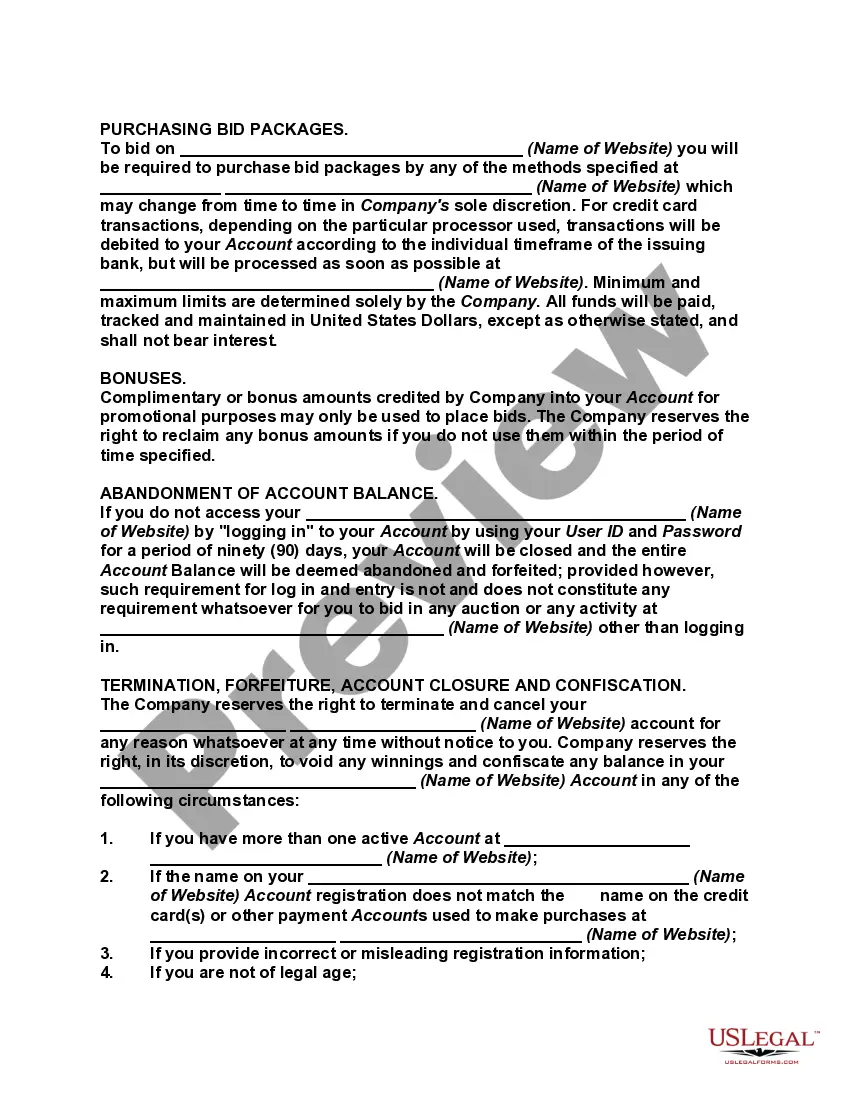
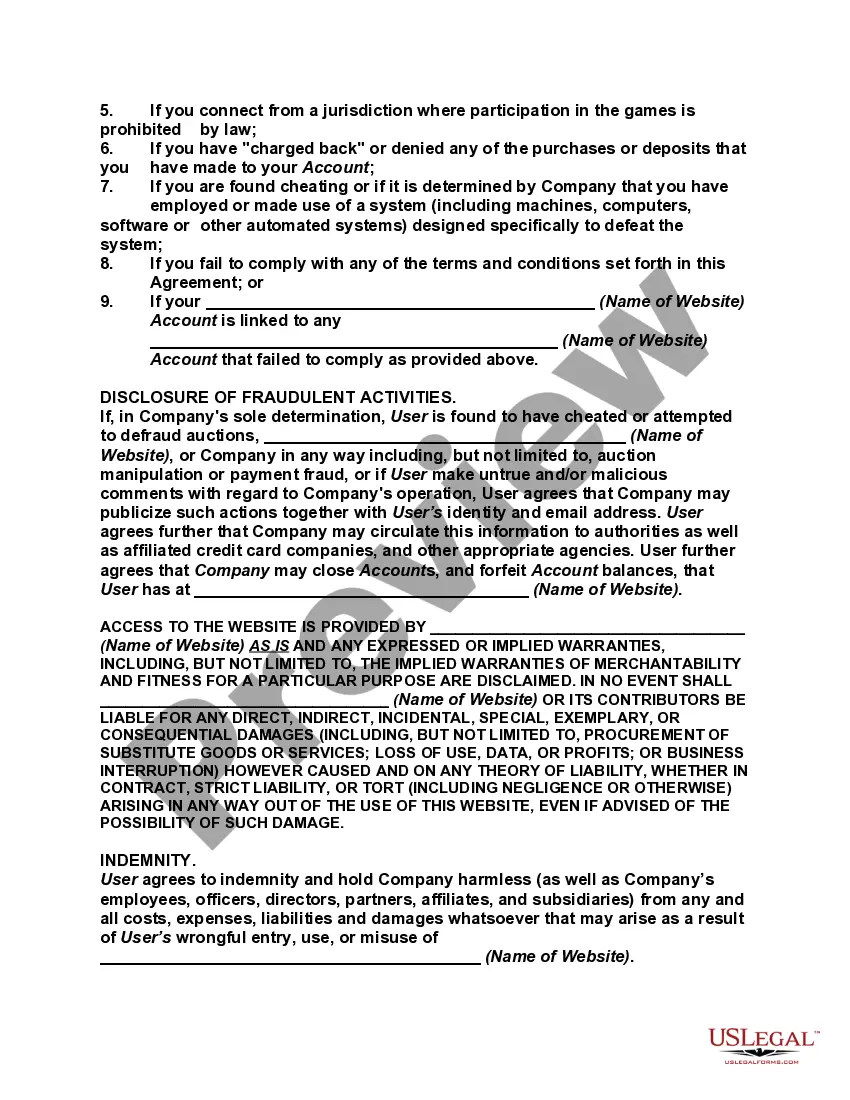
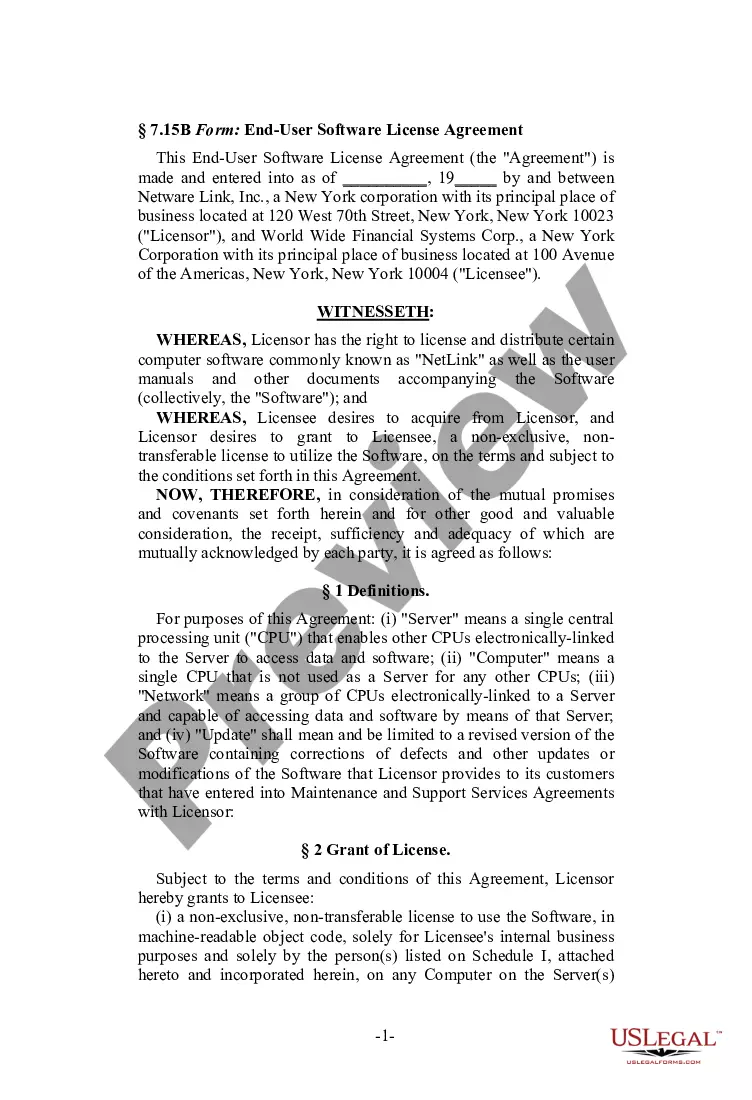
End User License Agreement For Microsoft
Description
Get your form ready online
Our built-in tools help you complete, sign, share, and store your documents in one place.
Make edits, fill in missing information, and update formatting in US Legal Forms—just like you would in MS Word.
Download a copy, print it, send it by email, or mail it via USPS—whatever works best for your next step.
Sign and collect signatures with our SignNow integration. Send to multiple recipients, set reminders, and more. Go Premium to unlock E-Sign.
If this form requires notarization, complete it online through a secure video call—no need to meet a notary in person or wait for an appointment.
We protect your documents and personal data by following strict security and privacy standards.

Make edits, fill in missing information, and update formatting in US Legal Forms—just like you would in MS Word.

Download a copy, print it, send it by email, or mail it via USPS—whatever works best for your next step.

Sign and collect signatures with our SignNow integration. Send to multiple recipients, set reminders, and more. Go Premium to unlock E-Sign.

If this form requires notarization, complete it online through a secure video call—no need to meet a notary in person or wait for an appointment.

We protect your documents and personal data by following strict security and privacy standards.
Looking for another form?
How to fill out End User License Agreement?
Whether you deal with documents frequently or occasionally need to submit a legal report, it is essential to have an effective resource where all the templates are interconnected and current.
The first action you must take regarding an End User License Agreement for Microsoft is to confirm that you have the latest version, as it determines its eligibility for submission.
If you want to streamline your search for the most recent document samples, look for them on US Legal Forms.
Use the search function to locate the form you need. Preview and review the description of the End User License Agreement for Microsoft to ensure it is precisely what you are looking for. After verifying the form, simply click Buy Now. Choose a subscription plan that suits you. Create an account or Log In to your existing one. Provide your credit card details or PayPal account to finalize the purchase. Select the file format for download and confirm it. Eliminate the confusion of managing legal documents. All of your templates will be systematically organized and validated with a US Legal Forms account.
- US Legal Forms is a collection of legal documents that includes virtually any form sample you might need.
- Look for the templates you require, evaluate their relevance immediately, and learn more about their application.
- With US Legal Forms, you gain access to over 85,000 document templates across various sectors.
- Locate the End User License Agreement for Microsoft samples in just a few clicks and save them at any time in your account.
- A US Legal Forms account enables you to access all the necessary samples conveniently and with less hassle.
- Simply click Log In in the website header and navigate to the My documents section where all your required forms are available, so you won't waste time looking for the ideal template or assessing its relevance.
- To obtain a form without an account, follow these steps.
Form popularity
FAQ
You don't need to accept the End User License Agreement everytime you start an Office program. The issue which you're experiencing could occur if your user account does not have permissions to modify the Microsoft Windows Registry.
Although EULAs vary, every EULA should include clauses explaining:The enactment date.The binding nature of the agreement.Your contact details and full business name designation.The governing laws.Permitted and restricted uses.Termination conditions.Warranties and limitation of liability.Related agreements.More items...?
An End-User License Agreement (EULA) is a type of take-it or leave-it contract (also referred to as a form contract, shrinkwrap contract, shrink-wrapped agreement or an agreement with off-the-shelf terms) commonly used with software and consumer electronics.
IMPORTANTREAD CAREFULLY: This End-User License Agreement (EULA) is a legal agreement between you (either an individual or a single entity) and Microsoft Corporation (Microsoft) for the Microsoft software that accompanies this EULA, which includes computer software and may include associated media, printed
Click Users (Computername\\Users), and then click to select the Allow check box for the Full Control permission. Click OK, and then quit Registry Editor. Start an Office program, and then accept the End User License Agreement.