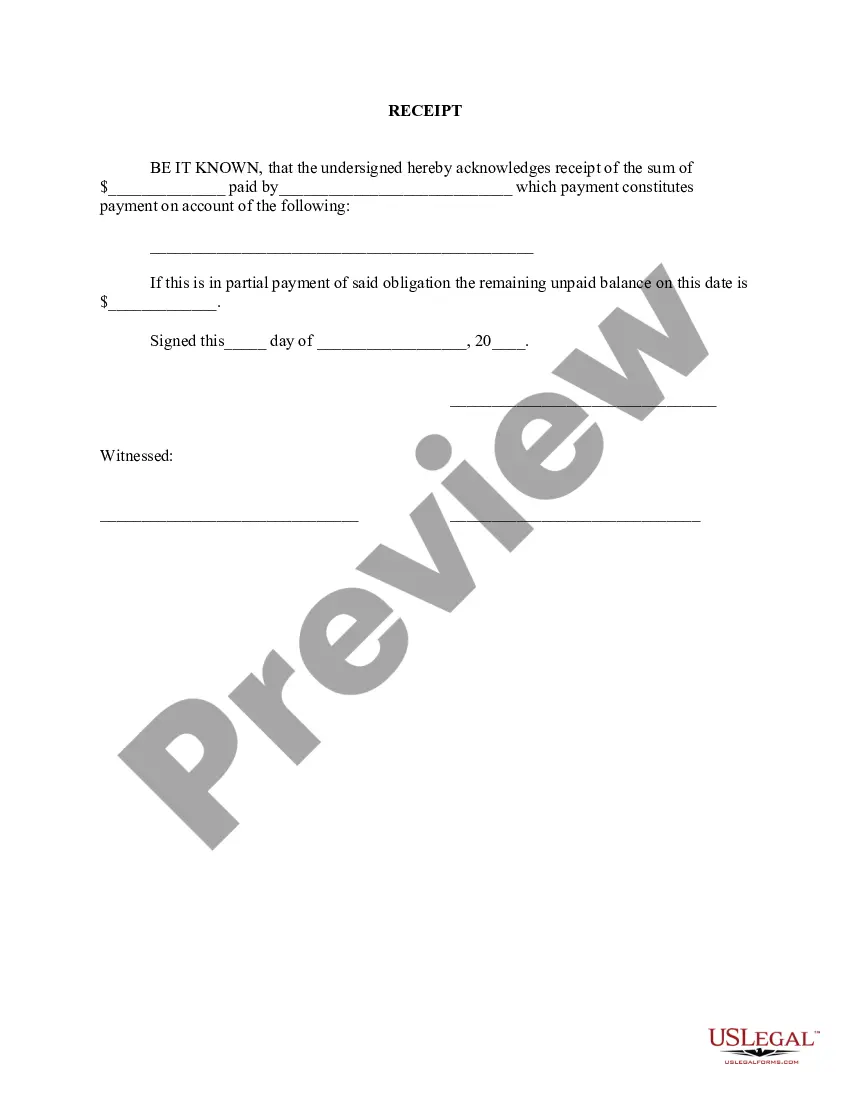
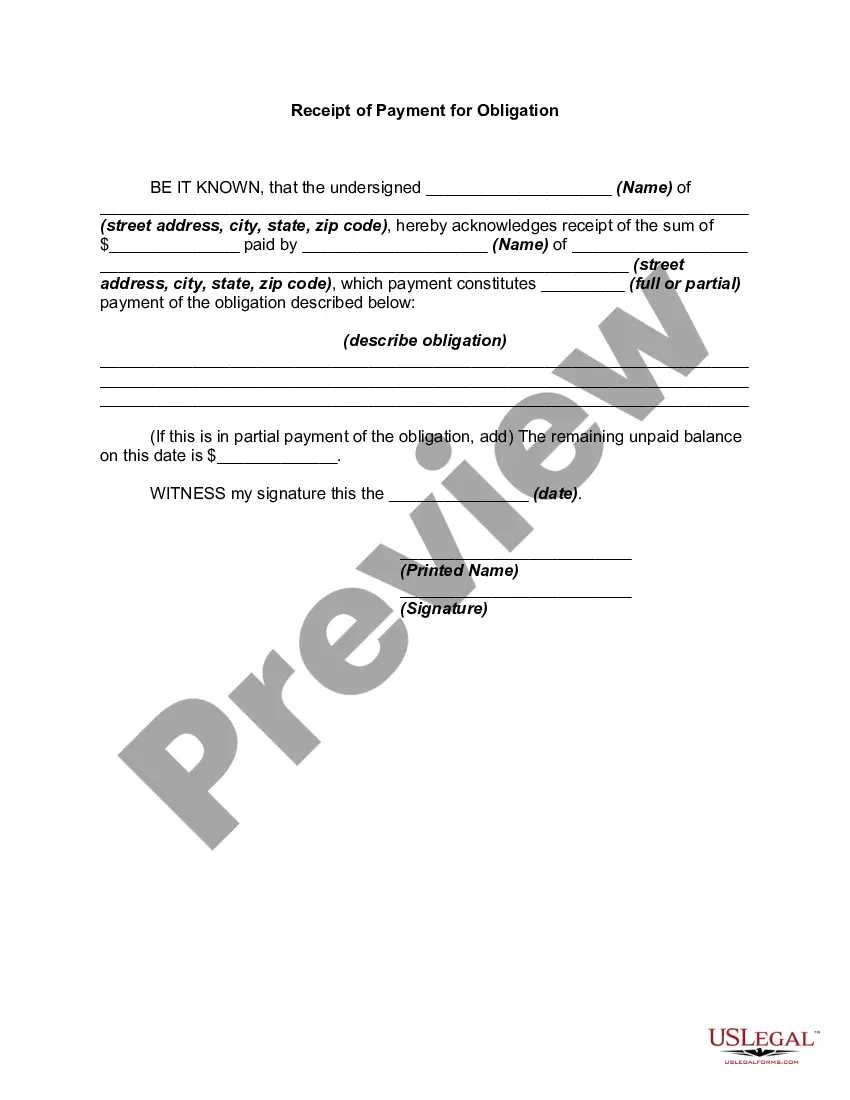
Receipt Which Constitutes Format
Description


Get your form ready online
Our built-in tools help you complete, sign, share, and store your documents in one place.
Make edits, fill in missing information, and update formatting in US Legal Forms—just like you would in MS Word.
Download a copy, print it, send it by email, or mail it via USPS—whatever works best for your next step.
Sign and collect signatures with our SignNow integration. Send to multiple recipients, set reminders, and more. Go Premium to unlock E-Sign.
If this form requires notarization, complete it online through a secure video call—no need to meet a notary in person or wait for an appointment.
We protect your documents and personal data by following strict security and privacy standards.

Make edits, fill in missing information, and update formatting in US Legal Forms—just like you would in MS Word.

Download a copy, print it, send it by email, or mail it via USPS—whatever works best for your next step.

Sign and collect signatures with our SignNow integration. Send to multiple recipients, set reminders, and more. Go Premium to unlock E-Sign.

If this form requires notarization, complete it online through a secure video call—no need to meet a notary in person or wait for an appointment.

We protect your documents and personal data by following strict security and privacy standards.
Looking for another form?
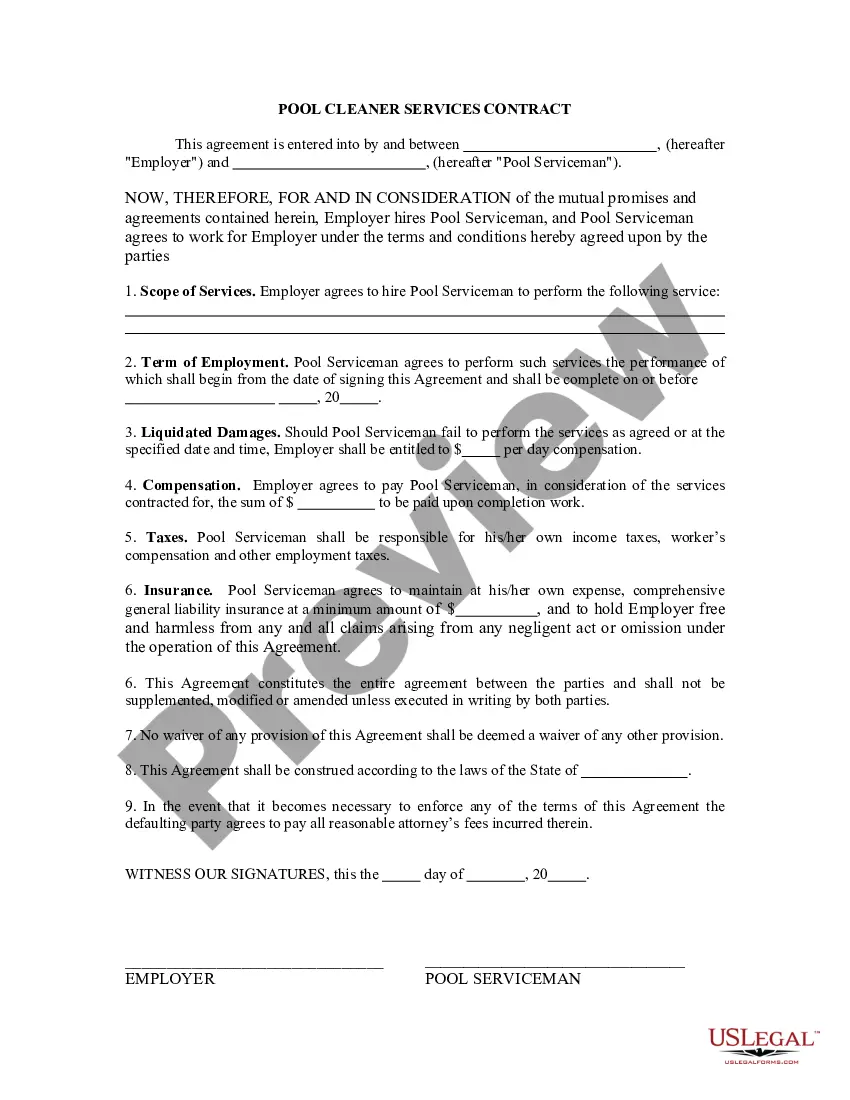

How to fill out Receipt For Payment Of Account?
It’s well known that becoming a legal authority isn’t instantaneous, nor can you quickly learn how to prepare a Receipt Which Constitutes Format without a specialized education.
Drafting legal documents is an extensive process that demands specific training and abilities. So why not entrust the creation of the Receipt Which Constitutes Format to the experts.
With US Legal Forms, one of the most thorough legal document repositories, you can find everything from court documents to templates for workplace communication. We recognize how vital compliance with federal and local laws and regulations is.
Click Buy now. After the payment is completed, you can access the Receipt Which Constitutes Format, fill it out, print it, and send or mail it to the relevant individuals or entities.
You can revisit your documents from the My documents tab anytime. If you’re an existing customer, simply Log In, and locate and download the template from the same tab.
- Start your journey with our platform to obtain the document you require in just a few minutes.
- Locate the form you need using the search bar at the top of the page.
- View it (if available) and read the accompanying description to see if Receipt Which Constitutes Format fits your needs.
- Begin your search again if you need any additional template.
- Create a free account and select a subscription plan to purchase the form.
Form popularity
FAQ
How to add a page on Microsoft Word Click the "Insert" tab. Click your "Insert" tab to find all of the different insert commands. Click the "Blank Page" command. There are three options for new pages: insert cover page, blank page and page break. ... Check for your new page.
Convert Pages, Numbers, and Keynote files With the file open, tap or click the Share button in the toolbar, then tap or click Export and Send. Choose a format for your document: To convert a Pages document to Word, choose Word. ... To save the converted file on your device or to iCloud Drive: ... To share the converted file:
Top 1. Zamzar online file conversion is an online file format converter that can convert Pages to PDF, Doc, Docx, EPUB, Pages09, TXT, and Word formats. It also supports and converts PDFs into formats like PSD, JPG, EPUB, ZIP, TIFF, PNG, CAD, WAV, MIDI, and many more for free.
How to convert Pages to Word when using a mobile device Download the Pages app. Ensure that you have the Pages app on your device. ... Select your document. Now you can create a new document to convert. ... Choose the 'More' button. ... Click on export. ... Choose to convert to Word. ... Choose your sharing options.
To put a blank page into your Word document, place the cursor where you want the new page to begin and then click Insert > Blank Page. The blank page opens, ready for whatever you want to add. Another option when you need a little space is to insert a page break.
How To View PAGES File Online Upload your PAGES file from the indicated area at the top of the page. ... Wait a brief moment for the file to be uploaded and processed on our secure servers. View the file on any device and in any resolution within our responsive, intuitive file viewer.
Within your Pages document, click on the File menu, then select Export To, and choose either PDF... or Word... depending on the format you want. NOTE: If you aren't sure which format to use you can always ask your instructor what they prefer.
PAGES to WORD Step 1 - Select a file(s) to convert. Choose Files. Max. file size 2MB (want more?) How are my files protected? Step 2 - Convert your files to. Convert To. Step 3 - Start converting. Convert Now.