Pay Receipt Pay With Paypal
Description


Get your form ready online
Our built-in tools help you complete, sign, share, and store your documents in one place.
Make edits, fill in missing information, and update formatting in US Legal Forms—just like you would in MS Word.
Download a copy, print it, send it by email, or mail it via USPS—whatever works best for your next step.
Sign and collect signatures with our SignNow integration. Send to multiple recipients, set reminders, and more. Go Premium to unlock E-Sign.
If this form requires notarization, complete it online through a secure video call—no need to meet a notary in person or wait for an appointment.
We protect your documents and personal data by following strict security and privacy standards.

Make edits, fill in missing information, and update formatting in US Legal Forms—just like you would in MS Word.

Download a copy, print it, send it by email, or mail it via USPS—whatever works best for your next step.

Sign and collect signatures with our SignNow integration. Send to multiple recipients, set reminders, and more. Go Premium to unlock E-Sign.

If this form requires notarization, complete it online through a secure video call—no need to meet a notary in person or wait for an appointment.

We protect your documents and personal data by following strict security and privacy standards.
Looking for another form?


How to fill out Receipt For Payment Of Account?
Acquiring legal document examples that comply with federal and local regulations is crucial, and the web provides numerous choices to select from.
However, what's the benefit of spending time searching for the accurately composed Pay Receipt Pay With Paypal template online when the US Legal Forms digital library already aggregates such documents in one location.
US Legal Forms is the premier online legal repository featuring over 85,000 fillable documents crafted by lawyers for various business and personal scenarios.
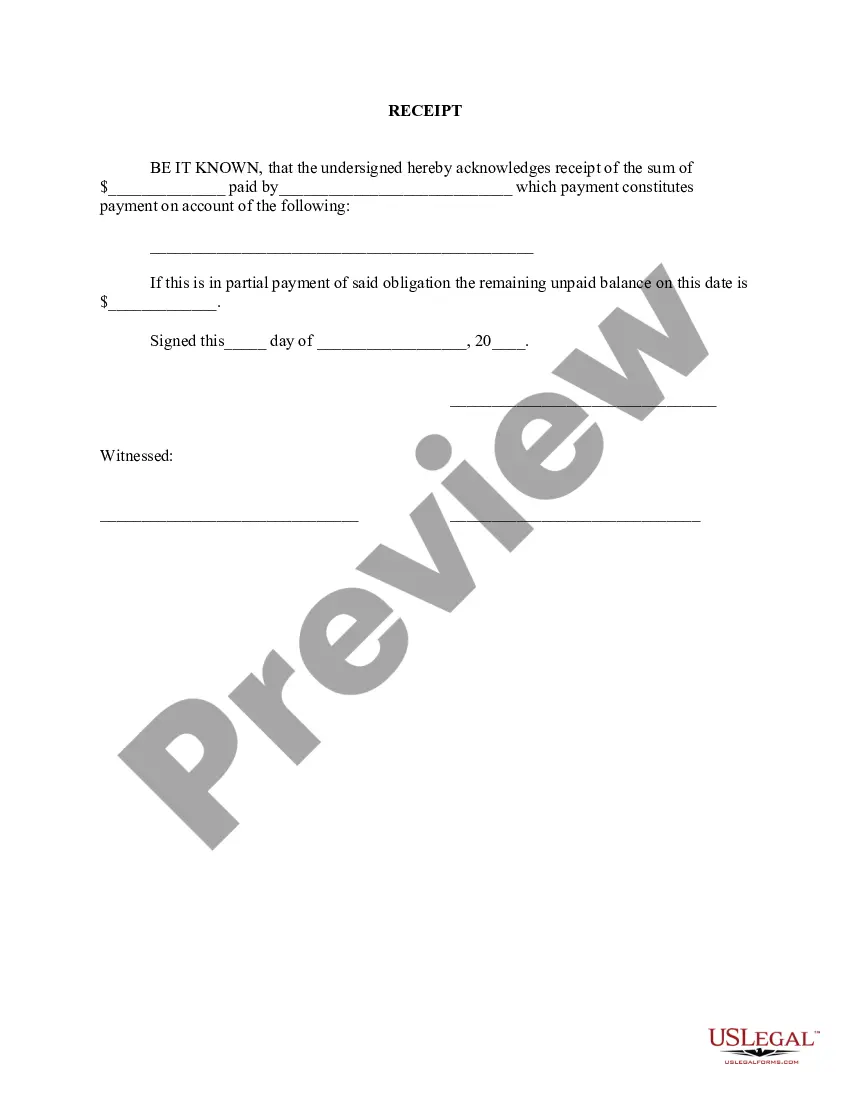
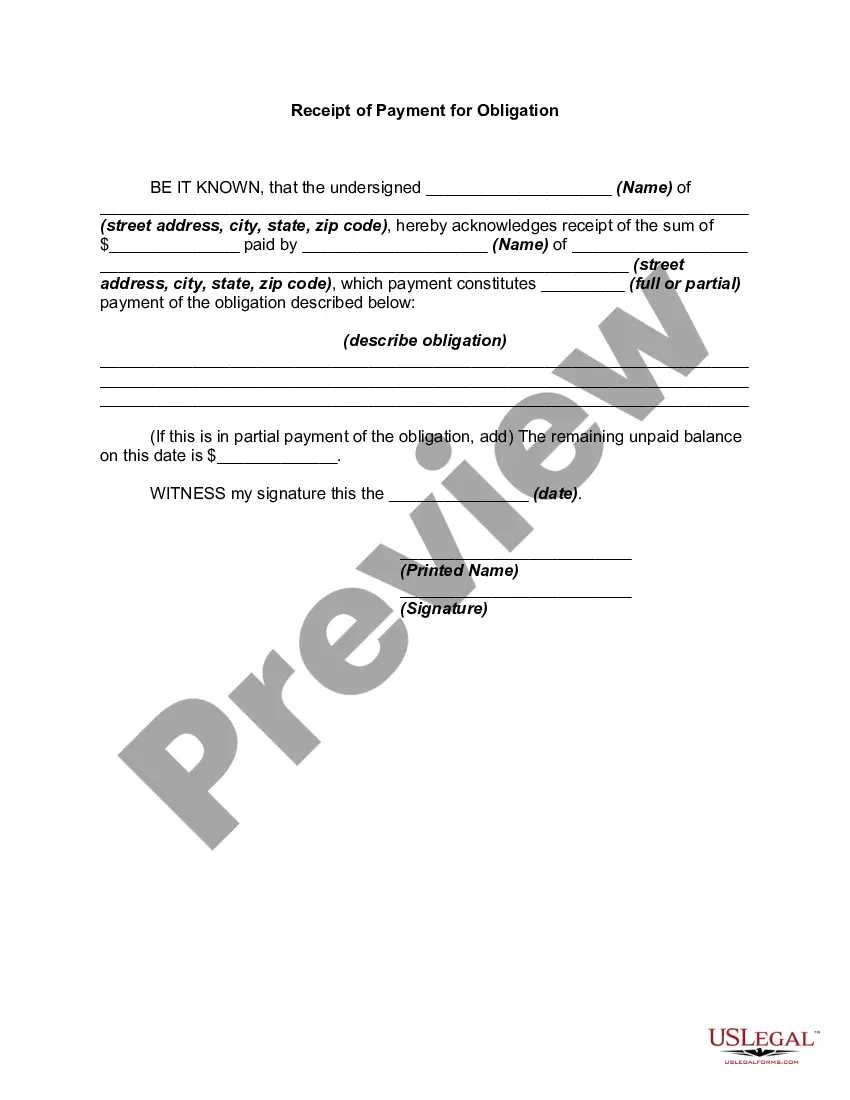
Review the template using the Preview feature or through the text outline to verify it meets your requirements.
- They are easy to navigate with all documents organized by state and intended use.
- Our experts stay updated with legal changes, ensuring your forms are current and compliant when obtaining a Pay Receipt Pay With Paypal from our platform.
- Acquiring a Pay Receipt Pay With Paypal is fast and straightforward for both existing and new clients.
- If you already possess an account with an active subscription, Log In and save the document sample you need in the appropriate format.
- If you are new to our site, follow the steps outlined below.
Form popularity
FAQ
You can send proof of payment on PayPal by finding the transaction in your 'Activity' log. Click on the transaction details, and then select the option to 'Print' or 'Share'. Sending this proof can reassure the recipient that the payment has been completed successfully, making your transactions secure and easy when you pay receipt pay with PayPal.
To obtain proof of payment from PayPal, log into your account and access the 'Activity' section. Locate the relevant transaction and click on it to view the details. You can then print or save this information as a receipt. This document serves as solid proof when you pay receipt pay with PayPal, ensuring you have all necessary records.
Whether you must pay taxes on a PayPal invoice depends on your country's tax laws and the nature of the transaction. Generally, if the transaction involves selling goods or services, you may need to report it as income and pay taxes accordingly. Always consult with a tax professional to ensure you comply with local regulations when you pay receipt pay with PayPal.
To send a payment receipt on PayPal, go to the 'Activity' page and find the transaction you wish to send a receipt for. Click on the transaction, and you will see an option to 'Share' or 'Send Receipt'. This is a simple way to ensure the recipient receives confirmation of the payment, enhancing your transaction experience while you pay receipt pay with PayPal.
To create a PayPal receipt, start by logging into your PayPal account. Navigate to the 'Activity' section, select the transaction you want to create a receipt for, and then click on 'Print Receipt'. This process allows you to generate a professional-looking document that serves as proof of payment. By using this method, you can easily pay receipt pay with PayPal.
PayPal Pay in 4 cannot be used to pay an invoice I'm afraid. This feature is not available at this time. Currently Pay in 4 can only be used at the checkout of a merchants website.
Go to Send and Request. Enter the recipient's name, PayPal username, email address, or mobile number and click Next. Enter the amount, choose the currency, add an (optional) note and click Continue. If available, choose your payment type.
Here is what you'll need to do: Set up a PayPal merchant account. With this account, PayPal can accept payments from customers on your behalf and then deposit the money into your business merchant account. ... Link your PayPal merchant account to your payment form.
From the website. Click Pay & Get Paid. Tap Send an invoice to get paid. Fill in the details: who you are billing, what they are paying for, and add any notes or attachments. Review your invoice and tap Send.
How to Properly Fill Out an Invoice Company name, address, phone number, and email address. Customer name, address, phone number, and email address. Unique invoice number. Invoice date. The due date for payment by the customer. Line item type (service/hours/days/product/discount) Line item description. Unit price.