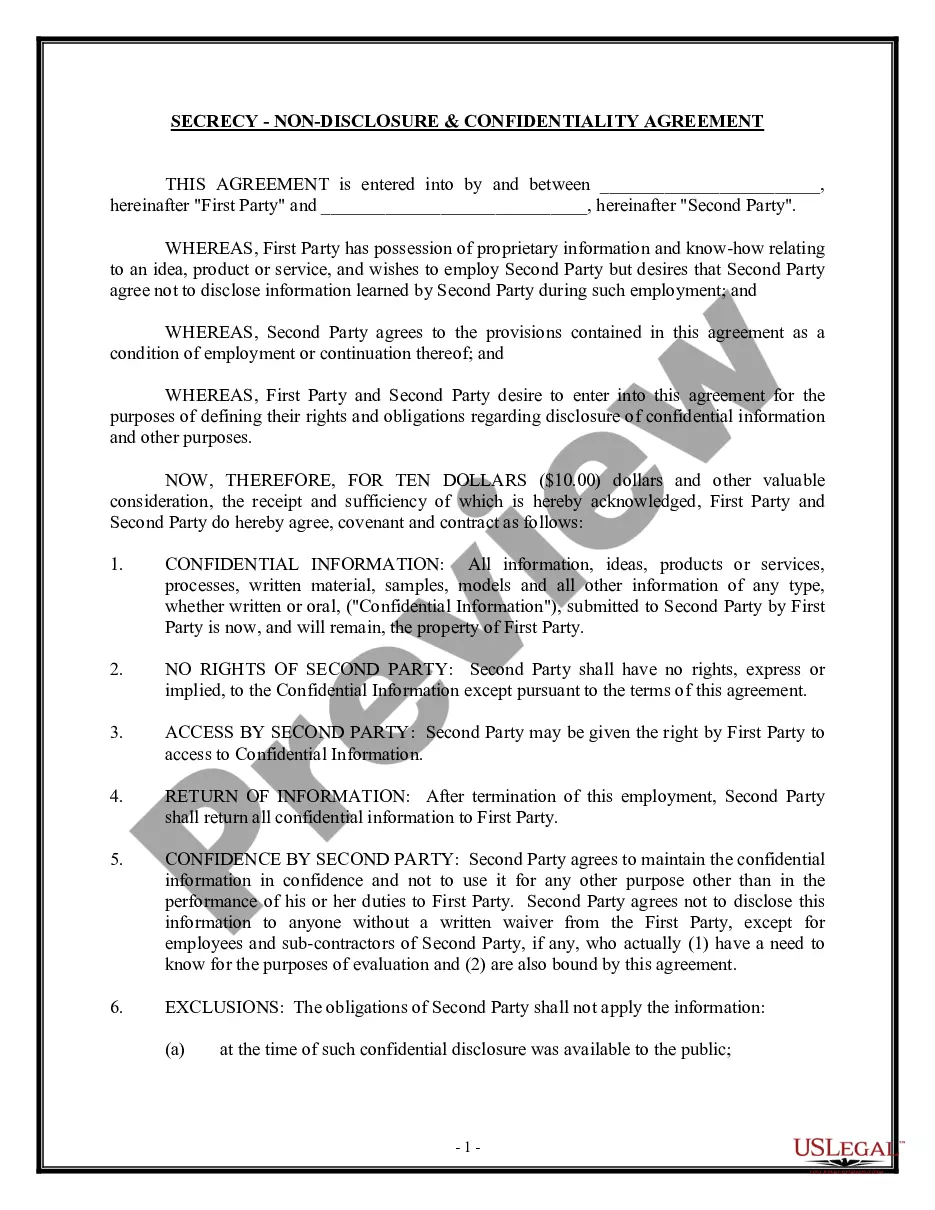
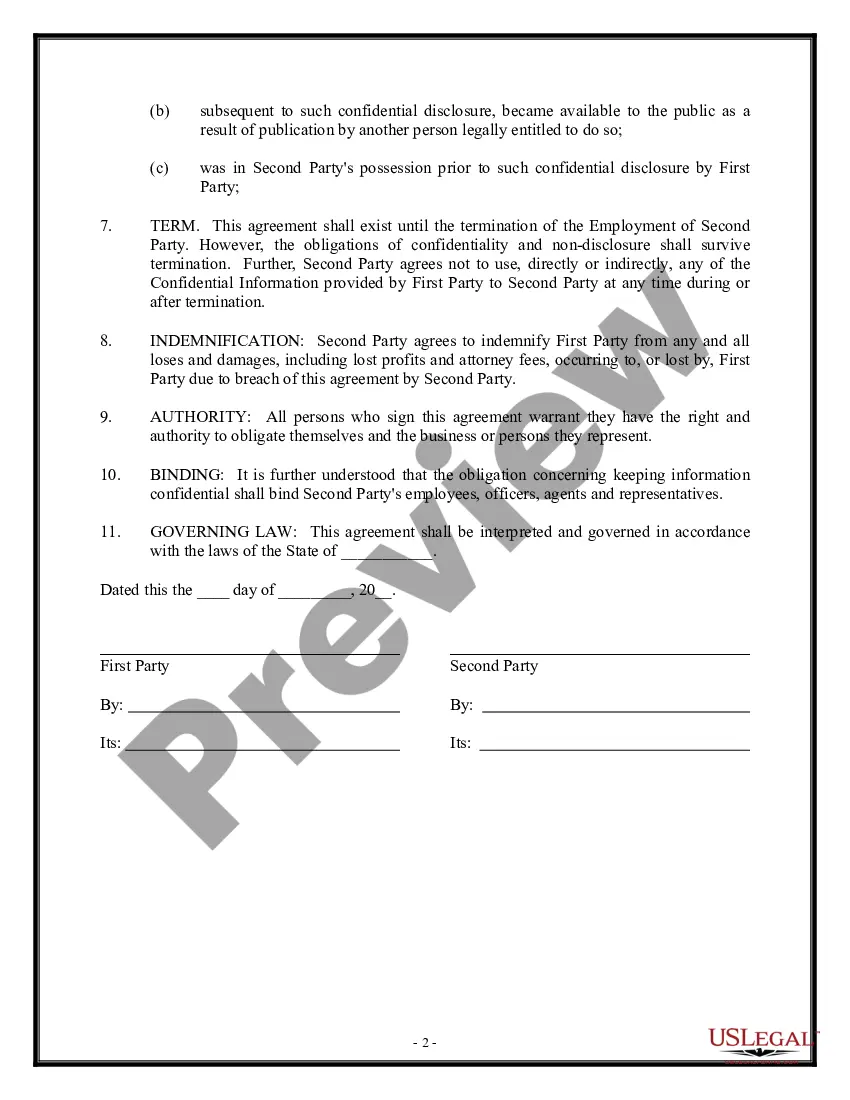
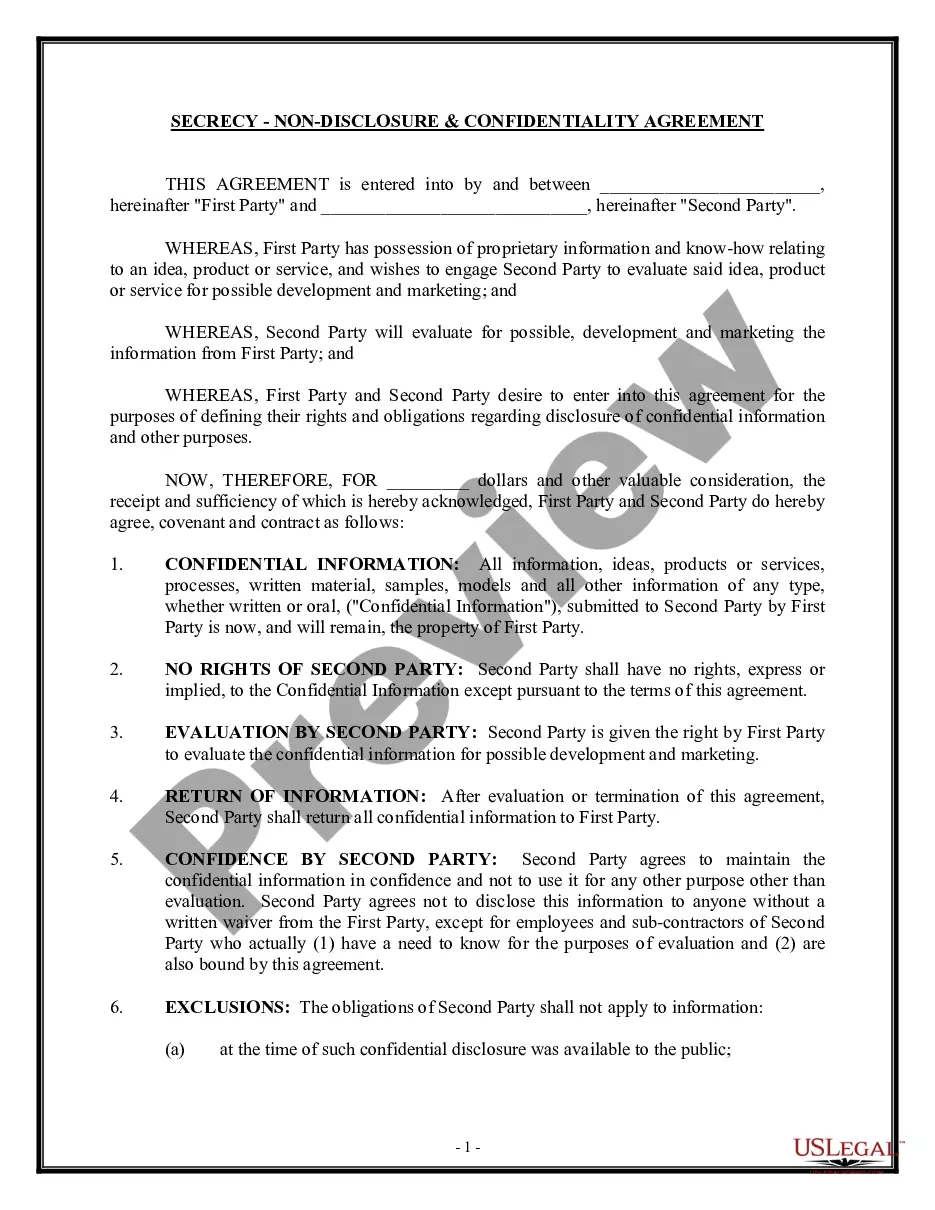
Nondisclosure Confidentiality Agreement With Supplier
Description
Get your form ready online
Our built-in tools help you complete, sign, share, and store your documents in one place.
Make edits, fill in missing information, and update formatting in US Legal Forms—just like you would in MS Word.
Download a copy, print it, send it by email, or mail it via USPS—whatever works best for your next step.
Sign and collect signatures with our SignNow integration. Send to multiple recipients, set reminders, and more. Go Premium to unlock E-Sign.
If this form requires notarization, complete it online through a secure video call—no need to meet a notary in person or wait for an appointment.
We protect your documents and personal data by following strict security and privacy standards.

Make edits, fill in missing information, and update formatting in US Legal Forms—just like you would in MS Word.

Download a copy, print it, send it by email, or mail it via USPS—whatever works best for your next step.

Sign and collect signatures with our SignNow integration. Send to multiple recipients, set reminders, and more. Go Premium to unlock E-Sign.

If this form requires notarization, complete it online through a secure video call—no need to meet a notary in person or wait for an appointment.

We protect your documents and personal data by following strict security and privacy standards.
Looking for another form?
How to fill out Secrecy, Nondisclosure And Confidentiality Agreement By Employee Or Consultant To Owner?
No matter if you handle documents frequently or need to submit a legal document from time to time, it is essential to have a valuable resource where all sample materials are pertinent and current.
The first step you should take with a Nondisclosure Confidentiality Agreement With Supplier is to ensure that you have the latest version, as it determines its acceptability.
If you wish to streamline your search for the most recent document samples, look for them on US Legal Forms.
Utilize the search menu to locate the required form. Review the Nondisclosure Confidentiality Agreement With Supplier preview and description to confirm it is exactly what you're looking for. After double-checking, simply click Buy Now. Choose a subscription plan that suits you. Create an account or Log In to an existing one. Enter your credit card details or PayPal account to finalize the purchase. Select your preferred file format for download and verify it. Eliminate confusion when handling legal documents. All your templates will be systematically organized and validated with an account at US Legal Forms.
- US Legal Forms is a repository of legal documents that includes nearly every sample you might require.
- Search for the templates you need, verify their appropriateness immediately, and read further about their applications.
- With US Legal Forms, you have access to over 85,000 document templates across various fields.
- Find the examples of the Nondisclosure Confidentiality Agreement With Supplier in just a few clicks and save them anytime in your profile.
- A US Legal Forms profile will provide you access to all the samples you need with added ease and less hassle.
- Simply click Log In in the website header and navigate to the My documents section where all the forms you need are readily available, saving you time in searching for the correct template or verifying its legitimacy.
- To acquire a form without having an account, adhere to these steps.
Form popularity
FAQ
How To Write a Non-Disclosure Agreement on Your Own. If you don't want to waste money on a lawyer, you could try to write an NDA yourself. Bear in mind that such an endeavor is super challenging as the contract includes many important clauses that shouldn't be overlooked: Disclosing and Receiving Parties.
How to Get an NDA (6 steps)Step 1 Choose Your Form. Select from the NDA Types or for your Specific State.Step 2 Unilateral or Mutual.Step 3 Define Confidential InformationStep 4 Enter the Consequences for a Breach.Step 5 Sign the Agreement.Step 6 Disclose the Information.
The Key Elements of Non-Disclosure AgreementsIdentification of the parties.Definition of what is deemed to be confidential.The scope of the confidentiality obligation by the receiving party.The exclusions from confidential treatment.The term of the agreement.
NDA stands for non-disclosure agreement. An NDA is a contractual document between two parties where one or both agree to not share certain information provided by the other party. As a procurement professional, you are always exchanging information with individuals outside of your organization, mostly suppliers.
Typically, a legal professional writing the NDA will complete these steps:Step 1 - Describe the scope. Which information is considered confidential?Step 2 - Detail party obligations.Step 3 - Note potential exclusions.Step 4 - Set the term.Step 5 - Spell out consequences.
