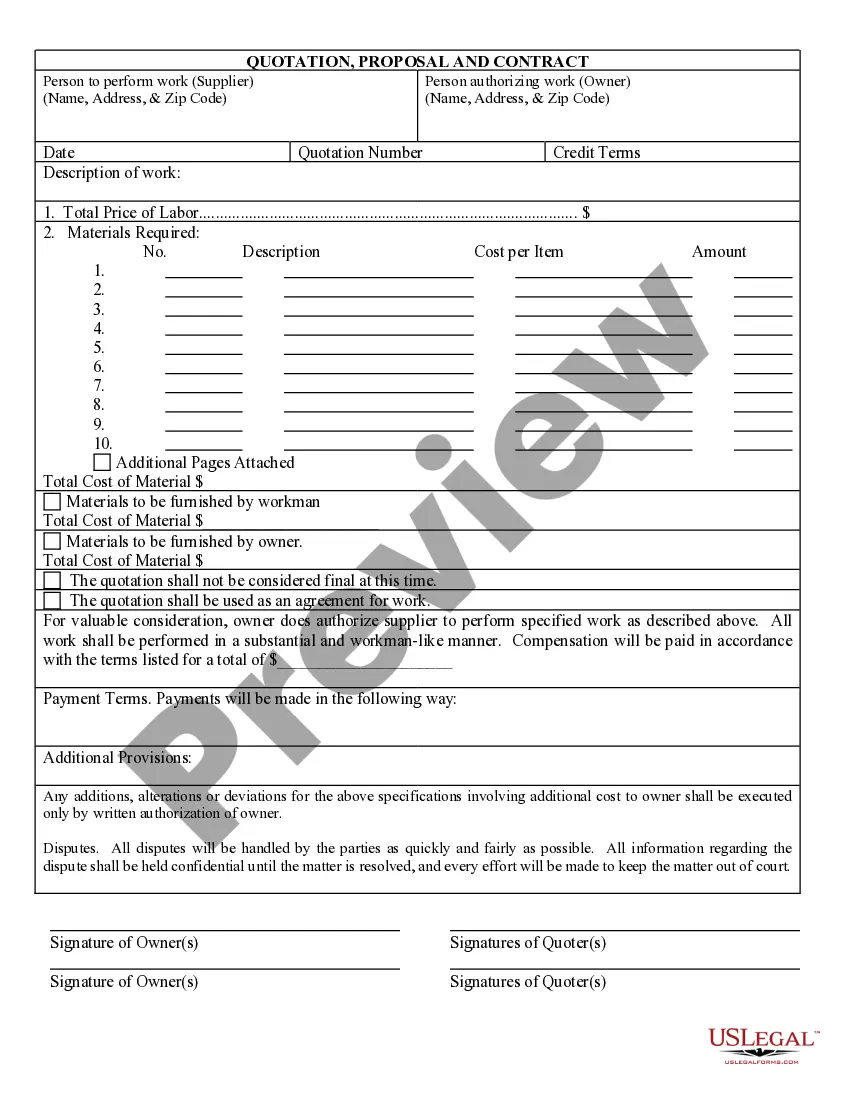
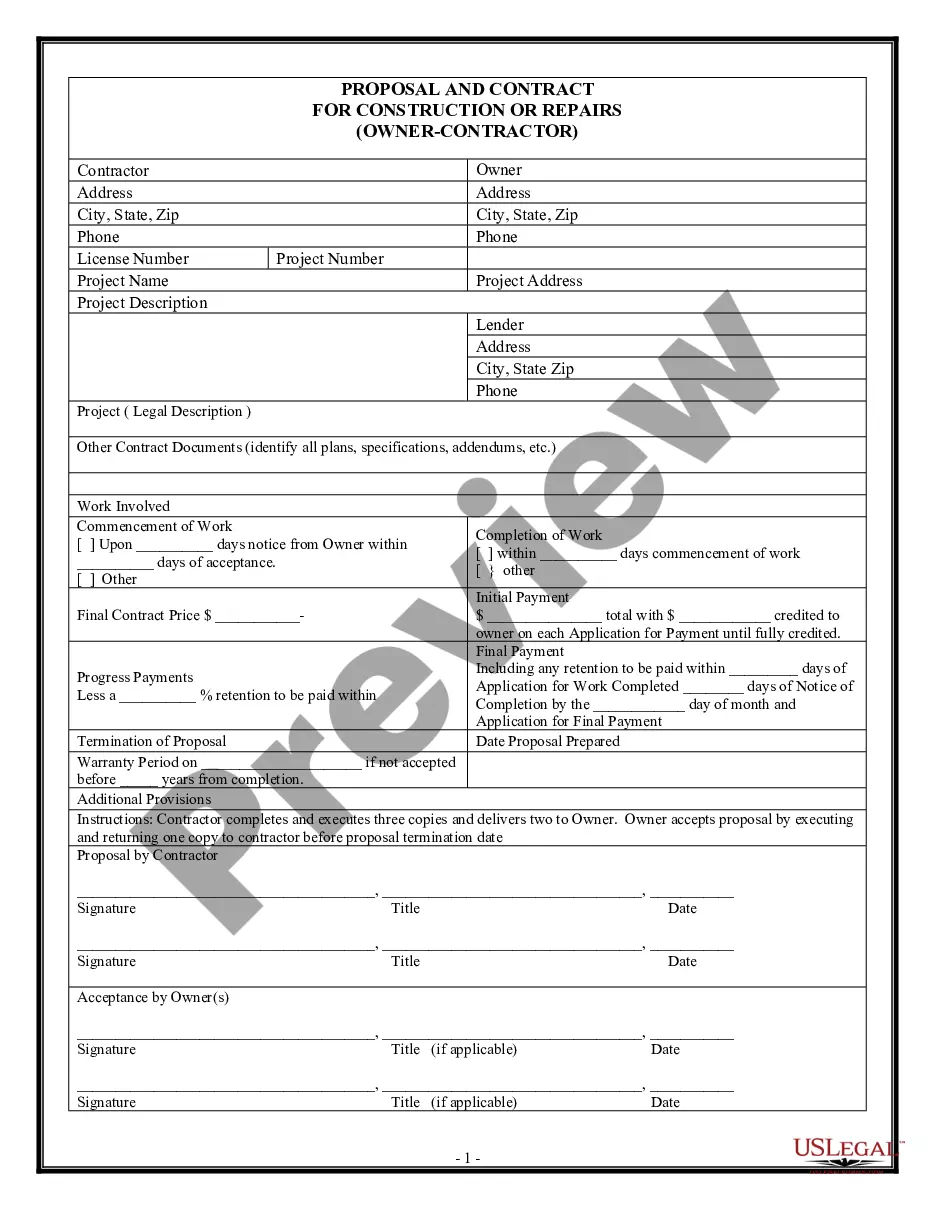
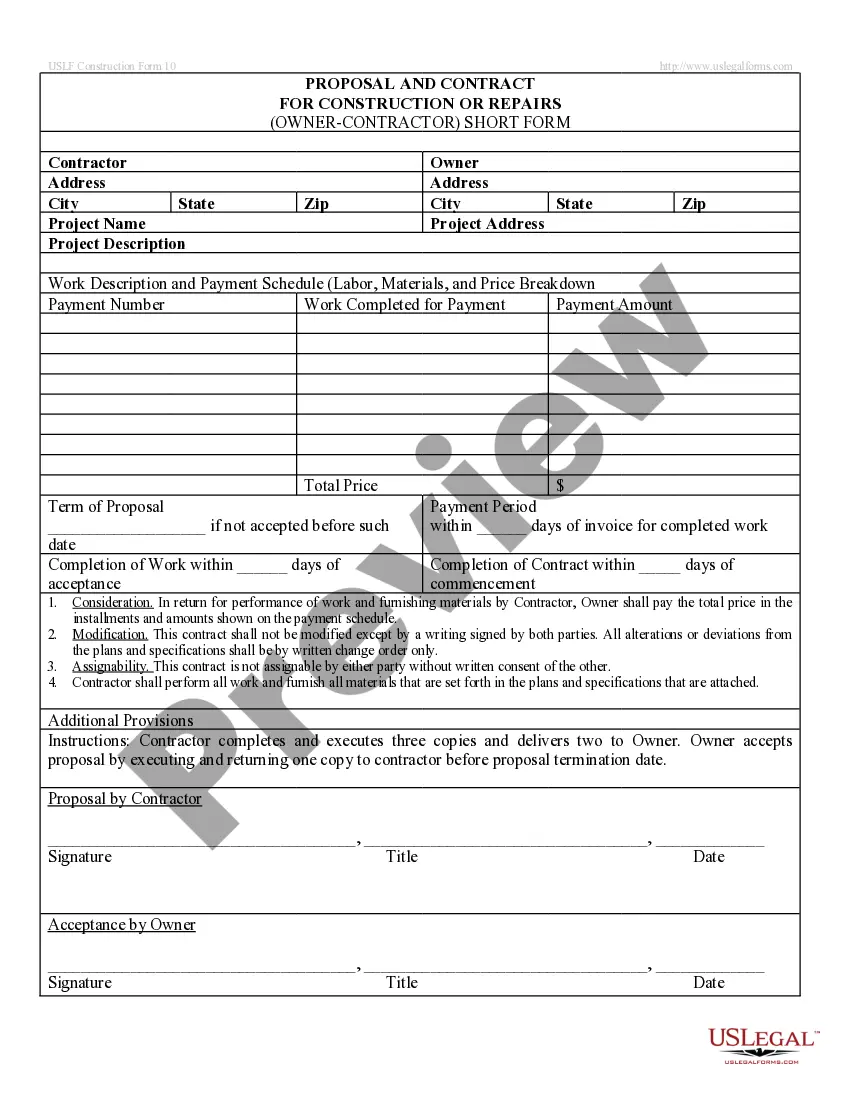
Quotation Format With Logo
Description
Get your form ready online
Our built-in tools help you complete, sign, share, and store your documents in one place.
Make edits, fill in missing information, and update formatting in US Legal Forms—just like you would in MS Word.
Download a copy, print it, send it by email, or mail it via USPS—whatever works best for your next step.
Sign and collect signatures with our SignNow integration. Send to multiple recipients, set reminders, and more. Go Premium to unlock E-Sign.
If this form requires notarization, complete it online through a secure video call—no need to meet a notary in person or wait for an appointment.
We protect your documents and personal data by following strict security and privacy standards.

Make edits, fill in missing information, and update formatting in US Legal Forms—just like you would in MS Word.

Download a copy, print it, send it by email, or mail it via USPS—whatever works best for your next step.

Sign and collect signatures with our SignNow integration. Send to multiple recipients, set reminders, and more. Go Premium to unlock E-Sign.

If this form requires notarization, complete it online through a secure video call—no need to meet a notary in person or wait for an appointment.

We protect your documents and personal data by following strict security and privacy standards.
Looking for another form?
How to fill out Contractor Quote, Proposal And Contract?
Identifying a reliable location to obtain the most up-to-date and pertinent legal templates constitutes a significant part of navigating bureaucracy.
Selecting the appropriate legal documents demands precision and carefulness, which is why sourcing your Quotation Format With Logo exclusively from trustworthy providers, such as US Legal Forms, is vital.
Eliminate the hassle associated with your legal paperwork. Browse the extensive US Legal Forms catalog to discover legal templates, assess their applicability to your circumstances, and download them instantly.
- Employ the catalog browsing or search function to find your template.
- Examine the form's details to confirm it aligns with the specifications of your jurisdiction.
- Preview the form, if available, to verify that it is indeed the one you require.
- Return to the search for the accurate template if the Quotation Format With Logo does not meet your needs.
- If you are certain about the form's applicability, proceed with the download.
- As a registered user, click Log in to validate and access your chosen forms in My documents.
- If you don't yet possess an account, click Buy now to obtain the template.
- Choose the pricing option that corresponds with your requirements.
- Continue to the registration phase to complete your transaction.
- Finalize your payment by selecting a payment method (credit card or PayPal).
- Determine the document format for downloading the Quotation Format With Logo.
- After acquiring the form on your device, you can edit it using the editor or print it for manual completion.
Form popularity
FAQ
Filling a request for quotation form involves providing necessary details such as your business name and logo, the services or products you need, and any specific requirements you may have. Clearly outline what you expect and include your contact information. This process can help streamline communication and improve your quotation format with logo for a professional presentation.
Properly formatting a quote requires clarity and structure. Start with your logo at the top, followed by your contact details and the client's details. Then, list the services or products with a clear breakdown of costs and terms; this will enhance your quotation format with logo and ensure your clients can easily read and understand your offer.
An example of a quotation includes a document that lists a detailed breakdown of services or products and their corresponding prices. For instance, a graphic design quotation may detail the design package, description, and fees. This is crucial for maintaining a professional look, especially when you integrate a quotation format with logo.
To complete a quote, begin with your business's name and logo at the top. Outline the services or goods being offered, listing their prices clearly to avoid confusion. Always remember to include relevant terms, which can enhance your quotation format with logo, helping you communicate professionalism and clarity.
Filling out a quote involves detailing the services or products you provide, specifying their costs, and including the client's information. Don’t forget to incorporate your business logo prominently, which helps create a professional look and improves your quotation format with logo. Finally, review the document for any errors before sending it to the client.
To fill a quotation, start by entering your company name and logo at the top of the document. Clearly list the items or services you are quoting, along with their prices. Ensure you include the terms of service and payment conditions to establish clear expectations with your client, enhancing your quotation format with logo.
Creating a quotation format involves selecting a clean layout that organizes all essential information. Include fields for your business details, client information, itemized services, prices, and payment terms. A quotation format with logo reflects your brand identity while making the document visually appealing. This format helps clients quickly identify the offerings and your professionalism.
To prepare a quotation for design, start by gathering all necessary information about the project. Outline your services, estimate the time required, and assign costs clearly. Use a structured quotation format with logo to enhance professionalism and branding. By doing this, clients will easily understand the scope and value of your design work.
To add a logo in a quote template, locate the area intended for branding, usually at the top or bottom. Use the 'Insert' function to bring your logo into the template. Adjust its size appropriately, ensuring it enhances the overall quotation format with logo. Utilizing US Legal Forms can streamline this process by providing easy-to-edit templates.
Adding a logo to a Word template is straightforward. Open the template, go to the header or the section where you want the logo, and select 'Insert' from the menu. After uploading, you can adjust the logo's size and position to fit seamlessly into your quotation format with logo, creating a polished and professional appearance.