Credit Card Authorization Form Hilton Hotel
Description
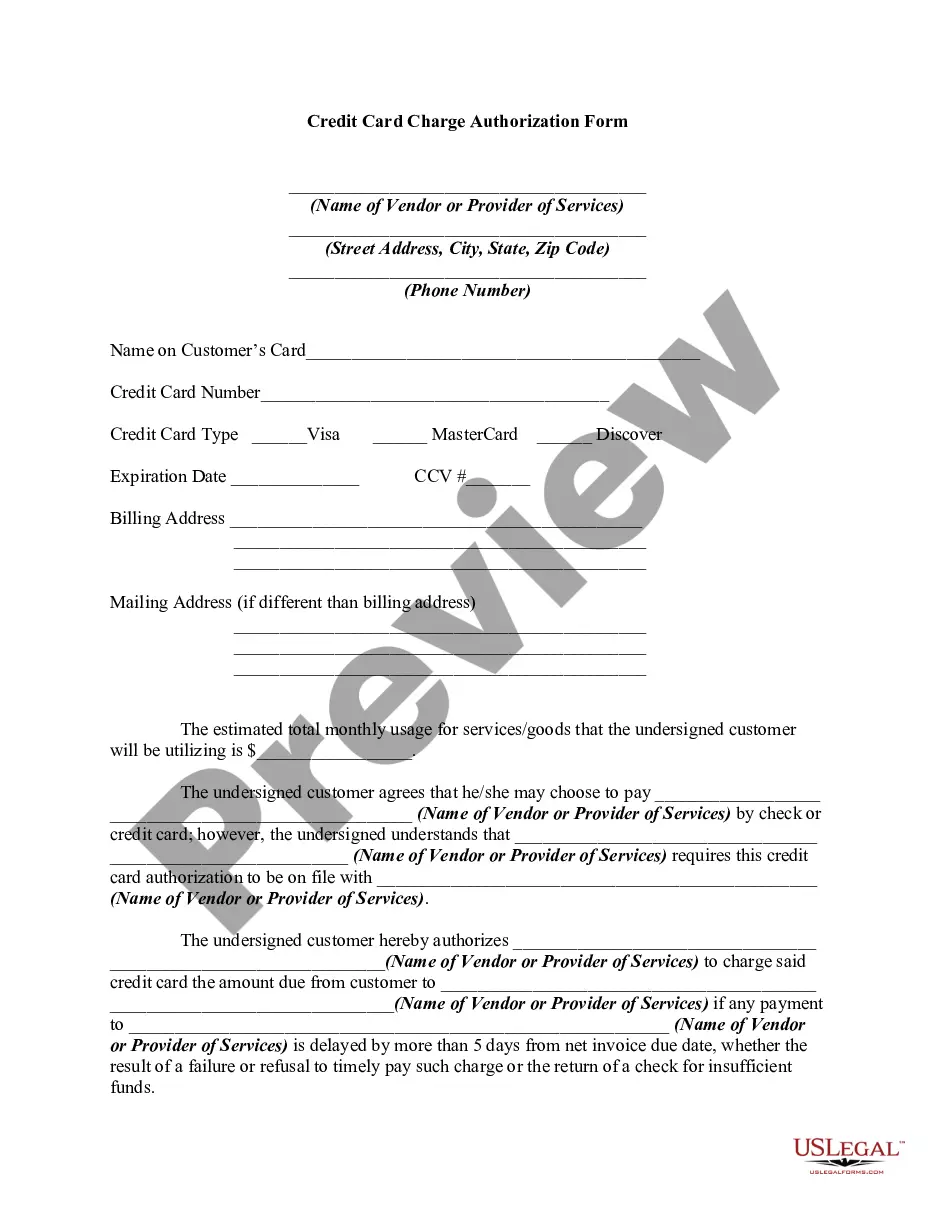
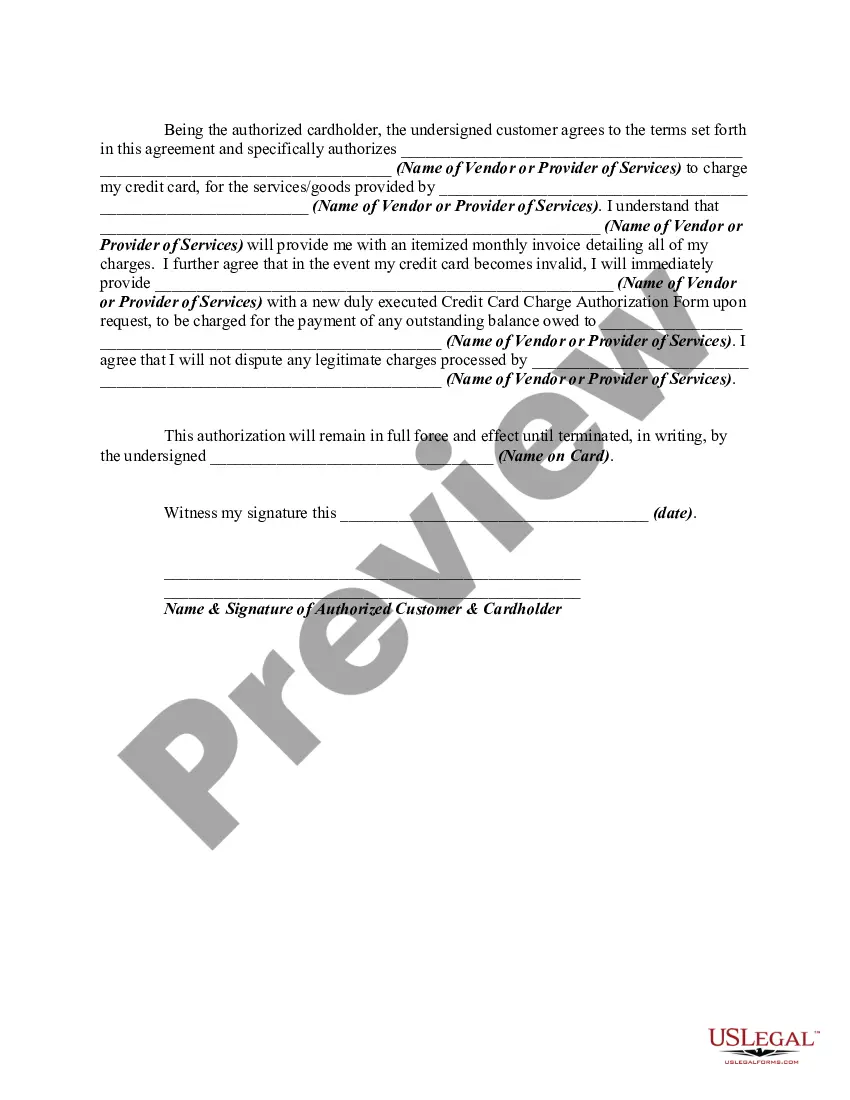
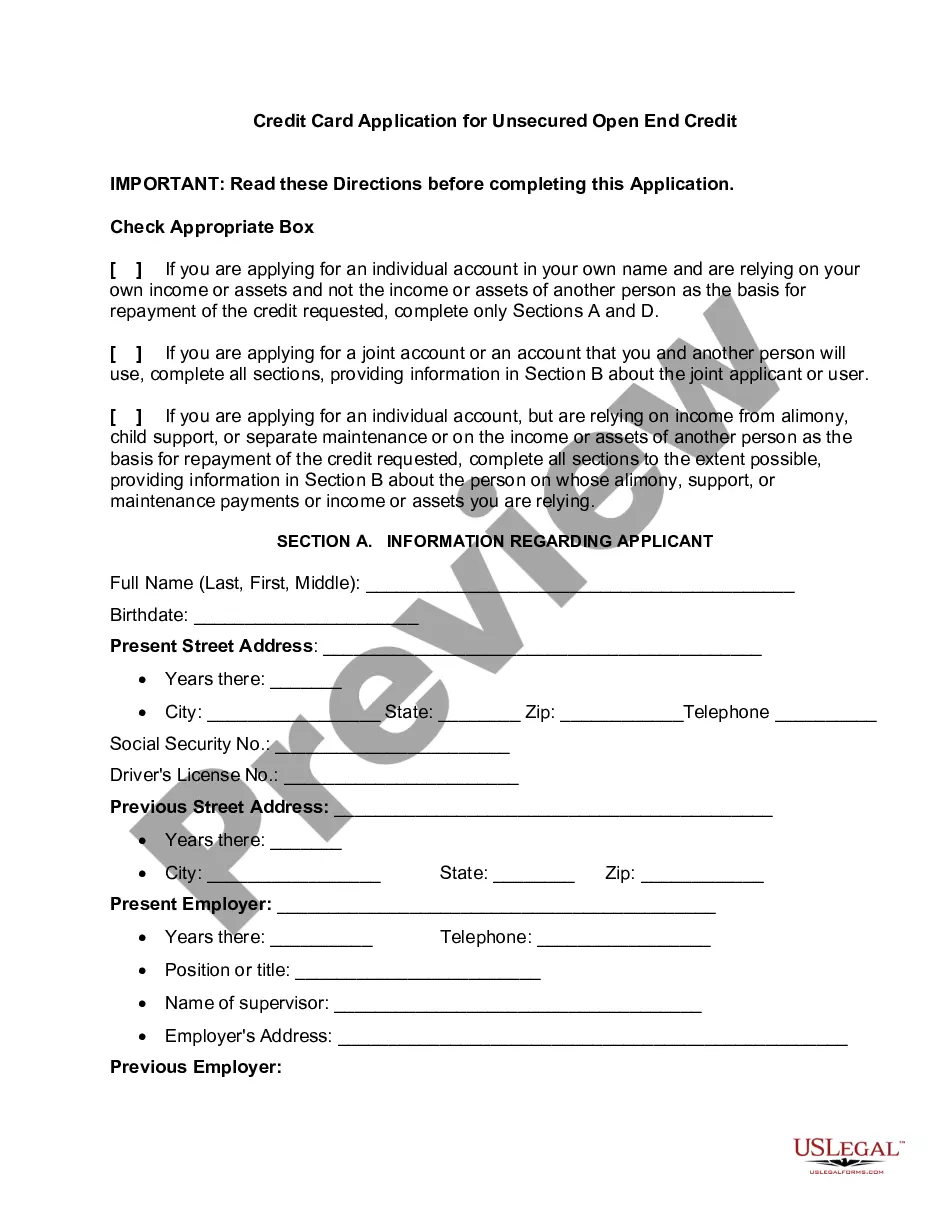
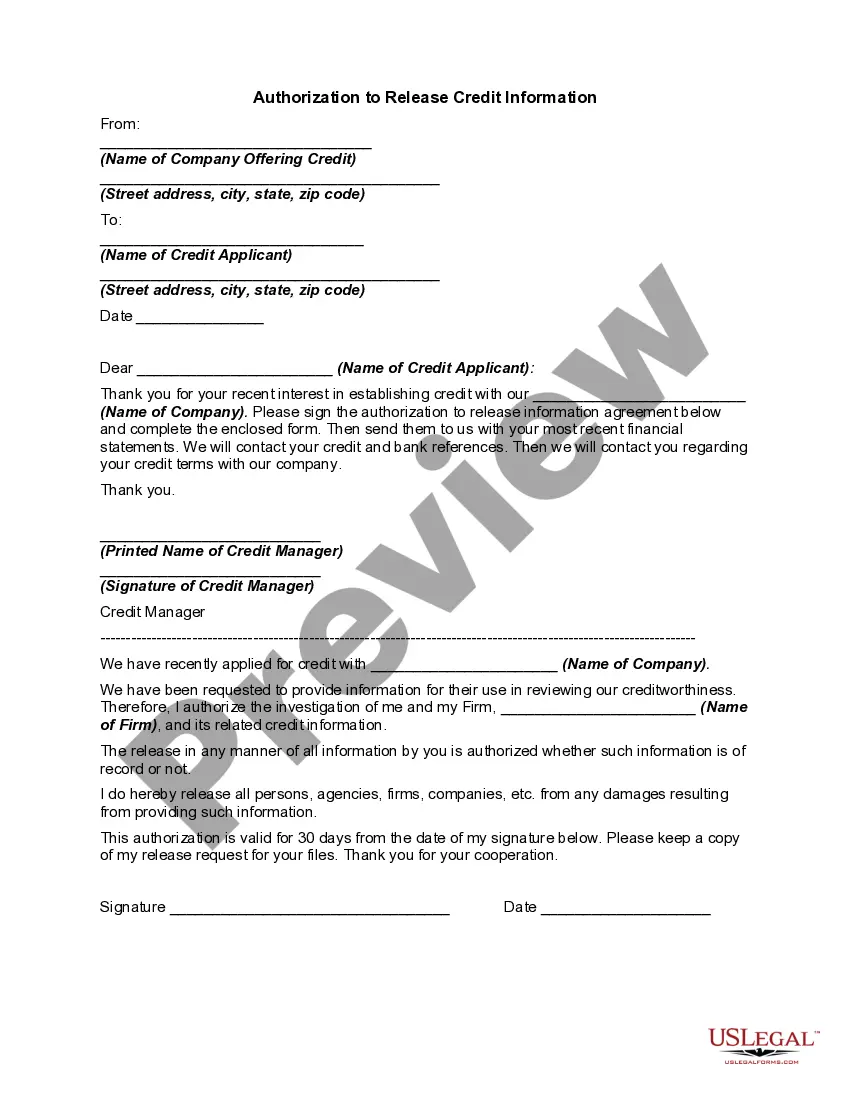
Get your form ready online
Our built-in tools help you complete, sign, share, and store your documents in one place.
Make edits, fill in missing information, and update formatting in US Legal Forms—just like you would in MS Word.
Download a copy, print it, send it by email, or mail it via USPS—whatever works best for your next step.
Sign and collect signatures with our SignNow integration. Send to multiple recipients, set reminders, and more. Go Premium to unlock E-Sign.
If this form requires notarization, complete it online through a secure video call—no need to meet a notary in person or wait for an appointment.
We protect your documents and personal data by following strict security and privacy standards.

Make edits, fill in missing information, and update formatting in US Legal Forms—just like you would in MS Word.

Download a copy, print it, send it by email, or mail it via USPS—whatever works best for your next step.

Sign and collect signatures with our SignNow integration. Send to multiple recipients, set reminders, and more. Go Premium to unlock E-Sign.

If this form requires notarization, complete it online through a secure video call—no need to meet a notary in person or wait for an appointment.

We protect your documents and personal data by following strict security and privacy standards.
Looking for another form?
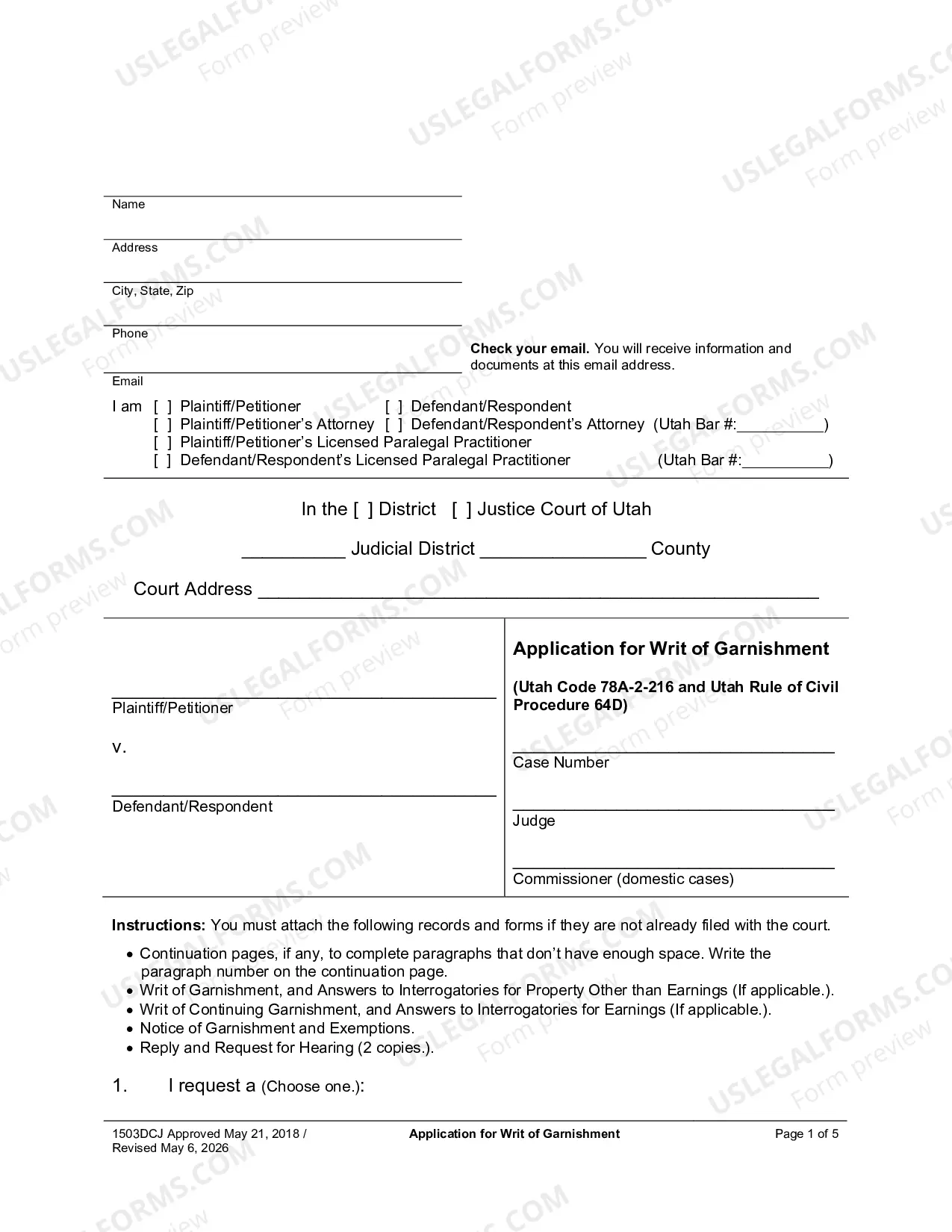

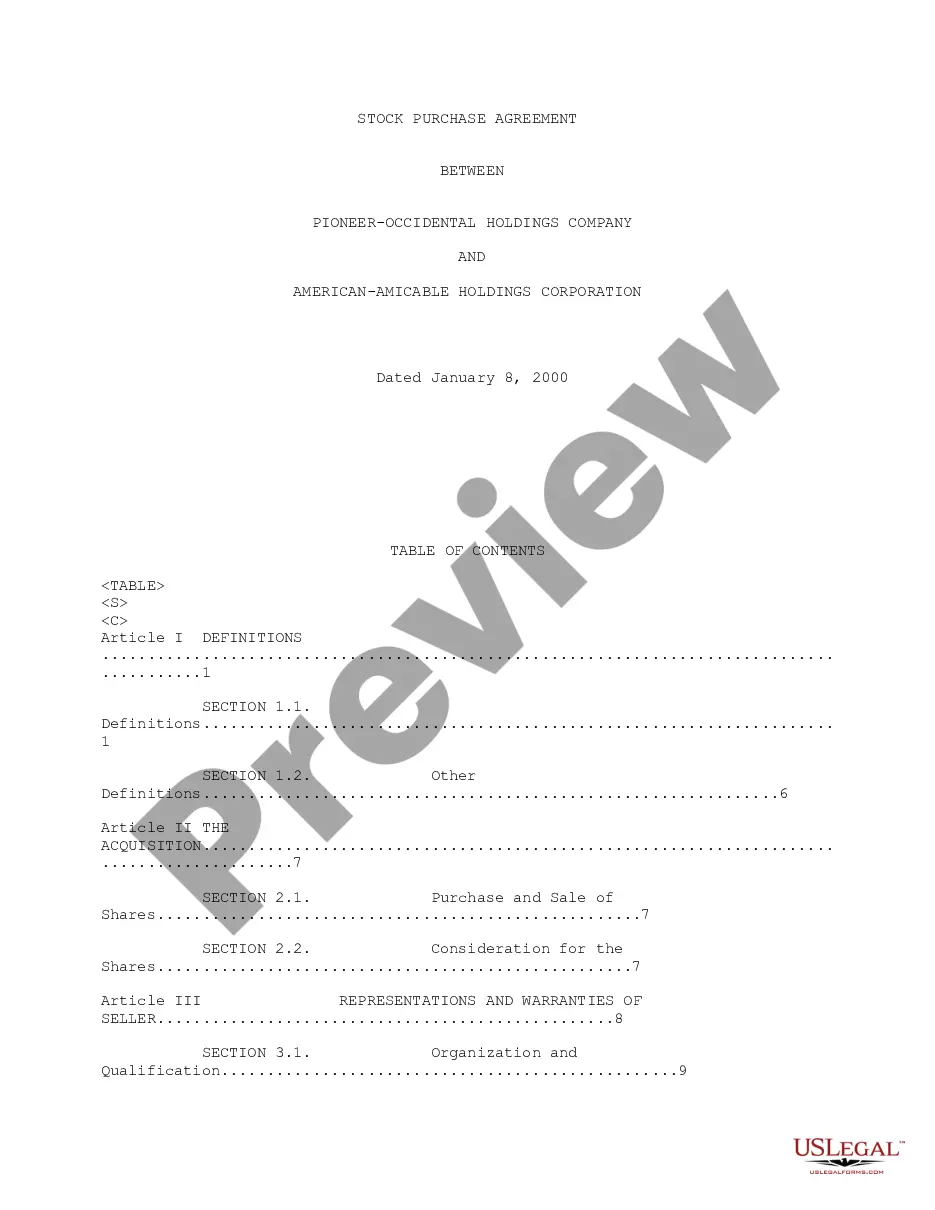

How to fill out Credit Card Charge Authorization Form?
Regardless of whether it’s for entrepreneurial purposes or private issues, everyone eventually has to deal with legal matters in their lifetime.
Completing legal documentation requires meticulous focus, starting with selecting the appropriate form template.
With a vast US Legal Forms library available, you don’t need to waste time searching for the correct template online. Use the library’s user-friendly navigation to find the right template for any situation.
- Locate the template you require using the search bar or catalog browsing.
- Review the form’s description to ensure it suits your situation, state, and region.
- Click on the form’s preview to inspect it.
- If it is the wrong document, return to the search feature to find the Credit Card Authorization Form Hilton Hotel sample you need.
- Obtain the file when it meets your specifications.
- If you already possess a US Legal Forms account, simply click Log in to access previously saved documents in My documents.
- If you do not have an account yet, you can acquire the form by clicking Buy now.
- Select the suitable pricing option.
- Fill out the account registration form.
- Choose your payment method: utilize a credit card or PayPal account.
- Select the document format you desire and download the Credit Card Authorization Form Hilton Hotel.
- After it is downloaded, you can complete the form using editing software or print it and fill it out manually.
Form popularity
FAQ
A credit card pre-authorization for hotels is a temporary hold placed on your card for a specified amount during your stay. This hold covers potential charges, ensuring that funds are available. Once your stay concludes, the hold is released, and only the final charges are processed. Using the UsLegalForms platform makes generating necessary forms for this process straightforward.
The responding party shall have 21 days after the date of service of a motion, or such lesser or greater time as the court may allow, in which to file a response. The moving party may file a reply no later than 14 days after the date of service of the response, or such lesser or greater time as the court may allow.
Simply fill out the response form, telling the court why you disagree with the other party's position. When you file the response, you will be asked to pay a filing fee. You do not need to ?prove? your case in the response; you simply need to tell the court what you believe to be true.
An entry of appearance shall state (a) the identity of the party for whom the appearance is made; (b) the attorney's office address; (c) the attorney's telephone number; (d) the attorney's E-Mail address; and (e) the attorney's registration number. (2)Withdrawal From an Active Case.
Colorado Rule of Civil Procedure 121 § 1-15(8) provides: Duty to Confer. "Unless a statute or rule gov- erning the motion provides that it may be filed without notice, moving counsel and any self-represented party shall confer with opposing counsel and any self- represented parties before filing a motion.
(2) Page Limitations. Unless otherwise ordered and excluding the cover page, jurisdictional statement, table of contents, statement of facts, and procedural history, opening and response briefs shall be no more than 20 pages, and reply briefs shall be no more than 10 pages.
How to File For a Motion to Enforce Download and complete the required forms. These are available online on the Colorado court website. ... File the completed forms with the court. ... Provide the other party with a copy of the motion by mail. Wait for further updates from the court on hearings or direct rulings.