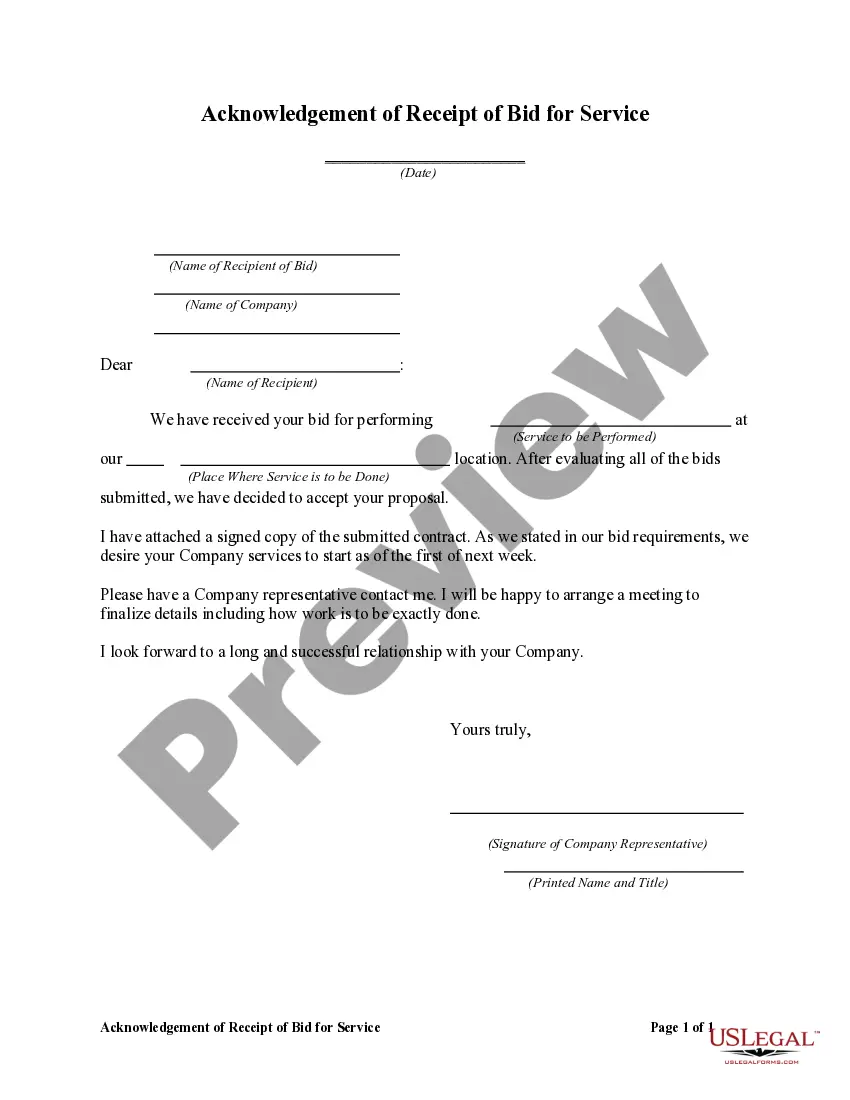
Acknowledgement Receipt Bid For Upgrade
Description
Get your form ready online
Our built-in tools help you complete, sign, share, and store your documents in one place.
Make edits, fill in missing information, and update formatting in US Legal Forms—just like you would in MS Word.
Download a copy, print it, send it by email, or mail it via USPS—whatever works best for your next step.
Sign and collect signatures with our SignNow integration. Send to multiple recipients, set reminders, and more. Go Premium to unlock E-Sign.
If this form requires notarization, complete it online through a secure video call—no need to meet a notary in person or wait for an appointment.
We protect your documents and personal data by following strict security and privacy standards.

Make edits, fill in missing information, and update formatting in US Legal Forms—just like you would in MS Word.

Download a copy, print it, send it by email, or mail it via USPS—whatever works best for your next step.

Sign and collect signatures with our SignNow integration. Send to multiple recipients, set reminders, and more. Go Premium to unlock E-Sign.

If this form requires notarization, complete it online through a secure video call—no need to meet a notary in person or wait for an appointment.

We protect your documents and personal data by following strict security and privacy standards.
Looking for another form?





How to fill out Acknowledgement Of Receipt Of Bid For Service?
Whether for commercial objectives or personal matters, everyone must deal with legal circumstances at some point in their lives.
Completing legal documents requires meticulous attention, starting from selecting the correct form template.
Once it is downloaded, you can complete the form using editing software or print it and finish it manually. With a vast US Legal Forms catalog available, you don’t need to waste time searching for the correct template across the web. Utilize the library’s straightforward navigation to find the right form for any situation.
- For example, if you choose an incorrect version of an Acknowledgment Receipt Bid For Upgrade, it will be denied upon submission.
- Thus, it is crucial to obtain a reliable source of legal documents such as US Legal Forms.
- If you need to acquire an Acknowledgment Receipt Bid For Upgrade template, follow these simple steps.
- Locate the template you need by using the search box or catalog navigation.
- Review the form’s details to confirm it aligns with your circumstances, state, and county.
- Click on the form’s preview to inspect it.
- If it is the wrong document, return to the search function to find the Acknowledgment Receipt Bid For Upgrade template you need.
- Obtain the template when it fits your specifications.
- If you already possess a US Legal Forms account, simply click Log in to access previously stored documents in My documents.
- If you do not yet have an account, you can download the form by clicking Buy now.
- Choose the suitable pricing option.
- Fill out the account registration form.
- Select your payment method: you can utilize a credit card or PayPal account.
- Select the file format you desire and download the Acknowledgment Receipt Bid For Upgrade.
Form popularity
FAQ
I am grateful to all of those with whom I have had the pleasure to work during this and other related projects. Each of the members of my Dissertation Committee has provided me extensive personal and professional guidance and taught me a great deal about both scientific research and life in general.
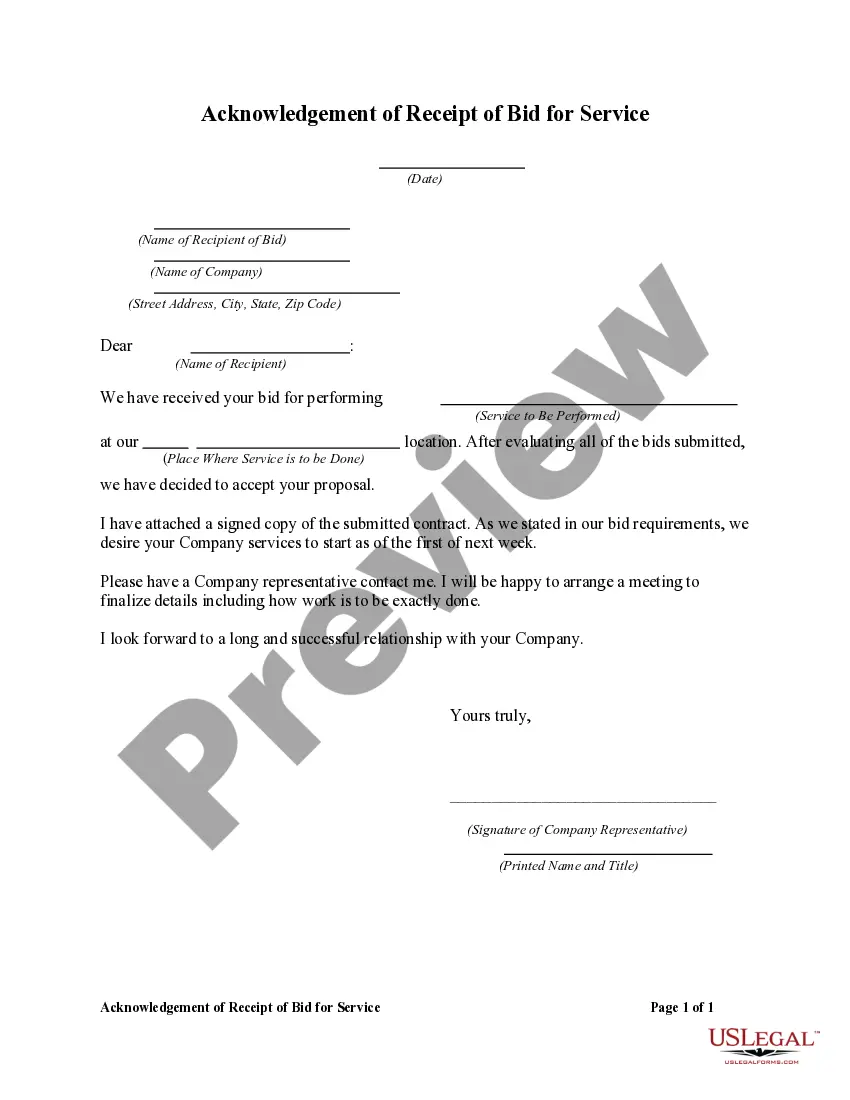
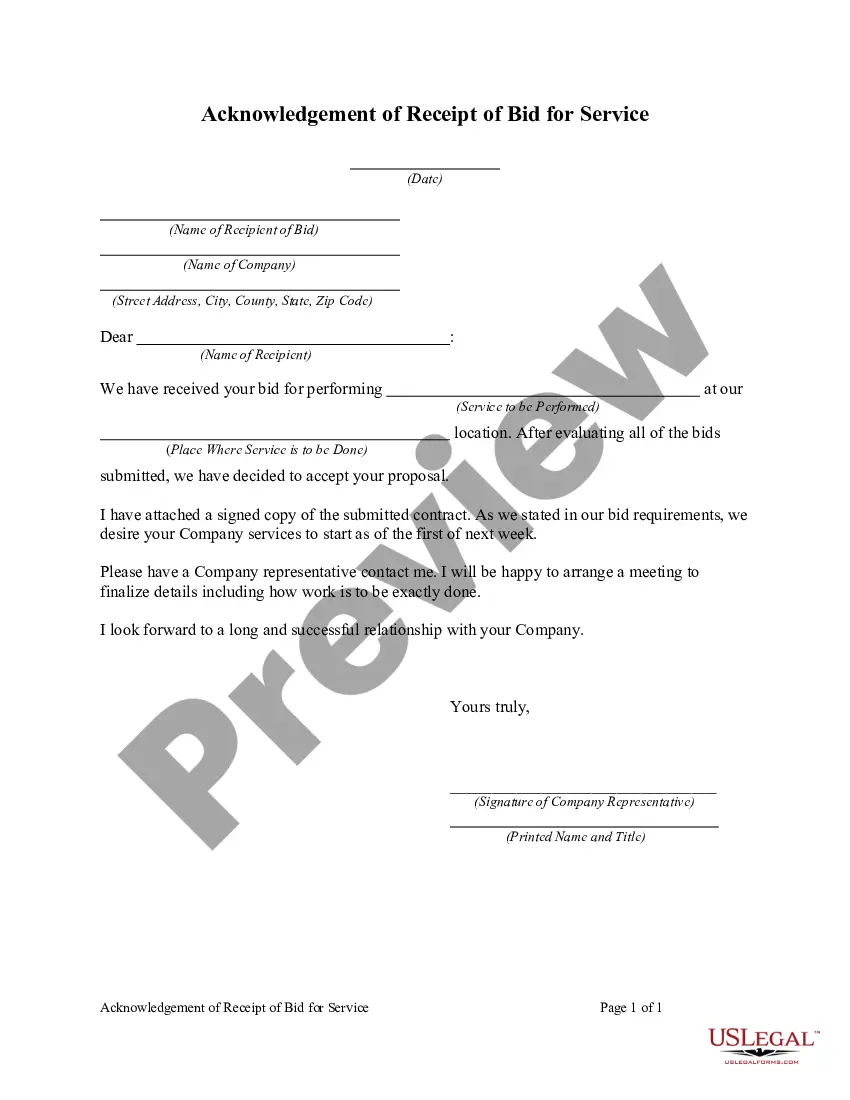
Thank you for the contract bid you submitted. This letter is to confirm that the contract bid you submitted arrived in our office before the deadline. This letter is to let you know that we received your grant application on May 21. We wanted to let you know that your application has arrived and we have it on file.
Use these steps to write an acknowledgment receipt: Use a company letterhead. Use electronic or paper letterhead. ... Write acknowledgment statement. ... Sign and date. ... Explain the next step. ... Provide contact information.
Acknowledgements dos and don'ts Write in first-person, professional language. Thank your professional contacts first. Include full names, titles, and roles of professional acknowledgements. Include personal or intangible supporters, like friends, family, or even pets. Mention funding bodies and what they funded.
Option 1: ?Thank you for confirming on (insert the date you received their acknowledgment) that you have received my email that was sent on (insert the date you sent the original email).? Option 2: ?Acknowledged.? Option 3: ?I've received your email.? Option 4: ?Thank you.? and sign off with ?Best.?