Recipient Created Tax Invoice Agreement Form
Description
Get your form ready online
Our built-in tools help you complete, sign, share, and store your documents in one place.
Make edits, fill in missing information, and update formatting in US Legal Forms—just like you would in MS Word.
Download a copy, print it, send it by email, or mail it via USPS—whatever works best for your next step.
Sign and collect signatures with our SignNow integration. Send to multiple recipients, set reminders, and more. Go Premium to unlock E-Sign.
If this form requires notarization, complete it online through a secure video call—no need to meet a notary in person or wait for an appointment.
We protect your documents and personal data by following strict security and privacy standards.

Make edits, fill in missing information, and update formatting in US Legal Forms—just like you would in MS Word.

Download a copy, print it, send it by email, or mail it via USPS—whatever works best for your next step.

Sign and collect signatures with our SignNow integration. Send to multiple recipients, set reminders, and more. Go Premium to unlock E-Sign.

If this form requires notarization, complete it online through a secure video call—no need to meet a notary in person or wait for an appointment.

We protect your documents and personal data by following strict security and privacy standards.
Looking for another form?
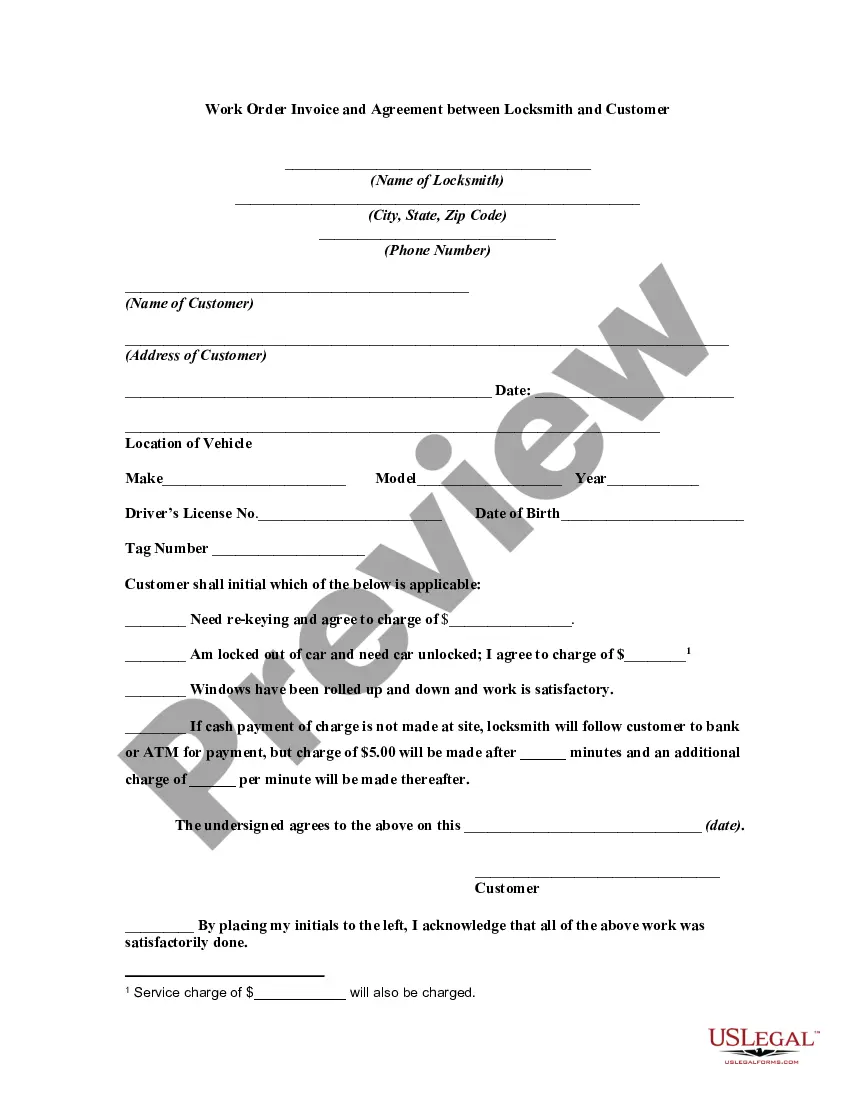
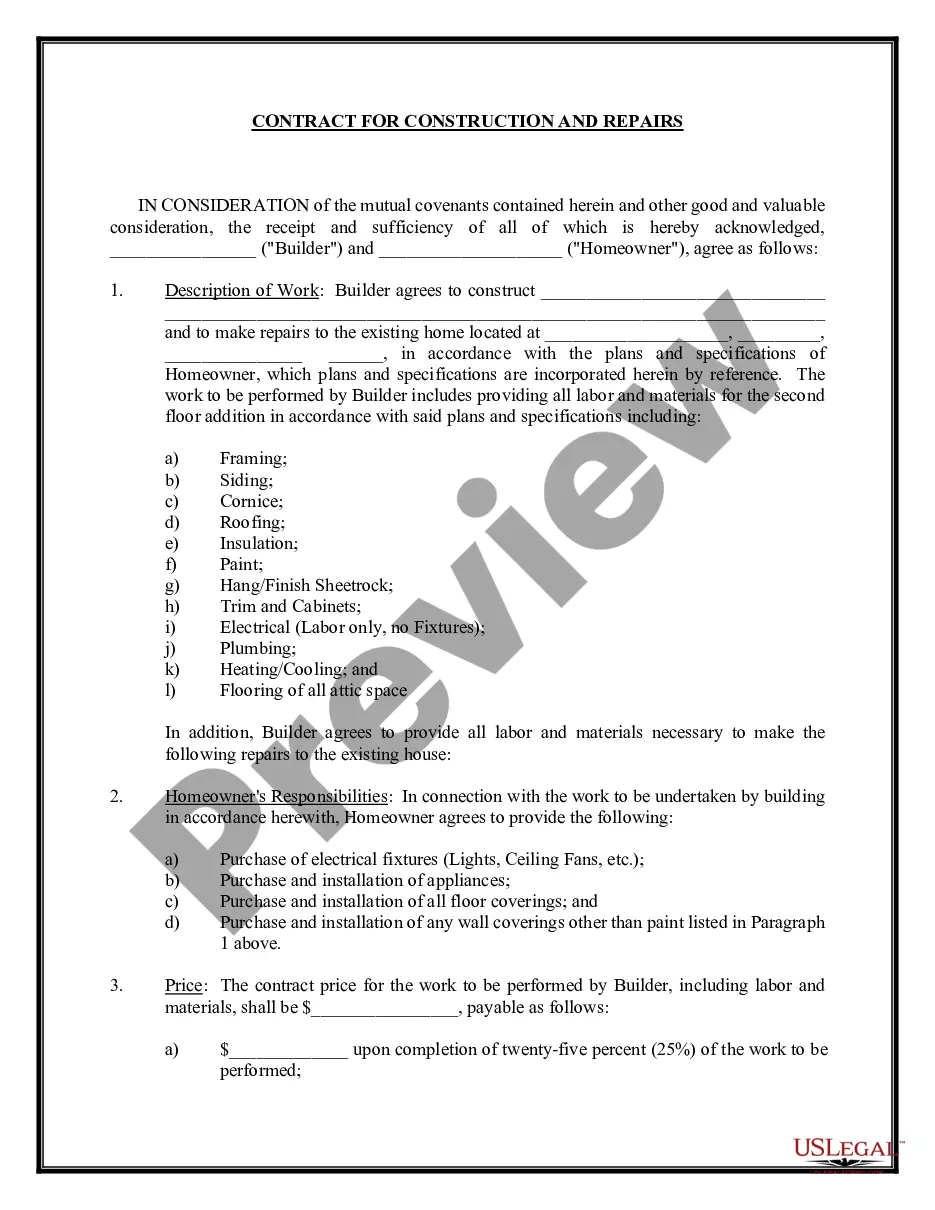
How to fill out Work Order Invoice And Agreement Between Locksmith And Customer?
Well-prepared official documents are among the essential safeguards for preventing issues and legal disputes, but obtaining them without the guidance of an attorney may require some time.
Whether you need to swiftly locate a current Recipient Created Tax Invoice Agreement Form or other templates for work, family, or business purposes, US Legal Forms is always available to assist.
The procedure is even easier for existing users of the US Legal Forms library. If your subscription is active, you simply need to Log In to your account and click the Download button beside the selected file. Furthermore, you can access the Recipient Created Tax Invoice Agreement Form at any time since all documents previously obtained on the platform are accessible within the My documents section of your profile. Conserve time and money on drafting official documents. Experience US Legal Forms today!
- Ensure that the form aligns with your situation and location by reviewing the description and preview.
- If necessary, search for another example using the Search bar located in the header of the page.
- Once you find the right template, click Buy Now.
- Select the pricing structure, Log In to your account or create a new one.
- Choose your preferred payment option to purchase the subscription (via credit card or PayPal).
- Select either PDF or DOCX format for your Recipient Created Tax Invoice Agreement Form.
- Click Download, then print the document to complete it or upload it to an online editor.
Form popularity
FAQ
Enter recipient-created tax invoicesDownload and open our recipient-created tax invoice template (DOCX, 23KB).Insert and remove any fields, add your logo, and adjust other areas to customise the template.Save the template to your computer.Add the template as an advanced invoice template for purchase orders.
They're a way to collect the tax revenue related to the goods and services related to GST. They're also a way to record the credits that are claimable by businesses that are eligible. Any business that has registered for GST must create and hold a tax invoice for any transaction.
Recipient-created tax invoices In most cases, tax invoices are issued by a supplier. However, in special cases, you, as the purchaser or recipient of the goods or services, may issue a tax invoice for your purchases. This is known as a recipient-created tax invoice (RCTI).
The tax invoice can usually only be issued by the entity that made the taxable supply, however there are circumstances where, in order to secure access to input credit claims, the receiver of the services or goods can generate such an invoice. This is known as a recipient-created tax invoice (RCTI).
It can be difficult to work out the value of scrap metal until it is sorted, weighed and valued. As a result, the seller may not be able to provide a tax invoice at the time of delivery or pick-up. In these circumstances, the buyer may issue a tax invoice. This invoice is called a recipient created tax invoice (RCTI).