Hipaa Release Form With Signature
Description
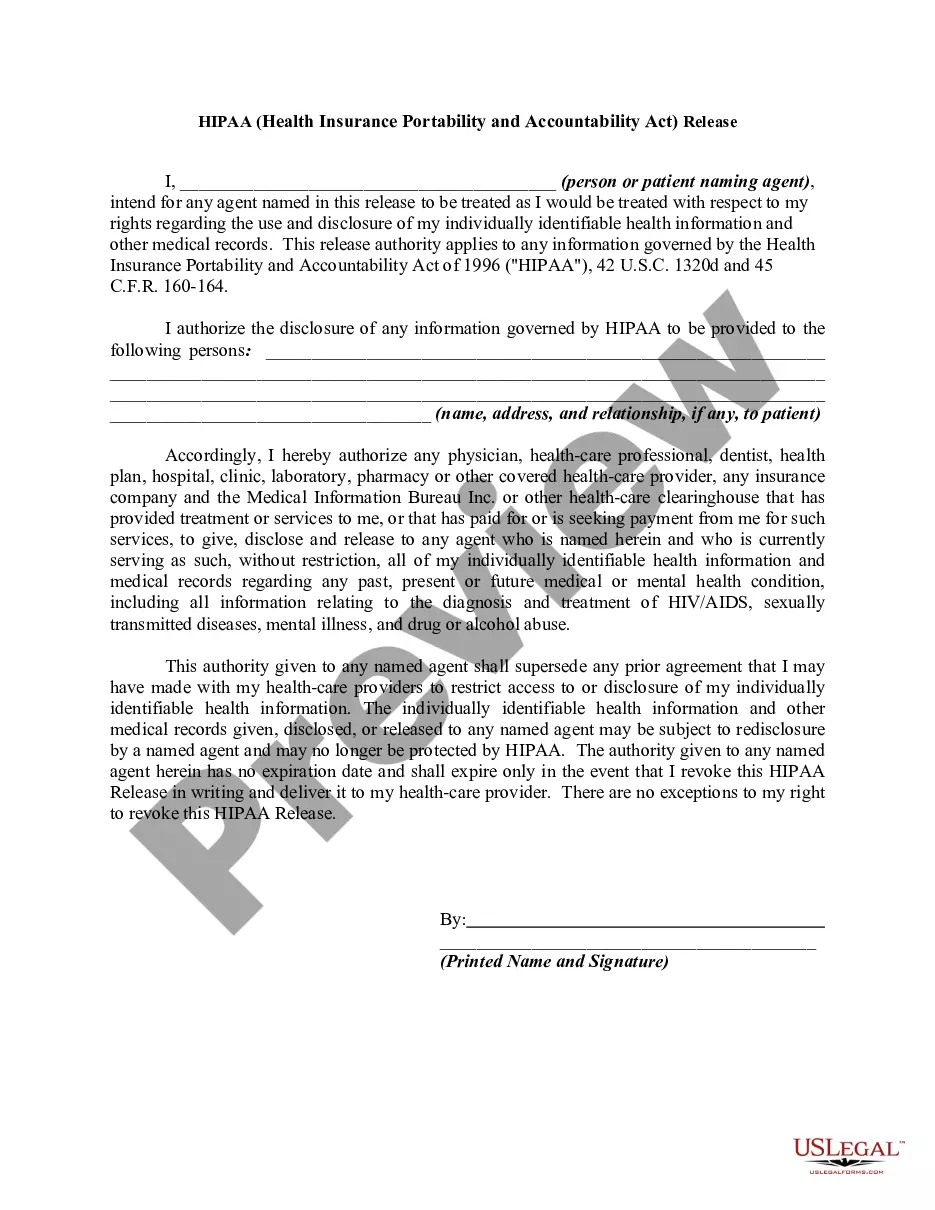
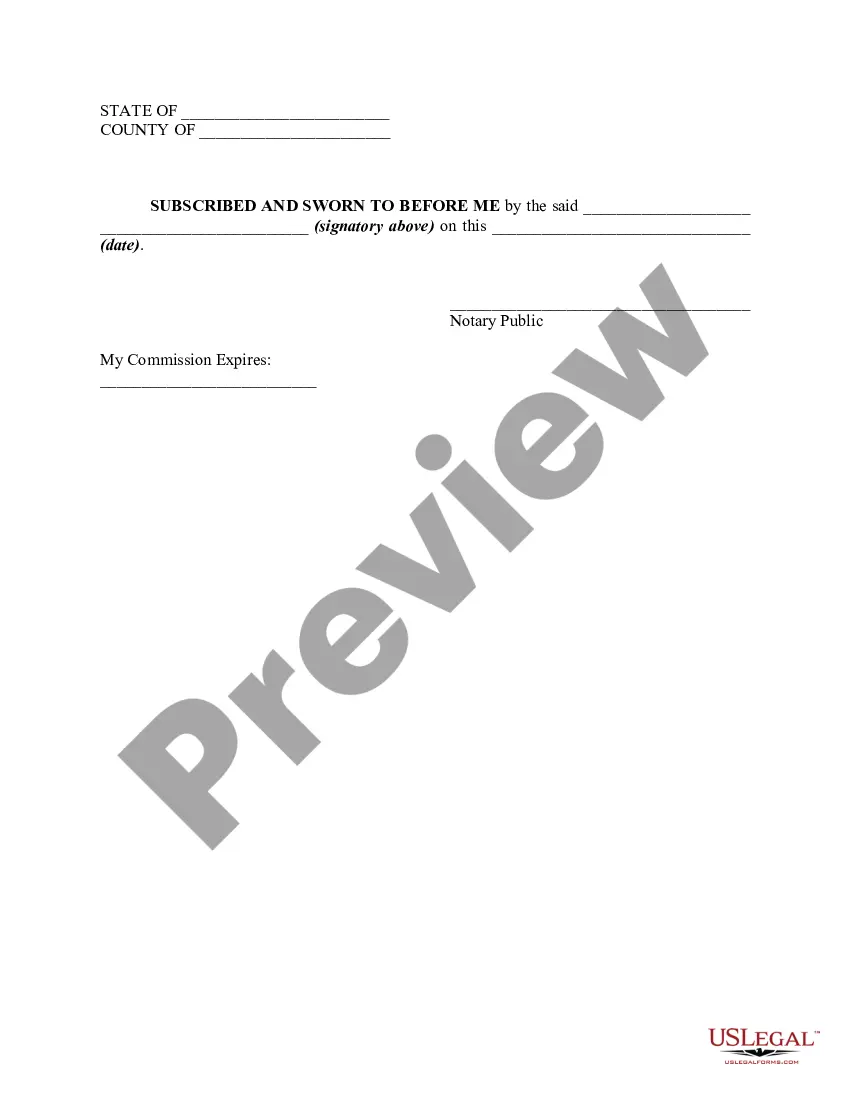

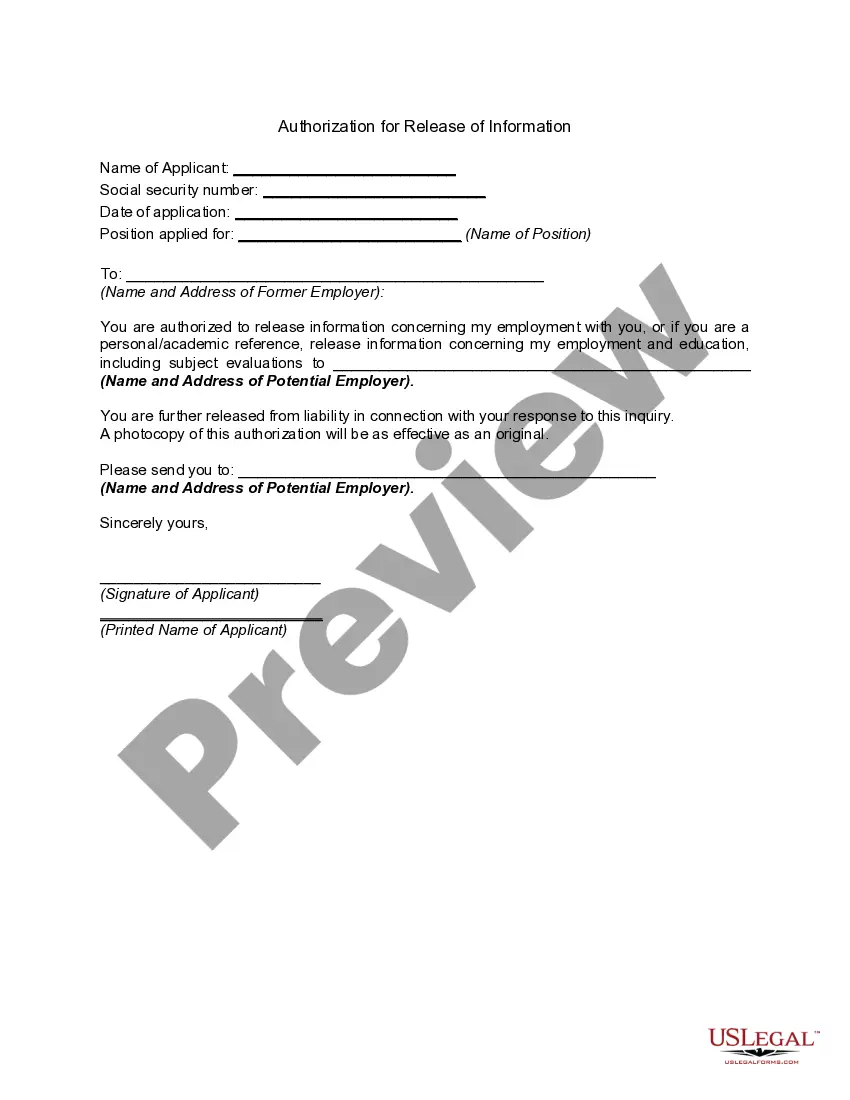
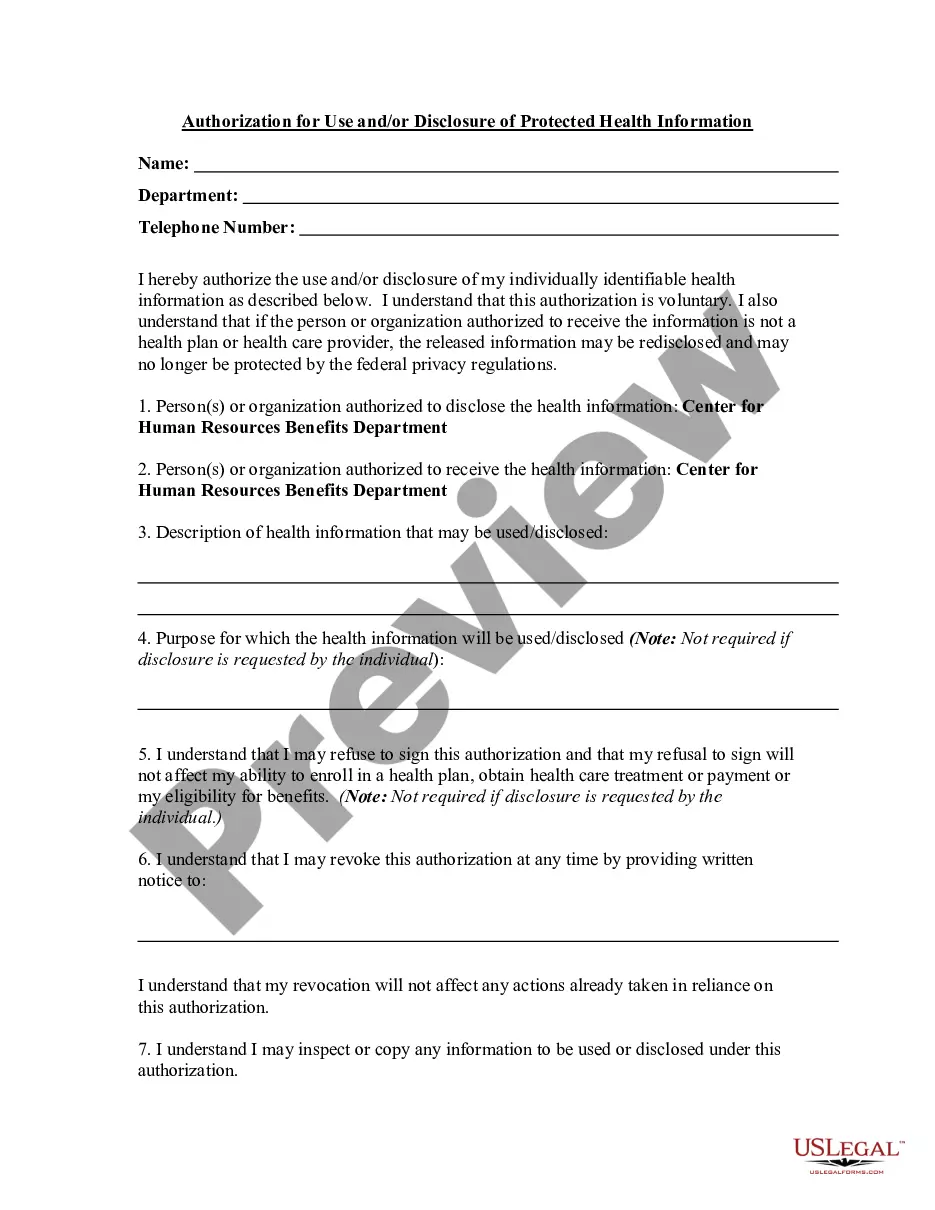





How to fill out HIPAA - Health Insurance Portability And Accountability Act - Release - Authorization To Release Information To A Third Party?
The Hipaa Release Document With Signature visible on this page is a reusable legal template created by expert attorneys in accordance with federal and state regulations.
For over 25 years, US Legal Forms has supplied individuals, enterprises, and legal practitioners with more than 85,000 validated, state-specific documents for any business and personal situation. It’s the quickest, simplest, and most reliable method to acquire the paperwork you require, as the service ensures bank-level data protection and anti-malware security.
Register for US Legal Forms to have authenticated legal templates for all of life’s situations available at your fingertips.
- Search for the document you require and evaluate it.
- Browse through the sample you sought and preview it or read the form description to confirm it meets your needs. If it doesn’t, use the search feature to find the right one. Click Buy Now once you have identified the template you need.
- Subscribe and Log In.
- Select the pricing option that works for you and set up an account. Utilize PayPal or a credit card to make a quick payment. If you already possess an account, Log In and verify your subscription to proceed.
- Obtain the fillable template.
- Select the format you prefer for your Hipaa Release Document With Signature (PDF, Word, RTF) and save the sample to your device.
- Complete and sign the document.
- Print the template to fill it out by hand. Alternatively, use an online multi-functional PDF editor to swiftly and accurately fill out and sign your form with a valid signature.
- Download your documents again.
- Access the same document again whenever necessary. Open the My documents tab in your profile to redownload any previously saved forms.
Form popularity
FAQ
Creating a HIPAA release form with signature is straightforward. First, gather the necessary information, including the names of the parties involved and the specific health information to be released. Next, use a reliable platform like US Legal Forms, where you can easily find customizable templates tailored to your needs. After completing the form, ensure that all parties sign it to validate the release, making it legally binding.
Notarization is not typically required for HIPAA release forms with signature. Most healthcare providers accept these forms without the need for a notary, as long as they are properly signed and dated. However, some situations might call for notarization, so it is best to check with your healthcare provider. USLegalForms offers guidance on when notarization may be necessary, ensuring your HIPAA release process runs smoothly.
Yes, HIPAA release forms with signature can be signed electronically. Electronic signatures are legally recognized in many states, making the process efficient and convenient. Using a reliable platform like USLegalForms ensures that your electronic signature meets all legal requirements. This way, you can securely share your medical information without the hassle of physical paperwork.
To properly fill out a HIPAA release form, start by entering the relevant patient information and detailing the specific records requested. Clearly identify the recipient of the information, along with their contact information. Don’t forget to sign and date the form; this step is crucial as it transforms your document into a legitimate HIPAA release form with signature. For ease and accuracy, you might explore US Legal Forms for resources and templates.
When you fill out a release form, begin by providing your personal details and clarifying the purpose of the release. Specify the information to be disclosed and the parties involved. Conclude by signing and dating the form, as this ensures that it serves as a legally binding HIPAA release form with signature. Consider using US Legal Forms for an easy and guided experience.
Filling out the HIPAA release form involves several steps. First, enter the patient's information and specify the type of medical records to be shared. After that, designate the recipient and include their contact details. Remember to date and sign the form; this reinforces its validity as a HIPAA release form with signature, ensuring compliance with regulations.
To fill out a consent for release of information, start by clearly stating the patient's name and the specific information being released. Next, identify the entities involved, such as the healthcare provider and the recipient of the information. Finally, ensure you include the date, your signature, and any other required details to make it a valid HIPAA release form with signature.