Pay Child Any With Card
Description

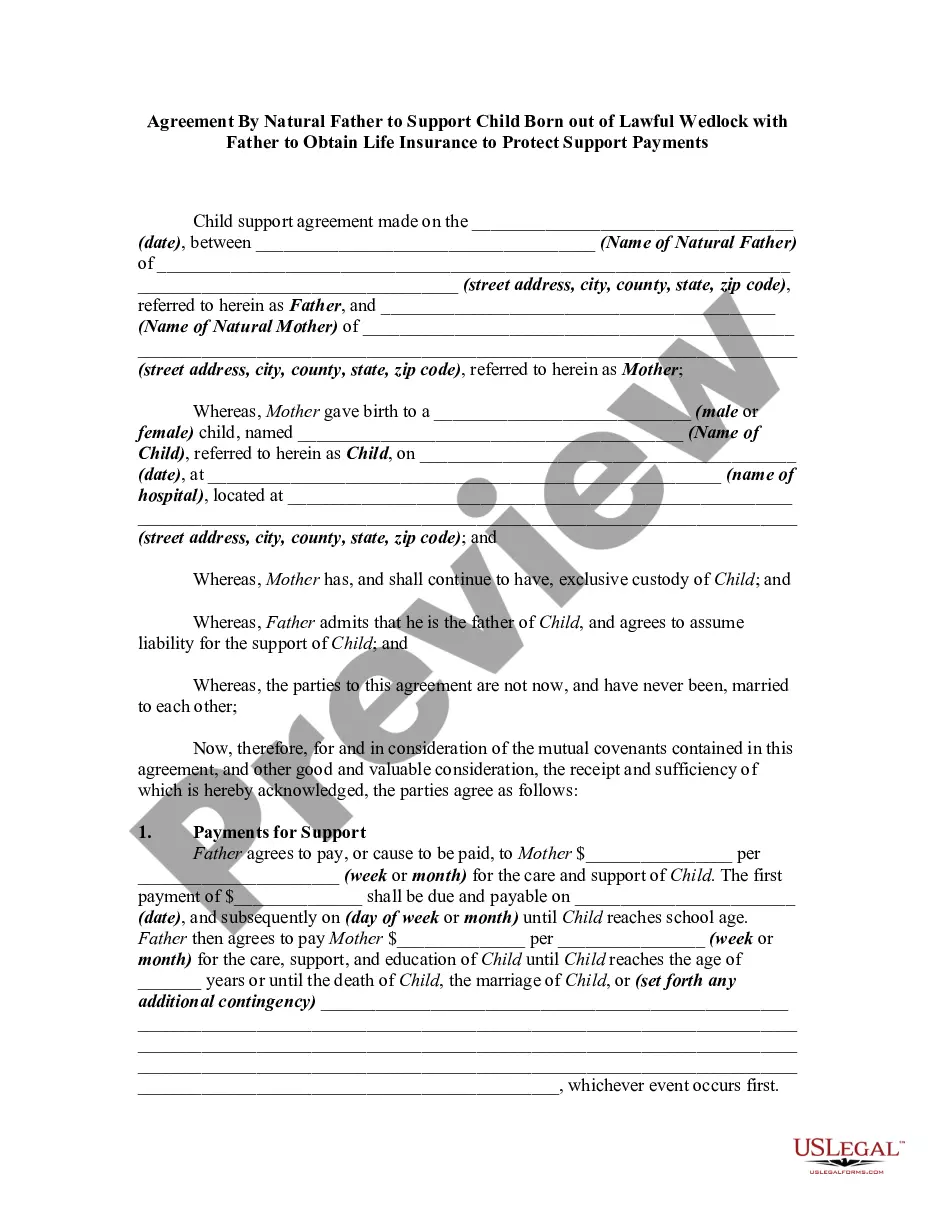
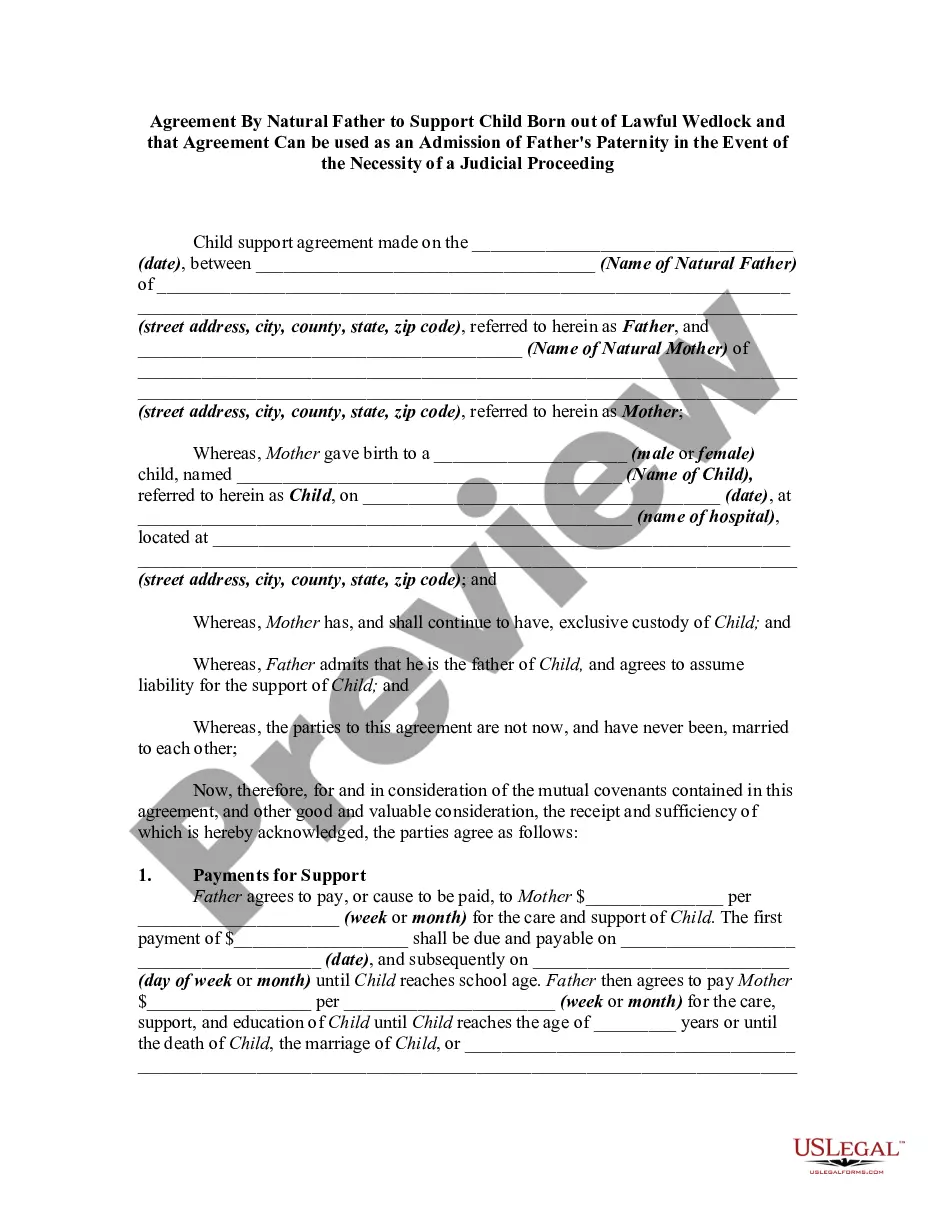
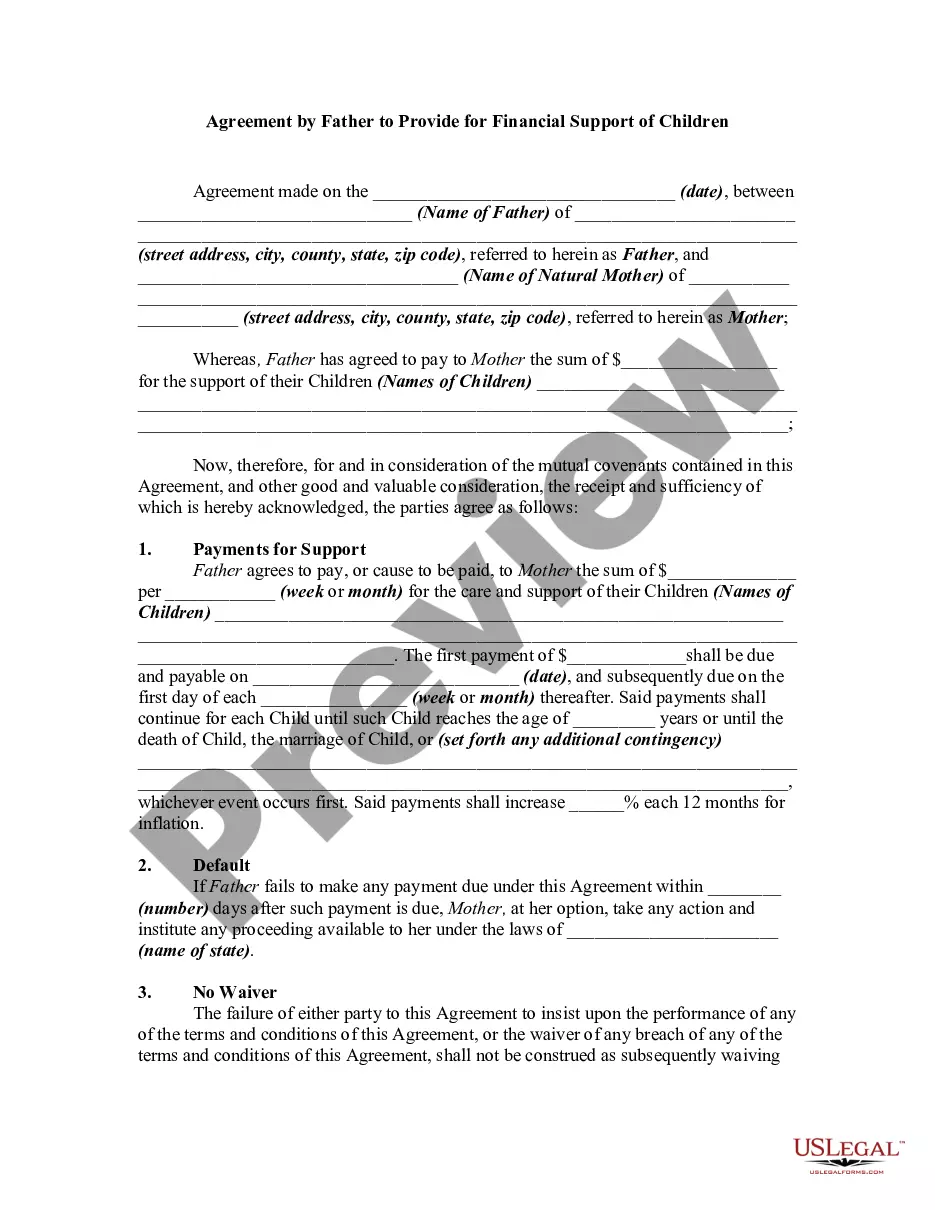
Get your form ready online
Our built-in tools help you complete, sign, share, and store your documents in one place.
Make edits, fill in missing information, and update formatting in US Legal Forms—just like you would in MS Word.
Download a copy, print it, send it by email, or mail it via USPS—whatever works best for your next step.
Sign and collect signatures with our SignNow integration. Send to multiple recipients, set reminders, and more. Go Premium to unlock E-Sign.
If this form requires notarization, complete it online through a secure video call—no need to meet a notary in person or wait for an appointment.
We protect your documents and personal data by following strict security and privacy standards.

Make edits, fill in missing information, and update formatting in US Legal Forms—just like you would in MS Word.

Download a copy, print it, send it by email, or mail it via USPS—whatever works best for your next step.

Sign and collect signatures with our SignNow integration. Send to multiple recipients, set reminders, and more. Go Premium to unlock E-Sign.

If this form requires notarization, complete it online through a secure video call—no need to meet a notary in person or wait for an appointment.

We protect your documents and personal data by following strict security and privacy standards.
Looking for another form?








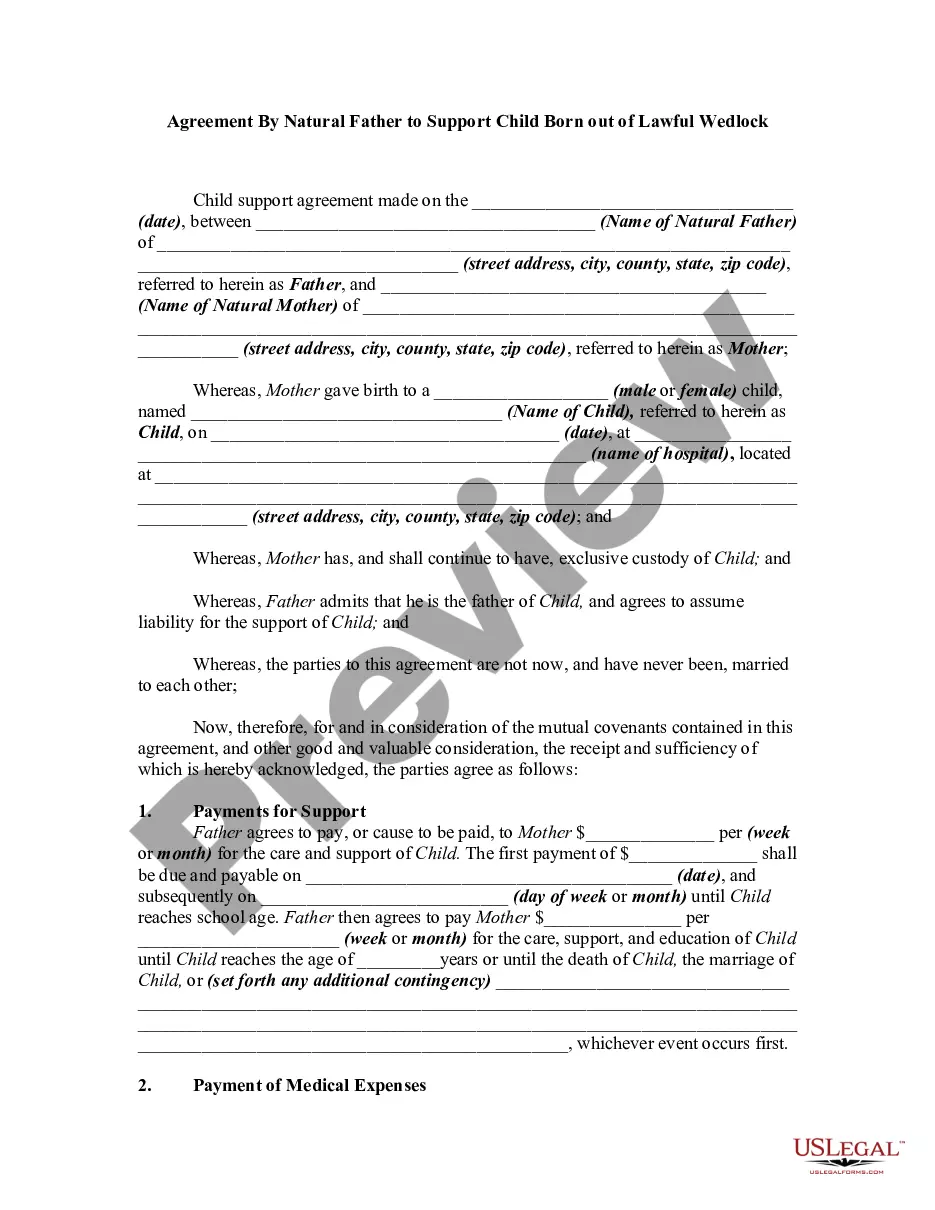
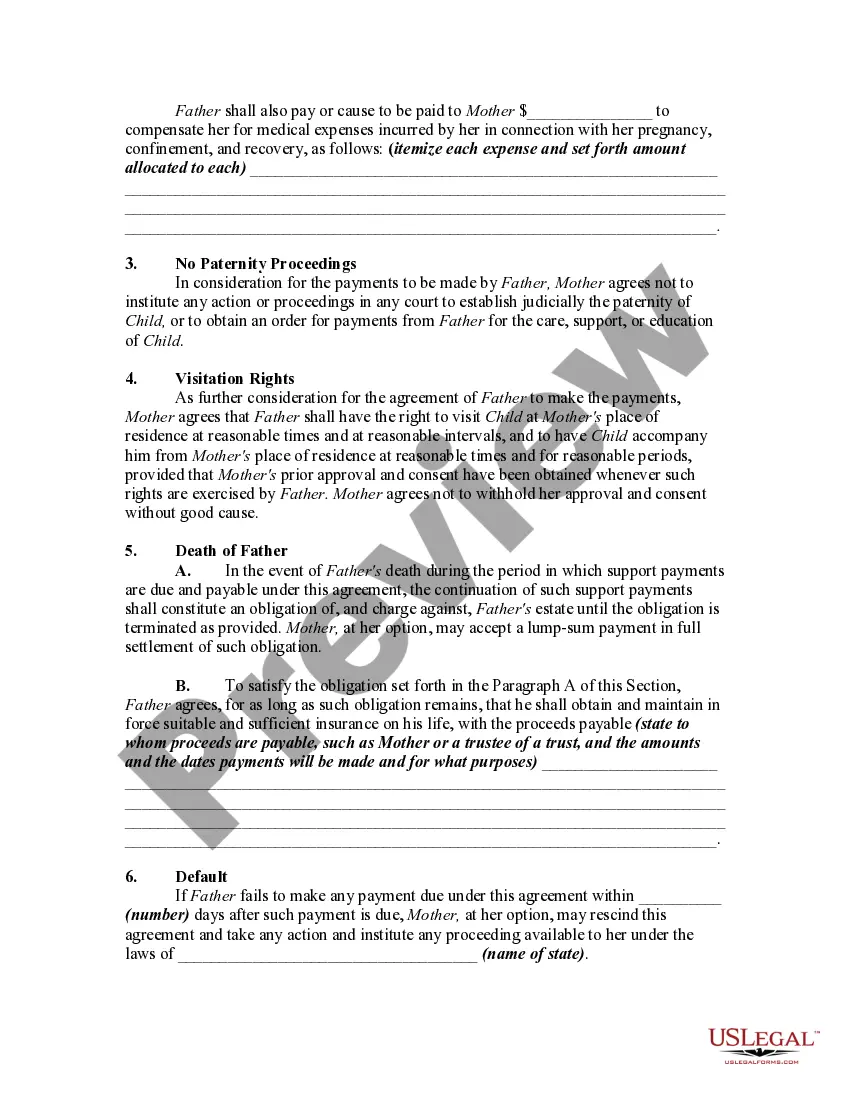
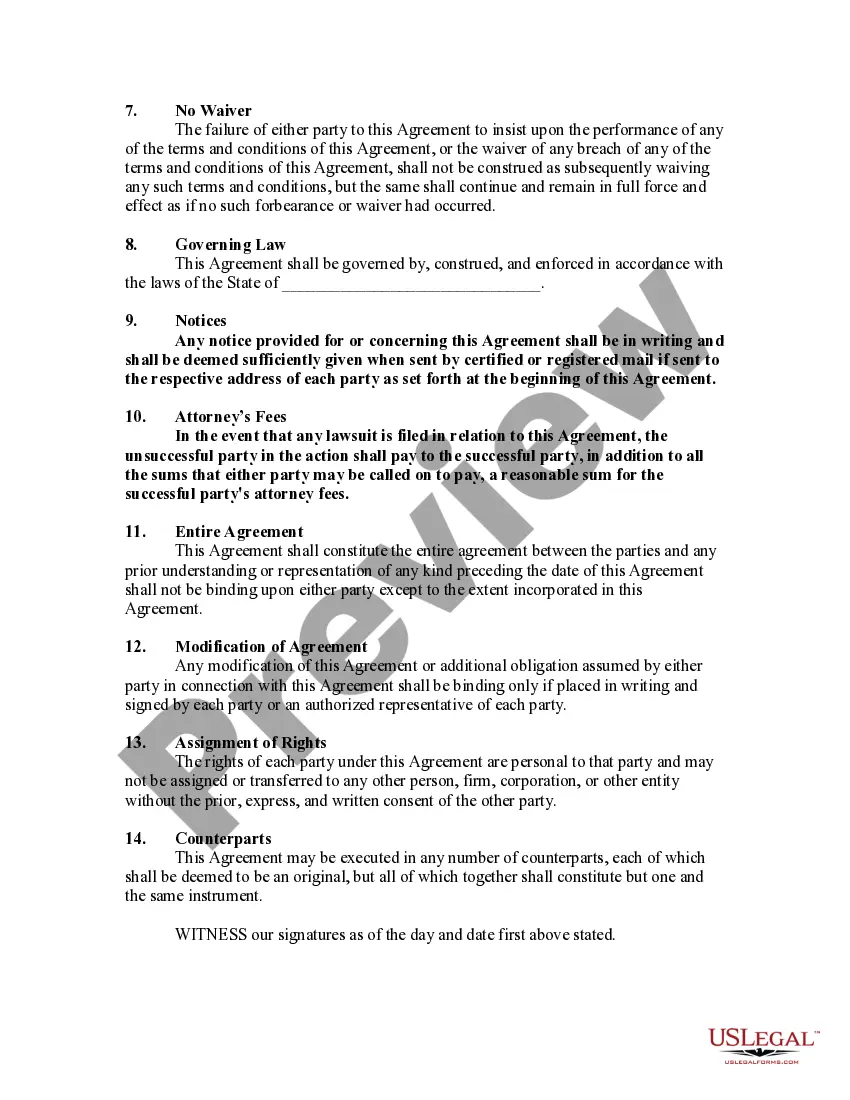
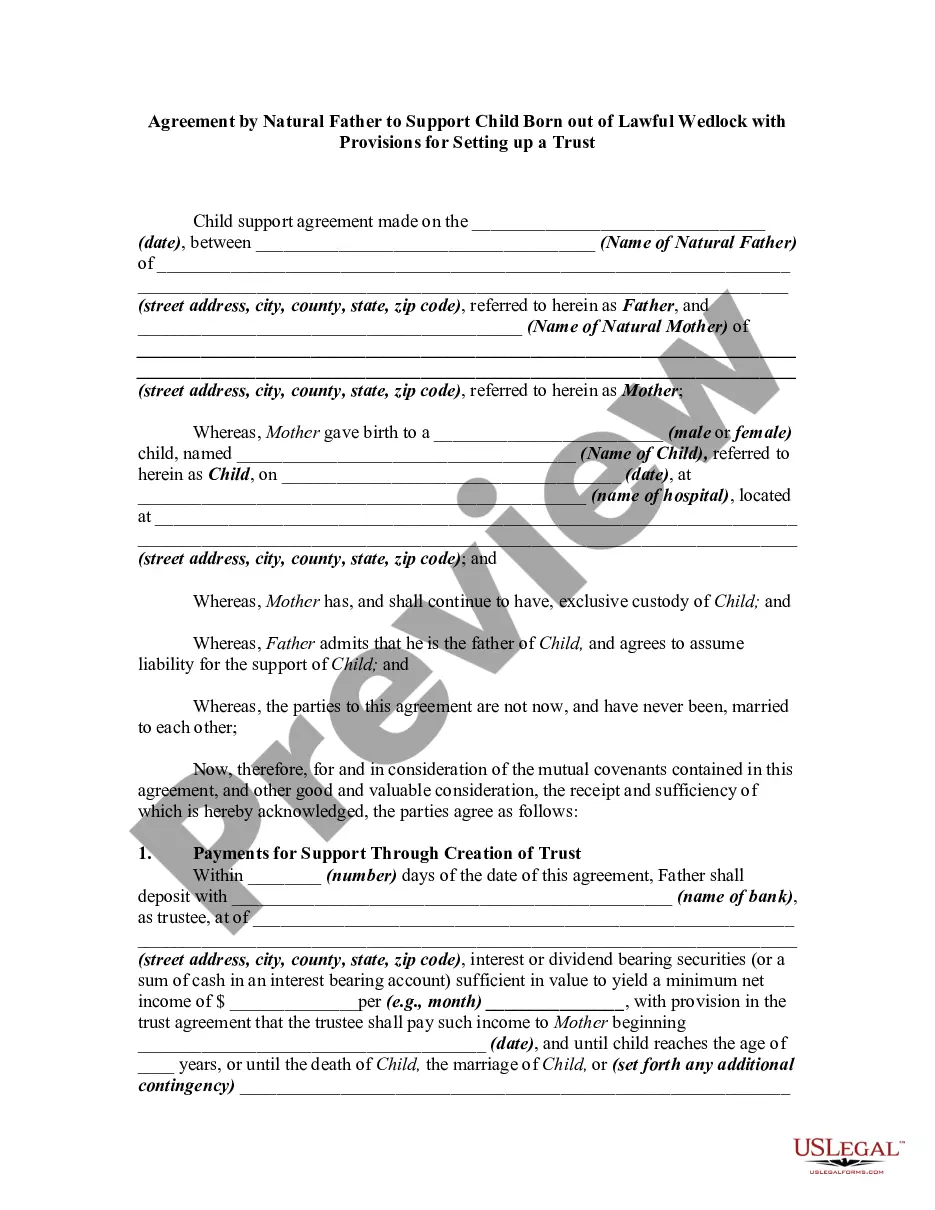
How to fill out Agreement By Natural Father To Support Child Born Out Of Lawful Wedlock?
Creating legal documents from the ground up can frequently be daunting.
Certain situations may necessitate extensive research and significant financial investment.
If you’re looking for a simpler and more cost-effective method of preparing Pay Child Any With Card or any other documentation without unnecessary complications, US Legal Forms is readily available to assist you.
Our online repository of over 85,000 current legal documents encompasses nearly every facet of your financial, legal, and personal matters. With just a few clicks, you can swiftly access state- and county-compliant templates meticulously crafted for you by our legal professionals.
US Legal Forms prides itself on an impeccable reputation and over 25 years of experience. Join us today and transform form completion into a smooth and efficient process!
- Utilize our platform whenever you require dependable and trustworthy services that allow you to promptly find and obtain the Pay Child Any With Card.
- If you’re familiar with our offerings and have earlier established an account with us, simply Log In to your account, find the form and download it immediately or re-download it anytime in the My documents section.
- Not registered? No worries. It only takes a few moments to create one and browse the library.
- However, before proceeding to download Pay Child Any With Card, consider these suggestions.
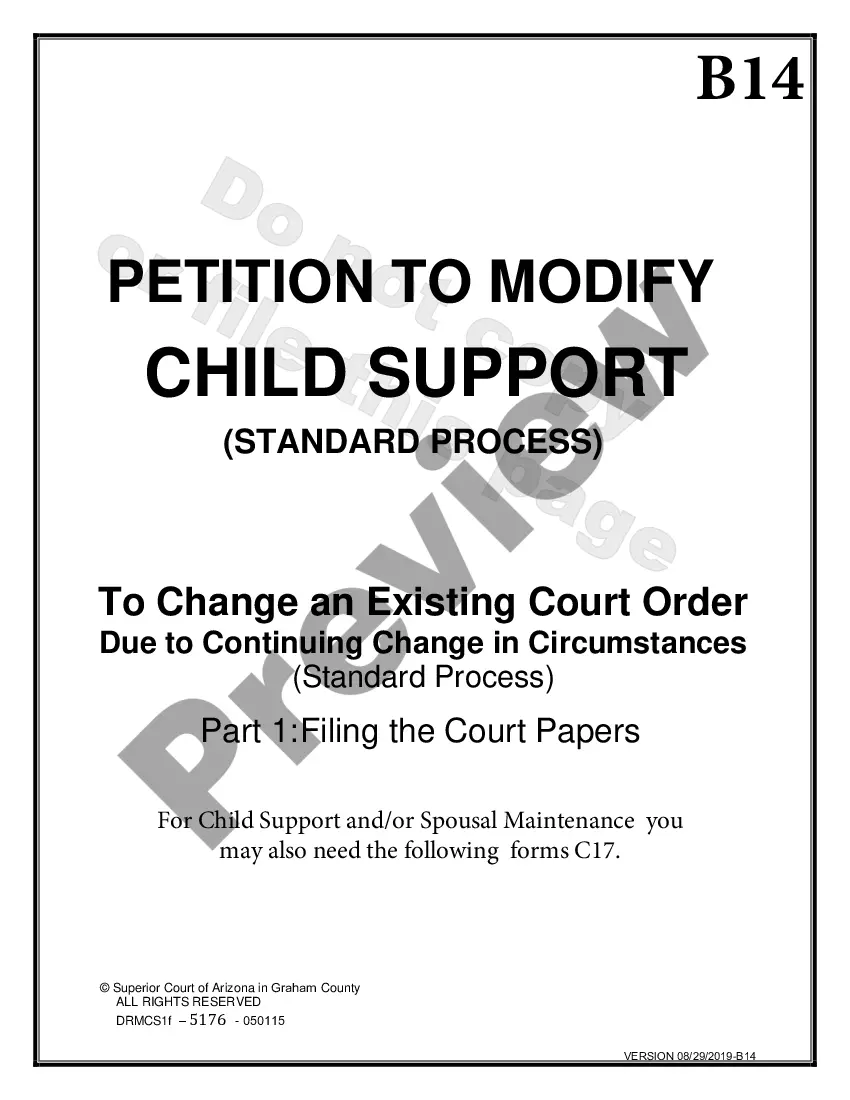
- Examine the document preview and descriptions to ensure you have located the file you are seeking.
Form popularity
FAQ
Yes, a 12-year-old can use Google, including its search engine and various services. However, ensure you supervise their online activities for safety. Teaching them how to use Google responsibly can enhance their learning experience. Moreover, understanding how to search for ways to pay child any with card could be beneficial for them.
A 12-year-old cannot have their own Google Wallet account, as the platform requires users to be at least 13. Nevertheless, parents can use their Google Wallet to manage payments effectively. This way, you can support your child's financial education while enjoying convenient payments. It's a great method to pay child any with card while ensuring you maintain oversight.
Apple Wallet generally restricts use for individuals under 13 years of age due to safety and privacy regulations. If your 12-year-old needs to pay for purchases, consider traditional methods while teaching them financial responsibility. You can explore alternatives that let you pay child any with card while managing the experience from your own device.
Generally, you cannot add a 3-year-old as an authorized user on a credit card. Credit card companies typically require users to be at least 13 years old. However, you can decide to manage your spending through your card while keeping your child's needs in mind. If you need to pay for your child's expenses, consider options that help you pay child any with card directly.
Setting up a wallet for your child involves creating a dedicated account on the platform you wish to use. After creating the account, navigate to the wallet settings and link a payment method. This allows you to pay child any with card, giving your child access to funds for approved purchases. Remember to monitor the wallet regularly to manage spending effectively.
Google requires a credit card for a child account to confirm identity and manage payments securely. This ensures that only authorized users can access the account. Moreover, it helps to prevent unauthorized purchases or payments. By using the card, parents can easily pay child any with card while monitoring spending.
To add a payment method to your child account, begin by signing in to your account. Next, navigate to the 'Payment Methods' section and select 'Add Payment Method.' Follow the prompts to enter the card information. You can use a credit or debit card to pay child any with card, ensuring that your child has access to essential services.