Rules For Employees Driving Company Vehicles
Description
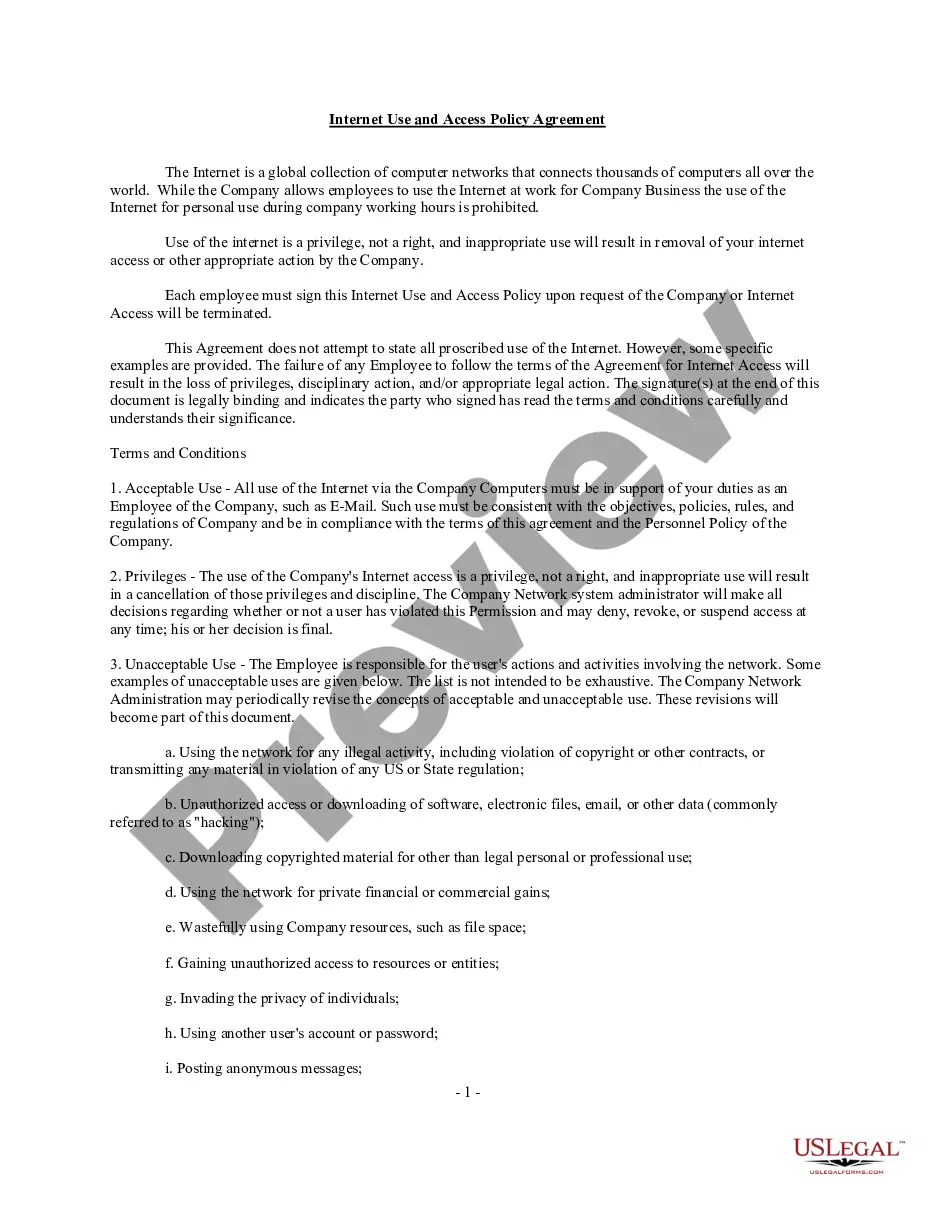
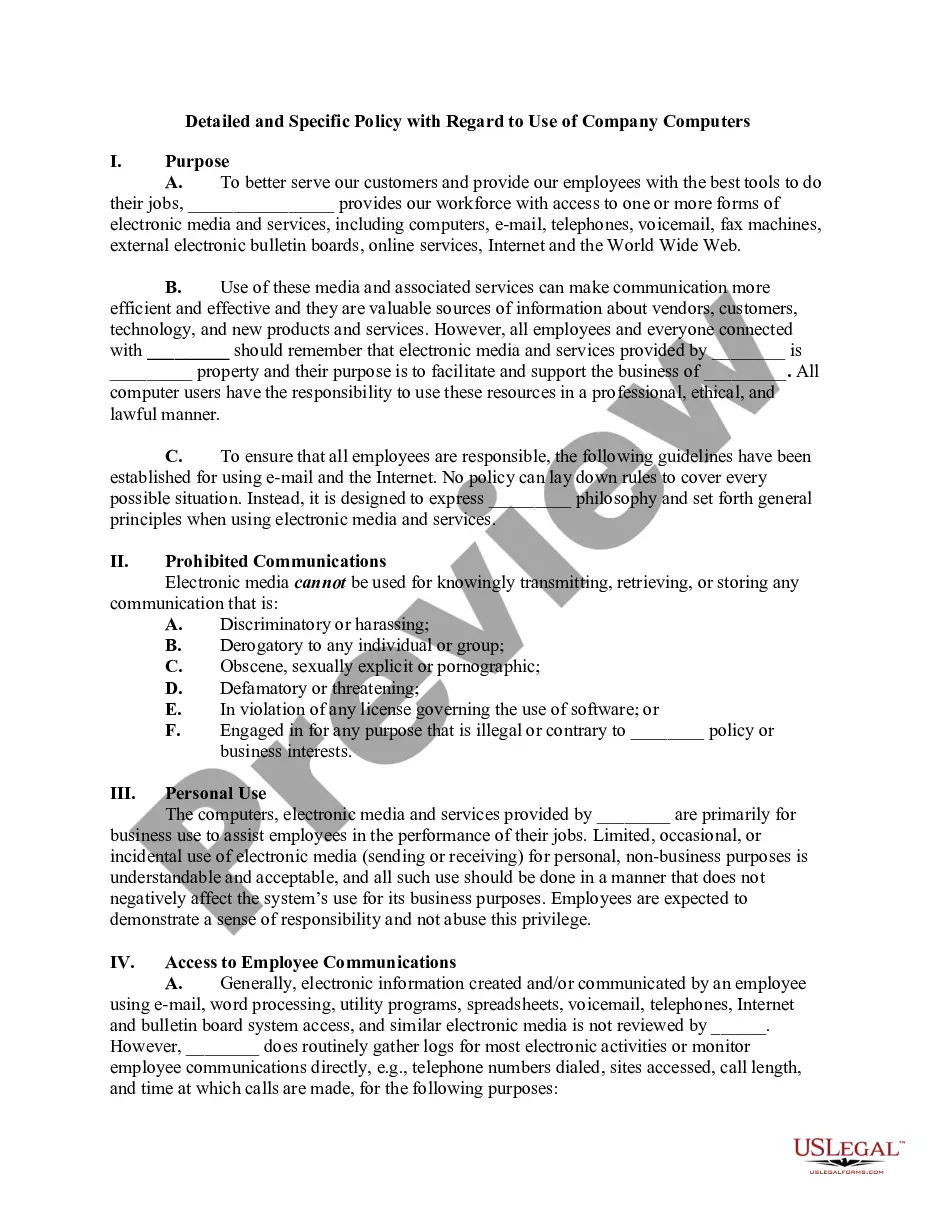
Get your form ready online
Our built-in tools help you complete, sign, share, and store your documents in one place.
Make edits, fill in missing information, and update formatting in US Legal Forms—just like you would in MS Word.
Download a copy, print it, send it by email, or mail it via USPS—whatever works best for your next step.
Sign and collect signatures with our SignNow integration. Send to multiple recipients, set reminders, and more. Go Premium to unlock E-Sign.
If this form requires notarization, complete it online through a secure video call—no need to meet a notary in person or wait for an appointment.
We protect your documents and personal data by following strict security and privacy standards.

Make edits, fill in missing information, and update formatting in US Legal Forms—just like you would in MS Word.

Download a copy, print it, send it by email, or mail it via USPS—whatever works best for your next step.

Sign and collect signatures with our SignNow integration. Send to multiple recipients, set reminders, and more. Go Premium to unlock E-Sign.

If this form requires notarization, complete it online through a secure video call—no need to meet a notary in person or wait for an appointment.

We protect your documents and personal data by following strict security and privacy standards.
Looking for another form?



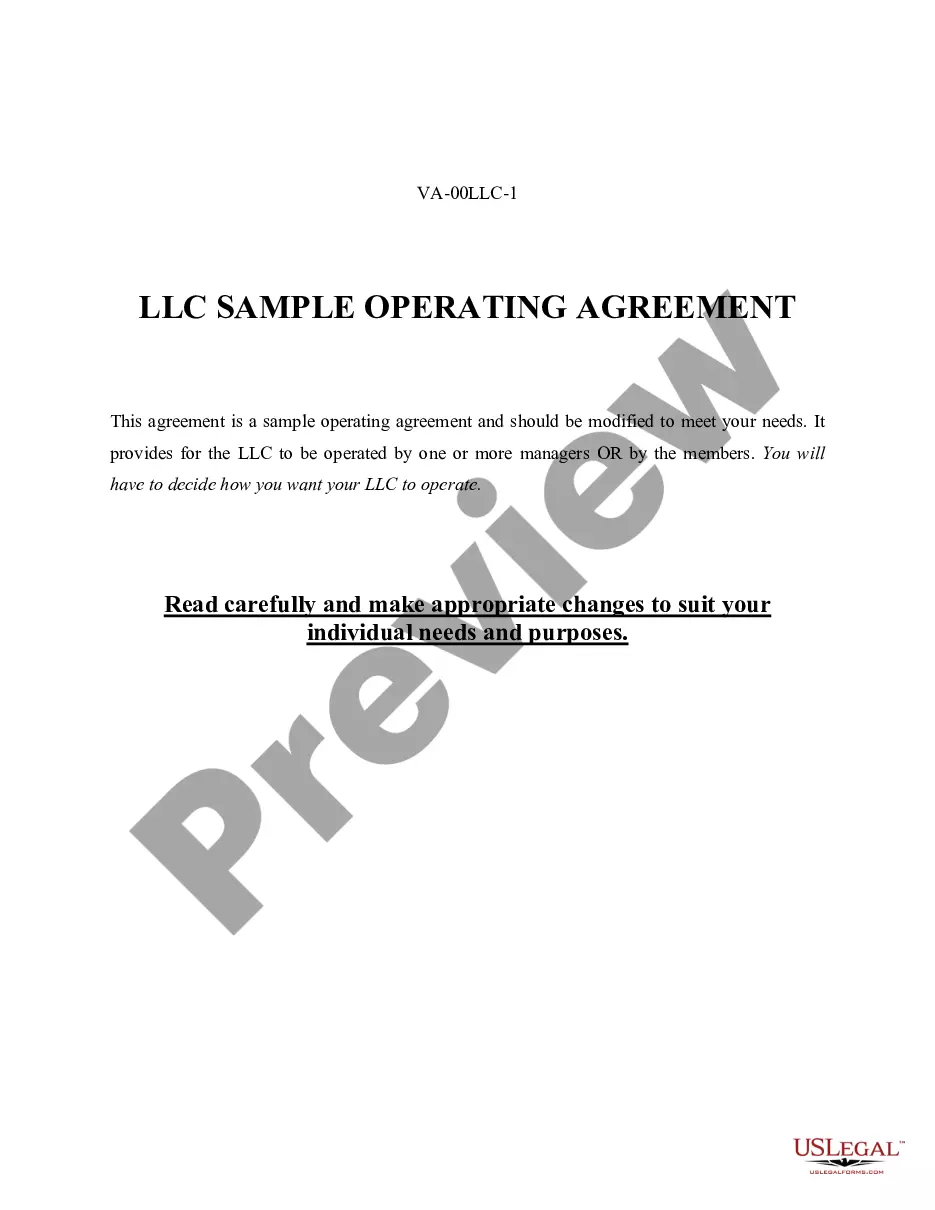




How to fill out Computer Use And Internet Policy For Employees Of Business?
Whether for commercial reasons or personal matters, everyone must confront legal issues at some point in their lives.
Filling out legal documents necessitates meticulous attention, beginning with choosing the correct form template.
With a comprehensive US Legal Forms catalog available, you never need to waste time searching for the appropriate template online. Utilize the library's straightforward navigation to locate the suitable form for any scenario.
- Locate the template you require using the search bar or catalog navigation.
- Review the form's description to ensure it aligns with your circumstances, state, and county.
- Click on the form's preview to examine it.
- If it is the incorrect form, return to the search tool to find the Rules For Employees Driving Company Vehicles example you need.
- Download the template once it fits your specifications.
- If you already possess a US Legal Forms account, click Log in to retrieve previously saved documents in My documents.
- If you don't have an account yet, you can acquire the form by clicking Buy now.
- Choose the suitable pricing option.
- Complete the account registration form.
- Select your payment method: use a credit card or PayPal account.
- Choose the file format you desire and download the Rules For Employees Driving Company Vehicles.
- Once downloaded, you can fill out the form using editing software or print it and complete it by hand.
Form popularity
FAQ
In addition, all consumers are entitled to one free disclosure every 12 months upon request from each nationwide credit bureau and from nationwide specialty consumer reporting agencies. See .consumerfinance.gov/learnmore for additional information.
Don't be fooled by look-alikes. Lots of sites promise credit reports for free. AnnualCreditReport.com is the only official site explicitly directed by Federal law to provide them.
Credit scores from the three main bureaus (Experian, Equifax, and TransUnion) are considered accurate. The accuracy of the scores depends on the accuracy of the information provided to them by lenders and creditors. You can check your credit report to ensure the information is accurate.
AnnualCreditReport.com is the official site to get your free annual credit reports. This right is guaranteed by Federal law. You can verify this is the official site by visiting the CFPB's website. Don't be fooled by look-alike sites.
Yes. The site's security protocols and measures protect the personal information you provide. You must enter your Social Security Number to receive a free credit report through AnnualCreditReport.com.
To get the free credit report authorized by law, go to AnnualCreditReport.com or call (877) 322-8228.
Federal law gives you the right to get a free copy of your credit report every 12 months from each of the three nationwide credit bureaus. Through December 2023, everyone in the United States also can get a free credit report each week from each of the three credit bureaus at AnnualCreditReport.com.
Three major credit reporting agencies provide credit reports: Equifax, Experian, and TransUnion. 123 These may be the safest routes to obtaining your credit history, which ultimately affects your personal credit score.
