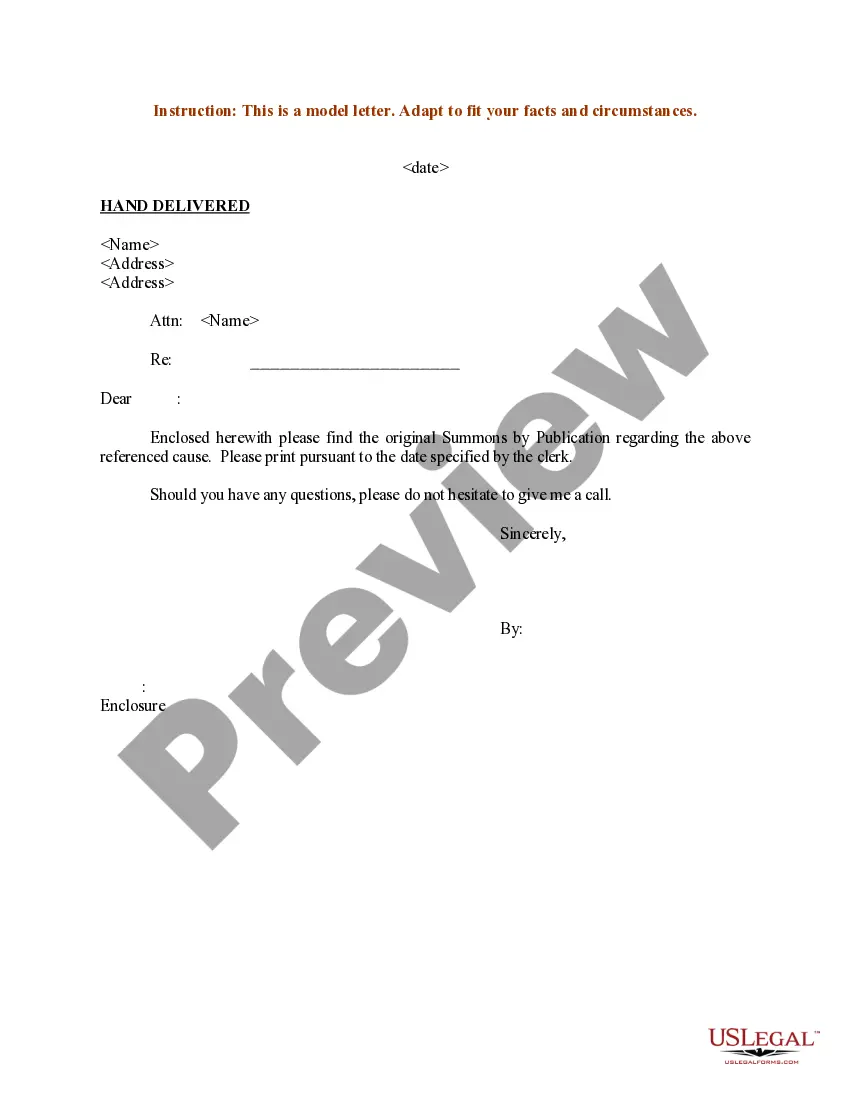
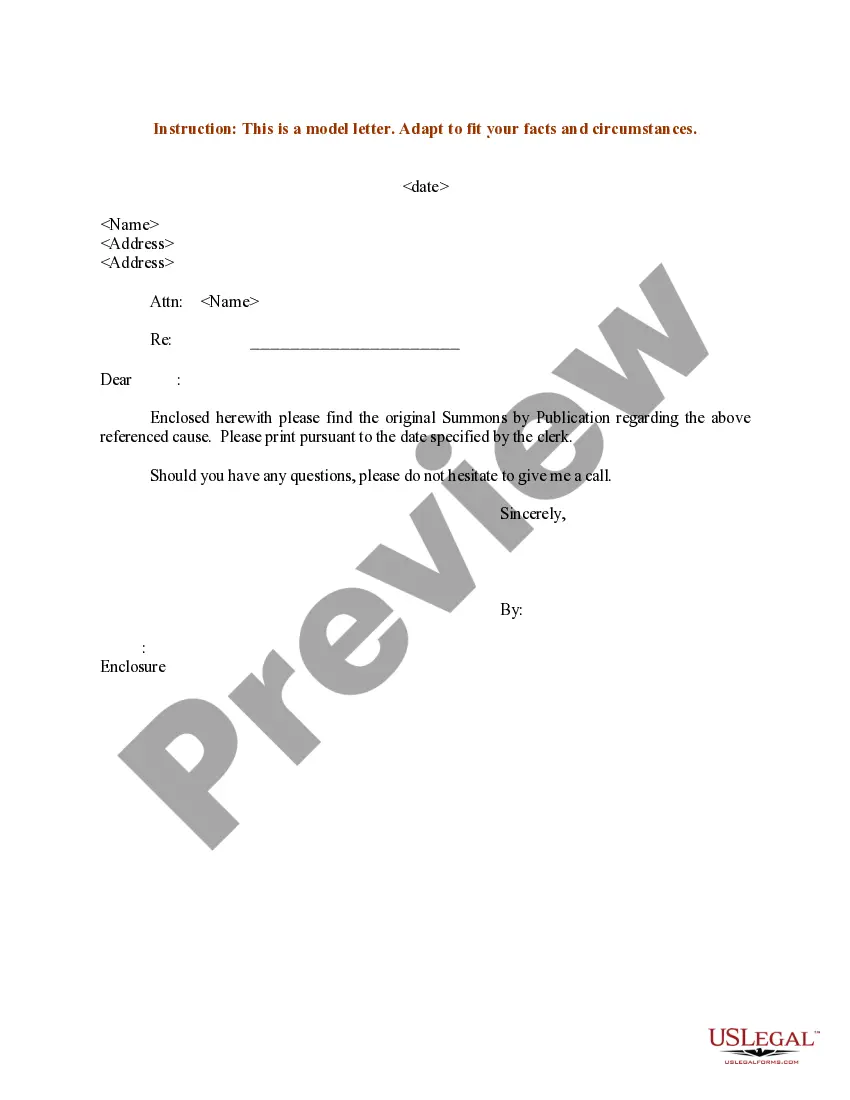
Hand Delivery Letter Format With Signature
Description
Get your form ready online
Our built-in tools help you complete, sign, share, and store your documents in one place.
Make edits, fill in missing information, and update formatting in US Legal Forms—just like you would in MS Word.
Download a copy, print it, send it by email, or mail it via USPS—whatever works best for your next step.
Sign and collect signatures with our SignNow integration. Send to multiple recipients, set reminders, and more. Go Premium to unlock E-Sign.
If this form requires notarization, complete it online through a secure video call—no need to meet a notary in person or wait for an appointment.
We protect your documents and personal data by following strict security and privacy standards.

Make edits, fill in missing information, and update formatting in US Legal Forms—just like you would in MS Word.

Download a copy, print it, send it by email, or mail it via USPS—whatever works best for your next step.

Sign and collect signatures with our SignNow integration. Send to multiple recipients, set reminders, and more. Go Premium to unlock E-Sign.

If this form requires notarization, complete it online through a secure video call—no need to meet a notary in person or wait for an appointment.

We protect your documents and personal data by following strict security and privacy standards.
Looking for another form?
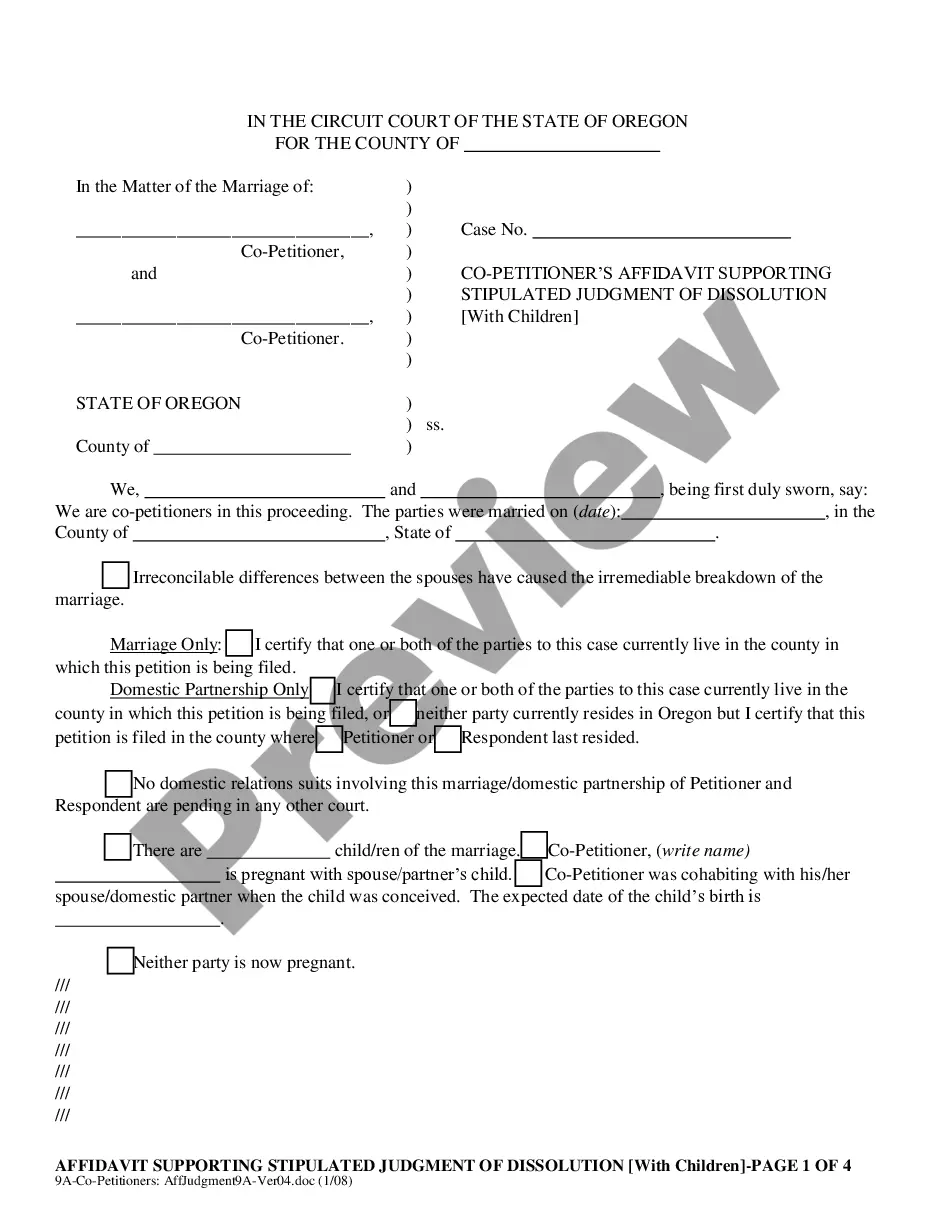
How to fill out Sample Letter For Summons By Publication - Hand Delivered?
Utilizing legal document templates that adhere to federal and state regulations is crucial, and the internet provides many alternatives to select from.
However, what’s the use in squandering time searching for the correct Hand Delivery Letter Format With Signature example online if the US Legal Forms digital library already compiles such formats in one location.
US Legal Forms is the largest virtual legal repository with more than 85,000 fillable templates prepared by lawyers for any business and personal scenario.
Review the template using the Preview feature or through the text outline to ensure it meets your requirements. Search for another sample using the search bar at the top of the page if needed. Click Buy Now once you’ve located the appropriate form and choose a subscription option. Create an account or sign in and process payment with PayPal or a credit card. Choose the ideal format for your Hand Delivery Letter Format With Signature and download it. All documents you find through US Legal Forms are reusable. To redownload and fill out previously acquired forms, access the My documents section in your account. Enjoy the most comprehensive and user-friendly legal document service!
- They are easy to navigate with all documents categorized by state and intended use.
- Our experts stay updated with legal modifications, ensuring you can always trust your documents are current and compliant when obtaining a Hand Delivery Letter Format With Signature from our platform.
- Acquiring a Hand Delivery Letter Format With Signature is straightforward and rapid for both existing and new users.
- If you already possess an account with an active subscription, Log In and download the document template you need in your desired format.
- If you are a newcomer to our site, follow the steps below.
Form popularity
FAQ
The logical place for notations such as Personal, Confidential, Registered or Hand-delivered is at the left margin, just below the date line, where the reader would probably look first upon opening the letter. Such notations may be in capital letters or with an initial capital and boldface.
Tips for formatting a letter signature The standard for professional correspondence is single spacing with 1-inch margins. Use a professional font. Your closing font should be professional and easy to read. Choose a font like Arial, Helvetica or Times New Roman.
The Signature Line This line will include your first and last name, and often includes a middle initial, although it is not required. You may put your title beforehand to show how you wish to be addressed (Ms., Mrs., Dr.). The signature should be in blue or black ink.
The preferred letter ending phrases for formal, social, or business correspondence are ?Sincerely,? ?Sincerely yours,? ?Very sincerely,? or ?Very sincerely yours.? ?Kind(est) regards,? and ?Warm(est) regards? fill a nice gap between formal and more intimate closings.
At the end of the letter, place your signature on the right side of the page. Don't forget to provide any relay information if necessary. When writing a letter using blocked form, indent each paragraph. First include your name, address, phone number, and the date.