Proof Unemployed Form Withdrawn
Description
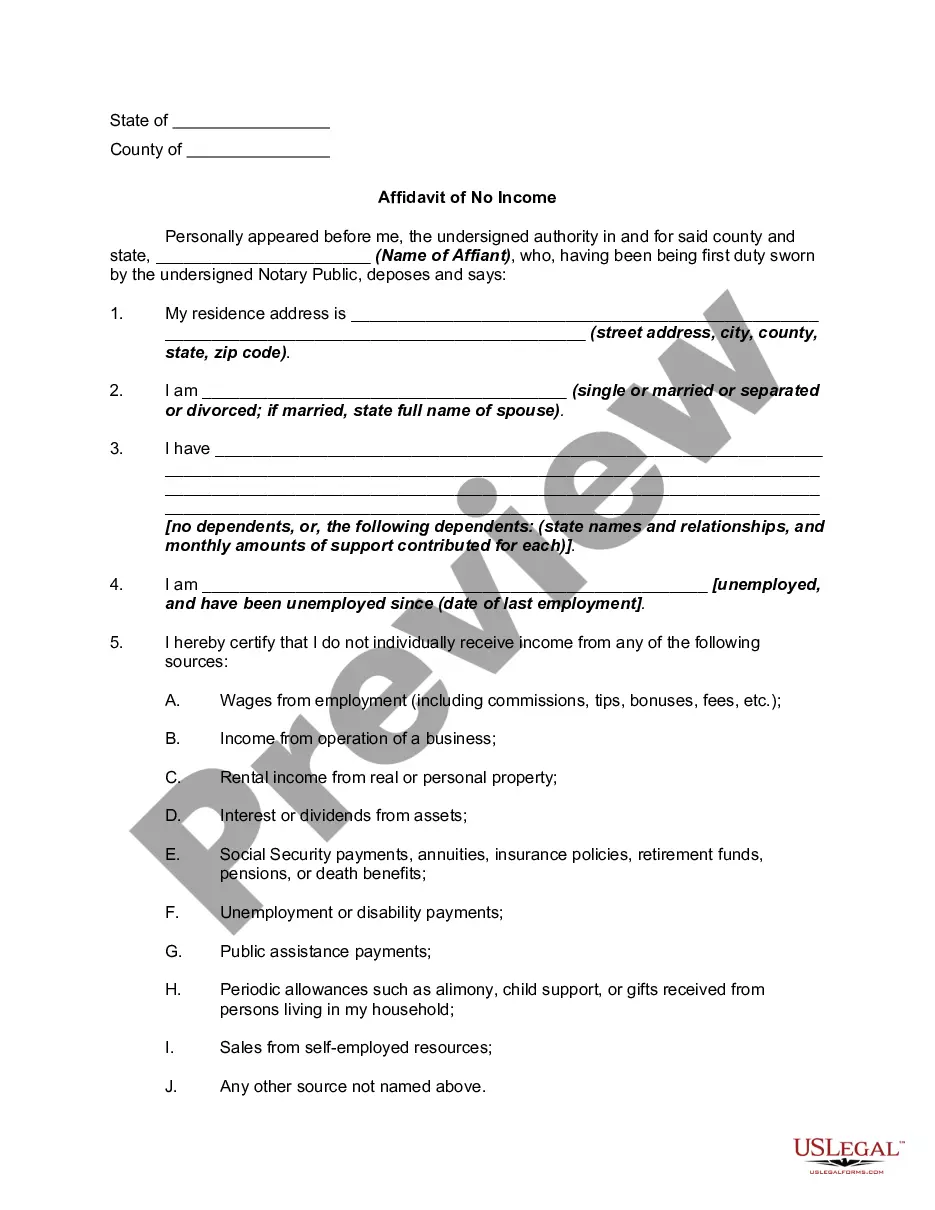
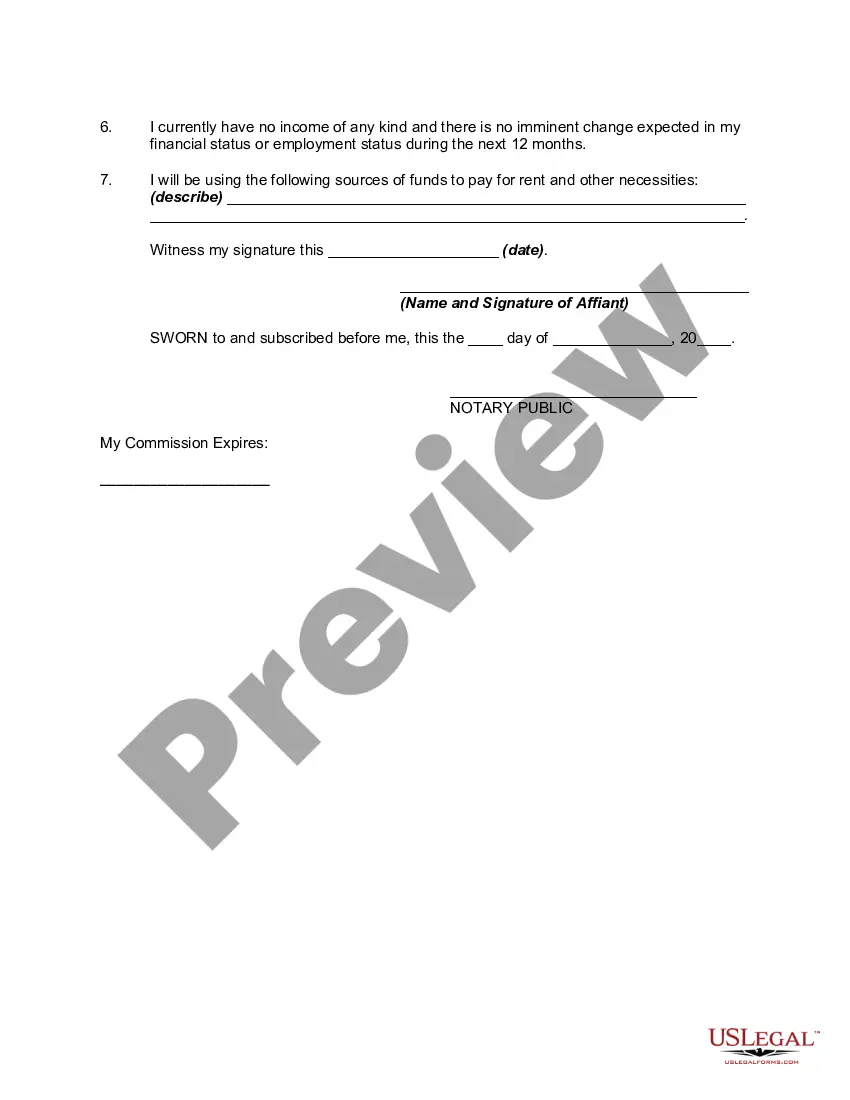
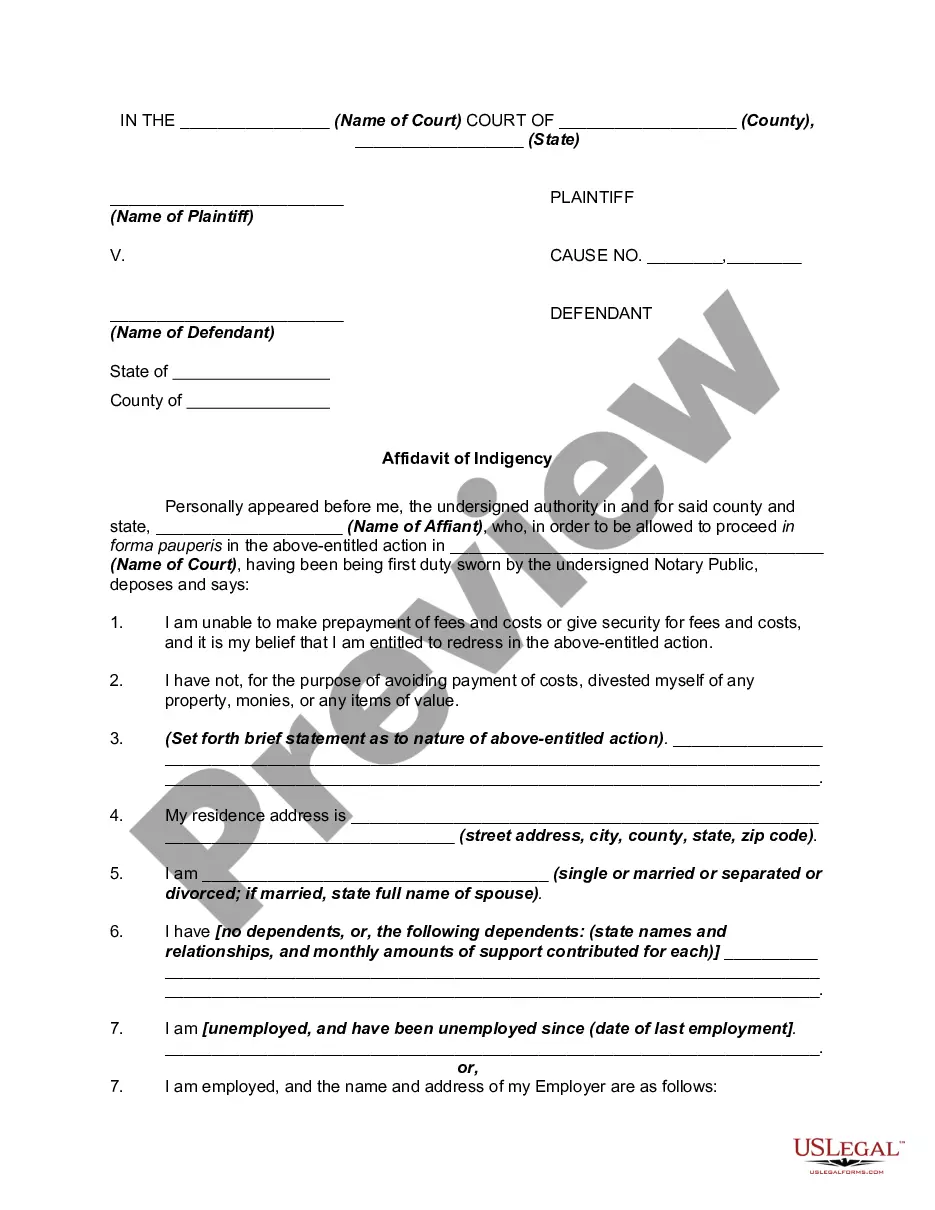
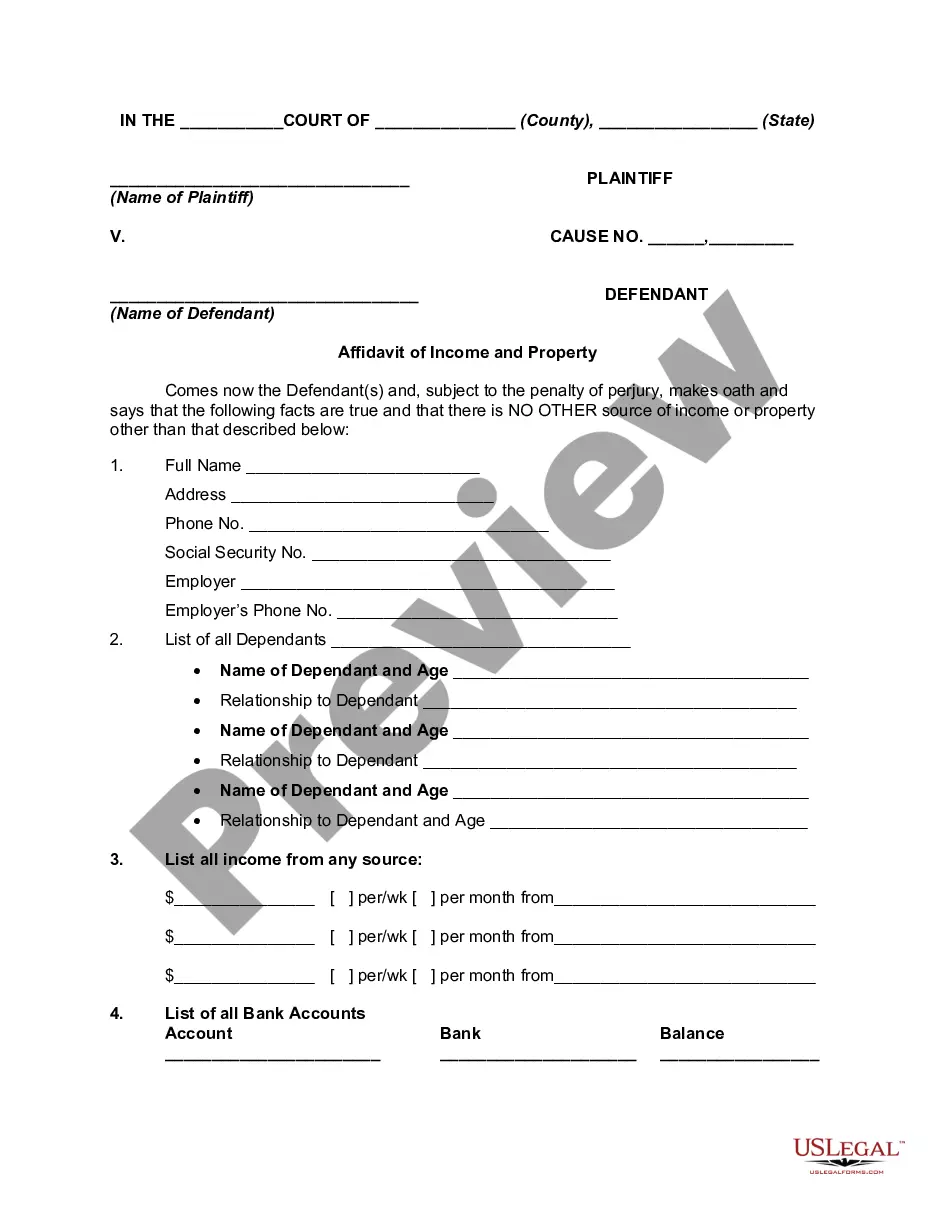
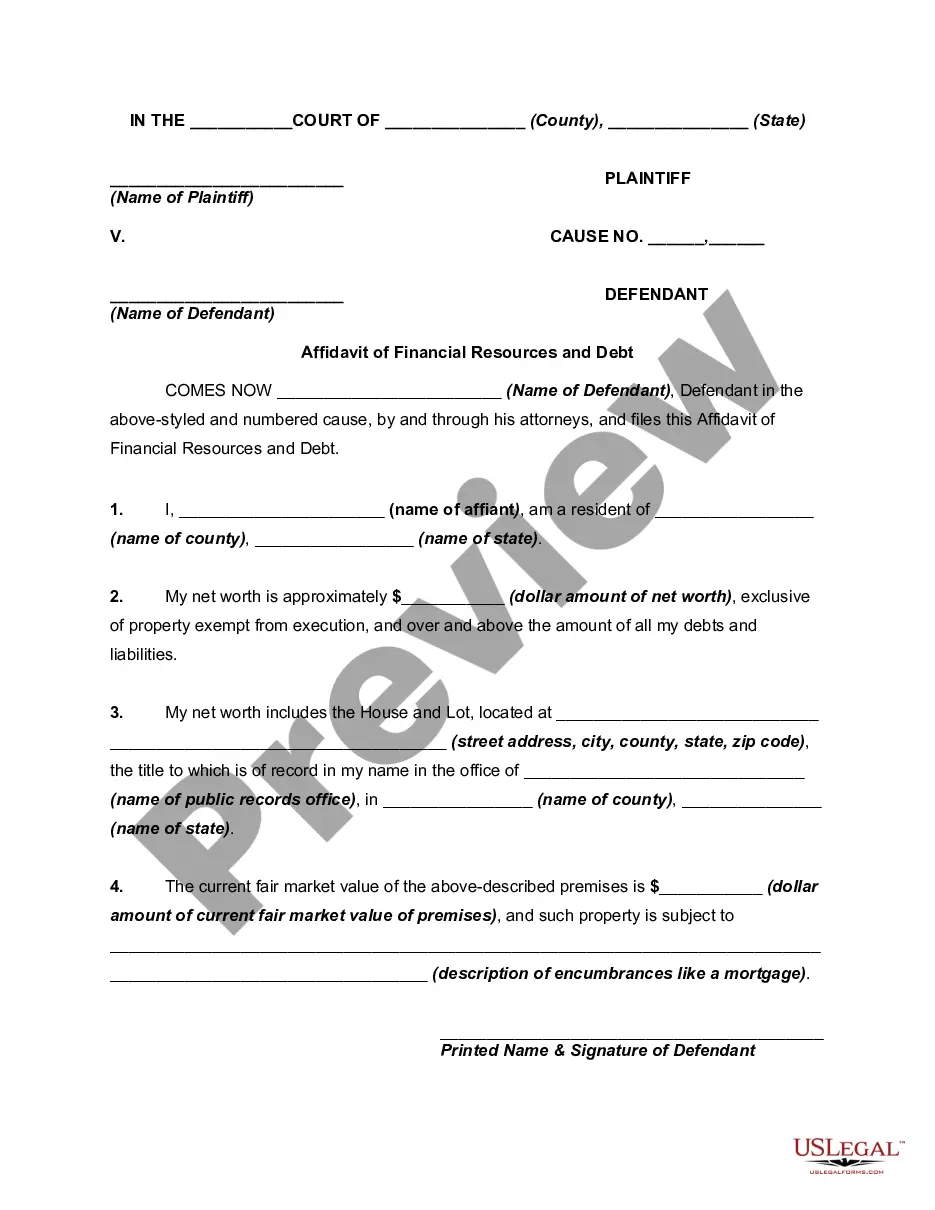
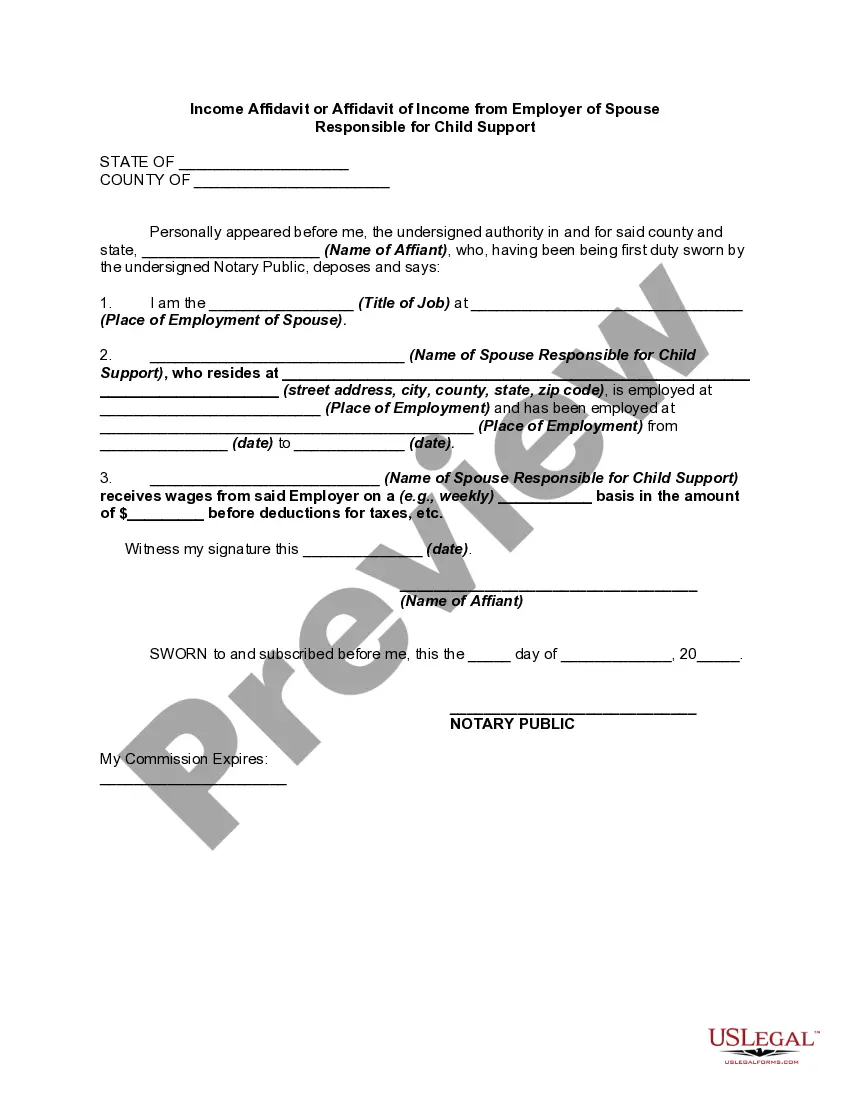
Get your form ready online
Our built-in tools help you complete, sign, share, and store your documents in one place.
Make edits, fill in missing information, and update formatting in US Legal Forms—just like you would in MS Word.
Download a copy, print it, send it by email, or mail it via USPS—whatever works best for your next step.
Sign and collect signatures with our SignNow integration. Send to multiple recipients, set reminders, and more. Go Premium to unlock E-Sign.
If this form requires notarization, complete it online through a secure video call—no need to meet a notary in person or wait for an appointment.
We protect your documents and personal data by following strict security and privacy standards.

Make edits, fill in missing information, and update formatting in US Legal Forms—just like you would in MS Word.

Download a copy, print it, send it by email, or mail it via USPS—whatever works best for your next step.

Sign and collect signatures with our SignNow integration. Send to multiple recipients, set reminders, and more. Go Premium to unlock E-Sign.

If this form requires notarization, complete it online through a secure video call—no need to meet a notary in person or wait for an appointment.

We protect your documents and personal data by following strict security and privacy standards.
Looking for another form?
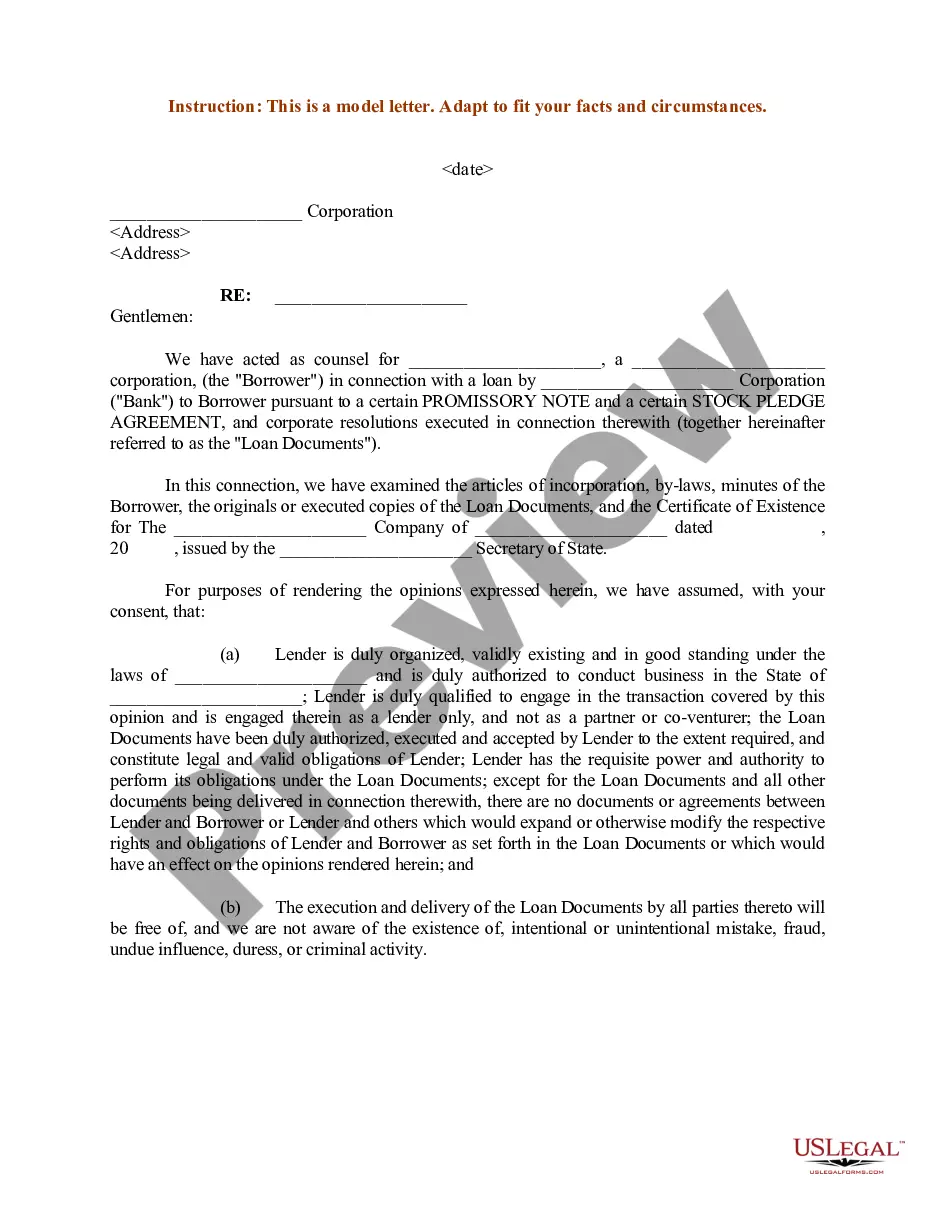
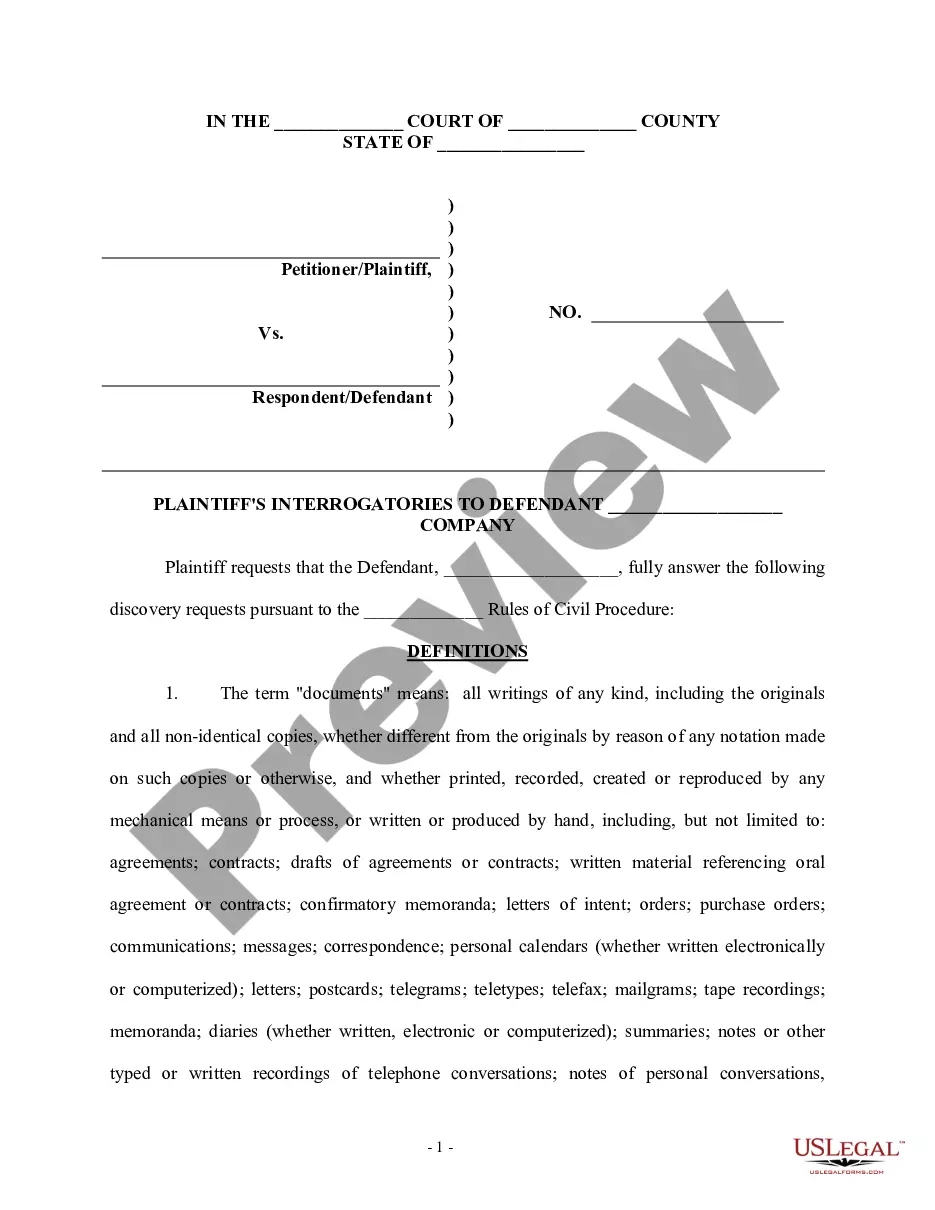

How to fill out Affidavit Or Proof Of No Income - Unemployed - Assets And Liabilities?
It’s no secret that you can’t become a law expert overnight, nor can you grasp how to quickly prepare Proof Unemployed Form Withdrawn without having a specialized background. Putting together legal forms is a time-consuming process requiring a particular education and skills. So why not leave the creation of the Proof Unemployed Form Withdrawn to the professionals?
With US Legal Forms, one of the most extensive legal template libraries, you can find anything from court documents to templates for in-office communication. We know how crucial compliance and adherence to federal and state laws are. That’s why, on our website, all templates are location specific and up to date.
Here’s start off with our website and get the form you need in mere minutes:
- Discover the form you need by using the search bar at the top of the page.
- Preview it (if this option provided) and check the supporting description to figure out whether Proof Unemployed Form Withdrawn is what you’re looking for.
- Start your search again if you need any other form.
- Set up a free account and select a subscription option to buy the template.
- Choose Buy now. Once the payment is through, you can get the Proof Unemployed Form Withdrawn, complete it, print it, and send or send it by post to the necessary individuals or organizations.
You can re-gain access to your documents from the My Forms tab at any time. If you’re an existing client, you can simply log in, and locate and download the template from the same tab.
Regardless of the purpose of your paperwork-whether it’s financial and legal, or personal-our website has you covered. Try US Legal Forms now!
Form popularity
FAQ
A: In most cases $0 means your file is under review. Continue requesting payments. Will speed up process if eligible. TWC will notify if additional info is needed.
What Not to Say in an Unemployment Interview Don't repeat yourself. ... Don't provide irrelevant details. ... Don't express hostility toward your previous employer or the interviewer. ... Don't respond with an answer that you aren't sure of.
Log in to your account at unemployment.ohio.gov to file weekly claims. If you receive a message that you are unable to file a weekly claim until Sunday, that is because you cannot claim a week of benefits until the week has ended on Saturday at midnight.
Keep Your Answers As Brief and As Relevant as Possible. During the EDD interview, you will be asked very short and very specific questions. Make sure that your answers are equally short and specific. If you are asked "What was the reason that the employer gave you for your termination?", just answer that question.
Step 4: File Your DI Claim Online Log in to your myEDD account. Select SDI Online. Select New Claim. Select Disability Insuranceand follow the steps in each section. Submit the completed Part A ? Claimant's Statement. Save your receipt number. You must provide this number to your licensed health professional.