Receipt Payments Form With Stripe
Description



Get your form ready online
Our built-in tools help you complete, sign, share, and store your documents in one place.
Make edits, fill in missing information, and update formatting in US Legal Forms—just like you would in MS Word.
Download a copy, print it, send it by email, or mail it via USPS—whatever works best for your next step.
Sign and collect signatures with our SignNow integration. Send to multiple recipients, set reminders, and more. Go Premium to unlock E-Sign.
If this form requires notarization, complete it online through a secure video call—no need to meet a notary in person or wait for an appointment.
We protect your documents and personal data by following strict security and privacy standards.

Make edits, fill in missing information, and update formatting in US Legal Forms—just like you would in MS Word.

Download a copy, print it, send it by email, or mail it via USPS—whatever works best for your next step.

Sign and collect signatures with our SignNow integration. Send to multiple recipients, set reminders, and more. Go Premium to unlock E-Sign.

If this form requires notarization, complete it online through a secure video call—no need to meet a notary in person or wait for an appointment.

We protect your documents and personal data by following strict security and privacy standards.
Looking for another form?

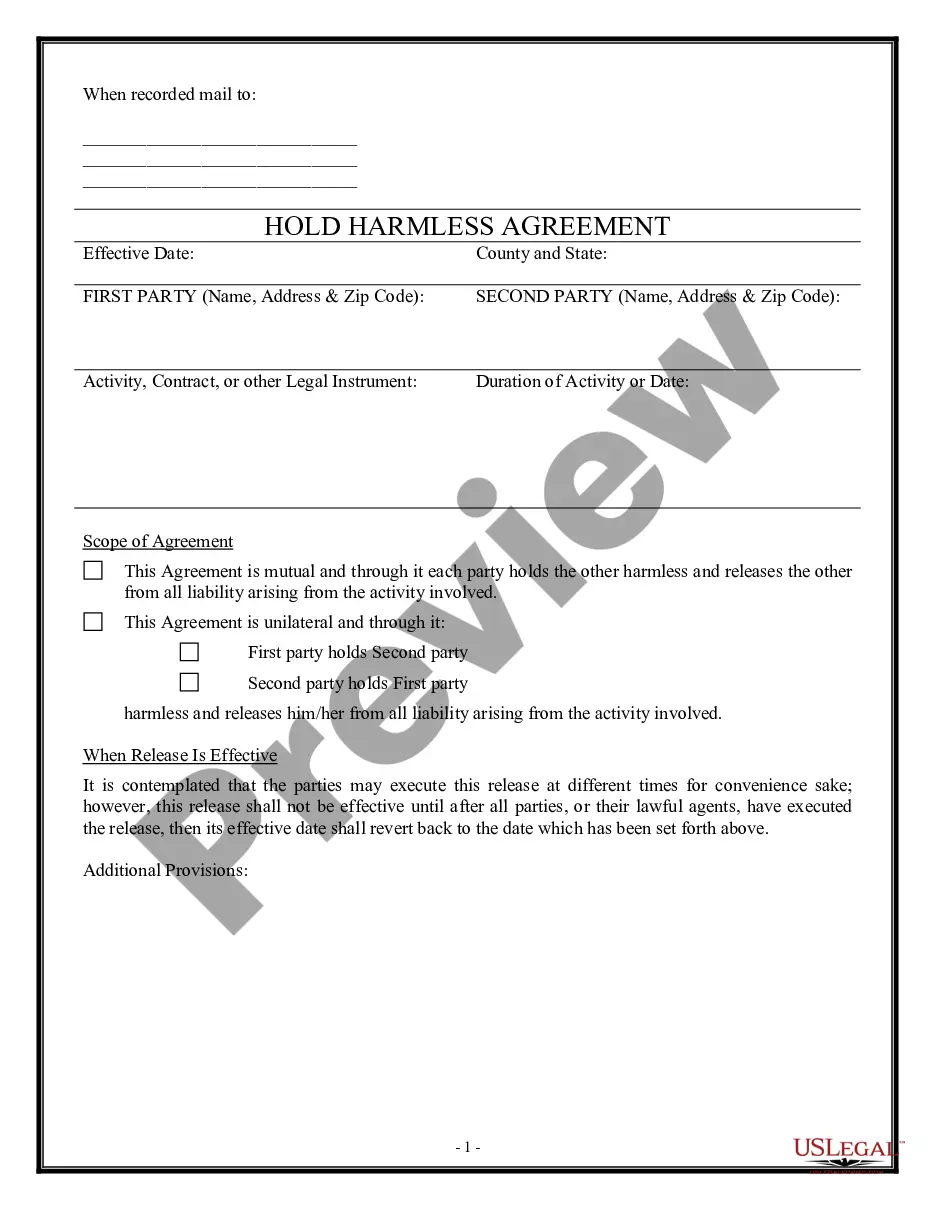
How to fill out Receipt For Payments - Template?
The Receipt Payments Document With Stripe you observe on this page is a reusable official template crafted by expert attorneys in compliance with federal and local regulations.
For over 25 years, US Legal Forms has delivered individuals, businesses, and legal practitioners with more than 85,000 authenticated, state-specific documents for any commercial and personal circumstance. It’s the fastest, simplest and most trustworthy method to acquire the papers you require, as the service ensures the utmost level of data protection and anti-malware assurance.
Register for US Legal Forms to have authenticated legal templates for all of life’s situations readily available.
- Search for the document you require and examine it. Browse through the file you looked for and preview it or assess the form description to verify it meets your requirements. If it doesn’t, utilize the search function to locate the right one. Click Buy Now once you have found the template you need.
- Register and Log In. Choose the pricing plan that fits you and establish an account. Use PayPal or a credit card to make a swift payment. If you already possess an account, Log In and review your subscription to continue.
- Obtain the fillable template. Select the format you desire for your Receipt Payments Document With Stripe (PDF, DOCX, RTF) and download the sample to your device.
- Fill out and sign the documents. Print the template to complete it manually. Alternatively, employ an online multi-functional PDF editor to quickly and accurately fill in and sign your form with a legally-binding electronic signature.
- Download your documents once more. Utilize the same document again whenever necessary. Access the My documents section in your profile to redownload any previously downloaded documents.
Form popularity
FAQ
Generating a receipt on Stripe is simple; once a payment is made, the system automatically creates a receipt for you. You can access this receipt in your Stripe dashboard and send it to your customers via email. For a more tailored solution, consider using a receipt payments form with Stripe through US Legal, which can enhance your customer experience.
To export receipts from Stripe, go to the 'Payments' or 'Invoices' section on your dashboard. You can select multiple transactions and choose the export option to download them in a CSV format. This functionality is beneficial for businesses that require easy access to their transaction history, especially when using a receipt payments form with Stripe.
Yes, Stripe can automatically generate receipts for each transaction processed. Once a payment is completed, customers receive an email receipt that details the transaction. This feature is especially useful when you incorporate a receipt payments form with Stripe, saving you time and ensuring your customers receive confirmation of their payments.
To obtain a receipt from a Stripe invoice, navigate to the 'Invoices' section within your Stripe dashboard. From there, you can view and download the receipt for any completed invoice. This feature streamlines the process of obtaining a receipt payments form with Stripe, ensuring that your transactions are well documented.
To generate a payment receipt, you can utilize Stripe's built-in receipt features once a payment is processed. After the transaction, Stripe automatically sends a receipt to your customers via email. For added convenience, you can create a customized receipt payments form with Stripe through US Legal forms, allowing you to manage receipts more efficiently.
While Stripe offers many benefits, some disadvantages include potential transaction fees and complexities in setup for users unfamiliar with coding. Additionally, if your business operates in a high-risk industry, you might face stricter regulations. It’s important to weigh these factors while considering a receipt payments form with Stripe.
To create a Stripe payment form, first, sign up for a Stripe account. Next, you can use Stripe's API or their pre-built Checkout to set up your form. Additionally, consider using the US Legal platform, which offers templates that simplify the integration of a receipt payments form with Stripe, making it easier for you to accept payments securely.
