Payments Template Form With Google Sheets
Description



Get your form ready online
Our built-in tools help you complete, sign, share, and store your documents in one place.
Make edits, fill in missing information, and update formatting in US Legal Forms—just like you would in MS Word.
Download a copy, print it, send it by email, or mail it via USPS—whatever works best for your next step.
Sign and collect signatures with our SignNow integration. Send to multiple recipients, set reminders, and more. Go Premium to unlock E-Sign.
If this form requires notarization, complete it online through a secure video call—no need to meet a notary in person or wait for an appointment.
We protect your documents and personal data by following strict security and privacy standards.

Make edits, fill in missing information, and update formatting in US Legal Forms—just like you would in MS Word.

Download a copy, print it, send it by email, or mail it via USPS—whatever works best for your next step.

Sign and collect signatures with our SignNow integration. Send to multiple recipients, set reminders, and more. Go Premium to unlock E-Sign.

If this form requires notarization, complete it online through a secure video call—no need to meet a notary in person or wait for an appointment.

We protect your documents and personal data by following strict security and privacy standards.
Looking for another form?

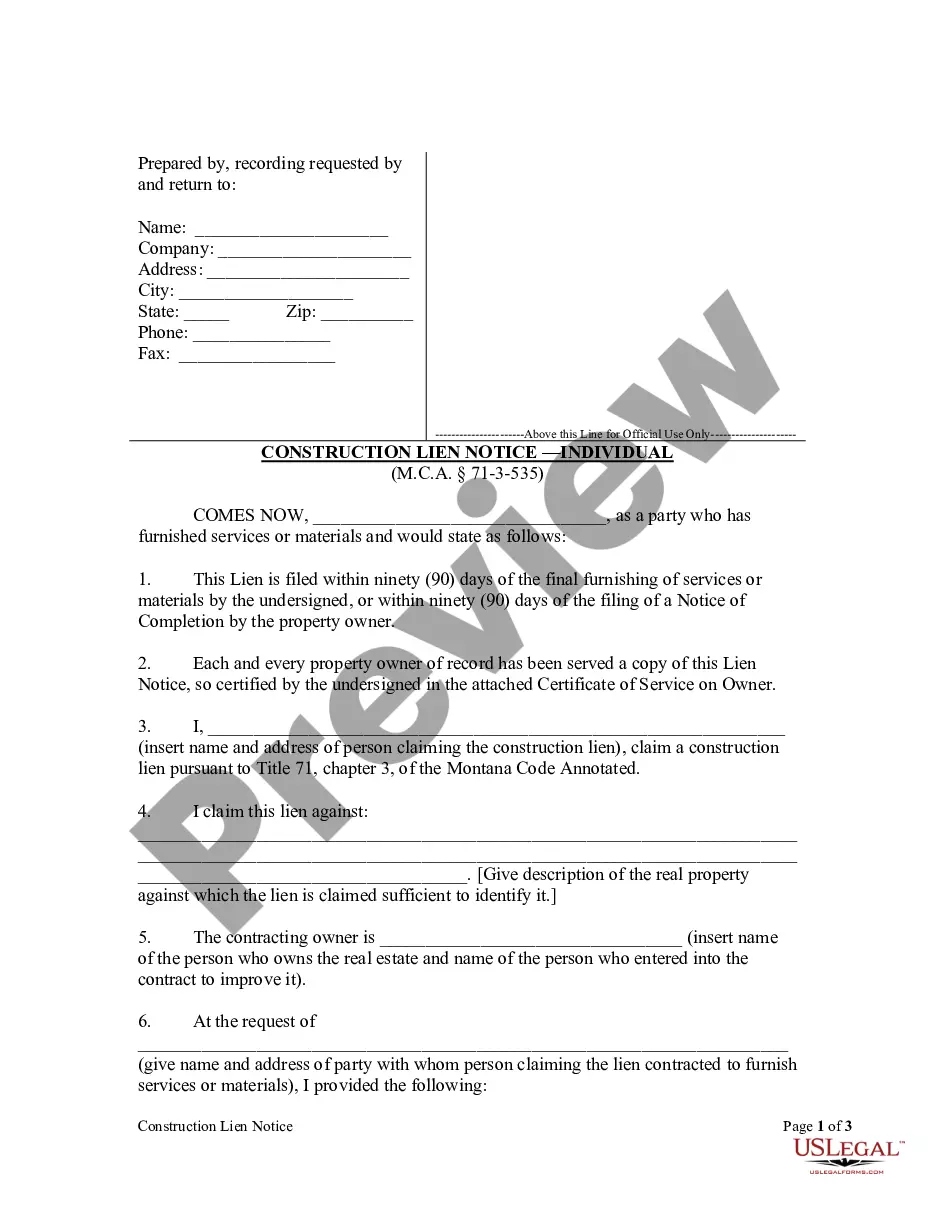

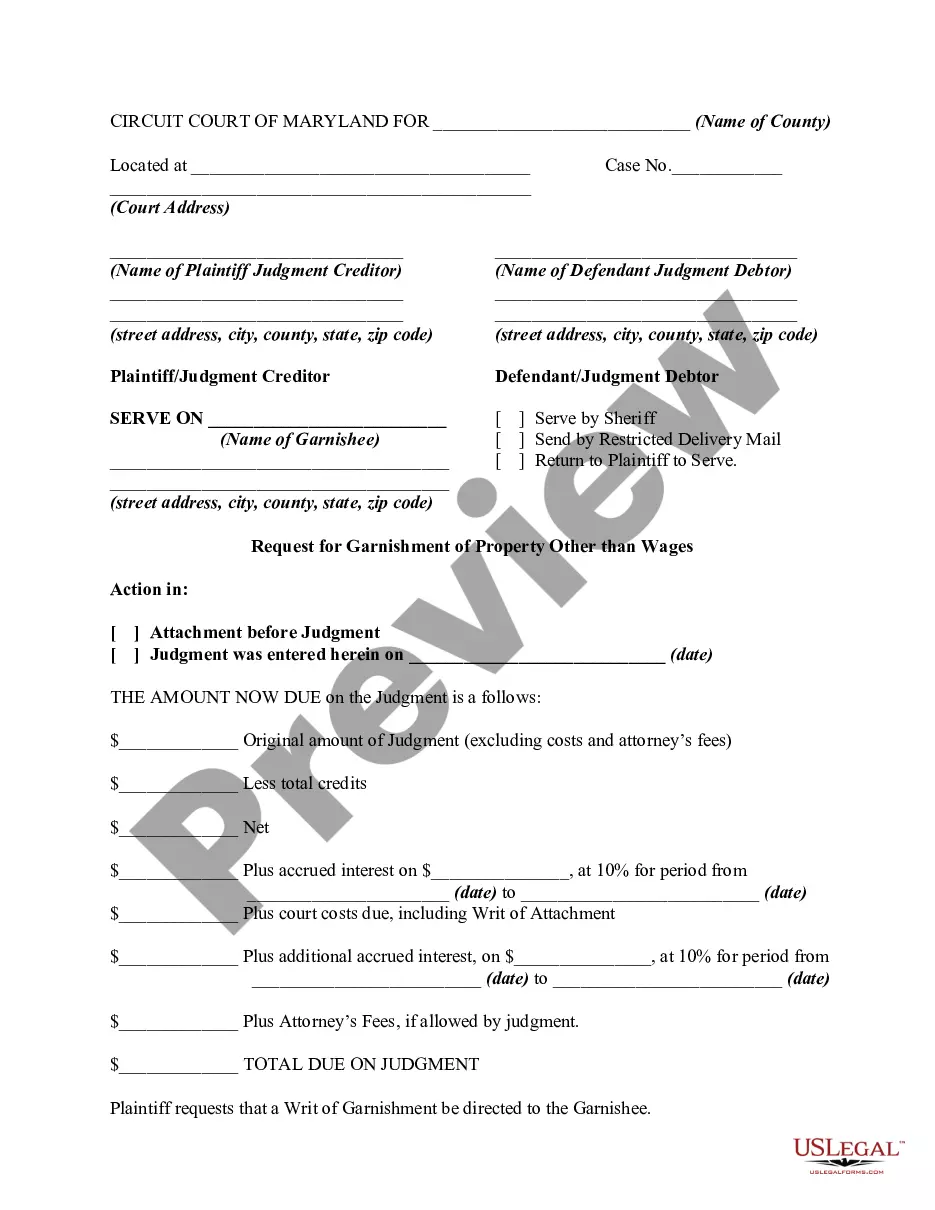


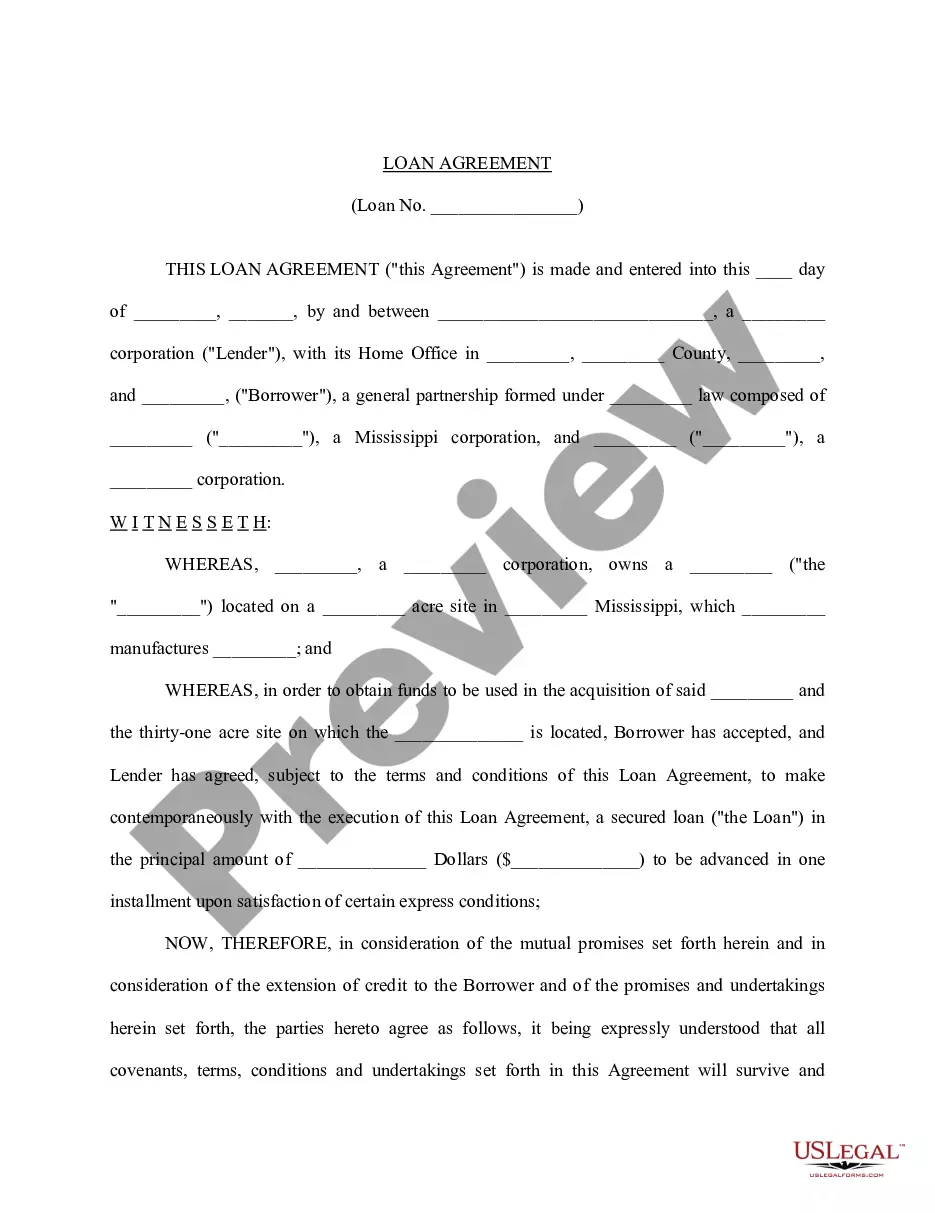
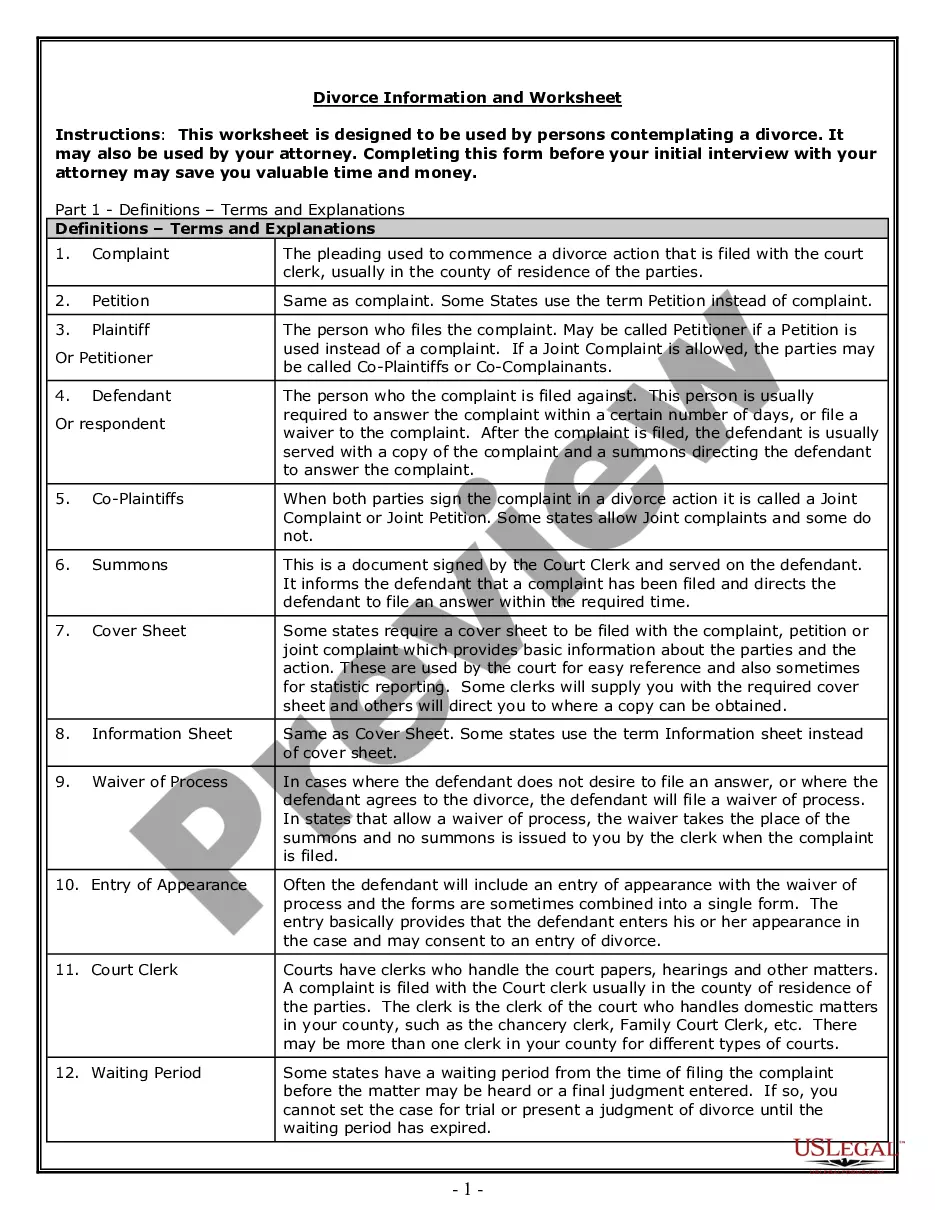


How to fill out Receipt For Payments - Template?
Finding a reliable source for the latest and pertinent legal templates is half the challenge of navigating bureaucracy.
Identifying the appropriate legal documents requires precision and carefulness, which is why it is crucial to obtain samples of Payments Template Form With Google Sheets solely from trusted providers, such as US Legal Forms.
Once you have the form on your device, you can edit it with the editor or print it and complete it manually. Eliminate the hassle associated with your legal documentation. Browse the comprehensive US Legal Forms catalog to discover legal templates, verify their relevance to your circumstances, and download them immediately.
- Utilize the directory navigation or query box to locate your template.
- Review the form’s details to ensure it meets the standards of your state and region.
- Preview the form, if possible, to confirm that the template is the one you seek.
- Return to the search and find the right template if the Payments Template Form With Google Sheets does not meet your requirements.
- If you are confident about the form’s applicability, download it.
- If you are a registered user, click Log in to verify and access your selected templates in My documents.
- If you do not yet have an account, click Buy now to obtain the template.
- Choose the pricing option that aligns with your needs.
- Continue to the registration process to complete your transaction.
- Finalize your purchase by selecting a payment method (credit card or PayPal).
- Choose the file format for downloading Payments Template Form With Google Sheets.
Form popularity
FAQ
Yes, you can create a fillable form in Google Sheets by using Google Forms or by designing a custom form directly in Sheets. This gives you flexibility in collecting information. To enhance your form experience, consider using a payments template form with Google Sheets to manage payment data effectively.
To add a QR code for payment in Google Forms, first generate a QR code that links to your payment form or processor. You can then insert this QR code into your Google Form as an image. This method pairs well with a payments template form with Google Sheets, allowing users to scan and complete their payments effortlessly.
To make a payment form in Google Forms, start by creating a new form and adding fields for user information and payment specifics. Incorporate a link to a payment processor to facilitate transactions. By using a payments template form with Google Sheets, you can keep all your responses organized and easily accessible.
Creating a payment form involves outlining the necessary fields for collecting user information and payment details. You can utilize Google Forms to design this form, and enhance it with a payments template form with Google Sheets for easier data management. This way, you can track and analyze responses effectively.
While Google Forms does not directly process payments, you can integrate it with third-party payment processors. By using a payments template form with Google Sheets, you can collect information from users and direct them to a payment platform like PayPal or Stripe. This approach allows you to manage data and payments seamlessly.
To create a Google Form for payment, start by navigating to Google Forms and selecting a blank form. You can then add fields for essential information such as name, email, and payment details. To enhance this process, consider using a payments template form with Google Sheets, which simplifies tracking responses and managing payments efficiently.
How to create Google Forms with payment options Step 1: Create a new form. As you'd probably guess, go to Google Forms to get started. ... Step 2: Fill out your questions. ... Step 3: Include a question about payment. ... Step 4: Link to a payment service. ... Step 5: Finish your form and send it out.
Importing data from Google Sheets is also possible to send them to Google Forms. Although it is not a native connection, as said above, so you also will need an add-on here to complete the task. On Google Sheet, you can get several add-ons that can convert your spreadsheets into forms.
To add a payment method, follow these steps: Check to make sure the card or bank account you want to add is on the list of accepted payment methods. Sign in to the payments profile. Click Payment methods. Choose Add payment method. Enter payment method details and follow any instructions. ... Choose Save.
Google Forms is an excellent tool primarily used to collect information from users through customizable forms. However, it does not have a built-in feature to accept payments but it can be extended to do so through different ways.
