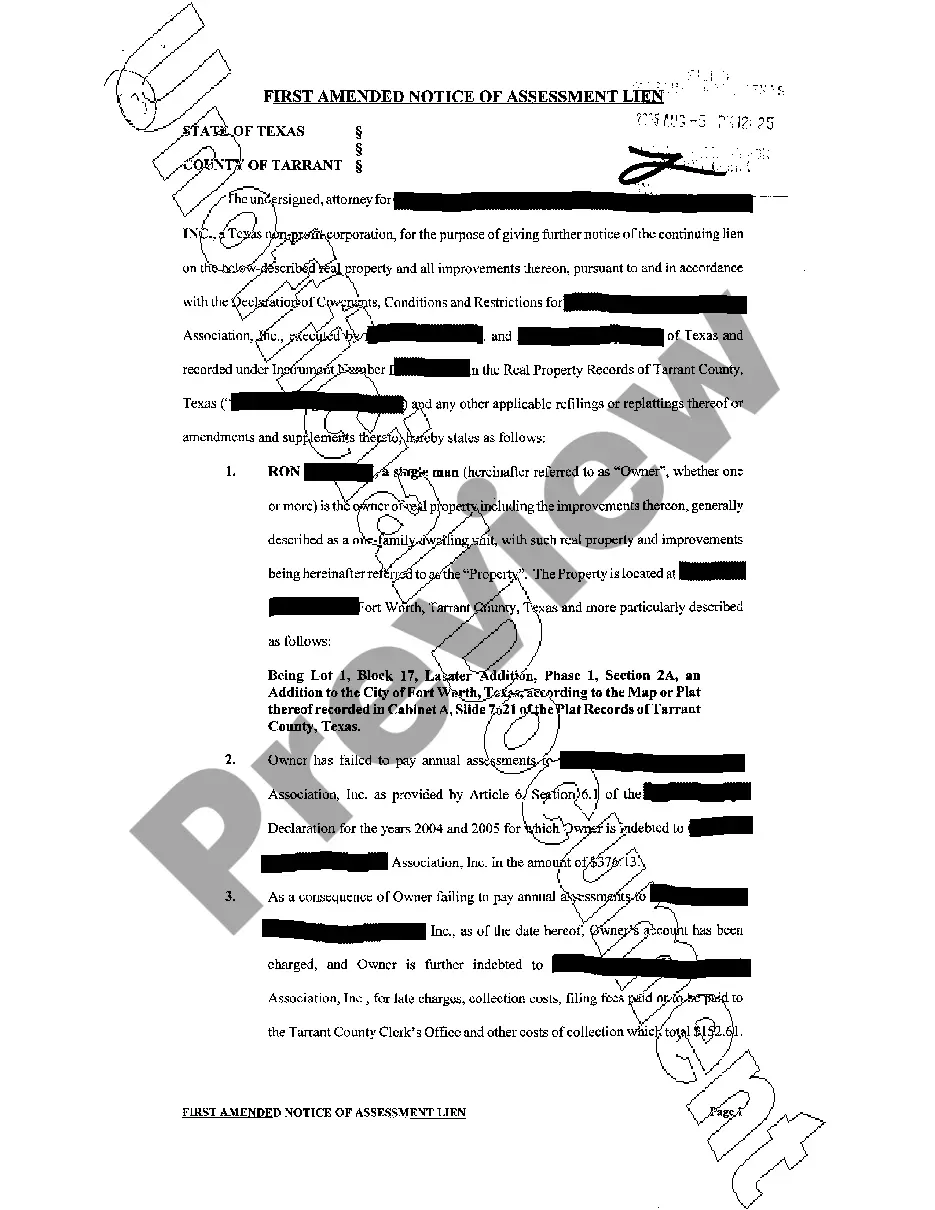
Agreement With Trust
Description
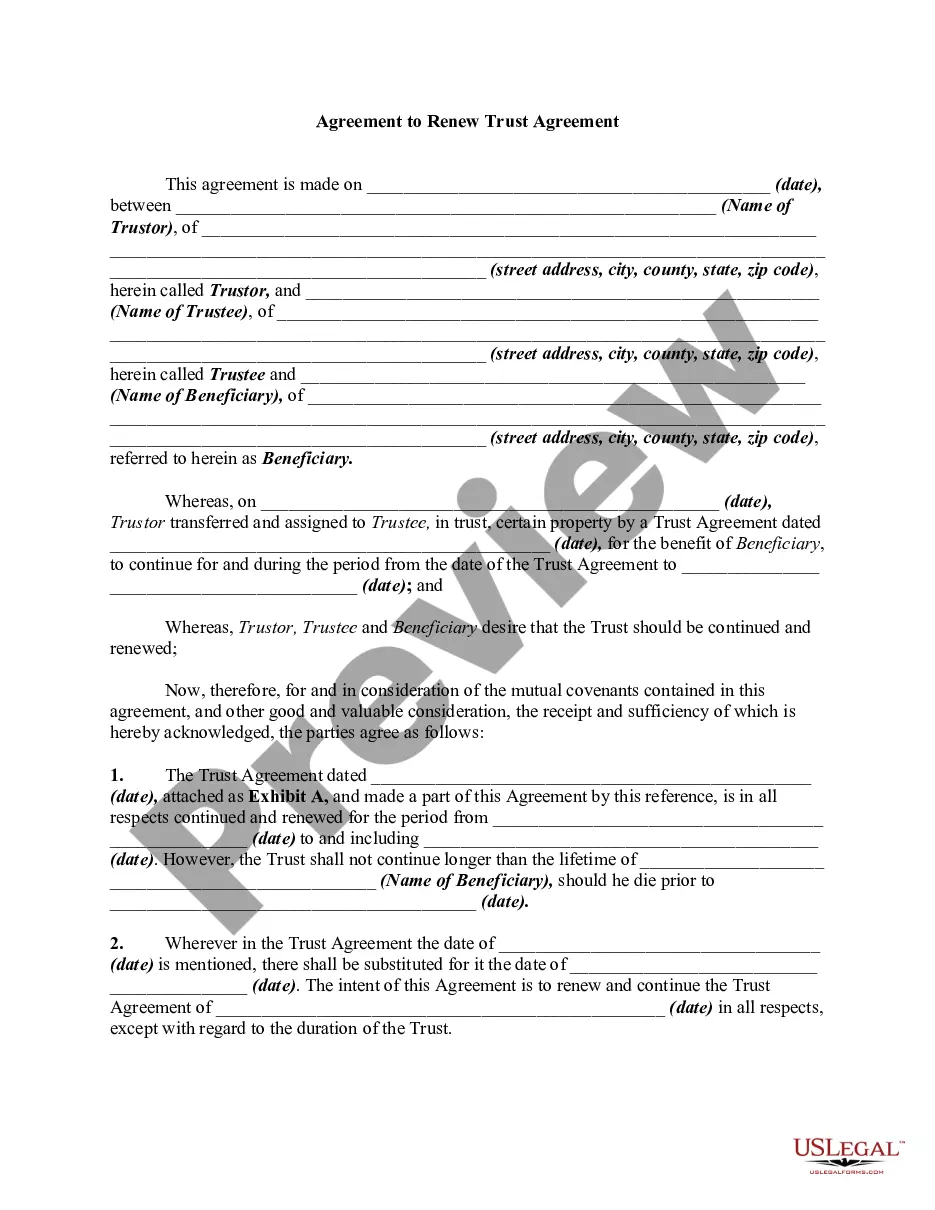
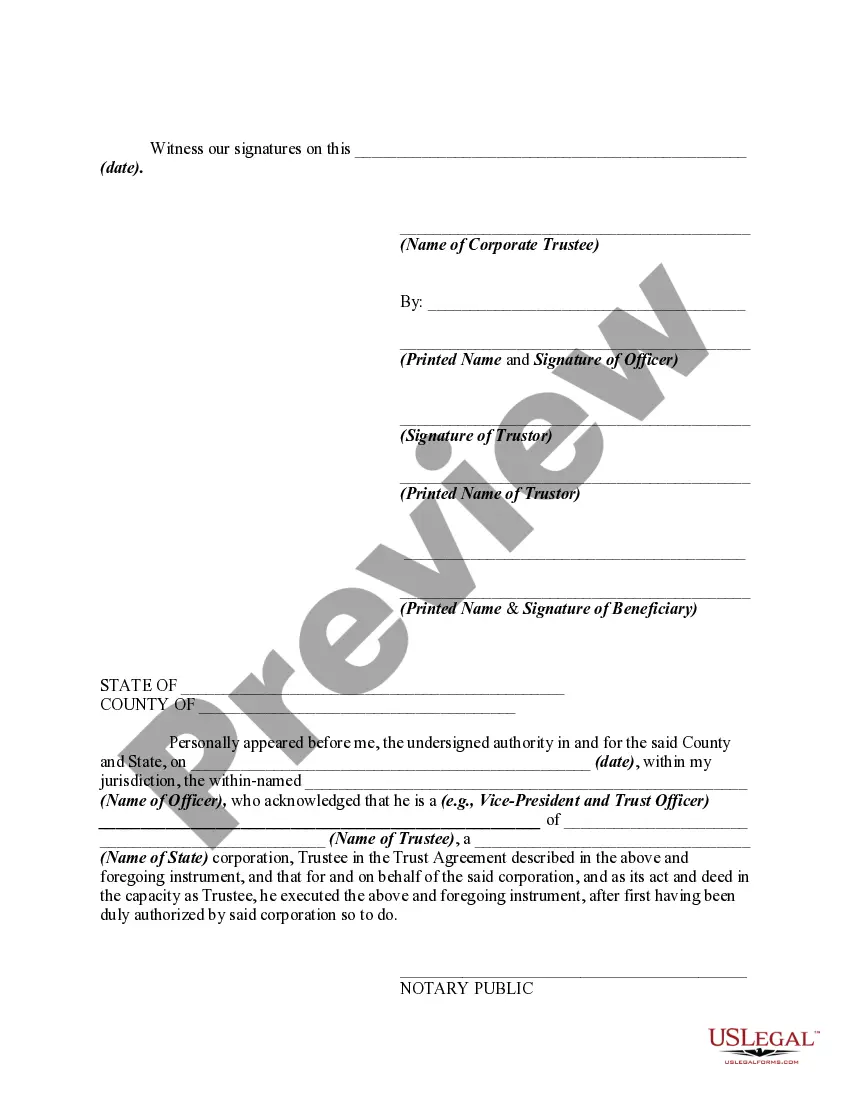
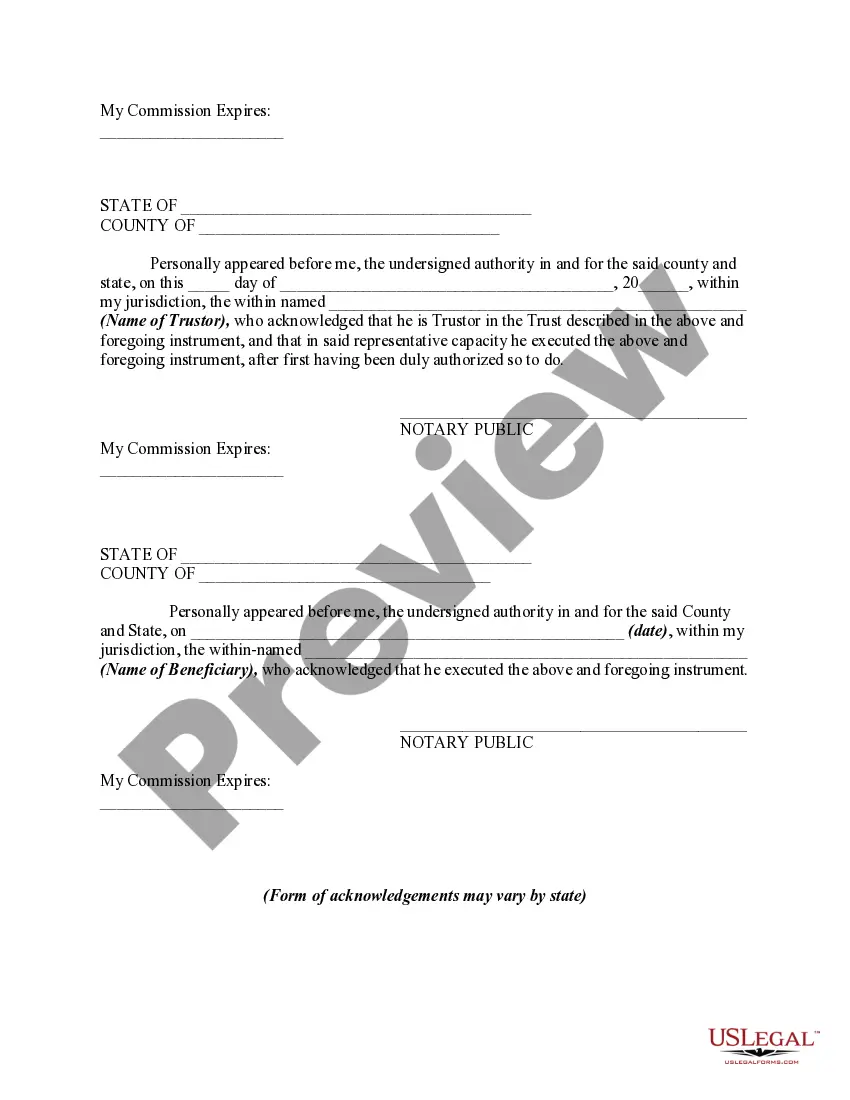

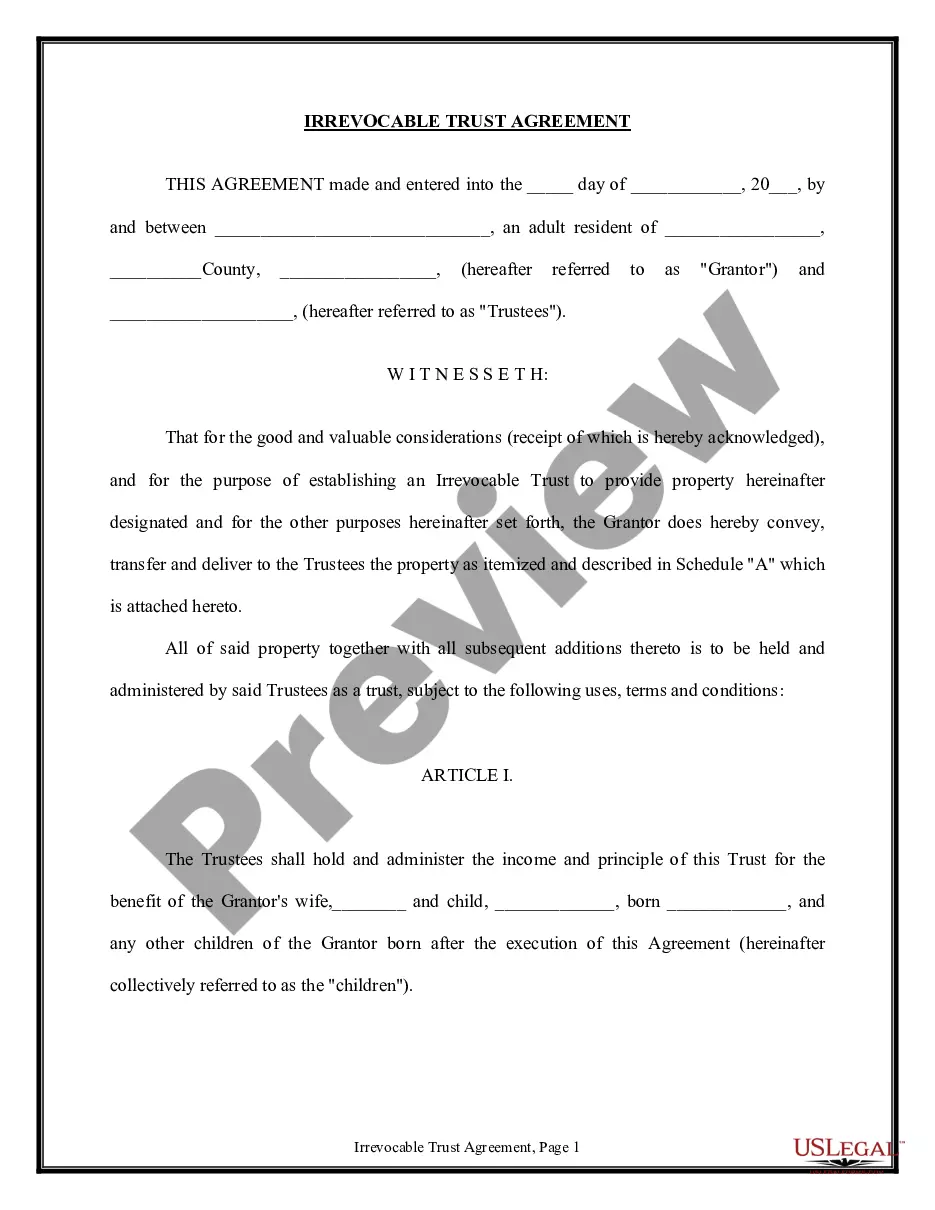
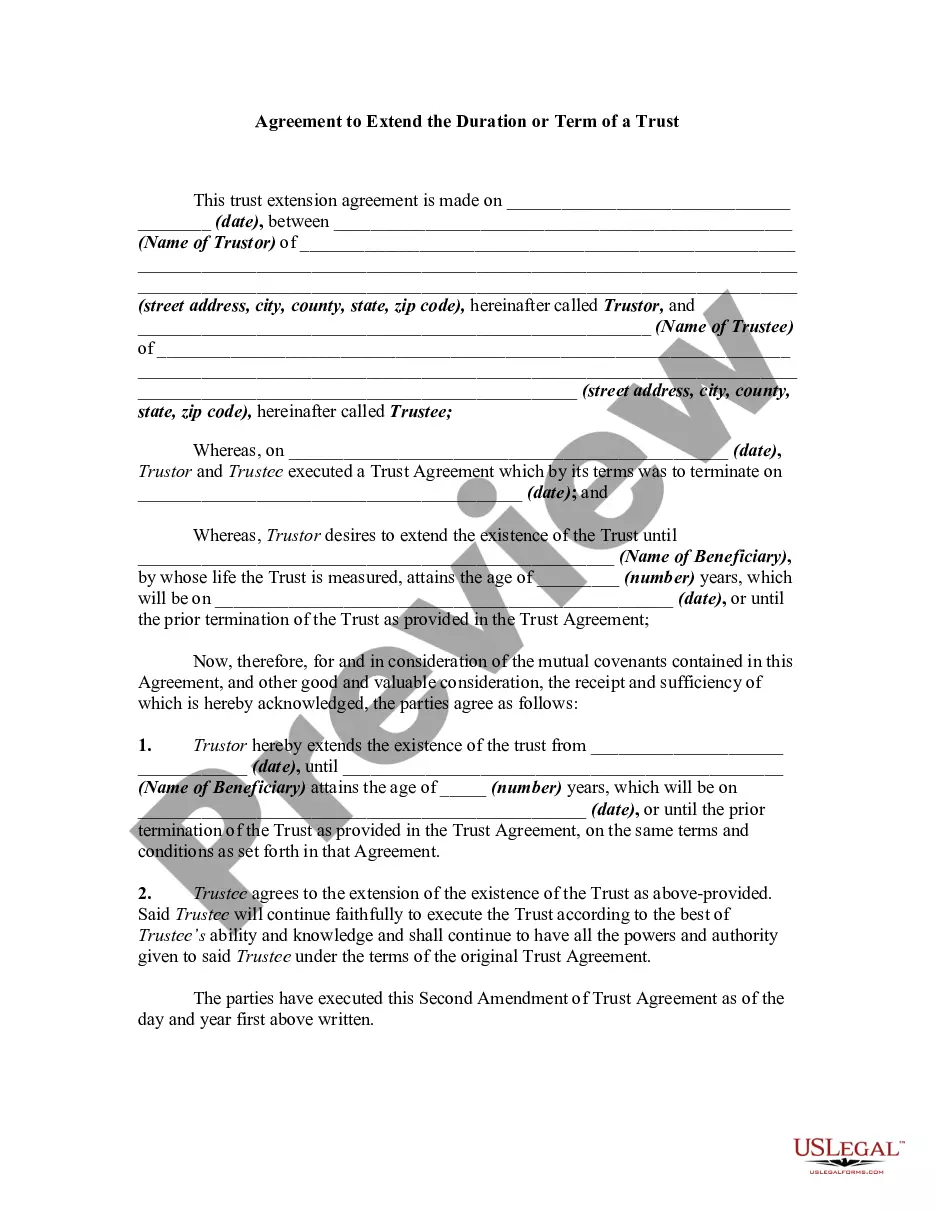
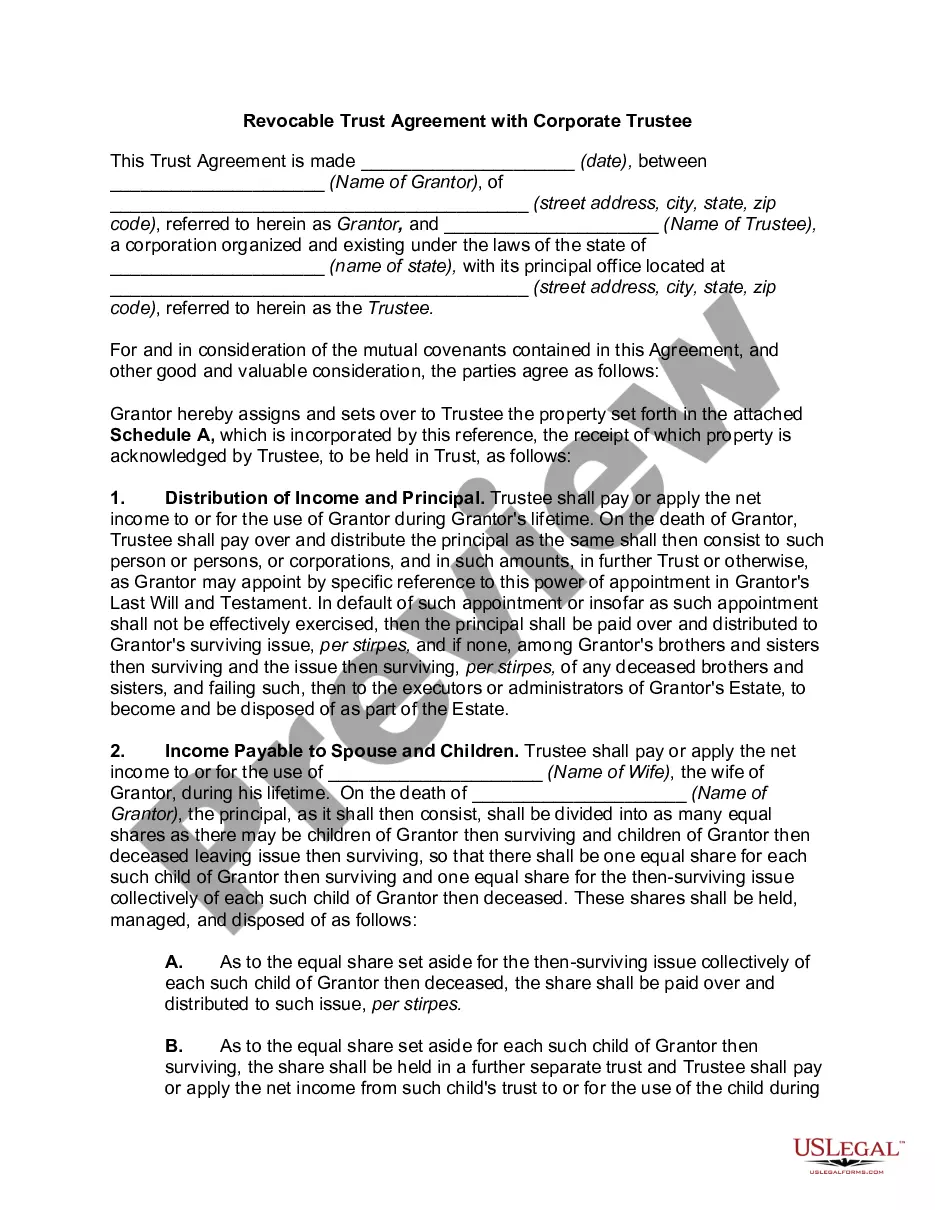
Get your form ready online
Our built-in tools help you complete, sign, share, and store your documents in one place.
Make edits, fill in missing information, and update formatting in US Legal Forms—just like you would in MS Word.
Download a copy, print it, send it by email, or mail it via USPS—whatever works best for your next step.
Sign and collect signatures with our SignNow integration. Send to multiple recipients, set reminders, and more. Go Premium to unlock E-Sign.
If this form requires notarization, complete it online through a secure video call—no need to meet a notary in person or wait for an appointment.
We protect your documents and personal data by following strict security and privacy standards.

Make edits, fill in missing information, and update formatting in US Legal Forms—just like you would in MS Word.

Download a copy, print it, send it by email, or mail it via USPS—whatever works best for your next step.

Sign and collect signatures with our SignNow integration. Send to multiple recipients, set reminders, and more. Go Premium to unlock E-Sign.

If this form requires notarization, complete it online through a secure video call—no need to meet a notary in person or wait for an appointment.

We protect your documents and personal data by following strict security and privacy standards.
Looking for another form?

How to fill out Agreement To Renew Trust Agreement?
How to acquire professional legal documents that adhere to your state's regulations and formulate the Agreement With Trust without consulting a lawyer.
Numerous online services provide templates catering to various legal scenarios and formalities. However, it may require time to determine which of the accessible samples meet both your usage requirements and legal standards.
US Legal Forms is a reliable service that assists you in finding official documents crafted in accordance with the latest updates to state laws, helping you save on legal fees.
If you lack an account with US Legal Forms, please follow the instructions outlined below: review the page you have accessed and verify if the form meets your needs.
- US Legal Forms is not your typical online library.
- It consists of over 85k validated templates for diverse business and personal situations.
- All documents are classified by area and state to simplify your search experience.
- Furthermore, it integrates with advanced solutions for PDF modification and electronic signatures, enabling Premium subscribers to swiftly finalize their documents online.
- Obtaining the required documents takes minimal time and effort.
- If you possess an account, Log In and confirm your subscription is active.
- Download the Agreement With Trust using the corresponding button next to the document name.
Form popularity
FAQ
There are just six steps to setting up a trust:Decide how you want to set up the trust.Create a trust document.Sign and notarize the agreement.Set up a trust bank account.Transfer assets into the trust.For other assets, designate the trust as beneficiary.
To leave property to your living trust, name your trust as beneficiary for that property, using the trustee's name and the name of the trust. For example: John Doe as trustee of the John Doe Living Trust, dated January 1, 20xx.
Naming a trust as a beneficiary is a good idea if beneficiaries are minors, have a disability, or can't be trusted with a large sum of money. The major disadvantage of naming a trust as a beneficiary is required minimum distribution payouts.
What Assets Should Go Into a Trust?Bank Accounts. You should always check with your bank before attempting to transfer an account or saving certificate.Corporate Stocks.Bonds.Tangible Investment Assets.Partnership Assets.Real Estate.Life Insurance.
A trust agreement is an estate planning document that allows you to transfer ownership of your assets to a third party. In this case, your legal role is trustor, while the other party's role is trustee.