Revocation Of A Trust Without An Attorney
Description
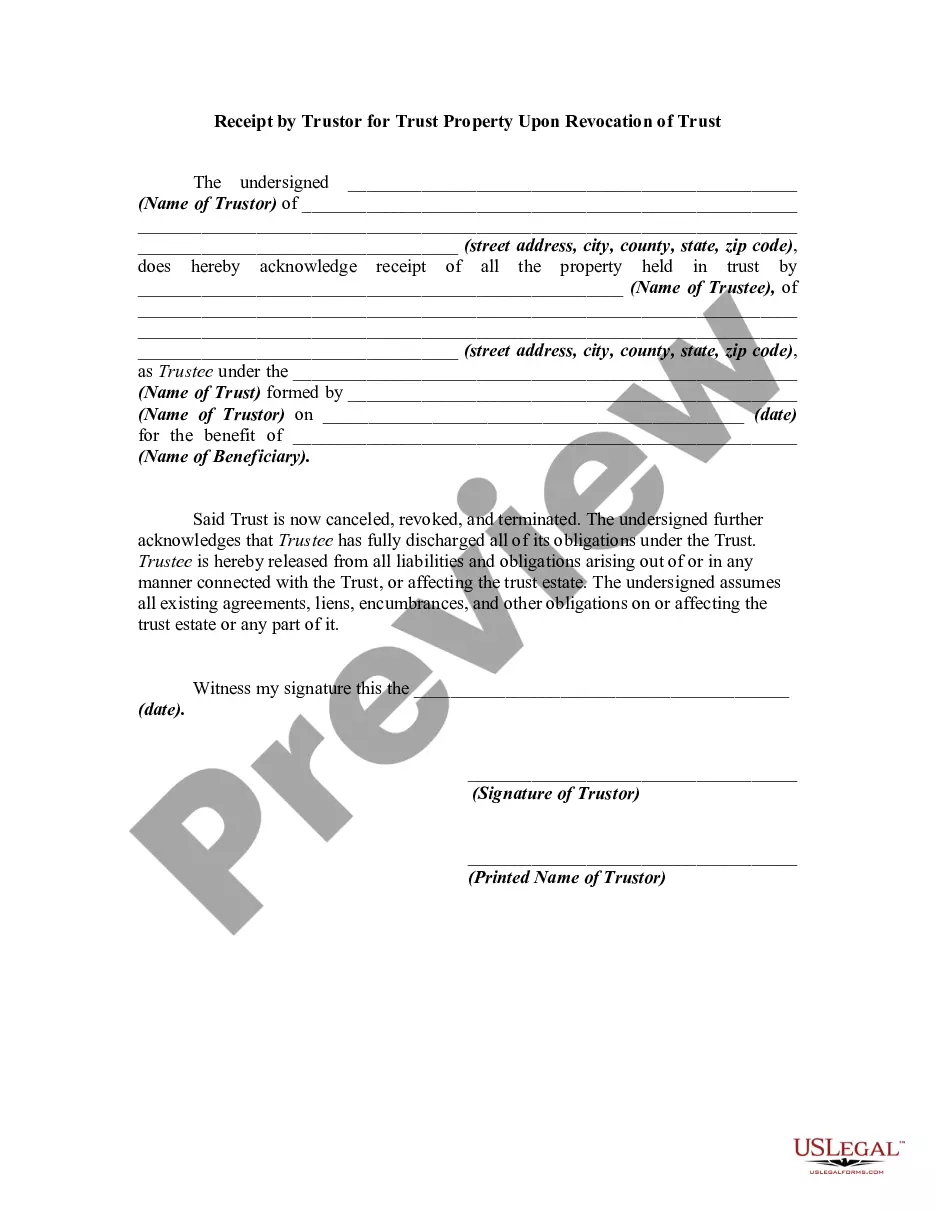
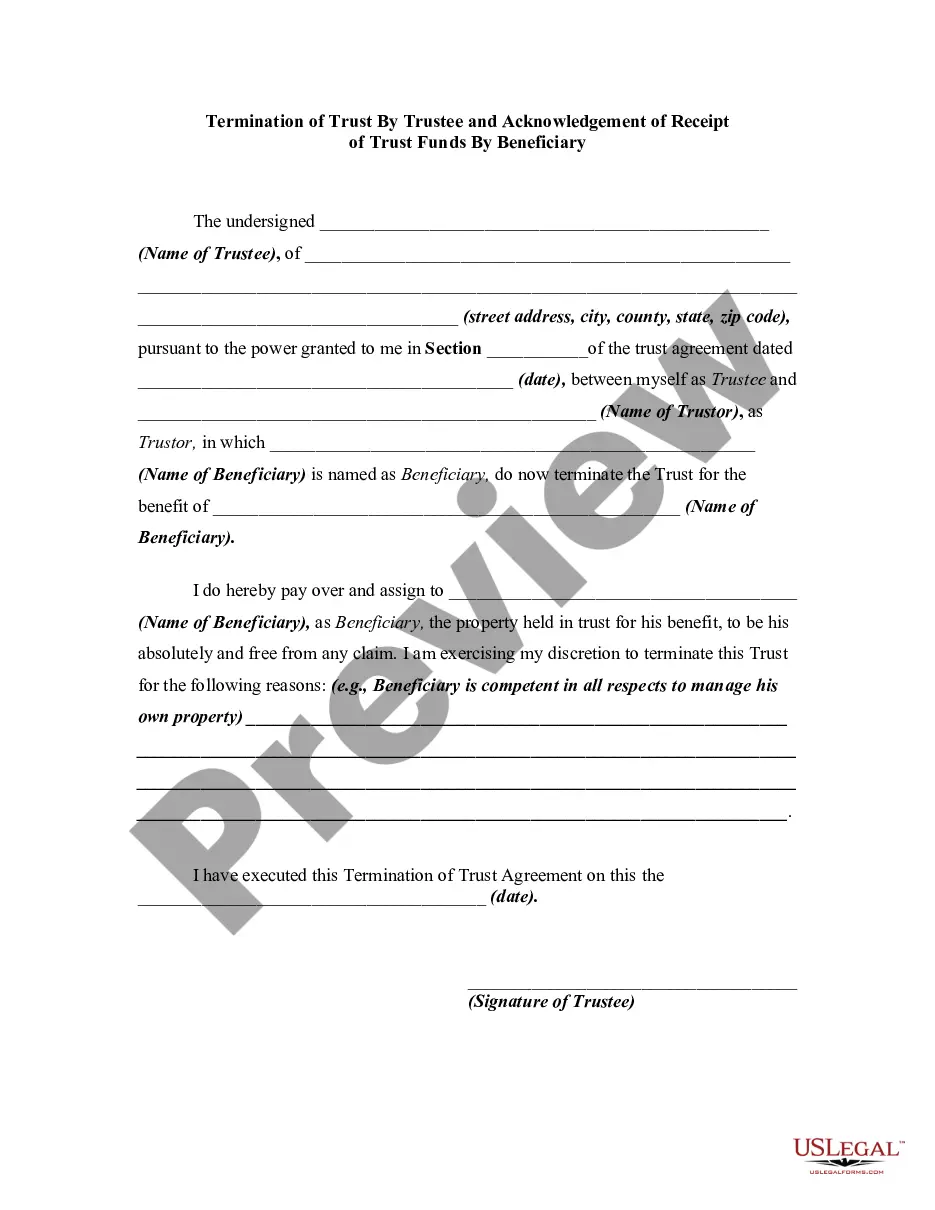
Get your form ready online
Our built-in tools help you complete, sign, share, and store your documents in one place.
Make edits, fill in missing information, and update formatting in US Legal Forms—just like you would in MS Word.
Download a copy, print it, send it by email, or mail it via USPS—whatever works best for your next step.
Sign and collect signatures with our SignNow integration. Send to multiple recipients, set reminders, and more. Go Premium to unlock E-Sign.
If this form requires notarization, complete it online through a secure video call—no need to meet a notary in person or wait for an appointment.
We protect your documents and personal data by following strict security and privacy standards.

Make edits, fill in missing information, and update formatting in US Legal Forms—just like you would in MS Word.

Download a copy, print it, send it by email, or mail it via USPS—whatever works best for your next step.

Sign and collect signatures with our SignNow integration. Send to multiple recipients, set reminders, and more. Go Premium to unlock E-Sign.

If this form requires notarization, complete it online through a secure video call—no need to meet a notary in person or wait for an appointment.

We protect your documents and personal data by following strict security and privacy standards.
Looking for another form?



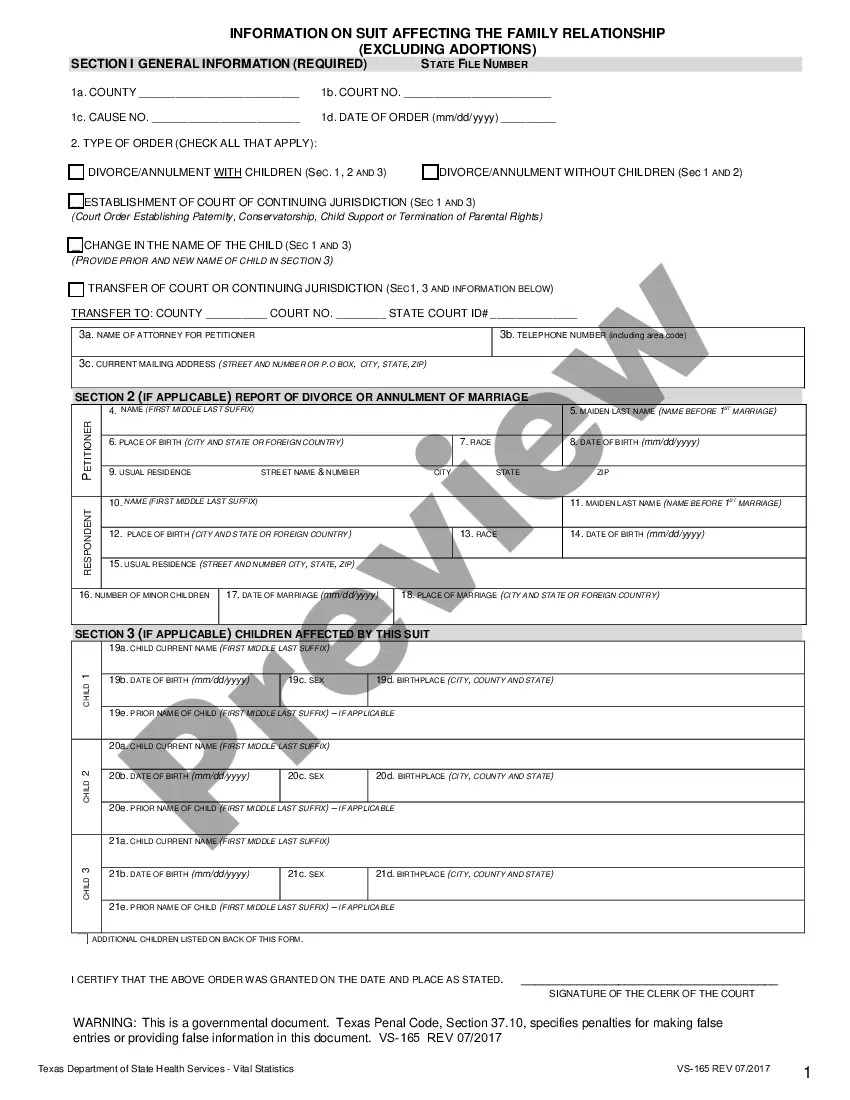





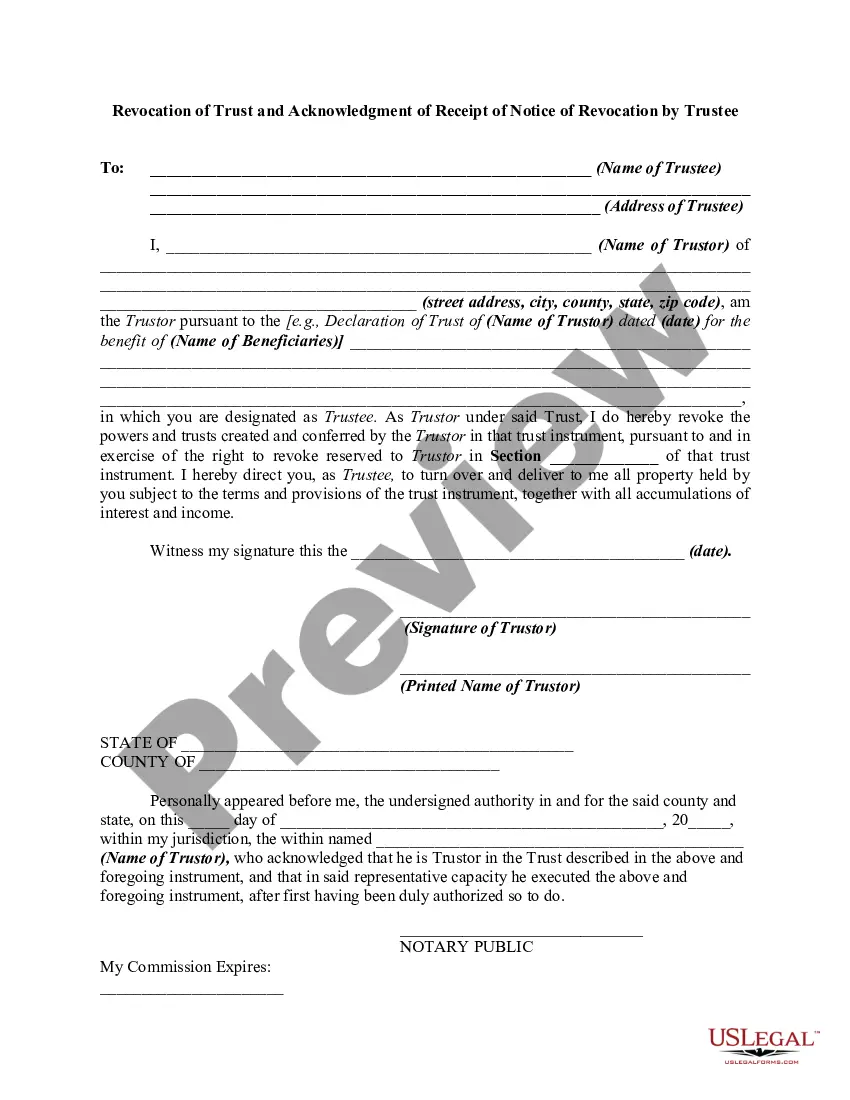
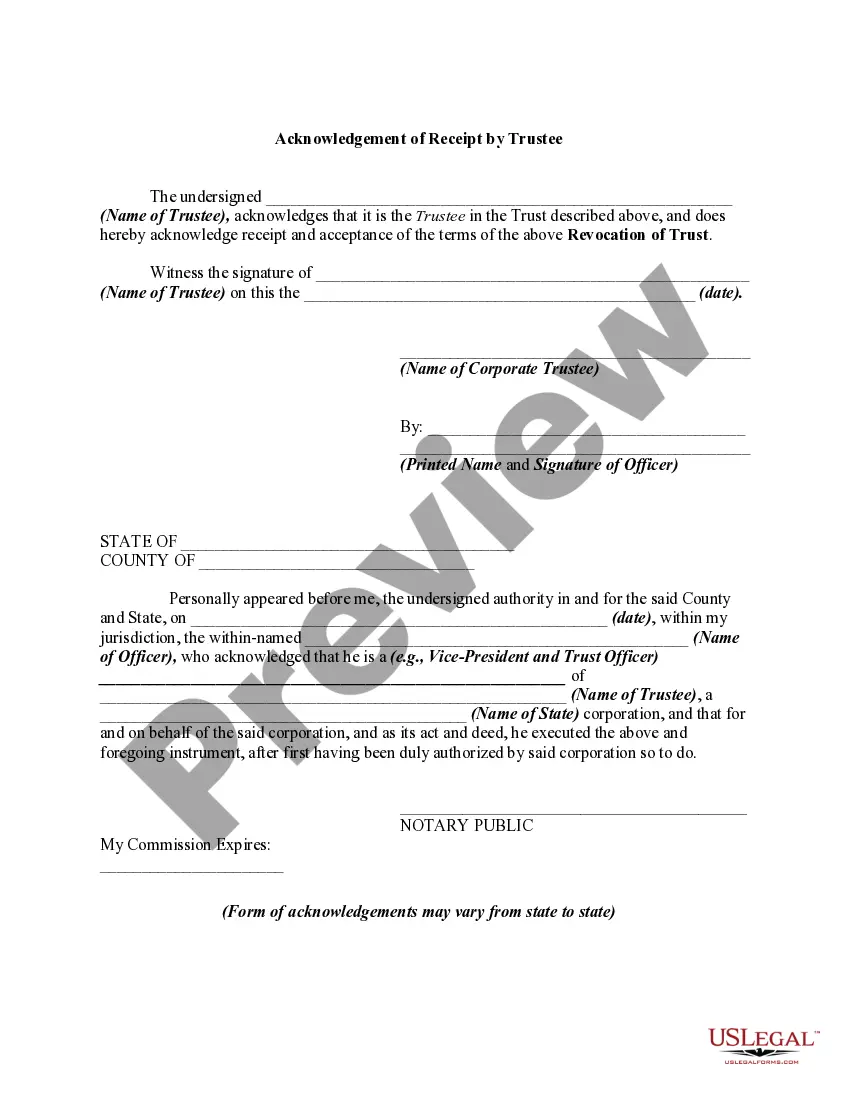
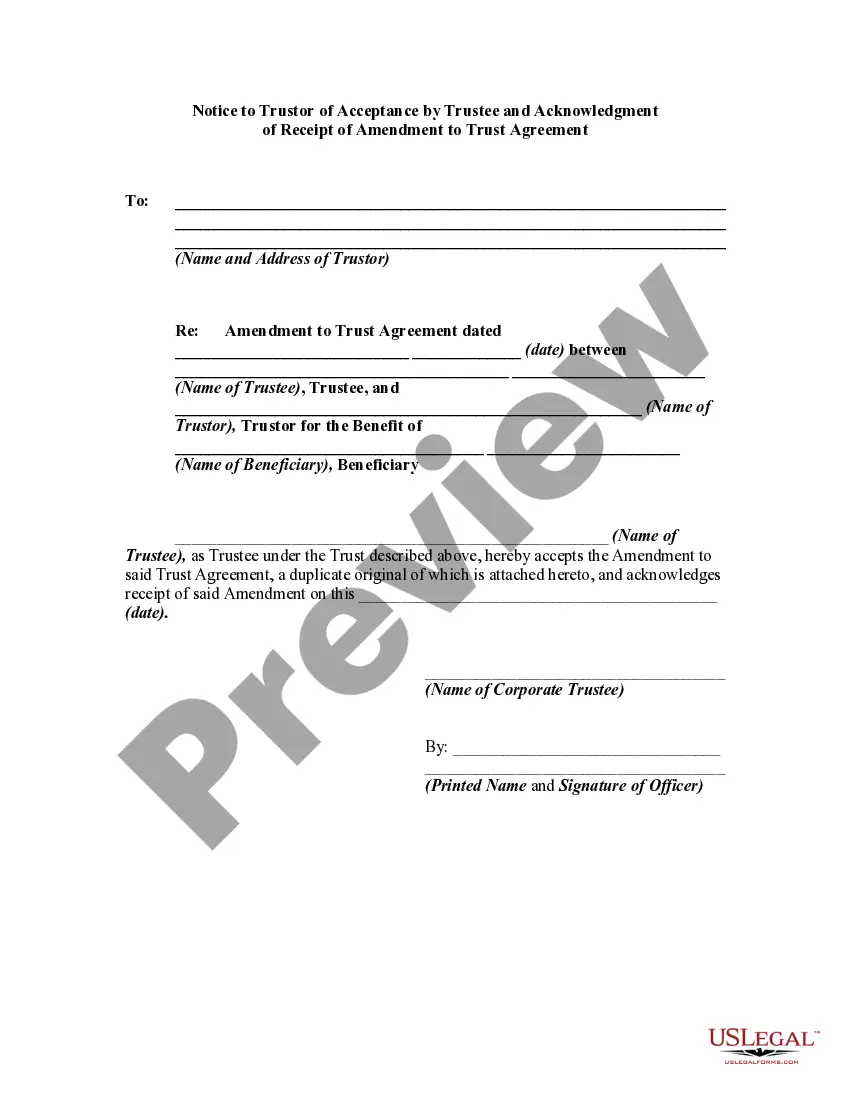
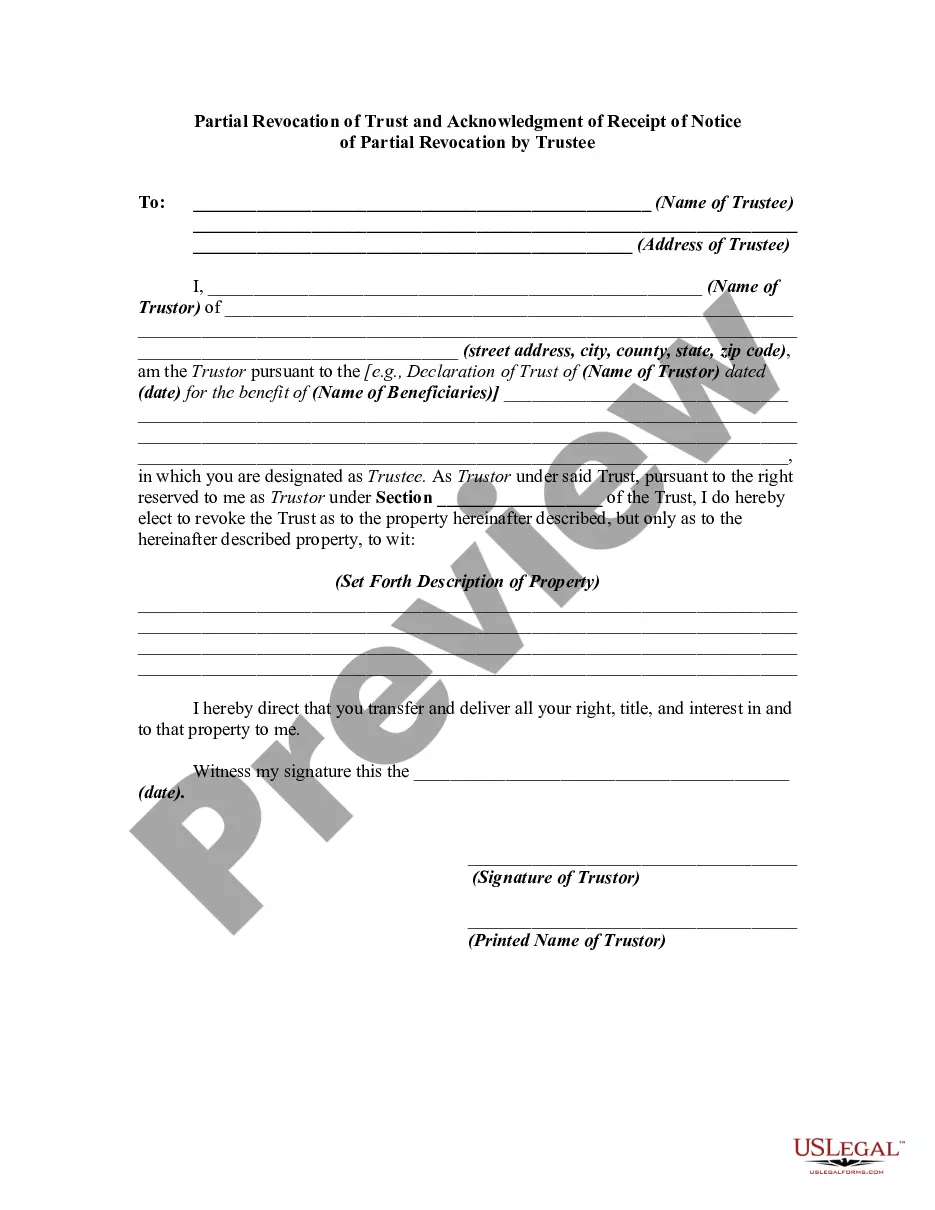
How to fill out Revocation Of Trust And Acknowledgment Of Receipt Of Notice Of Revocation By Trustee?
Acquiring legal document samples that align with federal and state regulations is crucial, and the web provides numerous choices to select from.
However, why spend time looking for the suitable Revocation Of A Trust Without An Attorney example online when the US Legal Forms digital library has already compiled such documents in one location.
US Legal Forms stands as the largest online legal repository with over 85,000 fillable templates created by lawyers for various professional and personal circumstances.
- They are easy to navigate with all files categorized by state and intended use.
- Our experts stay updated with legislative changes, ensuring that your documents are current and compliant when you obtain a Revocation Of A Trust Without An Attorney from our site.
- Acquiring a Revocation Of A Trust Without An Attorney is quick and straightforward for both existing and new users.
- If you have an account with an active subscription, Log In and download the required document sample in your chosen format.
- For new visitors to our site, follow these instructions.
Form popularity
FAQ
FL-170 is California Family Law Form called Declaration for Default or Uncontested Dissolution or Legal Separation. As the name indicates, it used for dissolution, generally known -divorce, separation, and also dissolution domestic partnership.
FL-170 DECLARATION FOR DEFAULT OR UNCONTESTED DISSOLUTION OR LEGAL SEPARATION (Family Law)
Judgment (form FL-180) This is the final court order to get a divorce. You'll need to attach the court orders to this form. Notice of Rights and Responsibilities (form FL-192) Attach this to your Judgment.
The first pages of the final orders for your divorce, legal separation, or annulment case.
Tells anyone viewing the form that you are asking for a name change and lists where the form will be published. This is also used by the court to set the date, time, and location of the hearing. Get form NC-120.
Declaration for Default or Uncontested Dissolution or Legal Separation (form FL-170) This form tells the court that you meet the requirements for a default judgment. Judgment (form FL-180) This is the final court order to get a divorce.
To get copies of divorce documents, go to the courthouse and ask for a copy, or send a request through the mail. To visit the courthouse or send a request by mail, see directions, addresses and business hours on the Family Justice Center Courthouse page.
Ex Parte Application for Restoration of Former Name After Entry of Judgment and Order (FL-395) Tell the court that a judgment for divorce or nullity was entered and now you want an order to let you legally use name you had before you married or registered the domestic partnership.