Revocation Of Trust Form Illinois
Description

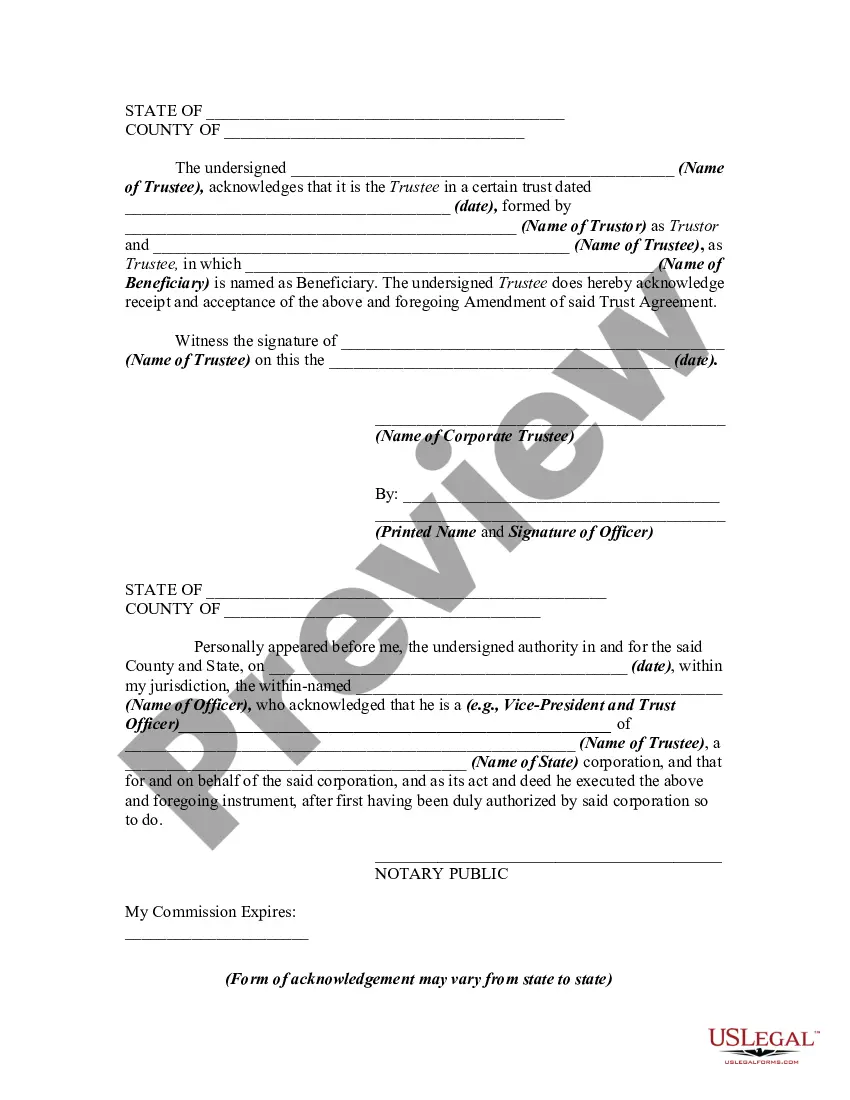


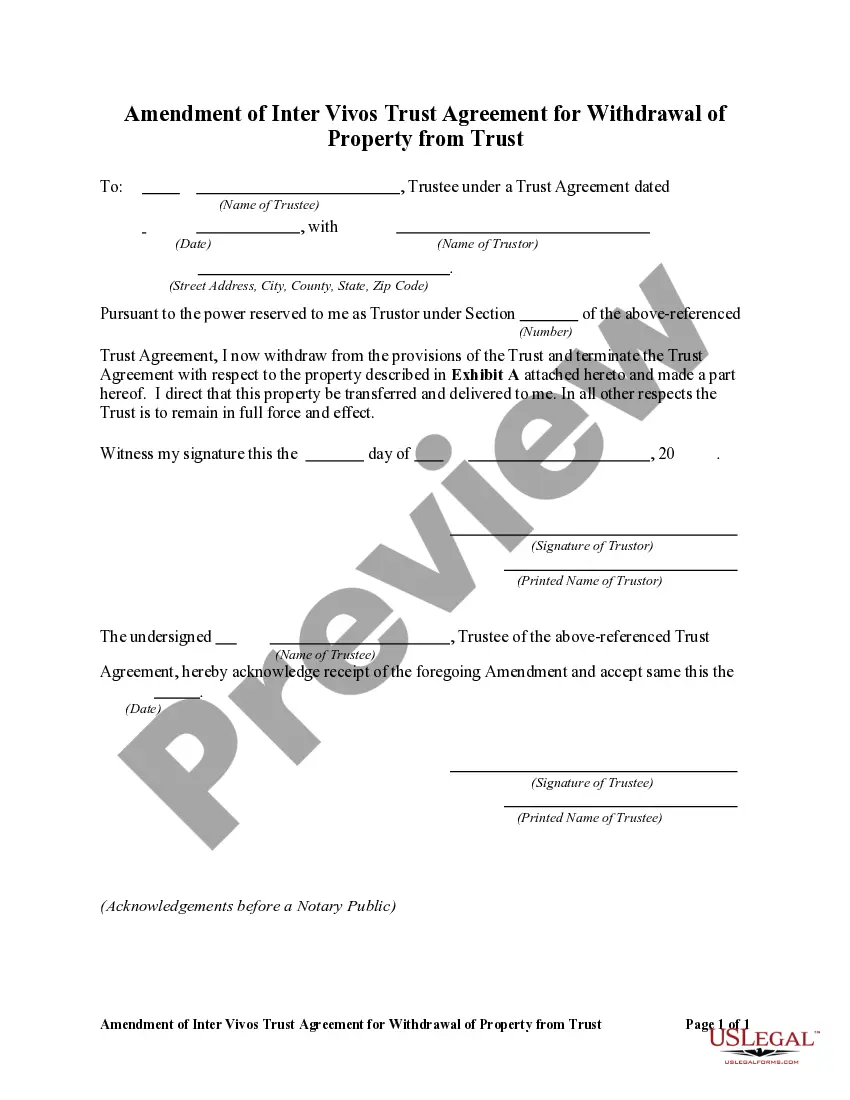
Get your form ready online
Our built-in tools help you complete, sign, share, and store your documents in one place.
Make edits, fill in missing information, and update formatting in US Legal Forms—just like you would in MS Word.
Download a copy, print it, send it by email, or mail it via USPS—whatever works best for your next step.
Sign and collect signatures with our SignNow integration. Send to multiple recipients, set reminders, and more. Go Premium to unlock E-Sign.
If this form requires notarization, complete it online through a secure video call—no need to meet a notary in person or wait for an appointment.
We protect your documents and personal data by following strict security and privacy standards.

Make edits, fill in missing information, and update formatting in US Legal Forms—just like you would in MS Word.

Download a copy, print it, send it by email, or mail it via USPS—whatever works best for your next step.

Sign and collect signatures with our SignNow integration. Send to multiple recipients, set reminders, and more. Go Premium to unlock E-Sign.

If this form requires notarization, complete it online through a secure video call—no need to meet a notary in person or wait for an appointment.

We protect your documents and personal data by following strict security and privacy standards.
Looking for another form?










How to fill out Amendment Of Trust Agreement And Revocation Of Particular Provision?
Creating legal documents from the ground up can often feel somewhat daunting.
Certain cases may require extensive research and substantial financial investment.
If you seek a simpler and more economical method of producing the Revocation Of Trust Form Illinois or other documents without unnecessary complications, US Legal Forms is readily available.
Our digital collection of over 85,000 current legal documents covers nearly every aspect of your financial, legal, and personal issues. With just a few clicks, you can swiftly obtain state- and county-compliant templates meticulously crafted by our legal experts.
Review the form previews and descriptions to ensure you've located the document you need. Confirm that the template you choose meets your state and county's specifications. Select the appropriate subscription plan to acquire the Revocation Of Trust Form Illinois. Download the document, then complete, sign, and print it. US Legal Forms has a solid reputation and more than 25 years of expertise. Join us today and make form processing easy and efficient!
- Utilize our service whenever you need dependable and trustworthy solutions to quickly discover and download the Revocation Of Trust Form Illinois.
- If you're familiar with our services and have previously made an account with us, just Log In to your account, choose the template, and download it or re-download it anytime from the My documents section.
- Not registered yet? No problem. It only takes a few minutes to set it up and explore the library.
- However, before you start downloading the Revocation Of Trust Form Illinois, follow these suggestions.
Form popularity
FAQ
A notary is not required. Revocable Trust: In Illinois, a revocable trust does not need to be witnessed or notarized to be effective.
Key Takeaways. Revocable trusts, as their name implies, can be altered or completely revoked at any time by their grantor?the person who established them. The first step in dissolving a revocable trust is to remove all the assets that have been transferred into it.
Illinois Trust Termination by Unanimous Consent Step One: In order to terminate a trust, the first step is to obtain the consent of the trustee and all of the beneficiaries. ... Step Two: Create a form called a Revocation of Trust.
The settlor may amend a trust only if the trust expressly provides that the trust is revocable or amendable by the settlor. fewer than all of the settlors, the trustee shall promptly notify the other settlors of the revocation or amendment.
This trust amendment allows a client to modify a revocable trust instrument without creating an entirely new trust instrument or restating an existing revocable trust instrument in its entirety. It provides options to revise an existing provision, delete an existing provision, or add a new provision.