Amendment To Trust Agreement Without Consent
Description

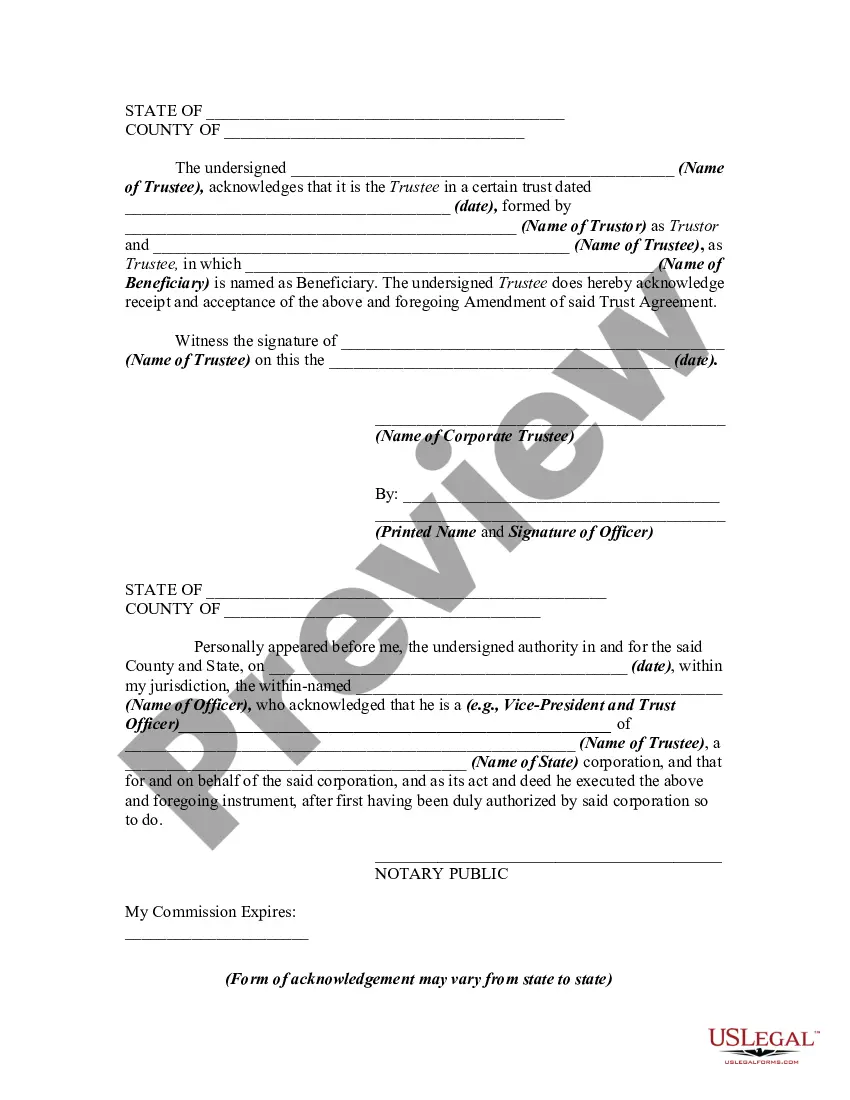


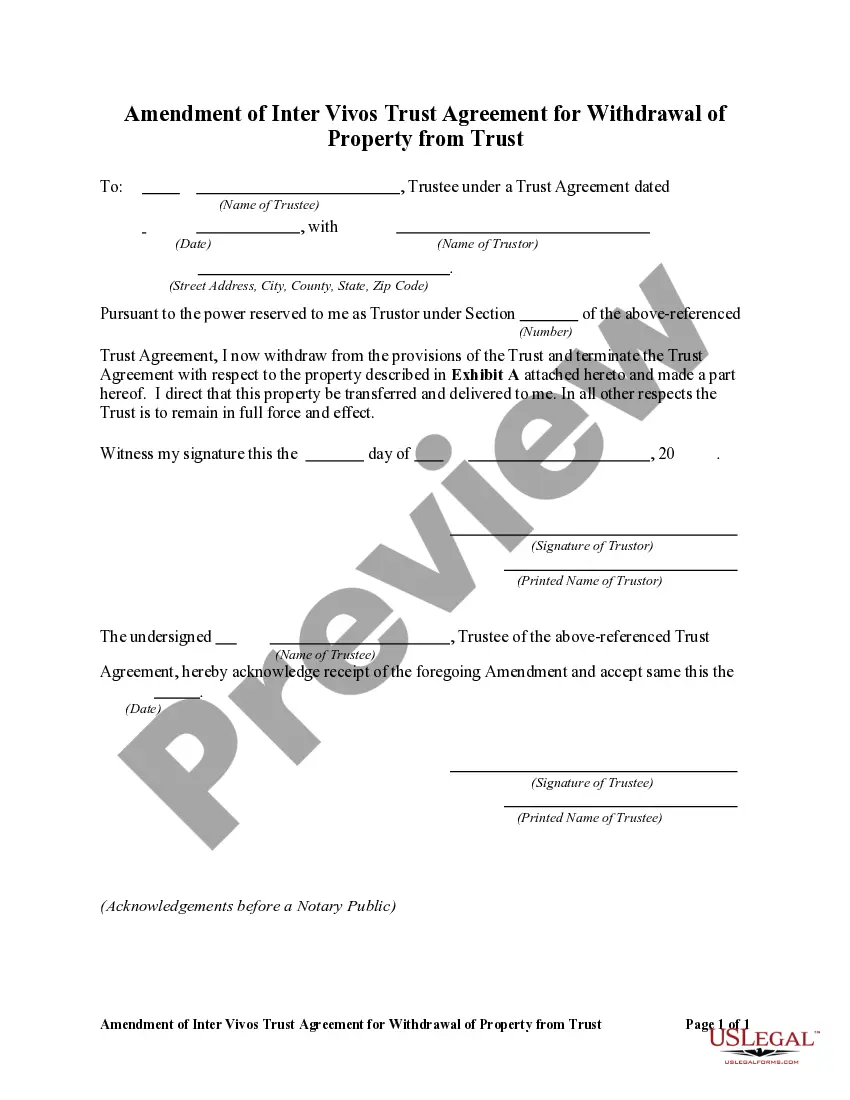
Get your form ready online
Our built-in tools help you complete, sign, share, and store your documents in one place.
Make edits, fill in missing information, and update formatting in US Legal Forms—just like you would in MS Word.
Download a copy, print it, send it by email, or mail it via USPS—whatever works best for your next step.
Sign and collect signatures with our SignNow integration. Send to multiple recipients, set reminders, and more. Go Premium to unlock E-Sign.
If this form requires notarization, complete it online through a secure video call—no need to meet a notary in person or wait for an appointment.
We protect your documents and personal data by following strict security and privacy standards.

Make edits, fill in missing information, and update formatting in US Legal Forms—just like you would in MS Word.

Download a copy, print it, send it by email, or mail it via USPS—whatever works best for your next step.

Sign and collect signatures with our SignNow integration. Send to multiple recipients, set reminders, and more. Go Premium to unlock E-Sign.

If this form requires notarization, complete it online through a secure video call—no need to meet a notary in person or wait for an appointment.

We protect your documents and personal data by following strict security and privacy standards.
Looking for another form?

How to fill out Amendment Of Trust Agreement And Revocation Of Particular Provision?
Regardless of whether it is for corporate objectives or for individual matters, every person must confront legal circumstances at some point in their lifetime.
Completing legal documents requires meticulous attention, beginning with the selection of the correct form template.
Pick the document format you desire and download the Amendment To Trust Agreement Without Consent. Once it is saved, you can complete the form using editing software or print it and finalize it manually. With an extensive catalog from US Legal Forms available, you need not waste time searching for the appropriate template online. Take advantage of the library’s user-friendly navigation to locate the ideal document for any purpose.
- For instance, if you pick an incorrect version of an Amendment To Trust Agreement Without Consent, it will be rejected upon submission.
- Thus, it is crucial to have a reliable source for legal documents such as US Legal Forms.
- Should you need to acquire a sample of the Amendment To Trust Agreement Without Consent, follow these straightforward steps.
- Obtain the required sample using the search feature or catalog browsing.
- Review the description of the form to ensure it aligns with your situation, state, and locality.
- Click on the form's preview to inspect it.
- If it is not the correct form, return to the search feature to find the Amendment To Trust Agreement Without Consent sample you require.
- Download the file once it meets your specifications.
- If you already possess a US Legal Forms account, click Log in to access previously stored templates in My documents.
- If you do not have an account yet, you can obtain the form by clicking Buy now.
- Select the correct pricing option.
- Complete the account registration form.
- Choose your payment method: use a credit card or PayPal account.
Form popularity
FAQ
Revising the terms of a trust is known as ?amending? the trust. An amendment is generally appropriate when there are only a few minor changes to make, like rewording a certain paragraph, changing the successor trustee, or modifying beneficiaries.
By its very nature, a revocable trust can generally be revoked, amended, and modified by the grantor (aka settlor, trust or). This, so long as the grantor is alive and not incapacitated. And provided the trust instrument permits the grantor to make such changes.
Fill out the form with the name of your trust. If this is the first change you've made to the trust, state that. If you have made other changes to the trust, you will need to list them by date. Indicate if this amendment overrides those previous changes or if you want them to remain in effect.
Trusts can be contested if particular circumstances arise. For instance, if you suspect a forgery in the trust, if the trustee acts in bad faith, or if the executors of a trust do not accurately represent the terms, then the trust could be considered invalid.
If you made a trust with your spouse or partner, then while both of you are alive, you both must agree to amend any provision of the trust document -- for example, to change a beneficiary, a successor trustee or the property management set up for a young beneficiary.