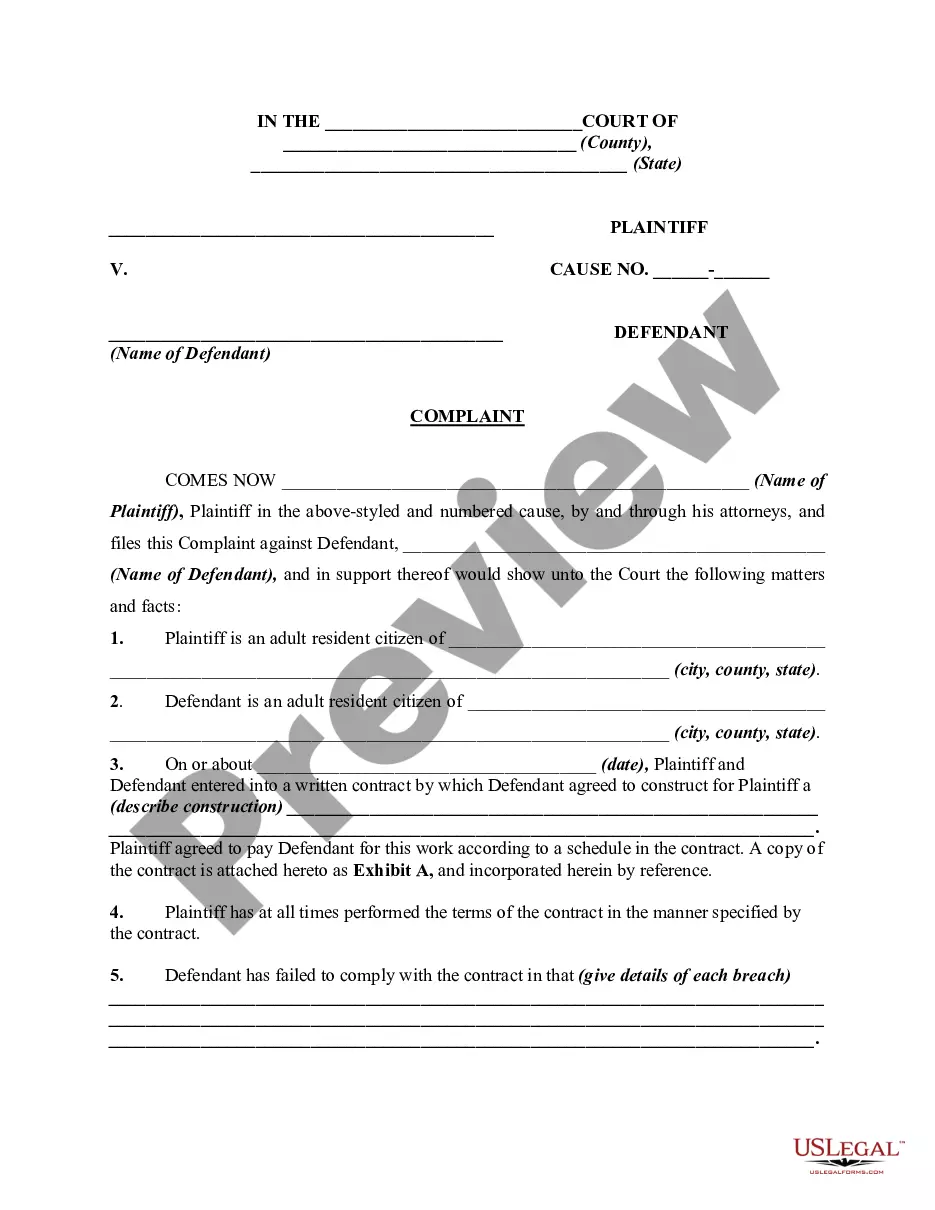
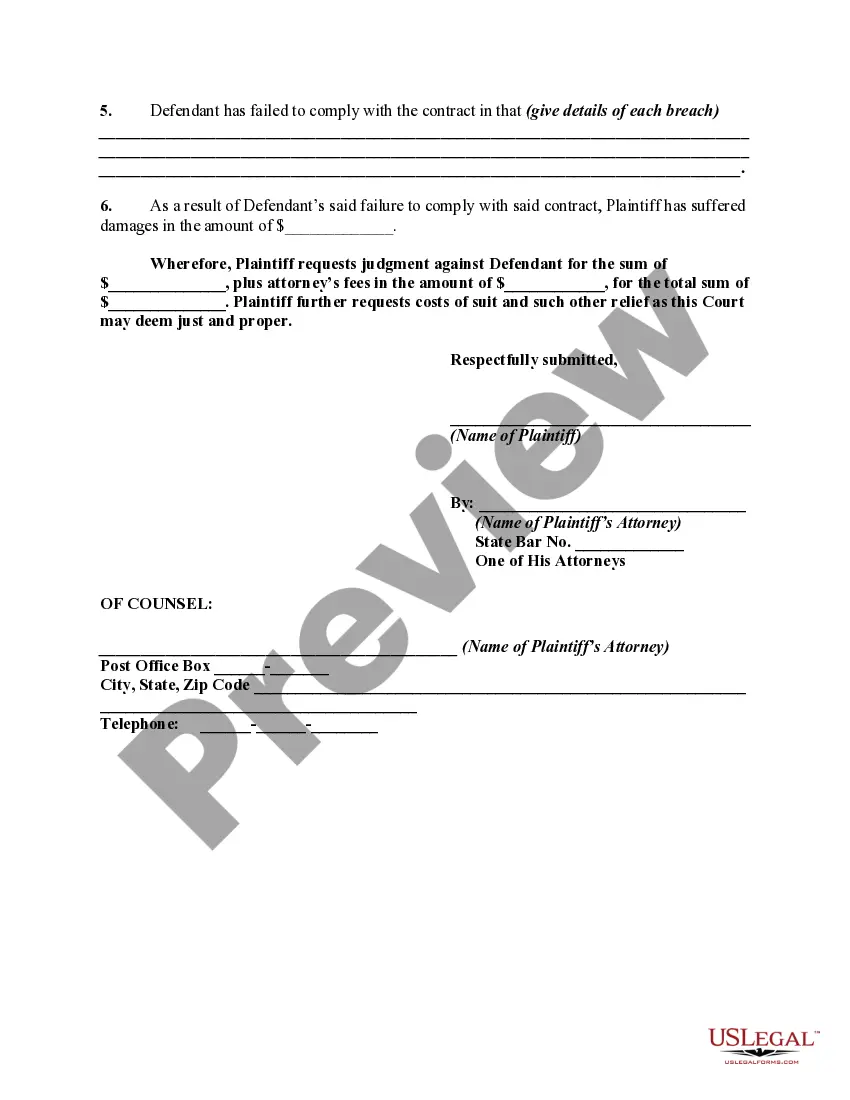
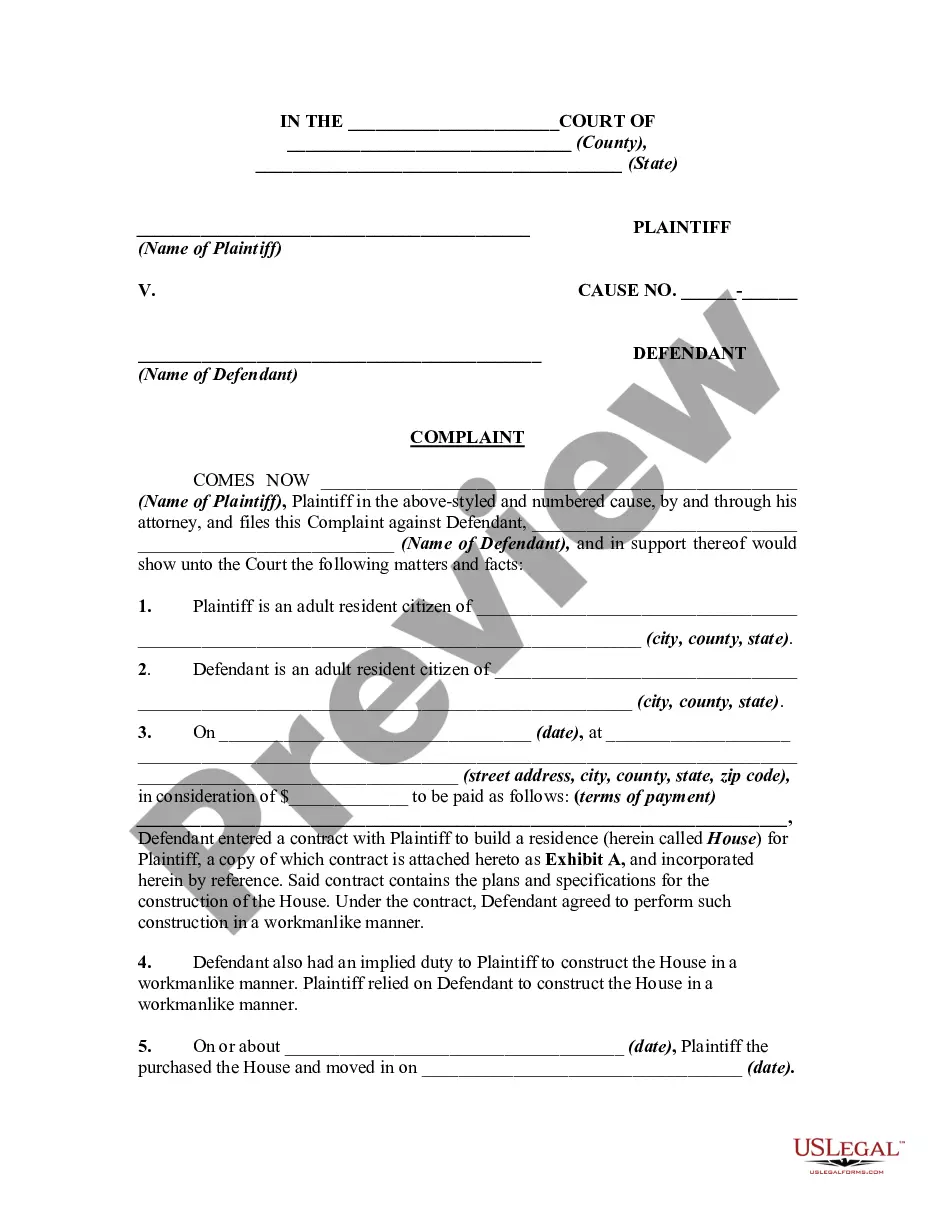
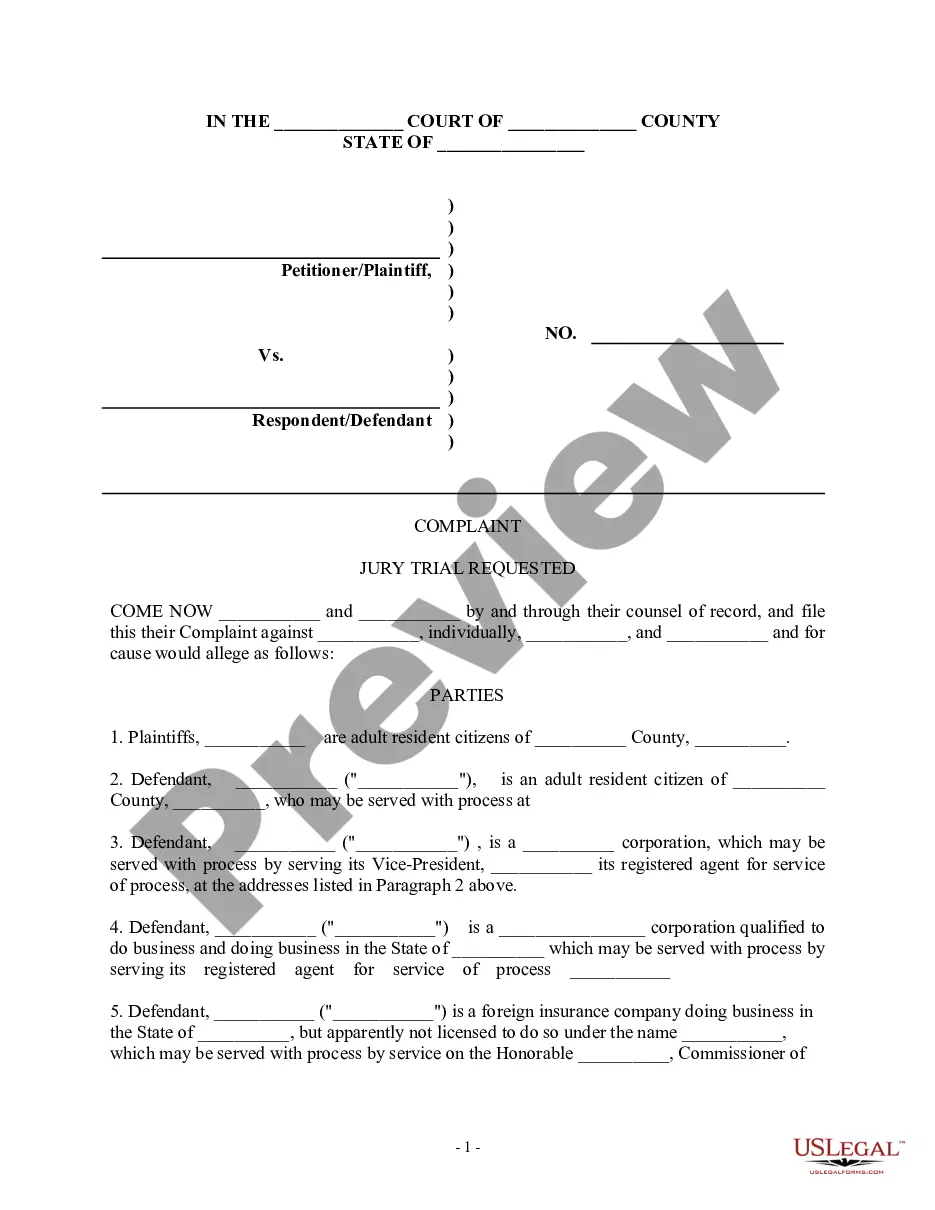
Complaint Contractor File Format
Description

Get your form ready online
Our built-in tools help you complete, sign, share, and store your documents in one place.
Make edits, fill in missing information, and update formatting in US Legal Forms—just like you would in MS Word.
Download a copy, print it, send it by email, or mail it via USPS—whatever works best for your next step.
Sign and collect signatures with our SignNow integration. Send to multiple recipients, set reminders, and more. Go Premium to unlock E-Sign.
If this form requires notarization, complete it online through a secure video call—no need to meet a notary in person or wait for an appointment.
We protect your documents and personal data by following strict security and privacy standards.

Make edits, fill in missing information, and update formatting in US Legal Forms—just like you would in MS Word.

Download a copy, print it, send it by email, or mail it via USPS—whatever works best for your next step.

Sign and collect signatures with our SignNow integration. Send to multiple recipients, set reminders, and more. Go Premium to unlock E-Sign.

If this form requires notarization, complete it online through a secure video call—no need to meet a notary in person or wait for an appointment.

We protect your documents and personal data by following strict security and privacy standards.
Looking for another form?

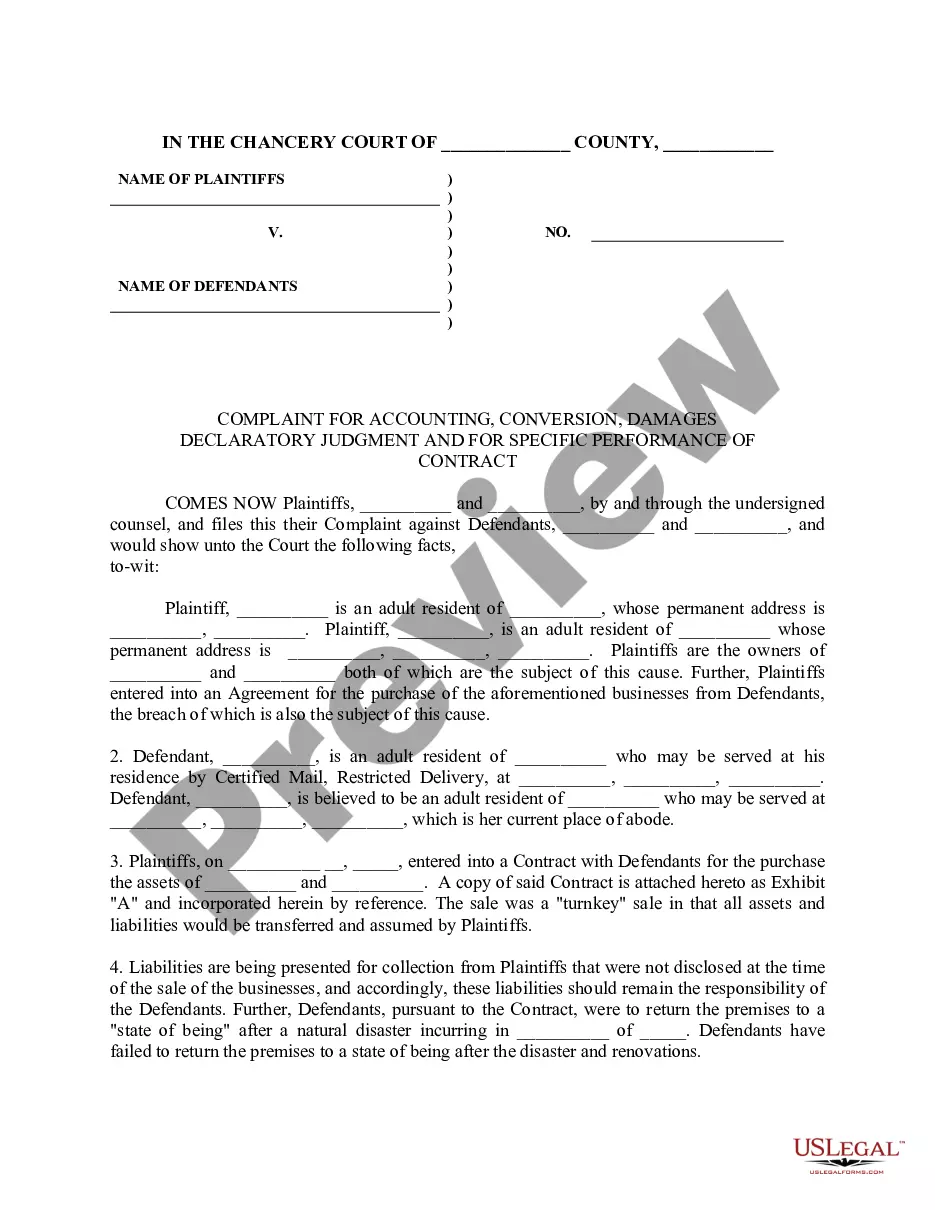
How to fill out Complaint Against Building Contractor For Failure To Complete Construction?
It’s well-known that you cannot become a legal expert instantly, nor can you learn how to swiftly prepare Complaint Contractor File Format without possessing a specialized set of abilities.
Assembling legal documents is a lengthy procedure that demands specific education and expertise. So why not entrust the development of the Complaint Contractor File Format to the experts.
With US Legal Forms, one of the most comprehensive legal template collections, you can obtain anything from court documents to templates for internal corporate communication. We understand how vital compliance and adherence to federal and local laws and regulations are. That’s why, on our site, all templates are location-specific and current.
Select Buy now. Once the payment is finalized, you can download the Complaint Contractor File Format, fill it out, print it, and send it or mail it to the necessary individuals or organizations.
You can access your forms again from the My documents tab at any time. If you are a current customer, you can simply Log In, and locate and download the template from the same tab.
- Start your journey with our platform and acquire the form you need in just minutes.
- Find the form you need by utilizing the search bar at the top of the page.
- Preview it (if this option is available) and review the accompanying description to determine if Complaint Contractor File Format is what you are looking for.
- If you require another form, restart your search.
- Create a free account and choose a subscription option to purchase the form.
Form popularity
FAQ
Information To Include in Your Letter Give the basics. Tell your story. Tell the company how you want to resolve the problem. Be reasonable. File your complaint. Your Address. Your City, State, Zip Code. [Your email address, if sending by email] Date.
Issues with the general contractor Failing to show up. Not taking the time to do the job right. Not listening to or understanding requests. Leaving a mess.
How to Convey Your Dissatisfaction to Your Contractor Speak up right away. You must tell your contractor early on that you don't like something. ... Maintain an understanding demeanor. You don't like the work and you're worried you'll offend your contractor. ... Get changes to the project in writing (even if only by email).
There are three ways that you can file a complaint: Call to have a Complaint Form mailed to you 1-800-321-CSLB (2752), OR. Use the On-line Complaint Form, OR. Download and Print a Complaint Form.
7 tips for working with contractors Get an itemized quote. ... Ask about subcontractors. ... Set up a time to talk with contractors. ... Plot a timeline. ... Prepare for problems. ... Inspect contractor work periodically. ... Offer kind gestures.