Agreement Development Sample For Business
Description
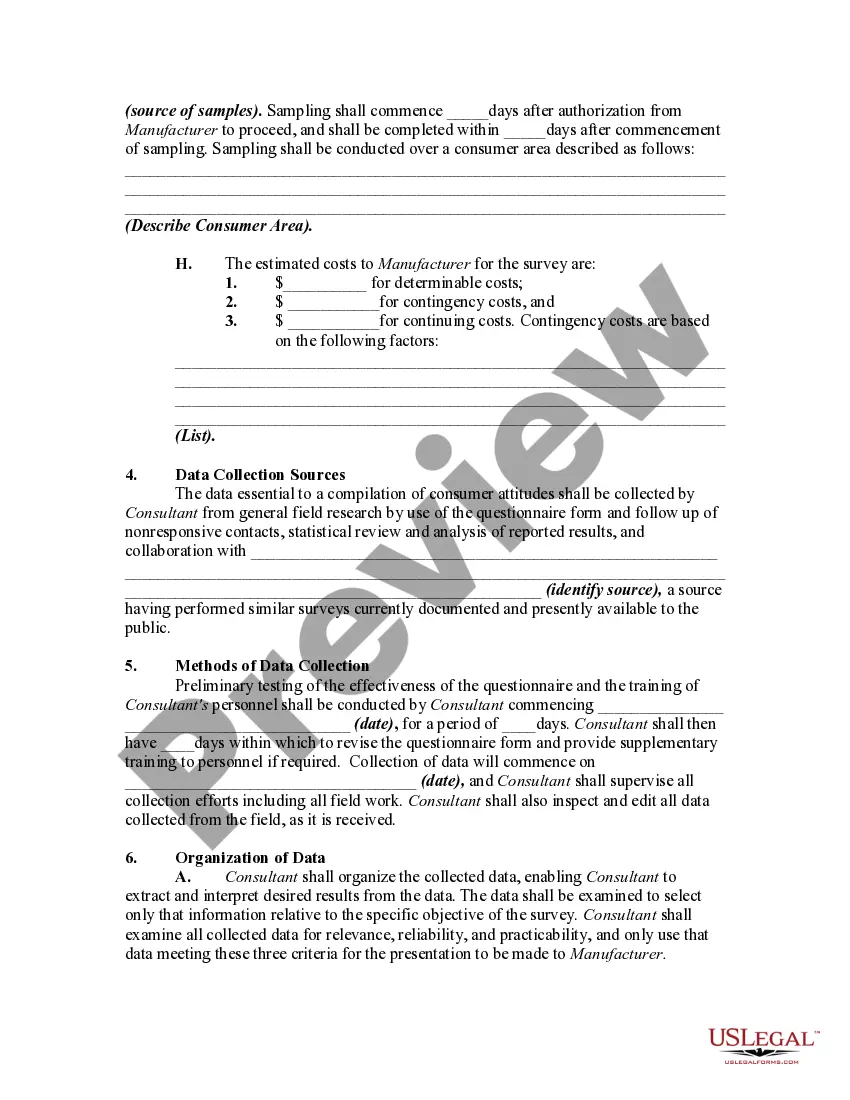
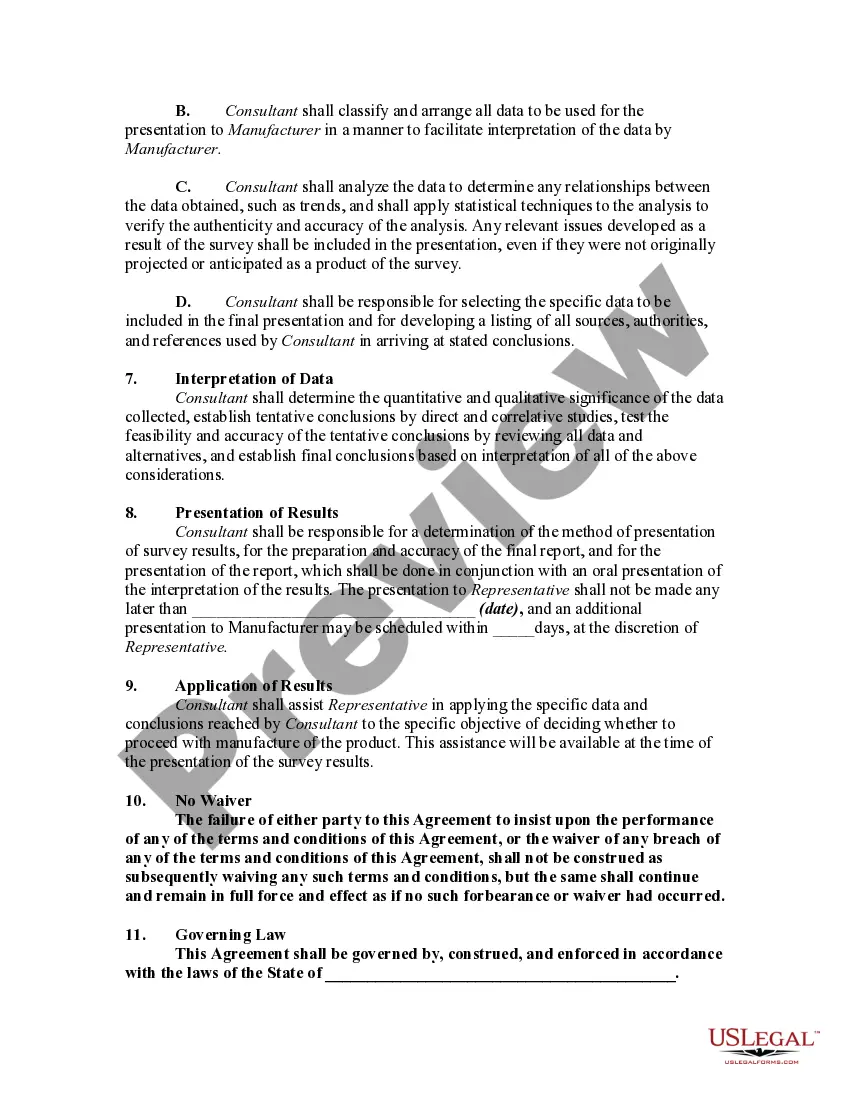
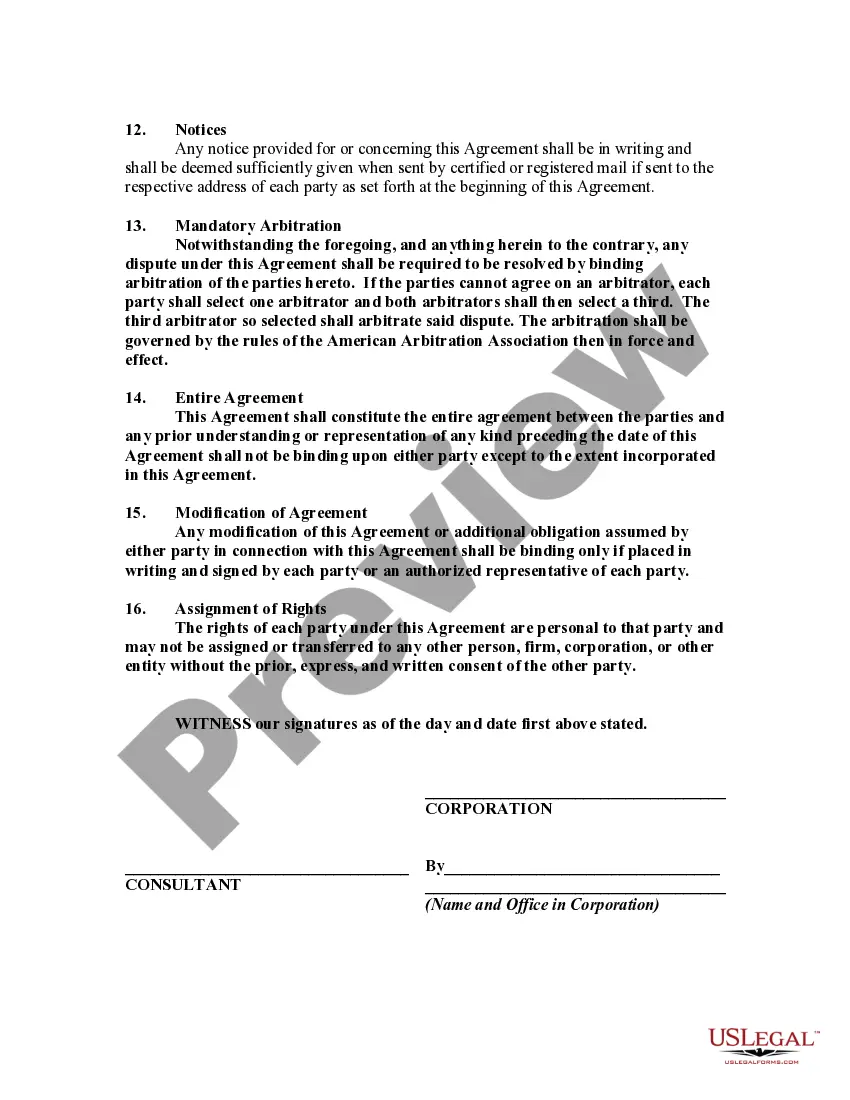

Get your form ready online
Our built-in tools help you complete, sign, share, and store your documents in one place.
Make edits, fill in missing information, and update formatting in US Legal Forms—just like you would in MS Word.
Download a copy, print it, send it by email, or mail it via USPS—whatever works best for your next step.
Sign and collect signatures with our SignNow integration. Send to multiple recipients, set reminders, and more. Go Premium to unlock E-Sign.
If this form requires notarization, complete it online through a secure video call—no need to meet a notary in person or wait for an appointment.
We protect your documents and personal data by following strict security and privacy standards.

Make edits, fill in missing information, and update formatting in US Legal Forms—just like you would in MS Word.

Download a copy, print it, send it by email, or mail it via USPS—whatever works best for your next step.

Sign and collect signatures with our SignNow integration. Send to multiple recipients, set reminders, and more. Go Premium to unlock E-Sign.

If this form requires notarization, complete it online through a secure video call—no need to meet a notary in person or wait for an appointment.

We protect your documents and personal data by following strict security and privacy standards.
Looking for another form?


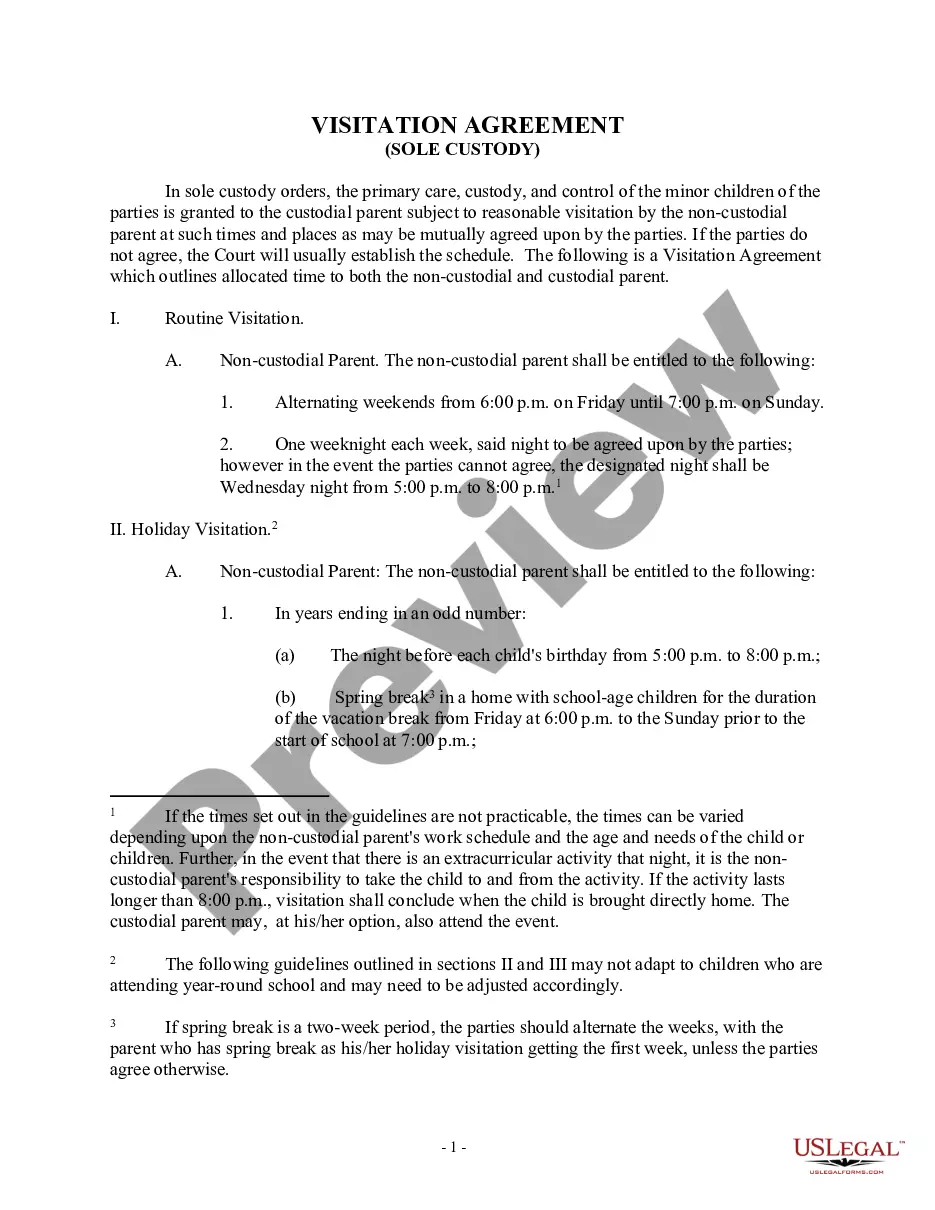
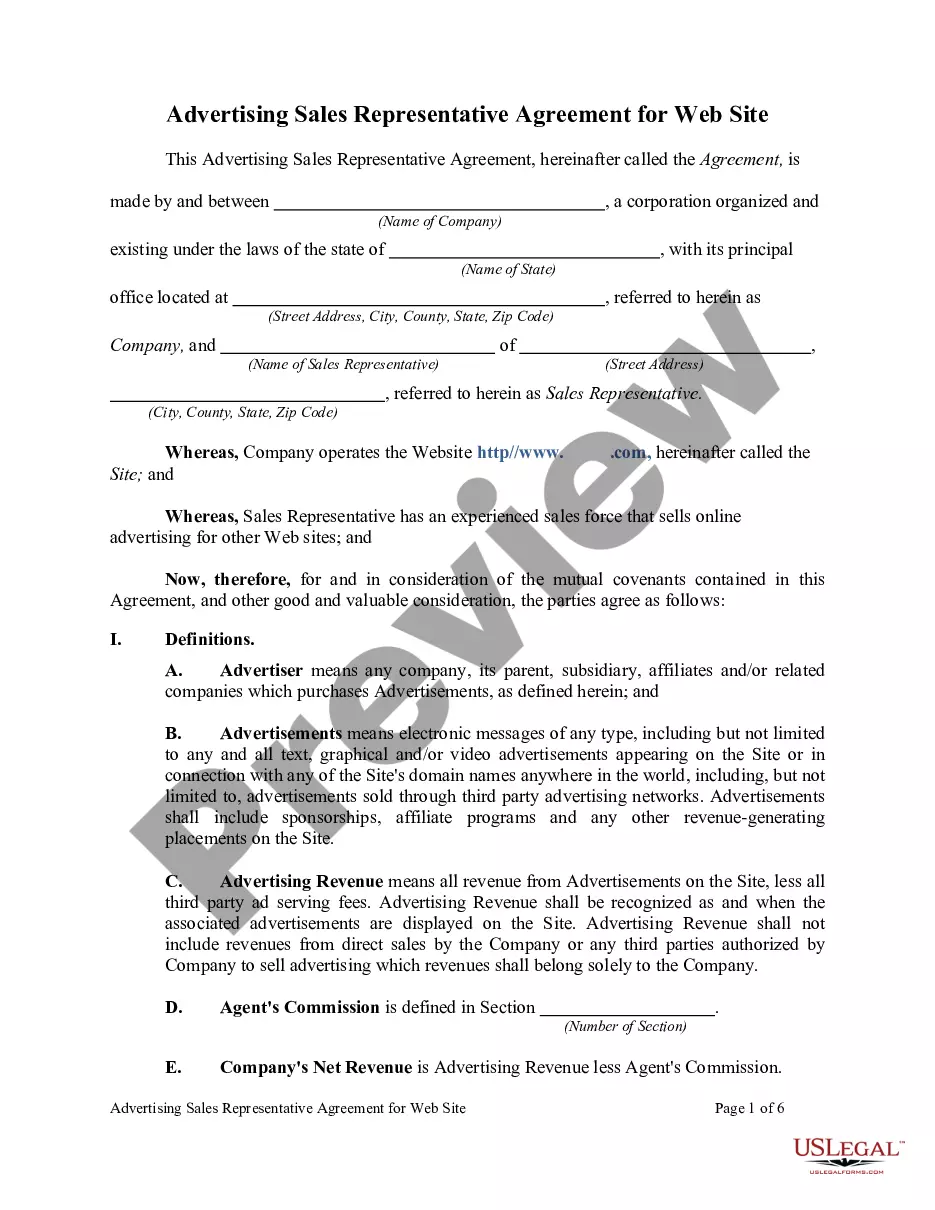

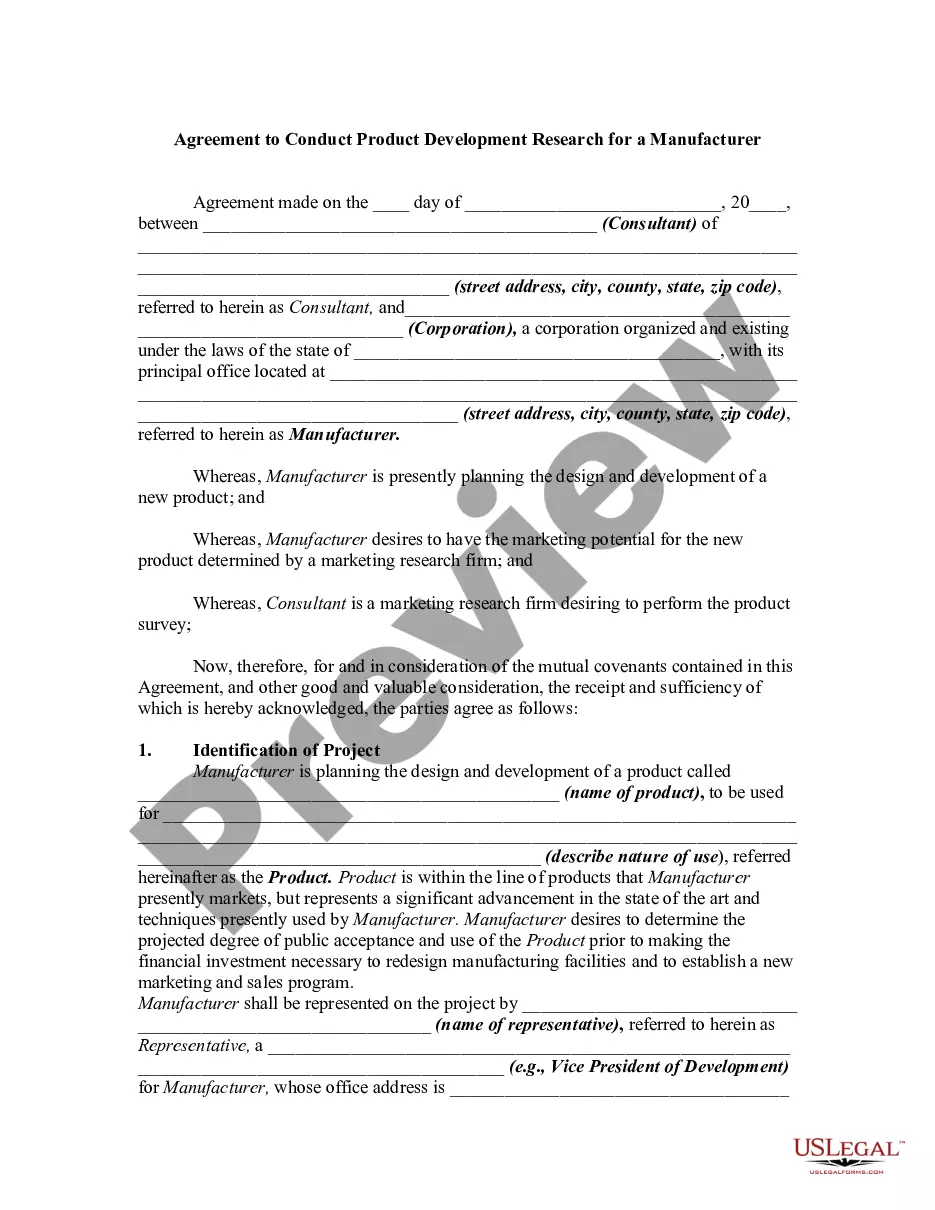
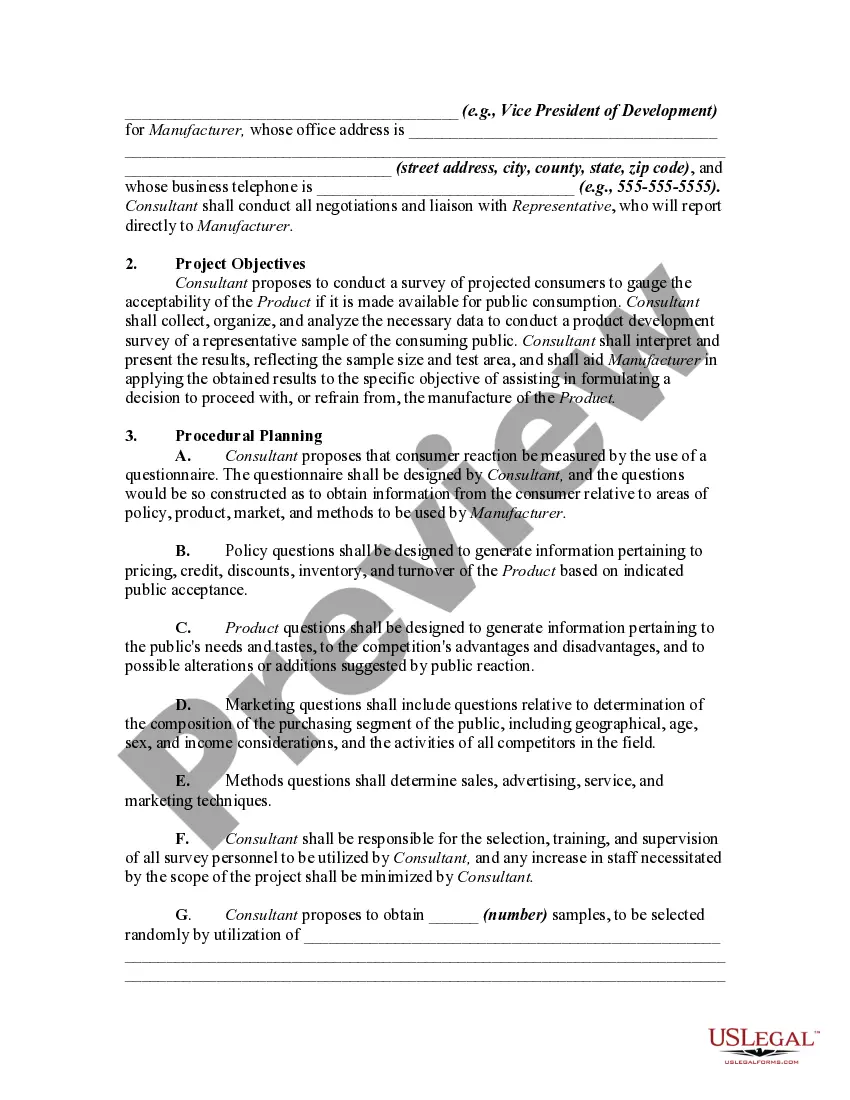
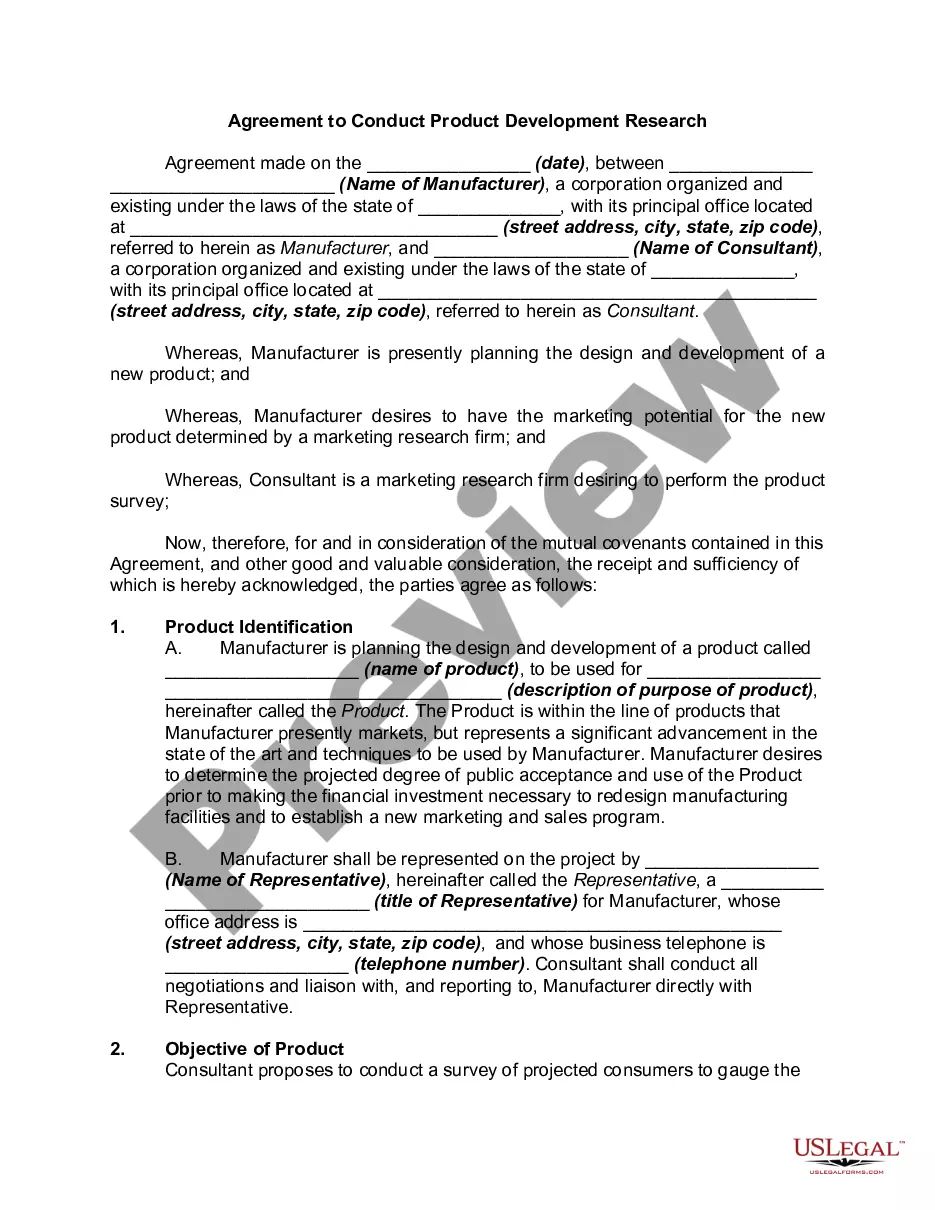
How to fill out Agreement To Conduct Product Development Research For A Manufacturer?
Whether you handle paperwork frequently or occasionally need to submit a legal document, it is essential to obtain a resource where all the examples are relevant and current.
The first step to take with an Agreement Development Sample For Business is to verify that it is the most recent version, as this determines its eligibility for submission.
If you want to streamline your search for the most current document samples, look for them on US Legal Forms.
To acquire a form without an account, follow these instructions: Use the search menu to locate the form you need. View the preview and description of the Agreement Development Sample For Business to confirm it meets your requirements. Once you've verified the form, simply click Buy Now. Choose a subscription plan that suits you. Register for an account or Log In to your existing one. Use your credit card information or PayPal account to finalize the purchase. Select the file format for download and confirm your choice. Eliminate the confusion of working with legal documents. All your templates will be organized and validated with a US Legal Forms account.
- US Legal Forms is a repository of legal documents that encompasses nearly every sample document you might seek.
- Search for the templates you need, assess their applicability immediately, and learn more about their functions.
- With US Legal Forms, you can access over 85,000 form samples across various domains.
- Retrieve the Agreement Development Sample For Business templates in just a few clicks and save them in your account.
- A US Legal Forms account will enable you to access all the samples you need conveniently and with minimal hassle.
- You simply need to click Log In in the site header and navigate to the My documents section, where all the forms you require will be at your fingertips.
- You won't have to waste time looking for the right template or verifying its authenticity.
Form popularity
FAQ
Ten Tips for Making Solid Business Agreements and ContractsGet it in writing.Keep it simple.Deal with the right person.Identify each party correctly.Spell out all of the details.Specify payment obligations.Agree on circumstances that terminate the contract.Agree on a way to resolve disputes.More items...
Development agreements are contracts approved by the Planning Commission and Board of Supervisors entered into by the City and a developer to expressly define a development project's rules, regulations, commitments, and policies for a specific period of time.
Generally, to be legally valid, most contracts must contain two elements:All parties must agree about an offer made by one party and accepted by the other.Something of value must be exchanged for something else of value. This can include goods, cash, services, or a pledge to exchange these items.
The definition of agreement means the act of coming to a mutual decision, position or arrangement. An example of an agreement is the decision between two people to share the rent in an apartment.
A business development agreement (BDA) is a contract between two parties outlining future transactions' terms. The BDA specifies the rights and responsibilities of each party in the event of a disagreement or dispute.