Parent Child Support With Child
Description
Get your form ready online
Our built-in tools help you complete, sign, share, and store your documents in one place.
Make edits, fill in missing information, and update formatting in US Legal Forms—just like you would in MS Word.
Download a copy, print it, send it by email, or mail it via USPS—whatever works best for your next step.
Sign and collect signatures with our SignNow integration. Send to multiple recipients, set reminders, and more. Go Premium to unlock E-Sign.
If this form requires notarization, complete it online through a secure video call—no need to meet a notary in person or wait for an appointment.
We protect your documents and personal data by following strict security and privacy standards.

Make edits, fill in missing information, and update formatting in US Legal Forms—just like you would in MS Word.

Download a copy, print it, send it by email, or mail it via USPS—whatever works best for your next step.

Sign and collect signatures with our SignNow integration. Send to multiple recipients, set reminders, and more. Go Premium to unlock E-Sign.

If this form requires notarization, complete it online through a secure video call—no need to meet a notary in person or wait for an appointment.

We protect your documents and personal data by following strict security and privacy standards.
Looking for another form?
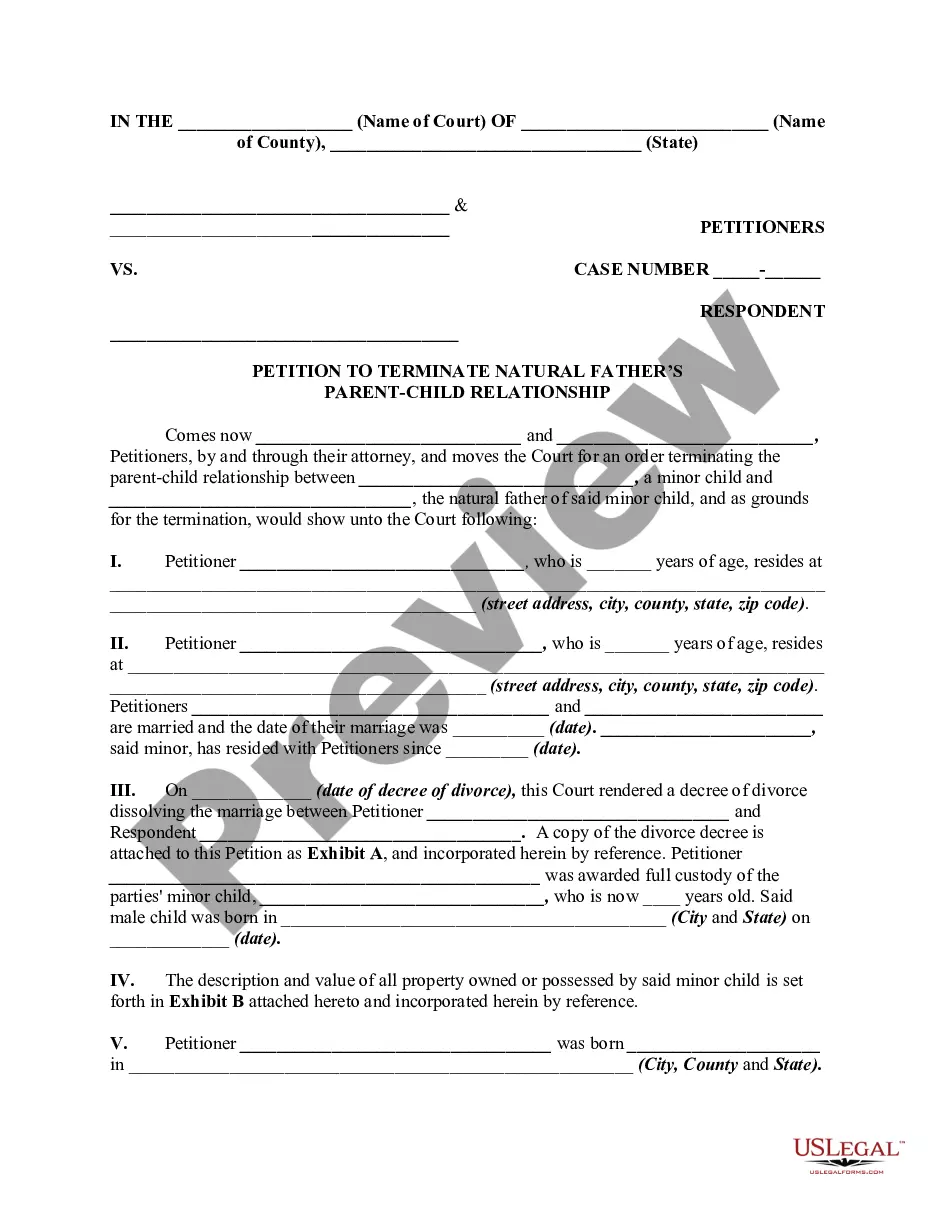
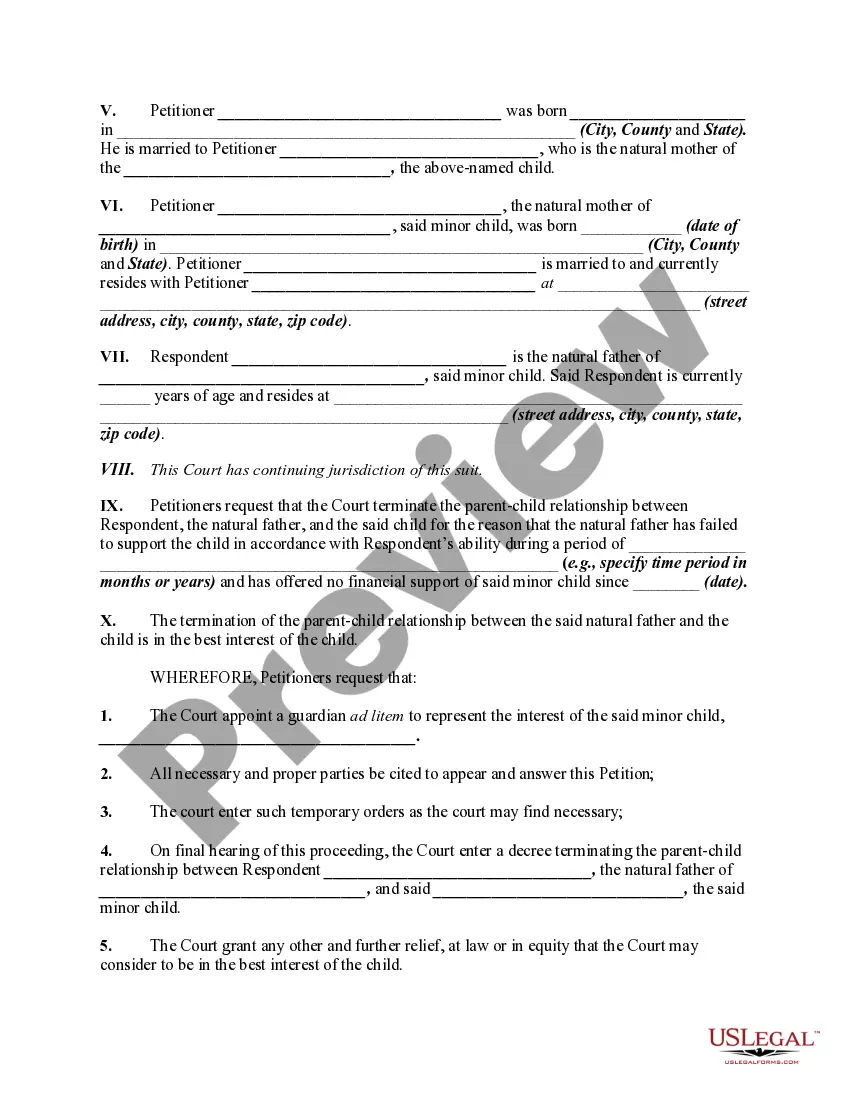
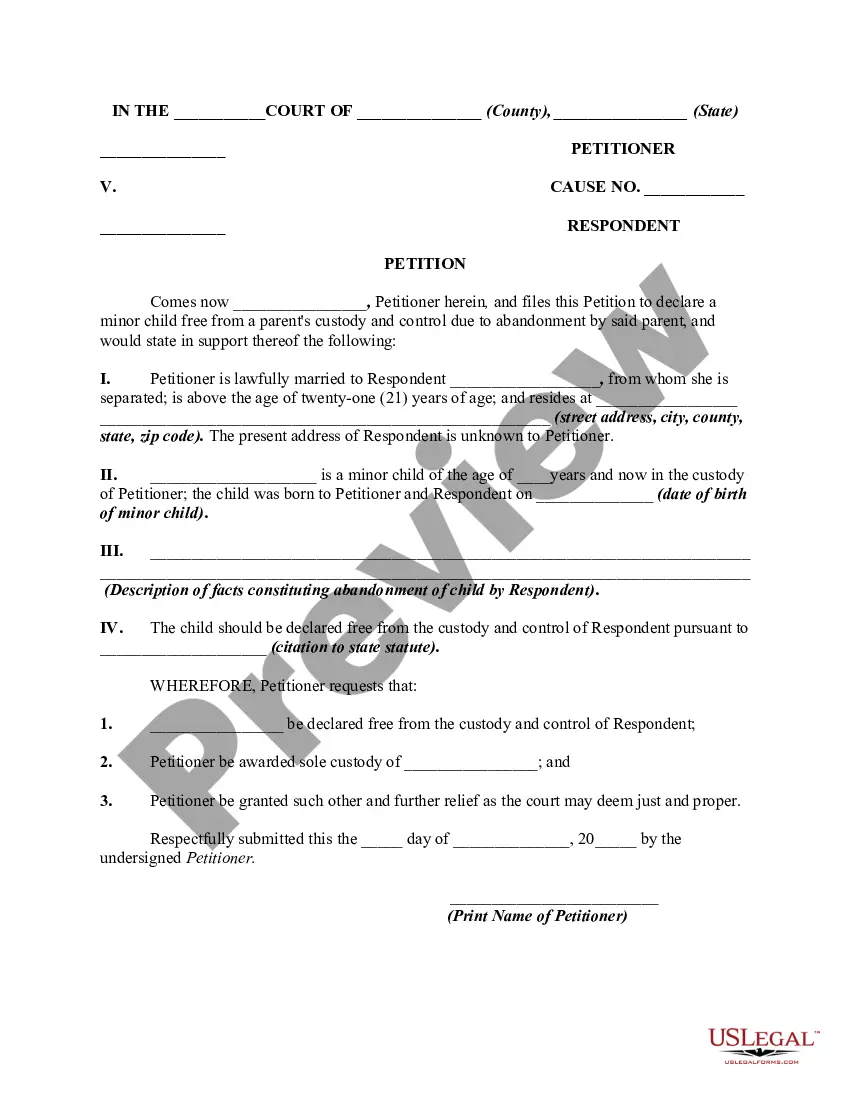
How to fill out Petition By Stepfather And Natural Mother To Terminate Natural Fathers Parent / Child Relationship For Failure To Support Child - Release Of Parental Rights?
Securing a reliable location to access the latest and most pertinent legal templates is a significant part of navigating bureaucratic processes.
Locating the appropriate legal documents demands precision and meticulousness, which underscores the importance of obtaining Parent Child Support With Child samples exclusively from reputable sources such as US Legal Forms.
After acquiring the form on your device, you have the option to modify it using the editor or print it out and complete it manually. Eliminate the hassle associated with your legal documentation by exploring the extensive US Legal Forms collection, where you can discover legal templates, confirm their relevance to your situation, and download them instantly.
- Utilize the library navigation or search bar to locate your template.
- Examine the form’s description to verify if it meets the criteria of your state and county.
- Check the form preview, if available, to ensure the template is indeed the one you require.
- Return to the search to find the correct document if the Parent Child Support With Child does not suit your needs.
- When you're confident in the form’s pertinence, download it.
- If you are a registered user, click Log in to verify your identity and access your selected forms in My documents.
- If you do not yet have an account, click Buy now to acquire the form.
- Select the pricing option that aligns with your preferences.
- Proceed with registration to complete your transaction.
- Finalize your order by choosing a payment method (credit card or PayPal).
- Select the format for downloading Parent Child Support With Child.
Form popularity
FAQ
How to rotate a PDF by right-clicking Use the PDF reader to open the document you wish to rotate. Click ?View? in the uppermost toolbar. Hover your mouse cursor over ?Rotate View?. Choose the direction that you wish to rotate the document. You may also right-click anywhere on the document and select ?Rotate?.
UPDF for Android is the go-to tool for anyone looking to flip PDF files on their Android device. UPDF today and enjoy its benefits.
Try our free PDF rotator tool Rotating PDF pages is quick and easy with Adobe Acrobat online services. Upload one or more PDF files, then rotate specific pages or all of the pages left or right.
Choose Tools > Edit PDF > Edit . The dotted outlines identify the text and images you can edit. Select the text you want to edit. The text-box turns blue upon selection, and a rotation handle appears at the top of the selected text-box.
- Click "Tools," select "Advanced Editing" and choose "TouchUp Object Tool." - Click the text that you want to rotate. A bounding box appears around the text. - Right-click the text box, and click "Rotate Clockwise" to rotate the text box clockwise or click "Rotate Counterclockwise" to rotate the text counterclockwise.
Available on iOS and Android devices, the iLovePDF Mobile App offers a light but powerful PDF Rotator to flip documents in just a few taps. You can permanently rotate individual pages or ALL the pages in a PDF document at once.