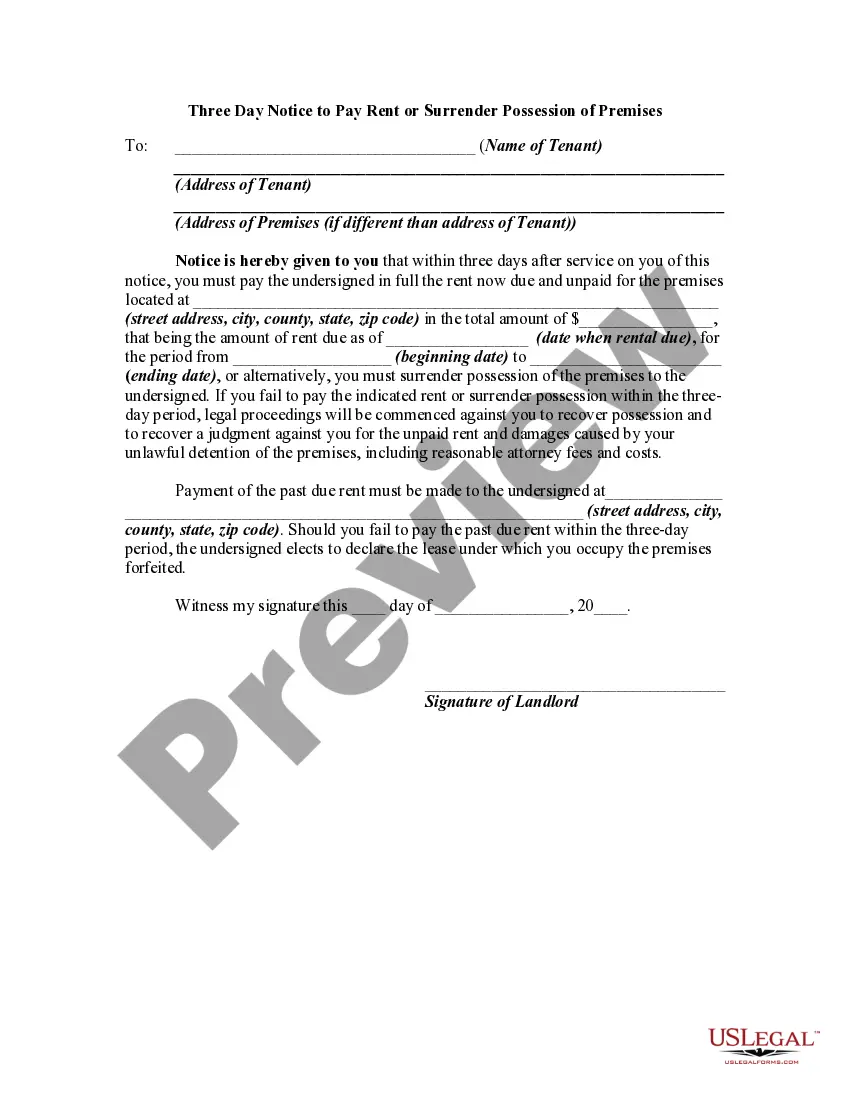
Notice To Vacate Premises For Renovation
Description
Get your form ready online
Our built-in tools help you complete, sign, share, and store your documents in one place.
Make edits, fill in missing information, and update formatting in US Legal Forms—just like you would in MS Word.
Download a copy, print it, send it by email, or mail it via USPS—whatever works best for your next step.
Sign and collect signatures with our SignNow integration. Send to multiple recipients, set reminders, and more. Go Premium to unlock E-Sign.
If this form requires notarization, complete it online through a secure video call—no need to meet a notary in person or wait for an appointment.
We protect your documents and personal data by following strict security and privacy standards.

Make edits, fill in missing information, and update formatting in US Legal Forms—just like you would in MS Word.

Download a copy, print it, send it by email, or mail it via USPS—whatever works best for your next step.

Sign and collect signatures with our SignNow integration. Send to multiple recipients, set reminders, and more. Go Premium to unlock E-Sign.

If this form requires notarization, complete it online through a secure video call—no need to meet a notary in person or wait for an appointment.

We protect your documents and personal data by following strict security and privacy standards.
Looking for another form?


How to fill out Three Day Notice To Pay Rent Or Surrender Possession Of Premises - Vacate - Past Due Rent - Eviction?
Handling legal documents and operations may be a lengthy addition to your entire day.
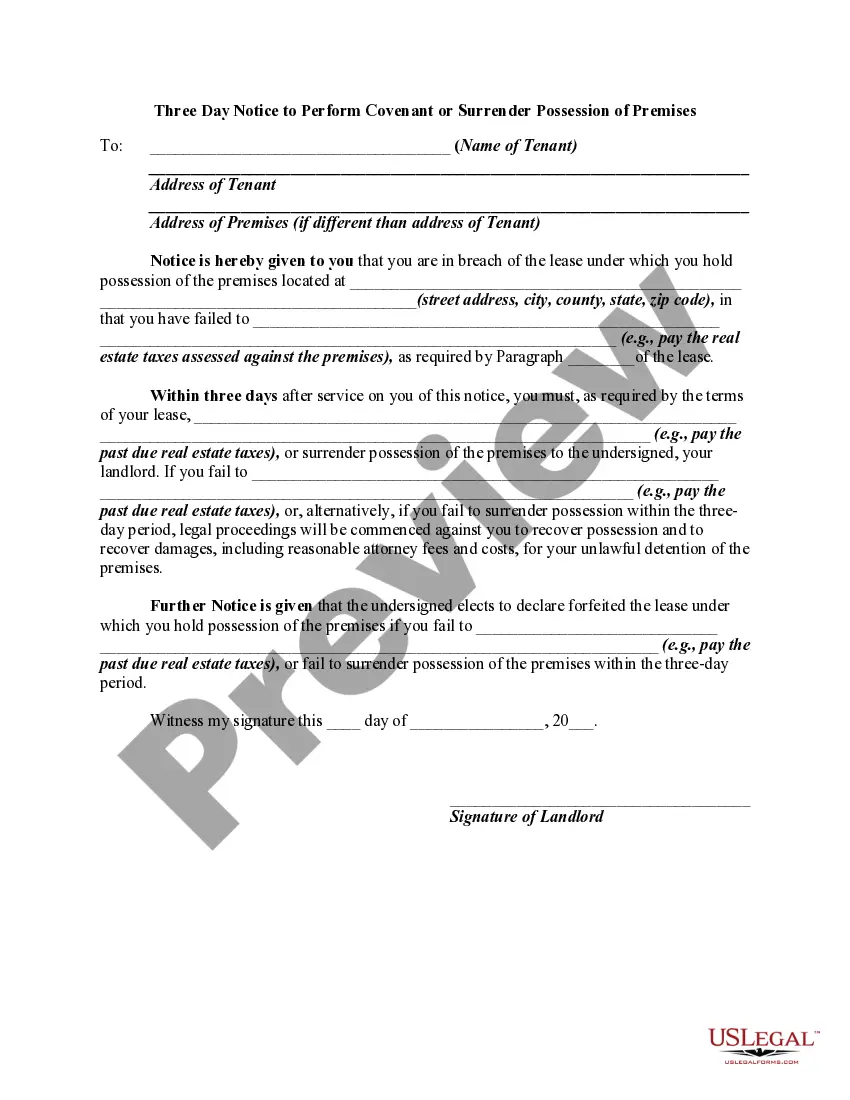
Notices to Vacate Premises For Renovation and similar forms generally necessitate that you search for them and comprehend how to fill them out accurately.
Therefore, whether you are managing financial, legal, or personal issues, utilizing a comprehensive and efficient online repository of forms available will significantly aid you.
US Legal Forms is the leading online source of legal templates, providing over 85,000 state-specific forms and multiple tools to help you complete your documents swiftly.
Is this your initial experience using US Legal Forms? Register and create an account in a few moments, and you will gain access to the form library and Notice To Vacate Premises For Renovation. Afterwards, follow the steps below to finalize your form.
- Browse the catalog of pertinent files accessible with just one click.
- US Legal Forms offers state- and county-specific forms that can be downloaded at any time.
- Safeguard your documents management tasks with top-tier support that enables you to prepare any form in minutes at no extra or hidden charges.
- Simply Log In to your account, search for Notice To Vacate Premises For Renovation, and obtain it immediately from the My documents section.
- You can also access previously downloaded forms.
Form popularity
FAQ
A foreign corporation is a corporation which is incorporated or registered under the laws of one state or foreign country and does business in another. In comparison, a domestic corporation is a corporation which is incorporated in the state it is doing business in.
To start a corporation in Vermont, you'll need to do three things: appoint a registered agent, choose a name for your business, and file Articles of Incorporation with the Secretary of State, Corporations Division. You can file this document online or by mail. The articles cost $125 to file.
Under Vermont law, all businesses except for corporations and limited liability companies doing business within the state will need to file a DBA. Filing for a DBA allows the company to open bank accounts, enter contracts, and otherwise operate with the new name.
Searching for Vermont businesses is done through the Vermont Secretary of State. Vermont Corporations and LLCs are searchable by the following criteria: Business Name. Business ID.
Before you begin to do business in Vermont, you must register your business with the Vermont Secretary of State. The Secretary of State's website offers an Online Business Service Center with guidance to get your started.
To register a foreign corporation in Vermont, you must file a Vermont Application for Certificate of Authority with the Vermont Secretary of State. You can submit this document by mail, fax, in person, or online. The Certificate of Authority for a foreign Vermont corporation costs $125 to file.
It costs $125 to register your foreign LLC in Vermont. Registering your foreign LLC, also known as foreign qualification, involves submitting an Application for Certificate of Authority to Vermont's Secretary of State Office and appointing a Vermont registered agent.