Corp Code Request Letter Sample With Name
Description
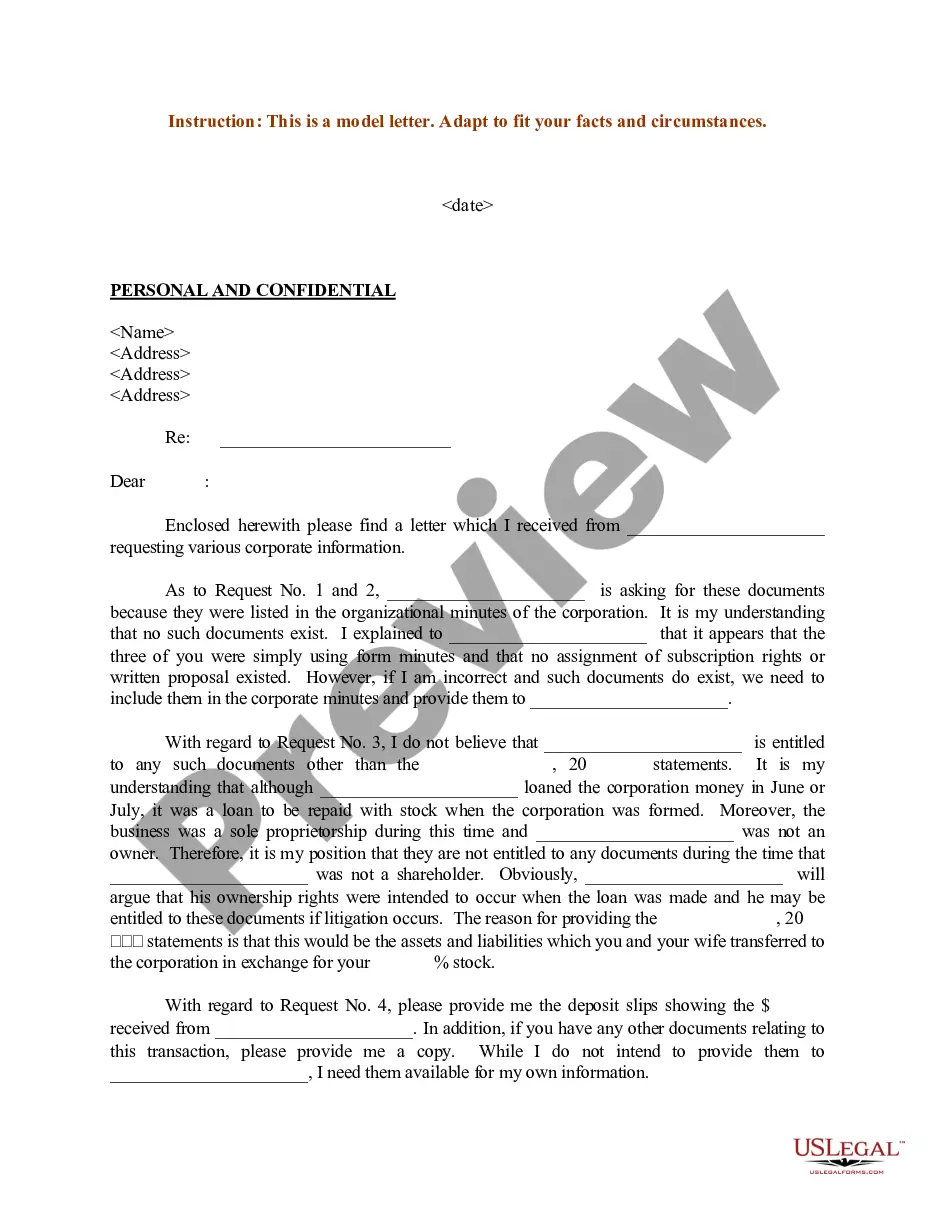
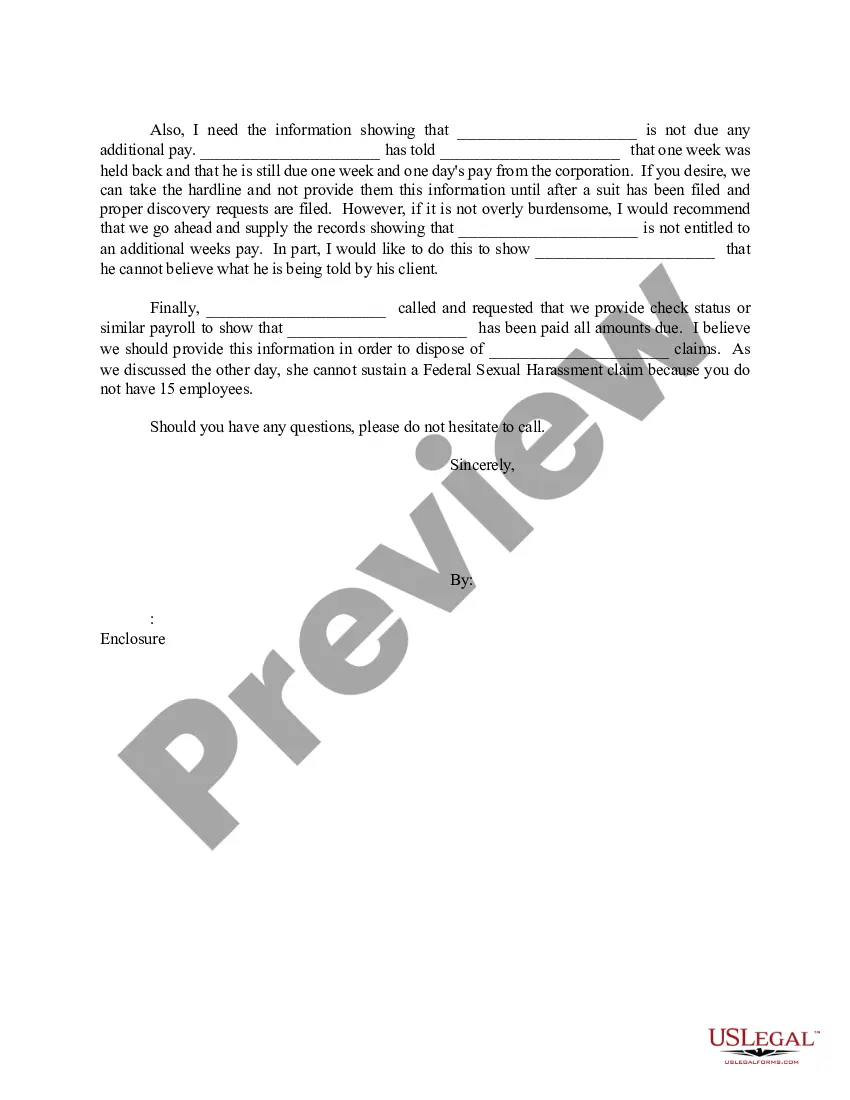
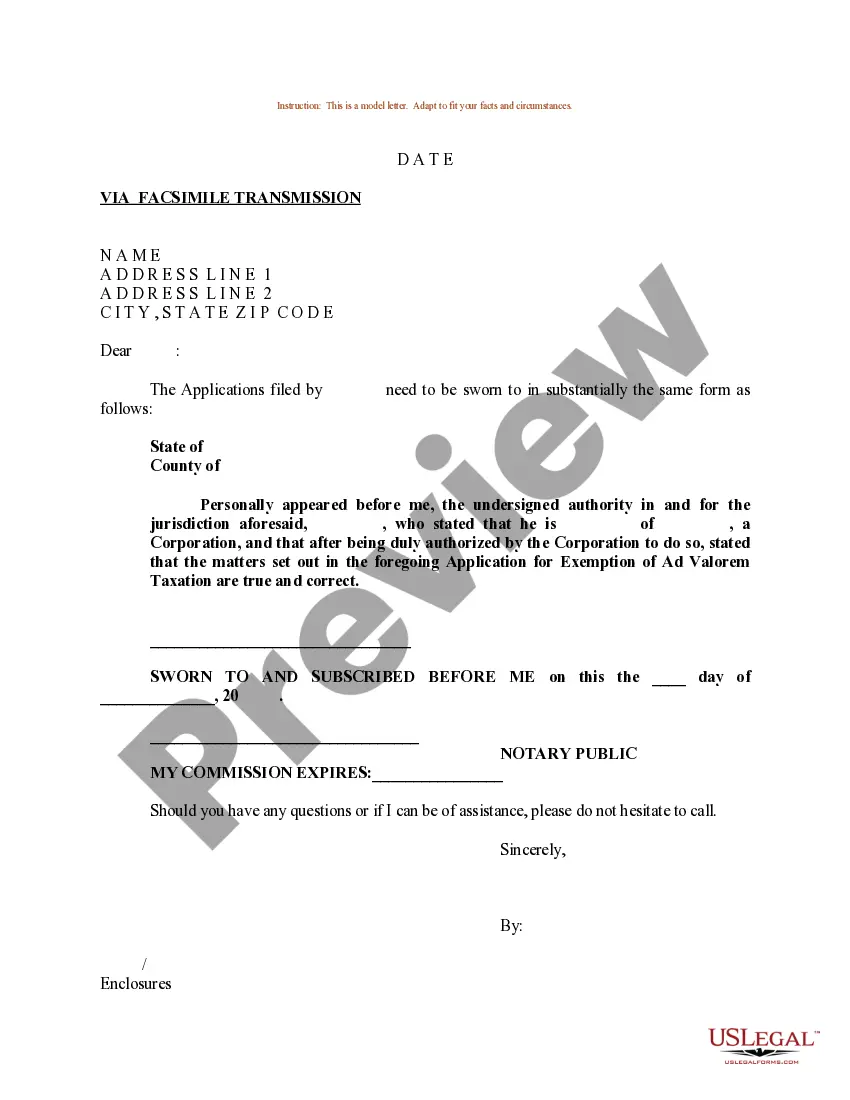
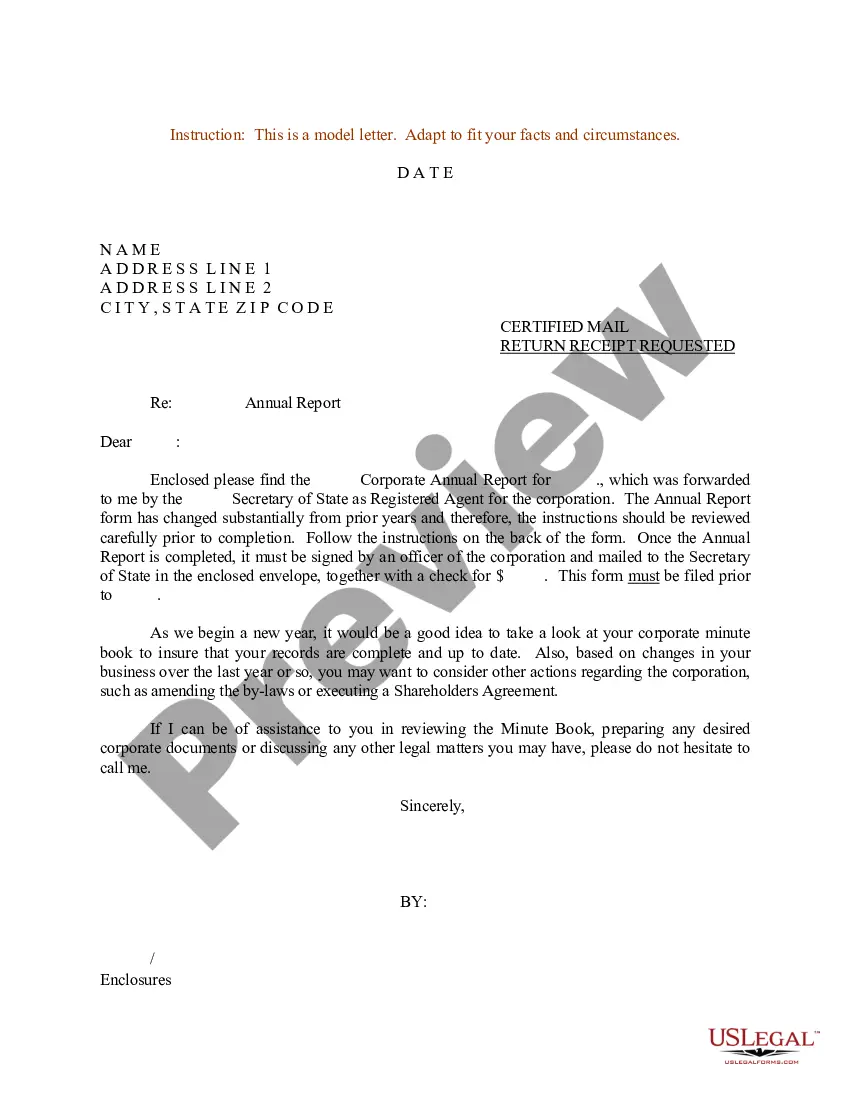
Get your form ready online
Our built-in tools help you complete, sign, share, and store your documents in one place.
Make edits, fill in missing information, and update formatting in US Legal Forms—just like you would in MS Word.
Download a copy, print it, send it by email, or mail it via USPS—whatever works best for your next step.
Sign and collect signatures with our SignNow integration. Send to multiple recipients, set reminders, and more. Go Premium to unlock E-Sign.
If this form requires notarization, complete it online through a secure video call—no need to meet a notary in person or wait for an appointment.
We protect your documents and personal data by following strict security and privacy standards.

Make edits, fill in missing information, and update formatting in US Legal Forms—just like you would in MS Word.

Download a copy, print it, send it by email, or mail it via USPS—whatever works best for your next step.

Sign and collect signatures with our SignNow integration. Send to multiple recipients, set reminders, and more. Go Premium to unlock E-Sign.

If this form requires notarization, complete it online through a secure video call—no need to meet a notary in person or wait for an appointment.

We protect your documents and personal data by following strict security and privacy standards.
Looking for another form?
How to fill out Sample Letter For Request For Corporate Information?
Regardless of whether for professional intentions or personal matters, everyone inevitably encounters legal circumstances at some point in their lives.
Completing legal documents demands meticulous focus, beginning with selecting the suitable form template.
With an extensive US Legal Forms catalog available, you are not required to waste time searching for the suitable template on the internet. Utilize the library’s straightforward navigation to find the right template for any scenario.
- Obtain the template you need by utilizing the search bar or browsing the catalog.
- Review the form’s details to confirm it applies to your situation, jurisdiction, and locality.
- Click on the form's preview to examine it.
- If it is the incorrect document, return to the search tool to find the Corp Code Request Letter Sample With Name you need.
- Acquire the template once it aligns with your specifications.
- If you possess a US Legal Forms account, simply click Log in to access previously saved templates in My documents.
- If you don’t have an account yet, you can get the form by clicking Buy now.
- Select the suitable pricing option.
- Complete the profile registration form.
- Choose your payment method: use a credit card or PayPal account.
- Select the document format you desire and download the Corp Code Request Letter Sample With Name.
- After it is downloaded, you can fill out the form using editing software or print it and complete it manually.
Form popularity
FAQ
Trial Division Superior courts hear civil and criminal cases, including felony cases and civil cases over $25,000.
Filing the Documents Take the original and two (2) copies of the Motion to the Civil Division of the Clerk of Superior Court's office in the county where your case is filed. The Clerk will stamp each Motion ?filed,? place the original in the Court file and return two (2) copies of the ?filed? document to you.
Appellate Division (Supreme Court & the Court of Appeals) Superior Courts. The Superior Courts are the general jurisdiction trial courts for the state. ... District Courts. The District Courts handle the vast majority of the trial level cases. ... Administrative Office of the Courts.
In North Carolina, there are three federal district courts, a state supreme court, a state court of appeals, and trial courts with both general and subject matter jurisdiction.
Superior Court Division Unlike the appellate division that decides only questions of law when a party appeals a case, the Superior and District Court divisions are the trial court divisions that hold trials, and empanel juries to determine the facts of cases.
The file for a court case can be viewed by visiting the clerk of court's office in the county where the case is located. Staff can provide copies of documents in court files for a fee. Also, see the Remote Public Access Program to learn more about licensing for data access and extracts.
North Carolina's court system, called the General Court of Justice, is a state-operated and state-funded unified court system. The General Court of Justice consists of three divisions: appellate, superior court, and district court.
The court system is separated into three divisions: Appellate Division. Superior Court Division. District Court Division.