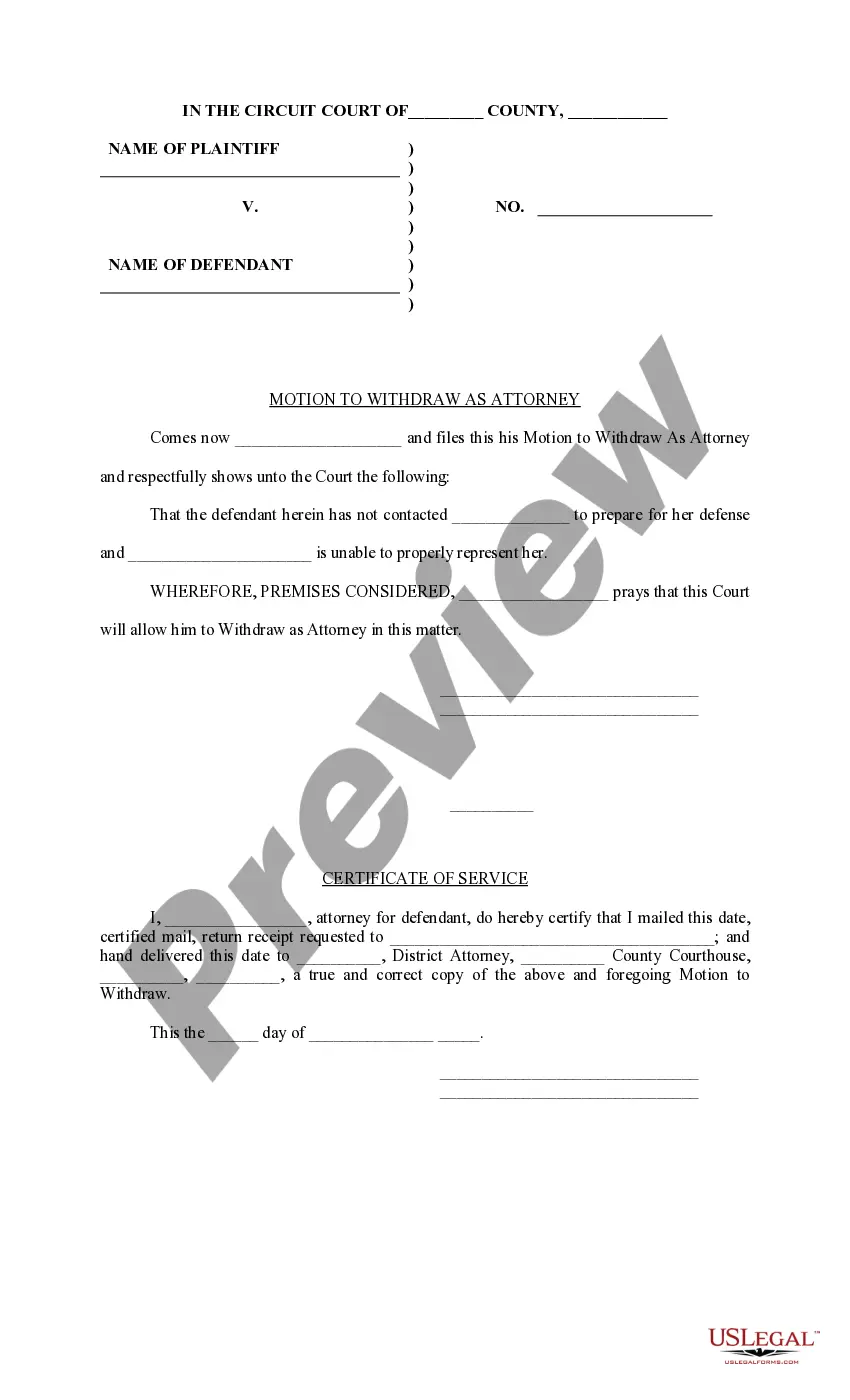
Withdraw Attorney Form For Divorce
Description
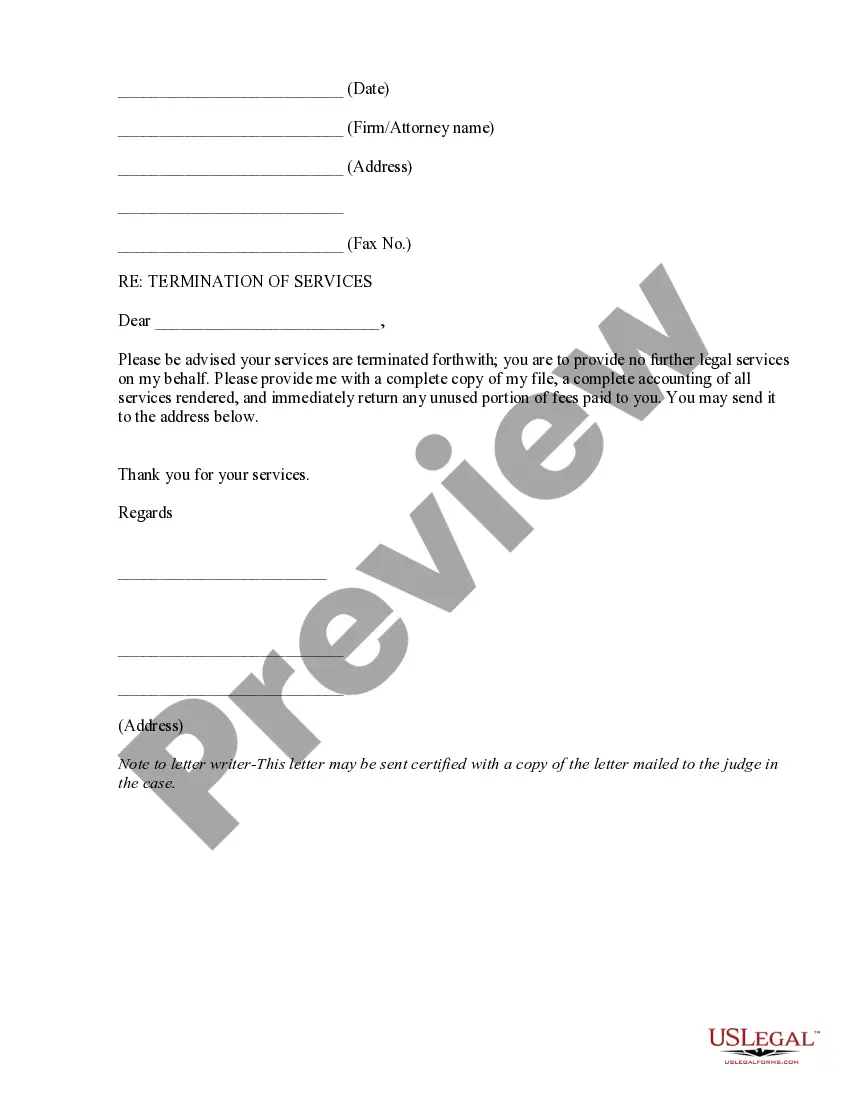
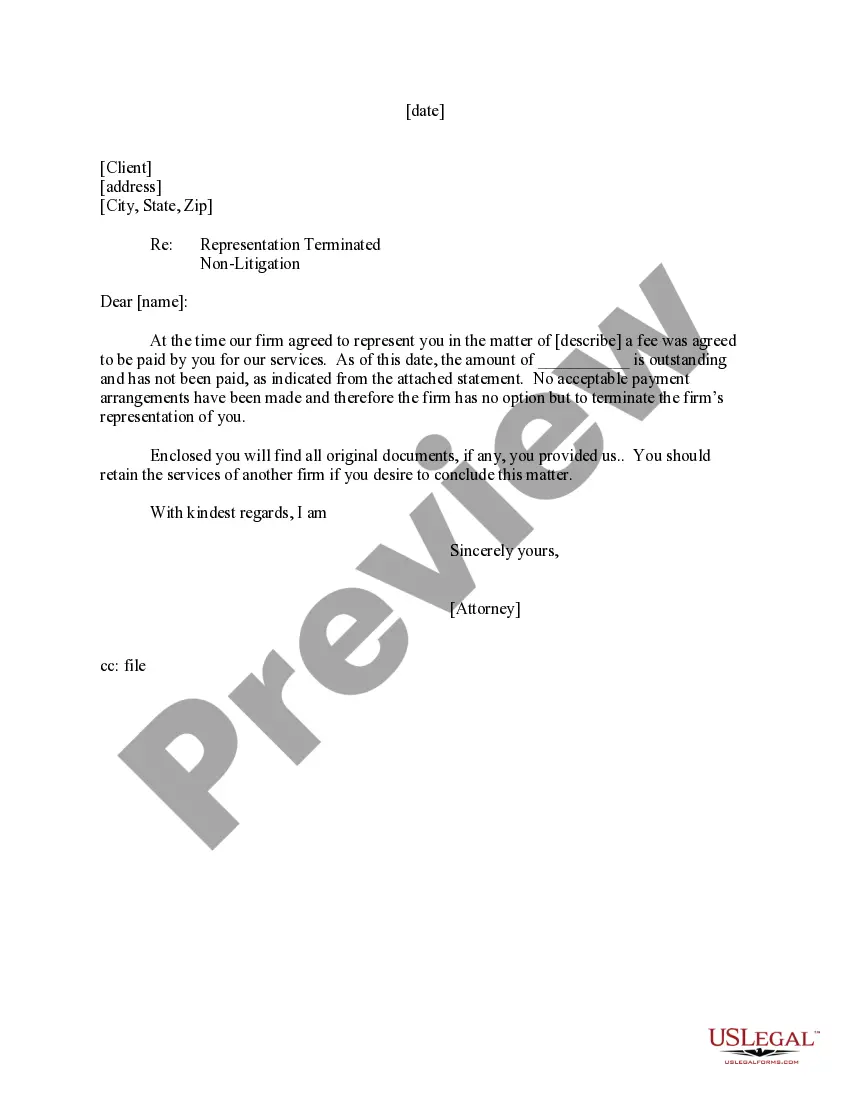
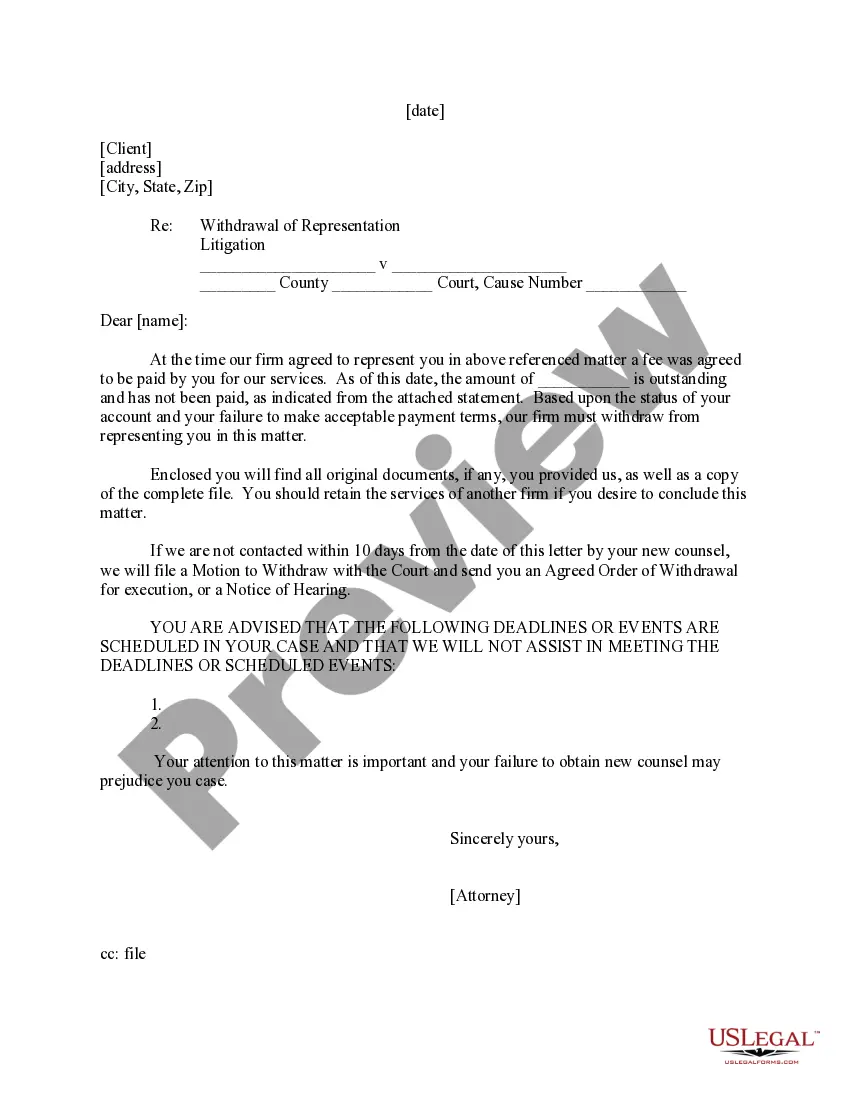
Get your form ready online
Our built-in tools help you complete, sign, share, and store your documents in one place.
Make edits, fill in missing information, and update formatting in US Legal Forms—just like you would in MS Word.
Download a copy, print it, send it by email, or mail it via USPS—whatever works best for your next step.
Sign and collect signatures with our SignNow integration. Send to multiple recipients, set reminders, and more. Go Premium to unlock E-Sign.
If this form requires notarization, complete it online through a secure video call—no need to meet a notary in person or wait for an appointment.
We protect your documents and personal data by following strict security and privacy standards.

Make edits, fill in missing information, and update formatting in US Legal Forms—just like you would in MS Word.

Download a copy, print it, send it by email, or mail it via USPS—whatever works best for your next step.

Sign and collect signatures with our SignNow integration. Send to multiple recipients, set reminders, and more. Go Premium to unlock E-Sign.

If this form requires notarization, complete it online through a secure video call—no need to meet a notary in person or wait for an appointment.

We protect your documents and personal data by following strict security and privacy standards.
Looking for another form?



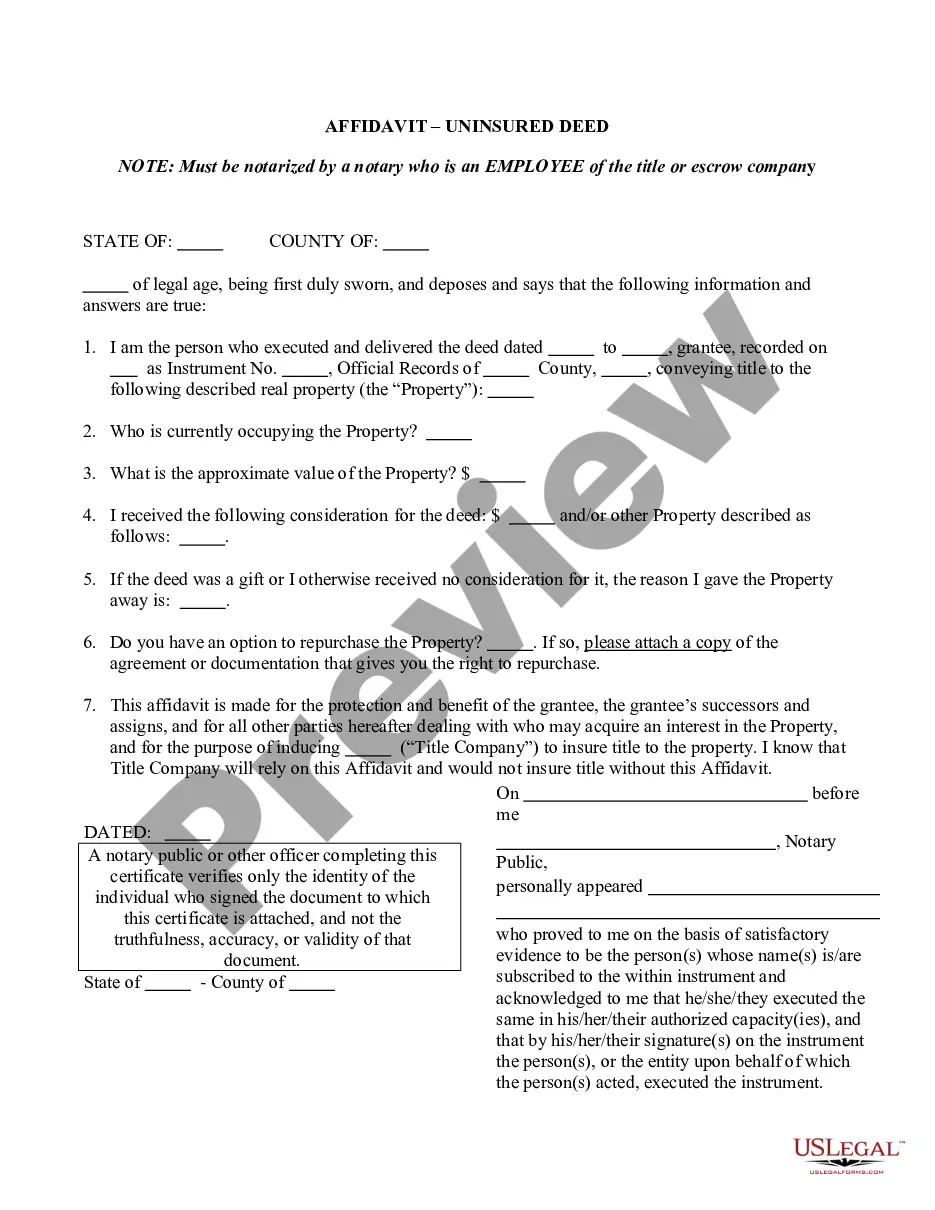





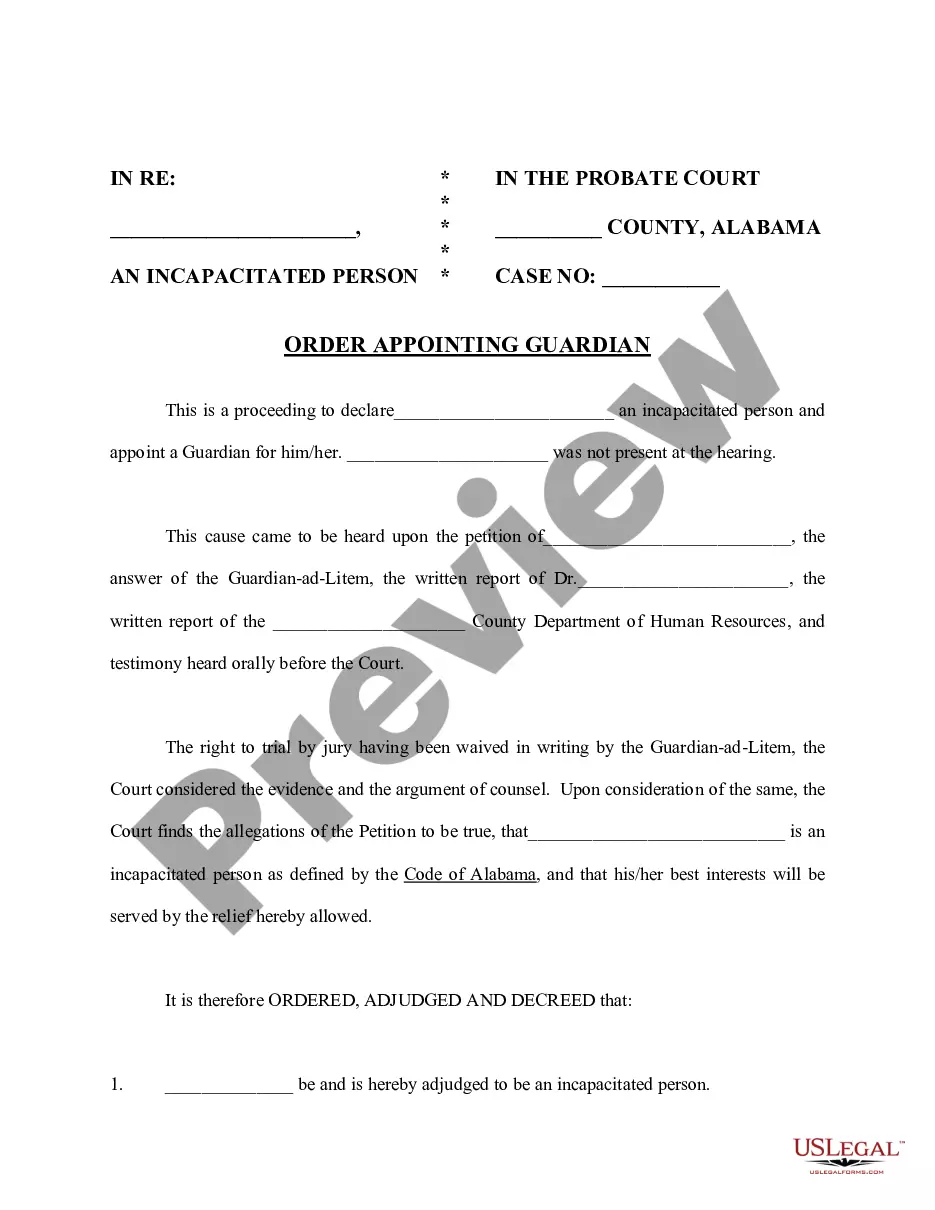
How to fill out Motion To Withdraw As Attorney?
Drafting legal paperwork from scratch can often be intimidating. Certain scenarios might involve hours of research and hundreds of dollars invested. If you’re looking for a an easier and more cost-effective way of creating Withdraw Attorney Form For Divorce or any other documents without the need of jumping through hoops, US Legal Forms is always at your disposal.
Our online library of more than 85,000 up-to-date legal forms addresses almost every element of your financial, legal, and personal matters. With just a few clicks, you can instantly access state- and county-compliant templates diligently put together for you by our legal professionals.
Use our website whenever you need a trusted and reliable services through which you can easily locate and download the Withdraw Attorney Form For Divorce. If you’re not new to our services and have previously created an account with us, simply log in to your account, select the form and download it away or re-download it at any time in the My Forms tab.
Don’t have an account? No worries. It takes minutes to set it up and navigate the library. But before jumping straight to downloading Withdraw Attorney Form For Divorce, follow these tips:
- Check the document preview and descriptions to ensure that you are on the the document you are looking for.
- Check if template you select complies with the requirements of your state and county.
- Pick the best-suited subscription option to get the Withdraw Attorney Form For Divorce.
- Download the form. Then fill out, certify, and print it out.
US Legal Forms boasts a spotless reputation and over 25 years of experience. Join us today and turn form execution into something simple and streamlined!
Form popularity
FAQ
Tells the court and the parties that the attorney is no longer representing a party in the case after the court entered a final judgment of divorce, legal separation, or nullity.
The lawyer should send a disengagement letter to establish that the relationship is no longer continuing, and to refer the client to another lawyer. In the disengagement letter, the lawyer should warn the client of applicable time limitations, deadlines, and uncompleted investigation or casework.
You are known as the petitioner and you can file a Notice of Nonsuit without Prejudice. Once the judge signs it, your divorce will be dismissed. However, if you and your spouse have both filed paperwork with the court, then both parties must agree to dismiss a divorce case in Texas.
If service has been completed you can file a motion to dismiss your divorce . If both of you agree to dismiss your divorce, you can submit a stipulation to dismiss your divorce. You can pick up the form from your county court's self-service center or you can download the form.