Abandonment And Withdrawal
Description

Get your form ready online
Our built-in tools help you complete, sign, share, and store your documents in one place.
Make edits, fill in missing information, and update formatting in US Legal Forms—just like you would in MS Word.
Download a copy, print it, send it by email, or mail it via USPS—whatever works best for your next step.
Sign and collect signatures with our SignNow integration. Send to multiple recipients, set reminders, and more. Go Premium to unlock E-Sign.
If this form requires notarization, complete it online through a secure video call—no need to meet a notary in person or wait for an appointment.
We protect your documents and personal data by following strict security and privacy standards.

Make edits, fill in missing information, and update formatting in US Legal Forms—just like you would in MS Word.

Download a copy, print it, send it by email, or mail it via USPS—whatever works best for your next step.

Sign and collect signatures with our SignNow integration. Send to multiple recipients, set reminders, and more. Go Premium to unlock E-Sign.

If this form requires notarization, complete it online through a secure video call—no need to meet a notary in person or wait for an appointment.

We protect your documents and personal data by following strict security and privacy standards.
Looking for another form?





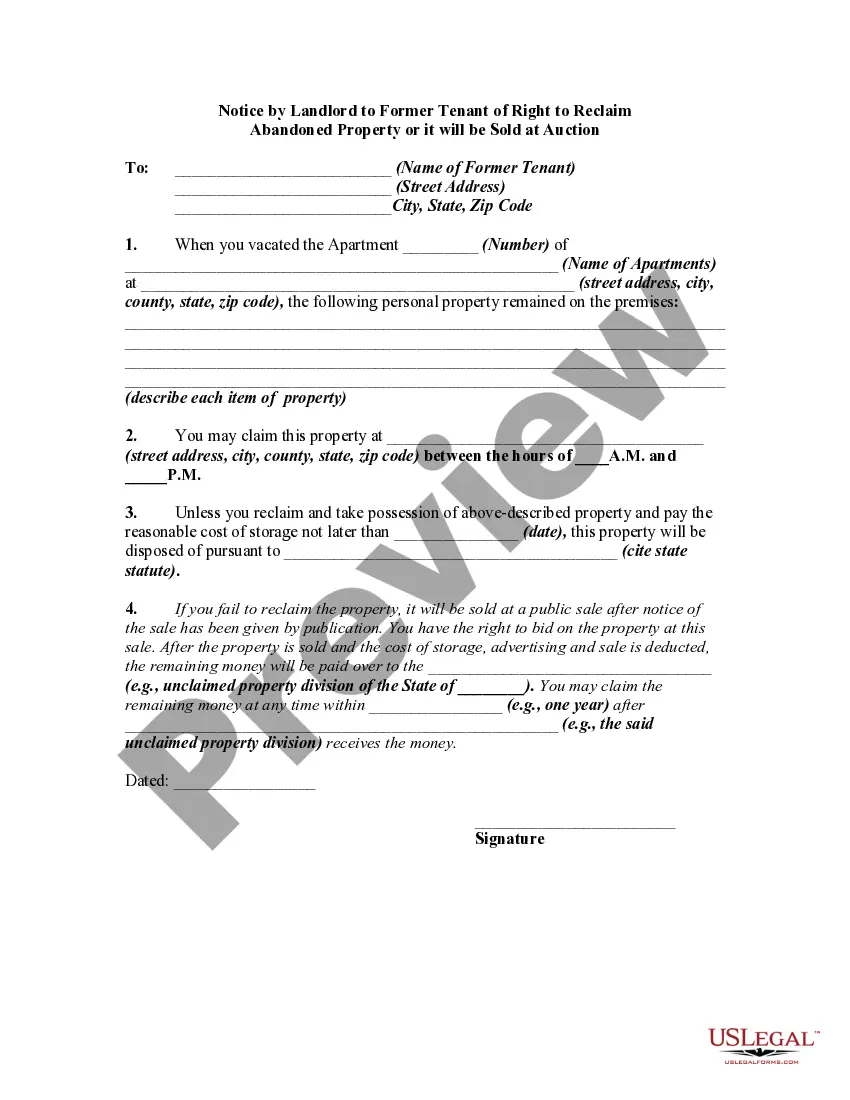
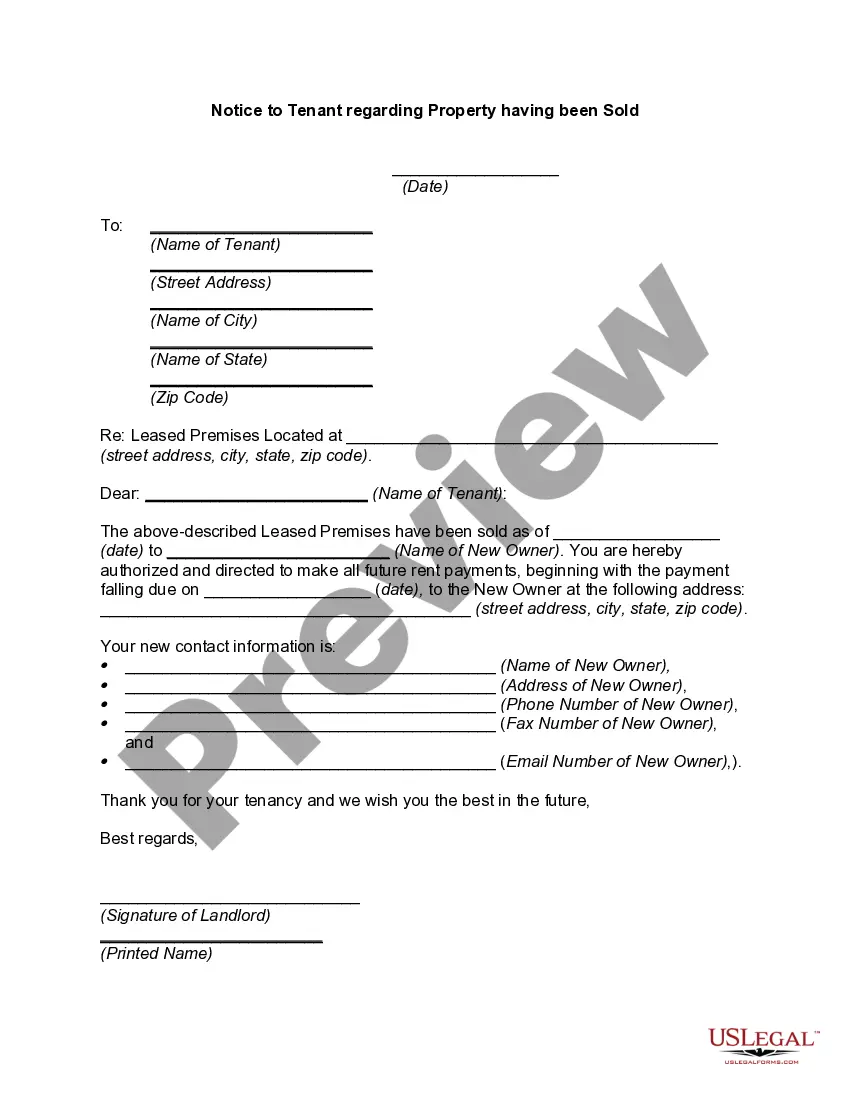
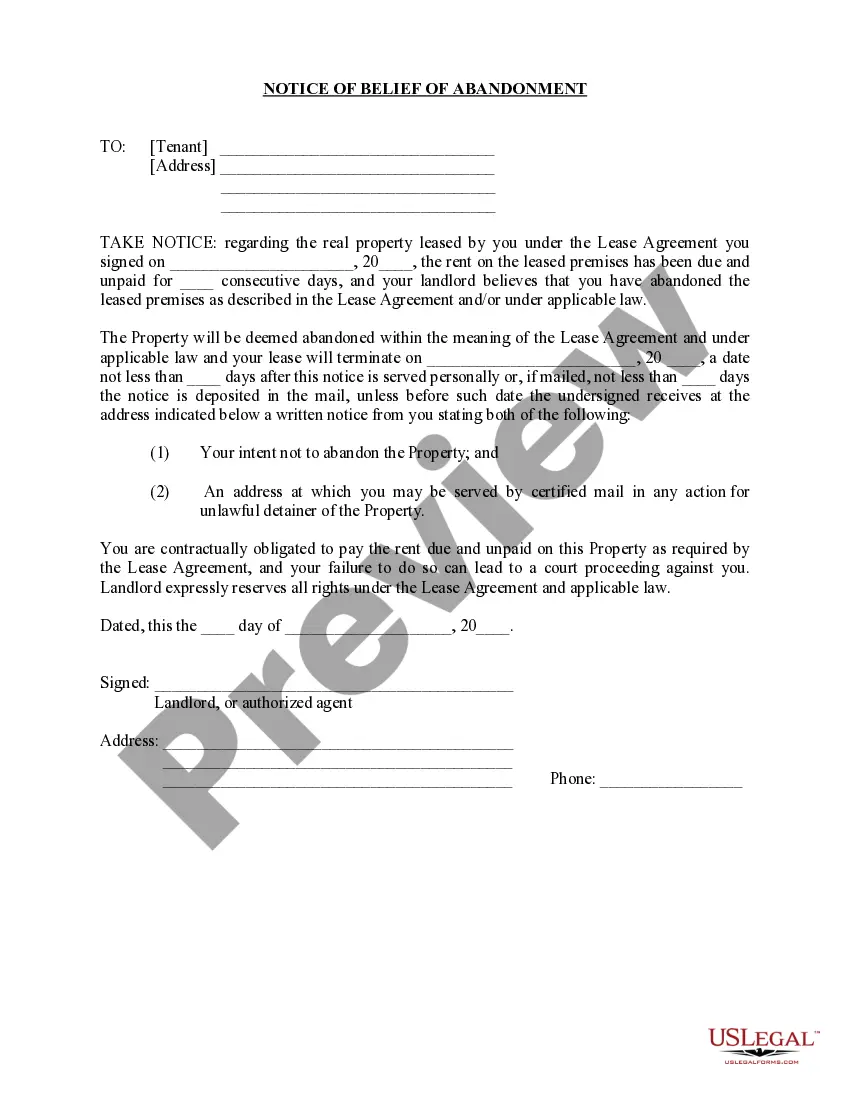
How to fill out Notice By Landlord To Former Tenant Of Right To Reclaim Abandoned Property Or It Will Be Sold At Auction - Abandonment?
It’s well-known that you cannot transform into a legal authority in an instant, nor can you swiftly acquire the ability to prepare Abandonment And Withdrawal without possessing a unique skill set.
Drafting legal documents is a labor-intensive task that demands specific training and expertise. So why not entrust the preparation of the Abandonment And Withdrawal to the professionals.
With US Legal Forms, which boasts one of the most comprehensive legal template collections, you can find everything from courtroom documents to templates for internal communication.
You can regain access to your documents from the My documents section at any time. If you are a current customer, you can easily Log In, and locate and download the template from the same section.
Regardless of the intent behind your documents—whether they pertain to financial, legal, or personal matters—our platform can assist you. Experience US Legal Forms today!
- Locate the document you require by utilizing the search feature at the top of the webpage.
- View a preview (if this option is available) and examine the accompanying description to ascertain whether Abandonment And Withdrawal meets your needs.
- Restart your search if you require a different form.
- Create a complimentary account and select a subscription plan to purchase the template.
- Click Buy now. After the payment process is complete, you can acquire the Abandonment And Withdrawal, complete it, print it, and send or post it to the relevant parties or organizations.
Form popularity
FAQ
Each claimant must complete an application within 30 days of notice being issued if they wish to be considered for a waiver to repay for an overpayment. An online fillable form and phone number will be made available for claimants to make their application for the waiver.
Any complaints concerning violation of employment related laws or the provision of employment services to jobseekers or employers should be sent to the State Monitor Advocate, Michelle Castellow Abraham, at the Virginia Employment Commission's Central Office, 6606 West Broad Street ? 5th floor, Richmond, VA 23230, or ...
The appeal must be filed: by mail to the VEC, Commission Appeals, P.O. Box 26441, Richmond, VA 23261-6441. by internet at .
If you filed an appeal, you may ask to withdraw or cancel it at any time. The request must be in writing, signed by you, and sent to the Clerk of First Level Appeals at firstlevelappeals@vec.virginia.gov or you can mail the request. You may also withdraw your appeal online through your customer self-service portal.
Overview. During the 2021 legislative session the General Assembly amended Virginia's unemployment compensation law to permit the VEC to waive the requirement that an overpayment be repaid if certain conditions were met.
For Assistance: Form FC-20 / FC-21 Instructions. eForms FAQs.
The appeal must be filed: by mail to the VEC, Commission Appeals, P.O. Box 26441, Richmond, VA 23261-6441. by internet at . by fax to Commission Appeals at 804-786-9034. in person at a VEC office.
If you make a mistake when filing your weekly claim for benefits, call the VEC Customer Contact Center at 1-866-832-2363 (Available am to pm, Monday - Friday. Closed Saturdays, Sundays and state holidays. You may experience long wait times by calling.