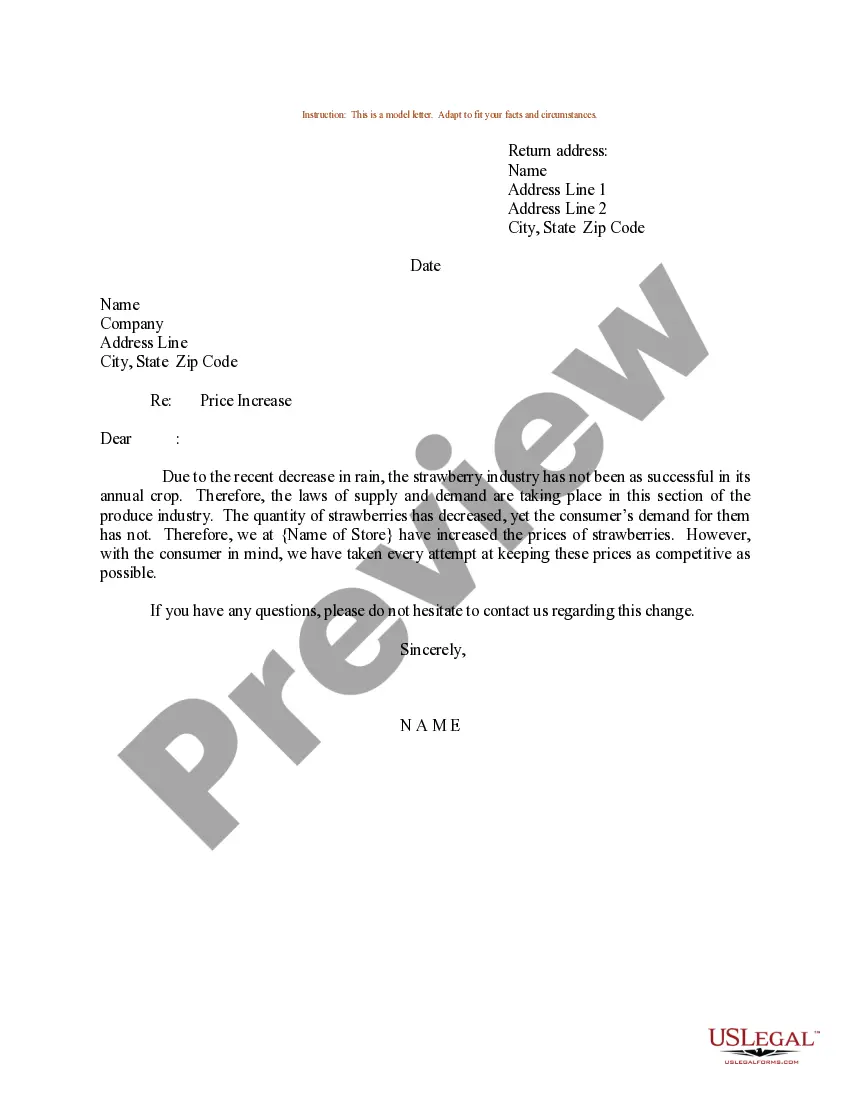
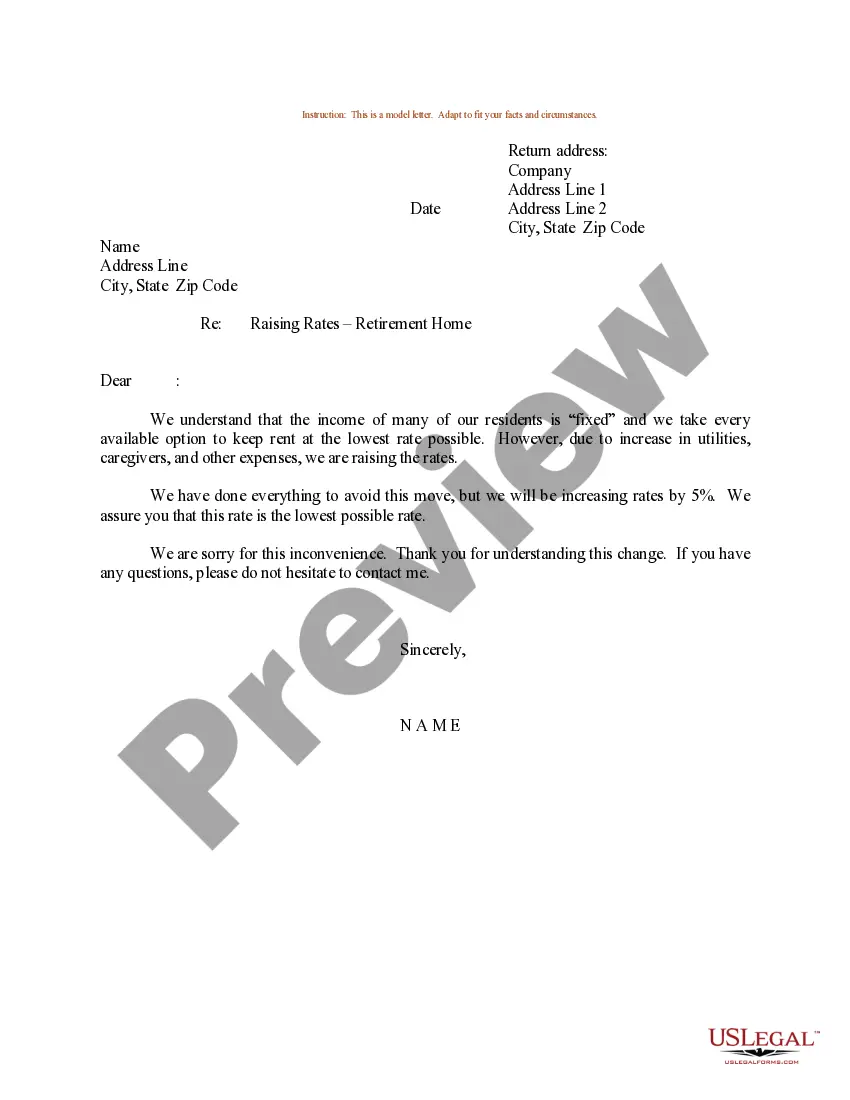
Letter With Price Increase
Description
Get your form ready online
Our built-in tools help you complete, sign, share, and store your documents in one place.
Make edits, fill in missing information, and update formatting in US Legal Forms—just like you would in MS Word.
Download a copy, print it, send it by email, or mail it via USPS—whatever works best for your next step.
Sign and collect signatures with our SignNow integration. Send to multiple recipients, set reminders, and more. Go Premium to unlock E-Sign.
If this form requires notarization, complete it online through a secure video call—no need to meet a notary in person or wait for an appointment.
We protect your documents and personal data by following strict security and privacy standards.

Make edits, fill in missing information, and update formatting in US Legal Forms—just like you would in MS Word.

Download a copy, print it, send it by email, or mail it via USPS—whatever works best for your next step.

Sign and collect signatures with our SignNow integration. Send to multiple recipients, set reminders, and more. Go Premium to unlock E-Sign.

If this form requires notarization, complete it online through a secure video call—no need to meet a notary in person or wait for an appointment.

We protect your documents and personal data by following strict security and privacy standards.
Looking for another form?


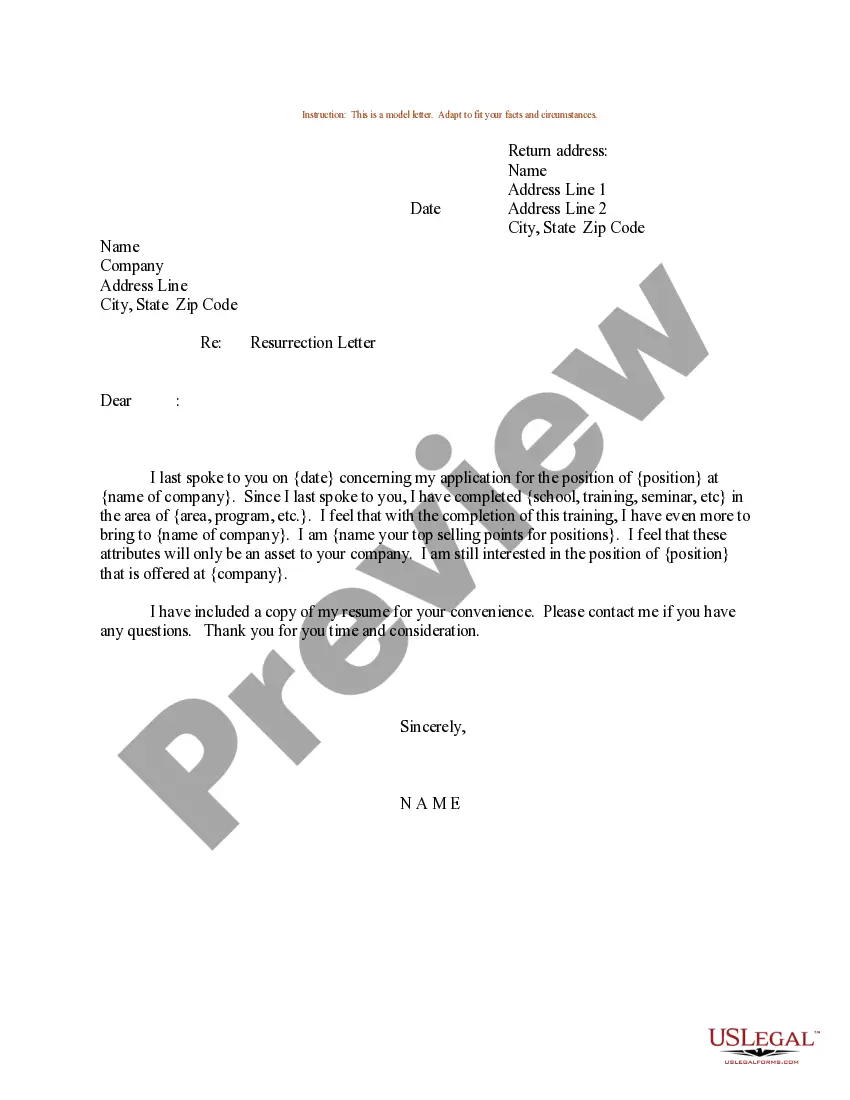
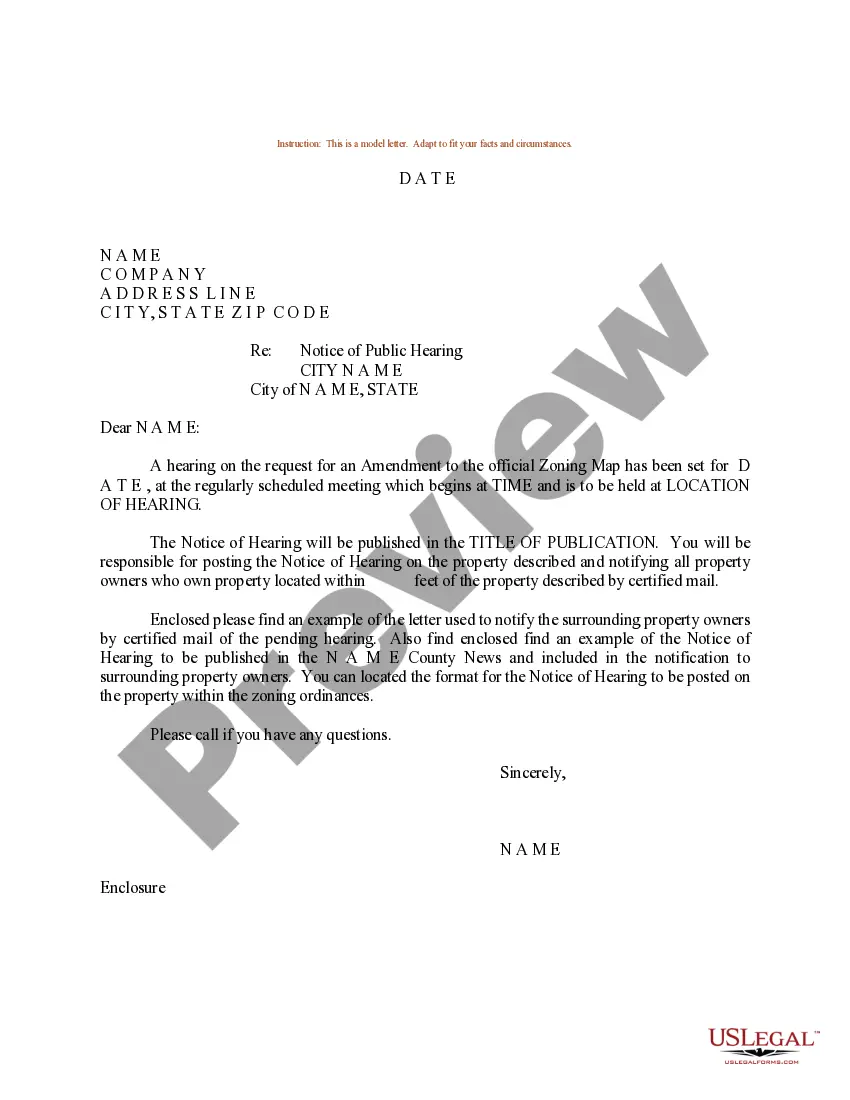
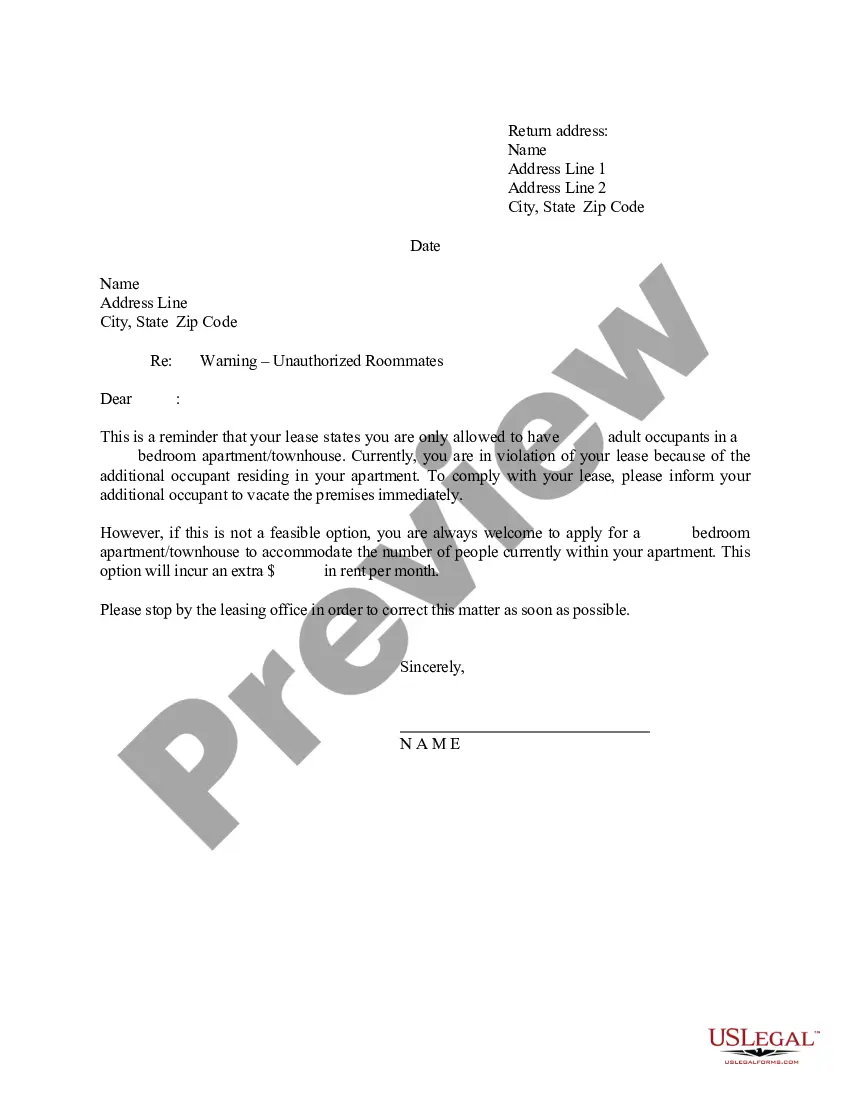
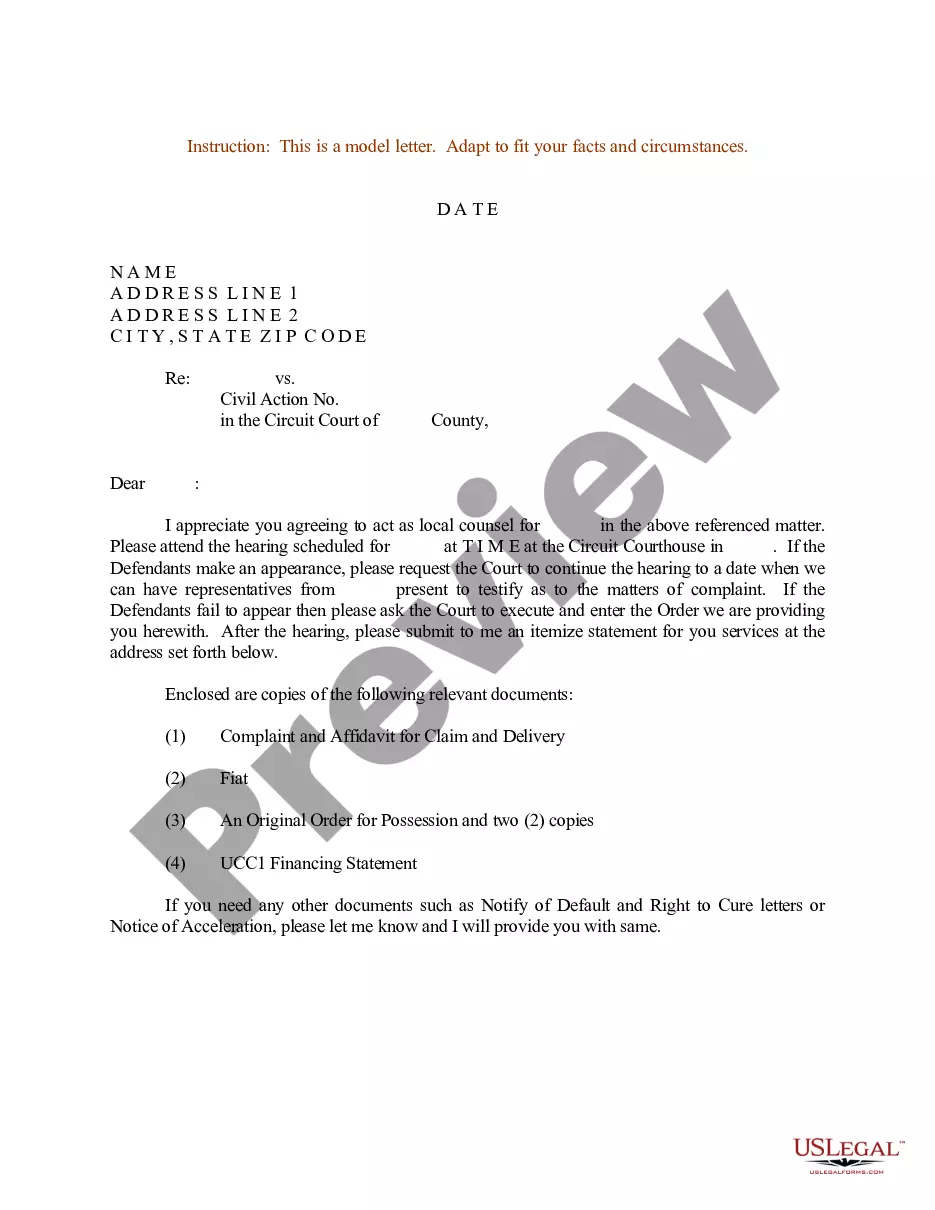
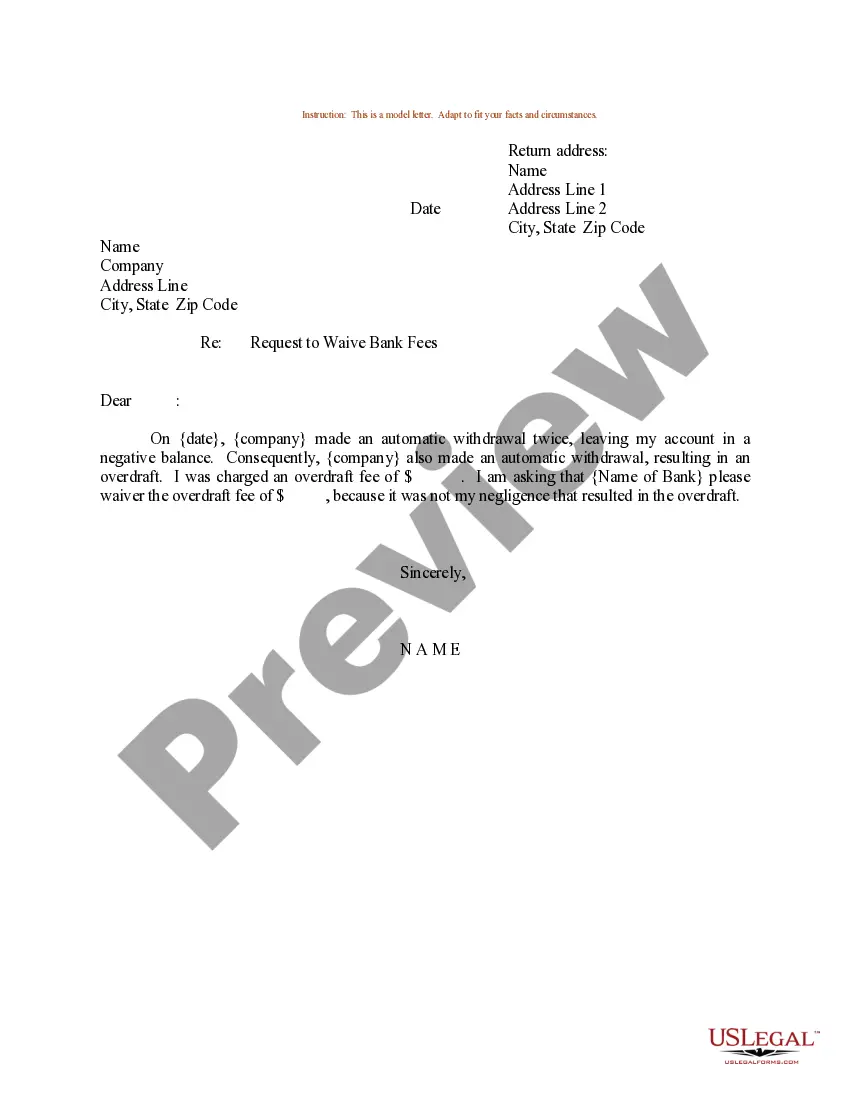
How to fill out Sample Letter For Price Increase?
Utilizing legal templates that conform to federal and state regulations is essential, and the internet provides numerous choices to select from.
However, what is the purpose of spending time searching for the suitable Letter With Price Increase example online when the US Legal Forms online library has consolidated such templates in one location.
US Legal Forms is the biggest online legal directory featuring over 85,000 fillable templates created by lawyers for any business or personal scenario.
Review the template using the Preview feature or through the text description to confirm it aligns with your expectations.
- They are straightforward to navigate with all documents categorized by state and intended use.
- Our specialists keep up with legislative updates, so you can rest assured your form is current and compliant when obtaining a Letter With Price Increase from our site.
- Acquiring a Letter With Price Increase is quick and easy for both existing and new users.
- If you already hold an account with a valid subscription, Log In and download the document sample you require in your chosen format.
- For newcomers to our website, follow the steps outlined below.
Form popularity
FAQ
To form a California LLP, partners are required to file an Application to Register a Limited Liability Partnership with the Secretary of State (SOS). If you're an attorney, you need to register your LLP with the California State Bar once you receive approval from the SOS.
You must file the Statement of Information every 2 years for your corporations or limited partnership. You must file every year for a limited liability company. It's important to note that a California Statement of Information is not the same as the Articles of Incorporation or Organization.
Businesses formed in another state but doing business in California must register to do business in California. This includes all types of business entities, including LLCs, corporations, and more.
You don't have to file any formation paperwork with the state to start a General Partnership in California. Only formal business structures (like LLCs or Corporations) have to file formation documents with the state.
General Partnership (GP) To register a GP at the state level, a Statement of Partnership Authority (Form GP?1) must be filed with the California Secretary of State's office. Note: Registering a GP at the state level is optional.
Your partnership must file a Partnership Return of Income (Form 565). Each partner will also need to file a Partner's Share of Income, Deductions, Credits, etc. (Schedule K-1 Form 565). Because a partnership is a pass-through entity, each partner is responsible for paying their share of the partnership taxes.
How to Form a Limited Partnership in California Step 1: Register with the California Secretary of State (required) ... Step 2: Draft and Execute a Partnership Agreement. ... Step 3: Obtain Local Business License and Comply with Local Laws (required) ... Step 4: Obtain an Employer Identification Number (EIN) (required)
Starting an LLC in California will include the following steps: #1: Choose a Name for Your California LLC. #2: Select a Registered Agent. #3: File Your LLC Paperwork. #4: Draft an LLC Operating Agreement. #5: Obtain Tax Identification Numbers.