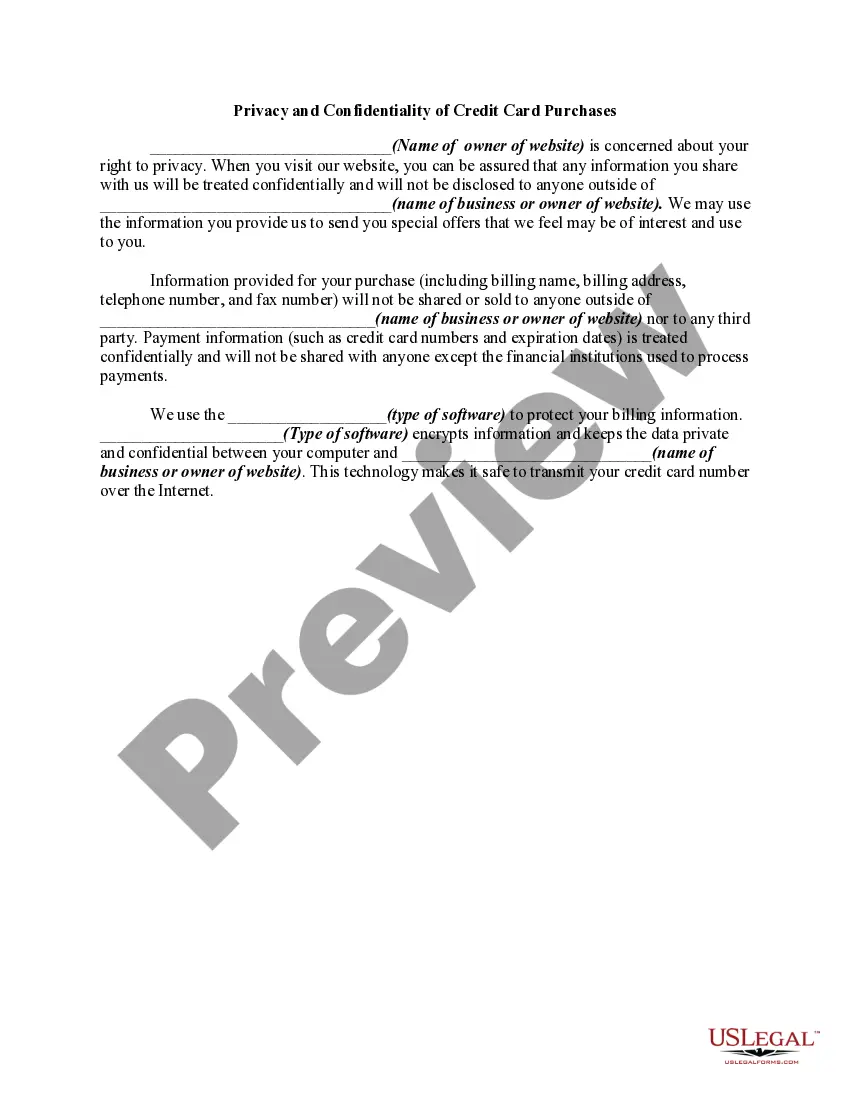
Privacy And Confidentiality Form
Description
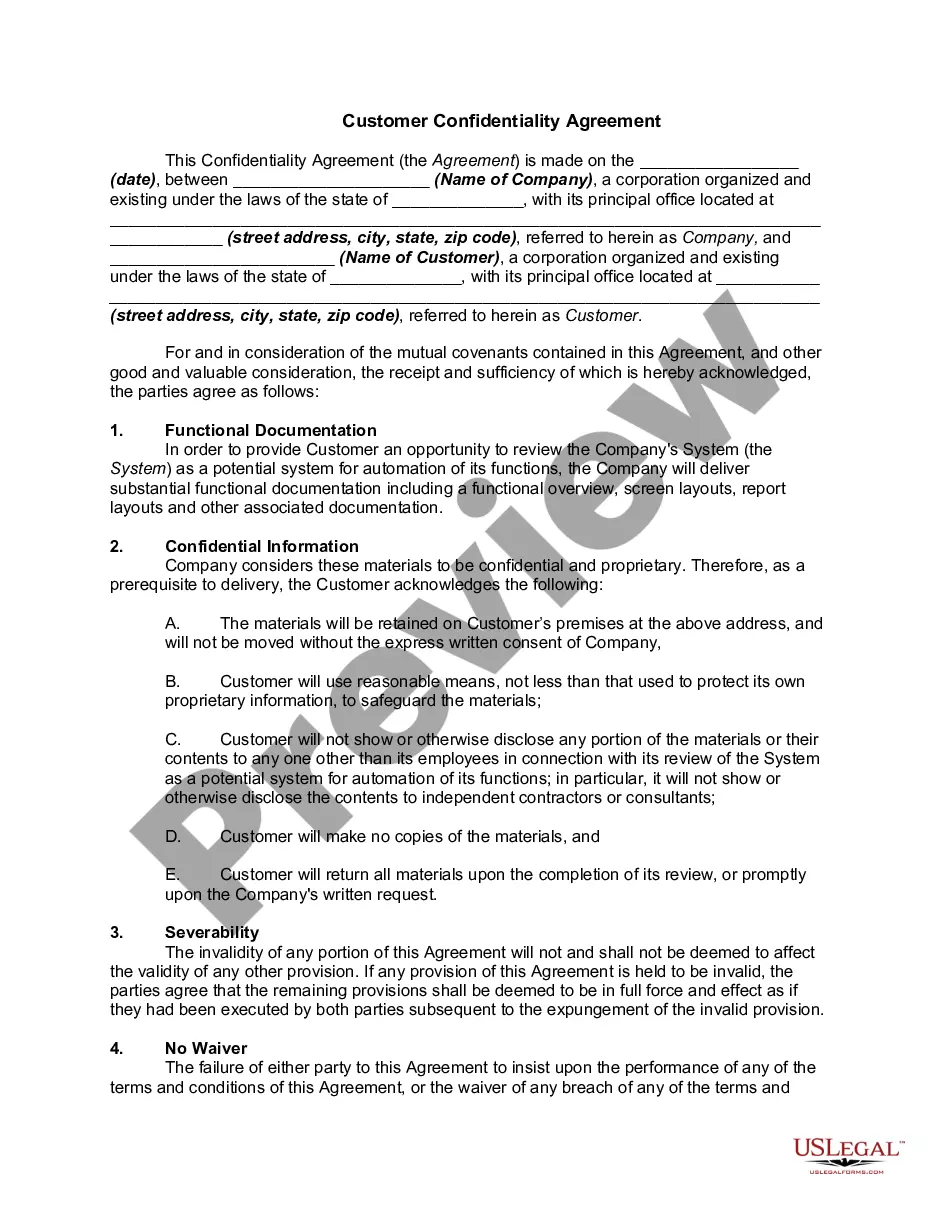
Get your form ready online
Our built-in tools help you complete, sign, share, and store your documents in one place.
Make edits, fill in missing information, and update formatting in US Legal Forms—just like you would in MS Word.
Download a copy, print it, send it by email, or mail it via USPS—whatever works best for your next step.
Sign and collect signatures with our SignNow integration. Send to multiple recipients, set reminders, and more. Go Premium to unlock E-Sign.
If this form requires notarization, complete it online through a secure video call—no need to meet a notary in person or wait for an appointment.
We protect your documents and personal data by following strict security and privacy standards.

Make edits, fill in missing information, and update formatting in US Legal Forms—just like you would in MS Word.

Download a copy, print it, send it by email, or mail it via USPS—whatever works best for your next step.

Sign and collect signatures with our SignNow integration. Send to multiple recipients, set reminders, and more. Go Premium to unlock E-Sign.

If this form requires notarization, complete it online through a secure video call—no need to meet a notary in person or wait for an appointment.

We protect your documents and personal data by following strict security and privacy standards.
Looking for another form?




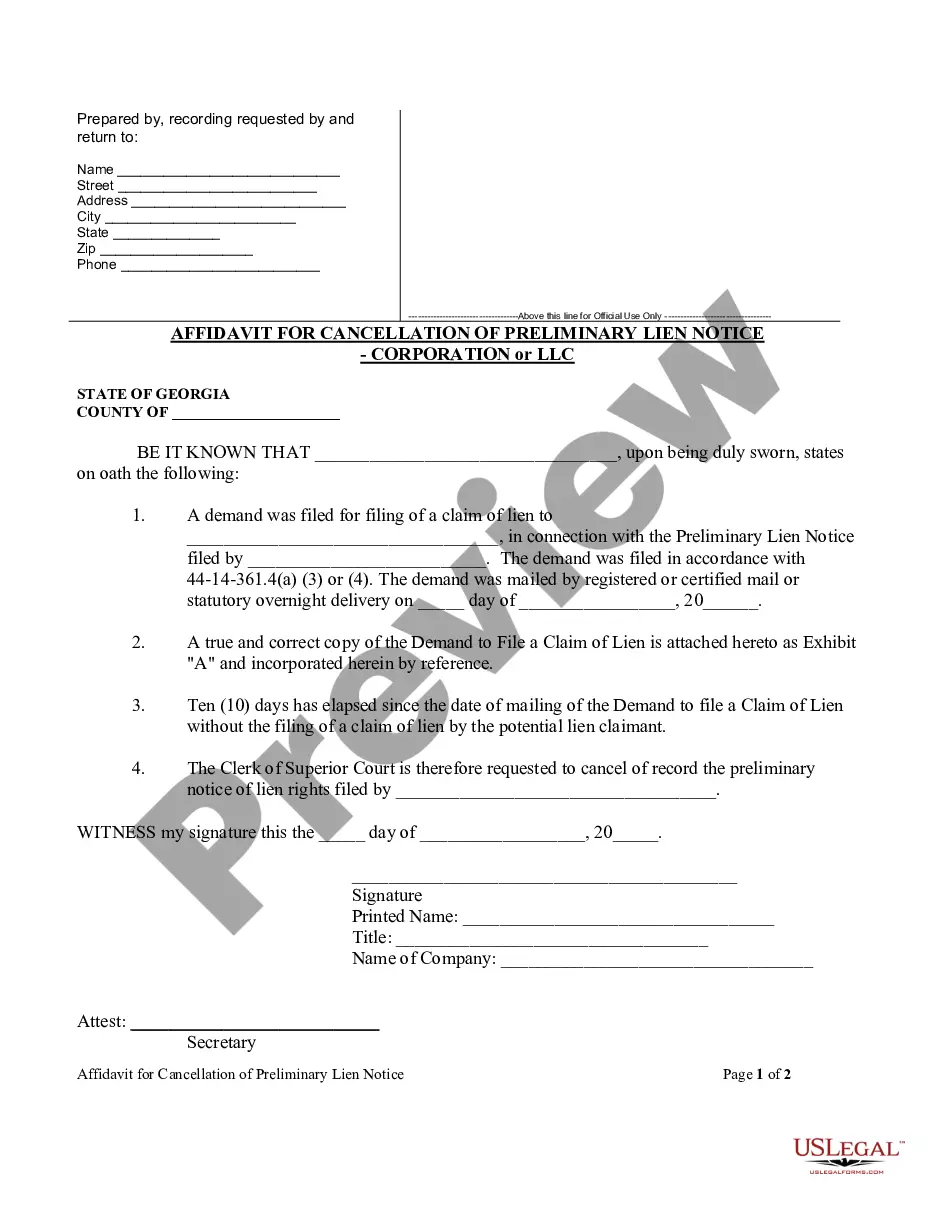





How to fill out Privacy And Confidentiality Of Credit Card Purchases?
Regardless of whether you frequently handle documents or occasionally need to submit a legal paper, it is essential to have a reliable resource where all the samples are interconnected and current.
One important action to take with a Privacy and Confidentiality Form is to verify that it is truly the most recent version, as it determines its eligibility for submission.
If you're looking to streamline your quest for the most current examples of documents, consider searching for them on US Legal Forms.
Forget the hassle of managing legal documents. All your templates will be organized and authenticated with a US Legal Forms account.
- US Legal Forms serves as a repository of legal documents containing nearly every type of sample you might need.
- You can look for the templates you need, assess their relevance promptly, and learn more about their applications.
- With US Legal Forms, you gain access to over 85,000 document templates across various fields.
- Obtain the Privacy and Confidentiality Form examples with just a few clicks and save them any time in your account.
- Having a US Legal Forms account will facilitate your access to all the samples you need with greater convenience and less stress.
- Simply click Log In in the site header and navigate to the My documents section to have all the forms at your fingertips, eliminating the need to spend time searching for the right template or verifying its validity.
- To acquire a form without an account, follow these instructions.
Form popularity
FAQ
A typical confidentiality clause might say, "The phrases and circumstances of this Agreement are completely confidential between the parties and shall not be disclosed to anybody else. Any disclosure in violation shall be deemed a breach of this Agreement."
Here are some examples of confidential information:Name, date of birth, age, sex, and address.Current contact details of family.Bank information.Medical history or records.Personal care issues.Service records and file progress notes.Personal goals.Assessments or reports.More items...?12-Jan-2022
2. Clearly label all confidential information as confidential. This means writing confidential on documents or any folder you keep them in. If you are sending an email, make sure the title clearly identifies it as confidential.
Generally, an effective confidentiality statement example must include these basic parts:The definition of confidential information.The parties involved.The reason the recipient received the information.Any limitations or exclusions on confidential information.The obligations of the receiving party.Term or time frame.More items...
Writing the Confidentiality Agreement. Start with the basic information. This will include the title of your contract and the parties making the agreement. You may also want to include a general introduction that states the purpose of the contract.