Website Use On With Date
Description
Get your form ready online
Our built-in tools help you complete, sign, share, and store your documents in one place.
Make edits, fill in missing information, and update formatting in US Legal Forms—just like you would in MS Word.
Download a copy, print it, send it by email, or mail it via USPS—whatever works best for your next step.
Sign and collect signatures with our SignNow integration. Send to multiple recipients, set reminders, and more. Go Premium to unlock E-Sign.
If this form requires notarization, complete it online through a secure video call—no need to meet a notary in person or wait for an appointment.
We protect your documents and personal data by following strict security and privacy standards.

Make edits, fill in missing information, and update formatting in US Legal Forms—just like you would in MS Word.

Download a copy, print it, send it by email, or mail it via USPS—whatever works best for your next step.

Sign and collect signatures with our SignNow integration. Send to multiple recipients, set reminders, and more. Go Premium to unlock E-Sign.

If this form requires notarization, complete it online through a secure video call—no need to meet a notary in person or wait for an appointment.

We protect your documents and personal data by following strict security and privacy standards.
Looking for another form?
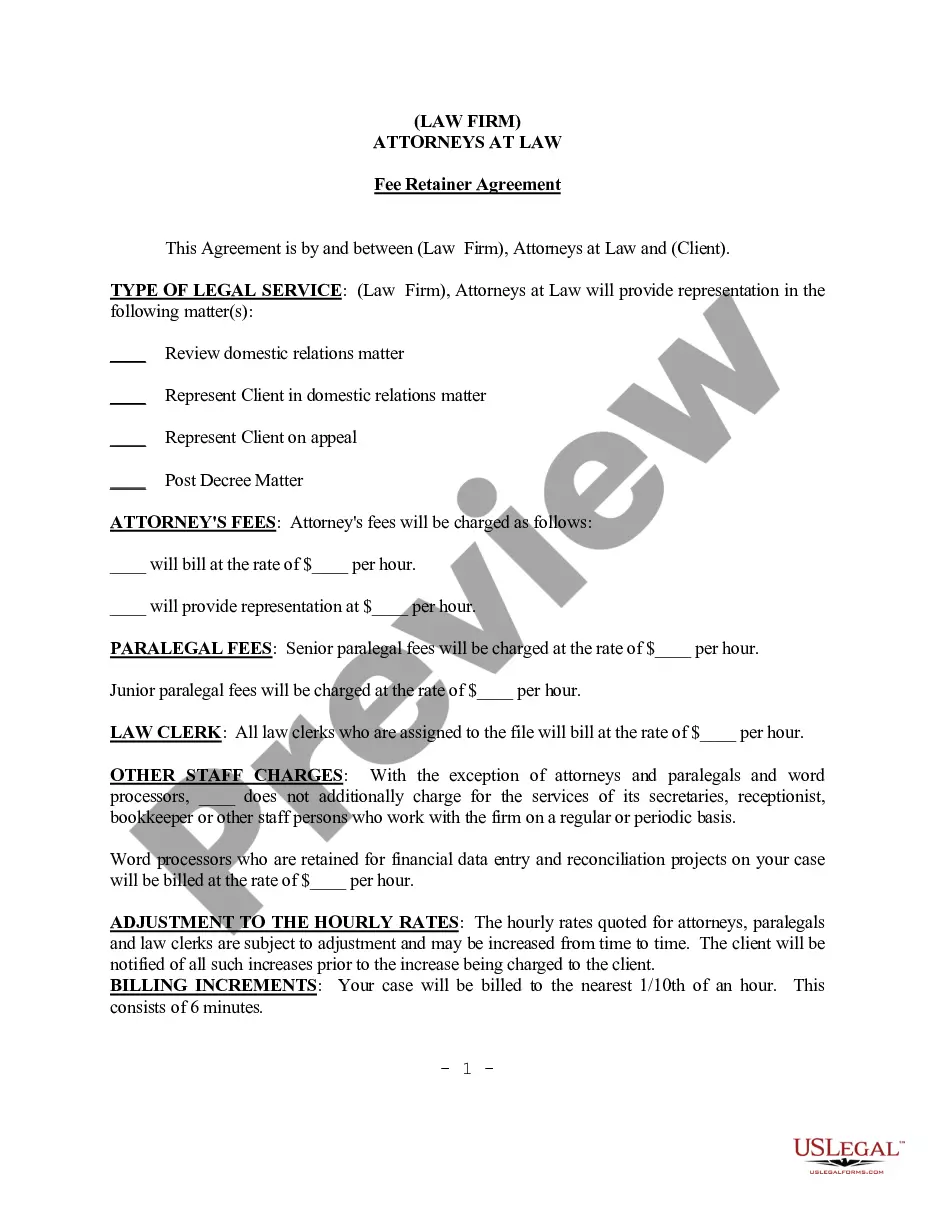

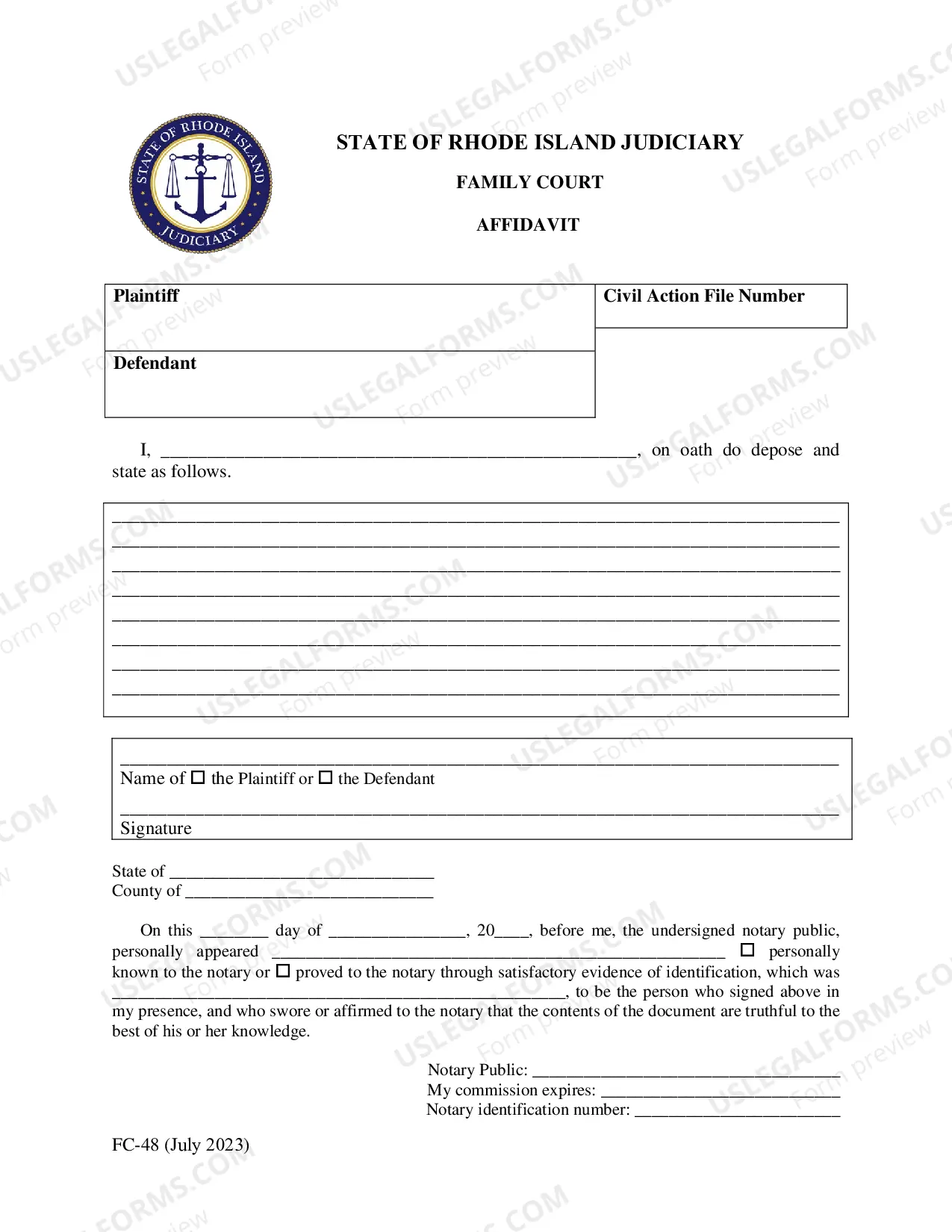
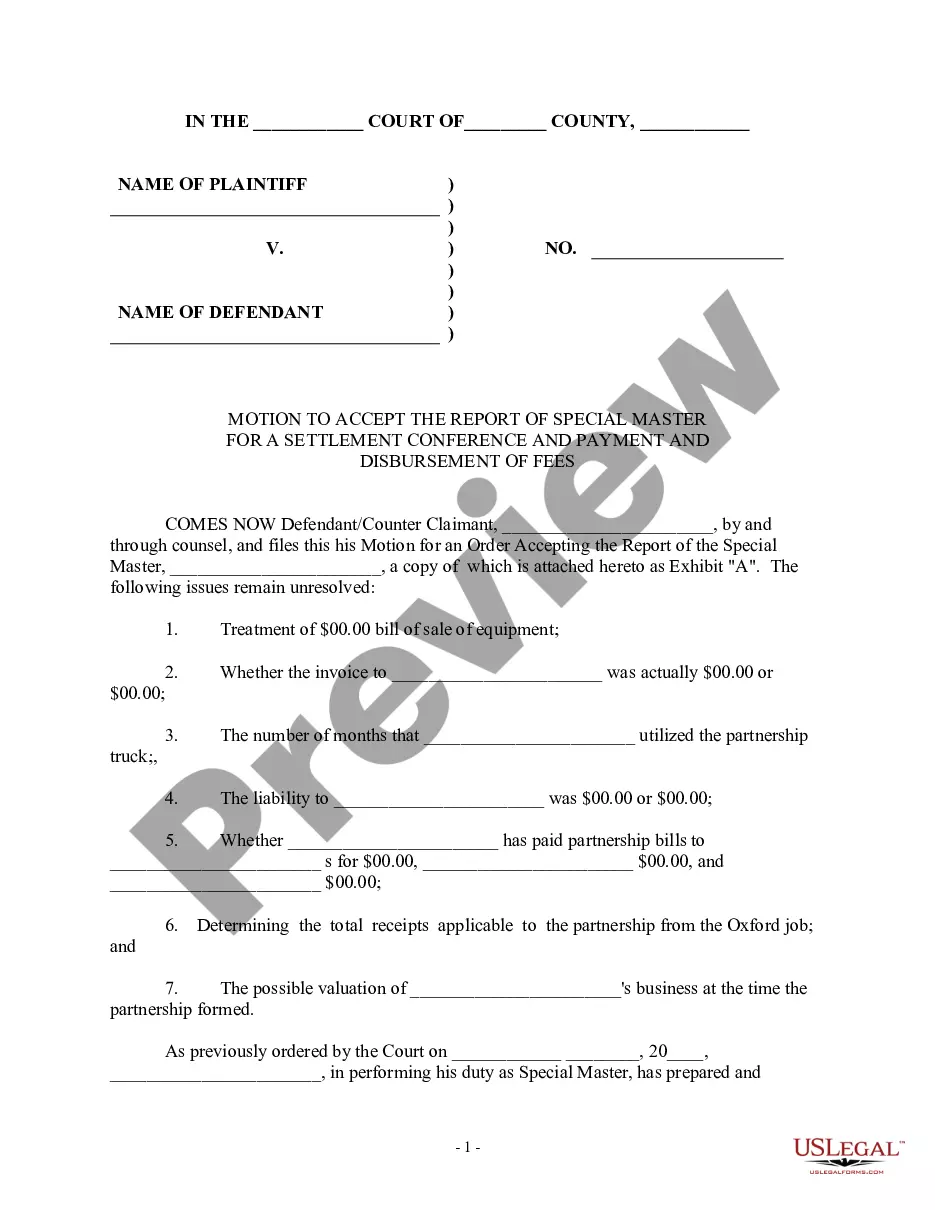


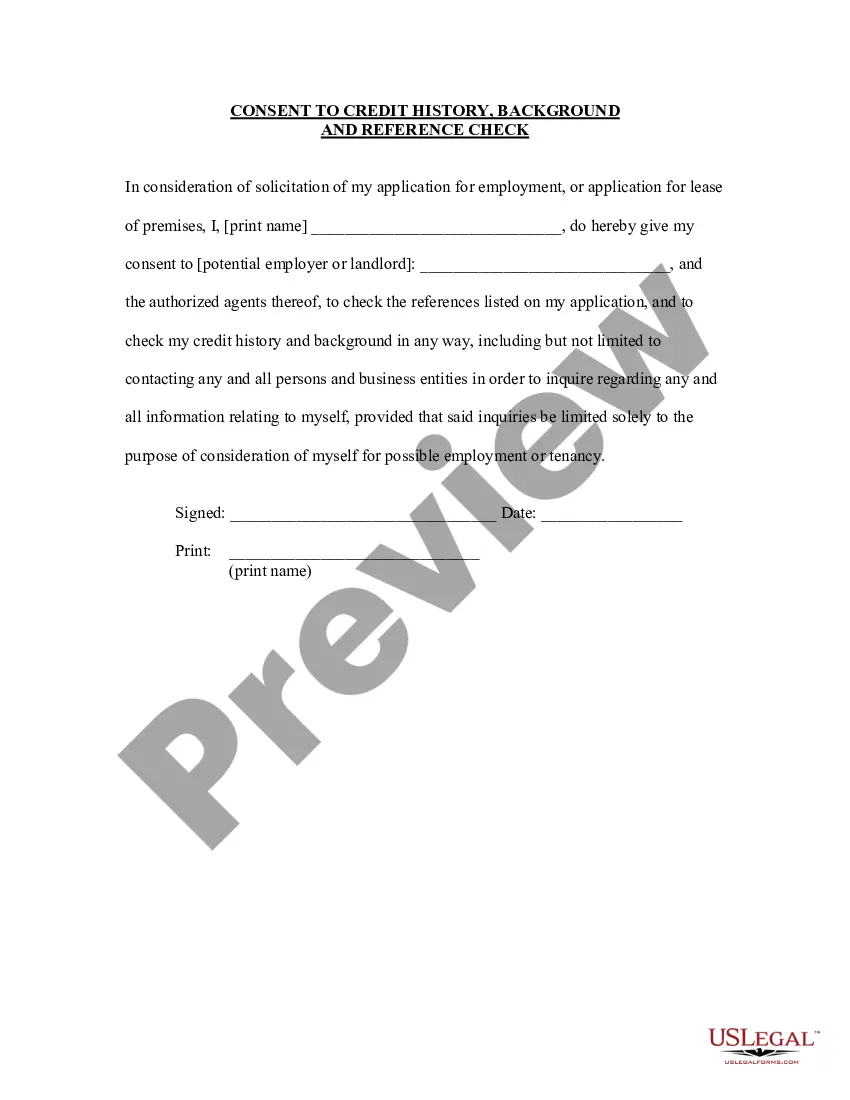
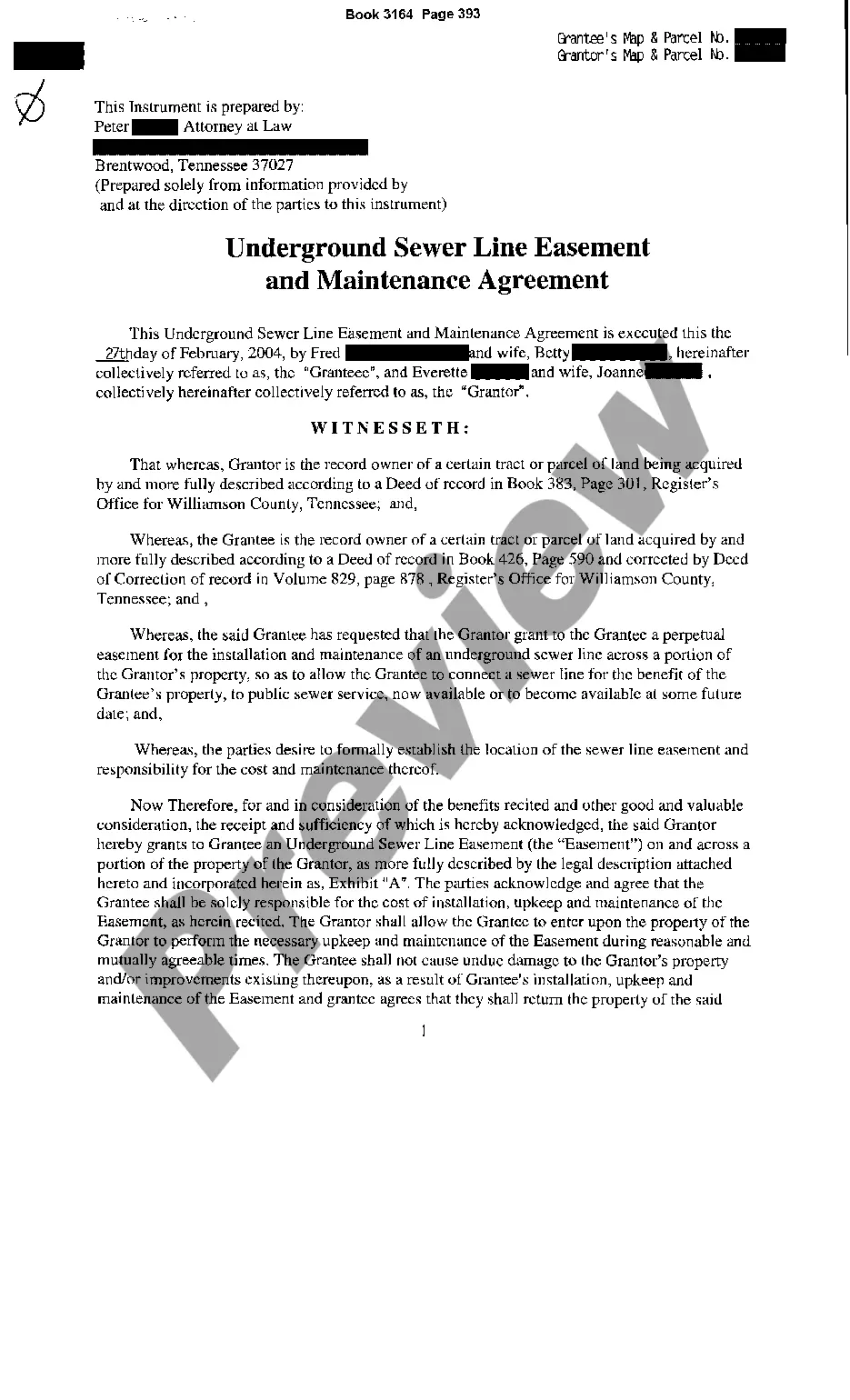

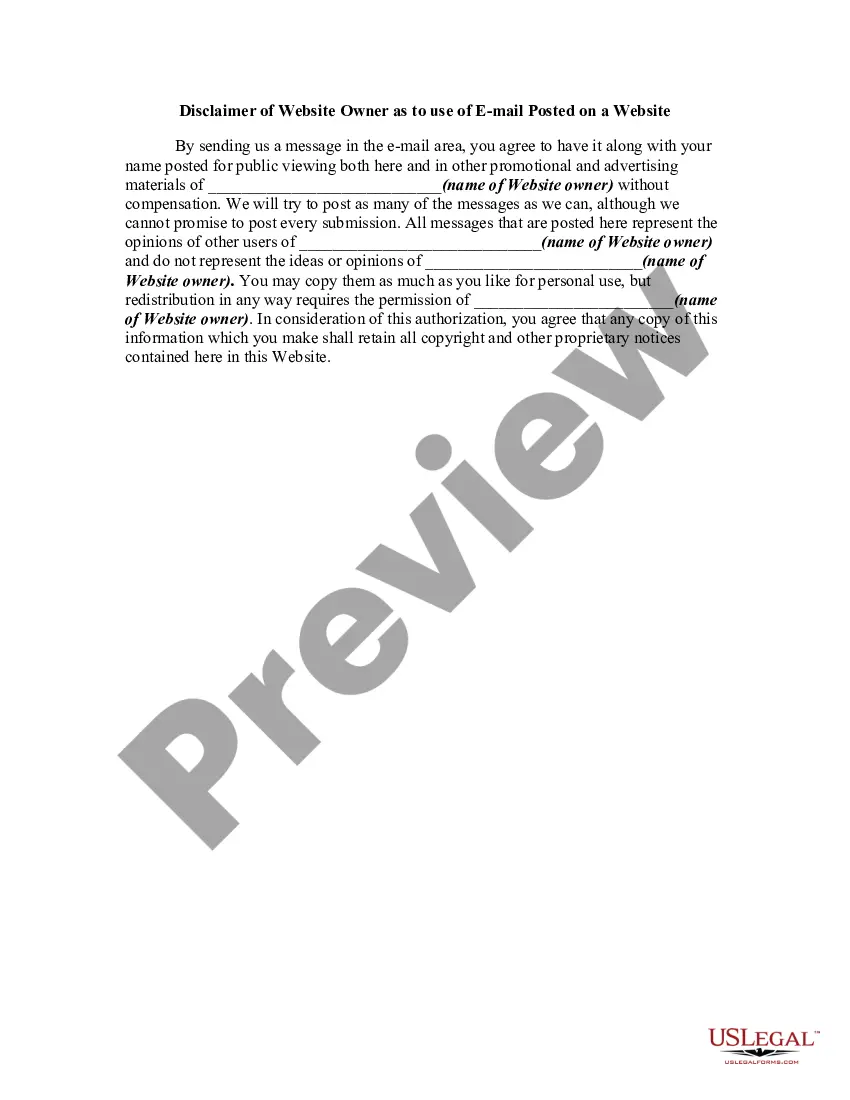
How to fill out Disclaimer Of Website Owner As To Use Of EMail Posted On A Website?
It’s clear that you cannot instantly become a legal authority, nor can you swiftly master how to prepare Website Use On With Date without a specialized education.
Drafting legal documents is a lengthy journey that necessitates specific training and expertise. So why not entrust the creation of the Website Use On With Date to the professionals.
With US Legal Forms, one of the most comprehensive legal document repositories, you can discover everything from court papers to templates for in-house communication.
You can revisit your forms from the My documents section at any time. If you’re an existing client, you can simply Log In, and find and download the template from the same section.
Regardless of the intent of your documentation—whether it’s financial, legal, or personal—our website has you covered. Give US Legal Forms a try now!
- Identify the document you require by utilizing the search bar at the top of the page.
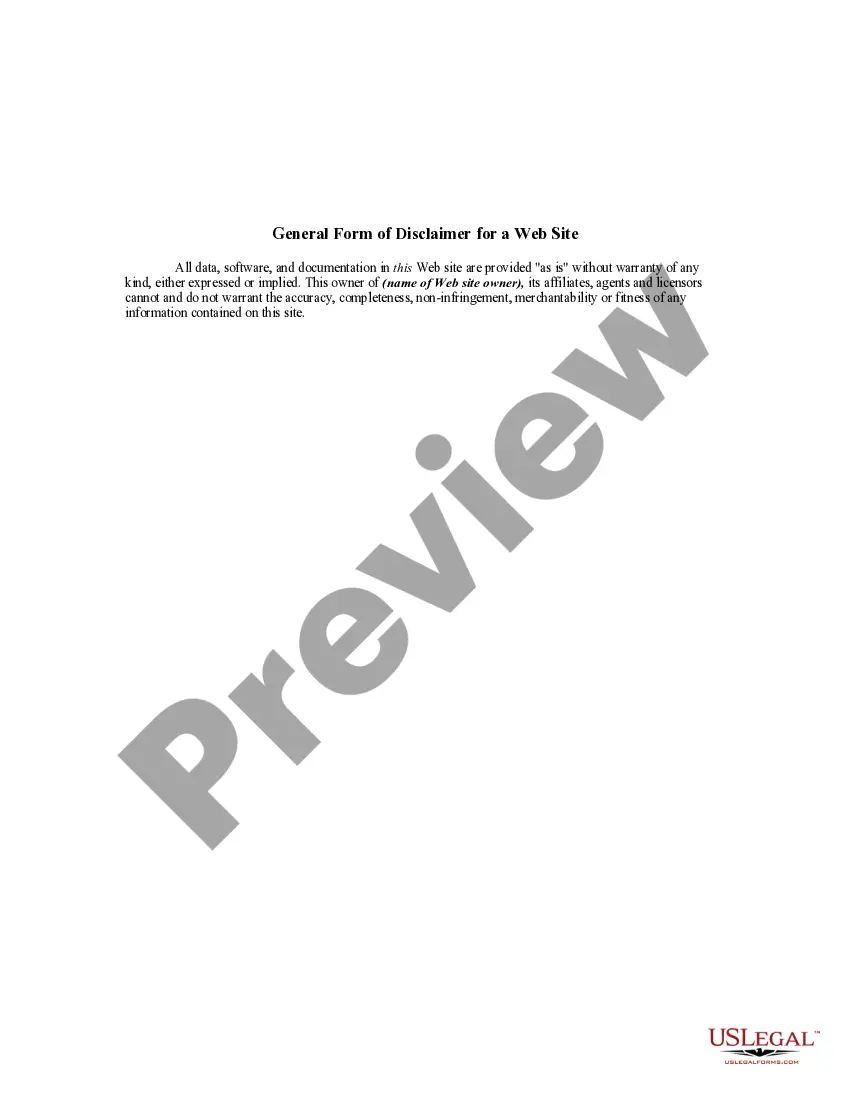
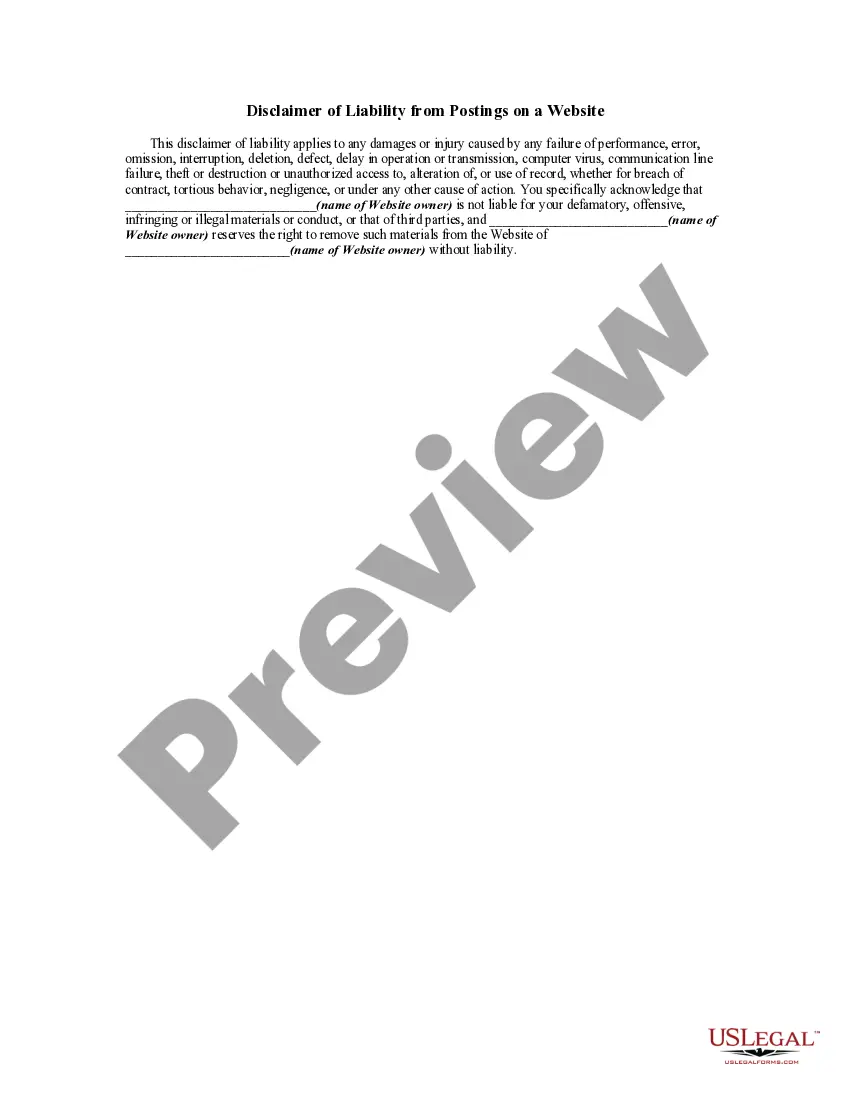
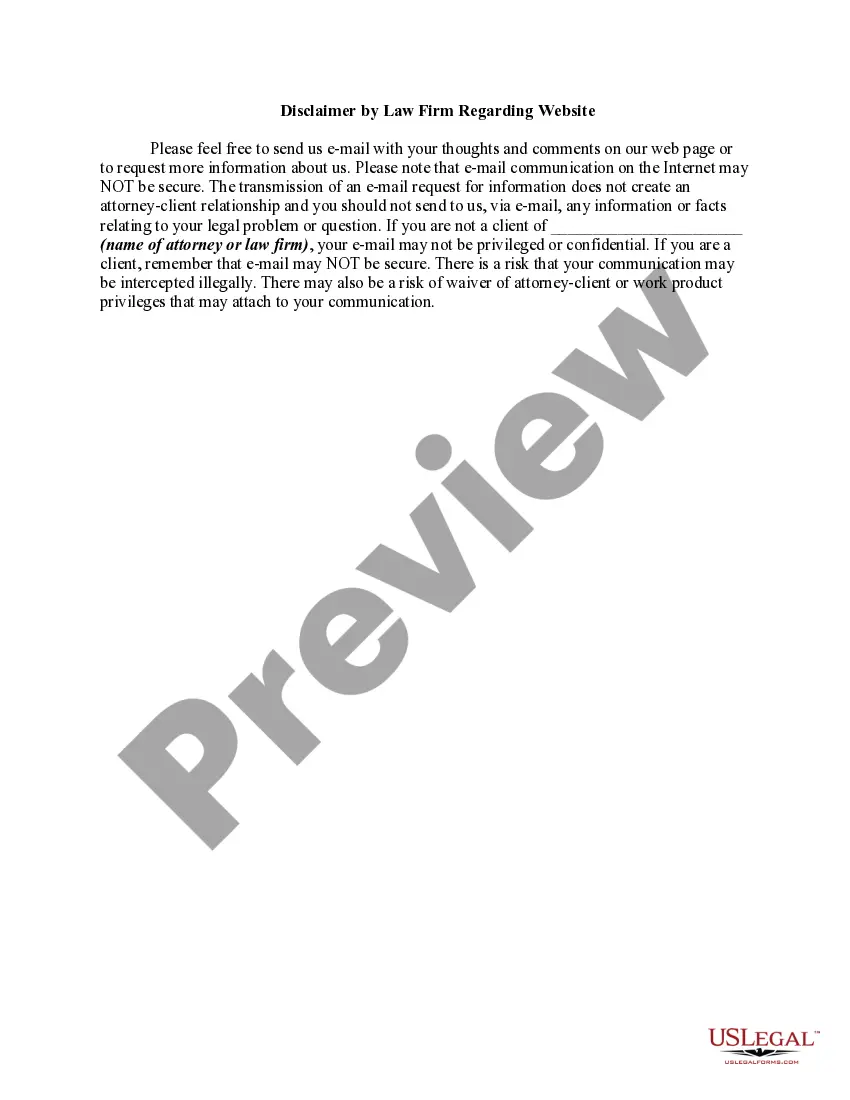
- Preview it (if this option is available) and read the accompanying description to determine if Website Use On With Date is what you’re looking for.
- Begin your search anew if you need any additional template.
- Establish a free account and choose a subscription plan to purchase the template.
- Select Buy now. Once the transaction is completed, you can download the Website Use On With Date, fill it out, print it, and deliver it by post to the necessary individuals or organizations.
Form popularity
FAQ
The most common way for writing dates in English is to use day/month/year format (also denoted as DD/MM/YYYY). For example, if you were writing the date for the fifth of January , 2022, you would write it as 05/01/22.
Open the Access report or form in Design view or Layout view. On the Design tab, in the Header / Footer group, click Date and Time. The Date and Time dialog box appears. Clear the Include Date check box if you do not want to include the date.
How to automatically fill today's date in the form? settings. Step 1: Add a date question in Google Forms. ... Step 2: Click on the Addon icon > Select Formfacade > Select Customize this form > Click on the Proceed button. ... In the Formfacade customize interface, click on the ??icon next to the date question for request date.
Insert a date that updates automatically On the Insert tab, in the Text group, click Date & Time. In the Date and time dialog box, select the format you want. Select the Update automatically check box. The date is inserted as a field and will update automatically.
How to change the Autofill data Open your Chrome browser. Click on the three dots at the top right corner. Go to ?Settings? and find the ?Autofill and passwords? section. To add an address, go to ?Addresses and more,? click ?Add,? type the address, and click ?Save.?