Company Any Closing Format
Description
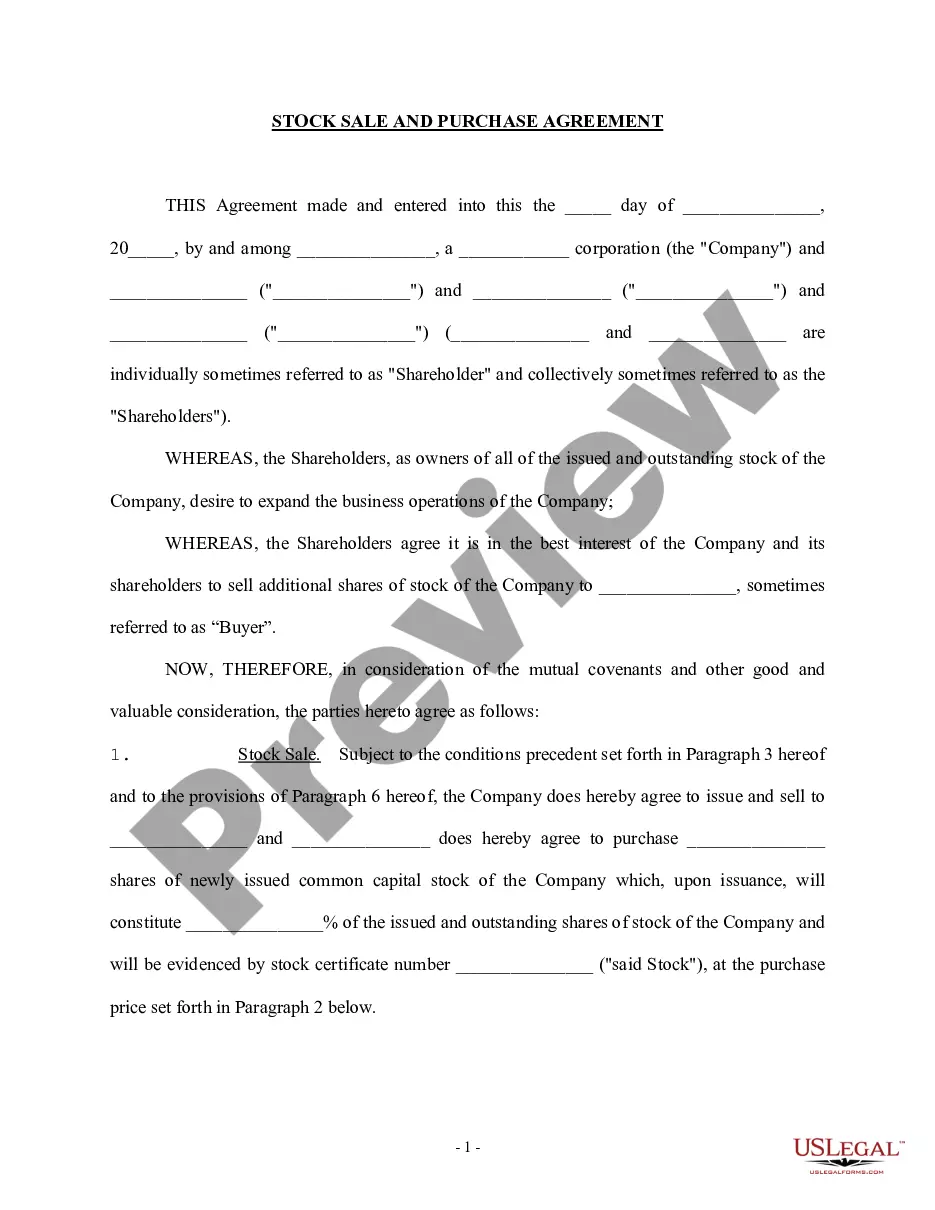
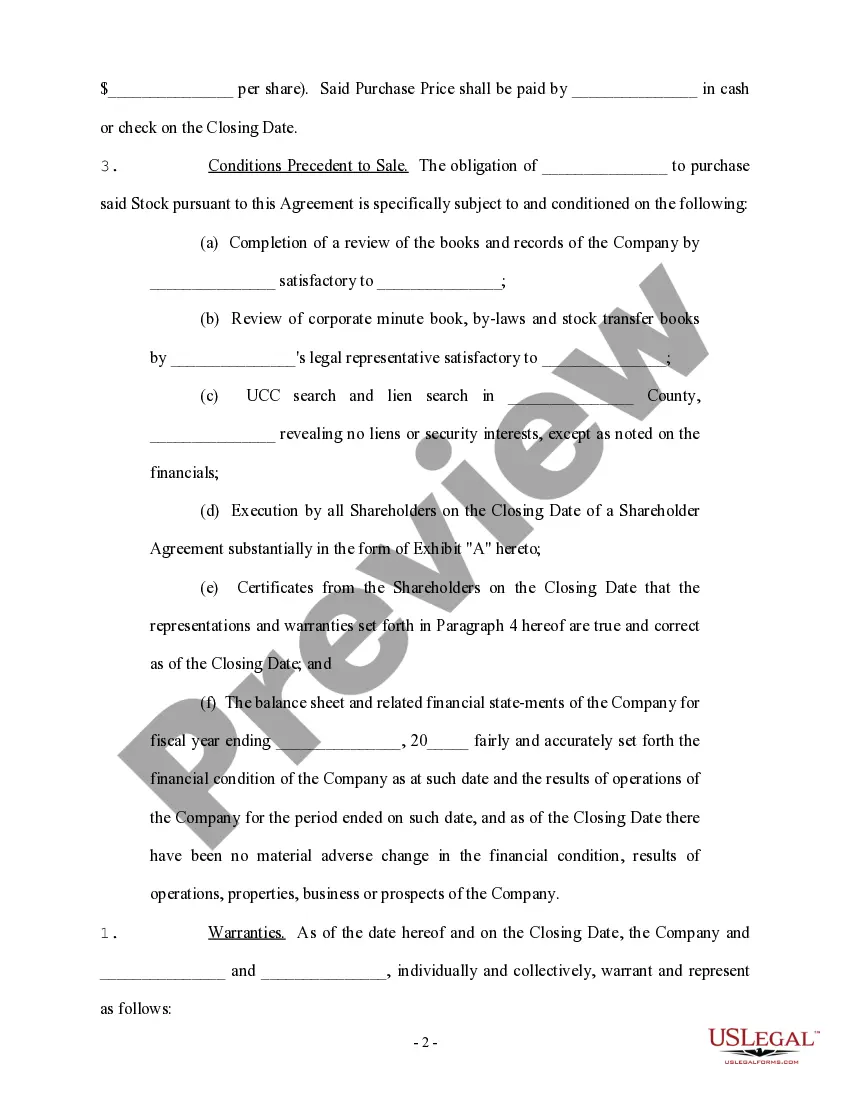
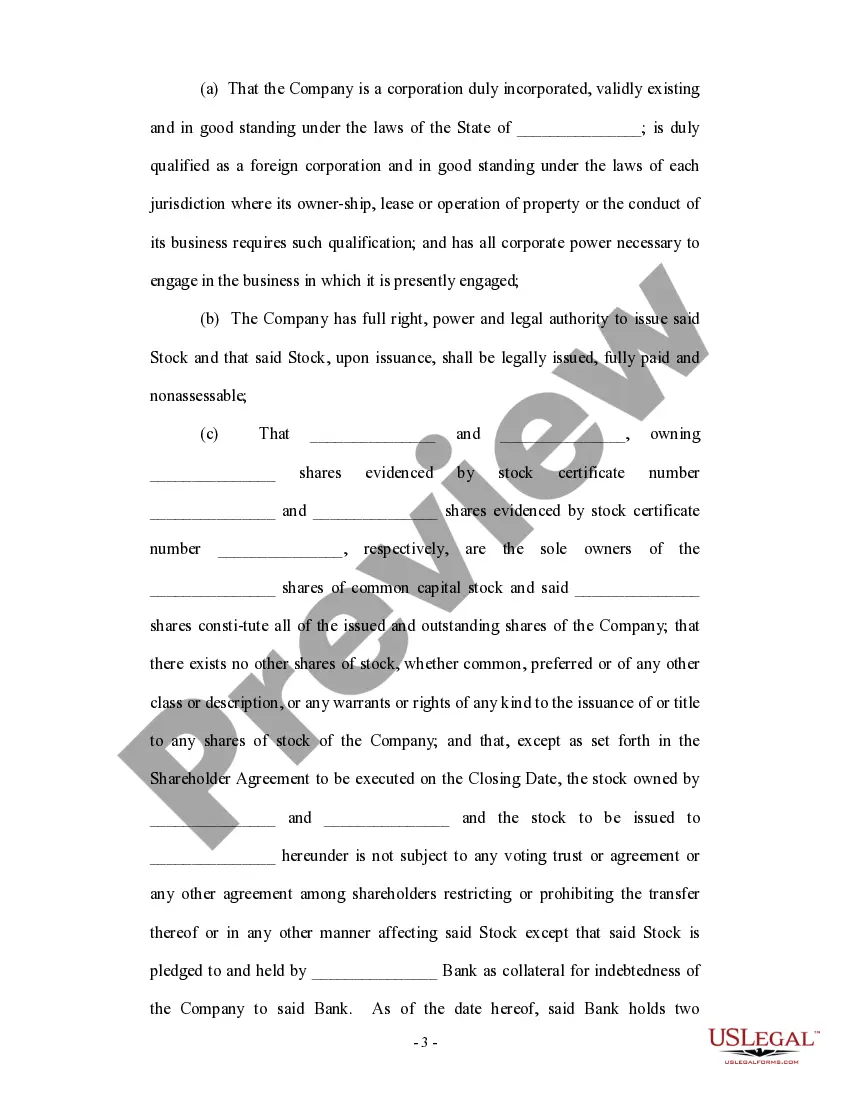
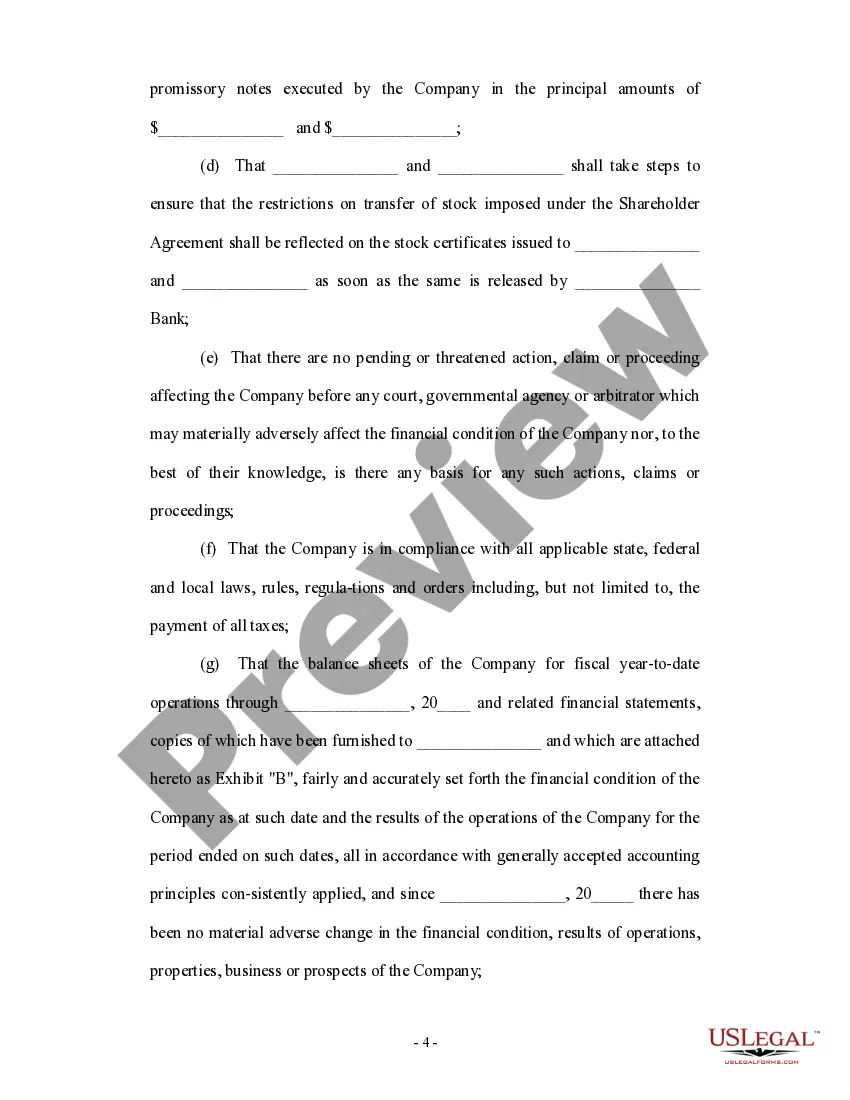
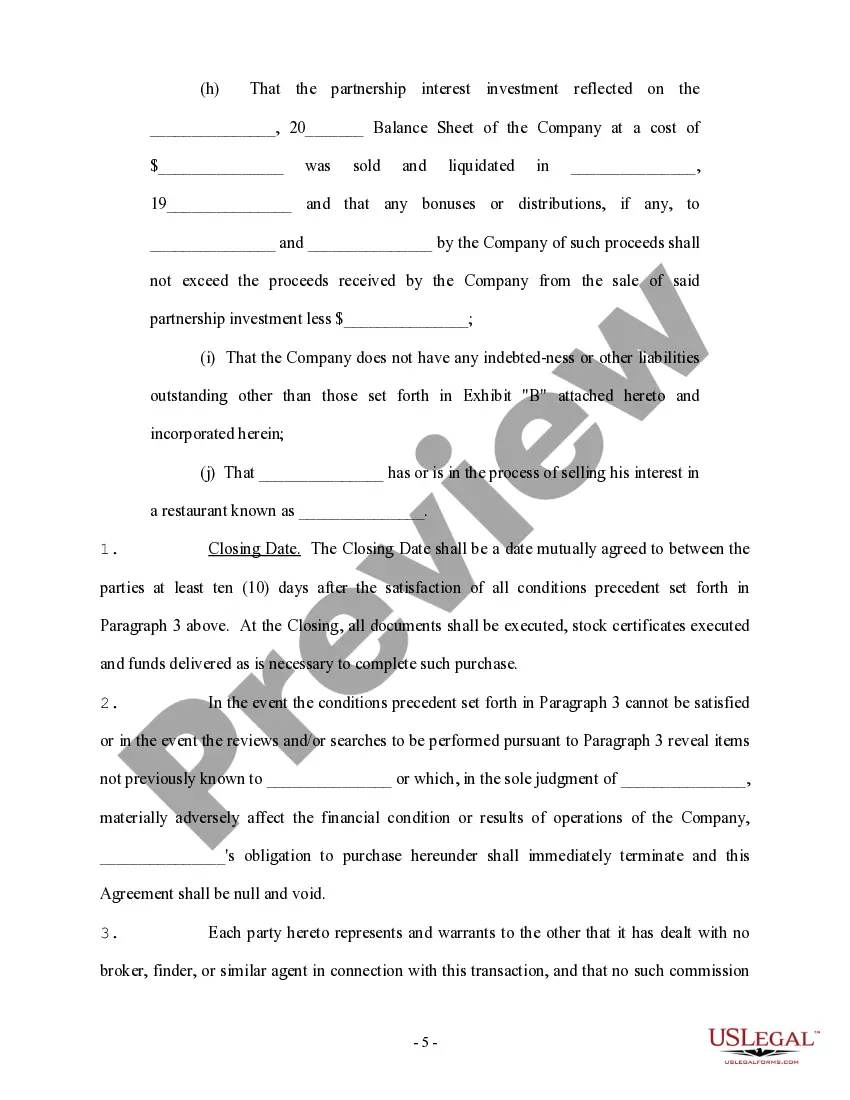
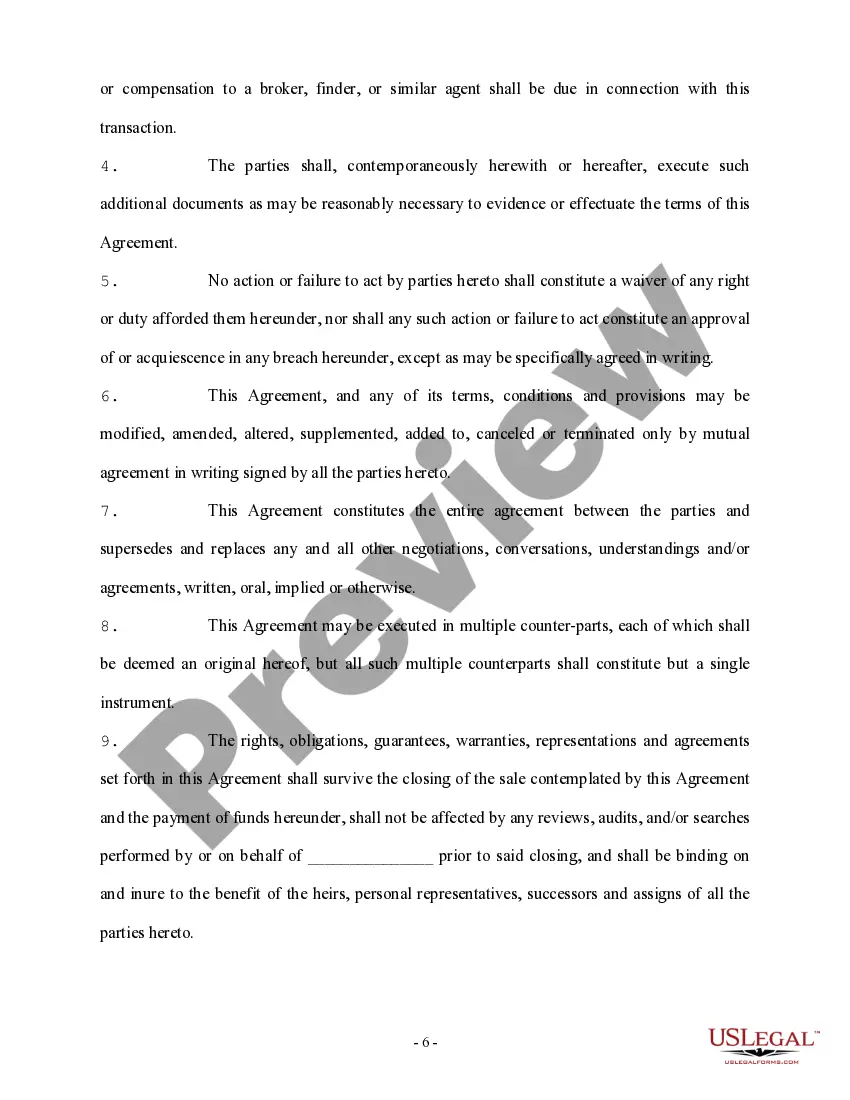
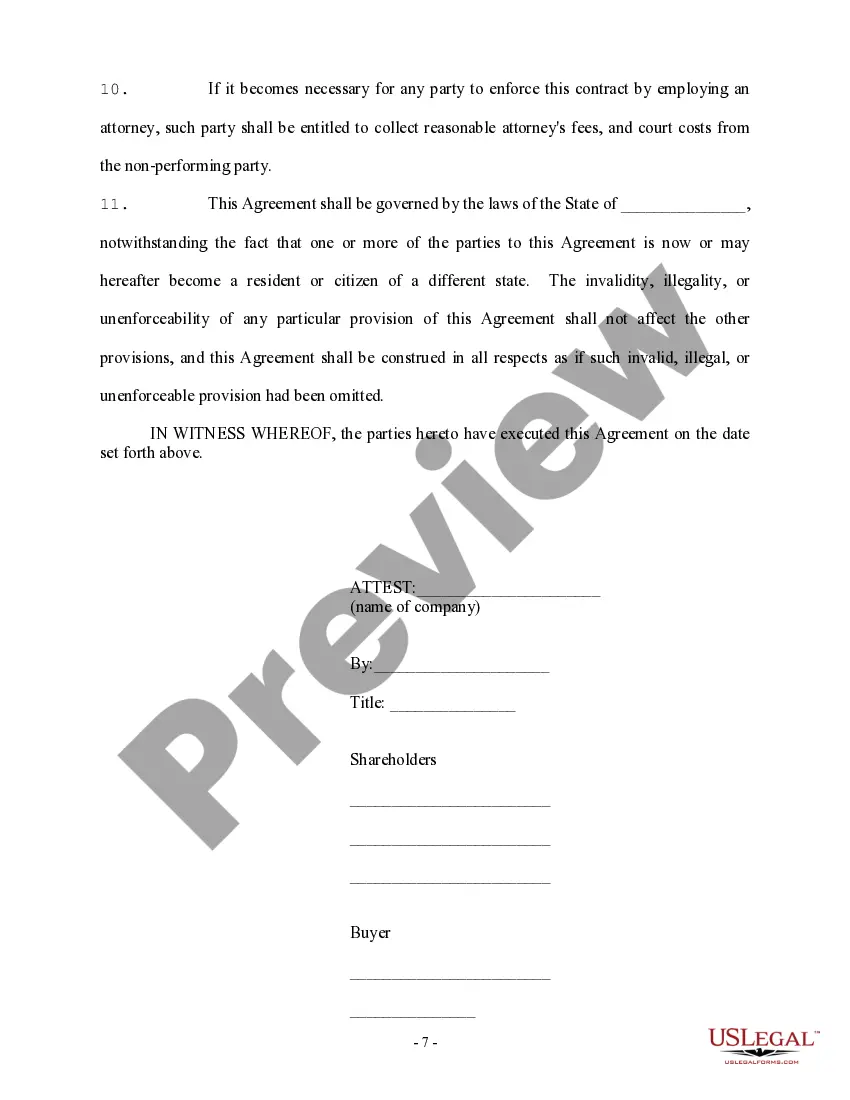

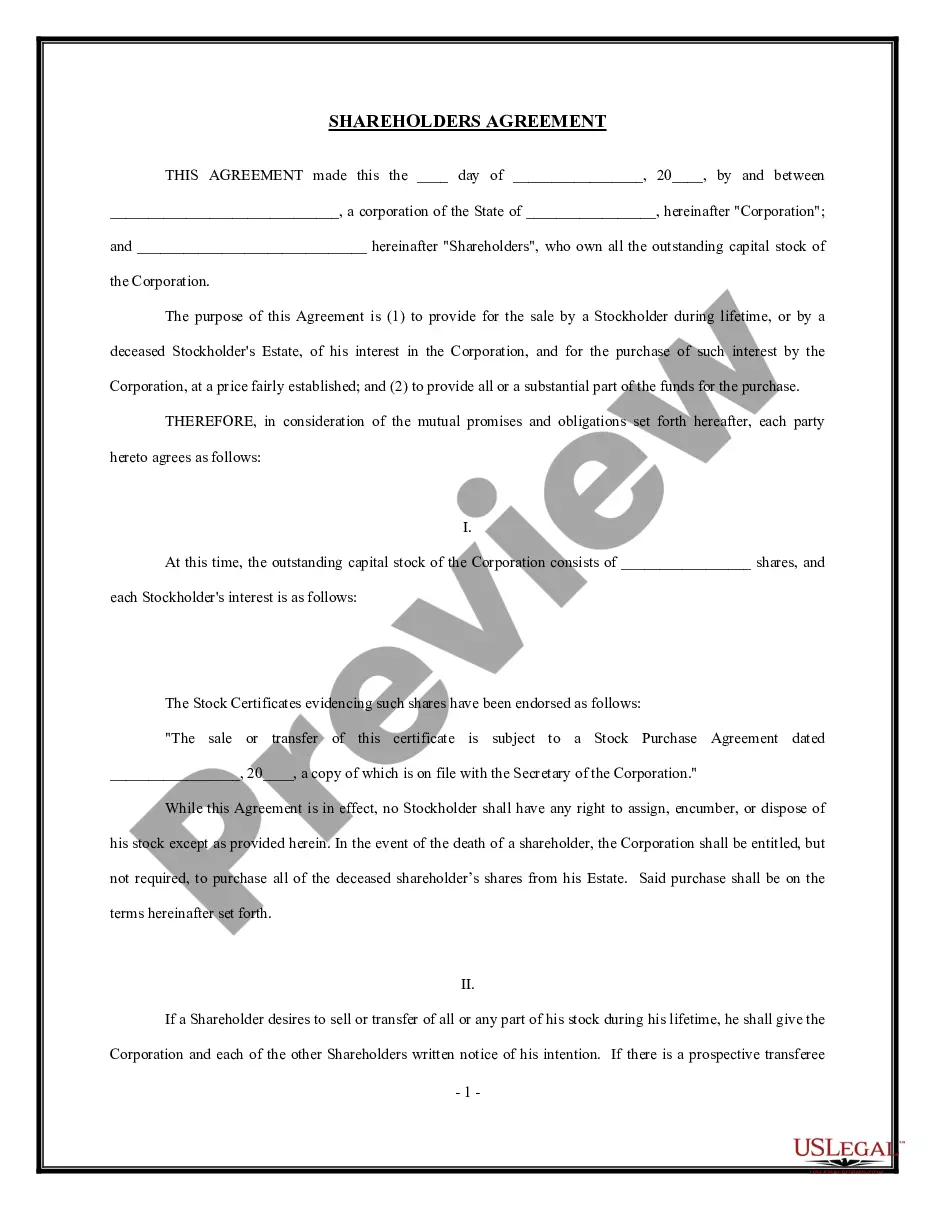
Get your form ready online
Our built-in tools help you complete, sign, share, and store your documents in one place.
Make edits, fill in missing information, and update formatting in US Legal Forms—just like you would in MS Word.
Download a copy, print it, send it by email, or mail it via USPS—whatever works best for your next step.
Sign and collect signatures with our SignNow integration. Send to multiple recipients, set reminders, and more. Go Premium to unlock E-Sign.
If this form requires notarization, complete it online through a secure video call—no need to meet a notary in person or wait for an appointment.
We protect your documents and personal data by following strict security and privacy standards.

Make edits, fill in missing information, and update formatting in US Legal Forms—just like you would in MS Word.

Download a copy, print it, send it by email, or mail it via USPS—whatever works best for your next step.

Sign and collect signatures with our SignNow integration. Send to multiple recipients, set reminders, and more. Go Premium to unlock E-Sign.

If this form requires notarization, complete it online through a secure video call—no need to meet a notary in person or wait for an appointment.

We protect your documents and personal data by following strict security and privacy standards.
Looking for another form?

How to fill out Shareholder And Corporation Agreement To Issue Additional Stock To A Third Party To Raise Capital?
Handling legal documents can be exasperating, even for the most seasoned experts.
When you seek a Company Any Closing Format and lack the time to search for the correct and current version, the process can become taxing.
Explore a valuable repository of articles, guides, handbooks, and resources pertinent to your circumstances and requirements.
Save time and effort in sourcing the documents you require, and take advantage of US Legal Forms’ advanced search and Preview feature to locate Company Any Closing Format and download it.
Take advantage of the US Legal Forms online directory, supported by 25 years of experience and trustworthiness. Streamline your daily document management into a straightforward and user-friendly process today.
- If you hold a monthly subscription, Log In to your US Legal Forms account, search for the form, and download it.
- Check your My documents tab to review the documents you previously saved and organize your folders as you see fit.
- If this is your first experience with US Legal Forms, create a free account and gain unlimited access to all the benefits of the library.
- Here are the steps to take once you have the form you need.
- Confirm that this is the correct form by previewing it and reviewing its details.
- Ensure that the template is accepted in your state or county.
- Select Buy Now once you are ready.
- Choose a subscription plan.
- Select the format you require, and Download, complete, sign, print, and send your documents.
- Access state- or county-specific legal and business forms.
- US Legal Forms accommodates all your needs, from personal to commercial documentation, all in one location.
- Employ cutting-edge tools to complete and manage your Company Any Closing Format.
Form popularity
FAQ
If you want to be very formal in closing your business letter, consider using one of these phrases: Respectfully. Yours sincerely. Yours respectfully.
Professional Email Closing Phrases Examples Thank you so much for connecting! ... I've sent over [materials you discussed]. ... Thank you again for meeting with me today. ... I look forward to joining the team! ... Thank you again for giving me more information about the opportunity!
Regardless of the purpose, begin closing statements with a short summary. Present information about actions taken or requested, relevant dates and deadlines in one or two brief sentences. A closing statement such as ?Thank you for your attention to this matter? is an example of a simple closing statement.
The Complimentary Close The close begins at the same justification as your date and one line after the last body paragraph. Capitalize the first word of your closing (Thank you) and leave four lines for a signature between the close and the sender's name. A comma should follow the closing.
Examples of formal complimentary closes include ?Sincerely?, ?Respectfully?, ?Yours faithfully?, ?Yours sincerely?, and ?Regards?. Generally, these closes should be followed by a comma and your full name and title. For instance: ?Sincerely, Jane Smith, Director of Marketing.?