Policy Use Computers Form Template With Signature
Description
Get your form ready online
Our built-in tools help you complete, sign, share, and store your documents in one place.
Make edits, fill in missing information, and update formatting in US Legal Forms—just like you would in MS Word.
Download a copy, print it, send it by email, or mail it via USPS—whatever works best for your next step.
Sign and collect signatures with our SignNow integration. Send to multiple recipients, set reminders, and more. Go Premium to unlock E-Sign.
If this form requires notarization, complete it online through a secure video call—no need to meet a notary in person or wait for an appointment.
We protect your documents and personal data by following strict security and privacy standards.

Make edits, fill in missing information, and update formatting in US Legal Forms—just like you would in MS Word.

Download a copy, print it, send it by email, or mail it via USPS—whatever works best for your next step.

Sign and collect signatures with our SignNow integration. Send to multiple recipients, set reminders, and more. Go Premium to unlock E-Sign.

If this form requires notarization, complete it online through a secure video call—no need to meet a notary in person or wait for an appointment.

We protect your documents and personal data by following strict security and privacy standards.
Looking for another form?
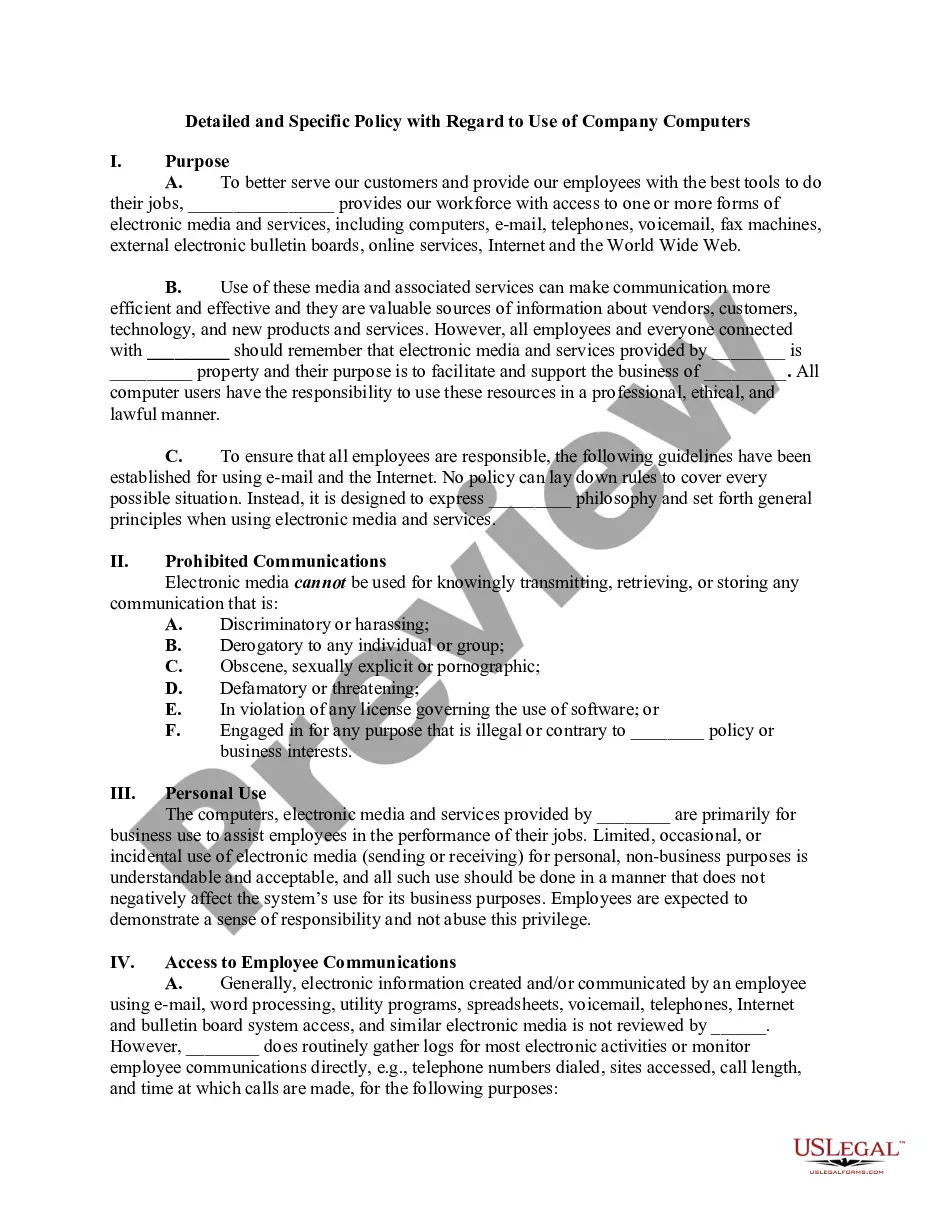
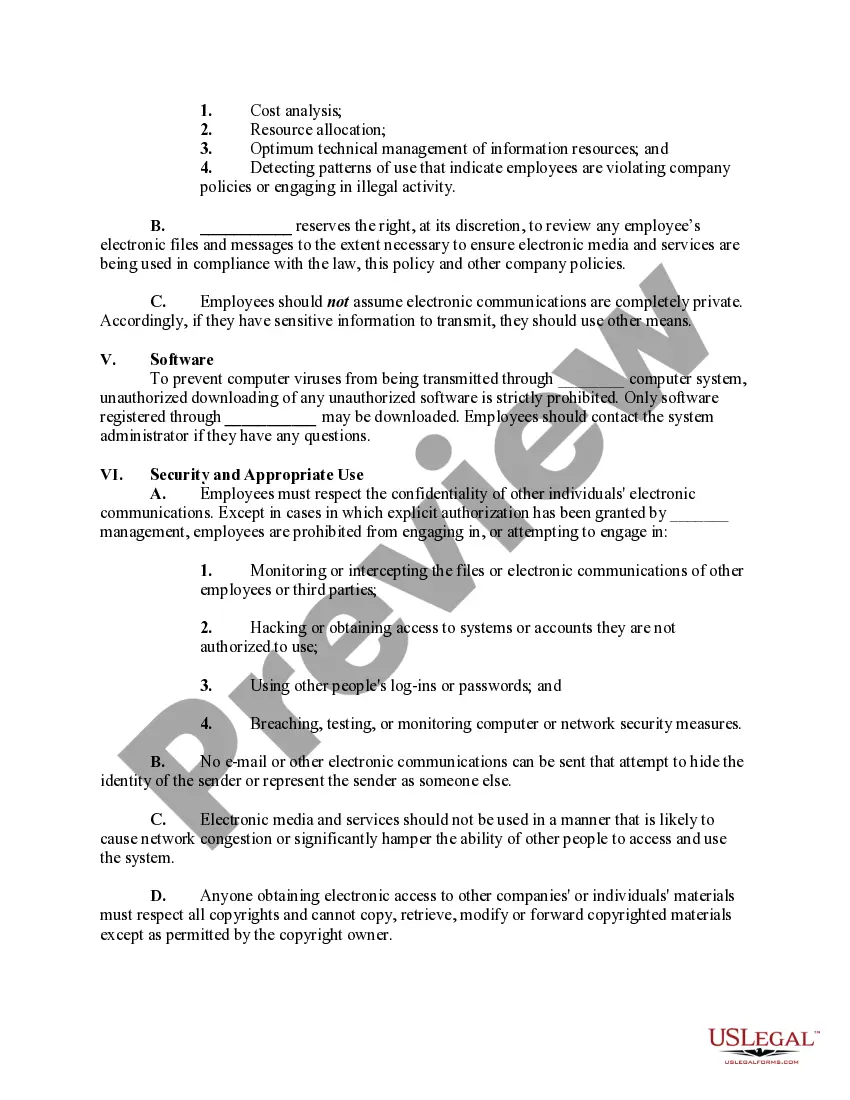
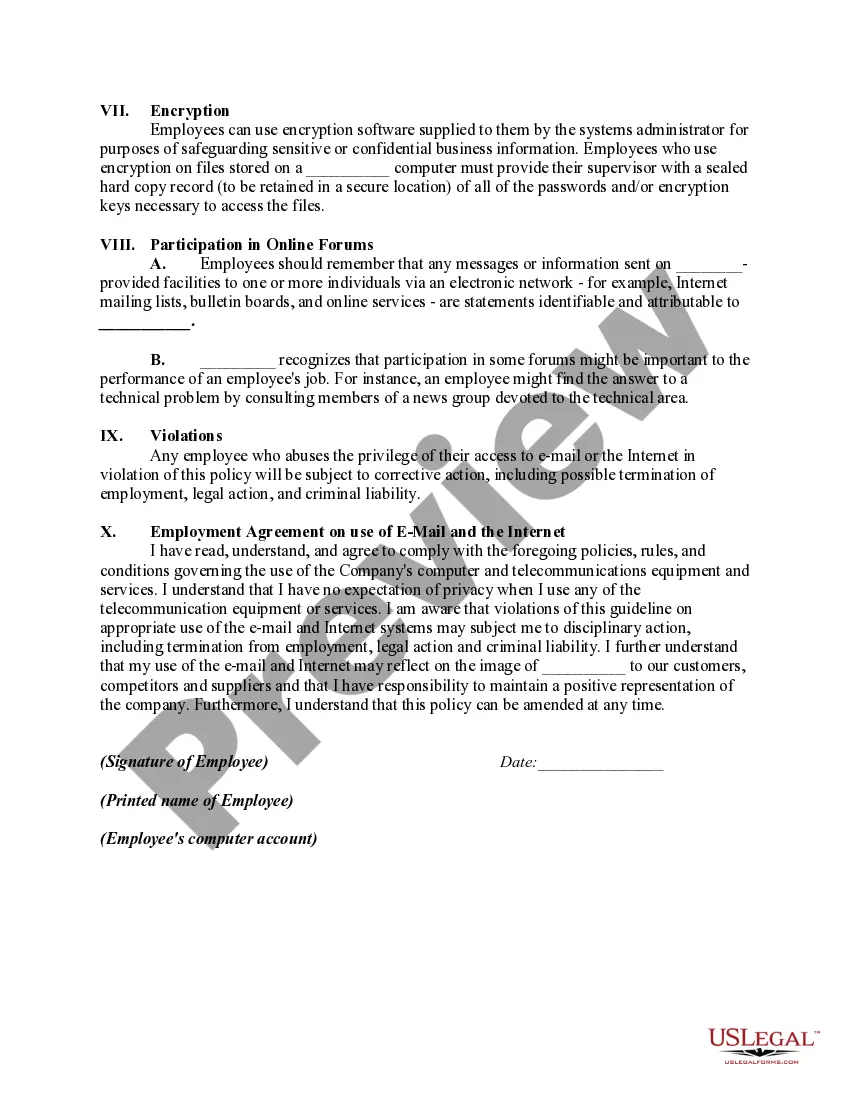
How to fill out Detailed And Specific Policy With Regard To Use Of Company Computers?
It’s clear that you cannot transform into a legal authority instantly, nor can you comprehend how to swiftly create a Policy Use Computers Form Template With Signature without a particular skill set. Developing legal documents is a lengthy endeavor that demands specific training and expertise. So why not entrust the creation of the Policy Use Computers Form Template With Signature to the experts.
With US Legal Forms, one of the largest legal document repositories, you can find anything from court documents to templates for in-office correspondence. We recognize how crucial compliance and adherence to federal and state laws and regulations are. For this reason, on our platform, all forms are location-specific and current.
Here’s how you can begin with our website and acquire the document you need in just a few minutes.
You can re-access your documents from the My documents tab at any time. If you’re a current customer, you can simply Log In, and find and download the template from the same tab.
Regardless of the purpose of your documents—be it financial, legal, or personal—our website has you covered. Try US Legal Forms now!
- Locate the document you need by utilizing the search bar at the top of the page.
- Preview it (if this option is available) and review the accompanying description to see if Policy Use Computers Form Template With Signature is what you’re looking for.
- Initiate your search again if you require a different form.
- Register for a complimentary account and choose a subscription plan to purchase the template.
- Select Buy now. Once the payment is completed, you can receive the Policy Use Computers Form Template With Signature, fill it out, print it, and send or mail it to the appropriate individuals or organizations.
Form popularity
FAQ
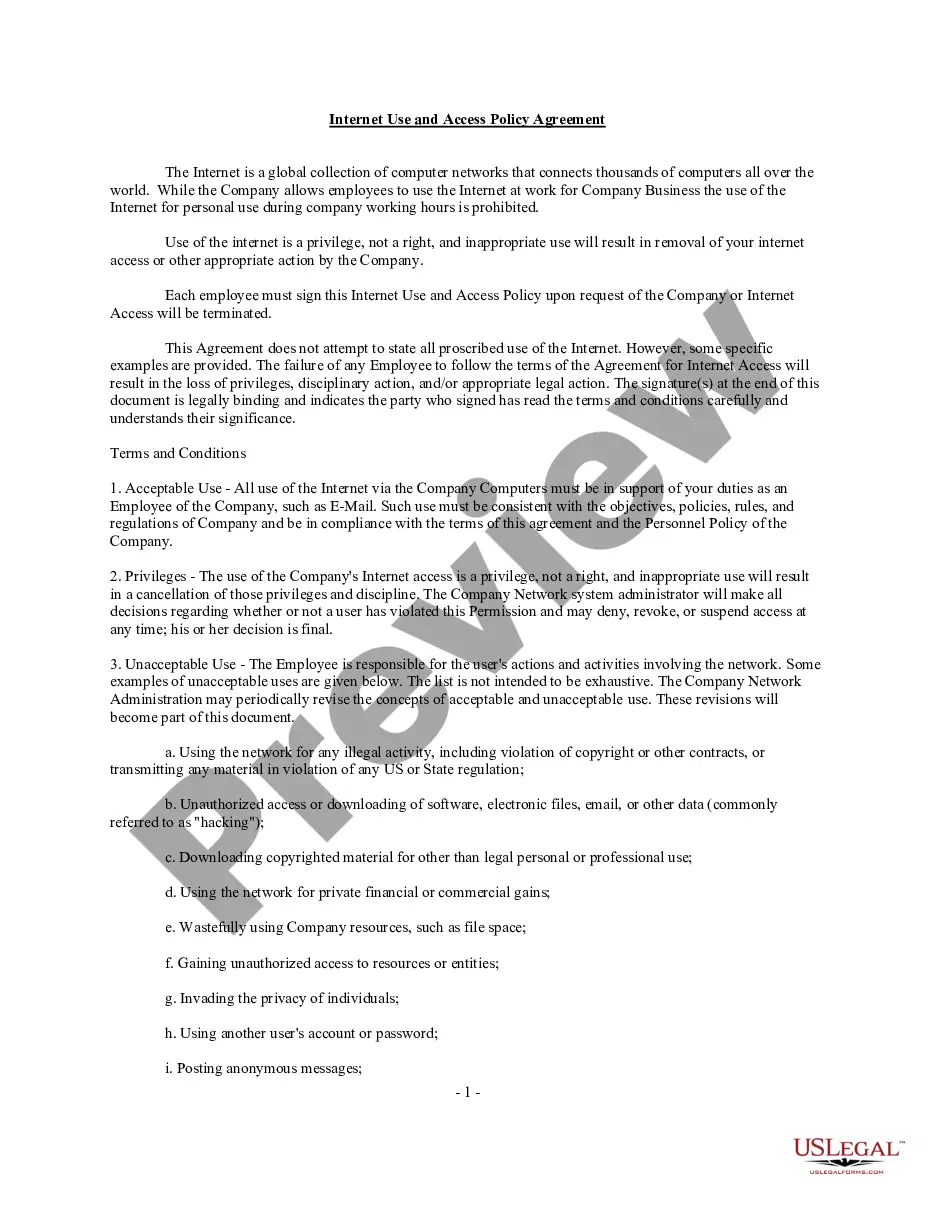
An acceptable use policy is a document that service owners use to outline all rules pertaining to service users. If someone breaks those rules, the AUP also outlines the consequences and any actions the service might take in response.
7 stages of IT policy development Identify a need. IT policies should address a clear need. ... Delegate responsibility. ... Research details. ... Draft wording for policies and procedures. ... Get approval from stakeholders. ... Implement the IT policy. ... Review and revise as necessary. ... Clear purpose.
An AUP sets rules related to an organization's IT security policies. These include rules around accessing restricted information; changing access data, such as passwords; opening questionable email attachments; using public Wi-Fi services; and using company approved authentication procedures. Non-employee users.
A computer use policy can cover a number of areas, including the hours during which the internet can be used, the kinds of things that can and can't be done and the limits on computer use for personal reasons.
Every employee of [Company Name] is responsible for the content of all text, audio, video or image files that he or she places or sends over the company's internet and email systems. No email or other electronic communications may be sent that hide the identity of the sender or represent the sender as someone else.