Condominium Real Estate Document With Iphone
Description
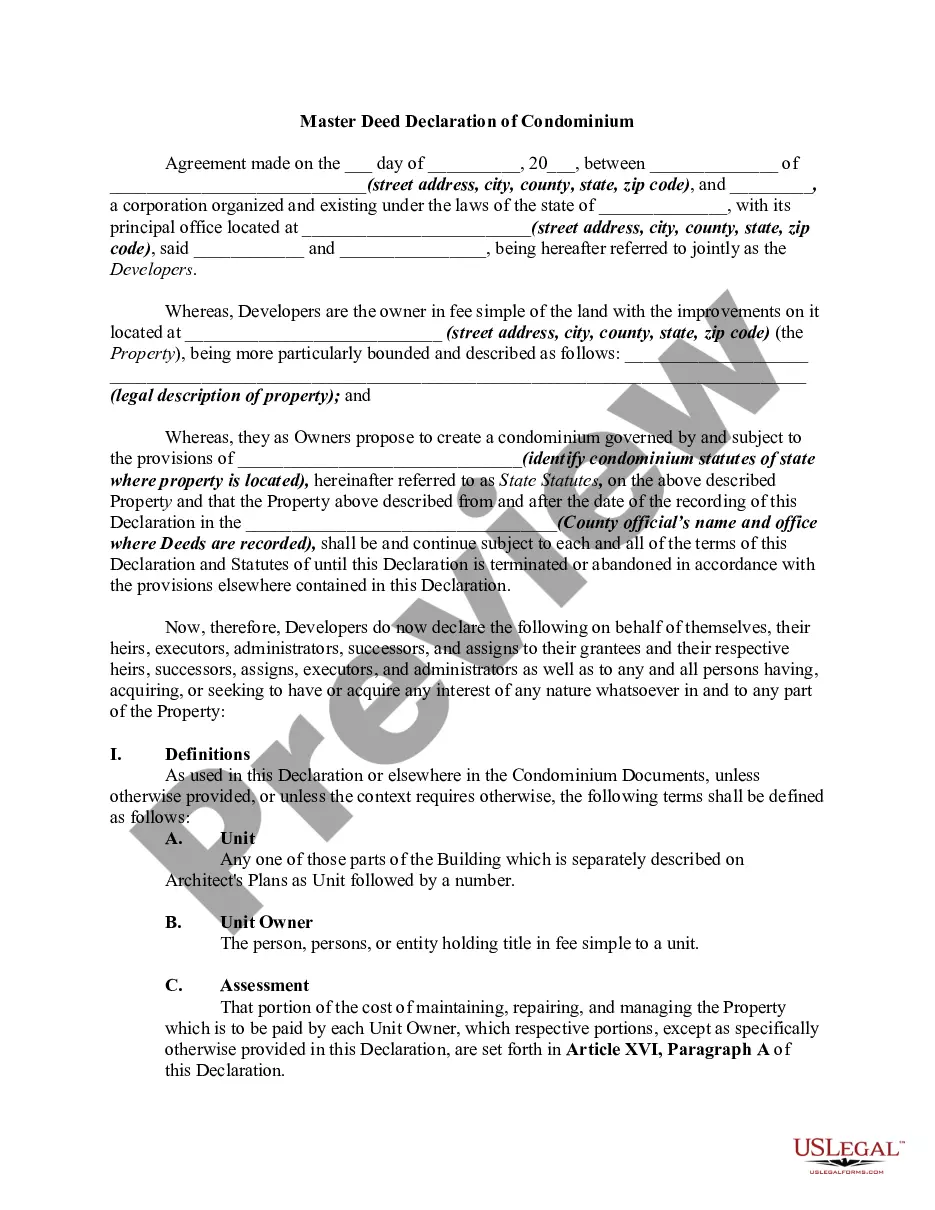
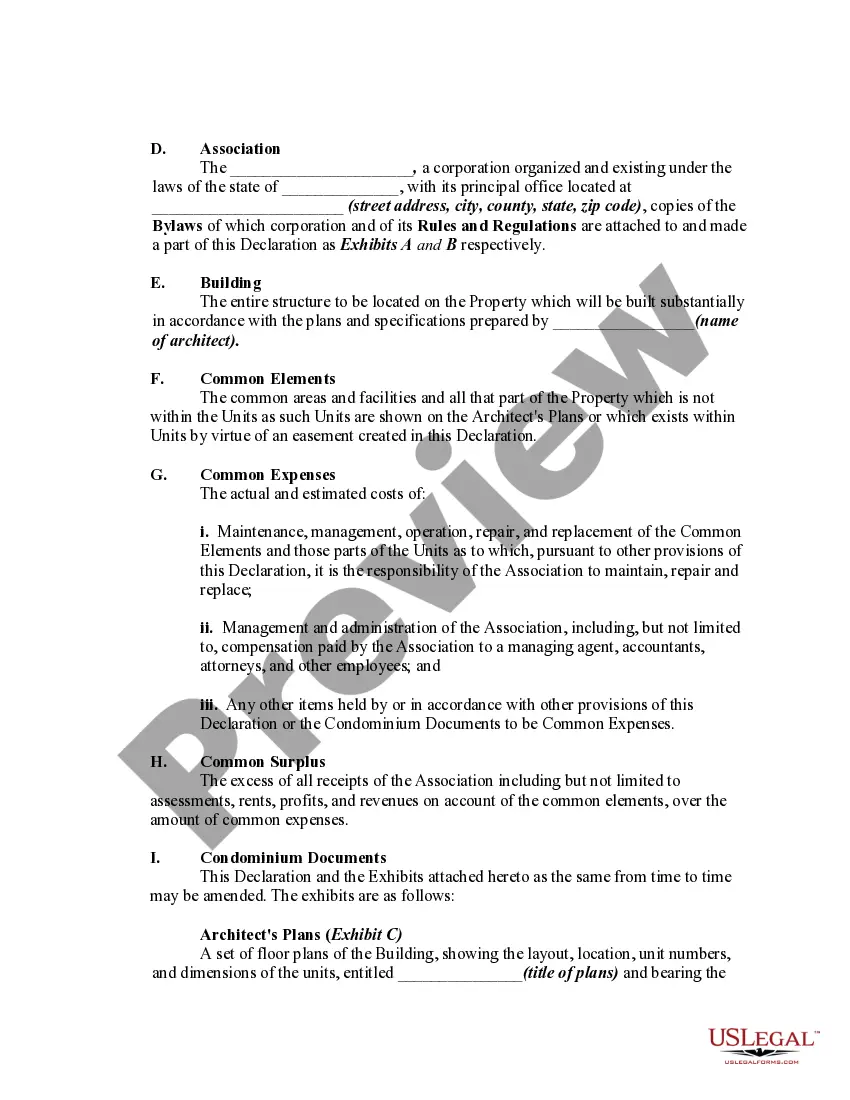
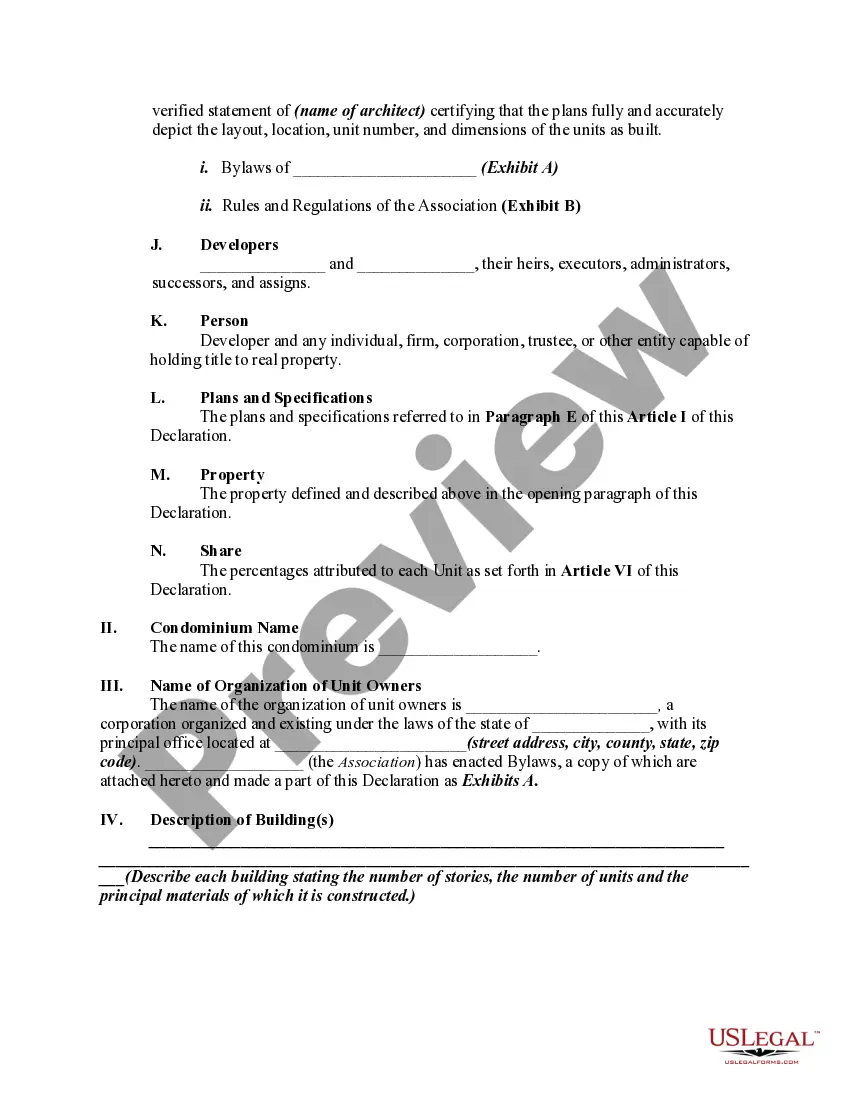
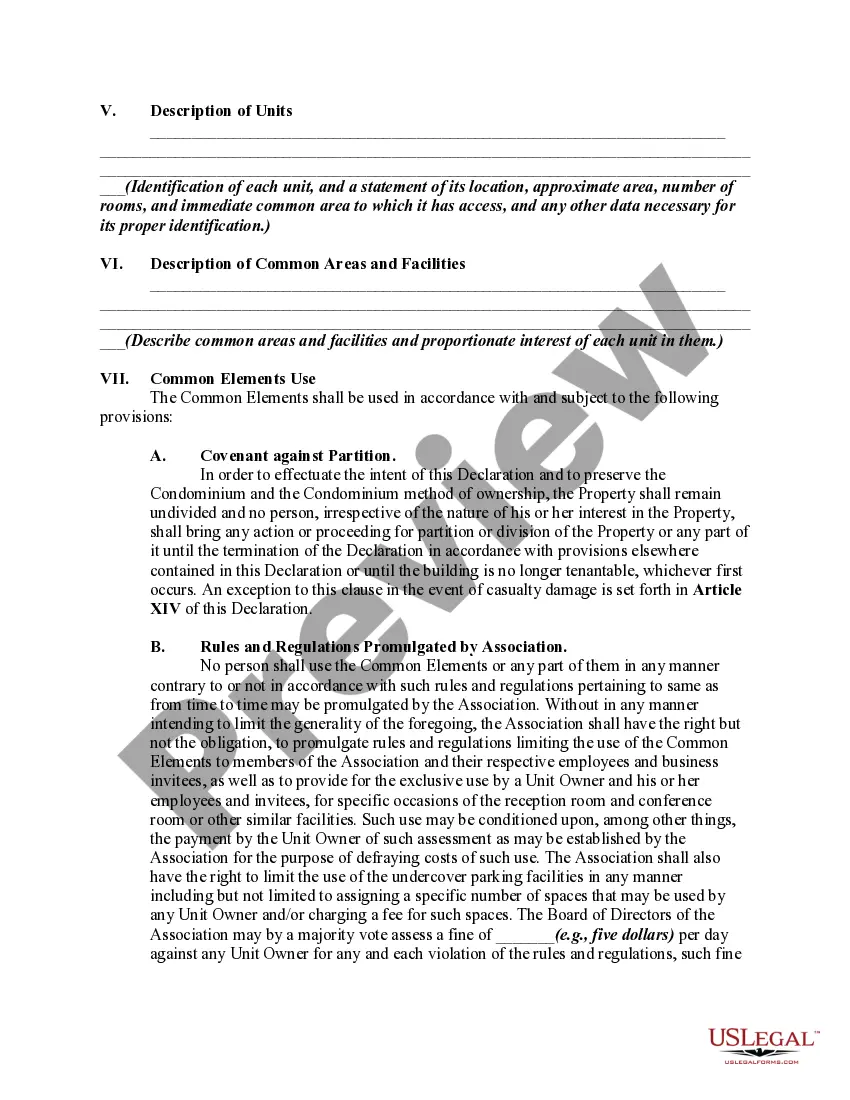
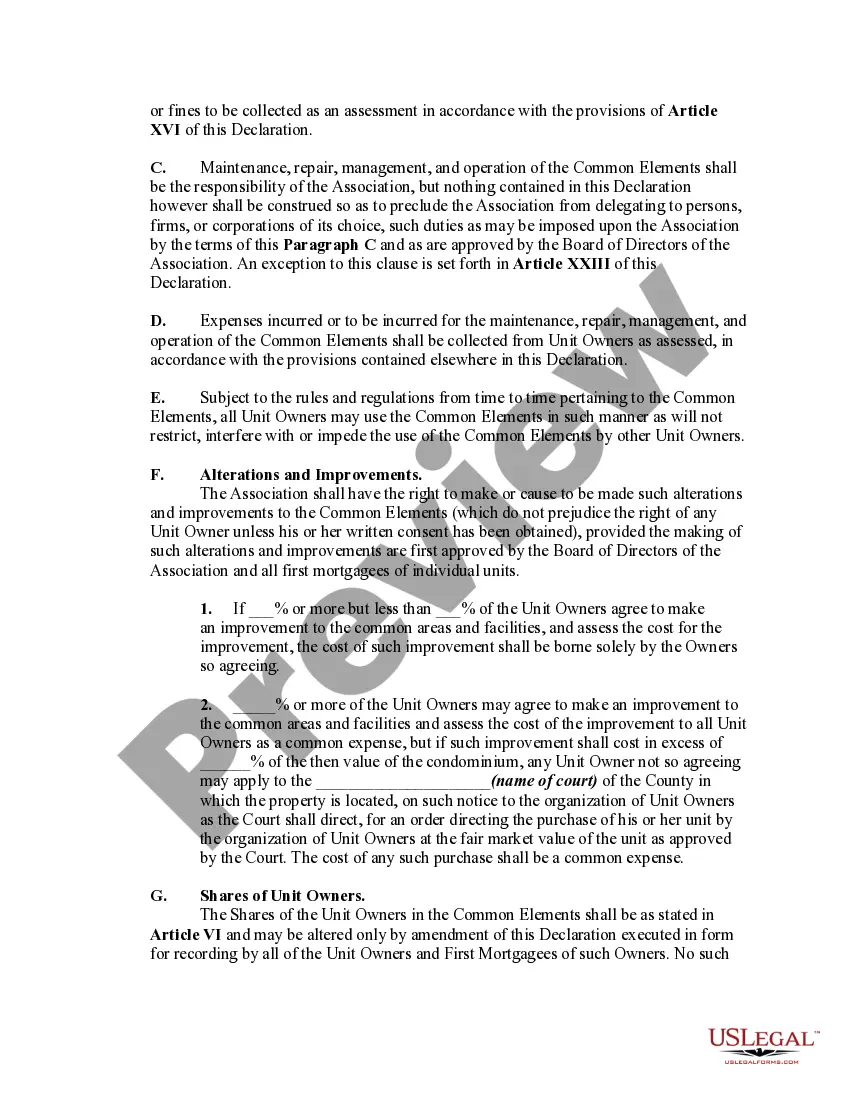
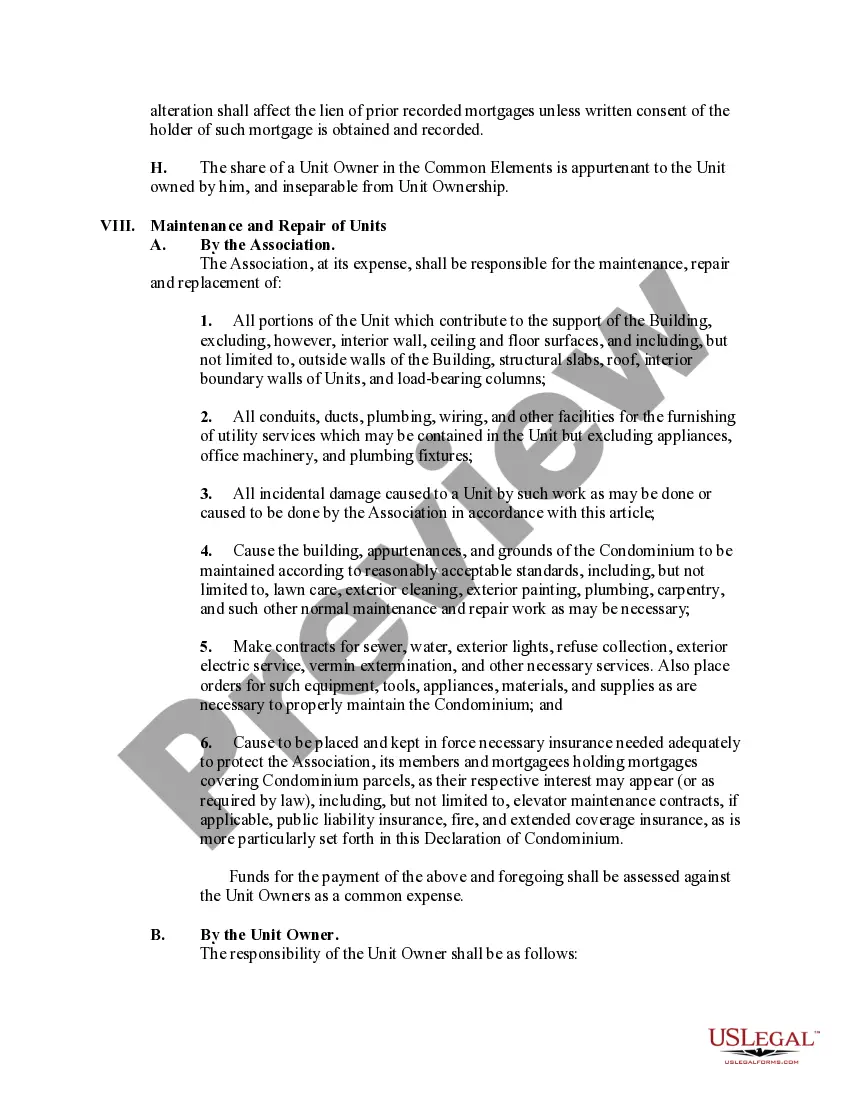
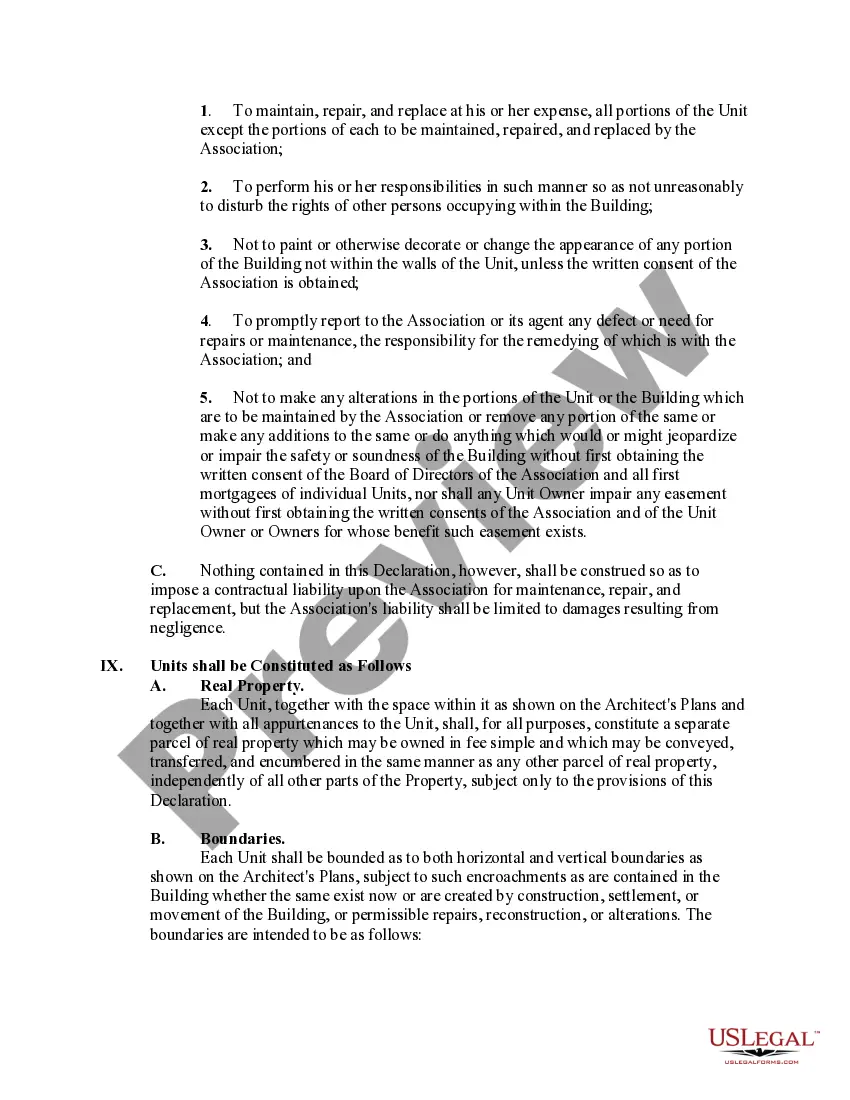
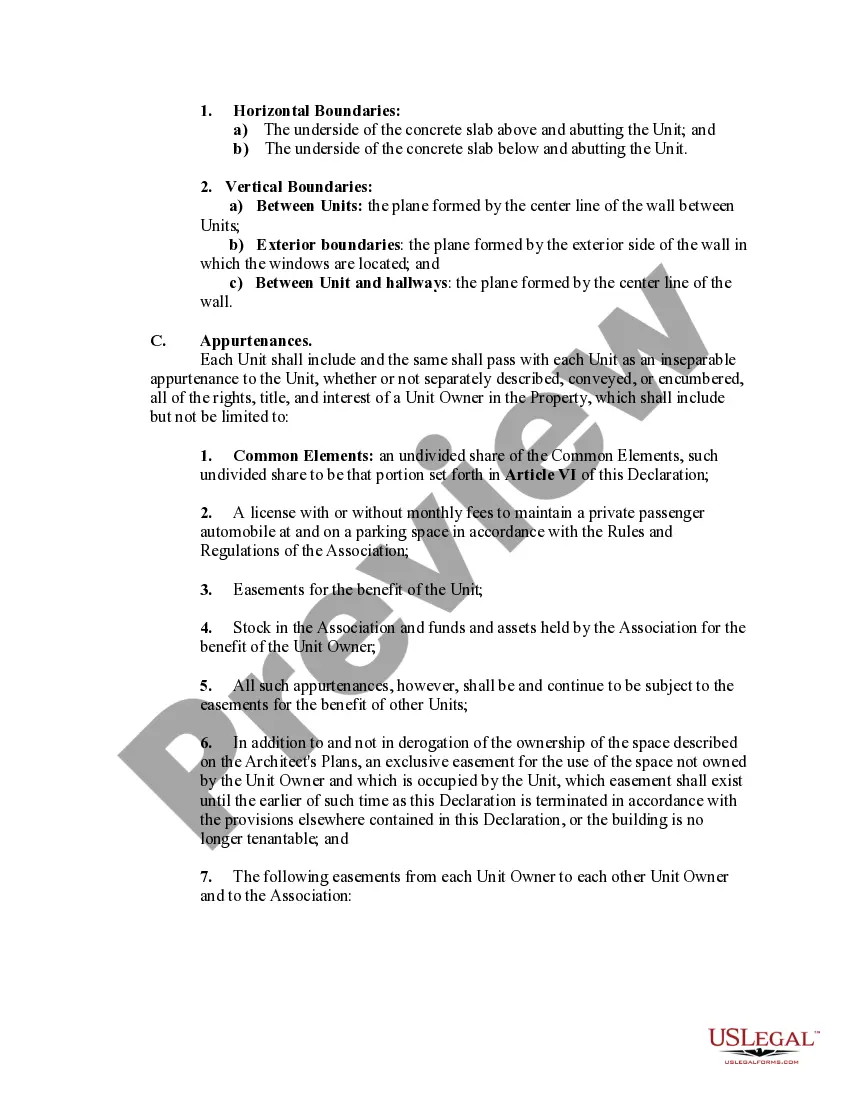
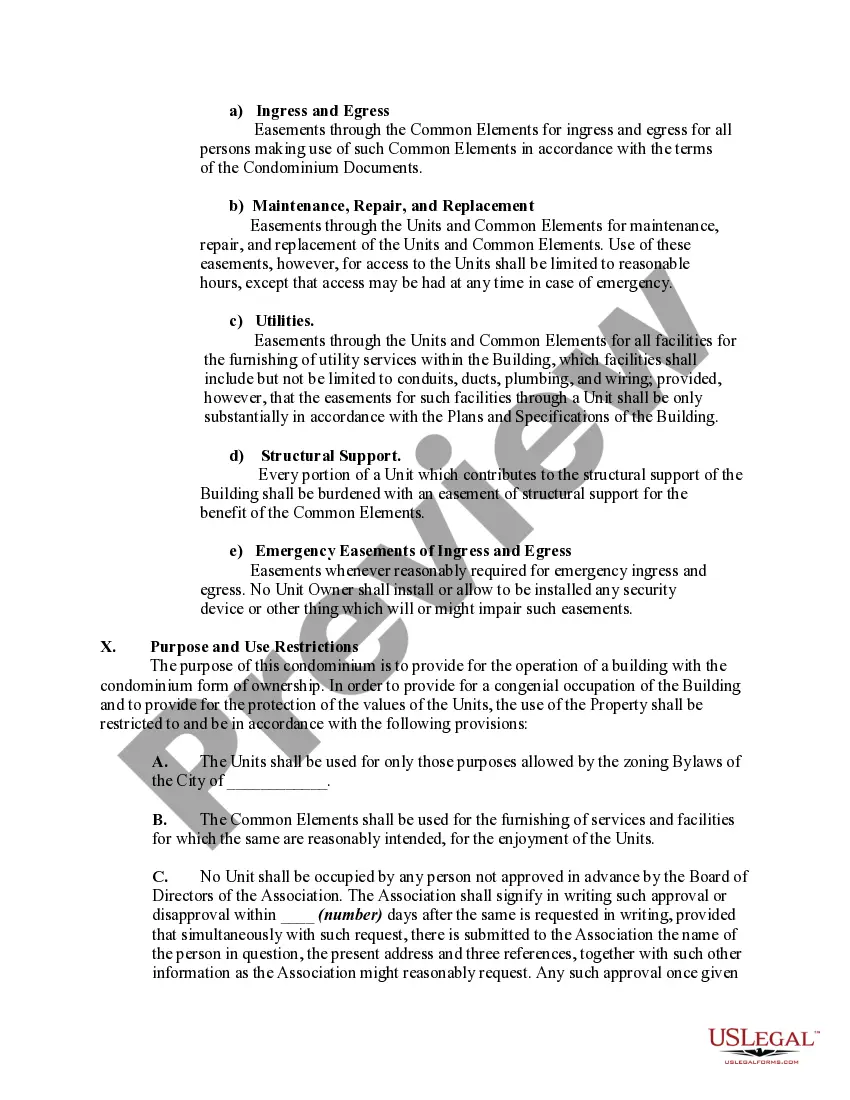
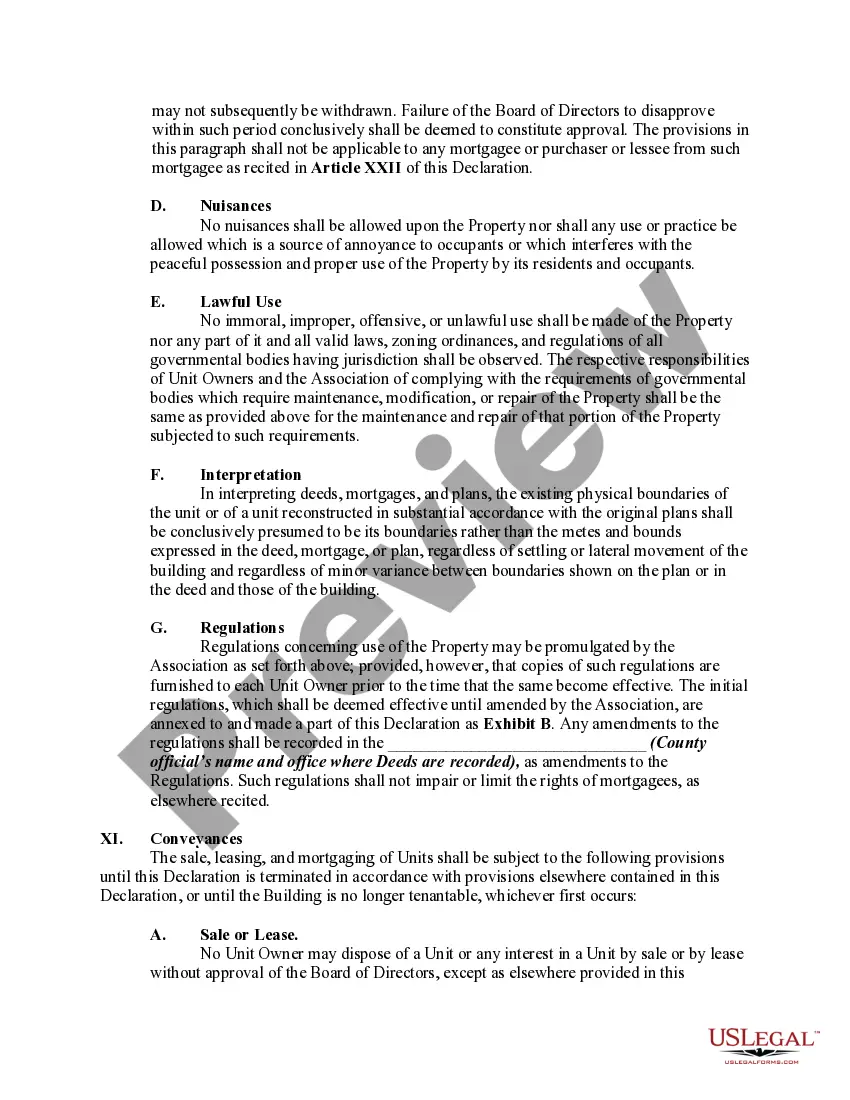


Get your form ready online
Our built-in tools help you complete, sign, share, and store your documents in one place.
Make edits, fill in missing information, and update formatting in US Legal Forms—just like you would in MS Word.
Download a copy, print it, send it by email, or mail it via USPS—whatever works best for your next step.
Sign and collect signatures with our SignNow integration. Send to multiple recipients, set reminders, and more. Go Premium to unlock E-Sign.
If this form requires notarization, complete it online through a secure video call—no need to meet a notary in person or wait for an appointment.
We protect your documents and personal data by following strict security and privacy standards.

Make edits, fill in missing information, and update formatting in US Legal Forms—just like you would in MS Word.

Download a copy, print it, send it by email, or mail it via USPS—whatever works best for your next step.

Sign and collect signatures with our SignNow integration. Send to multiple recipients, set reminders, and more. Go Premium to unlock E-Sign.

If this form requires notarization, complete it online through a secure video call—no need to meet a notary in person or wait for an appointment.

We protect your documents and personal data by following strict security and privacy standards.
Looking for another form?








How to fill out Master Deed Declaration Of Condominium?
Obtaining legal templates that adhere to federal and local regulations is essential, and the web provides numerous choices to select from.
However, what's the advantage of spending time searching for the suitable Condominium Real Estate Document With Iphone example online when the US Legal Forms digital library already houses those templates consolidated in one location.
US Legal Forms stands as the top online legal repository with over 85,000 customizable templates crafted by lawyers for any business and personal circumstances.
- They are straightforward to navigate with all files organized by state and intended use.
- Our experts stay updated on legislative shifts, ensuring your form is current and compliant when acquiring a Condominium Real Estate Document With Iphone from our site.
- Acquiring a Condominium Real Estate Document With Iphone is straightforward and quick for both existing and new users.
- If you possess an account with an active subscription, sign in and retrieve the document sample you require in the appropriate format.
- For newcomers to our platform, follow these steps.
Form popularity
FAQ
Yes, you can use your iPhone as a scanner for documents, including a condominium real estate document with iPhone. Applications like Notes or third-party scanning apps allow you to capture images of your physical documents, converting them into PDFs. This feature enables you to easily store and share important documents without needing a separate scanner.
Absolutely, there are several document apps available for iPhone, such as Google Docs, Microsoft Word, and Notability. These apps allow you to create, edit, and share documents conveniently. They are especially beneficial for handling important files like your condominium real estate document with iPhone, ensuring you have access anytime you need.
Yes, your iPhone includes the Files app, which acts as a centralized location for managing documents. You can store, organize, and access your condominium real estate document with iPhone and other files easily. The Files app integrates seamlessly with cloud services, providing efficient document management on the go.
To create a document on your iPhone, you can use apps like Pages or Microsoft Word. Simply open the app, select the type of document you want to create, and start inputting your content. This process is particularly useful for drafting a condominium real estate document with iPhone, allowing you to save and share important information seamlessly.
IPhone documents refer to files created and stored on your iPhone, which can include a variety of formats such as PDFs, Word documents, and even images. When it comes to managing your condominium real estate document with iPhone, these files can be crucial for tracking ownership and legal obligations. Users can easily access and edit these documents on their devices for convenience.
Yes, iPhones come with a built-in document scanner feature that allows you to scan a condominium real estate document with your iPhone easily. This feature is accessible through the Notes app, which provides a simple and efficient way to digitize your important documents. You can enhance the scanned documents by adjusting the color and cropping, ensuring your scans are clear and professional.
To scan a condominium real estate document with your iPhone, open the Notes app and create a new note. Tap the camera icon at the bottom and select 'Scan Documents.' Align your document in the camera frame, and your iPhone will automatically capture it. You can then save the scan and share it directly or upload it to your preferred platform.