Parental Consent For Gcash
Description
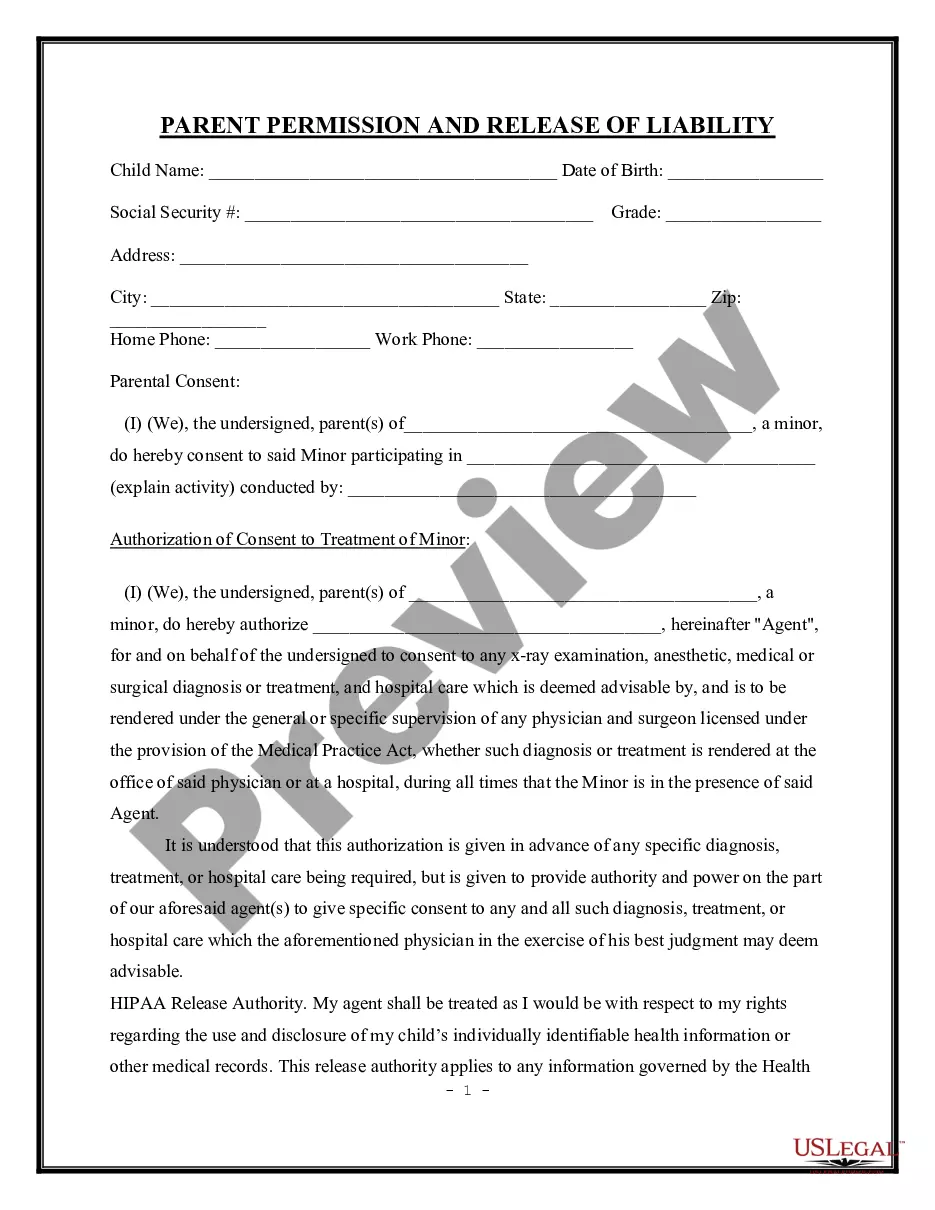
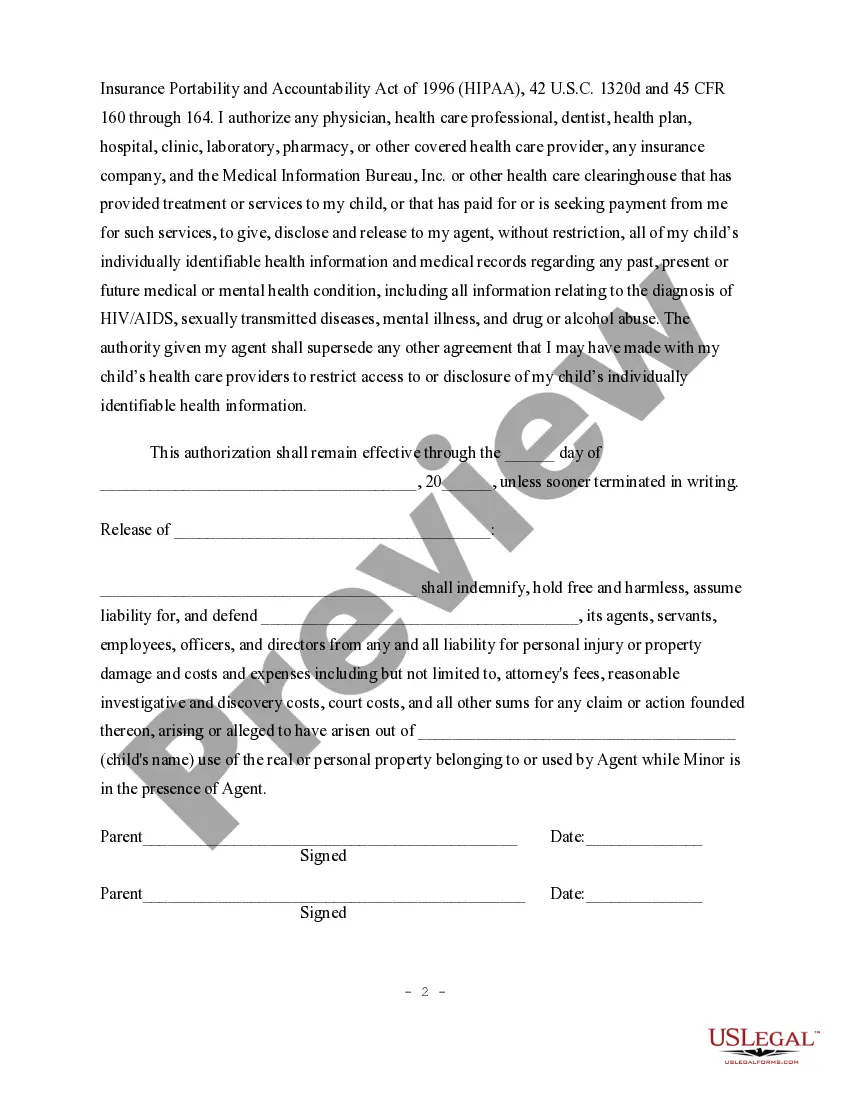
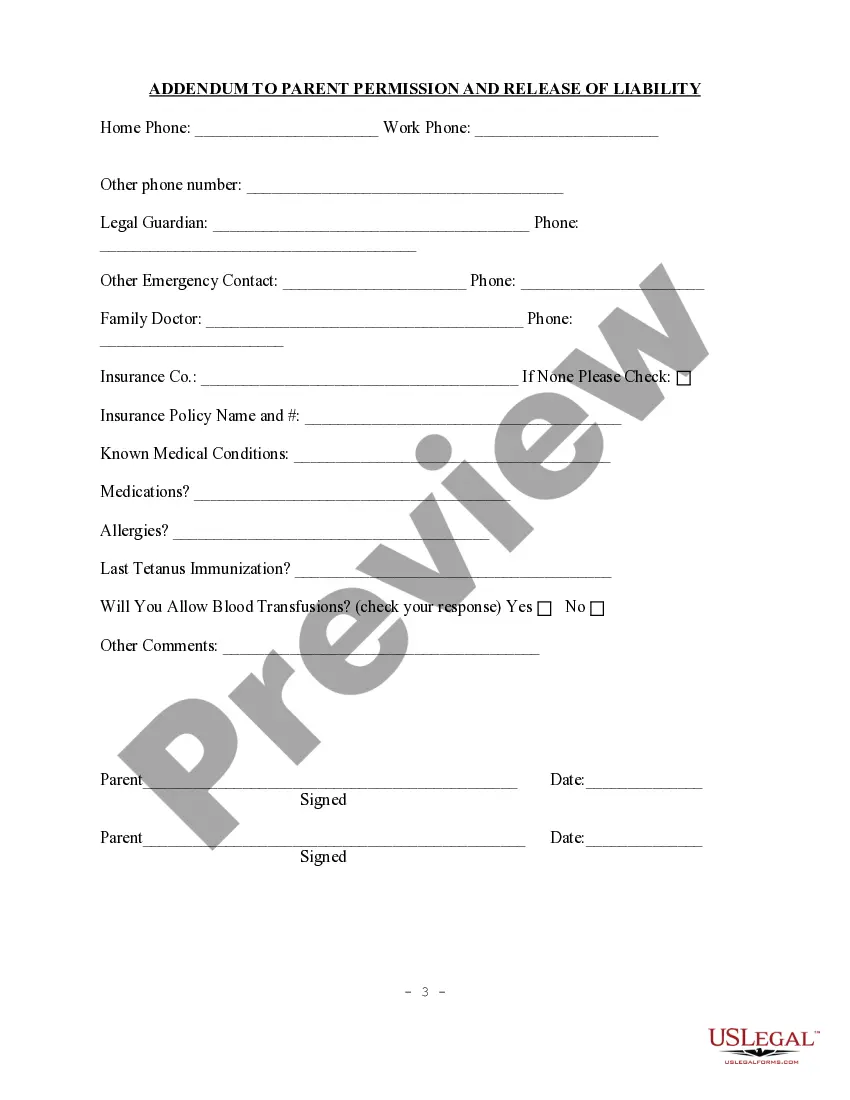
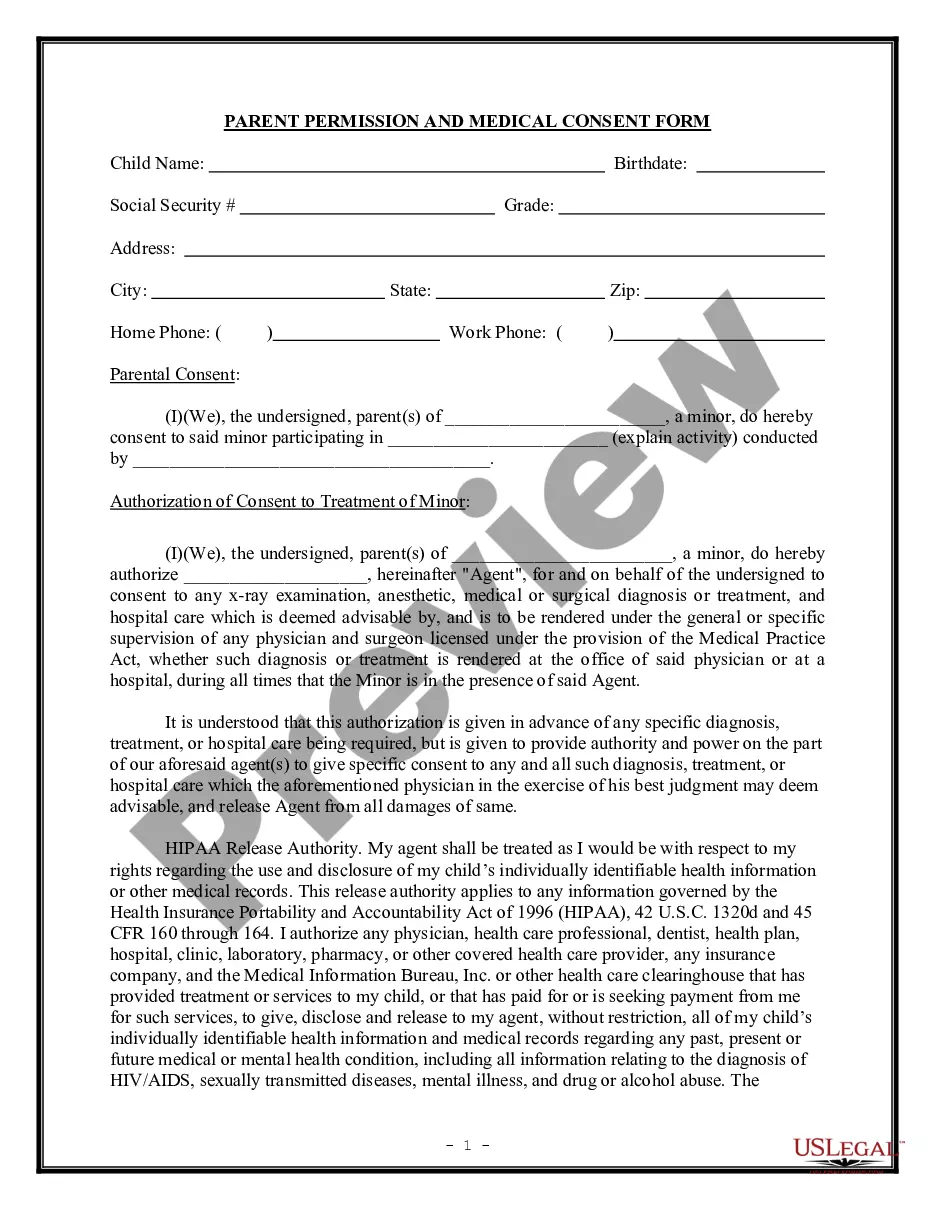
Get your form ready online
Our built-in tools help you complete, sign, share, and store your documents in one place.
Make edits, fill in missing information, and update formatting in US Legal Forms—just like you would in MS Word.
Download a copy, print it, send it by email, or mail it via USPS—whatever works best for your next step.
Sign and collect signatures with our SignNow integration. Send to multiple recipients, set reminders, and more. Go Premium to unlock E-Sign.
If this form requires notarization, complete it online through a secure video call—no need to meet a notary in person or wait for an appointment.
We protect your documents and personal data by following strict security and privacy standards.

Make edits, fill in missing information, and update formatting in US Legal Forms—just like you would in MS Word.

Download a copy, print it, send it by email, or mail it via USPS—whatever works best for your next step.

Sign and collect signatures with our SignNow integration. Send to multiple recipients, set reminders, and more. Go Premium to unlock E-Sign.

If this form requires notarization, complete it online through a secure video call—no need to meet a notary in person or wait for an appointment.

We protect your documents and personal data by following strict security and privacy standards.
Looking for another form?
How to fill out Parental Permission, Medical Consent And Release Of Liability?
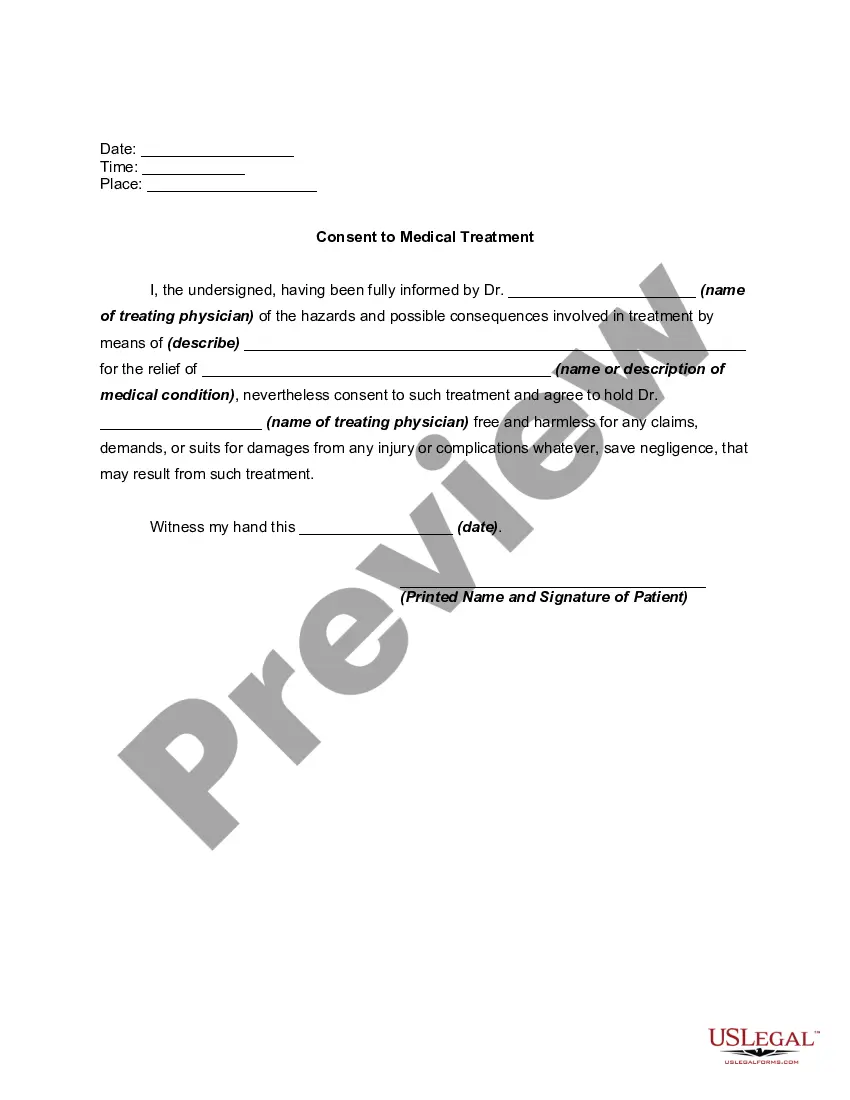
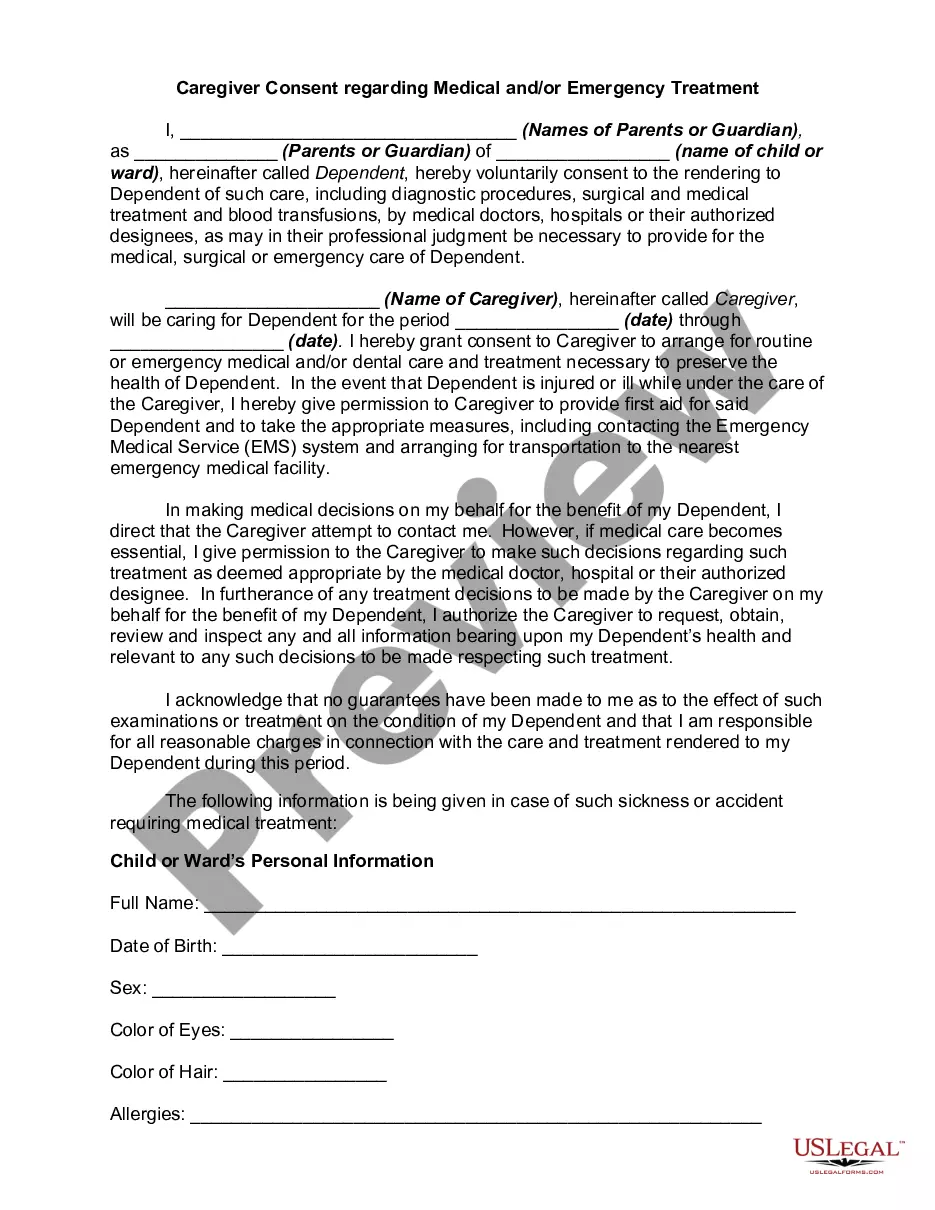
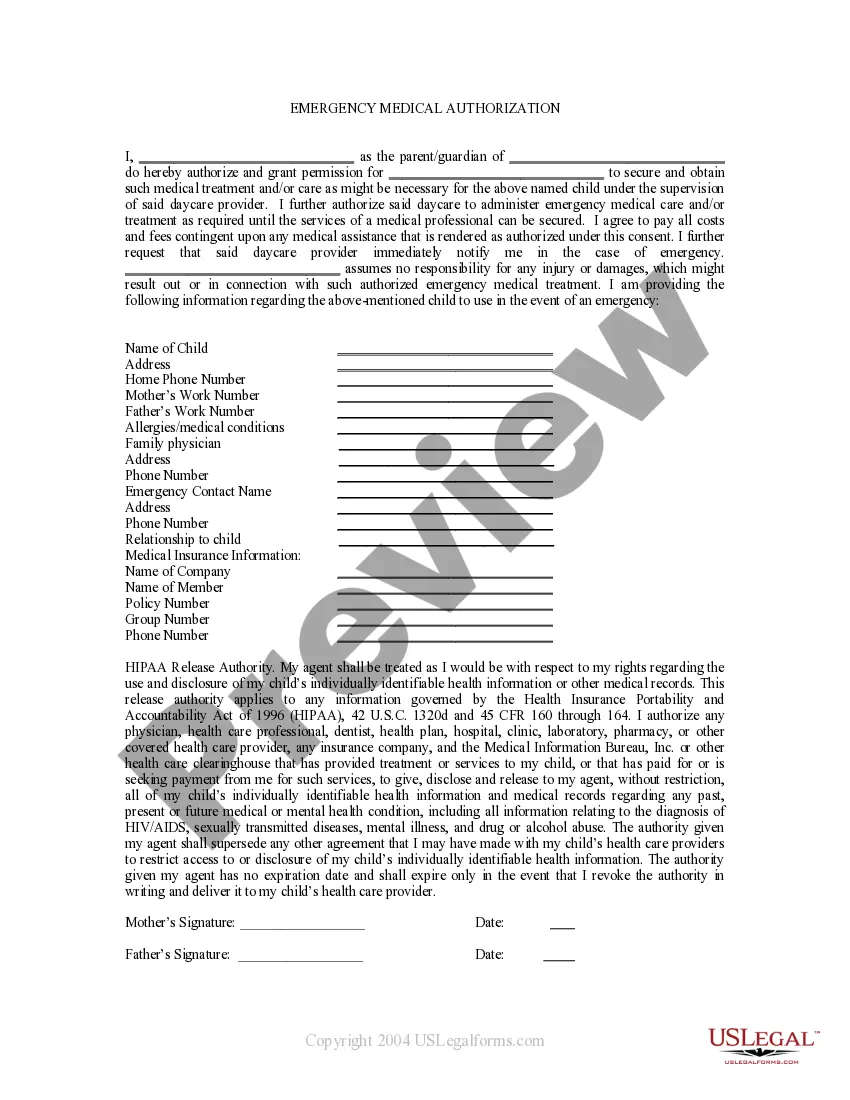
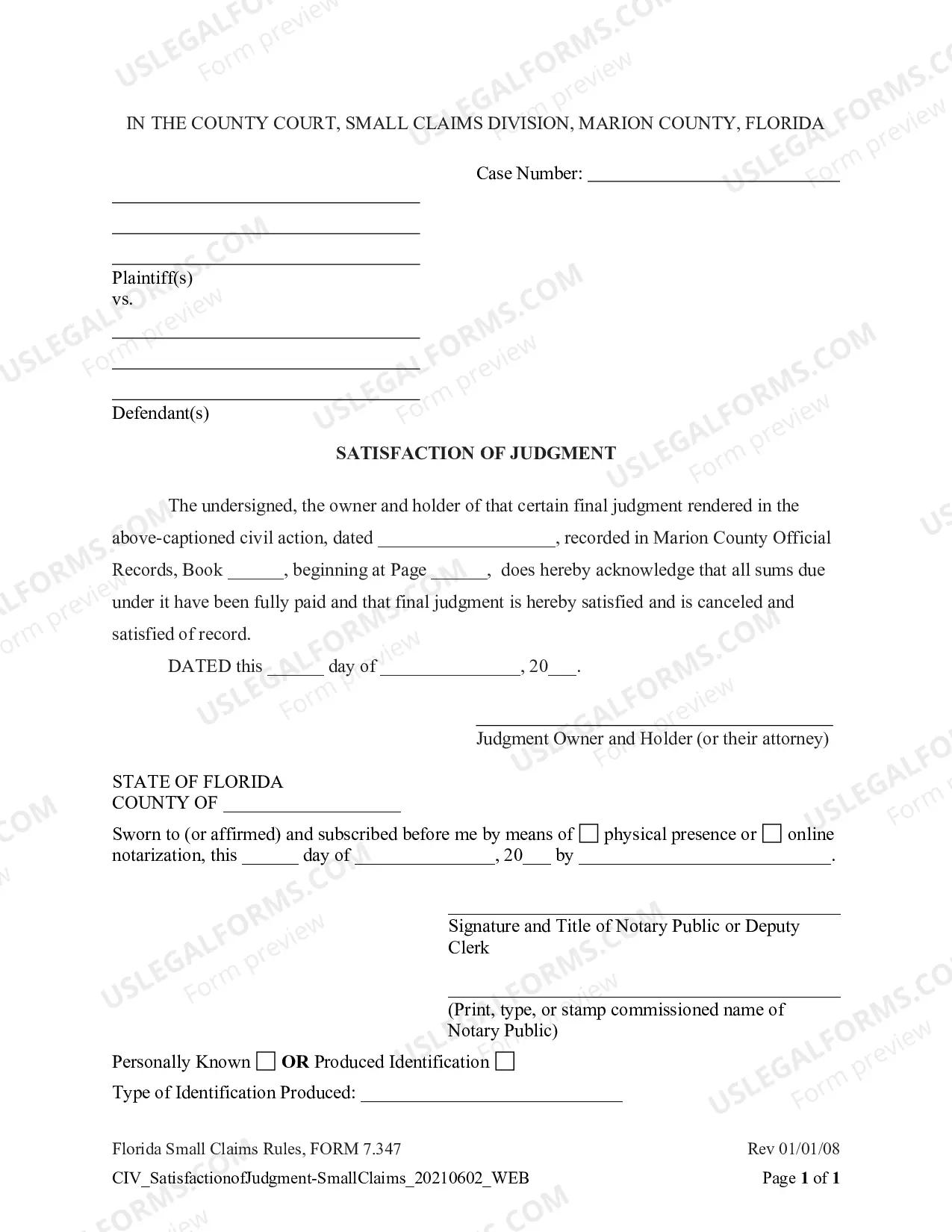
The Parental Authorization For Gcash you observe on this page is a versatile formal model crafted by expert attorneys in accordance with federal and local laws.
For over 25 years, US Legal Forms has supplied individuals, companies, and legal experts with over 85,000 authenticated, state-specific documents for any commercial and personal scenario. It’s the quickest, most straightforward, and most reliable method to acquire the papers you require, as the service ensures bank-level data security and anti-malware safeguards.
Choose the format you desire for your Parental Authorization For Gcash (PDF, DOCX, RTF) and download the sample onto your device.
- Search for the document you require and assess it.
- Browse the file you searched and preview it or examine the form description to verify it meets your requirements. If it does not, utilize the search feature to find the correct one. Click Buy Now once you have located the template you need.
- Subscribe and Log In.
- Select the pricing plan that fits you and create an account. Use PayPal or a credit card to make a quick payment. If you already have an account, Log In and check your subscription to proceed.
- Obtain the fillable template.
Form popularity
FAQ
Please submit a photo of the original copy of the minor's Birth Certificate and a Parent's Consent letter stating that you are opening a GCash Jr account with their permission. Foreign Nationals above 18 years old need to submit their Alien Certificate of Registration (ACR) or Passport to get Fully Verified in GCash.
Similar to regular GCash accounts, GCash Jr. follows a stringent KYC (Know-your-customer) process. All you need to do is to download the GCash app and minors aged 7 to 17 years old will just need to submit a photo of any of the following IDs: student ID, passport, or national ID.
The corresponding GCash wallet and transaction limits apply to a GCash Jr account. To fully verify your GCash Jr account, your parent must give consent in the form of requirements and must agree to GCash's terms and conditions. A parent that is Fully Verified on GCash with the following details: Your Parent's full name.
Please submit a photo of the original copy of the minor's Birth Certificate and a Parent's Consent letter stating that you are opening a GCash Jr account with their permission. Foreign Nationals above 18 years old need to submit their Alien Certificate of Registration (ACR) or Passport to get Fully Verified in GCash.
Customize the downloaded template or new letter with your child's information, including their full name, date of birth, or any relevant identification details. Provide specific details about the consent, such as the event or activity your child is participating in and any related dates or duration.