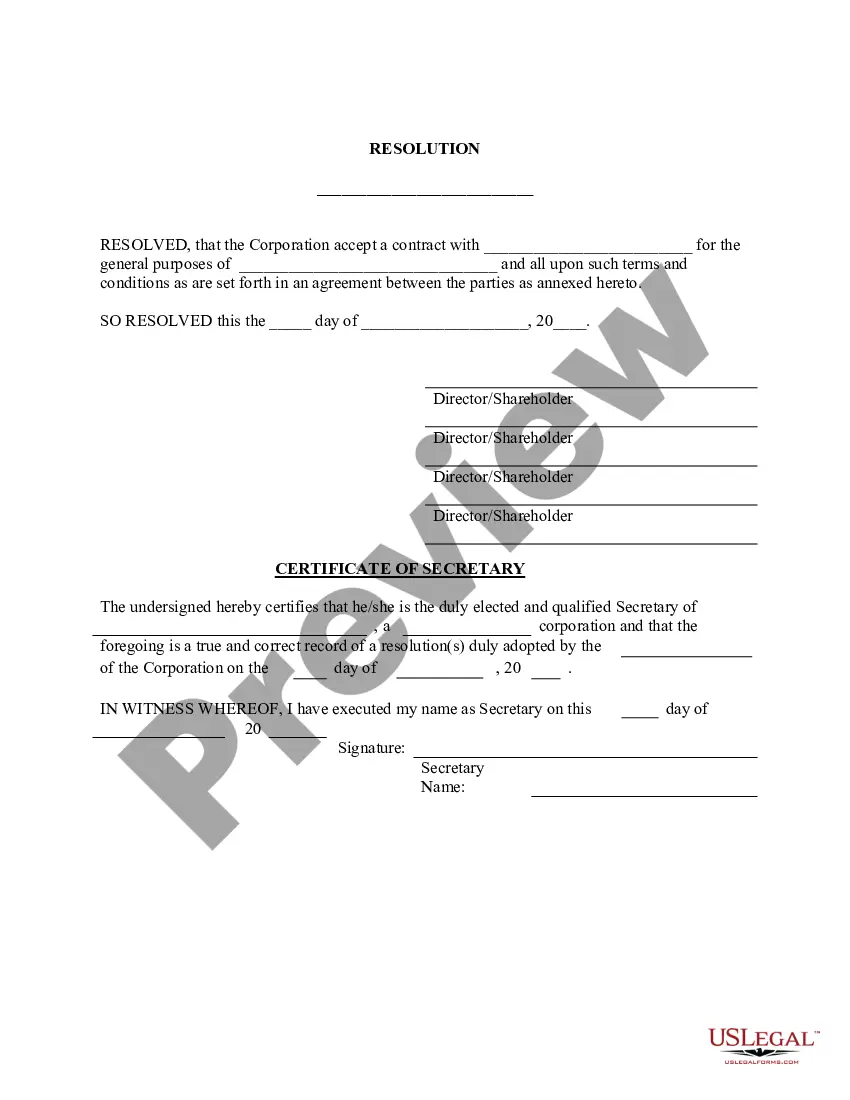
Contract Approval Form Template
Description


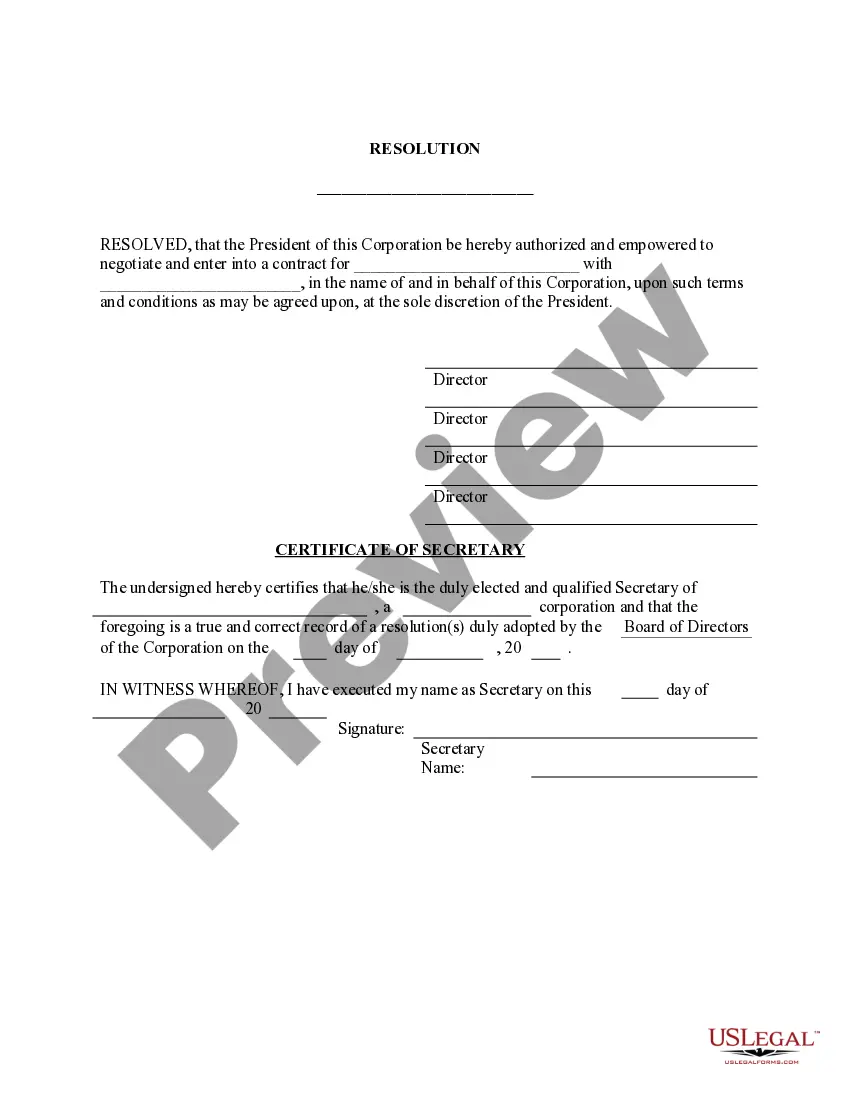

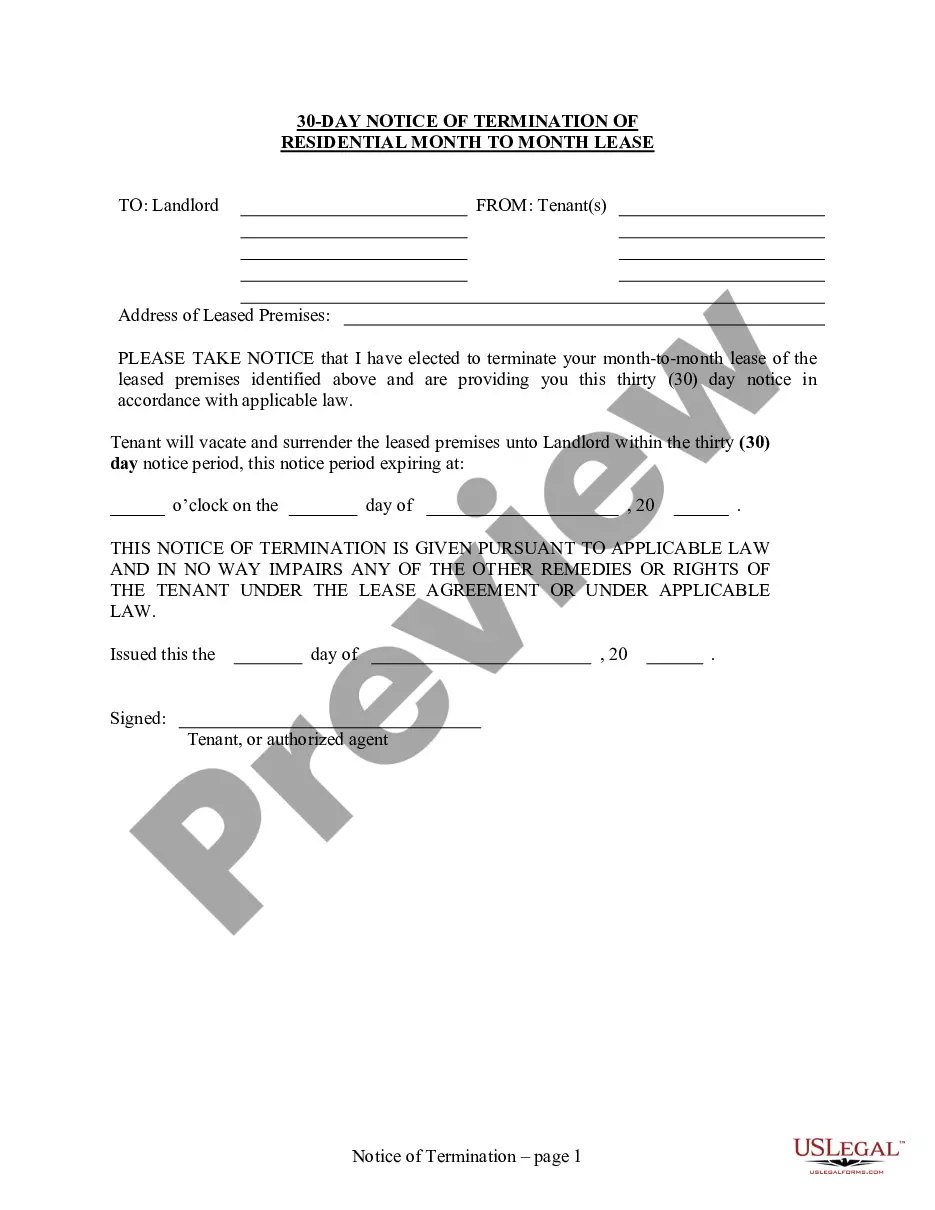
How to fill out Acceptance Of Contract - Resolution Form - Corporate Resolutions?
The Contract Approval Form Template presented on this page is a versatile official template crafted by experienced attorneys in compliance with federal and local laws and regulations. For over 25 years, US Legal Forms has supplied individuals, entities, and lawyers with more than 85,000 validated, state-specific documents for any business and personal need. It’s the quickest, most straightforward, and most trustworthy method to acquire the paperwork you require, as the service ensures bank-level data protection and anti-malware safeguards.
Acquiring this Contract Approval Form Template will require you only a few easy steps.
Subscribe to US Legal Forms to have validated legal templates for all of life’s situations at your fingertips.
- Search for the document you require and examine it. Browse through the file you searched and preview it or review the form description to confirm it meets your needs. If it does not, utilize the search feature to locate the appropriate one. Click Buy Now when you have located the template you need.
- Register and Log In. Choose the payment plan that fits you and create an account. Use PayPal or a credit card to make a quick payment. If you already possess an account, Log In and review your subscription to proceed.
- Acquire the fillable template. Select the format you desire for your Contract Approval Form Template (PDF, DOCX, RTF) and store the sample on your device.
- Complete and sign the document. Print the template to fill it out manually. Alternatively, employ an online multifunctional PDF editor to swiftly and accurately complete and sign your form with a valid signature.
- Download your documents once more. Utilize the same document again whenever necessary. Access the My documents tab in your profile to redownload any forms you previously saved.
Form popularity
FAQ
How to draft a contract between two parties: A step-by-step checklist Check out the parties. ... Come to an agreement on the terms. ... Specify the length of the contract. ... Spell out the consequences. ... Determine how you would resolve any disputes. ... Think about confidentiality. ... Check the contract's legality. ... Open it up to negotiation.
Contract templates: The basics The intention of the contract: why do they enter into a business relationship. The agreement: what is the object of the business relationship. The consideration: what is the remuneration for the object. The agreement: Declaration of agreement of the agreed content.
Create an introductory paragraph with the legal names and contact information for all parties and a start/end date for the contract. Define the key terms that appear in the document for clarity (e.g., unit price) Define the scope of work, deliverables, and responsibilities of each party.
Hear this out loud PauseStep 1) The person requesting the contract completes section A and emails it to the approver. Step 2) The approver reviews it and approves or rejects the request (recording their decision on the form). Step 3) If approved, the form is sent on to the relevant team(s) to setup the Supplier & Contract.
Hear this out loud PauseFor example, a typical contract approval workflow might look like this: The contract creator in the sales team sends the contract for approval. The contract is then reviewed by legal counsel, who can approve or reject it. The contract is also reviewed by finance and operations, who provide their verdict.