Release Form For Onlyfans
Description
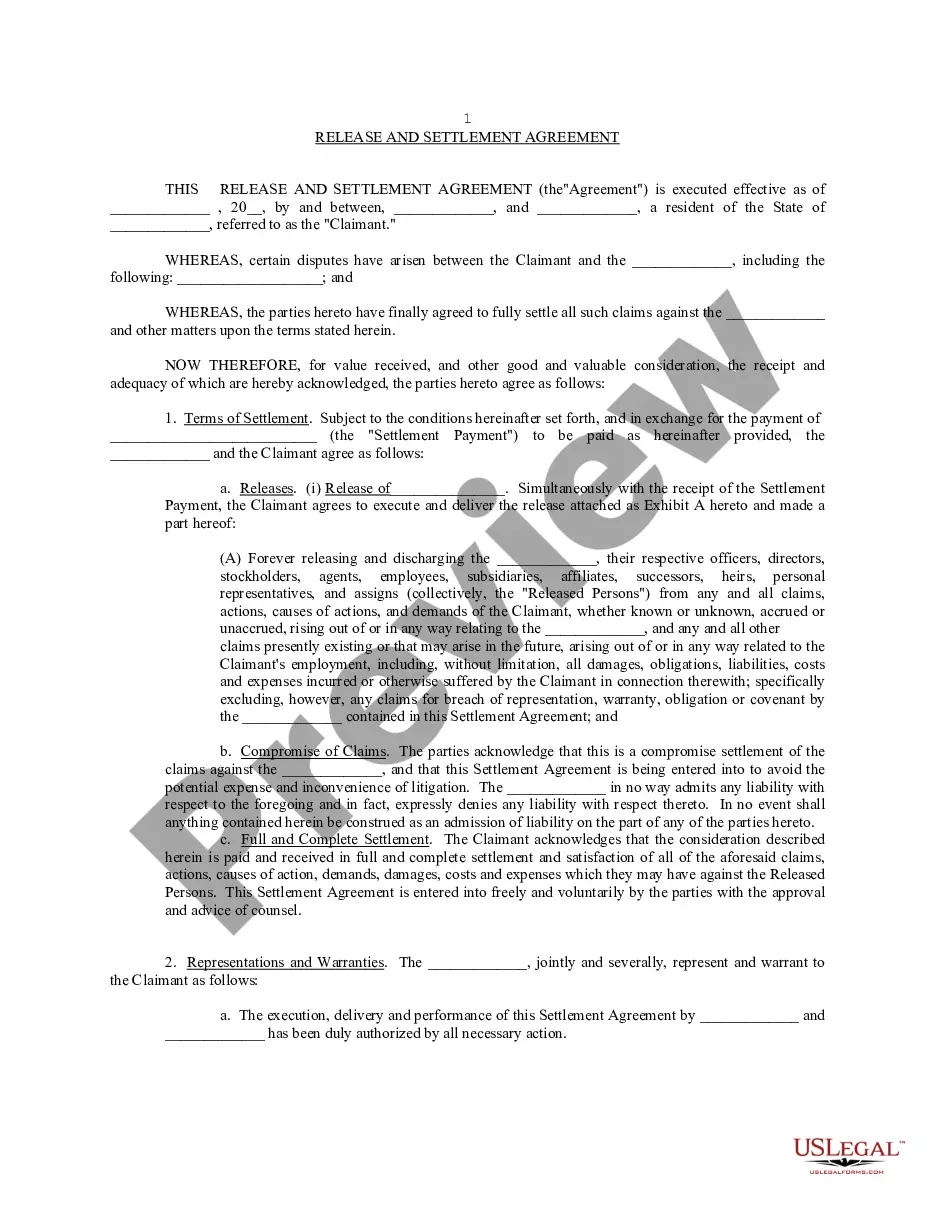
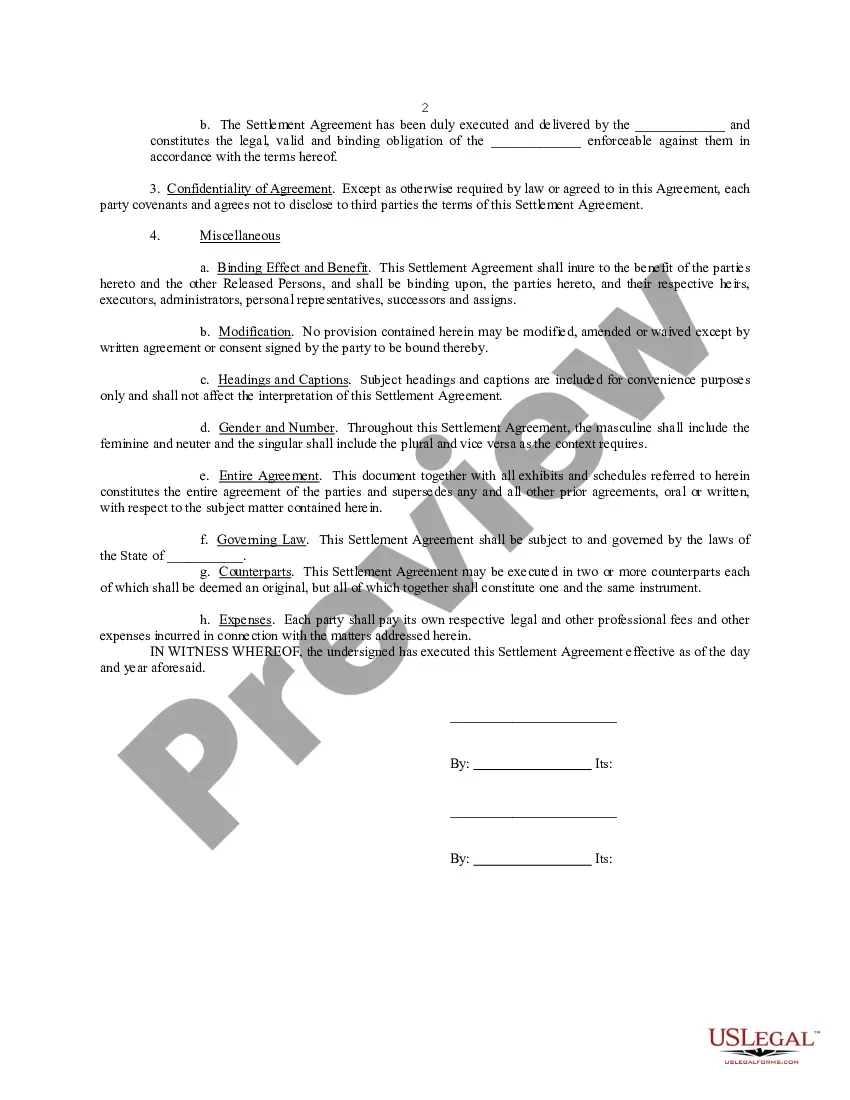
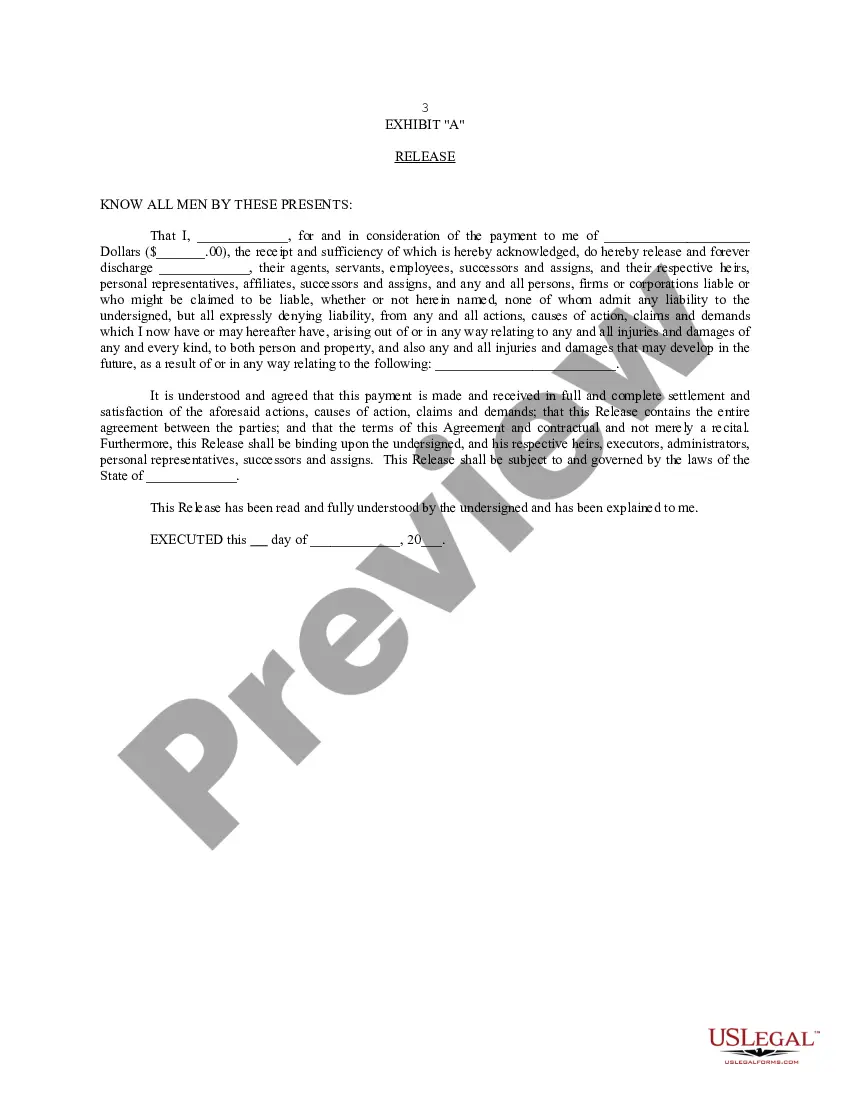
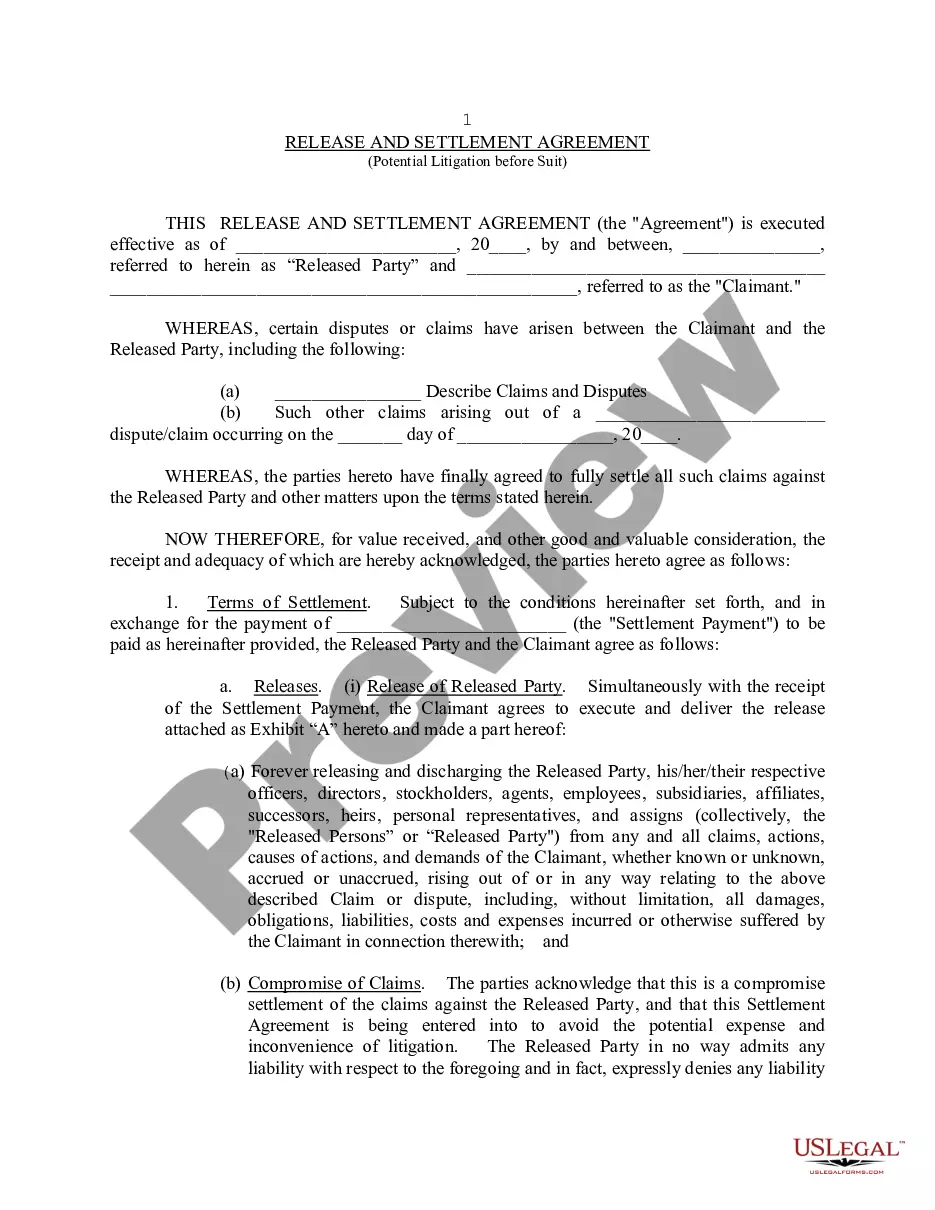
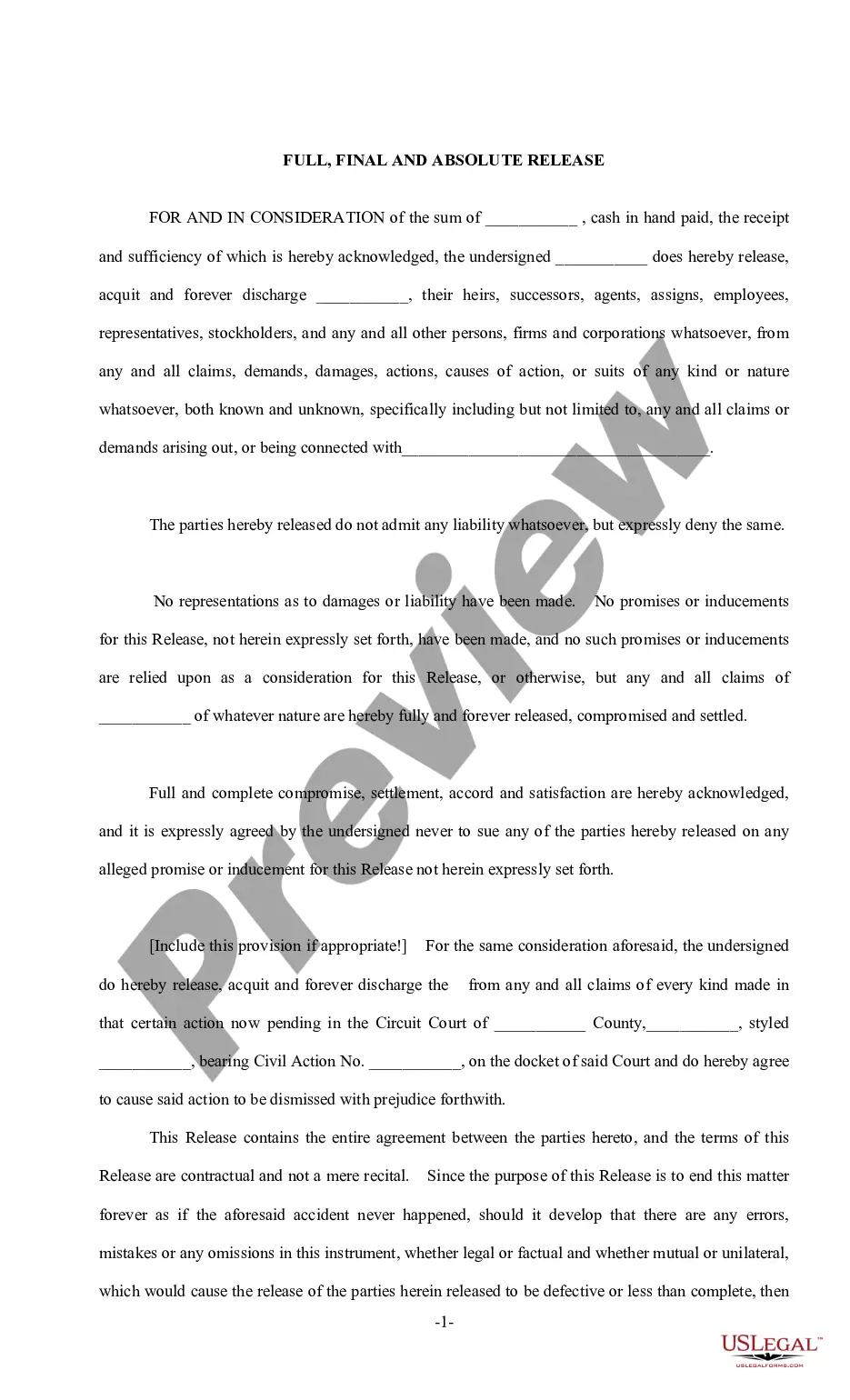
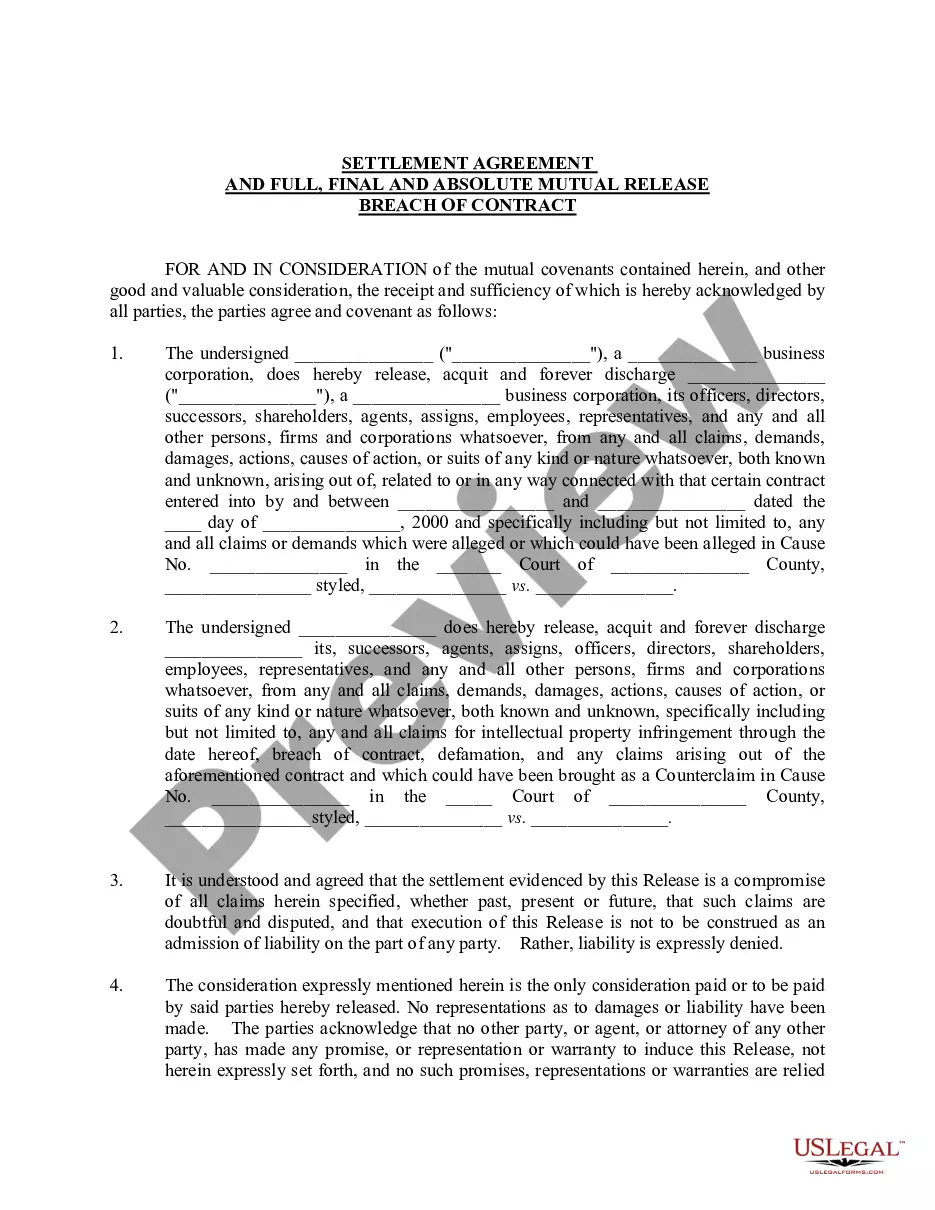
Get your form ready online
Our built-in tools help you complete, sign, share, and store your documents in one place.
Make edits, fill in missing information, and update formatting in US Legal Forms—just like you would in MS Word.
Download a copy, print it, send it by email, or mail it via USPS—whatever works best for your next step.
Sign and collect signatures with our SignNow integration. Send to multiple recipients, set reminders, and more. Go Premium to unlock E-Sign.
If this form requires notarization, complete it online through a secure video call—no need to meet a notary in person or wait for an appointment.
We protect your documents and personal data by following strict security and privacy standards.

Make edits, fill in missing information, and update formatting in US Legal Forms—just like you would in MS Word.

Download a copy, print it, send it by email, or mail it via USPS—whatever works best for your next step.

Sign and collect signatures with our SignNow integration. Send to multiple recipients, set reminders, and more. Go Premium to unlock E-Sign.

If this form requires notarization, complete it online through a secure video call—no need to meet a notary in person or wait for an appointment.

We protect your documents and personal data by following strict security and privacy standards.
Looking for another form?
How to fill out Release And Settlement Agreement?
Legal documentation management can be daunting, even for the most skilled professionals.
When you are looking for a Release Form For Onlyfans and lack the time to devote to finding the appropriate and current version, the process can be stressful.
Gain access to a repository of articles, guides, and materials that are highly pertinent to your circumstances and requirements.
Save time and energy in searching for the necessary documents, and utilize US Legal Forms’ advanced search and Review feature to locate Release Form For Onlyfans and obtain it.
Select the format you desire, and Download, complete, eSign, print, and send your documents. Take advantage of the US Legal Forms online collection, backed by 25 years of expertise and trustworthiness. Transform your daily document management into a seamless and user-friendly experience today.
- If you have a subscription, Log In to your US Legal Forms account, find the form, and acquire it.
- Check the My documents section to review documents you previously downloaded and manage your folders as you prefer.
- If it’s your first time with US Legal Forms, create an account for unlimited access to all the features of the library.
- After downloading the desired form, verify that it is the correct form by previewing it and reviewing its details.
- Confirm that the template is acceptable in your state or region.
- Select Buy Now when you are prepared.
- Choose a subscription plan.
- Access state- or region-specific legal and business documents.
- US Legal Forms caters to any requirements you may have, from personal to commercial papers, all in one location.
- Leverage advanced tools to create and manage your Release Form For Onlyfans.
Form popularity
FAQ
In Florida, there is no requirement that durable power of attorney forms be filed somewhere specific. Some attorneys will record the durable power of attorneys in the public records in the county where the principal is located.
The POA cannot transfer the responsibility to another Agent at any time. The POA cannot make any legal or financial decisions after the death of the Principal, at which point the Executor of the Estate would take over. The POA cannot distribute inheritances or transfer assets after the death of the Principal.
Under the new law, durable and non-durable powers of attorney must be signed by the principal in the presence of two witnesses and acknowledged before a notary. 8. Photocopies are acceptable.
Complete the form, sign it, and have it notarized or witnessed. If you create a medical POA, you need to sign the form in the presence of two witnesses, who must also sign. If you create any other type of POA, you need two witness signatures plus the acknowledgement and signature of a notary public.
To make a Florida POA, you must: Be at least 18 years old. Be ?of sound mind,? meaning you understand the effects of making a POA. Sign your POA in the presence of two competent adult witnesses and (unless you're making a medical POA) a notary.
Termination and revocation of the Florida Power of Attorney You may revoke the power of attorney by executing another writing revoking the power of attorney or by creating a new power of attorney and expressing that the new power of attorney will revoke any previous authority given.
An original power of attorney may be required to be recorded into the Official Records if it is relied upon to affect title to real property. Please seek legal advice regarding use of a power of attorney or review Florida Statute 709 Part II.