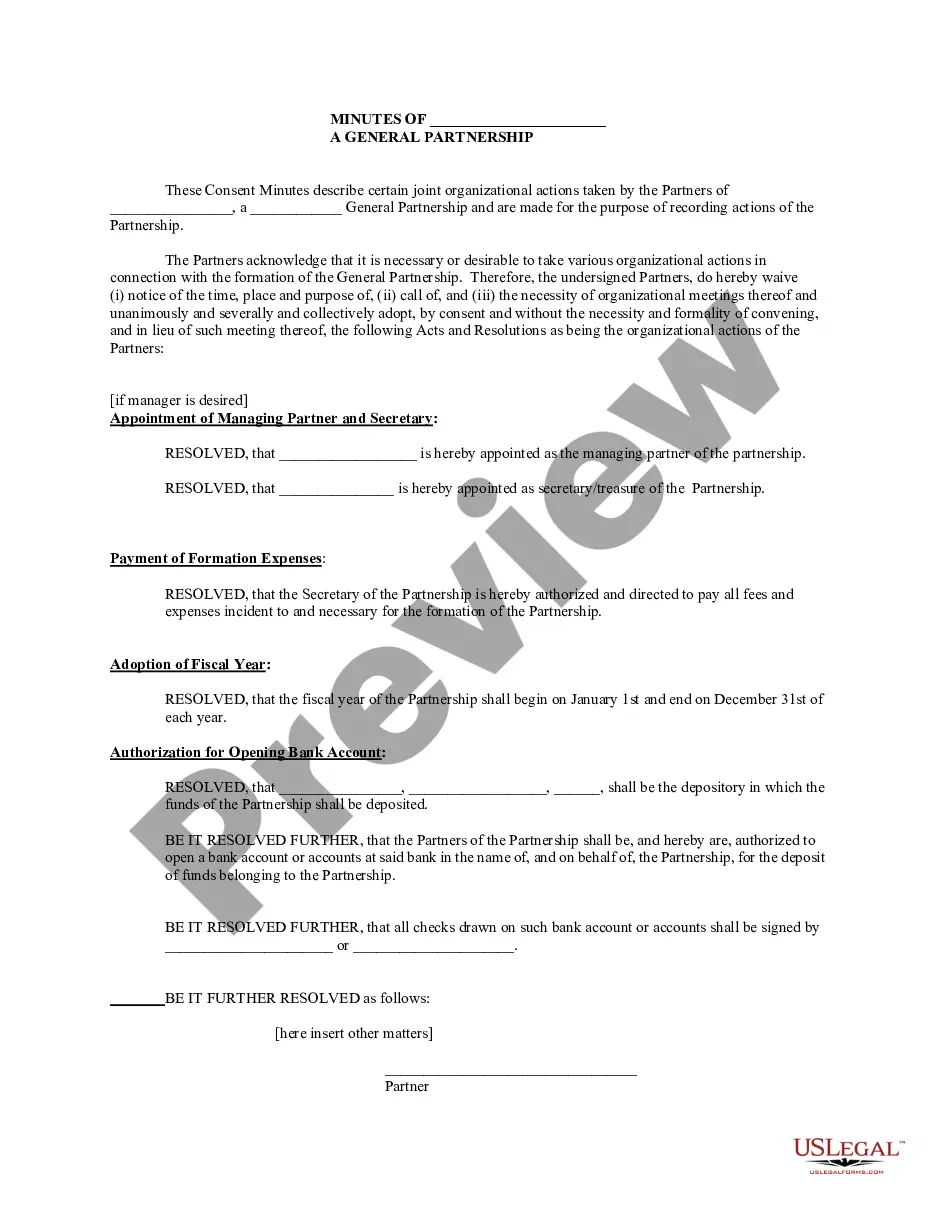
Partnership Meeting Minutes Template For Project Management
Description

Get your form ready online
Our built-in tools help you complete, sign, share, and store your documents in one place.
Make edits, fill in missing information, and update formatting in US Legal Forms—just like you would in MS Word.
Download a copy, print it, send it by email, or mail it via USPS—whatever works best for your next step.
Sign and collect signatures with our SignNow integration. Send to multiple recipients, set reminders, and more. Go Premium to unlock E-Sign.
If this form requires notarization, complete it online through a secure video call—no need to meet a notary in person or wait for an appointment.
We protect your documents and personal data by following strict security and privacy standards.

Make edits, fill in missing information, and update formatting in US Legal Forms—just like you would in MS Word.

Download a copy, print it, send it by email, or mail it via USPS—whatever works best for your next step.

Sign and collect signatures with our SignNow integration. Send to multiple recipients, set reminders, and more. Go Premium to unlock E-Sign.

If this form requires notarization, complete it online through a secure video call—no need to meet a notary in person or wait for an appointment.

We protect your documents and personal data by following strict security and privacy standards.
Looking for another form?




How to fill out Minutes For Partnership?
Managing legal documents can be daunting, even for experienced professionals.
When you're looking for a Partnership Meeting Minutes Template For Project Management and lack the time to find the correct and current version, the experience can be stressful.
US Legal Forms meets all your needs, from personal to business documentation, all in one location.
Utilize sophisticated tools to complete and manage your Partnership Meeting Minutes Template For Project Management.
Here are the steps to follow after downloading the form you need: Verify it is the correct document by previewing and reading its description, ensure the sample is sanctioned in your state or county, click Buy Now when ready, choose a subscription plan, locate the format you need, and download, complete, eSign, print, and send your document. Take advantage of the US Legal Forms online library, supported by 25 years of experience and reliability. Streamline your daily document management in a seamless and user-friendly manner today.
- Access a repository of articles, guides, and resources pertinent to your circumstances and requirements.
- Save time and effort in searching for the documents you require, leveraging US Legal Forms' advanced search and Preview feature to locate and download your Partnership Meeting Minutes Template For Project Management.
- If you hold a monthly subscription, Log In to your US Legal Forms account, search for the form, and download it.
- Visit the My documents tab to review the documents you have previously saved and organize your folders as needed.
- If this is your first time using US Legal Forms, create a free account and enjoy unlimited access to the platform's benefits.
- A robust online form repository could be transformative for anyone seeking to navigate these challenges efficiently.
- US Legal Forms stands as a frontrunner in the realm of online legal forms, offering over 85,000 state-specific legal documents available at your convenience.
- With US Legal Forms, you can access legal and business forms tailored to specific states or counties.
Form popularity
FAQ
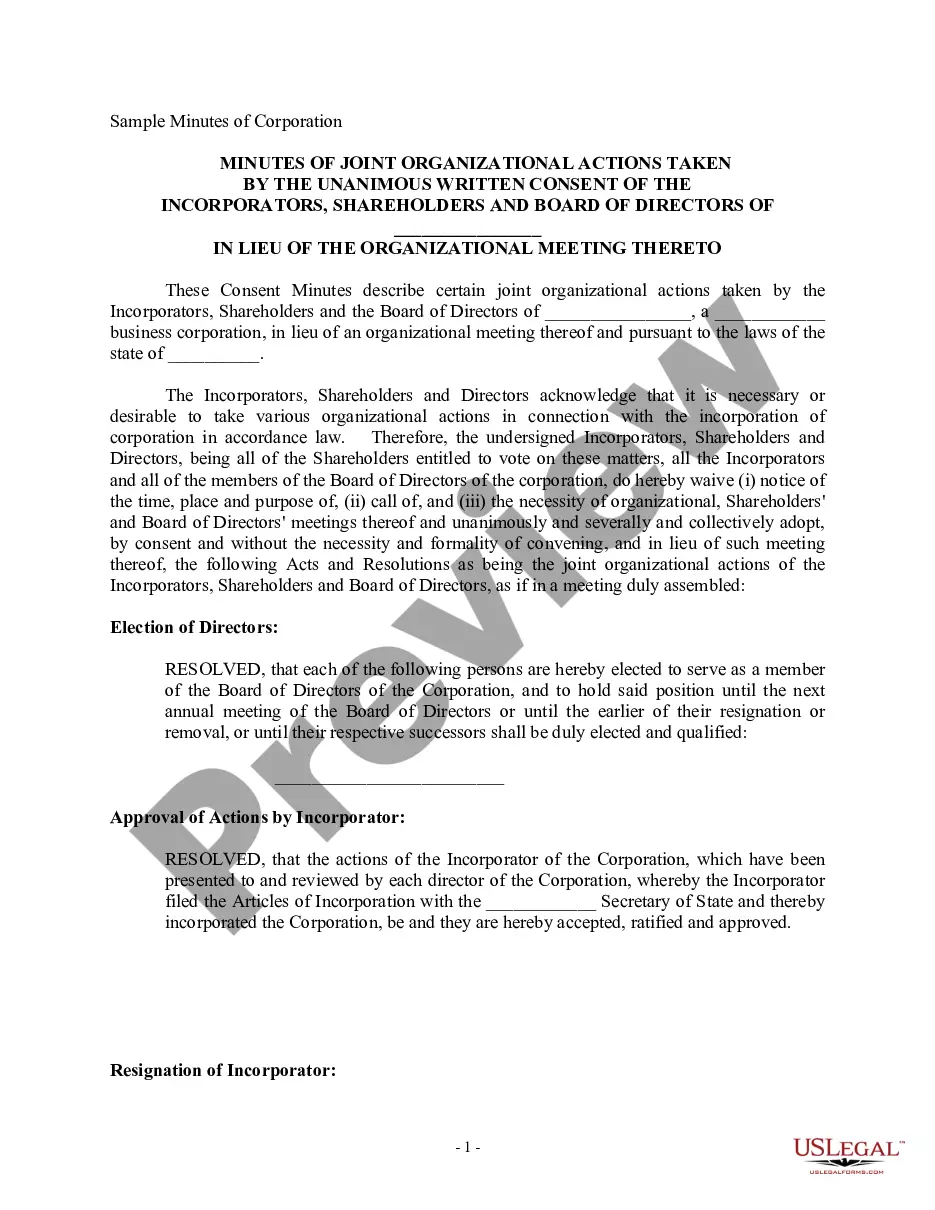
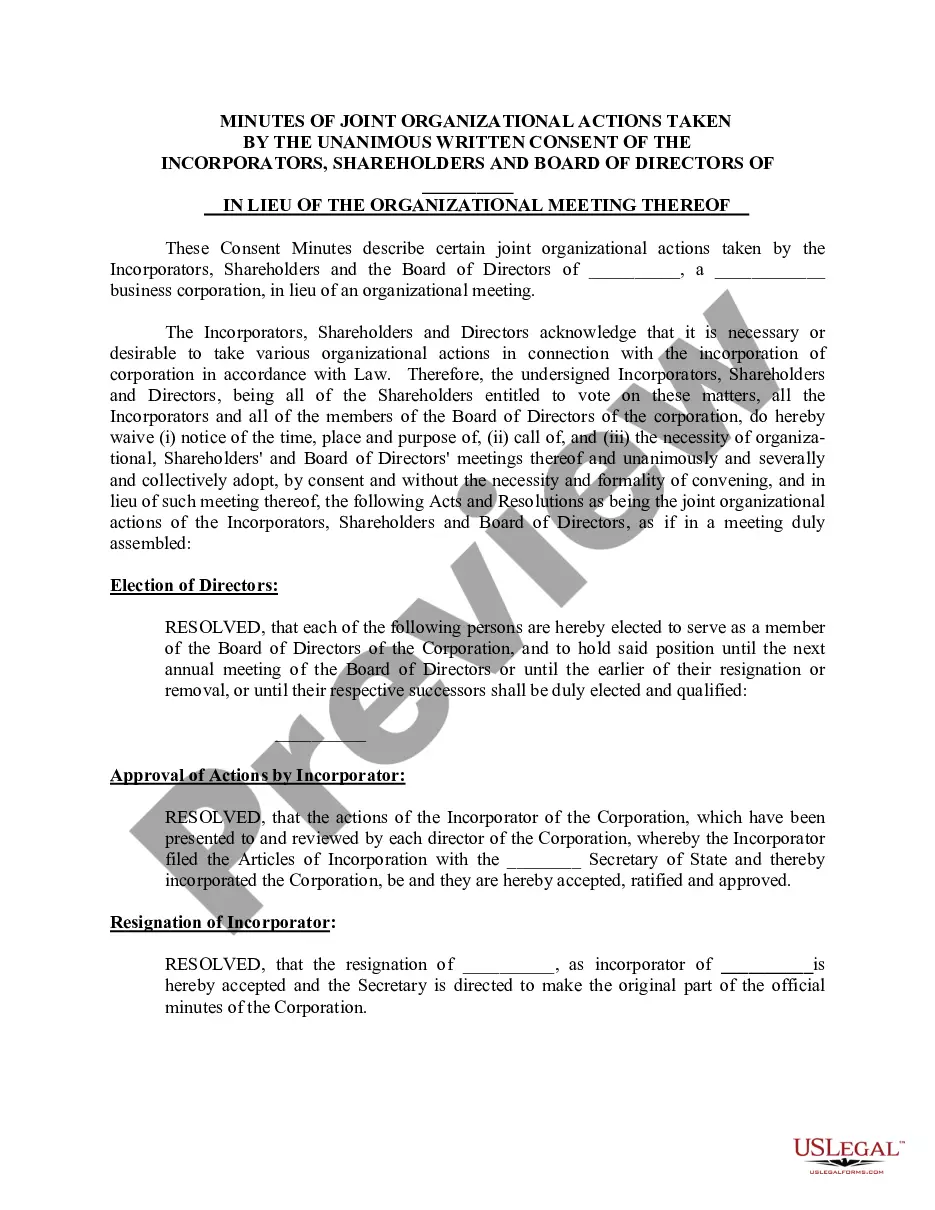
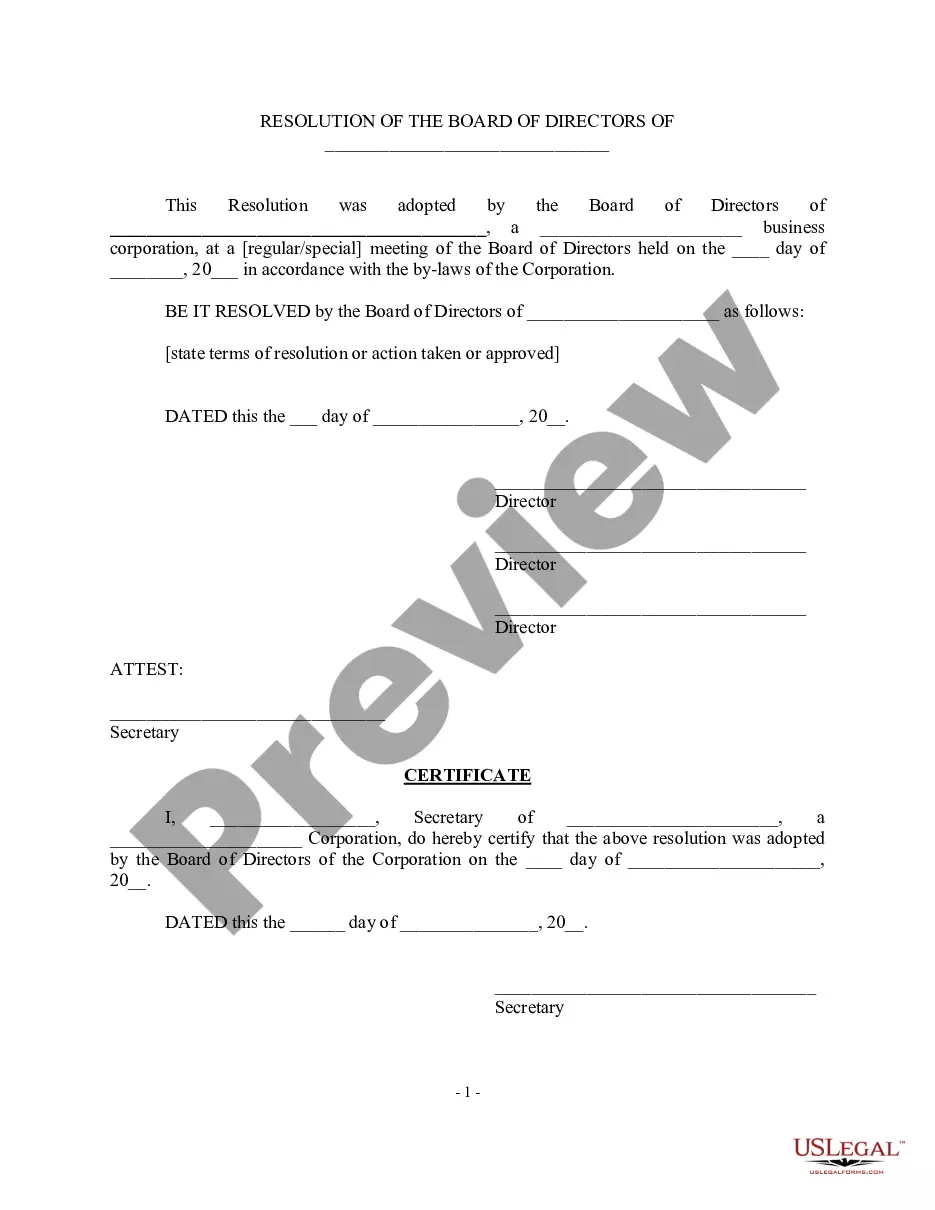
A group may be using a specific format to record notes but, overall, the minutes of a meeting typically include the following details: Date and time the meeting happened. Names of attendees, as well as absent participants. Acceptance of, or amendments made to, the previous meeting's minutes.
5 tips for writing meeting minutes 1 Be consistent. It helps to use a template every time you take meeting minutes. ... 2 Record it. When you start in your secretary role, you might have trouble keeping up with note-taking. ... 3 Make your notes viewable during the meeting. ... 4 Summarize. ... 5 Label comments with initials.
How to write meeting minutes Organization name. Meeting purpose. Start and end times. Date and location. List of attendees and absentees, if necessary. Space for important information like motions passed or deadlines given. Space for your signature and the meeting leader's signature.
Our meeting experts compiled 7 best practices that apply to all sorts of teams and scenarios. 1 Date and time of the meeting. ... 2 Names of the participants. ... 3 Purpose of the meeting. ... 4 Agenda items and topics discussed. ... 5 Key decisions and action items. ... 6 Next meeting date and place. ... 7 Documents to be included in the report.
What to Include in Your Meeting Minutes Basic Facts About the Meeting Date and Time. ... A Record of Meeting Attendance. ... A Rundown of Any Reports Given. ... Financial Updates. ... Any Motions, Votes, or Discussions. ... Closing Information. ... Any Tangents or Irrelevant Discussions. ... Editorial Comments or Emotions.