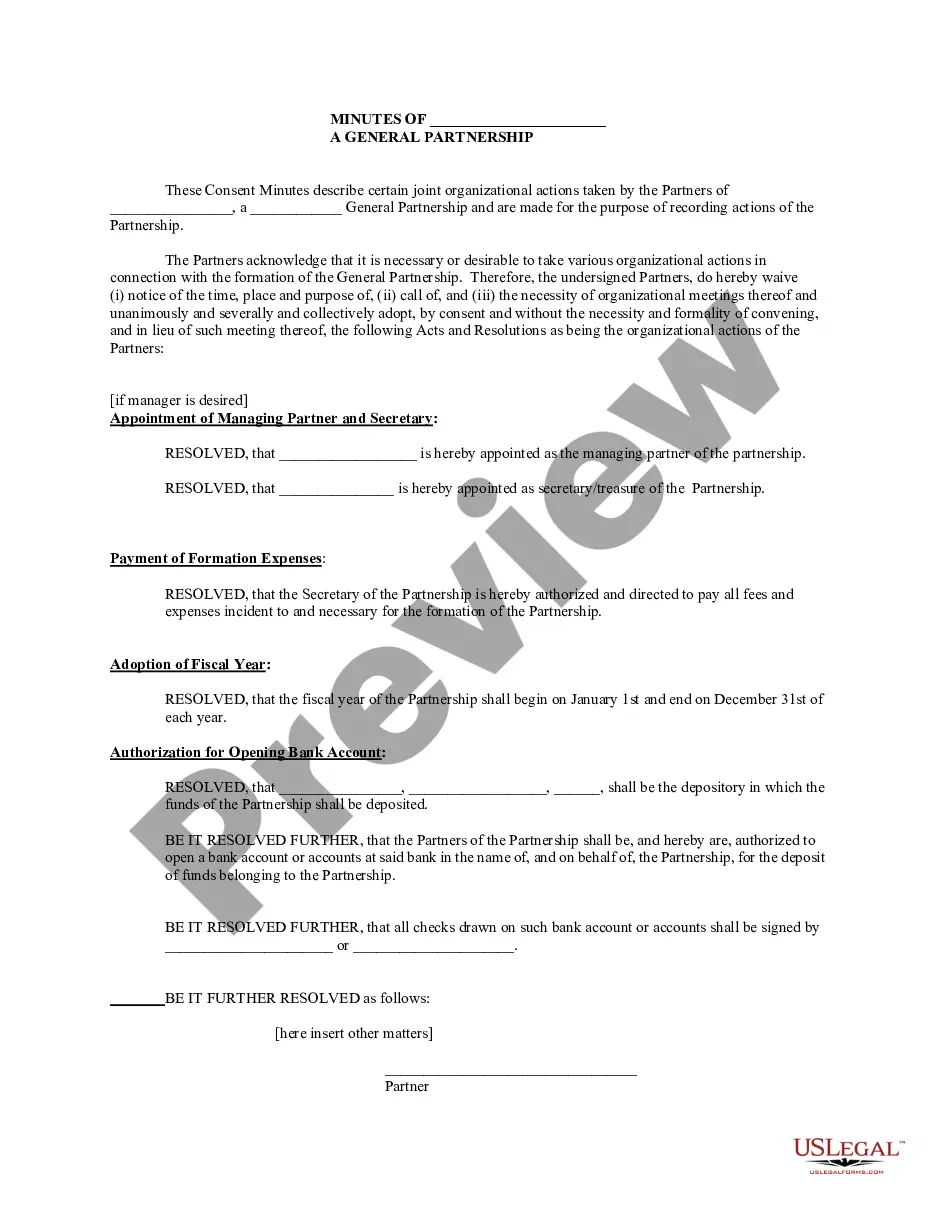
Partnership Meeting Minutes Template For Onenote
Description

Get your form ready online
Our built-in tools help you complete, sign, share, and store your documents in one place.
Make edits, fill in missing information, and update formatting in US Legal Forms—just like you would in MS Word.
Download a copy, print it, send it by email, or mail it via USPS—whatever works best for your next step.
Sign and collect signatures with our SignNow integration. Send to multiple recipients, set reminders, and more. Go Premium to unlock E-Sign.
If this form requires notarization, complete it online through a secure video call—no need to meet a notary in person or wait for an appointment.
We protect your documents and personal data by following strict security and privacy standards.

Make edits, fill in missing information, and update formatting in US Legal Forms—just like you would in MS Word.

Download a copy, print it, send it by email, or mail it via USPS—whatever works best for your next step.

Sign and collect signatures with our SignNow integration. Send to multiple recipients, set reminders, and more. Go Premium to unlock E-Sign.

If this form requires notarization, complete it online through a secure video call—no need to meet a notary in person or wait for an appointment.

We protect your documents and personal data by following strict security and privacy standards.
Looking for another form?

How to fill out Minutes For Partnership?
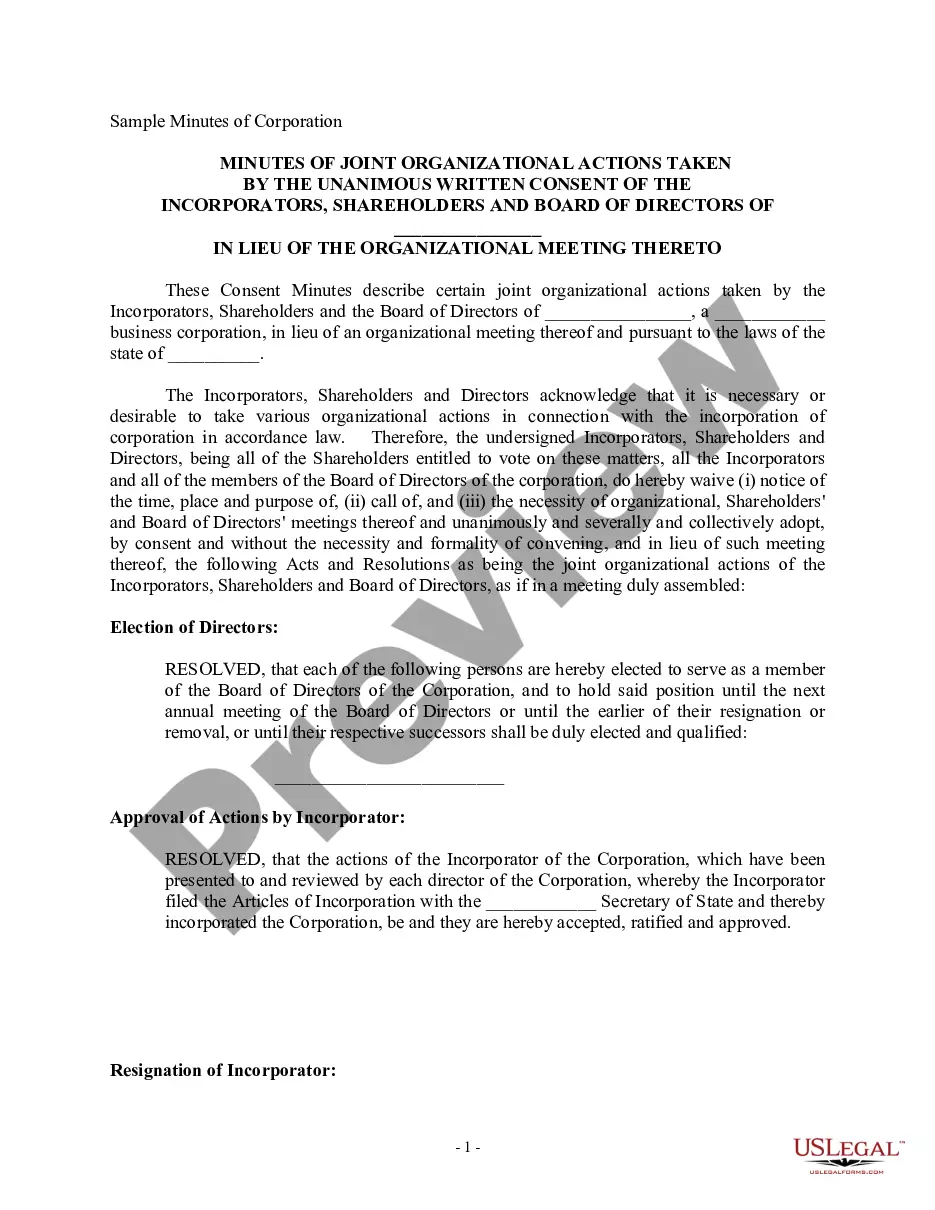
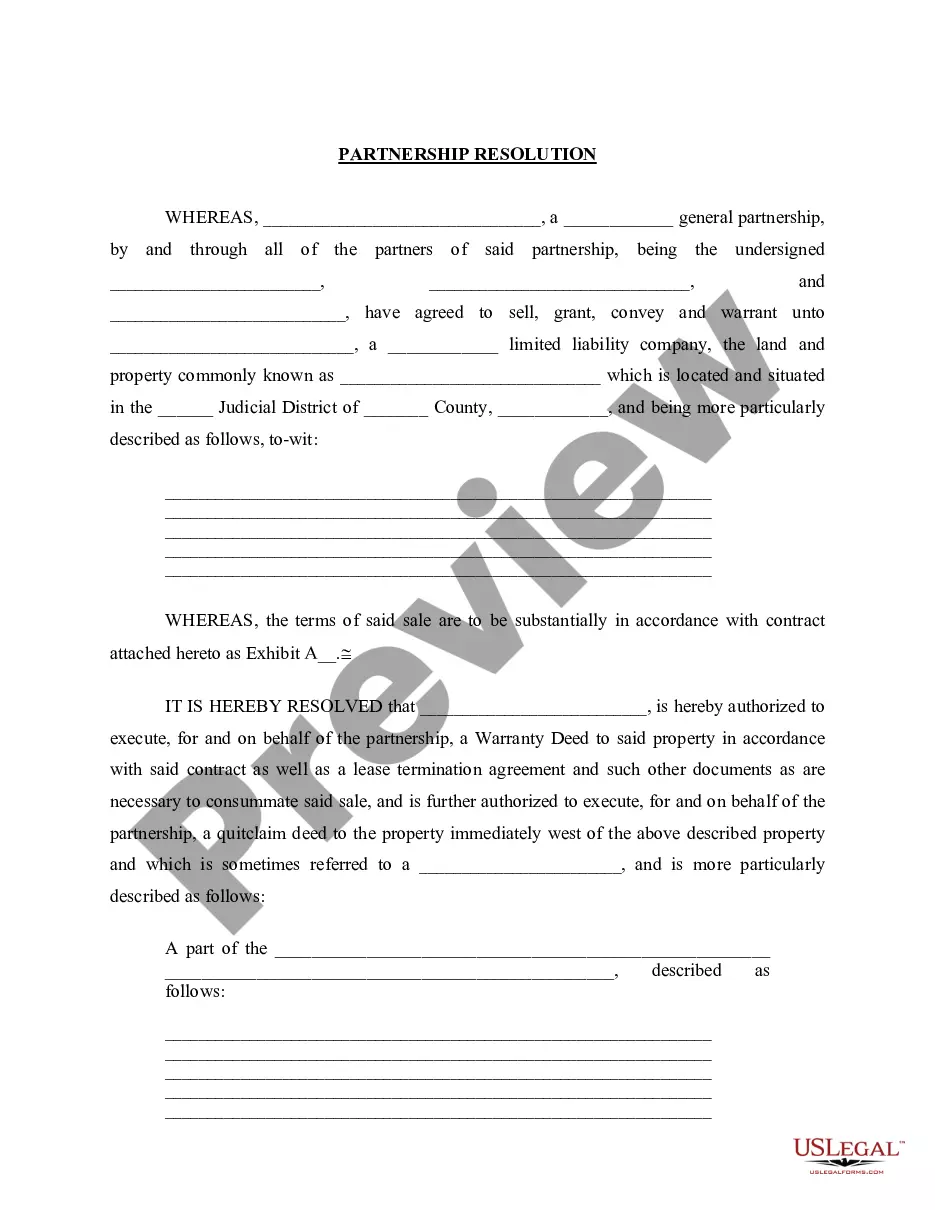
The Partnership Meeting Minutes Template For Onenote you see on this page is a versatile formal template created by expert attorneys in accordance with federal and state regulations.
For over 25 years, US Legal Forms has offered individuals, businesses, and lawyers more than 85,000 authenticated, state-specific forms for any commercial and personal situation. It’s the fastest, easiest, and most trustworthy method to acquire the documents you require, as the service guarantees bank-level data security and anti-malware defense.
Select the format you desire for your Partnership Meeting Minutes Template For Onenote (PDF, Word, RTF) and save the template to your device. Print the template to complete it manually. Alternatively, use an online multifunctional PDF editor to quickly and accurately fill out and sign your form with a valid signature. Reuse the same document whenever necessary. Access the My documents tab in your profile to redownload previously saved forms. Register for US Legal Forms to have authenticated legal templates for all of life's situations readily available.
- Search for the document you require and examine it.
- Browse through the sample you looked for and preview it or assess the form description to confirm it meets your requirements. If it doesn’t, utilize the search function to find the correct one. Click Buy Now once you have identified the template you need.
- Select and Log In.
- Choose the pricing option that fits you and create an account. Use PayPal or a credit card for a swift payment. If you already possess an account, Log In and check your subscription to proceed.
- Obtain the editable template.
Form popularity
FAQ
The best tool for documenting meeting minutes often depends on your specific needs, but OneNote stands out for its comprehensive features. With the Partnership meeting minutes template for OneNote, you can ensure that your minutes are organized and professional. Additionally, uslegalforms offers various resources that can help you create effective documents and templates to enhance your meeting documentation process.
Yes, you can use OneNote for meeting minutes with great success. OneNote's flexibility lets you customize your notes according to your needs, and the Partnership meeting minutes template for OneNote can streamline your writing process. You can also integrate images, links, and other media to enrich your minutes. This versatility makes it a popular choice for many professionals.
OneNote is an excellent tool for documenting meeting minutes. Its organization features, such as notebooks and sections, allow you to keep your notes tidy and easy to navigate. Additionally, the Partnership meeting minutes template for OneNote provides a clear format that can enhance your documentation process. You can easily share your notes with team members, ensuring everyone is on the same page.
To write meeting minutes in OneNote, start by creating a new page for your meeting. Use the Partnership meeting minutes template for OneNote to structure your notes effectively. Include key details such as the meeting date, attendees, and agenda items. Make sure to summarize discussions and decisions clearly, which will help everyone stay informed.
Creating a meeting agenda template in OneNote is straightforward with the right approach. Begin by outlining key sections, including meeting objectives, topics for discussion, and time allocations. You can enhance your template by incorporating a Partnership meeting minutes template for OneNote, which allows for seamless transition from agenda to minutes. This integration not only saves time but also keeps your meetings organized and efficient.
To write effective meeting minutes, start by using a Partnership meeting minutes template for OneNote. This template provides a structured format that helps you capture essential details such as attendees, agenda items, and key decisions made during the meeting. You can refer to various examples available online to understand how to tailor your minutes to specific meetings. By following a consistent format, you ensure clarity and improve communication among participants.
As of now, Microsoft is not discontinuing OneNote. In fact, the platform continues to receive updates and enhancements to improve user experience. Many users appreciate OneNote's integration with other Microsoft products, making it an ideal choice for managing meeting notes, especially with templates like the partnership meeting minutes template for OneNote. This ensures you can rely on OneNote for your documentation needs for the foreseeable future.
Using Microsoft OneNote for meeting minutes is straightforward. First, create a new page for your meeting notes and title it appropriately. You can use a partnership meeting minutes template for OneNote to ensure that you capture all essential details like attendees, agenda, and action items. This structured approach not only keeps your notes organized but also enhances collaboration among team members.
To insert a meeting template in OneNote, start by opening your OneNote application. Navigate to the section where you want to add the template, then click on 'Insert' in the menu. From the dropdown, select 'Page Templates' and browse through the available options. You can easily use a partnership meeting minutes template for OneNote by choosing it, which will streamline your note-taking process.