Partnership Meeting Minutes Template For Mac
Description
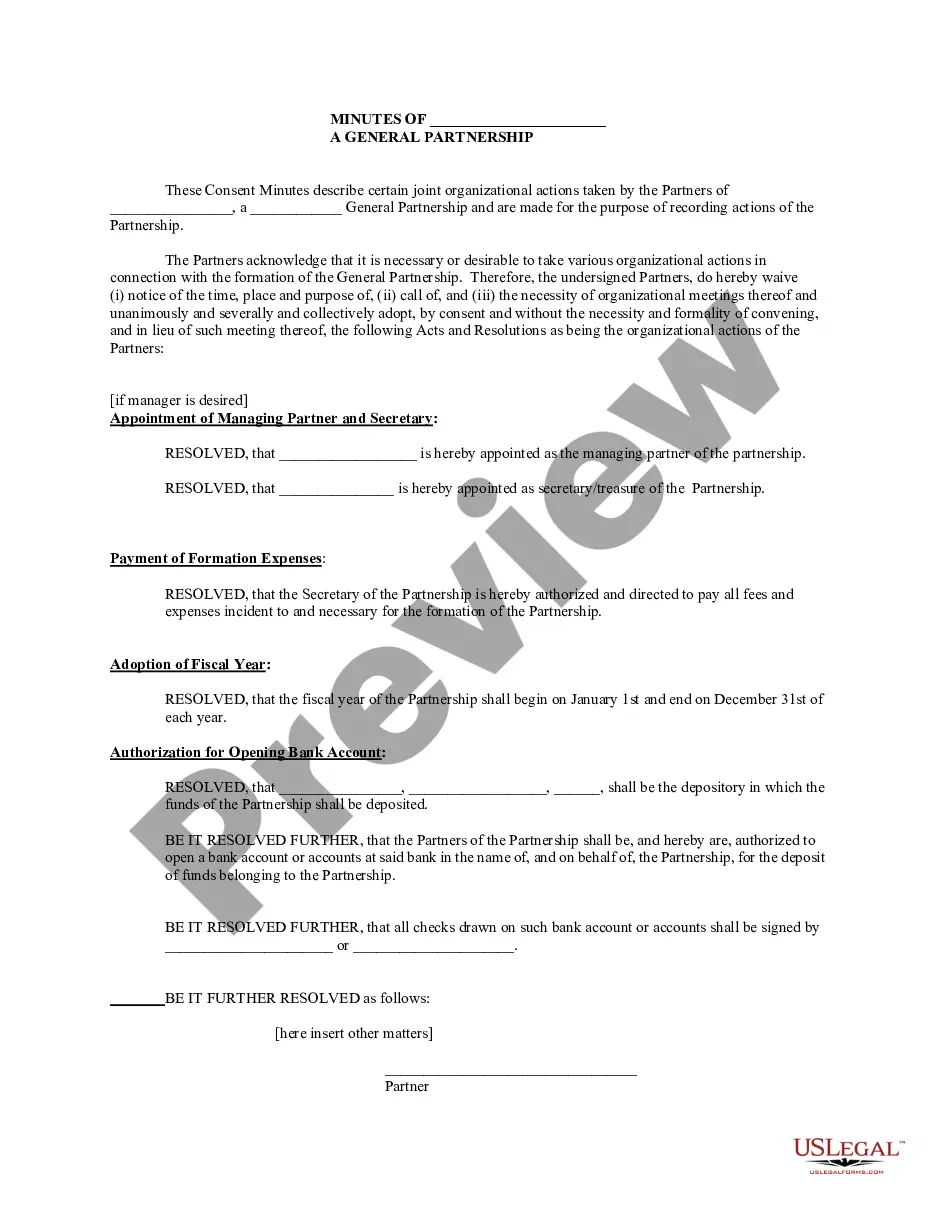

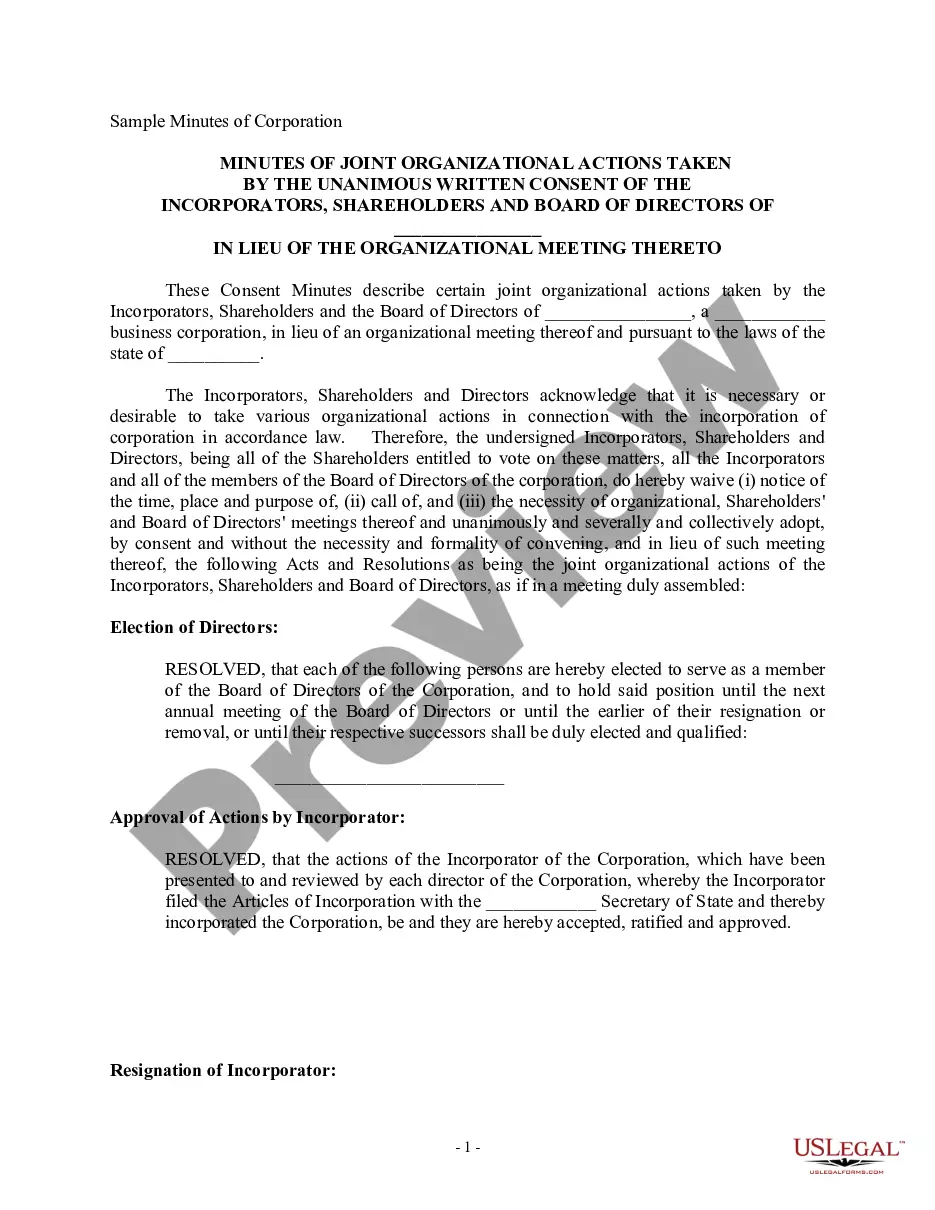
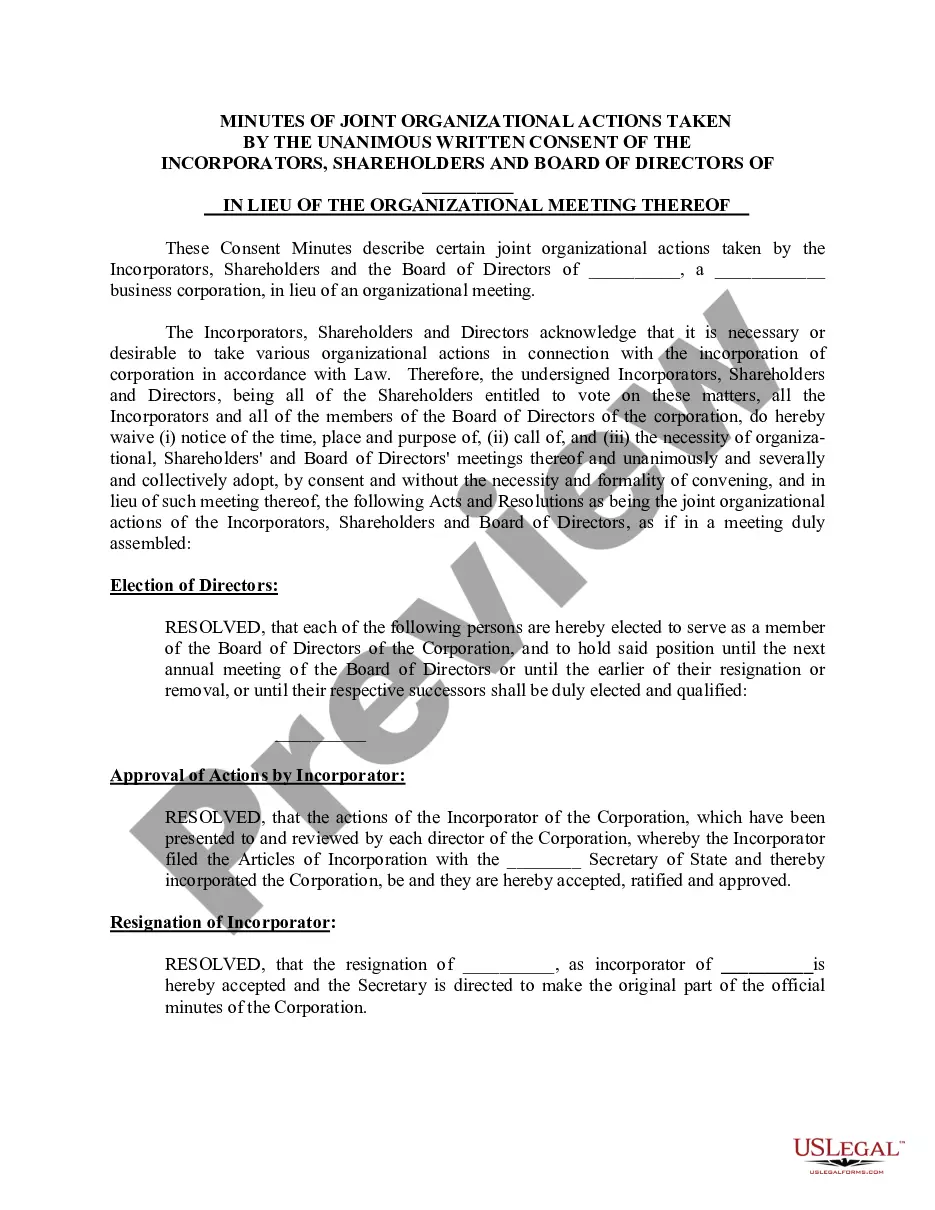

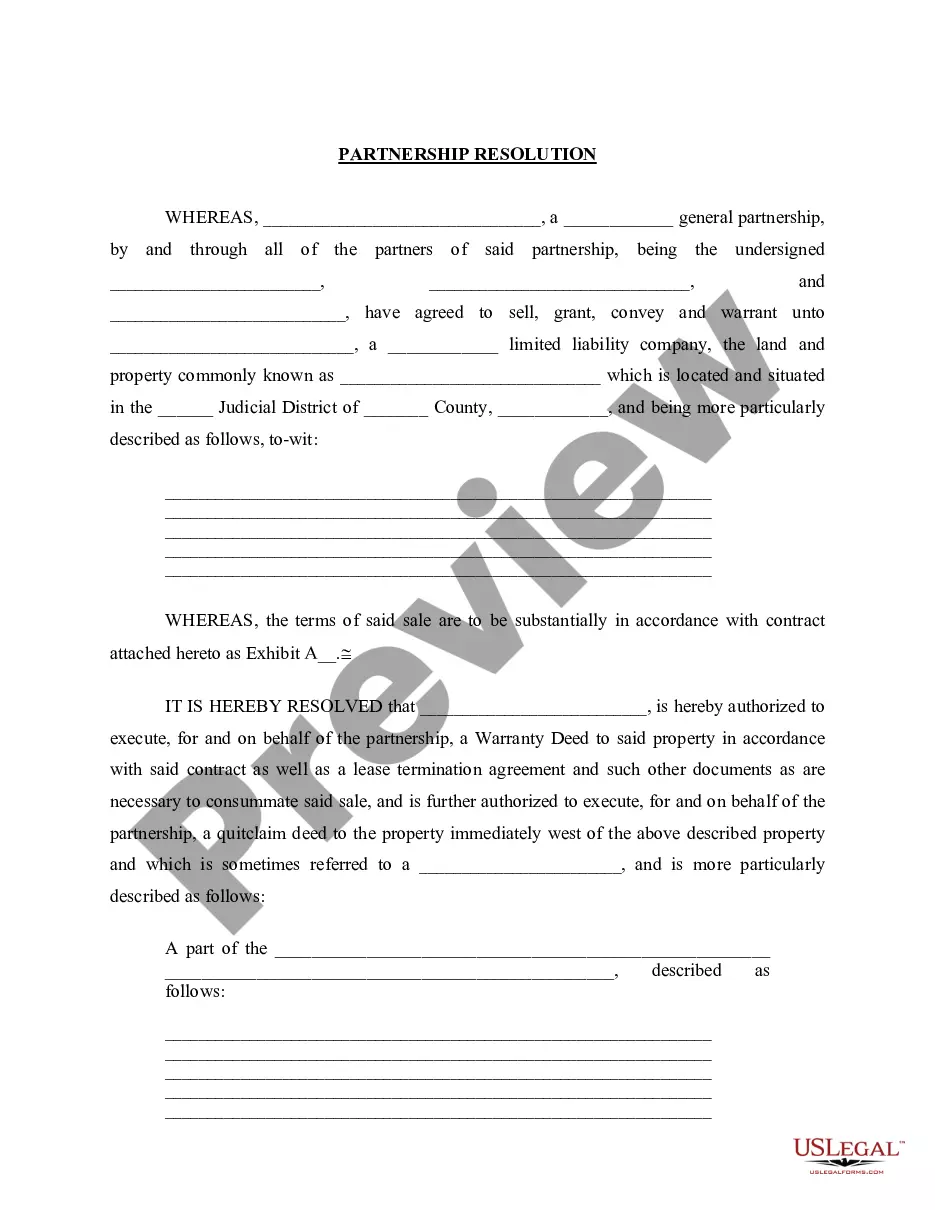
Get your form ready online
Our built-in tools help you complete, sign, share, and store your documents in one place.
Make edits, fill in missing information, and update formatting in US Legal Forms—just like you would in MS Word.
Download a copy, print it, send it by email, or mail it via USPS—whatever works best for your next step.
Sign and collect signatures with our SignNow integration. Send to multiple recipients, set reminders, and more. Go Premium to unlock E-Sign.
If this form requires notarization, complete it online through a secure video call—no need to meet a notary in person or wait for an appointment.
We protect your documents and personal data by following strict security and privacy standards.

Make edits, fill in missing information, and update formatting in US Legal Forms—just like you would in MS Word.

Download a copy, print it, send it by email, or mail it via USPS—whatever works best for your next step.

Sign and collect signatures with our SignNow integration. Send to multiple recipients, set reminders, and more. Go Premium to unlock E-Sign.

If this form requires notarization, complete it online through a secure video call—no need to meet a notary in person or wait for an appointment.

We protect your documents and personal data by following strict security and privacy standards.
Looking for another form?




How to fill out Minutes For Partnership?
Regardless of whether it's for professional reasons or personal issues, everyone will encounter legal matters at some point in their lives. Filling out legal documents requires meticulous care, starting with choosing the correct form template. For example, if you choose an incorrect version of the Partnership Meeting Minutes Template For Mac, it will be denied once submitted. Thus, it's essential to find a reliable provider of legal documents like US Legal Forms.
If you wish to obtain a Partnership Meeting Minutes Template For Mac sample, follow these straightforward steps: Find the template you need by utilizing the search bar or catalog browsing. Review the form’s description to confirm it suits your circumstances, state, and locality. Click on the form’s preview to view it. If it is not the correct document, return to the search feature to locate the Partnership Meeting Minutes Template For Mac sample you need. Download the file if it aligns with your requirements. If you already possess a US Legal Forms account, simply click Log in to access previously saved files in My documents. If you don’t have an account yet, you can obtain the form by clicking Buy now. Choose the suitable pricing option. Complete the profile registration form. Choose your payment method: use a credit card or PayPal account. Select the desired file format and download the Partnership Meeting Minutes Template For Mac. Once saved, you can fill out the form using editing software or print it and complete it by hand.
Choose the suitable pricing option. Complete the profile registration form. Choose your payment method: use a credit card or PayPal account. Select the desired file format and download the Partnership Meeting Minutes Template For Mac. Once saved, you can fill out the form using editing software or print it and complete it by hand. With a substantial US Legal Forms catalog at hand, you do not need to spend time searching for the right sample across the web. Take advantage of the library’s simple navigation to find the right form for any occasion.
- Regardless of whether it's for professional reasons or personal issues, everyone will encounter legal matters at some point in their lives.
- Filling out legal documents requires meticulous care, starting with choosing the correct form template.
- For example, if you choose an incorrect version of the Partnership Meeting Minutes Template For Mac, it will be denied once submitted.
- Thus, it's essential to find a reliable provider of legal documents like US Legal Forms.
- If you wish to obtain a Partnership Meeting Minutes Template For Mac sample, follow these straightforward steps.
- Find the template you need by utilizing the search bar or catalog browsing.
- Review the form’s description to confirm it suits your circumstances, state, and locality.
- Click on the form’s preview to view it.
- If it is not the correct document, return to the search feature to locate the Partnership Meeting Minutes Template For Mac sample you need.
- Download the file if it aligns with your requirements.
- If you already possess a US Legal Forms account, simply click Log in to access previously saved files in My documents.
- If you don’t have an account yet, you can obtain the form by clicking Buy now.
Form popularity
FAQ
ChatGPT can assist you in drafting meeting minutes by summarizing key points discussed during a meeting. However, it is important to provide it with accurate information to ensure the minutes reflect the actual discussions. For a more structured approach, consider using a Partnership meeting minutes template for mac, which can guide you in organizing the information effectively.
The best format for meeting minutes typically includes the date, time, attendees, agenda items, discussions, decisions made, and action items. Structuring the minutes clearly helps everyone understand what occurred during the meeting. For those looking for a convenient solution, a Partnership meeting minutes template for mac can help you create organized and effective minutes that are easy to follow.
There is a dedicated meeting minutes template available in Microsoft Word. You can find it by navigating to the templates section and searching for 'meeting minutes.' This template can streamline your documentation process, particularly when you need a Partnership meeting minutes template for mac, ensuring that you capture all essential details efficiently.
Indeed, Google Docs provides a selection of templates that include meeting minutes options. Users can browse through the template gallery and find one that suits their requirements. Utilizing Google Docs for your Partnership meeting minutes template for mac allows for easy collaboration and real-time editing with team members.
Yes, Microsoft Word offers a variety of templates, including a meeting minutes template. You can easily access these templates through the application by searching for 'meeting minutes' in the template search bar. This feature allows you to customize the document to fit your needs, making it a convenient option for creating a Partnership meeting minutes template for mac.
Our meeting experts compiled 7 best practices that apply to all sorts of teams and scenarios. 1 Date and time of the meeting. ... 2 Names of the participants. ... 3 Purpose of the meeting. ... 4 Agenda items and topics discussed. ... 5 Key decisions and action items. ... 6 Next meeting date and place. ... 7 Documents to be included in the report.
Meeting minutes should always include the following information: Date of the meeting. Time and location of the meeting. Results of any voting held. Any updates on the goals of the LLC. Any changes in the LLC structure, management, or otherwise.
Alternatively, you can also browse the templates available under the "Meeting Minutes" category. Select a template: Choose a template that suits your needs and click on it to open it in Word. Customize the template: Fill in the necessary details such as the meeting date, time, location, attendees, and agenda items.
Write down your LLC's name, the date, and address where the meeting was held. Write down the names of the members and indicate who was present and who was absent at the meeting. And if there's other people who aren't members but are present at the meeting, write their names down as well.
2. What Should Be Included in Meeting Minutes? Date and time of the meeting. Names of the meeting participants and those unable to attend (e.g., ?regrets?) Acceptance or corrections/amendments to previous meeting minutes. Decisions made about each agenda item, for example: Actions taken or agreed to be taken. Next steps.