Letter To Customers Announcing Paperless Billing With 2
Description
Get your form ready online
Our built-in tools help you complete, sign, share, and store your documents in one place.
Make edits, fill in missing information, and update formatting in US Legal Forms—just like you would in MS Word.
Download a copy, print it, send it by email, or mail it via USPS—whatever works best for your next step.
Sign and collect signatures with our SignNow integration. Send to multiple recipients, set reminders, and more. Go Premium to unlock E-Sign.
If this form requires notarization, complete it online through a secure video call—no need to meet a notary in person or wait for an appointment.
We protect your documents and personal data by following strict security and privacy standards.

Make edits, fill in missing information, and update formatting in US Legal Forms—just like you would in MS Word.

Download a copy, print it, send it by email, or mail it via USPS—whatever works best for your next step.

Sign and collect signatures with our SignNow integration. Send to multiple recipients, set reminders, and more. Go Premium to unlock E-Sign.

If this form requires notarization, complete it online through a secure video call—no need to meet a notary in person or wait for an appointment.

We protect your documents and personal data by following strict security and privacy standards.
Looking for another form?
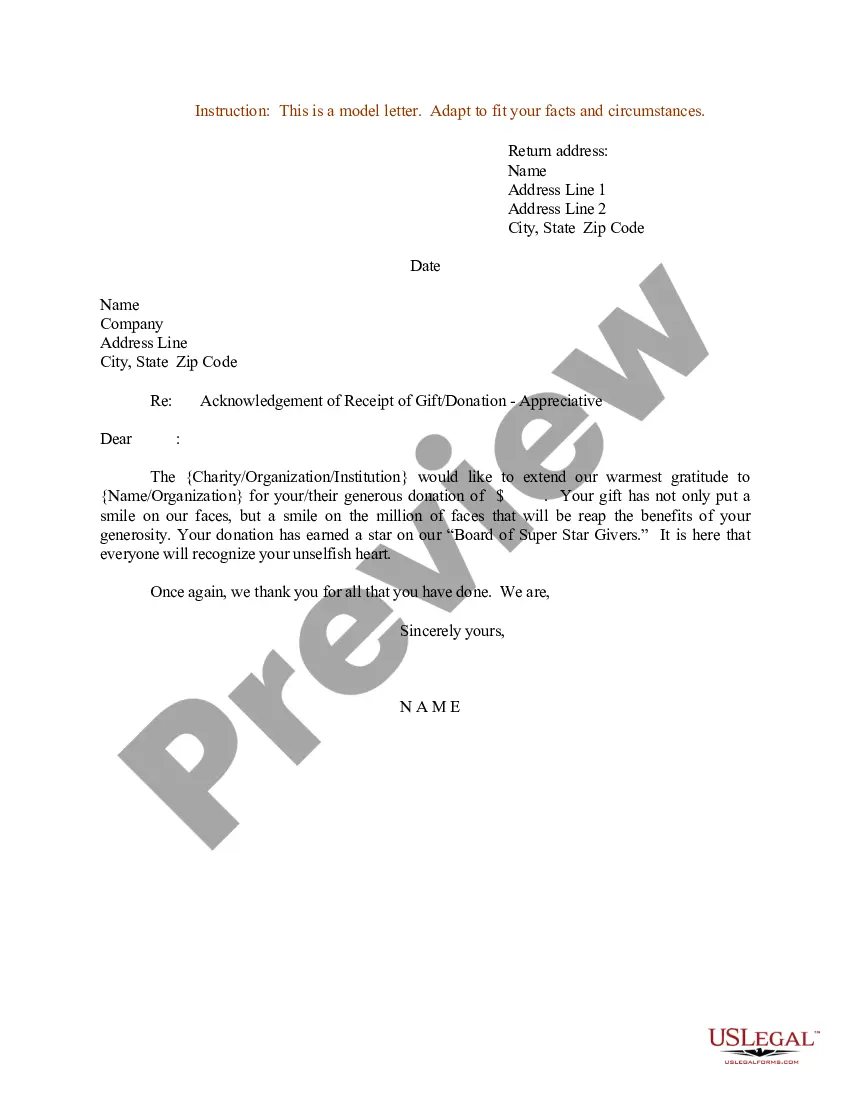
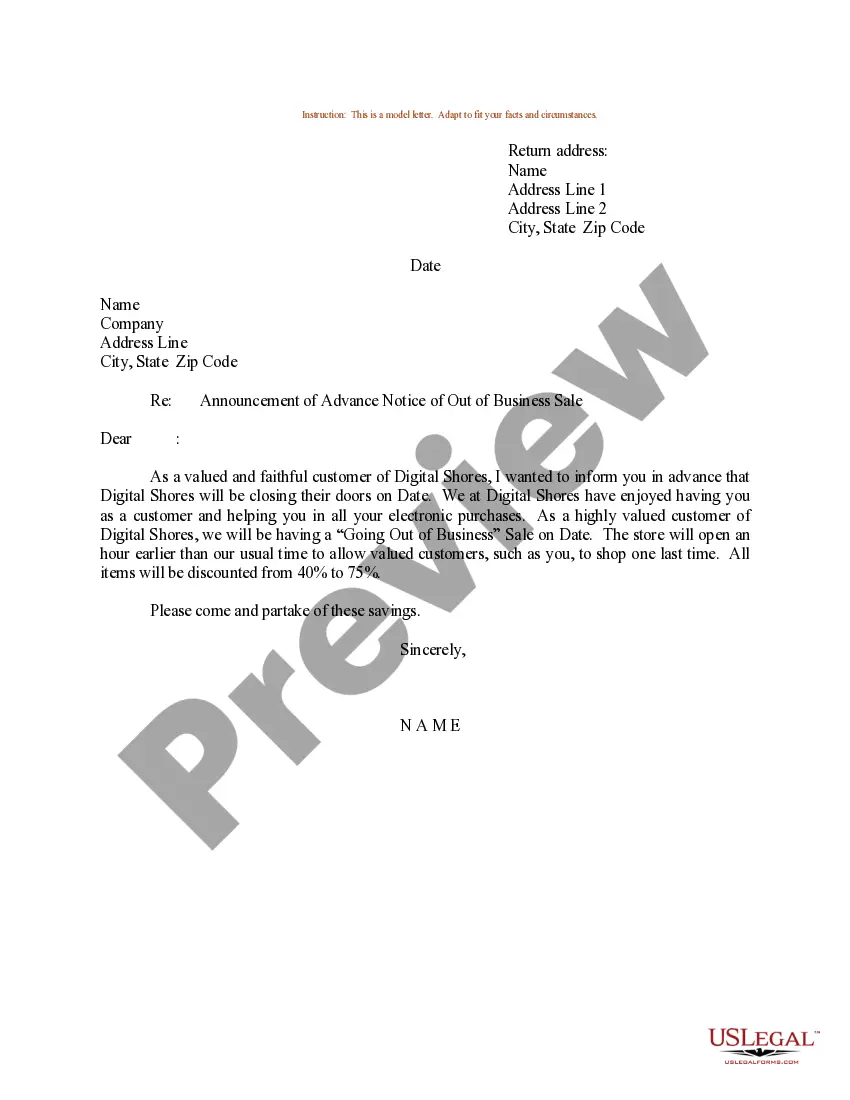
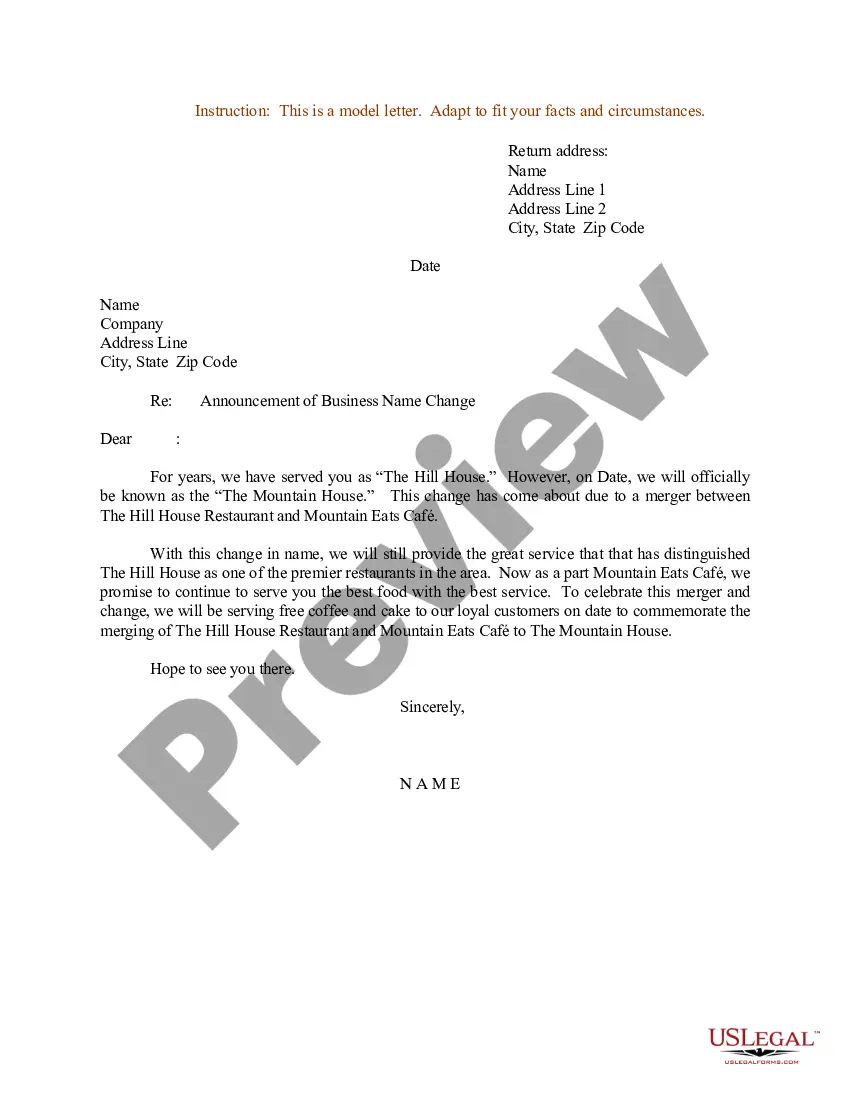
How to fill out Sample Letter For Announcement Of Advance Notice Of Out Of Business Sale?
The Notification To Clients Announcing Digital Billing With 2 you observe on this page is a reusable legal template crafted by professional attorneys in compliance with federal and local statutes and regulations.
For over 25 years, US Legal Forms has supplied individuals, enterprises, and legal experts with more than 85,000 authenticated, state-specific forms for any commercial and personal situation. It’s the quickest, most direct, and most dependable way to procure the documents you require, as the service guarantees the utmost level of data security and anti-malware safeguards.
Register for US Legal Forms to have authenticated legal templates for all of life’s situations readily available.
- Search for the document you require and review it.
- Sign up and Log Into your account.
- Obtain the fillable template.
- Complete and sign the documentation.
- Download your documents again.
Form popularity
FAQ
How To Send An Invoice Step-By-Step Denote at the top that it is an invoice. Add an invoice number. Add the date you are sending the invoice. Add your name, address and contact details. Add your client's name, address and contact details. Include a brief description of services rendered.
How to bill a client: An easy agency guide to more convenient... Set up clear expectations with a written contract. ... Develop an invoice template and make sure it includes contact info. ... Accept multiple forms of payment. ... Transfer clients to a retainer agreement with recurring payments.
The easiest way to do this is to send a simple email out to your customers, or make this information available on your website. To make this easier for you, we've created a variety of email template samples to help you introduce electronic payments to your customers.
What should you include in a letter for invoice payment? Today's date. Client's contact information. Your contact information. Greeting with client's name. Brief description of services rendered and price. Your payment details. Payment due date. Terms and conditions including late fees.
Invoice Email Template Hi [client name], I hope you're well. Please see attached invoice number [invoice number] for [product/service name], due on [invoice due date]. Don't hesitate to reach out if you have any questions.