Letter To Customers Announcing Paperless Billing For Services
Description
Get your form ready online
Our built-in tools help you complete, sign, share, and store your documents in one place.
Make edits, fill in missing information, and update formatting in US Legal Forms—just like you would in MS Word.
Download a copy, print it, send it by email, or mail it via USPS—whatever works best for your next step.
Sign and collect signatures with our SignNow integration. Send to multiple recipients, set reminders, and more. Go Premium to unlock E-Sign.
If this form requires notarization, complete it online through a secure video call—no need to meet a notary in person or wait for an appointment.
We protect your documents and personal data by following strict security and privacy standards.

Make edits, fill in missing information, and update formatting in US Legal Forms—just like you would in MS Word.

Download a copy, print it, send it by email, or mail it via USPS—whatever works best for your next step.

Sign and collect signatures with our SignNow integration. Send to multiple recipients, set reminders, and more. Go Premium to unlock E-Sign.

If this form requires notarization, complete it online through a secure video call—no need to meet a notary in person or wait for an appointment.

We protect your documents and personal data by following strict security and privacy standards.
Looking for another form?
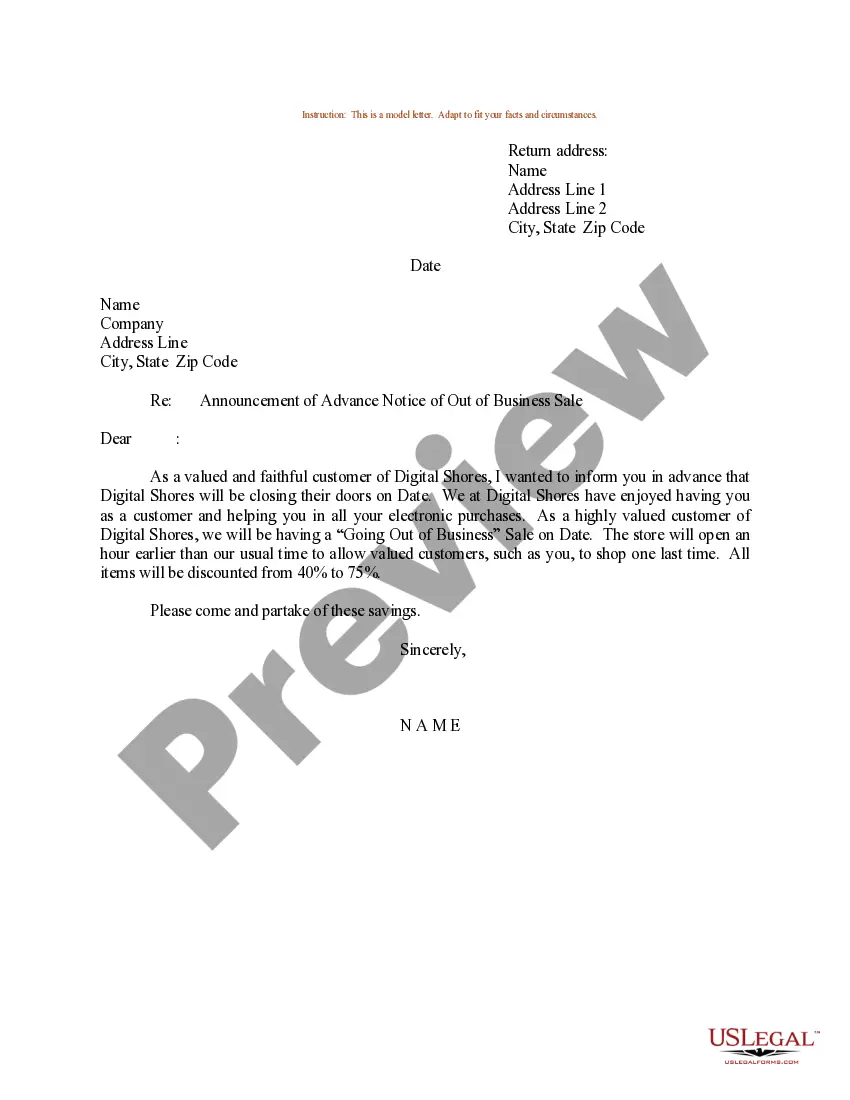
How to fill out Sample Letter For Announcement Of Advance Notice Of Out Of Business Sale?
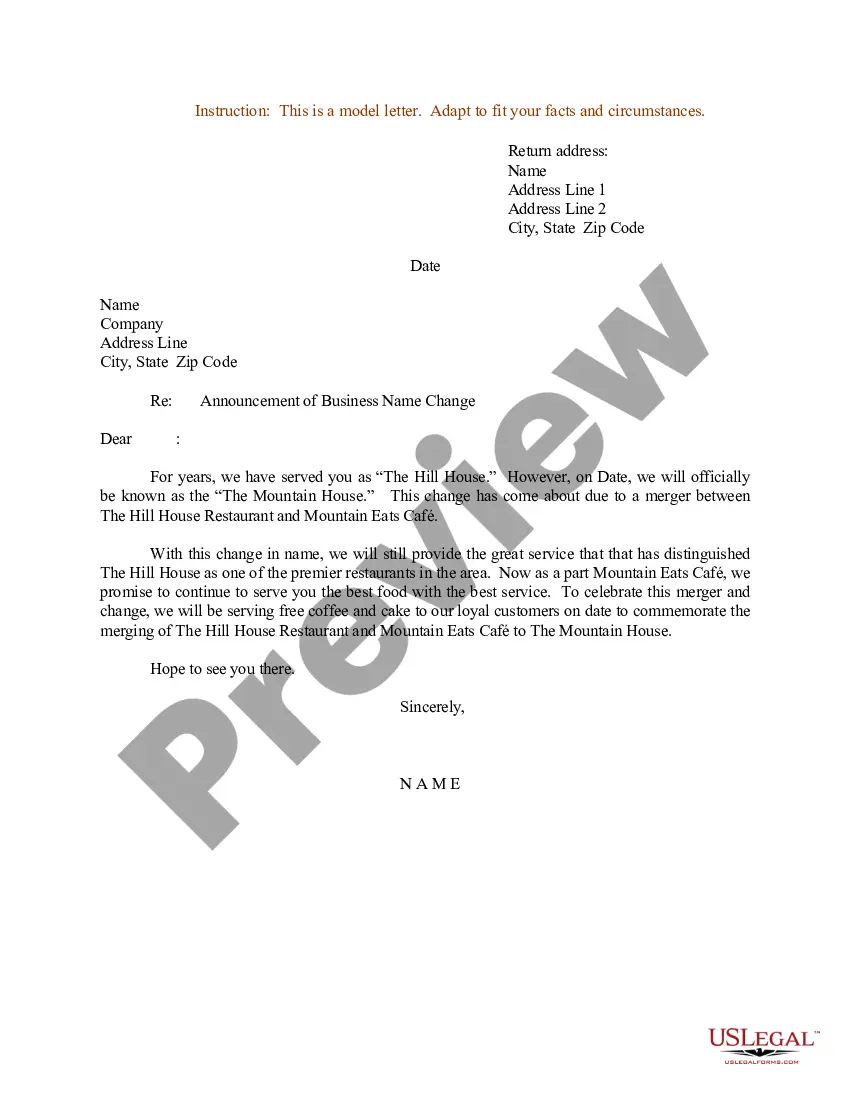
The Notice To Clients Announcing Digital Billing For Services you view on this page is a reusable official template created by qualified attorneys in compliance with federal and local regulations.
For over 25 years, US Legal Forms has supplied individuals, companies, and legal practitioners with more than 85,000 validated, state-specific forms for any business and personal circumstance. It’s the fastest, simplest, and most reliable method to obtain the documentation you require, as the service ensures the utmost level of data protection and anti-malware safeguards.
Subscribe to US Legal Forms to have verified legal templates for all of life’s situations at your fingertips.
- Search for the document you require and examine it.
- Select the pricing plan that fits you and create an account.
- Select the format you prefer for your Notice To Clients Announcing Digital Billing For Services (PDF, Word, RTF) and save the template on your device.
- Print the template to fill it out by hand or utilize an online all-in-one PDF editor to efficiently and accurately complete and sign your form electronically.
- Utilize the same document again whenever necessary. Access the My documents tab in your profile to redownload any previously saved forms.
Form popularity
FAQ
The easiest way to do this is to send a simple email out to your customers, or make this information available on your website. To make this easier for you, we've created a variety of email template samples to help you introduce electronic payments to your customers.
You have been a regular customer of our company and thus, I humbly request you to make the payment for the order at the earliest. I will attach the bills and the order details with this letter for your reference. In case of any query please contact us at the number mentioned below.
How To Send An Invoice Step-By-Step Denote at the top that it is an invoice. Add an invoice number. Add the date you are sending the invoice. Add your name, address and contact details. Add your client's name, address and contact details. Include a brief description of services rendered.
Further to my previous correspondence, I am contacting you regarding late payment for invoice [invoice number]. The invoice was due on [due date], and payment is now overdue by [number of days overdue]. Be advised that late payment interest may be applied if we do not receive payment within 30 days.
We are going paperless! Our company is very pleased to inform you that starting next month, we will no longer be sending out paper invoices, receipts, forms, reports, tax returns, paychecks or letters. All correspondence will now be distributed to you via email. We are really excited about this initiative.